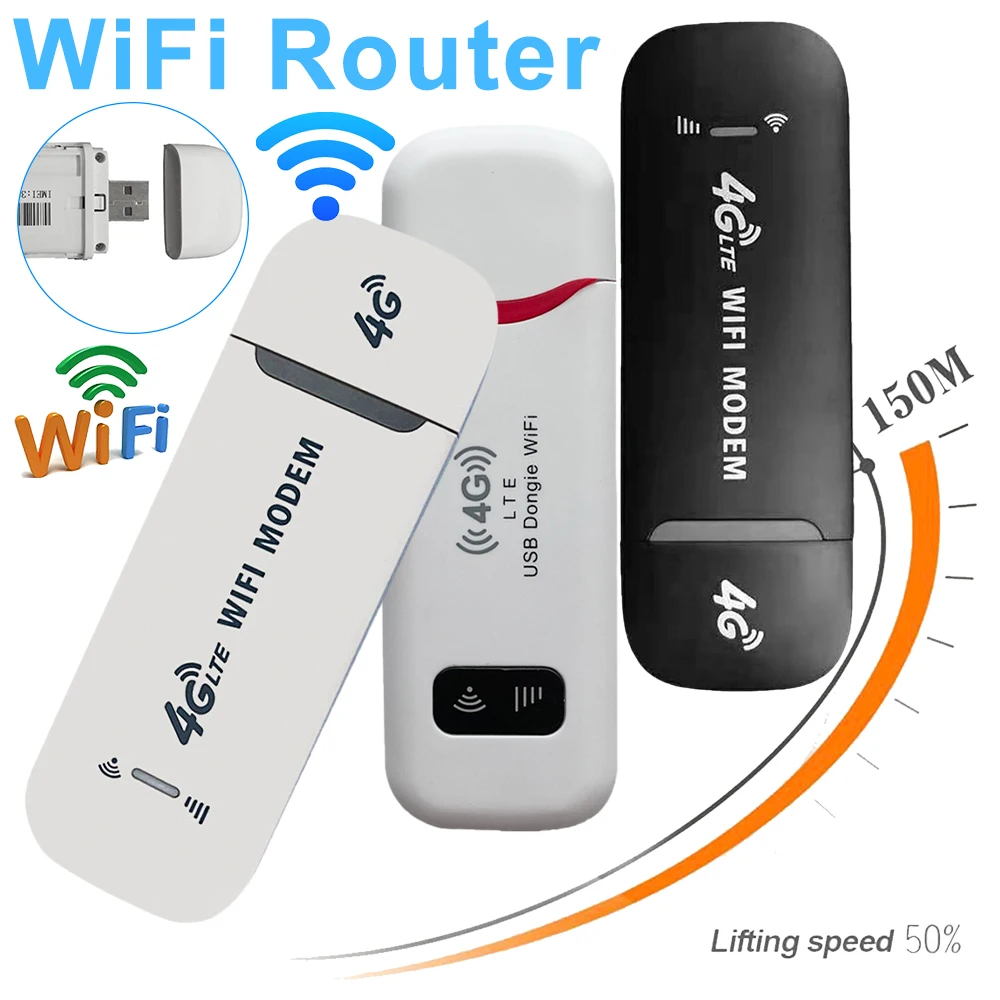
Portable 4G LTE Wireless WiFi Router Modem with SIM Card Slot
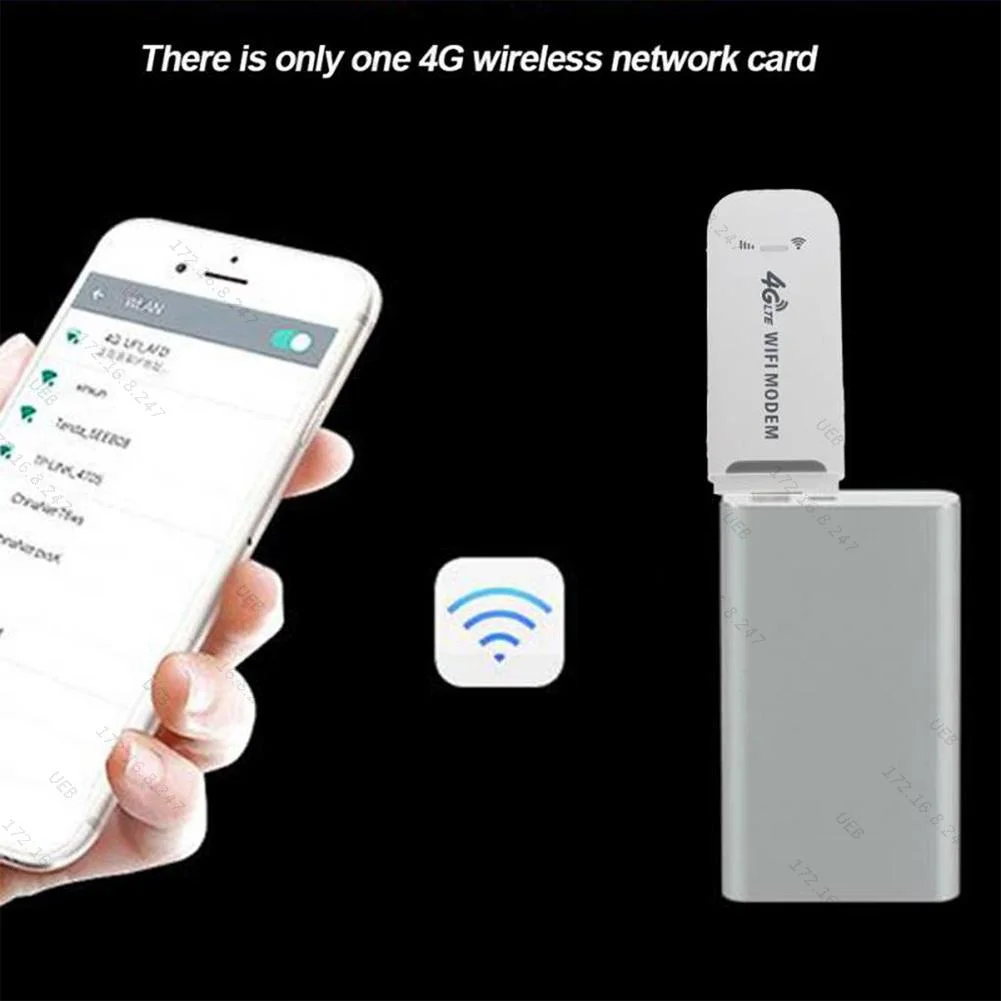
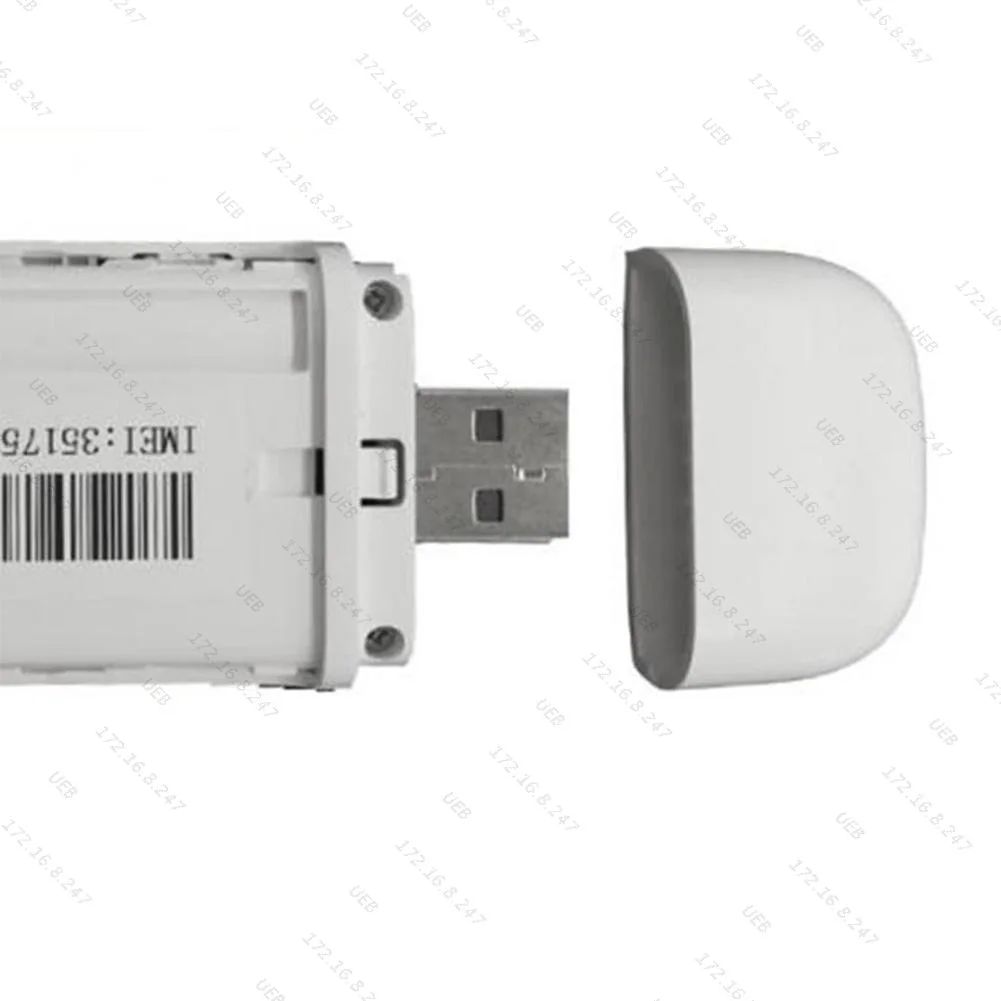
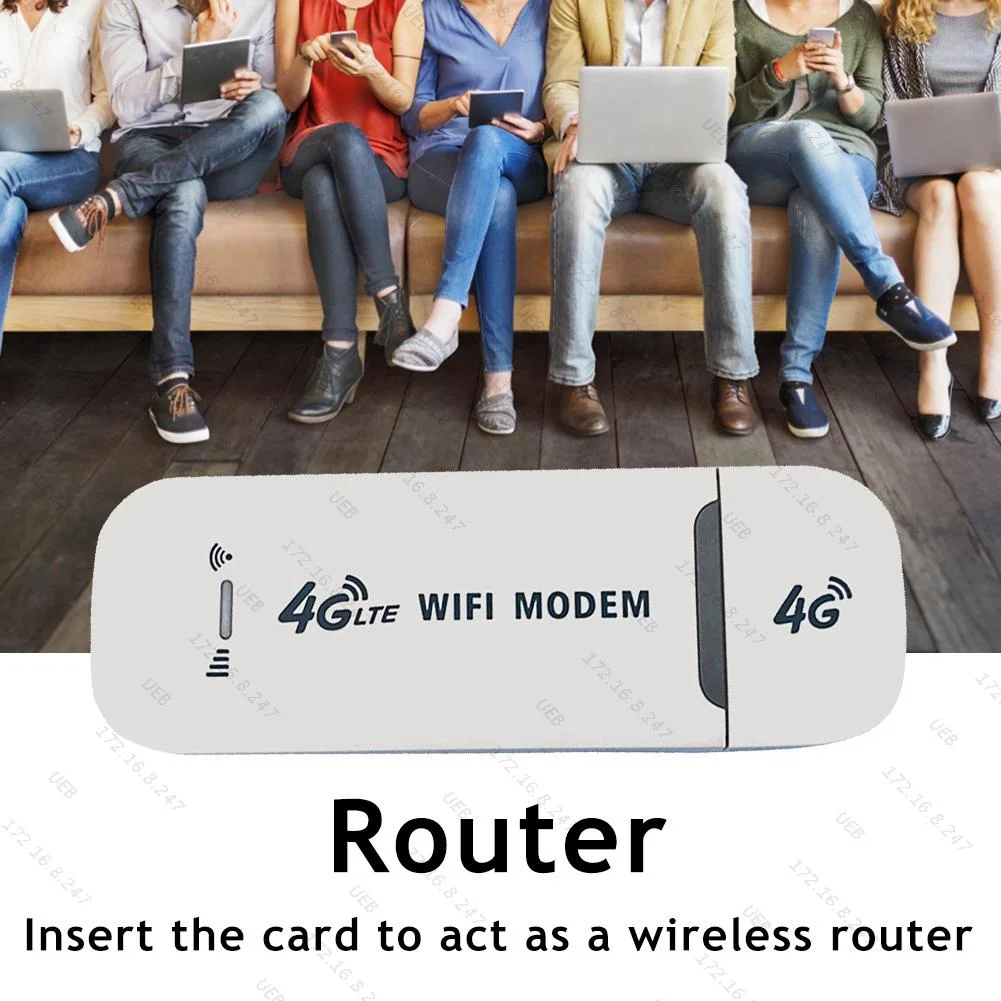
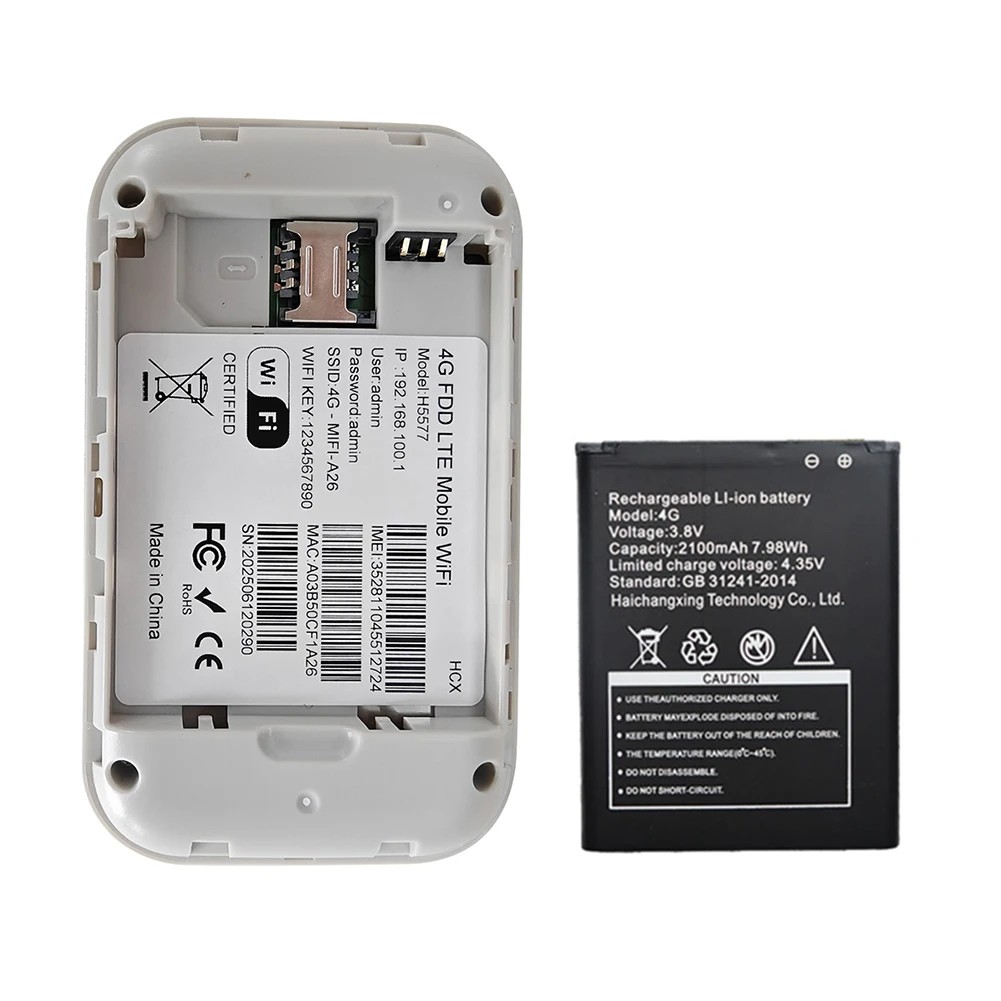
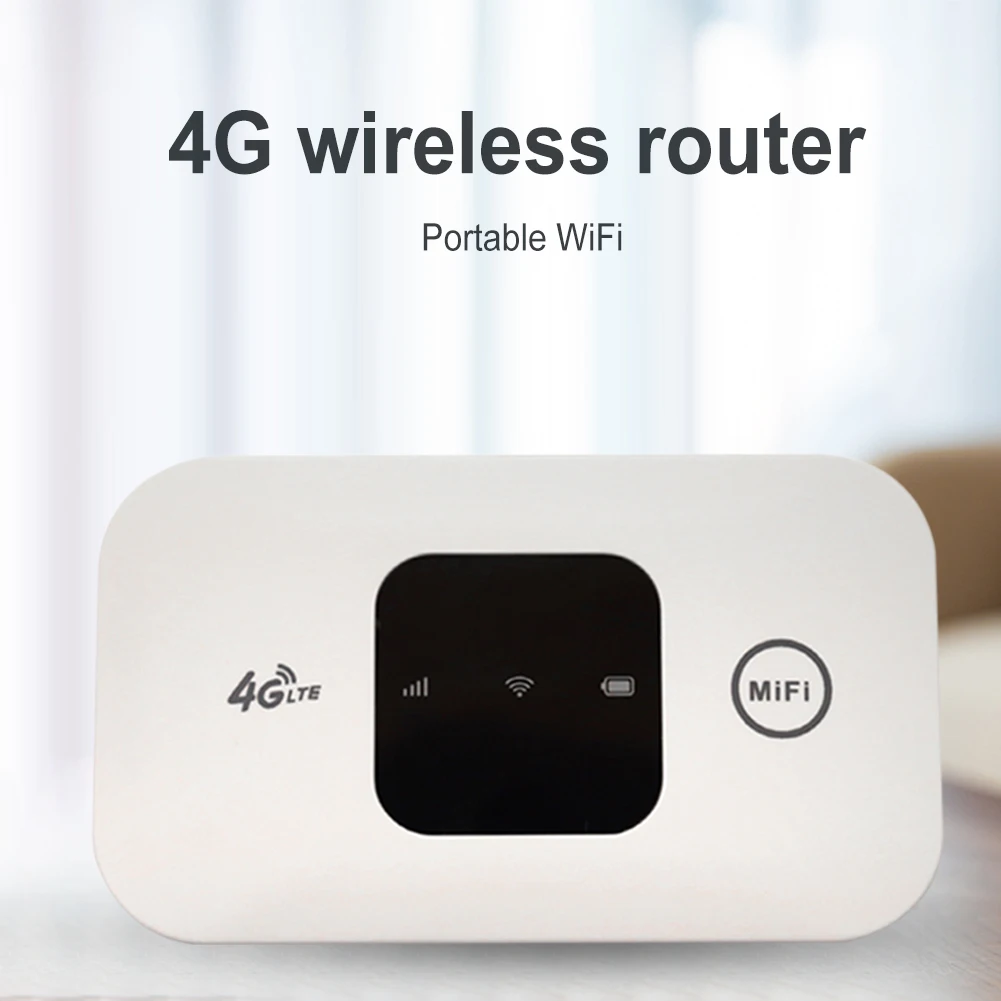
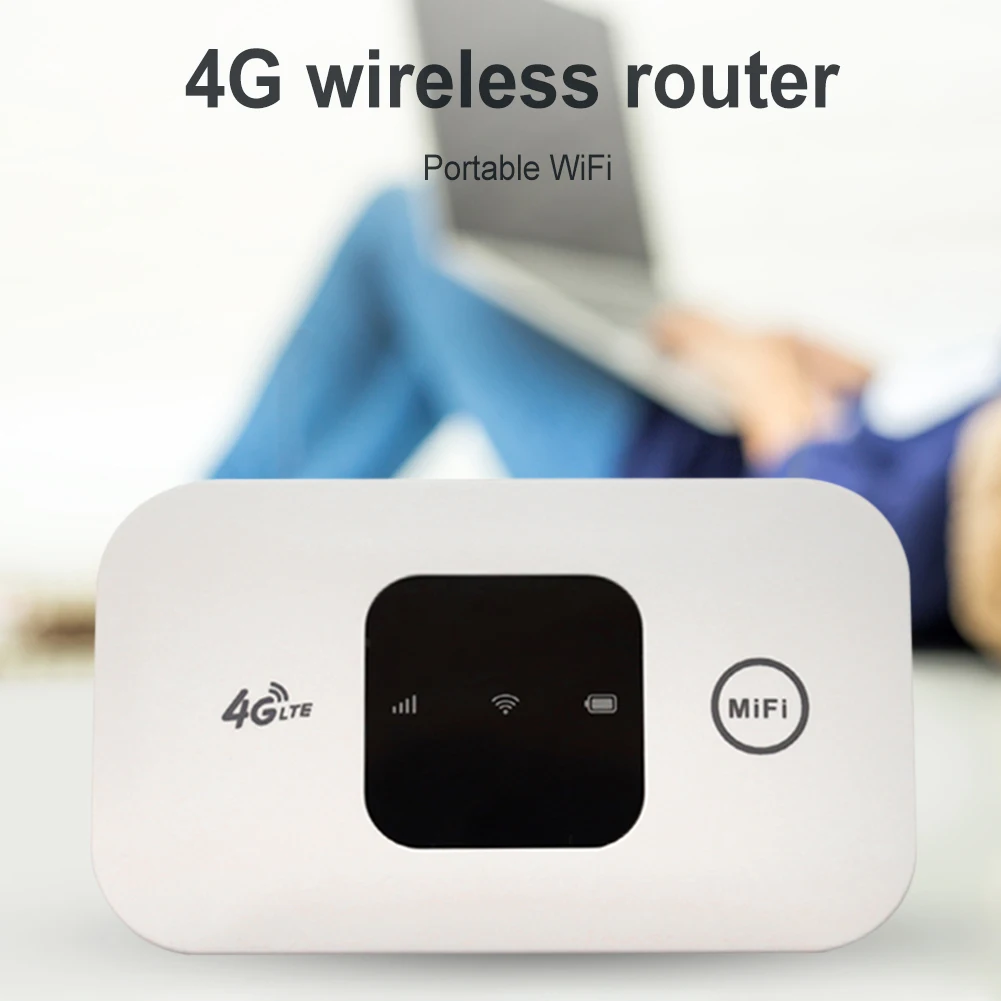
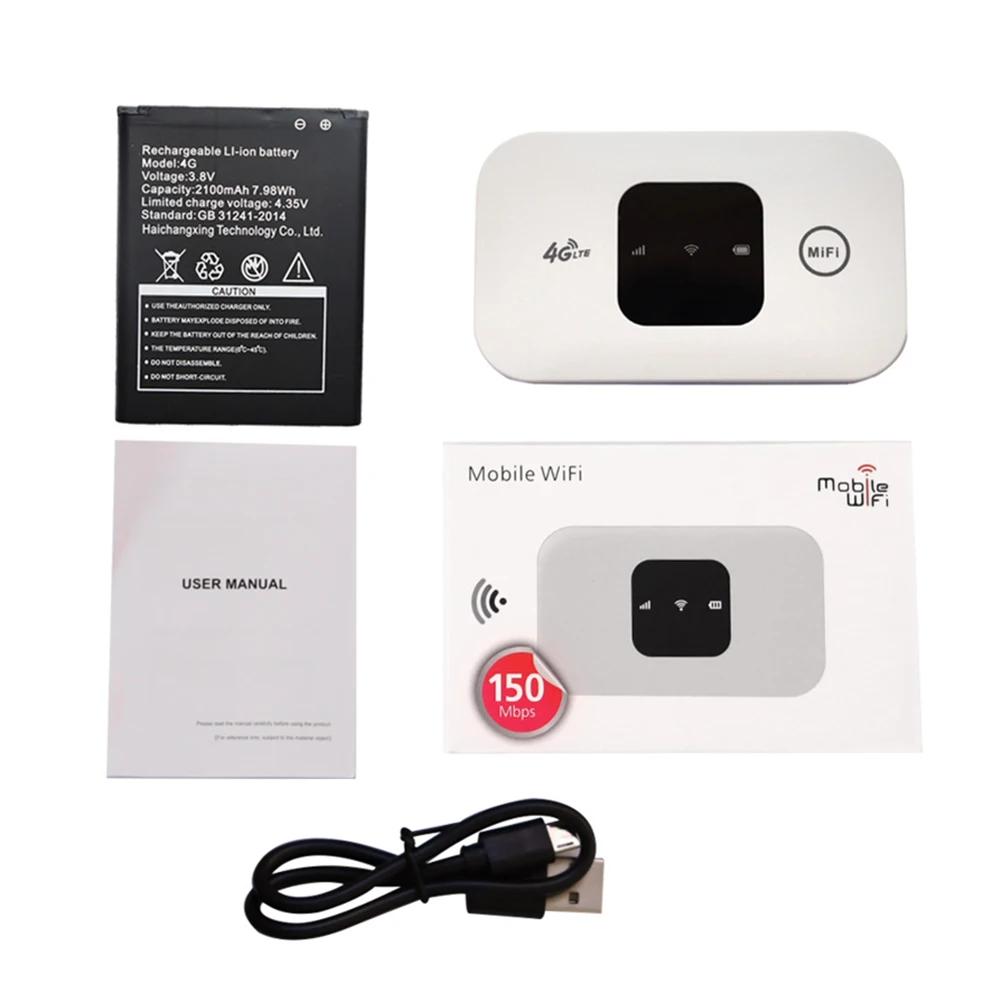
<div class="detailmodule_html"><div class="detail-desc-decorate-richtext"><p>4G LTE USB 150Mbps Modem Stick Portable Wireless WiFi Adapter 4G Card Router for Home Office<br /> <br /> Please read before purchasing:<br /> 1. Before purchasing, you can check the frequency band in the link below to confirm whether it is in line with local use.<br /> https://www.frequencycheck.com/countries<br /> 2. The frequency band used in the local country can be found in the following link:<br /> https://www.gsmarena.com/network-bands.php3?sCountry=IRAN<br /> 3. The frequency band query link used by the local national operator:<br /> http://en.wikipedia.org/wiki/List_of_LTE_networks<br /> <br /> Feature:<br /> 1.Not just a 4G USB modem, but also a USB Wi-Fi router.<br /> 2.Wireless access works on 3G, 4G and Wi-Fi networks.<br /> 3.Convenient and portable, 4GDONG001 is easy to use and stylish. <br /> 4.High-speed internet access for office and home.<br /> 5.It can also be used with laptops, notebooks, UMPCs and MID devices.<br /> 6.Simply insert a SIM card to act as a wireless router, no setup required.<br /> <br /> Specification:<br /> Type: network card<br /> Chip: for Qualcomm 8916<br /> Size: about 95x33mm<br /> material: plastic<br /> Transmission rate: 150Mbps<br /> USB: Standard USB interface<br /> Frequency band: 4G FDD LTE:B1/3/5<br /> 3G WCDMA:B1<br /> How to use:<br /> 1. Push the back cover down.<br /> 2. Insert the SIM card with the core facing down.<br /> 3. Plug the USB port into a power source for WiFi.<br /> 4. Connect to WiFi, you can surf the Internet.<br />5. Connect to WIFI, open 192.168.43.1:8080 in the browser to enter the <br />background, the background can modify the WIFI name and password to add <br />APN.<br /> <br /> Note:<br /> Due to the different monitor and light effect, <br />the actual color of the item might be slightly different from the color <br />showed on the pictures. Thank you!<br /> Please allow 1-2cm measuring deviation due to manual measurement.<br /></p><br /></div></div>
$14.06
$14.06
- Category : Computer & Office
- Brand : u_consumer_store U Consumer Store
Colors
-
+

<div class="detailmodule_html"><div class="detail-desc-decorate-richtext"><p>4G LTE USB 150Mbps Modem Stick Portable Wireless WiFi Adapter 4G Card Router for Home Office<br /> <br /> Please read before purchasing:<br /> 1. Before purchasing, you can check the frequency band in the link below to confirm whether it is in line with local use.<br /> https://www.frequencycheck.com/countries<br /> 2. The frequency band used in the local country can be found in the following link:<br /> https://www.gsmarena.com/network-bands.php3?sCountry=IRAN<br /> 3. The frequency band query link used by the local national operator:<br /> http://en.wikipedia.org/wiki/List_of_LTE_networks<br /> <br /> Feature:<br /> 1.Not just a 4G USB modem, but also a USB Wi-Fi router.<br /> 2.Wireless access works on 3G, 4G and Wi-Fi networks.<br /> 3.Convenient and portable, 4GDONG001 is easy to use and stylish. <br /> 4.High-speed internet access for office and home.<br /> 5.It can also be used with laptops, notebooks, UMPCs and MID devices.<br /> 6.Simply insert a SIM card to act as a wireless router, no setup required.<br /> <br /> Specification:<br /> Type: network card<br /> Chip: for Qualcomm 8916<br /> Size: about 95x33mm<br /> material: plastic<br /> Transmission rate: 150Mbps<br /> USB: Standard USB interface<br /> Frequency band: 4G FDD LTE:B1/3/5<br /> 3G WCDMA:B1<br /> How to use:<br /> 1. Push the back cover down.<br /> 2. Insert the SIM card with the core facing down.<br /> 3. Plug the USB port into a power source for WiFi.<br /> 4. Connect to WiFi, you can surf the Internet.<br />5. Connect to WIFI, open 192.168.43.1:8080 in the browser to enter the <br />background, the background can modify the WIFI name and password to add <br />APN.<br /> <br /> Note:<br /> Due to the different monitor and light effect, <br />the actual color of the item might be slightly different from the color <br />showed on the pictures. Thank you!<br /> Please allow 1-2cm measuring deviation due to manual measurement.<br /></p><br /></div></div>
Related Product
Browse The Collection of Top Products.


Wireless USB WiFi Adapter for Desktop Laptop PC
$6.94
$13.73


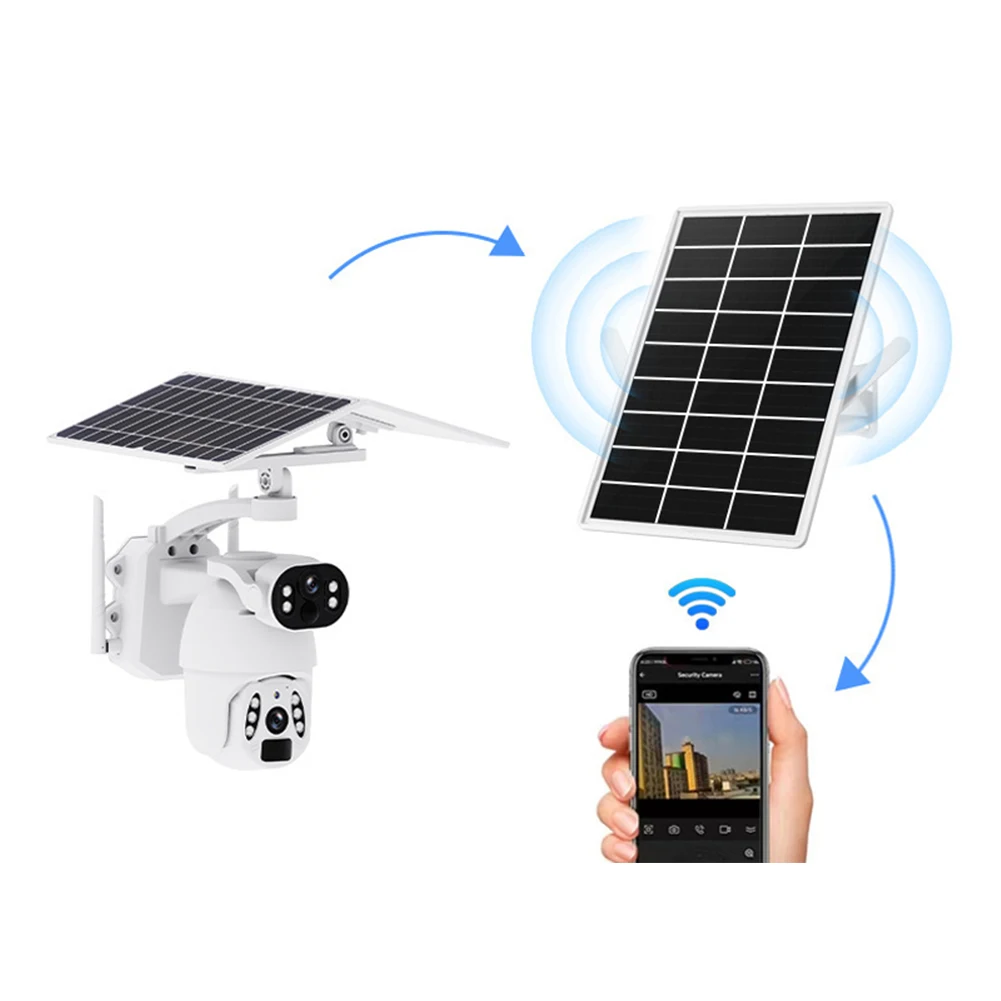
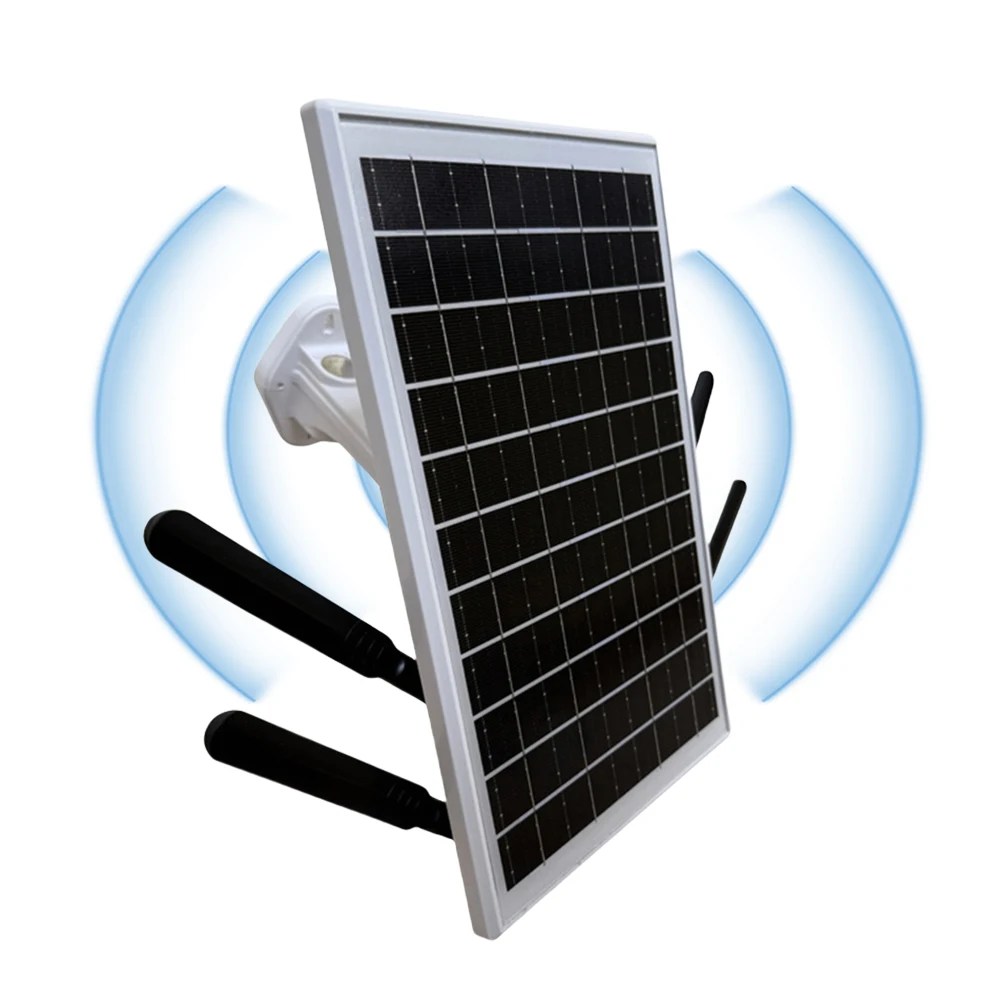
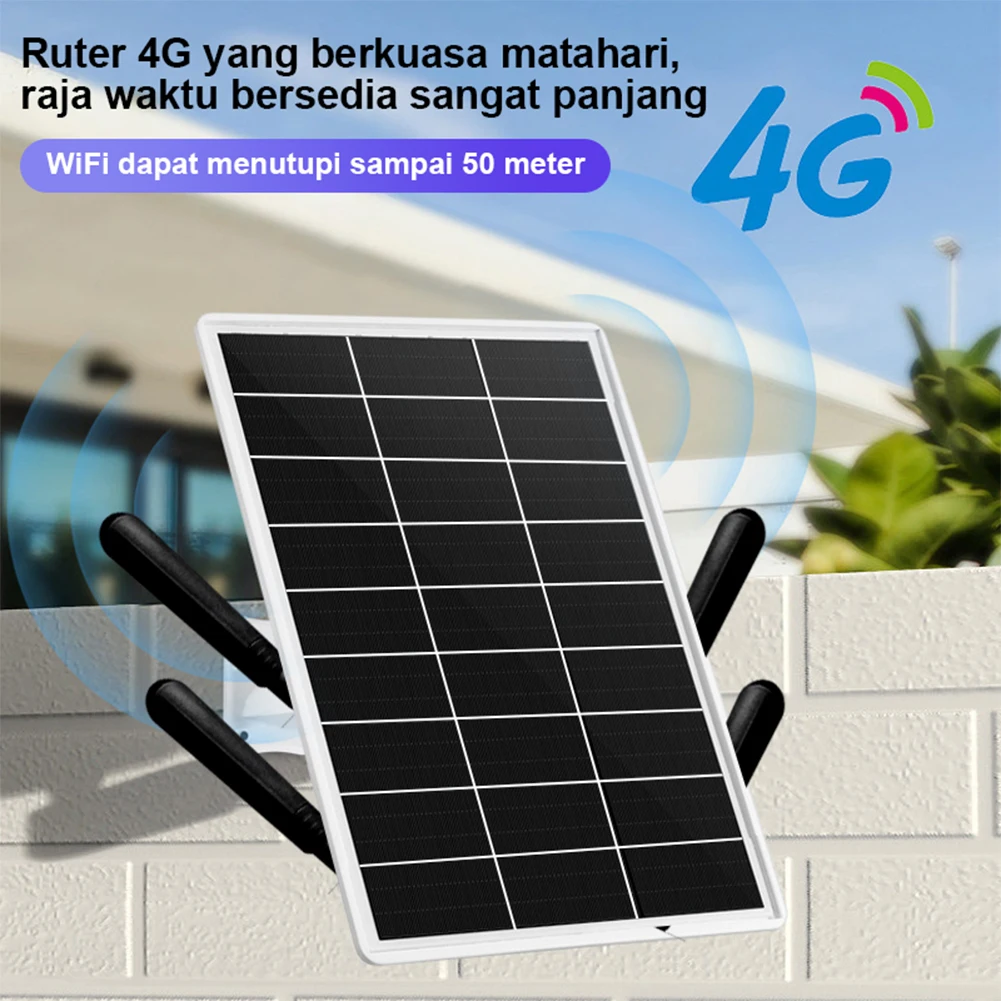
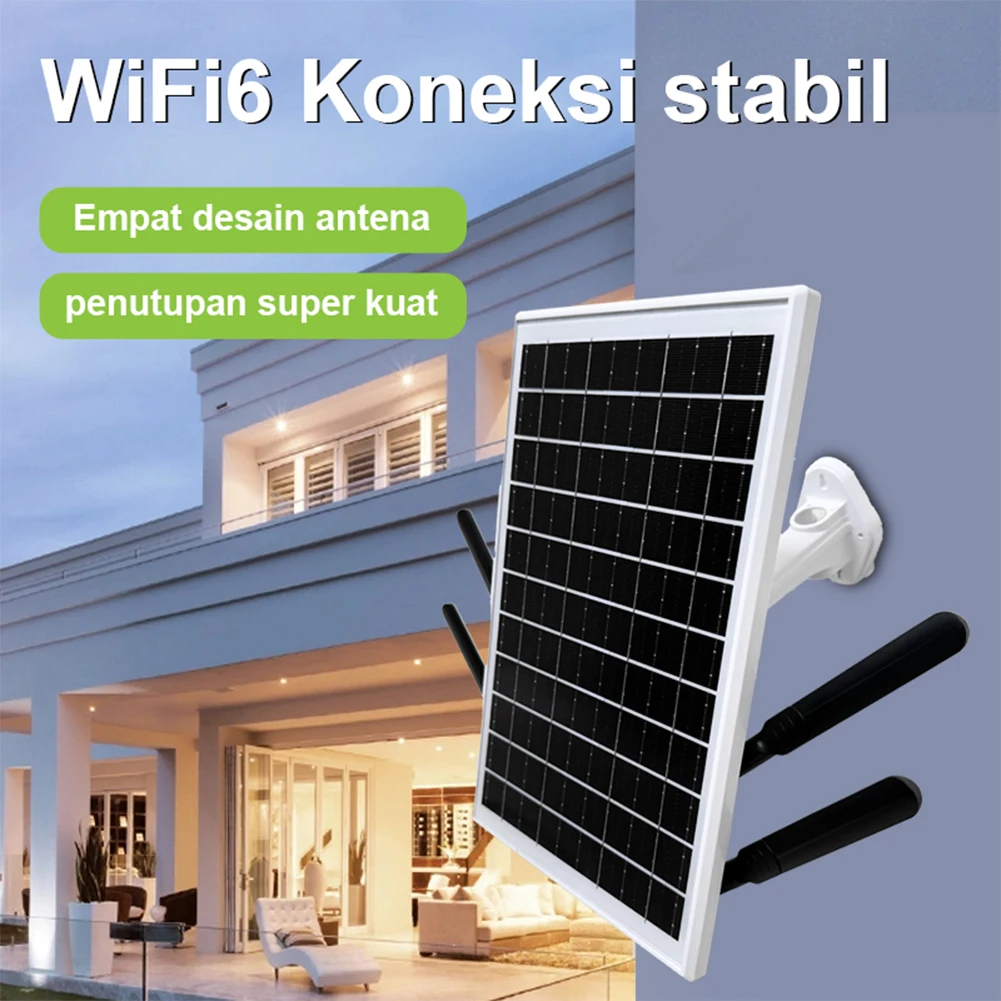
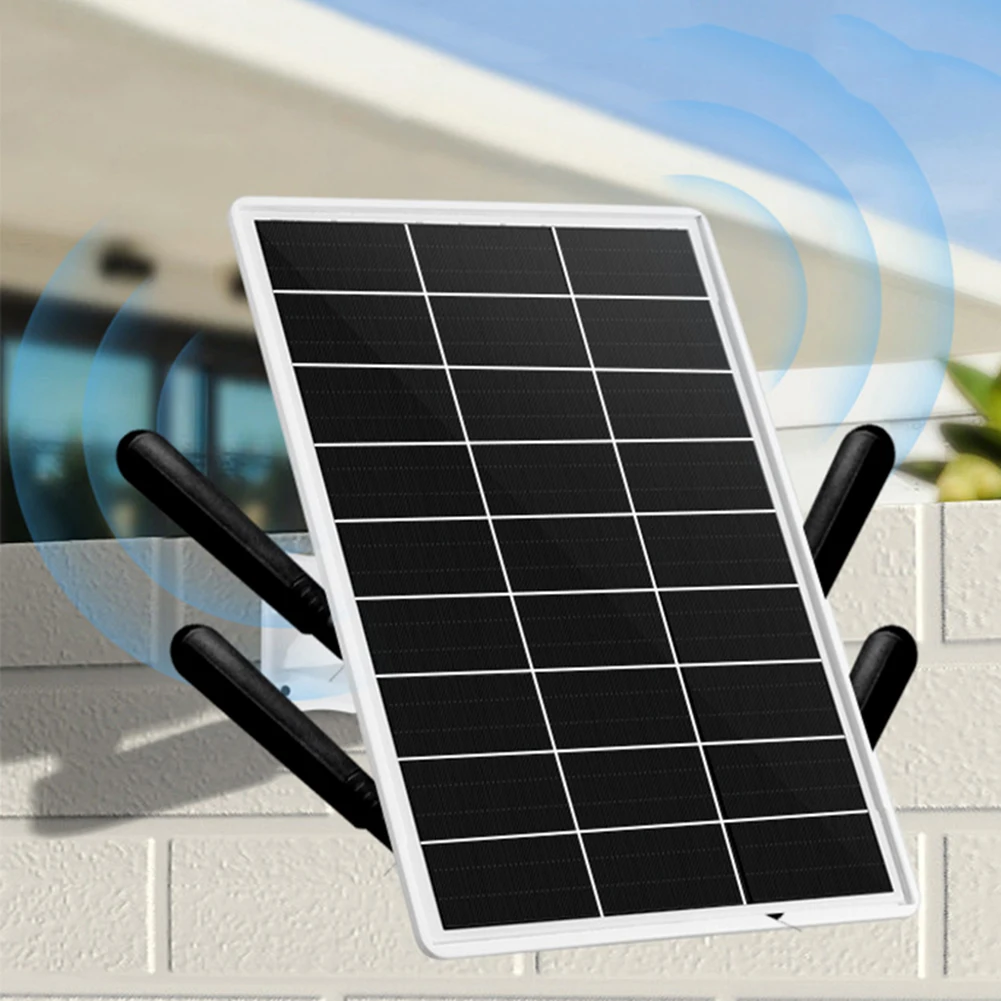
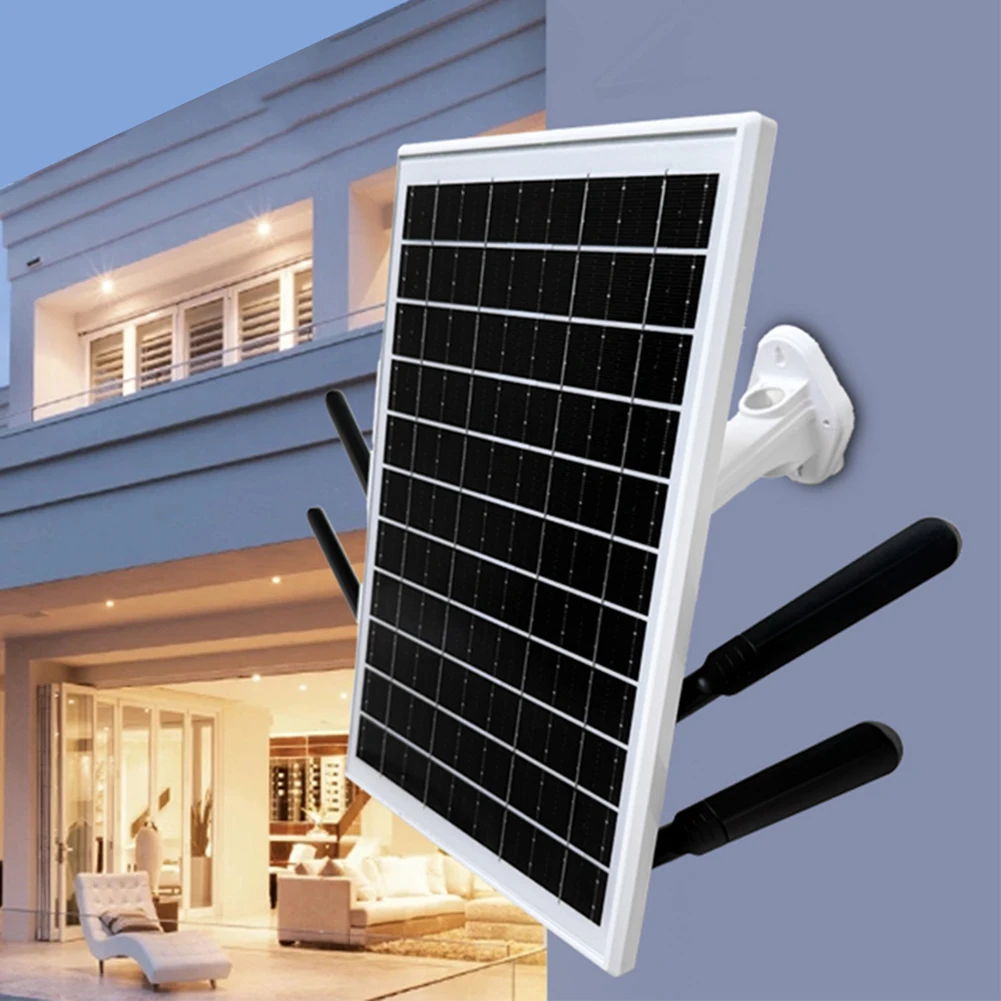
Waterproof Solar Powered 4G LTE WiFi Router for Outdoor Security
$142.48
$294.67
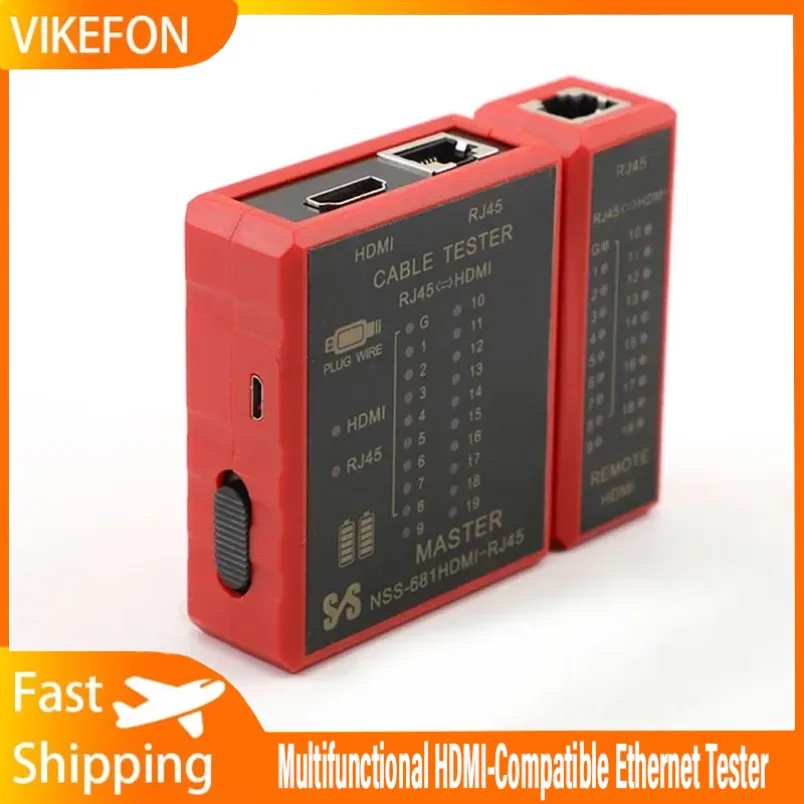


RJ45 Network Cable Tester for Ethernet and LAN
$14.08
$27.7
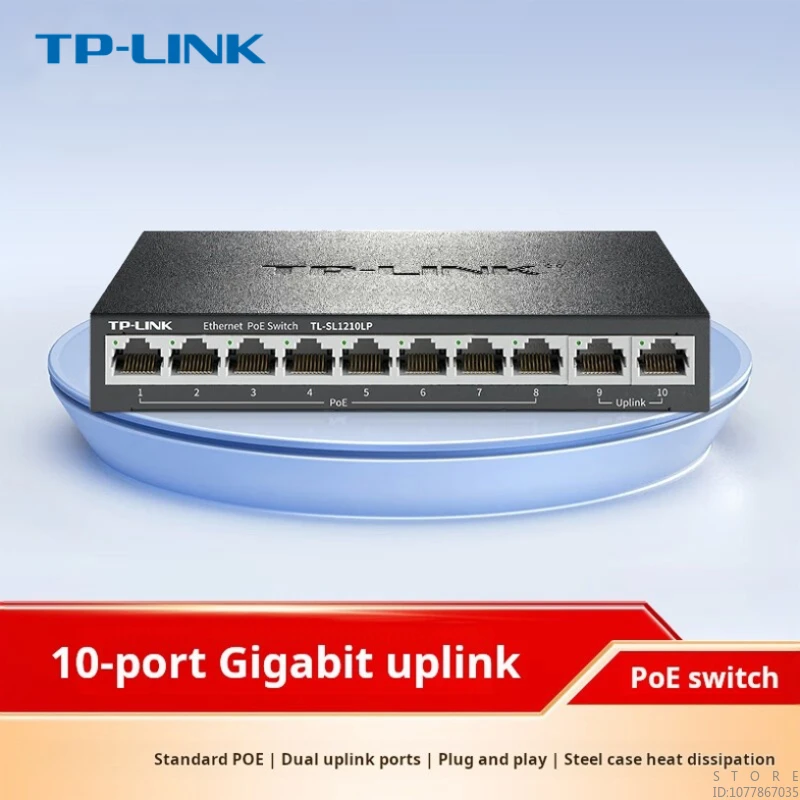


10 Port 100M Poe Network Switch Hub with 62W Power Supply
$107.59
$169.6

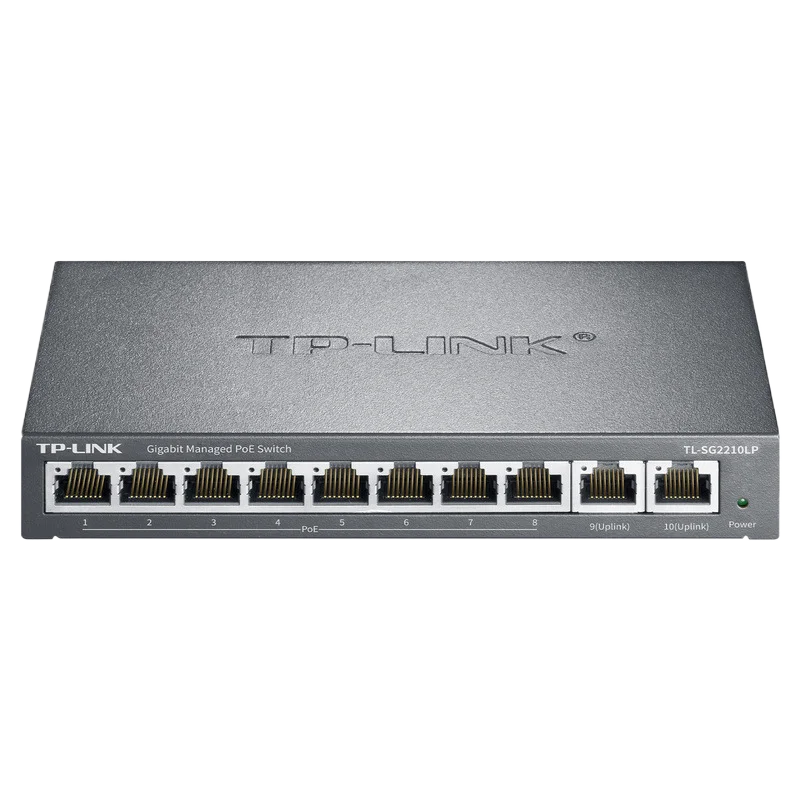
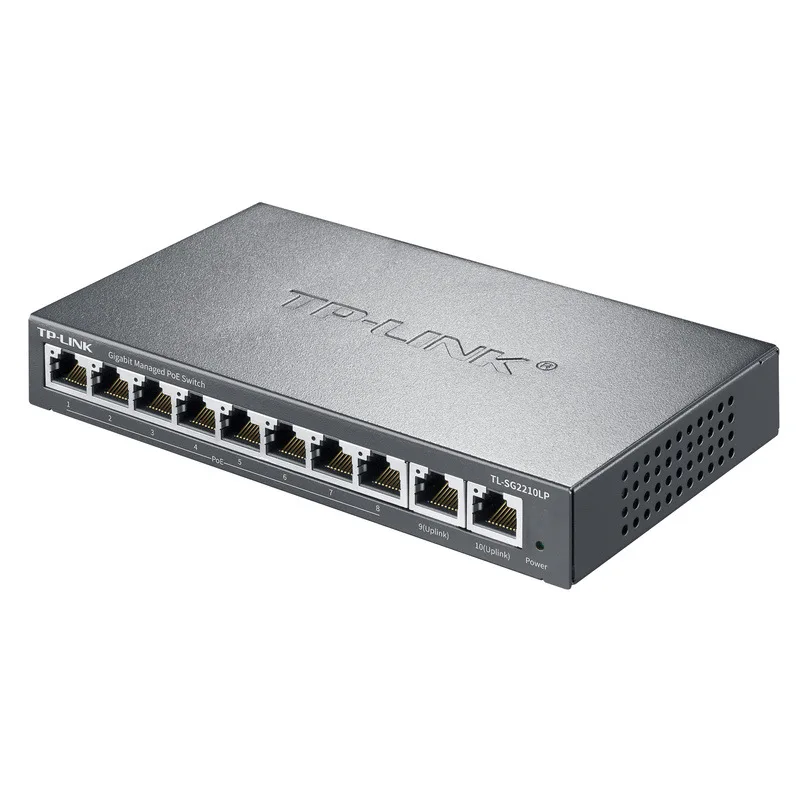

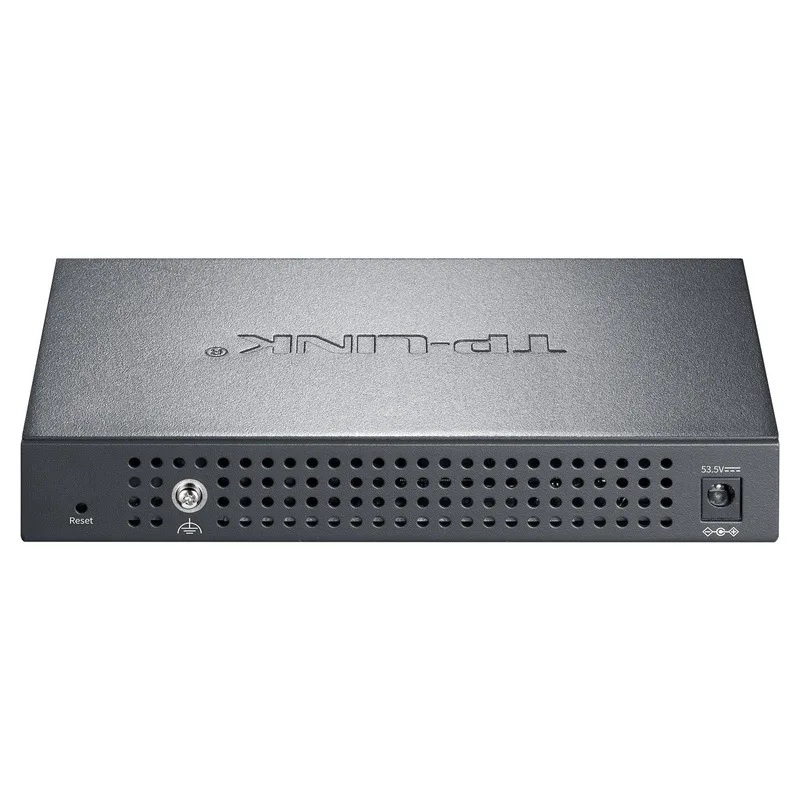
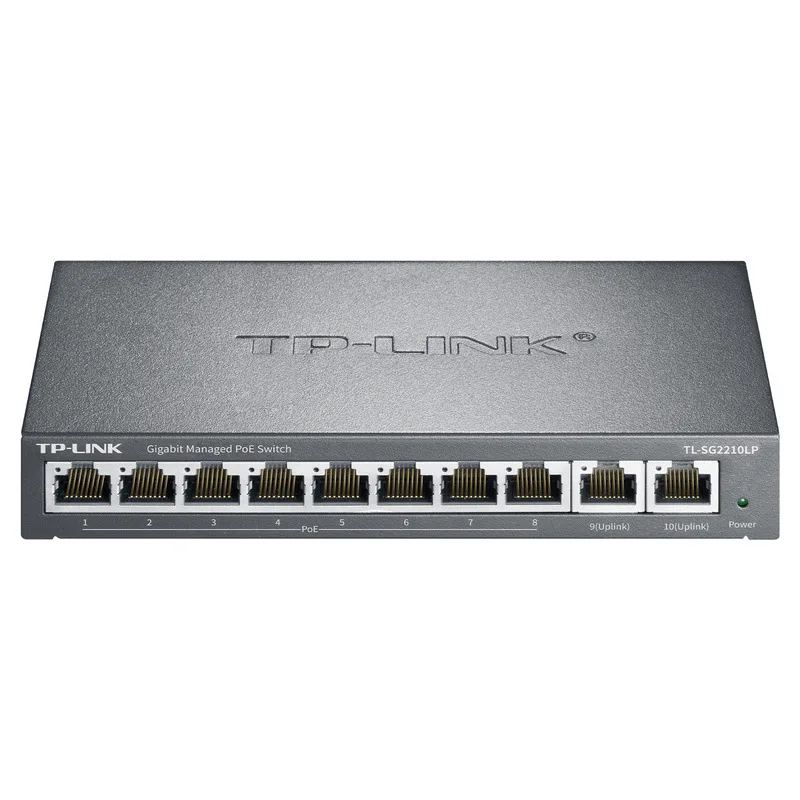
Gigabit Ethernet PoE Switch with 8 Port and 2 Uplink
$135.92
$293.15


Gigabit Web Network Management Cloud Switch
$65.99
$110.47


8 Port 100M Ethernet Switch for Home Network
$36.74
$71.5
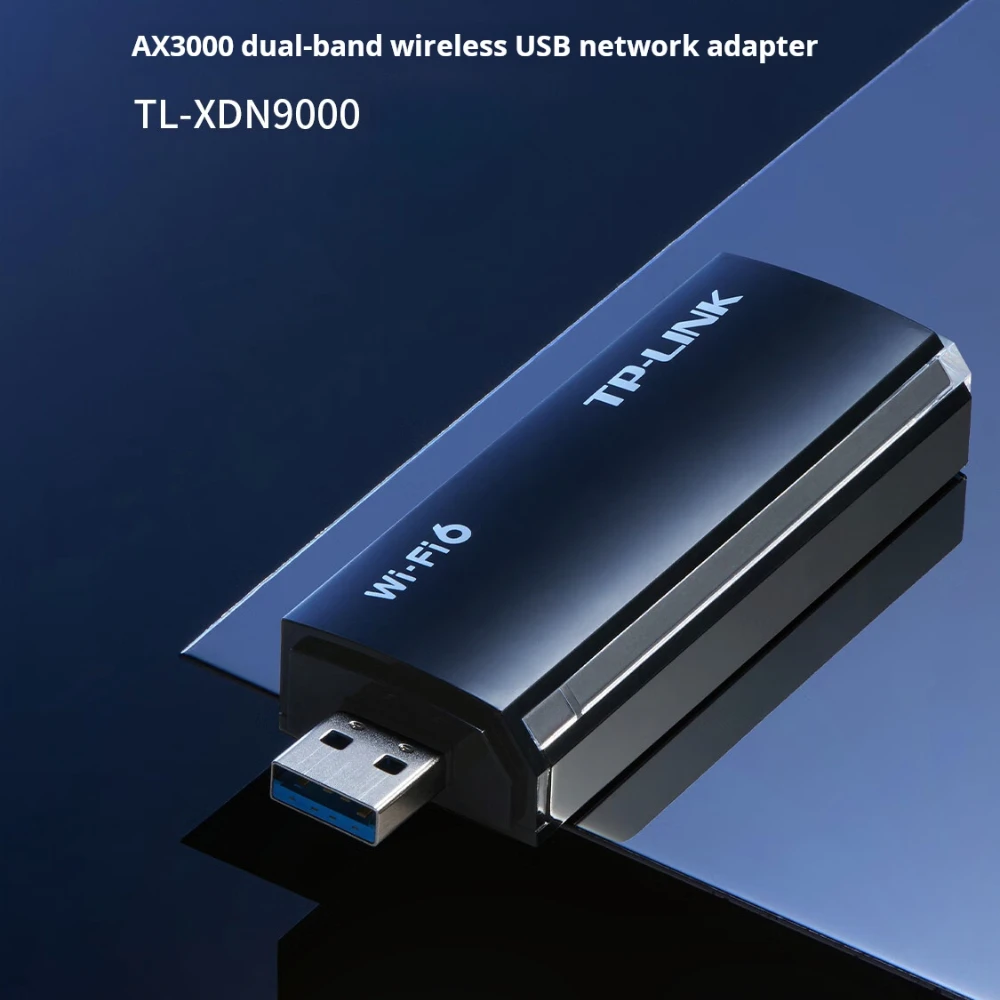


Dual Band Wireless USB Network Card with WiFi 6
$44.63
$85.6


Gigabit Web Network Management Switch with Five Ports
$57.94
$123.6


Gigabit PoE Switch with 8 Ports and 67W Power
$107.68
$213.35


Gigabit Ethernet Switch 16 Port Full Duplex
$253.34
$560.53


Gigabit Ethernet Switch with SFP Ports for Networking
$70.49
$154.19