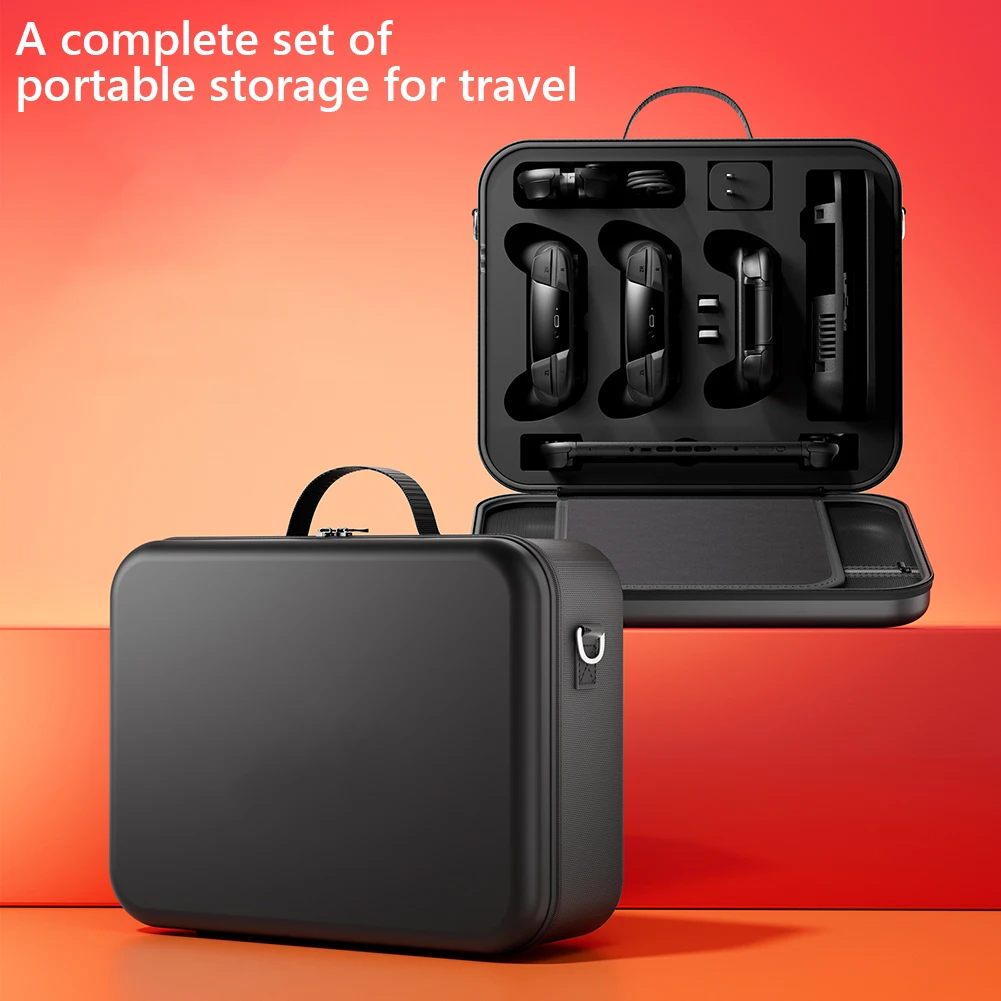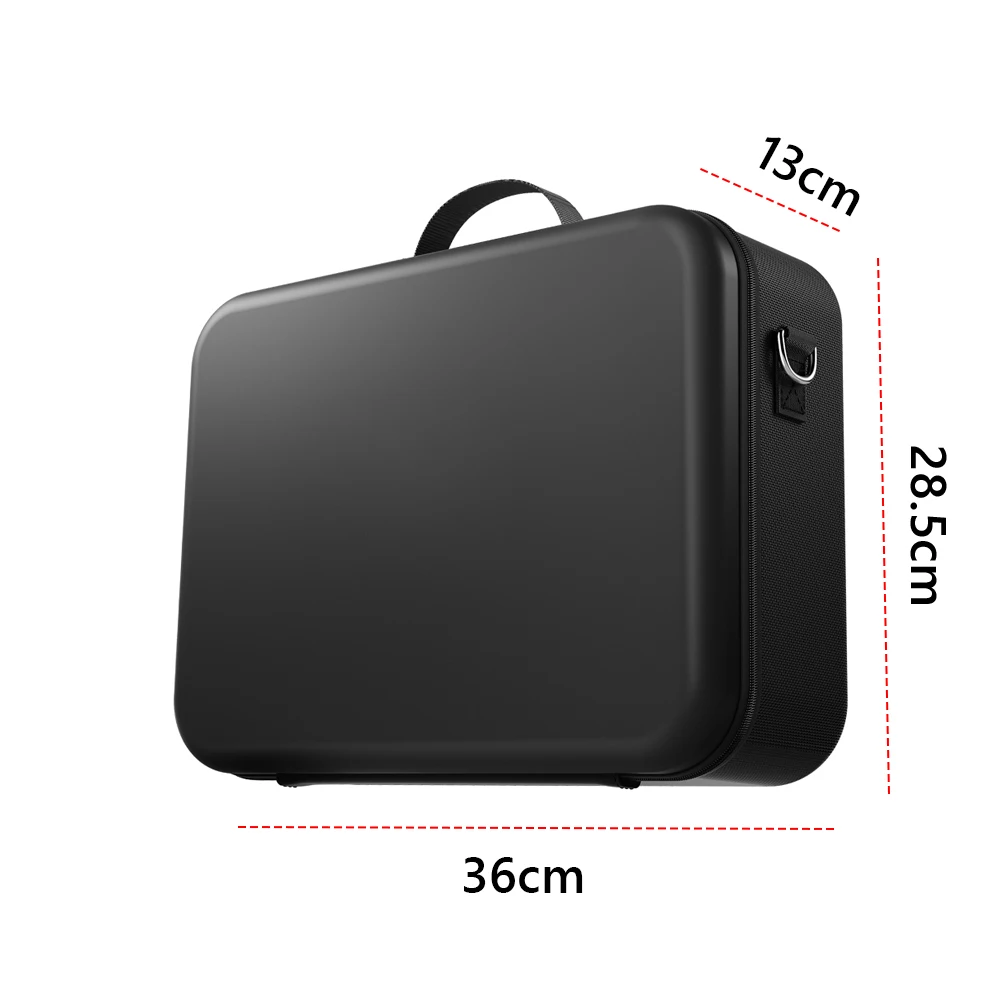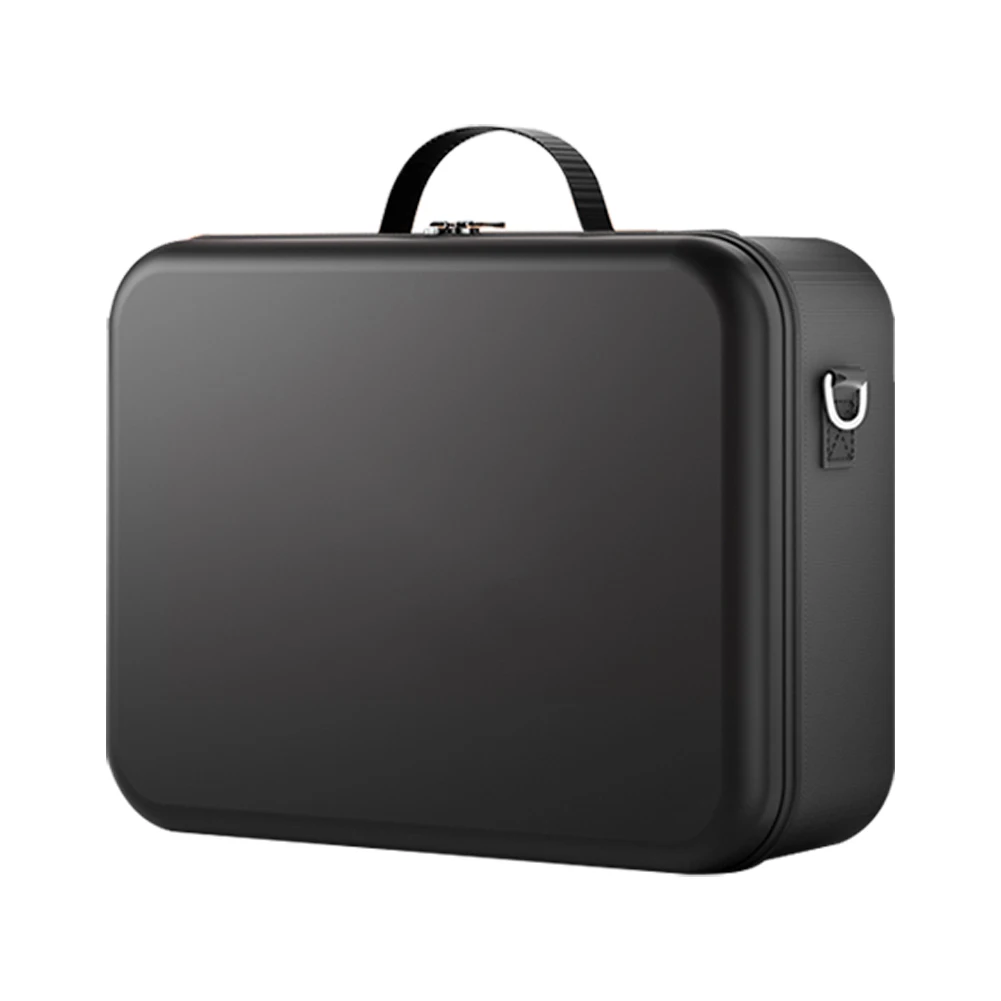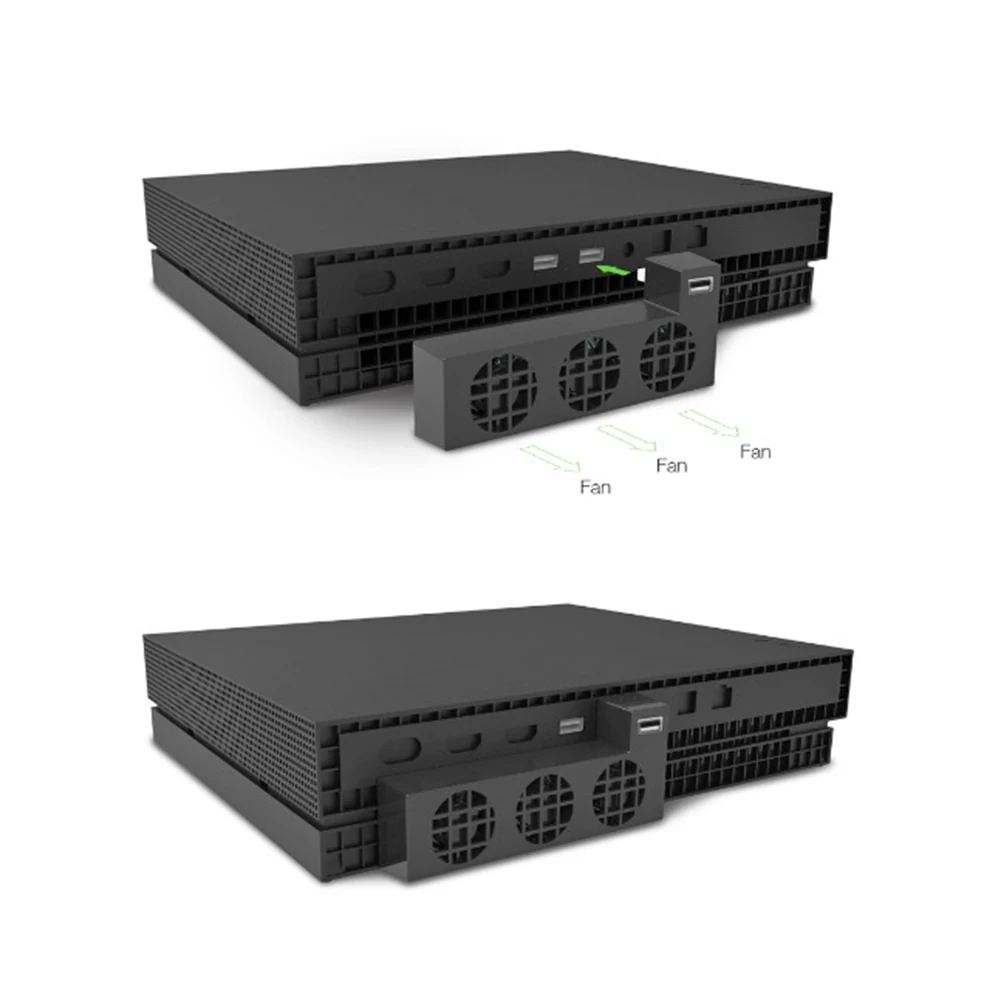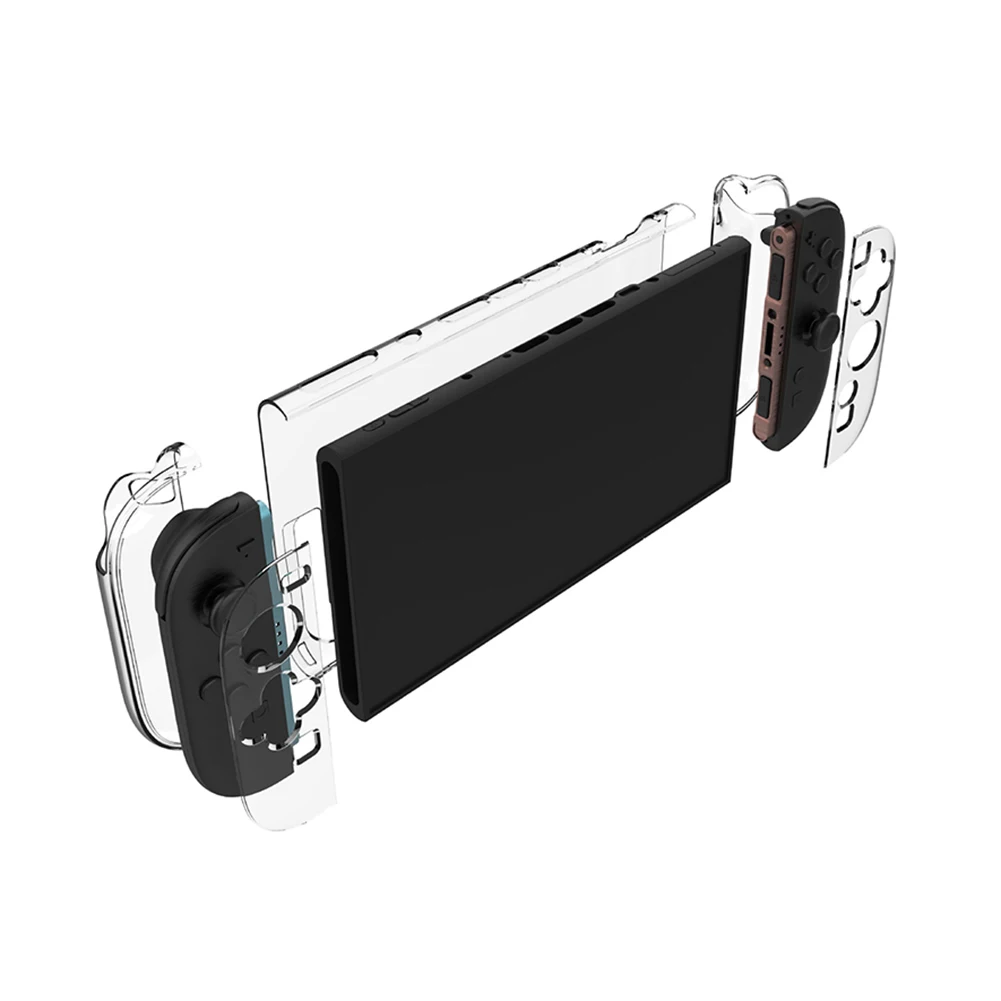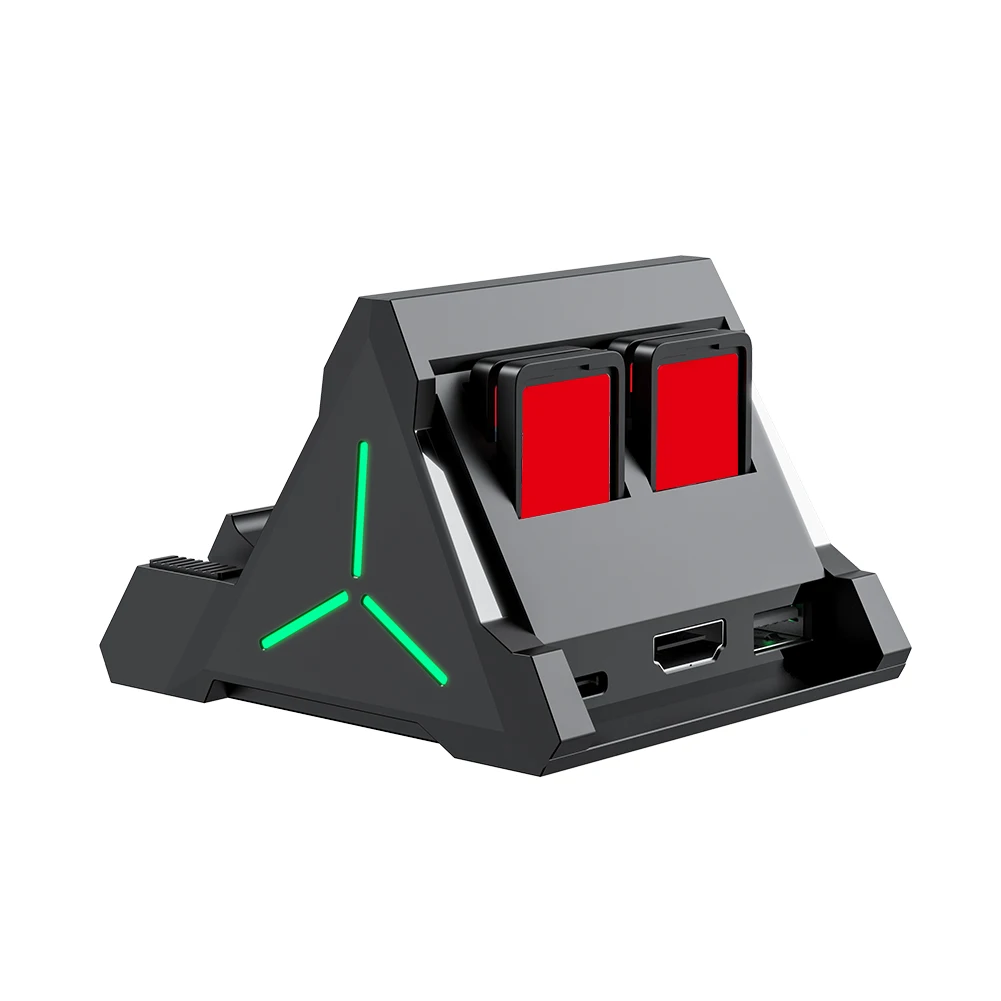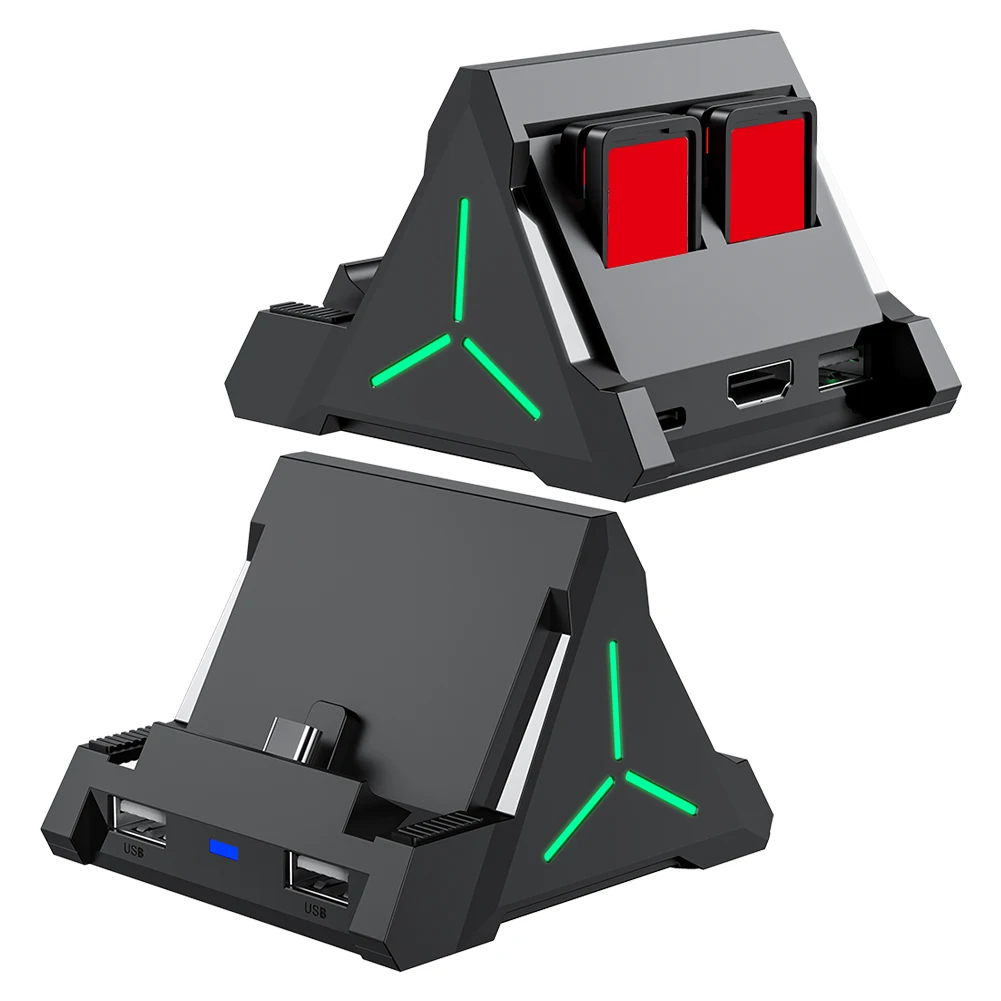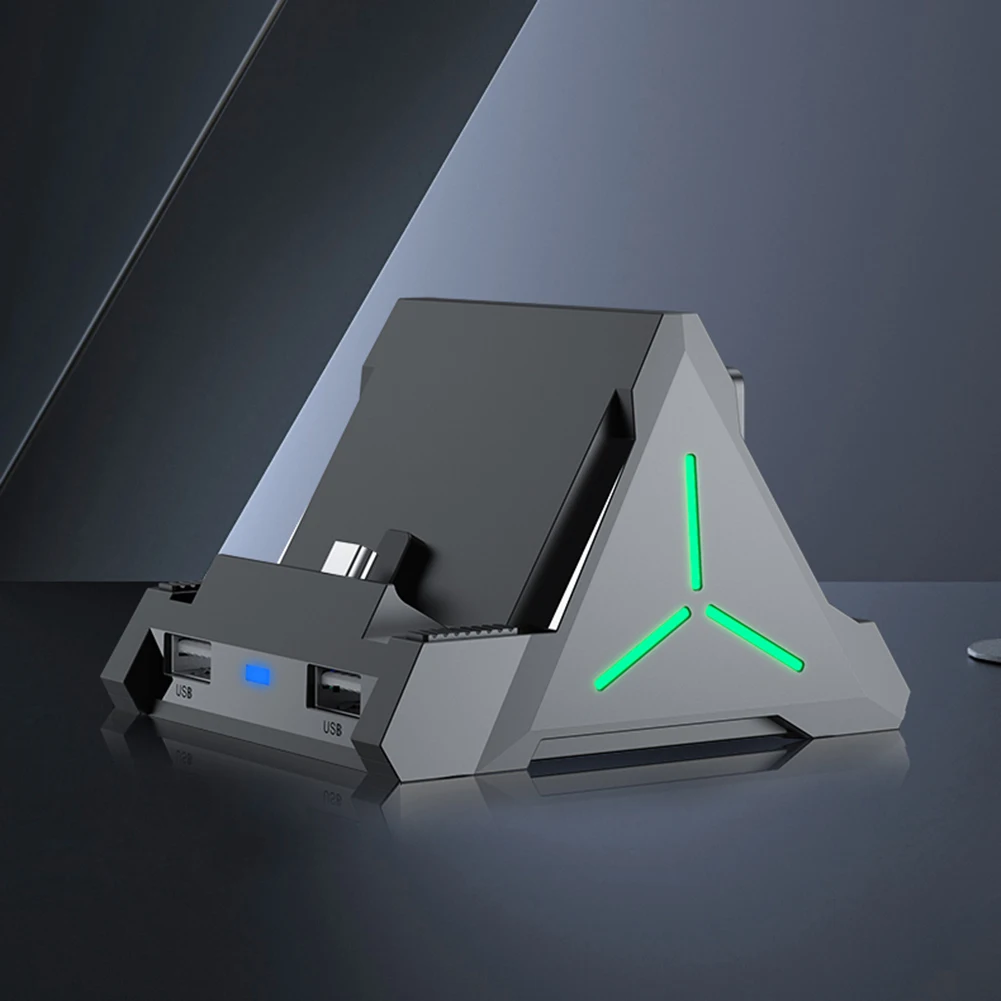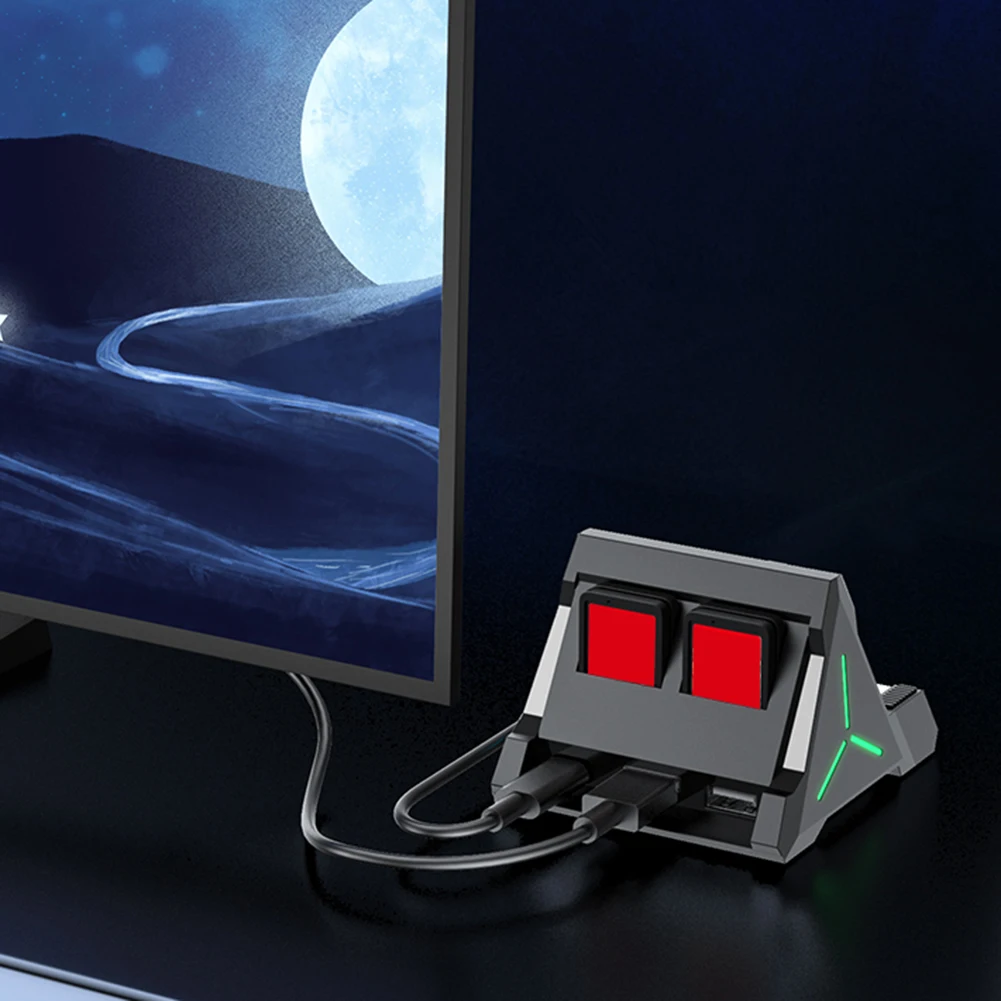
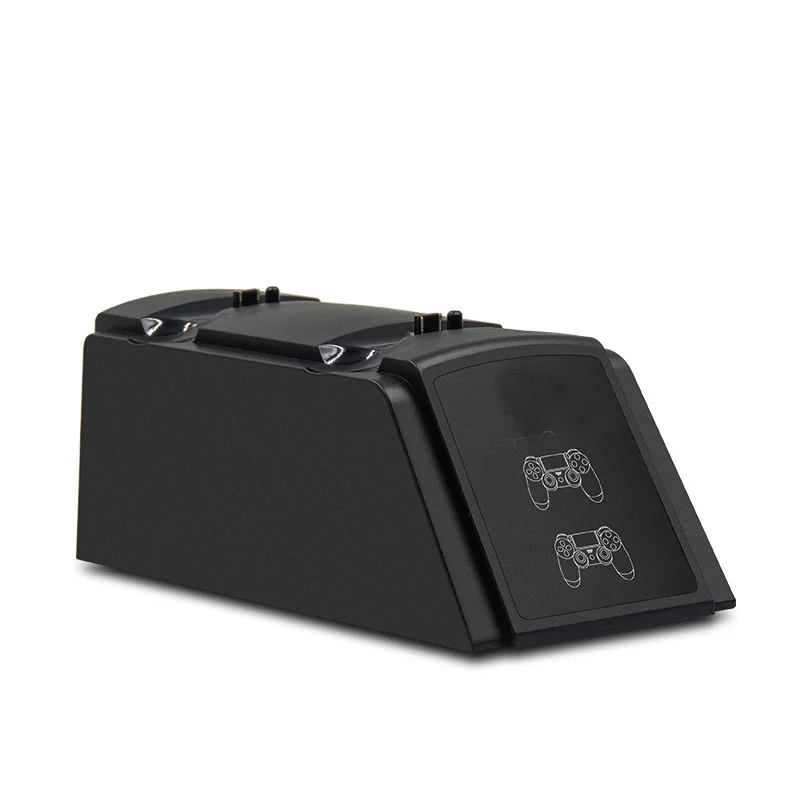
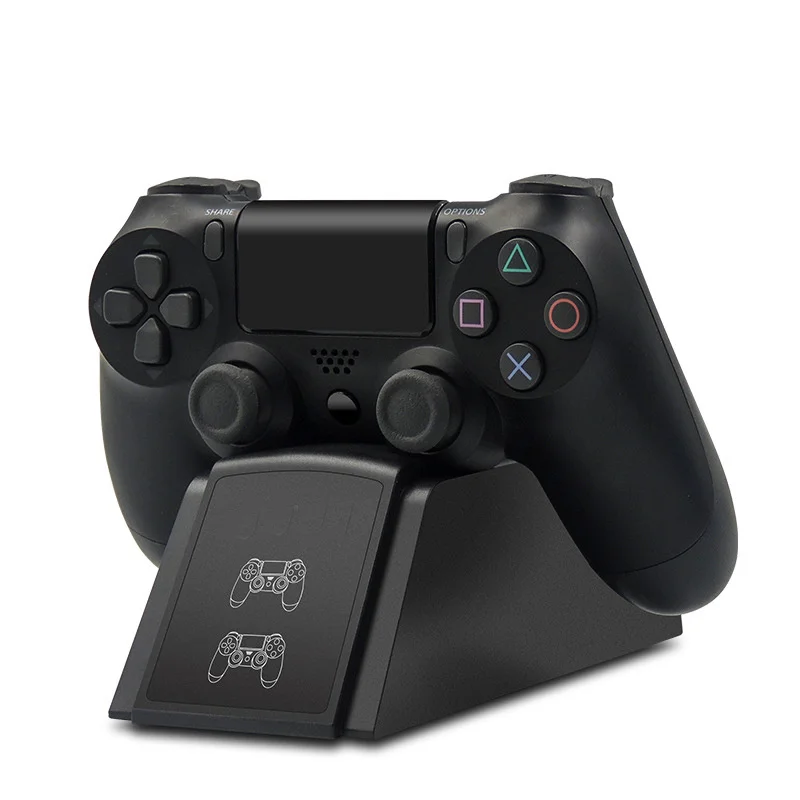
PS4 Controller Charger Dock Station Dual USB Fast Charging For Sony Playstation 4 PS4 Slim PS4 Pro Gamepad Joystick
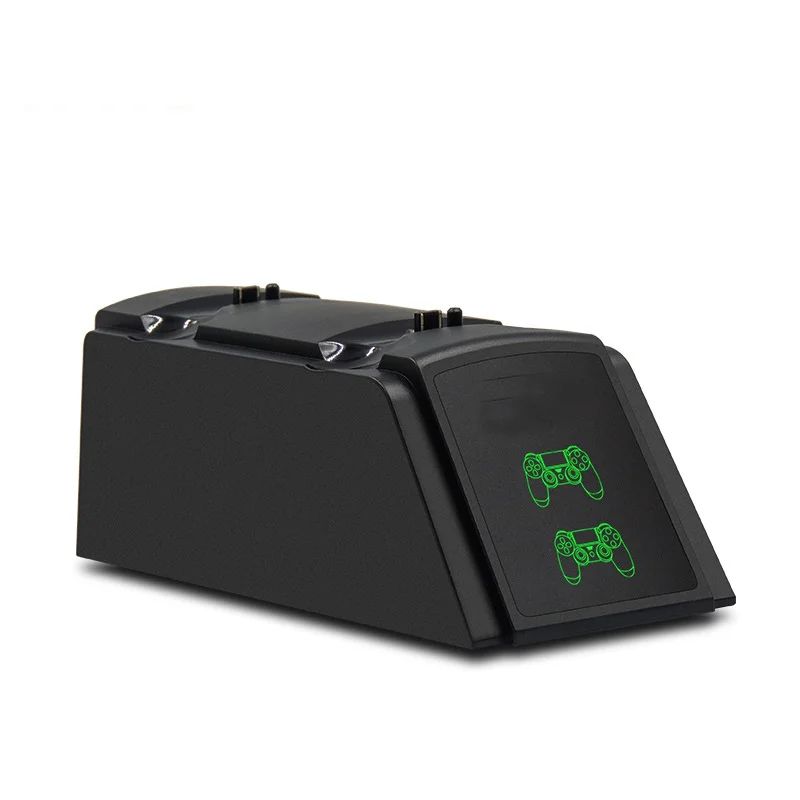
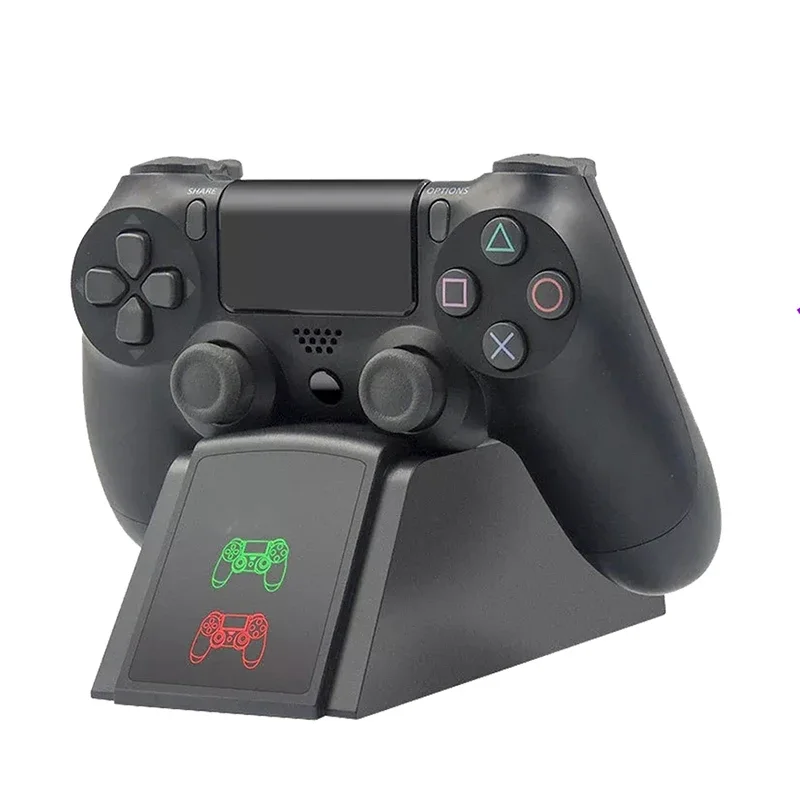
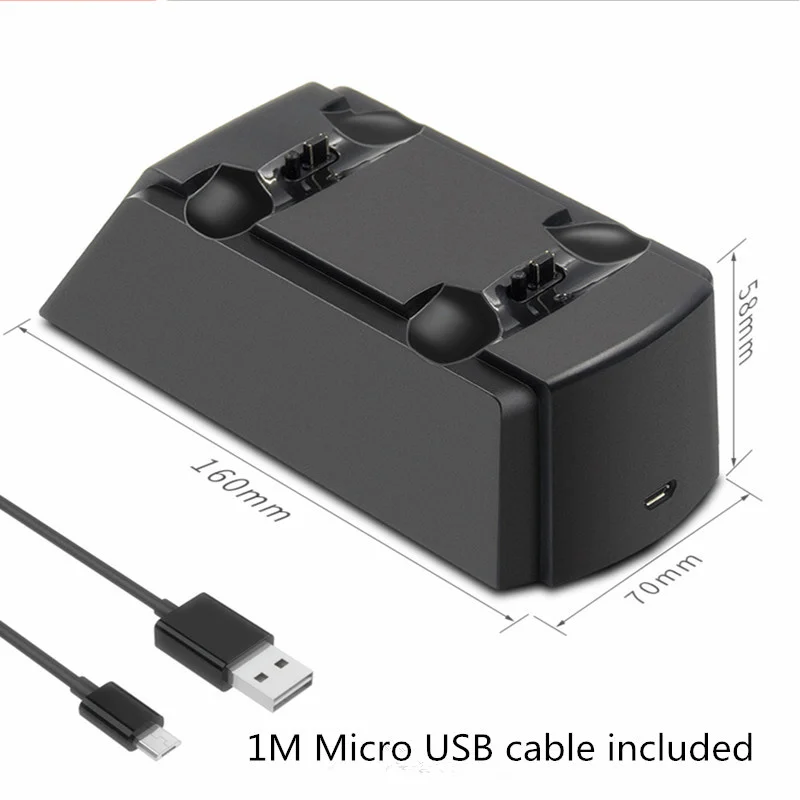
<div class="detailmodule_html"><div class="detail-desc-decorate-richtext"><p><span style="font-family:simsun"><span style="font-size:20px">Specifiction:</span></span></p><div> </div><p><span style="font-size:16px;font-family:arial, helvetica, sans-serif">Net weight of seat charge: 135g</span></p><p><span style="font-size:16px;font-family:arial, helvetica, sans-serif">Gross weight of seat charge: 180g (seat charge, charging line, color box)</span></p><p><span style="font-size:16px;font-family:arial, helvetica, sans-serif">Seat size: 160*70*58mm</span></p><p><span style="font-size:16px;font-family:arial, helvetica, sans-serif">Packing size: 165*75*65mm</span></p><p><span style="font-size:16px;font-family:arial, helvetica, sans-serif">Product material: ABS<br/> Additional function: Belt 2<br/> Input voltage: DC5V/1000MA<br/> Output voltage: DC5V/500-1000MA<br/> Charging time: 2-4H</span></p><p><span style="font-size:16px;font-family:arial, helvetica, sans-serif">Packing List: seat charge + charging line + color box</span></p><p><span style="font-size:16px;font-family:arial, helvetica, sans-serif">Seat charging features: red light when charging, green light when fully charged, automatic power off after fully charged, protect handle</span></p><div> </div><p>Using Introduction "</p><p><span style="font-size:16px;font-family:arial, helvetica, sans-serif">1. Insert the USB plug of the charging line configured by the product into the USB socket of the DC5V power adapter with a charging current greater than 1A, and plug the MICRO male of the charging line into the MICRO female seat of the charging seat of the product to start powering the product.</span></p><p><br/> <span style="font-size:16px;font-family:arial, helvetica, sans-serif">2. Install the PS3 handle on the product so that its charging interface can be inserted into the charging slot of the product in the correct way to charge it, or both PS3 handles can be charged at the same time. The charging state of the handle indicator light can be reflected in the charging groove of the product, and the charging light display of the handle indicates that the product is charging the battery pack.</span></p><p><br/> <span style="font-size:16px;font-family:arial, helvetica, sans-serif">3. When the PS3 handle is charged, the charging indicator light is red. After being fully charged, the color of the indicator light turns green. The PS3 handle can control the charging state by itself. The power is not automatically charged, and the power is automatically powered off after being fully charged, protect the handle.</span></p><div> </div><p></p><p></p><p></p><p></p><p></p><p></p><p></p><p></p><p></p><p><br/></p><div> </div><br/></div></div><br/>
$27.185
$13.34
- Category : Consumer Electronics
- Brand : gioiocw_store GIOIOCW Store
Colors
Sizes
-
+

<div class="detailmodule_html"><div class="detail-desc-decorate-richtext"><p><span style="font-family:simsun"><span style="font-size:20px">Specifiction:</span></span></p><div> </div><p><span style="font-size:16px;font-family:arial, helvetica, sans-serif">Net weight of seat charge: 135g</span></p><p><span style="font-size:16px;font-family:arial, helvetica, sans-serif">Gross weight of seat charge: 180g (seat charge, charging line, color box)</span></p><p><span style="font-size:16px;font-family:arial, helvetica, sans-serif">Seat size: 160*70*58mm</span></p><p><span style="font-size:16px;font-family:arial, helvetica, sans-serif">Packing size: 165*75*65mm</span></p><p><span style="font-size:16px;font-family:arial, helvetica, sans-serif">Product material: ABS<br/> Additional function: Belt 2<br/> Input voltage: DC5V/1000MA<br/> Output voltage: DC5V/500-1000MA<br/> Charging time: 2-4H</span></p><p><span style="font-size:16px;font-family:arial, helvetica, sans-serif">Packing List: seat charge + charging line + color box</span></p><p><span style="font-size:16px;font-family:arial, helvetica, sans-serif">Seat charging features: red light when charging, green light when fully charged, automatic power off after fully charged, protect handle</span></p><div> </div><p>Using Introduction "</p><p><span style="font-size:16px;font-family:arial, helvetica, sans-serif">1. Insert the USB plug of the charging line configured by the product into the USB socket of the DC5V power adapter with a charging current greater than 1A, and plug the MICRO male of the charging line into the MICRO female seat of the charging seat of the product to start powering the product.</span></p><p><br/> <span style="font-size:16px;font-family:arial, helvetica, sans-serif">2. Install the PS3 handle on the product so that its charging interface can be inserted into the charging slot of the product in the correct way to charge it, or both PS3 handles can be charged at the same time. The charging state of the handle indicator light can be reflected in the charging groove of the product, and the charging light display of the handle indicates that the product is charging the battery pack.</span></p><p><br/> <span style="font-size:16px;font-family:arial, helvetica, sans-serif">3. When the PS3 handle is charged, the charging indicator light is red. After being fully charged, the color of the indicator light turns green. The PS3 handle can control the charging state by itself. The power is not automatically charged, and the power is automatically powered off after being fully charged, protect the handle.</span></p><div> </div><p></p><p></p><p></p><p></p><p></p><p></p><p></p><p></p><p></p><p><br/></p><div> </div><br/></div></div><br/>
Related Product
Browse The Collection of Top Products.