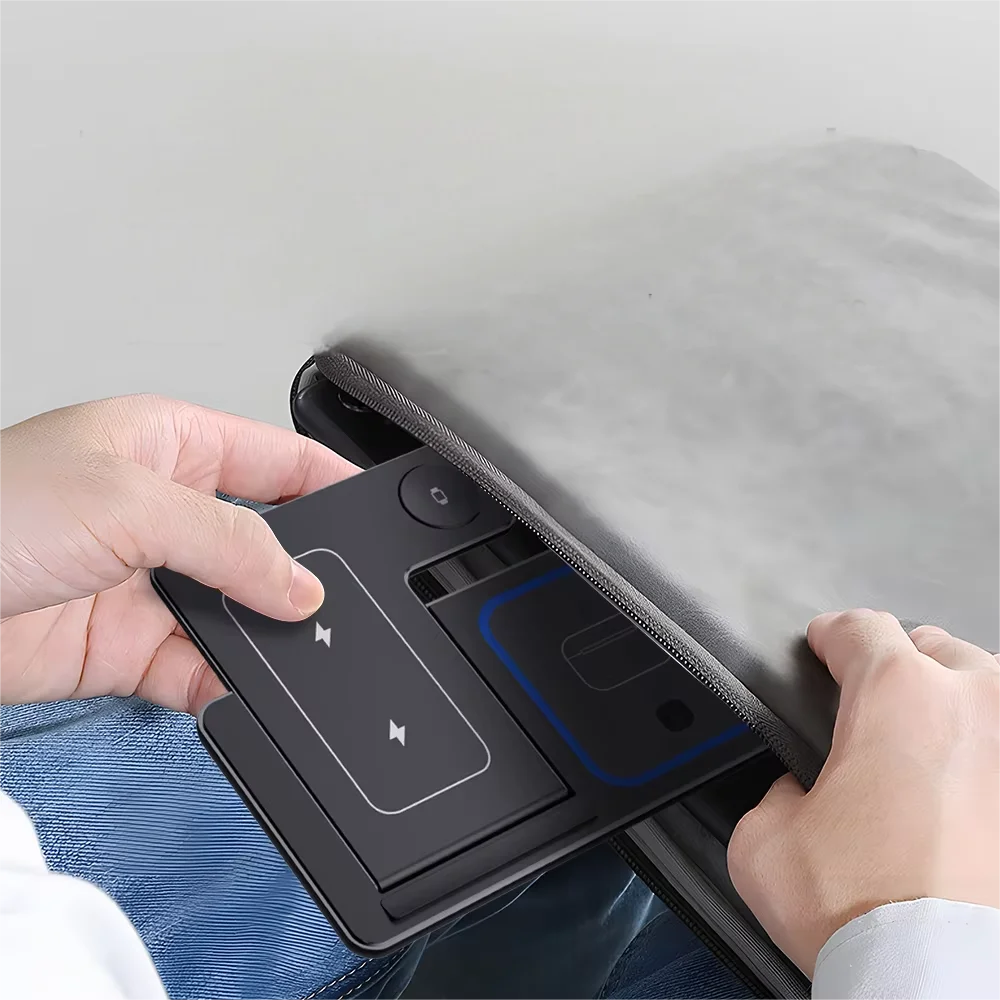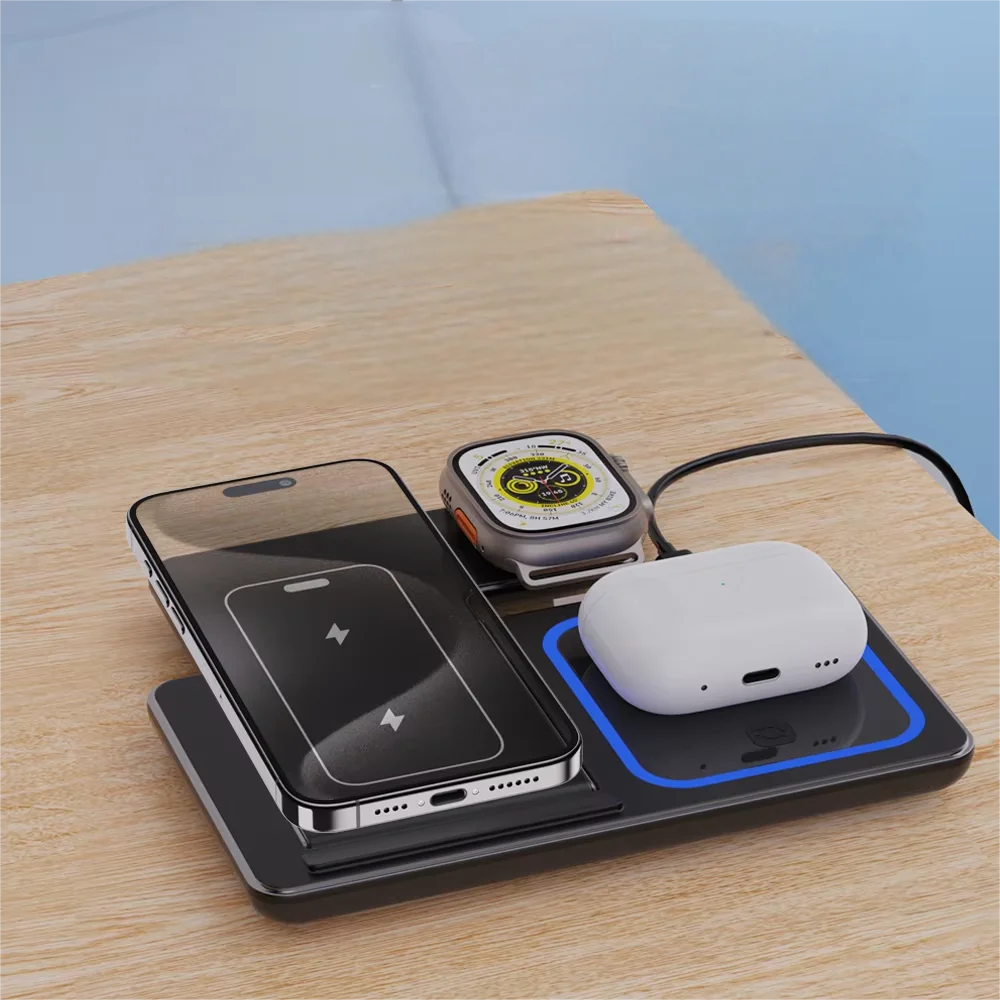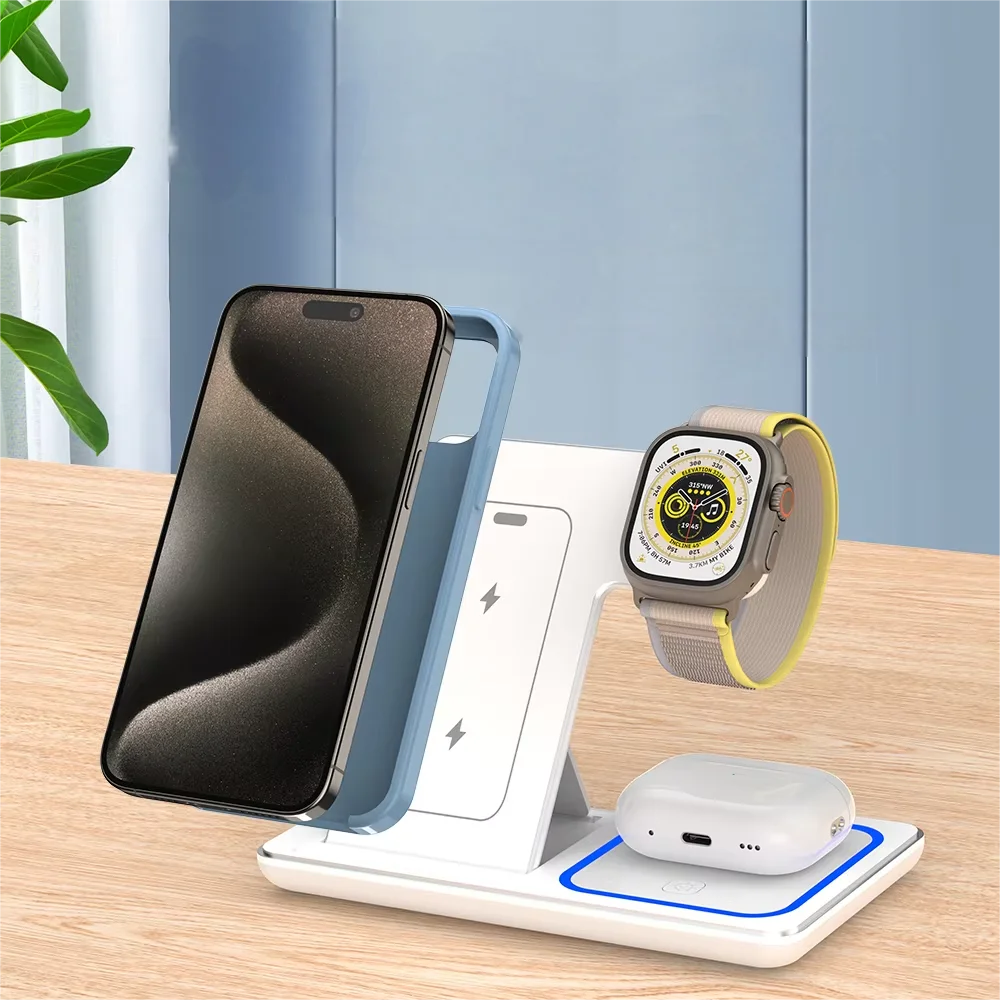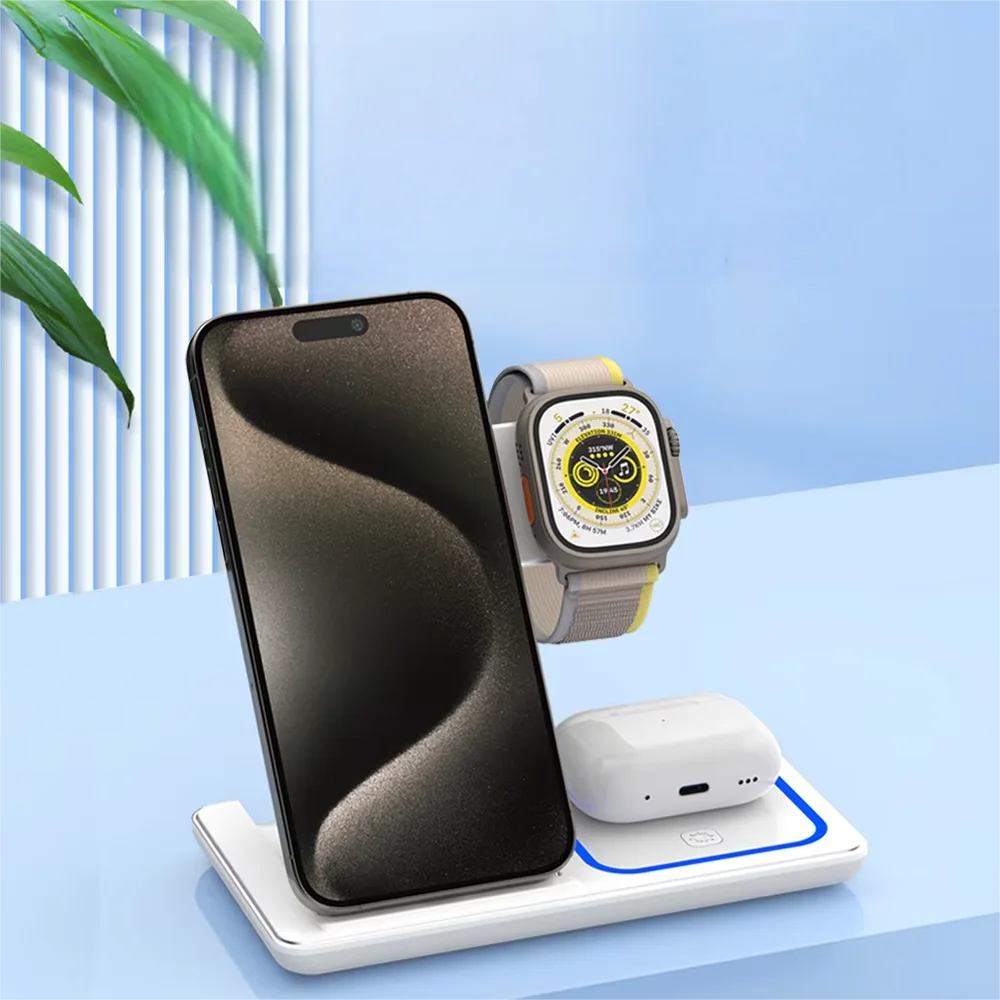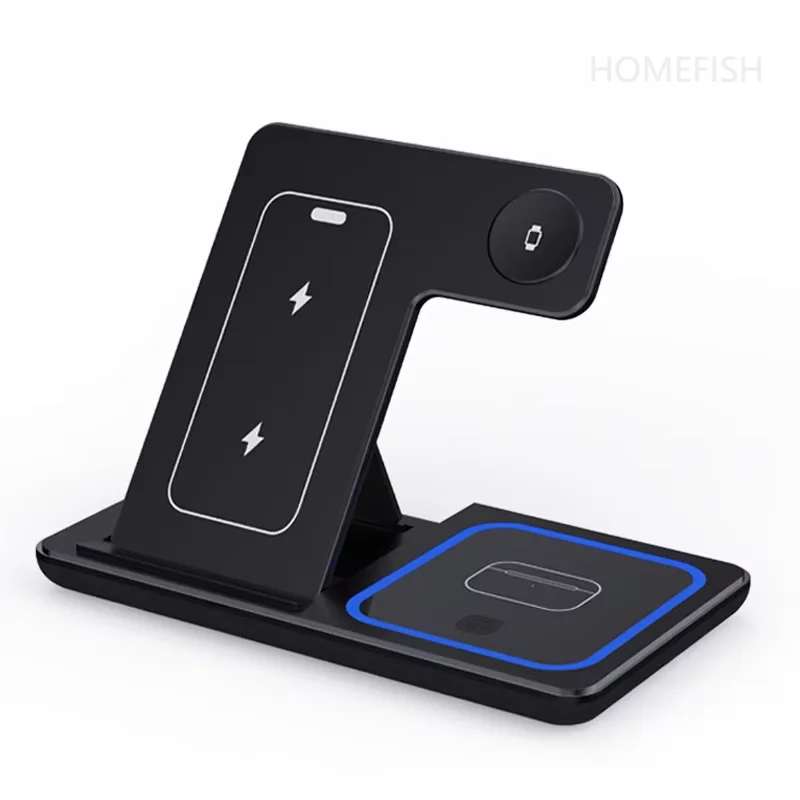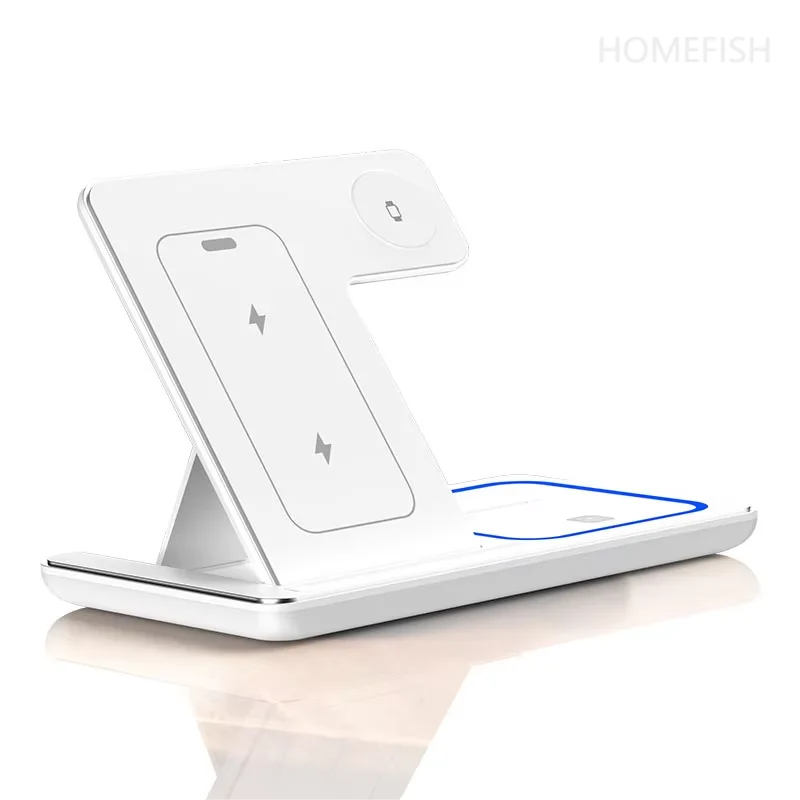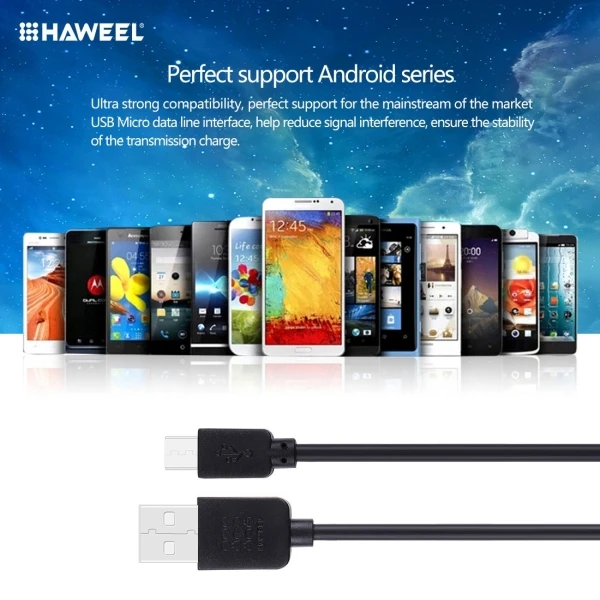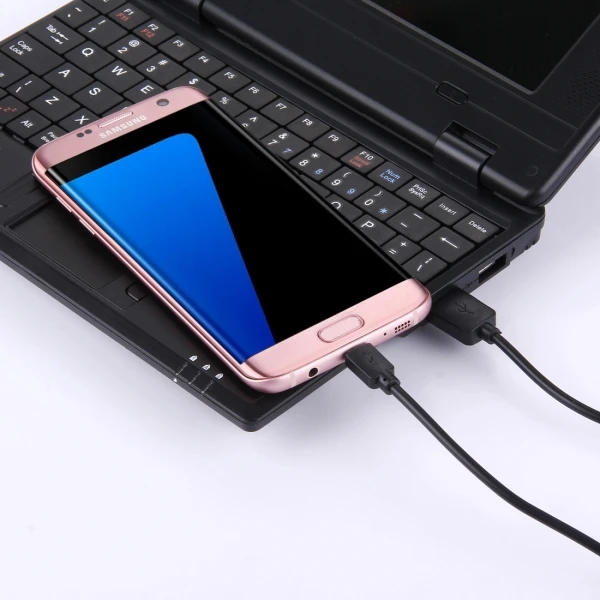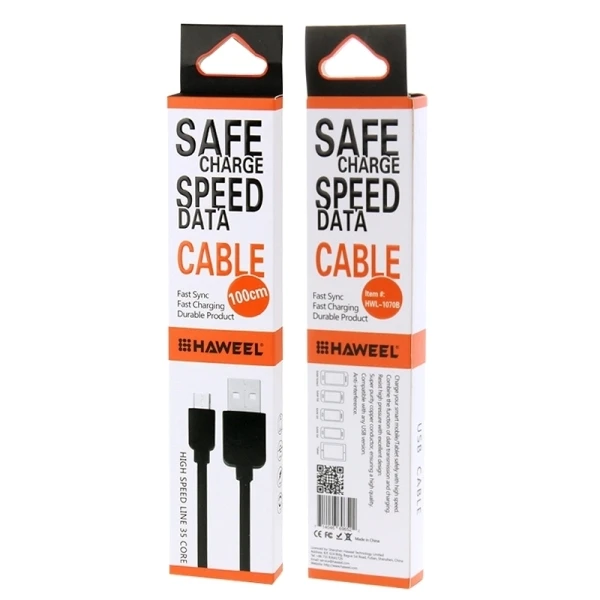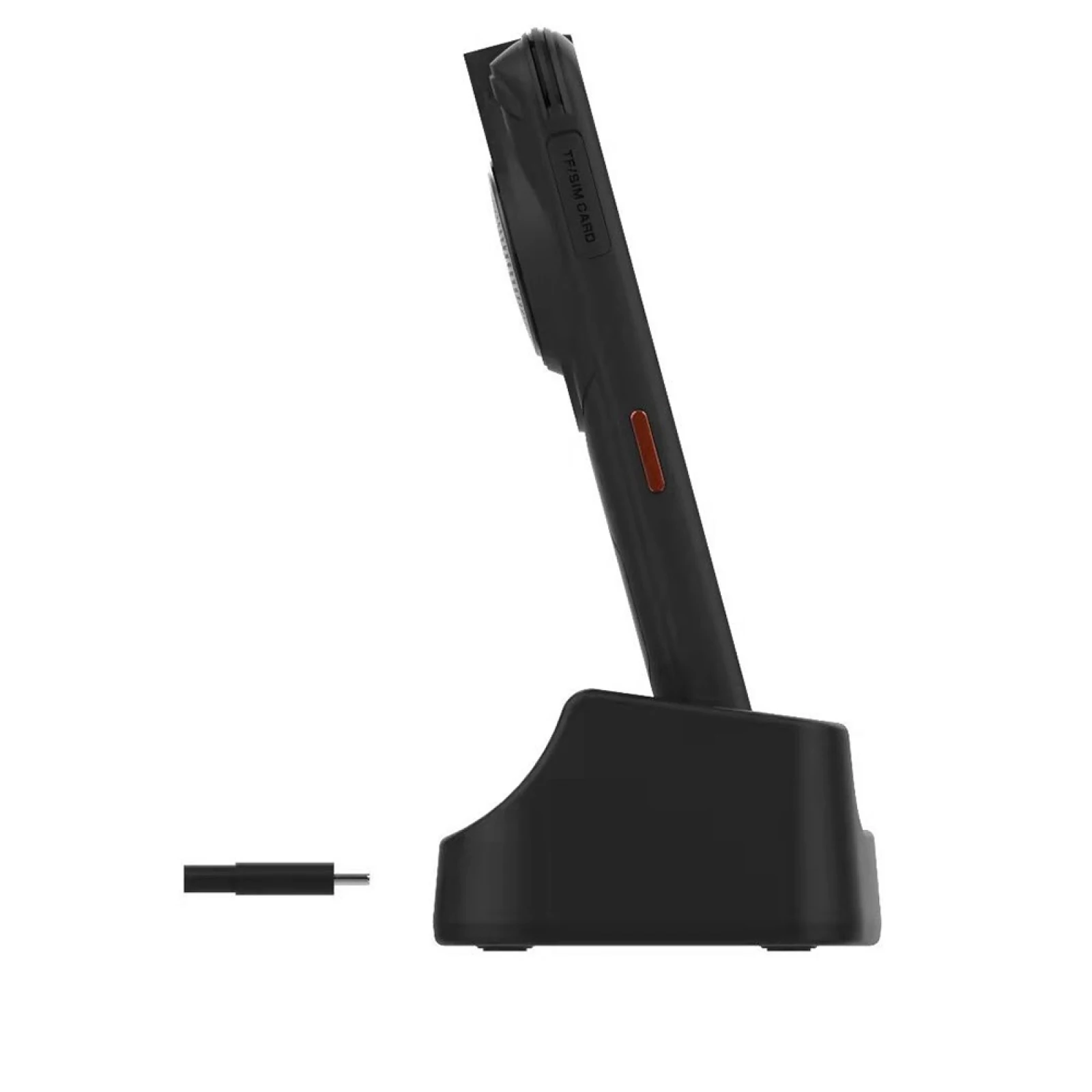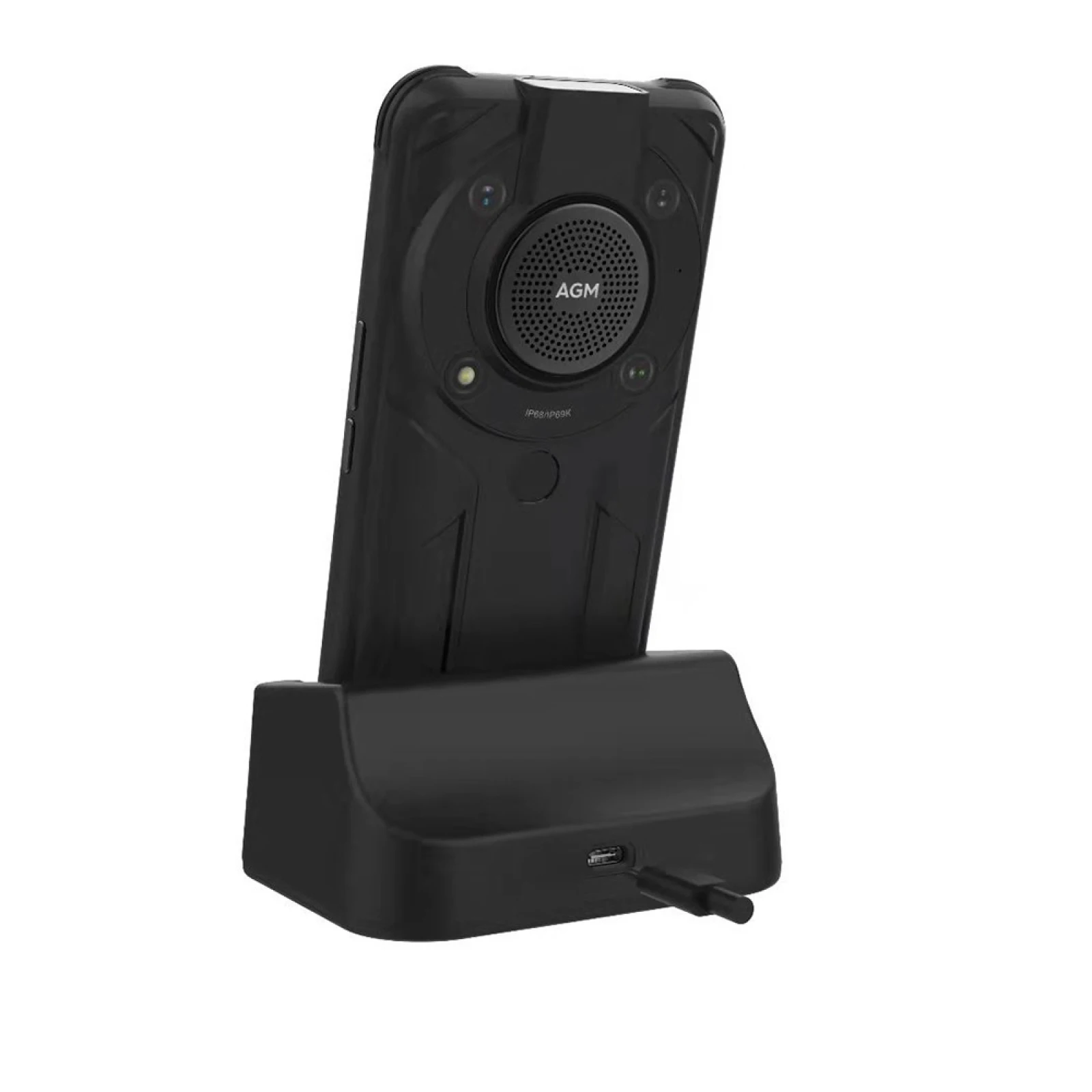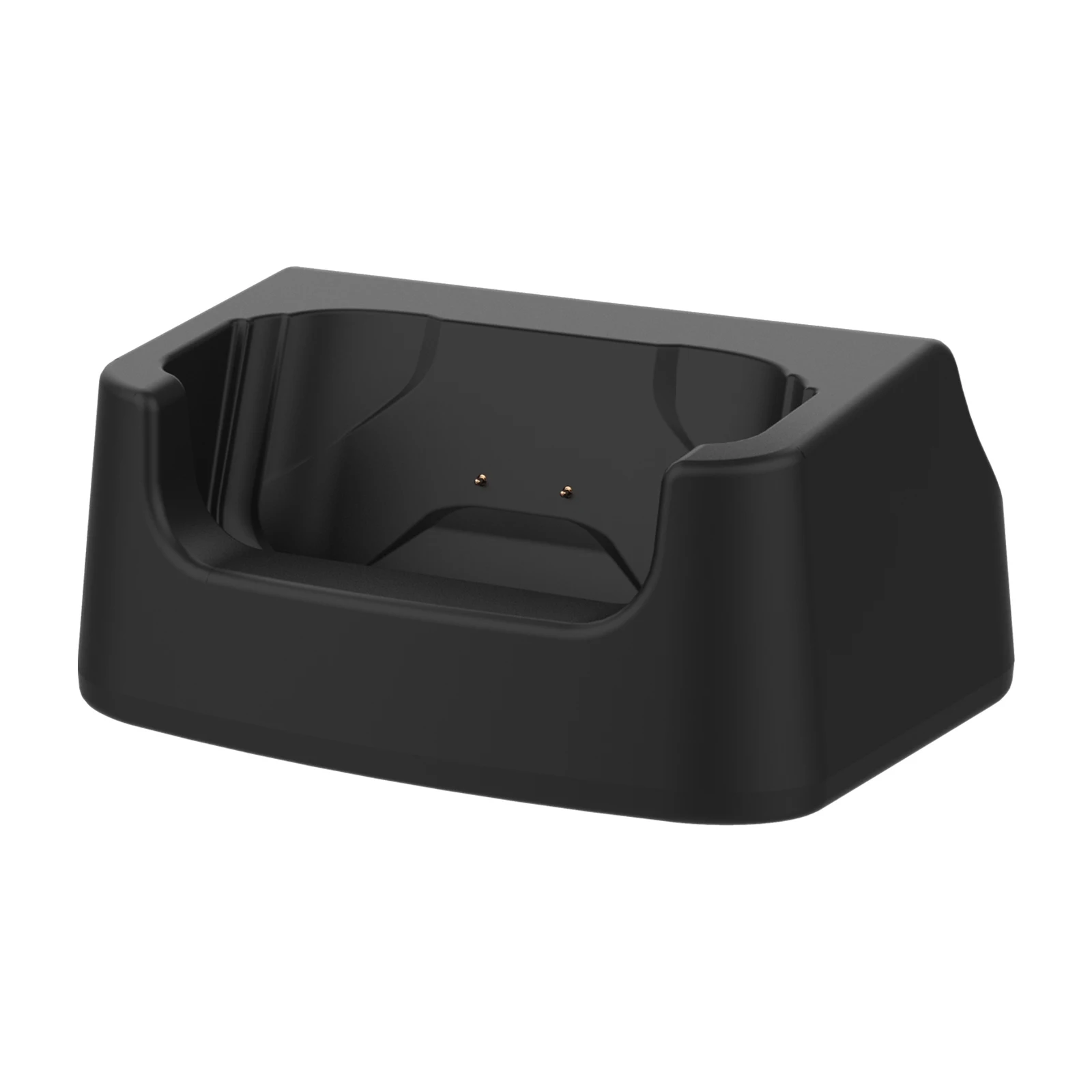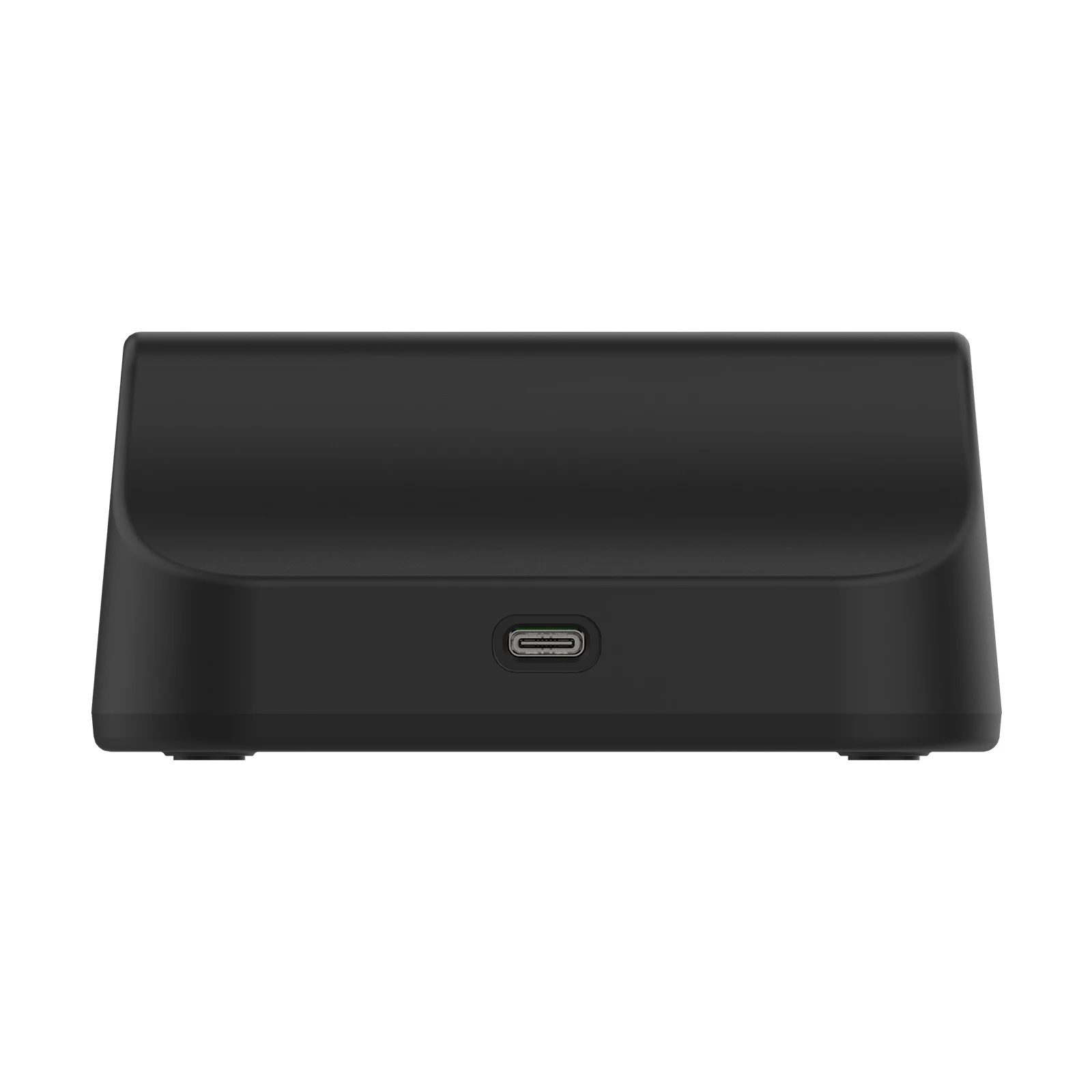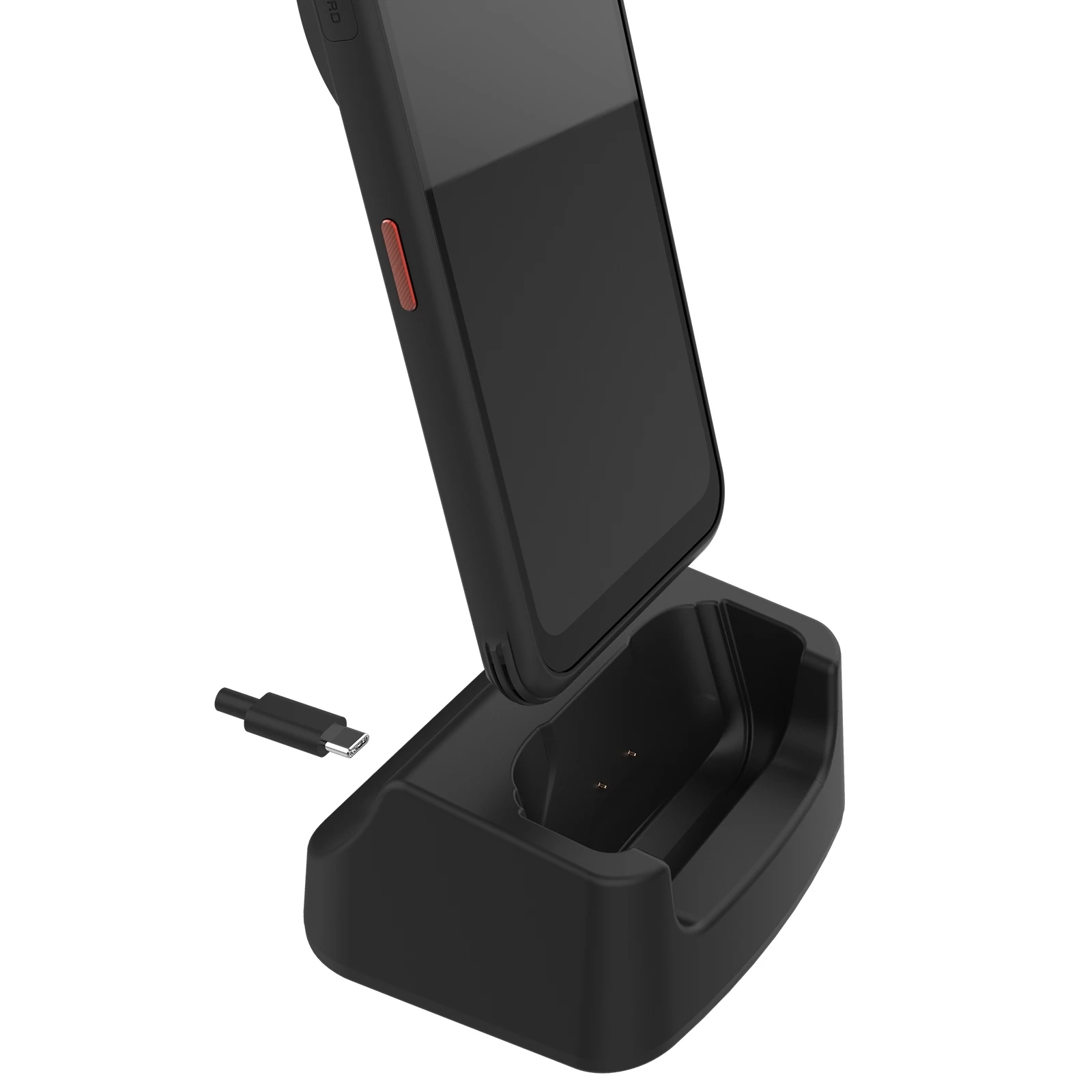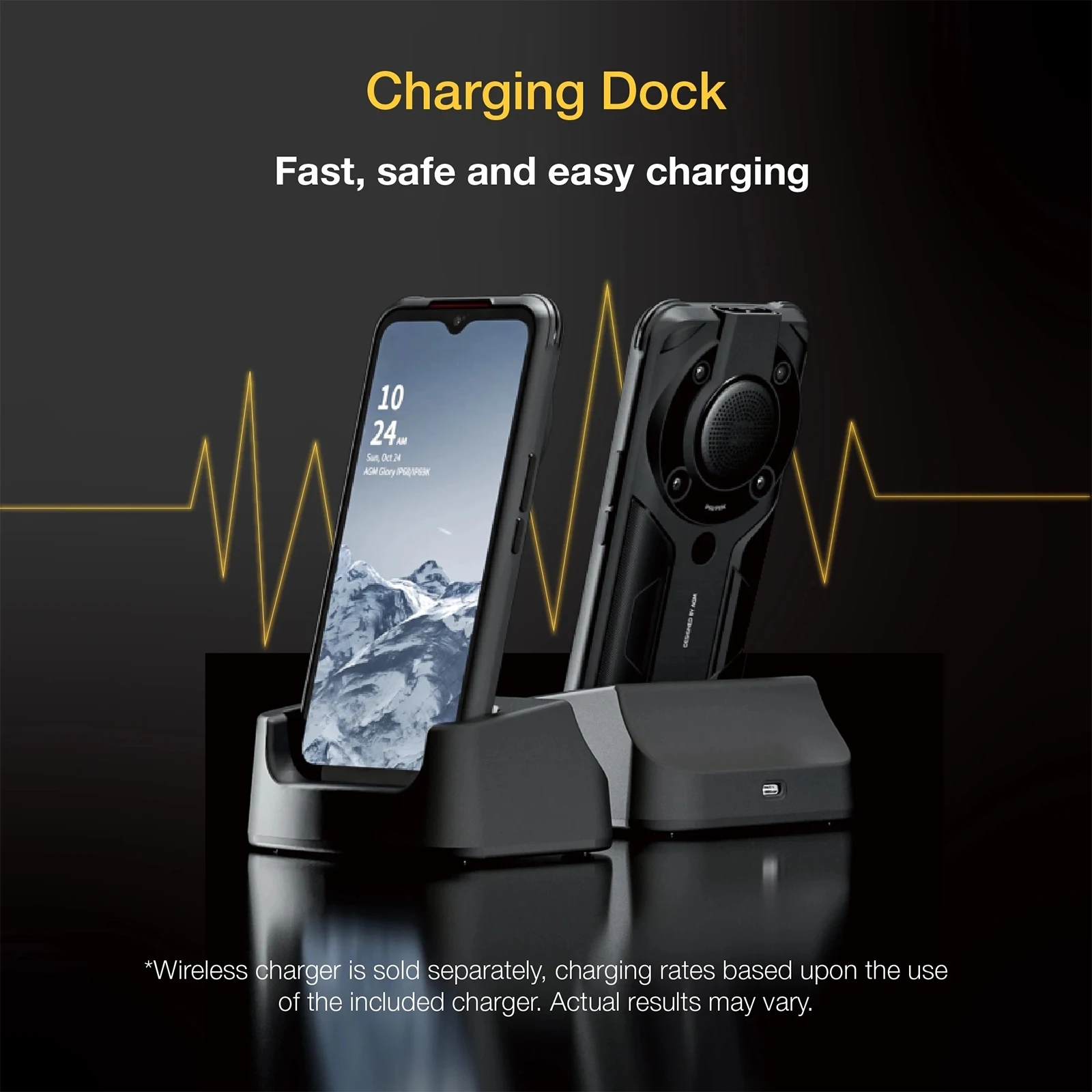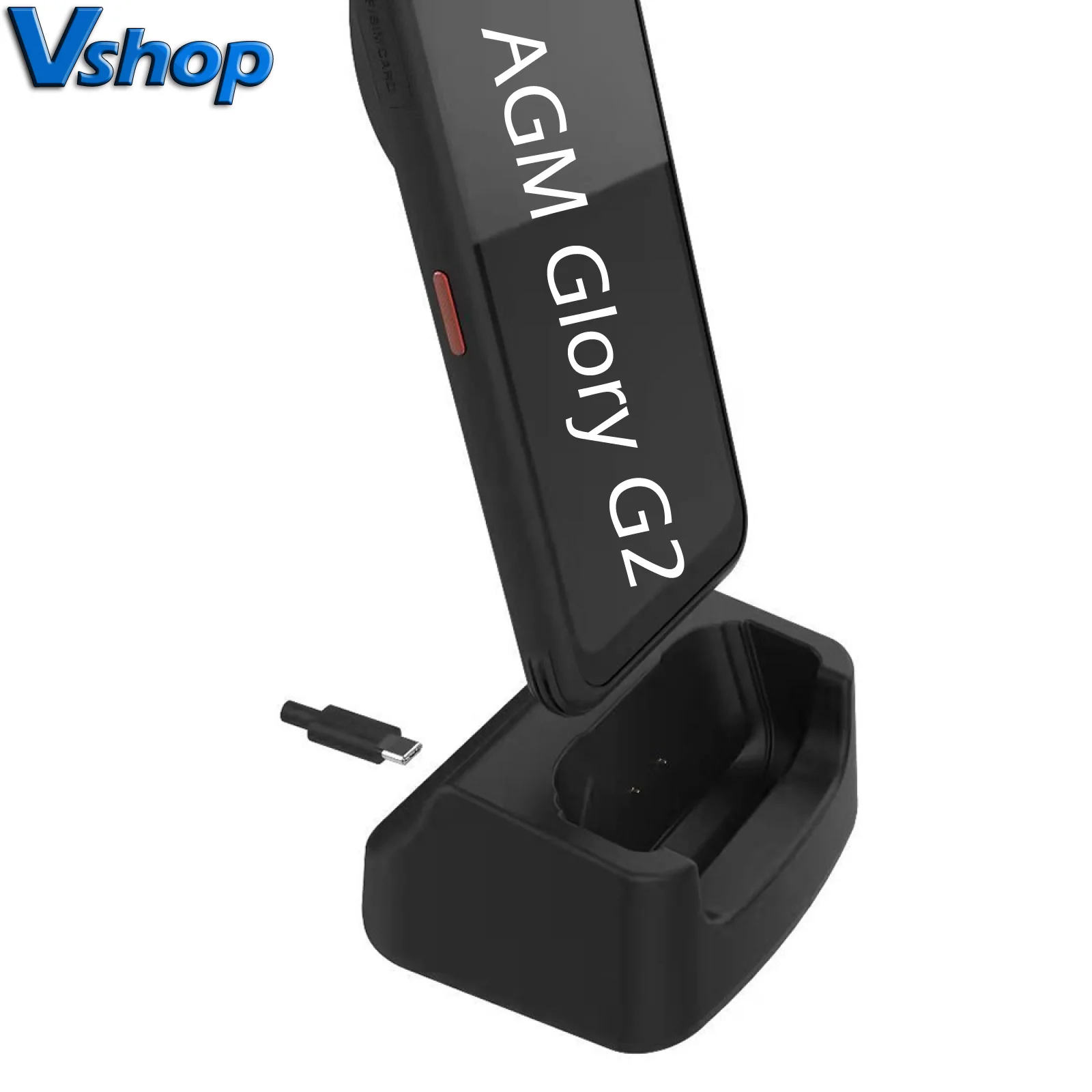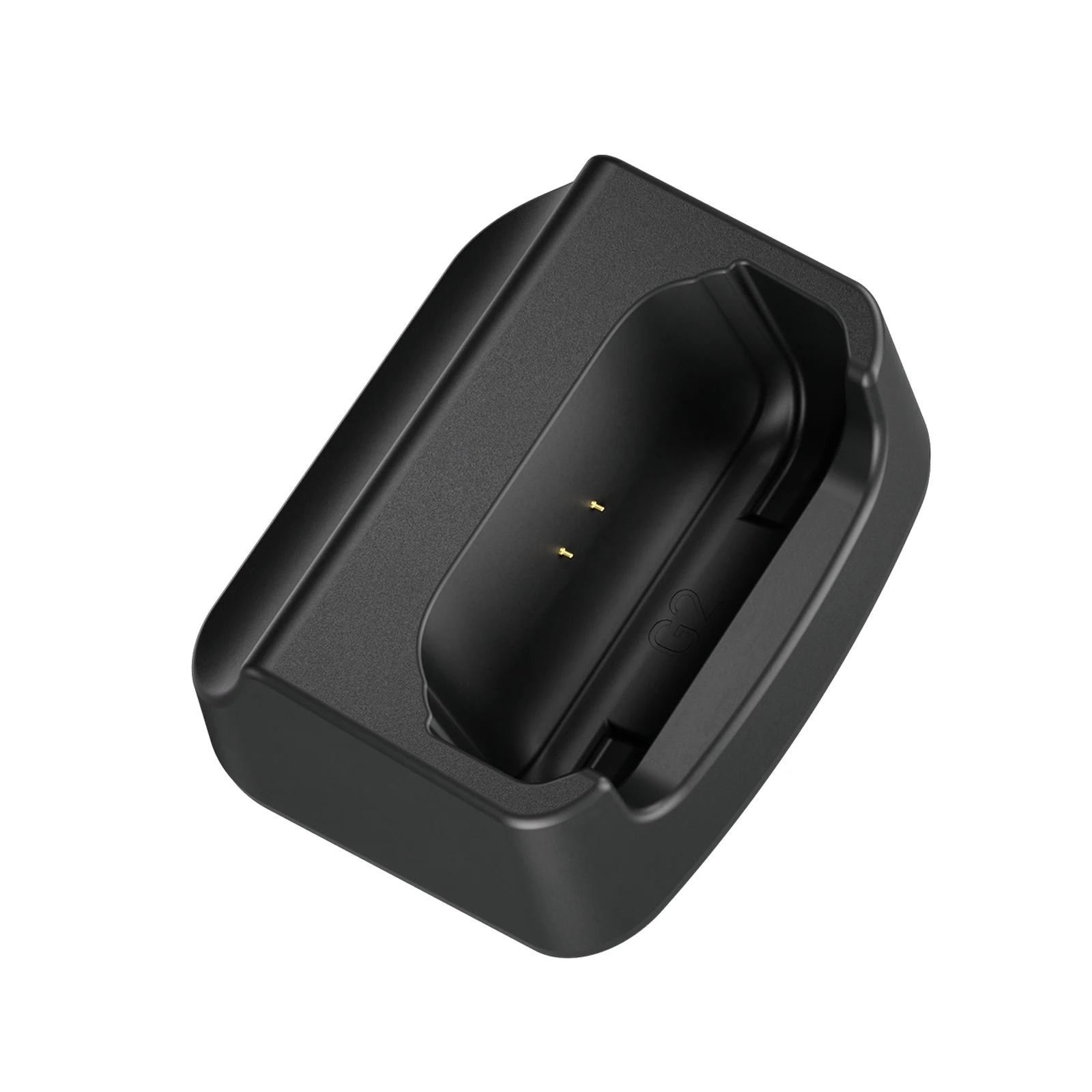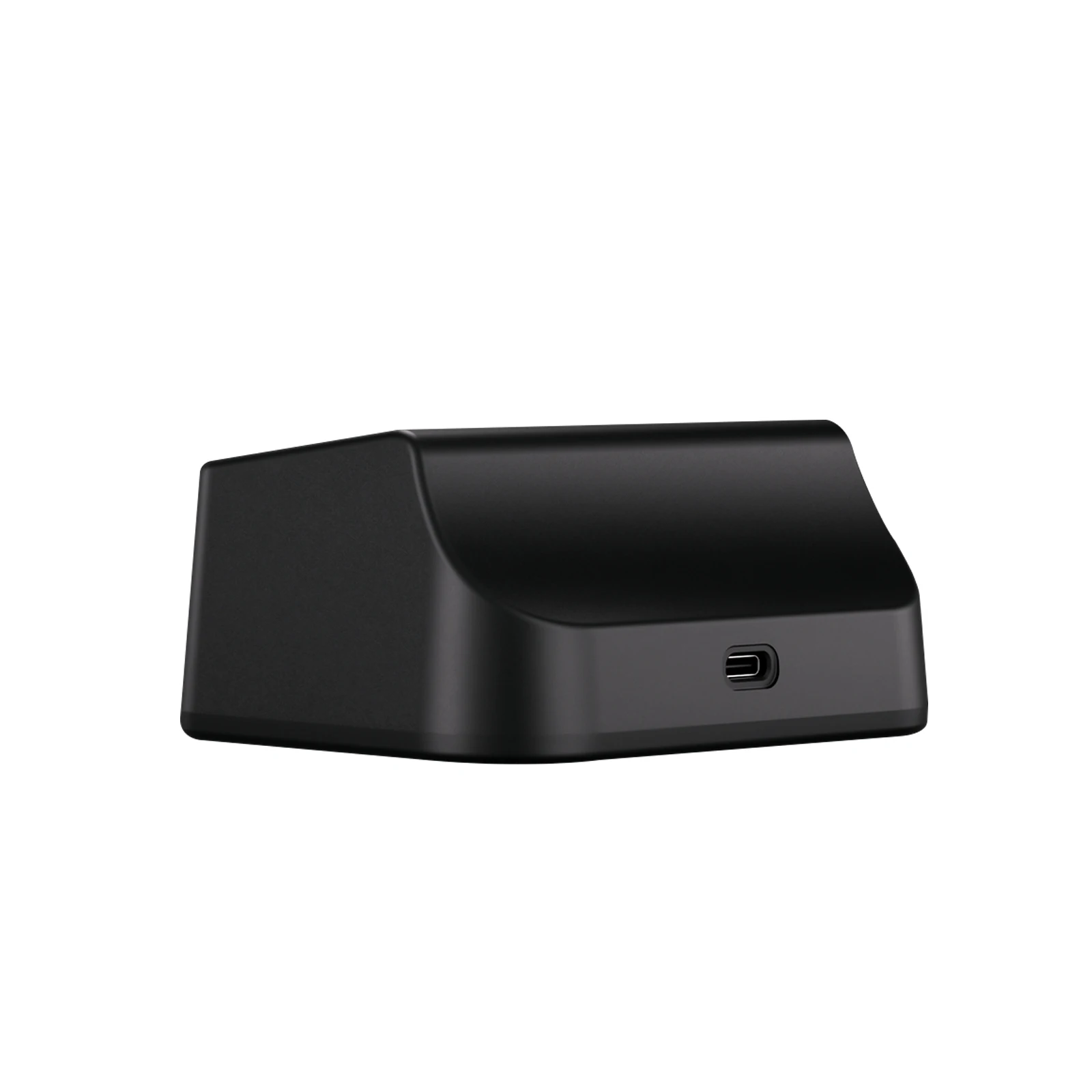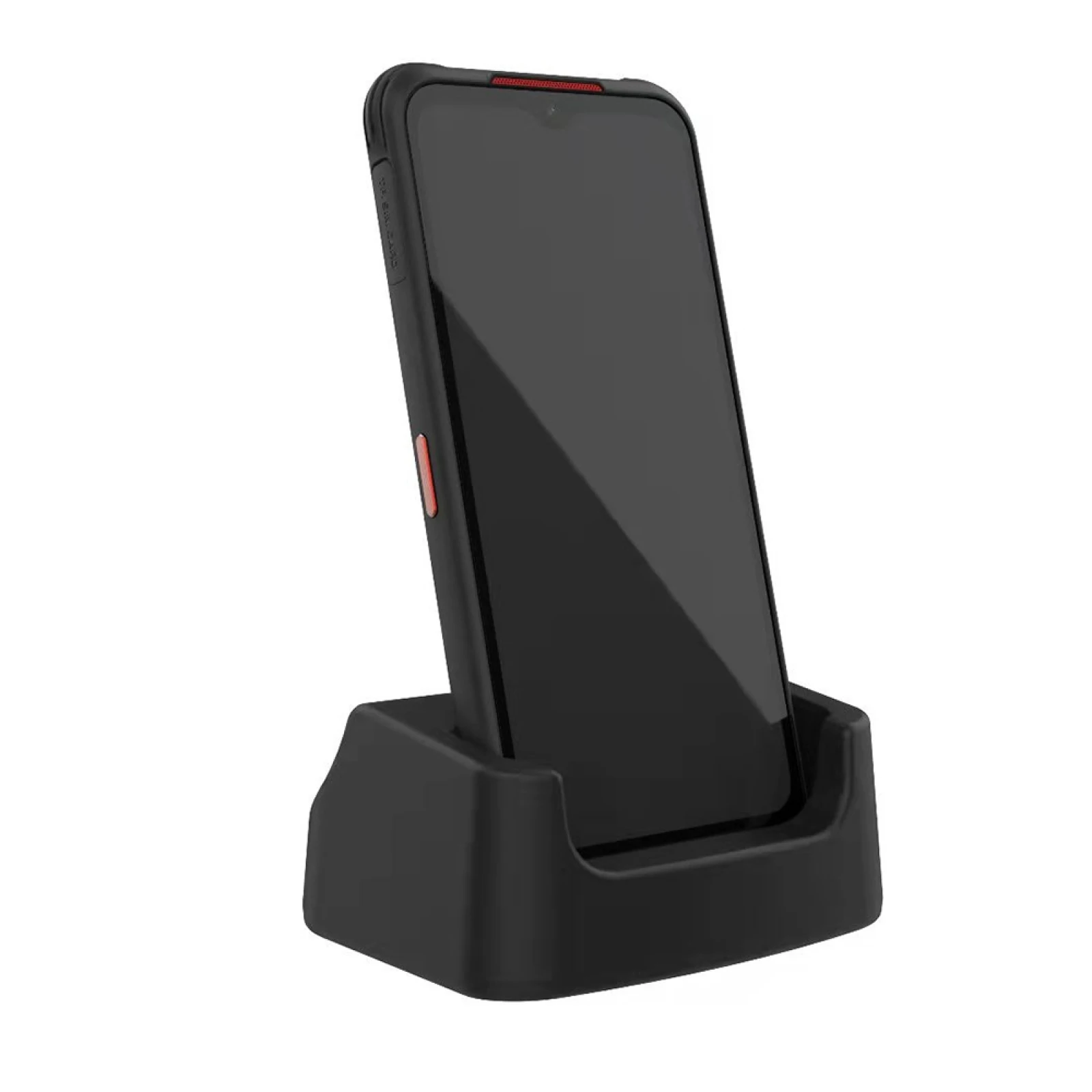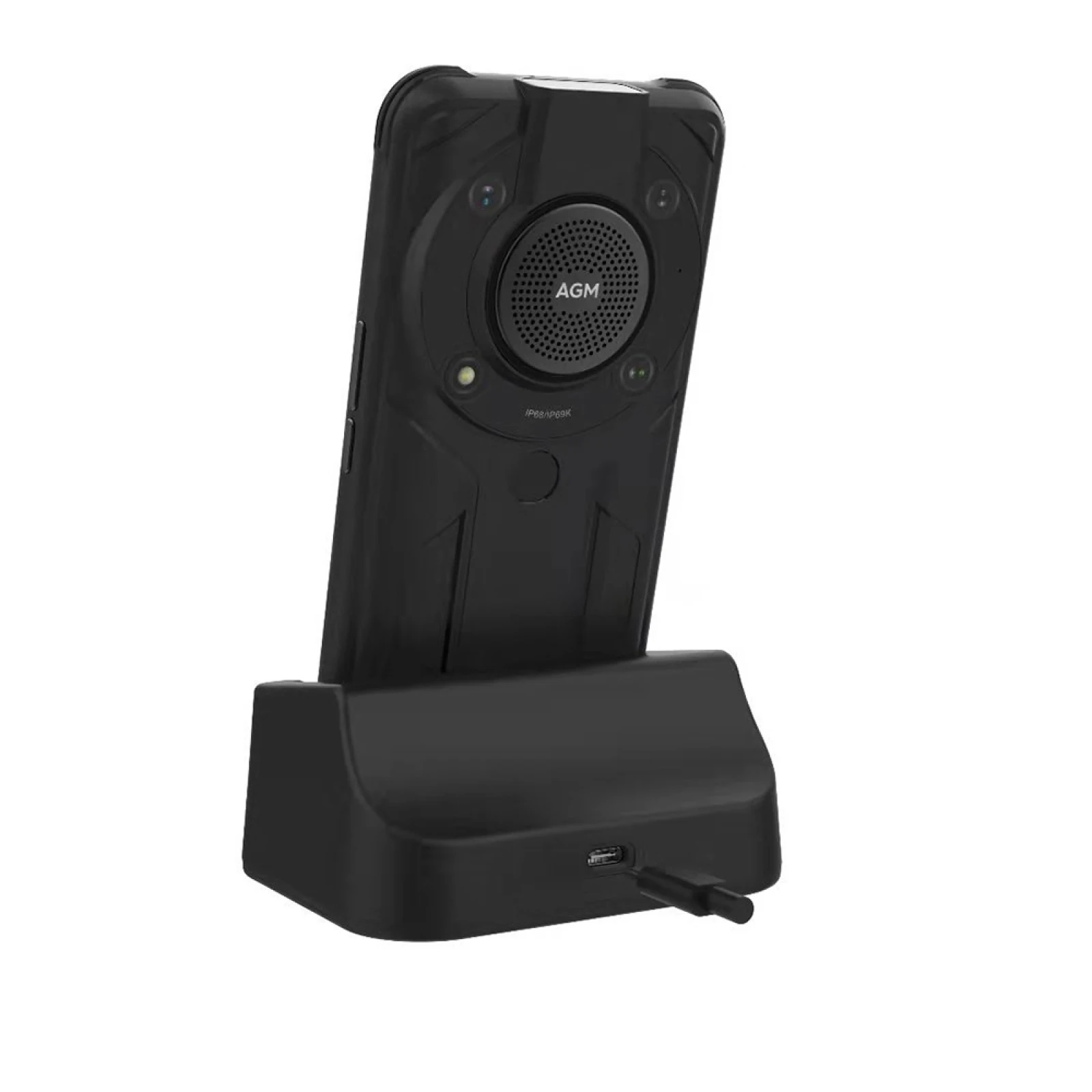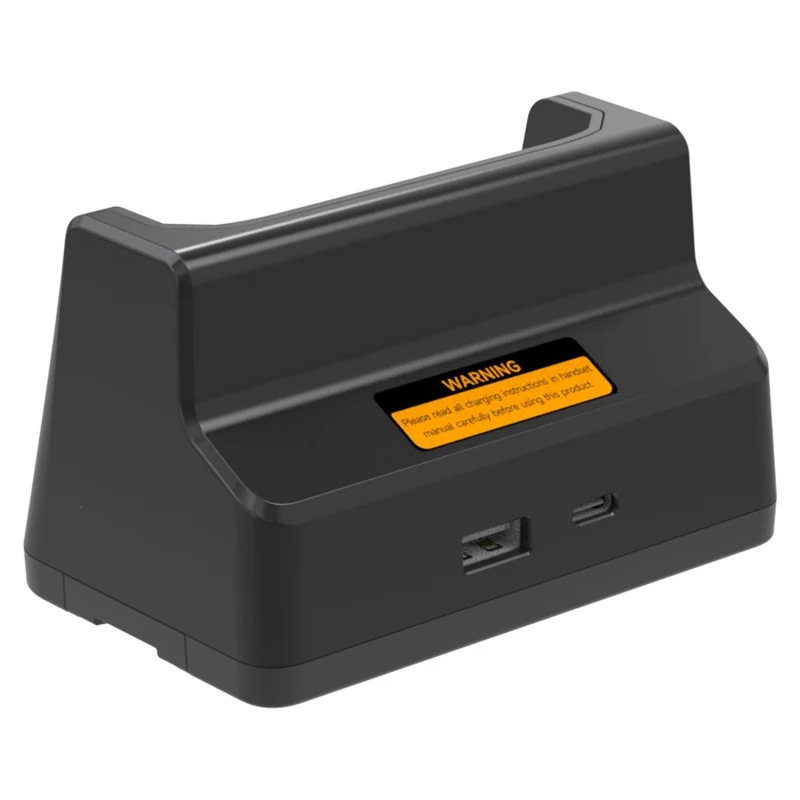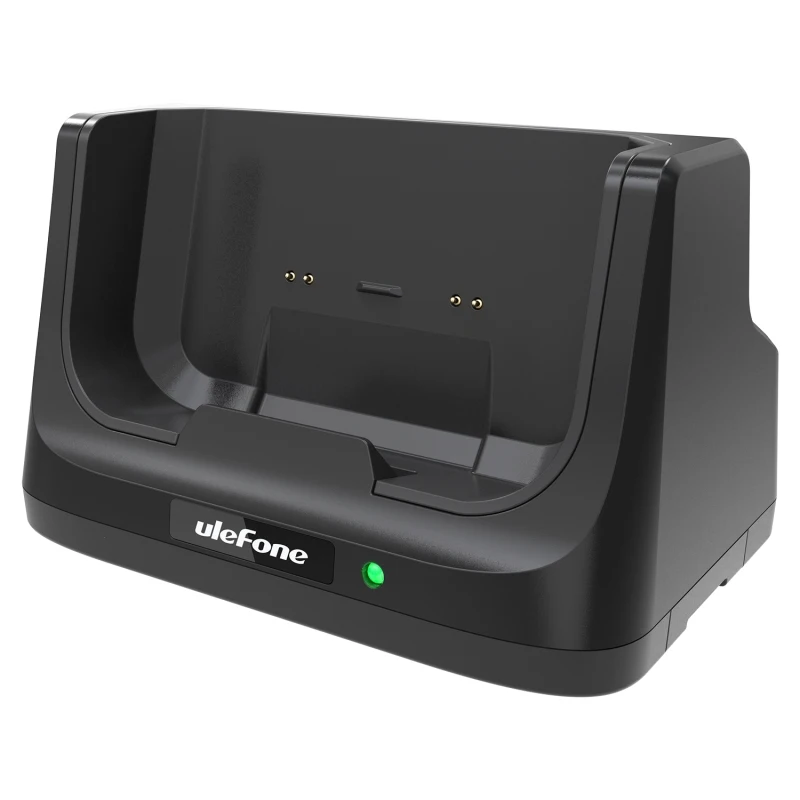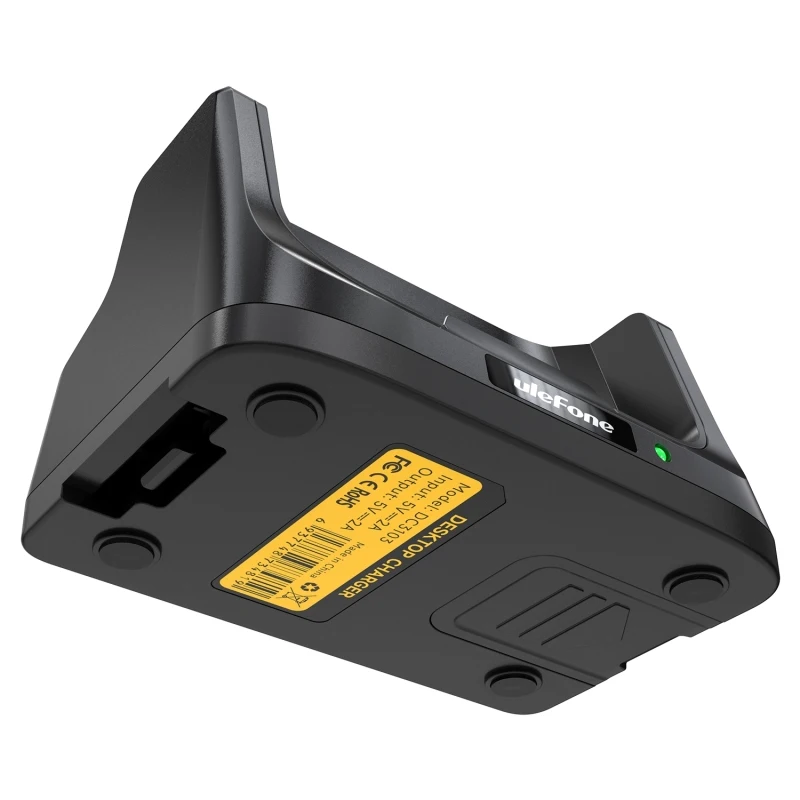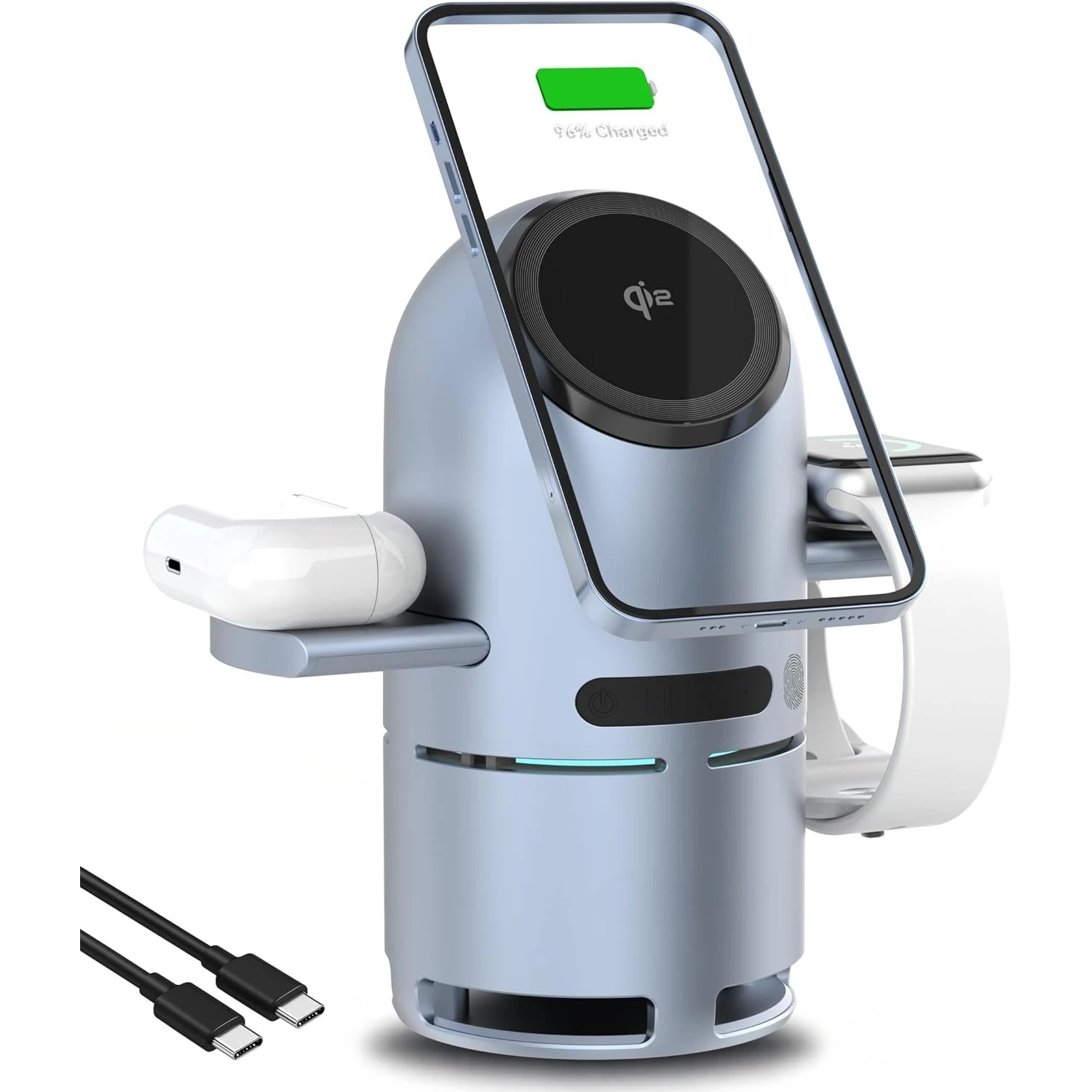
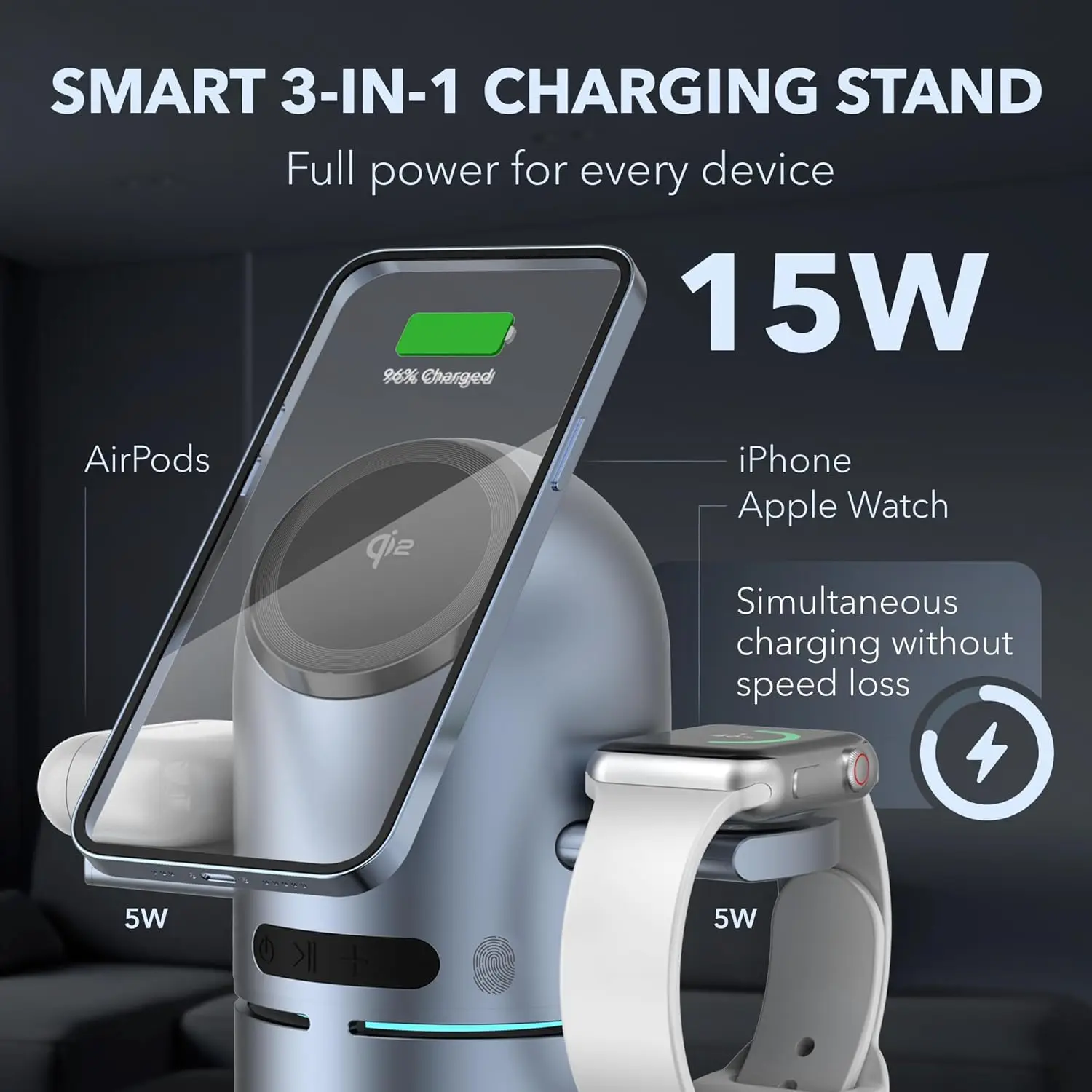
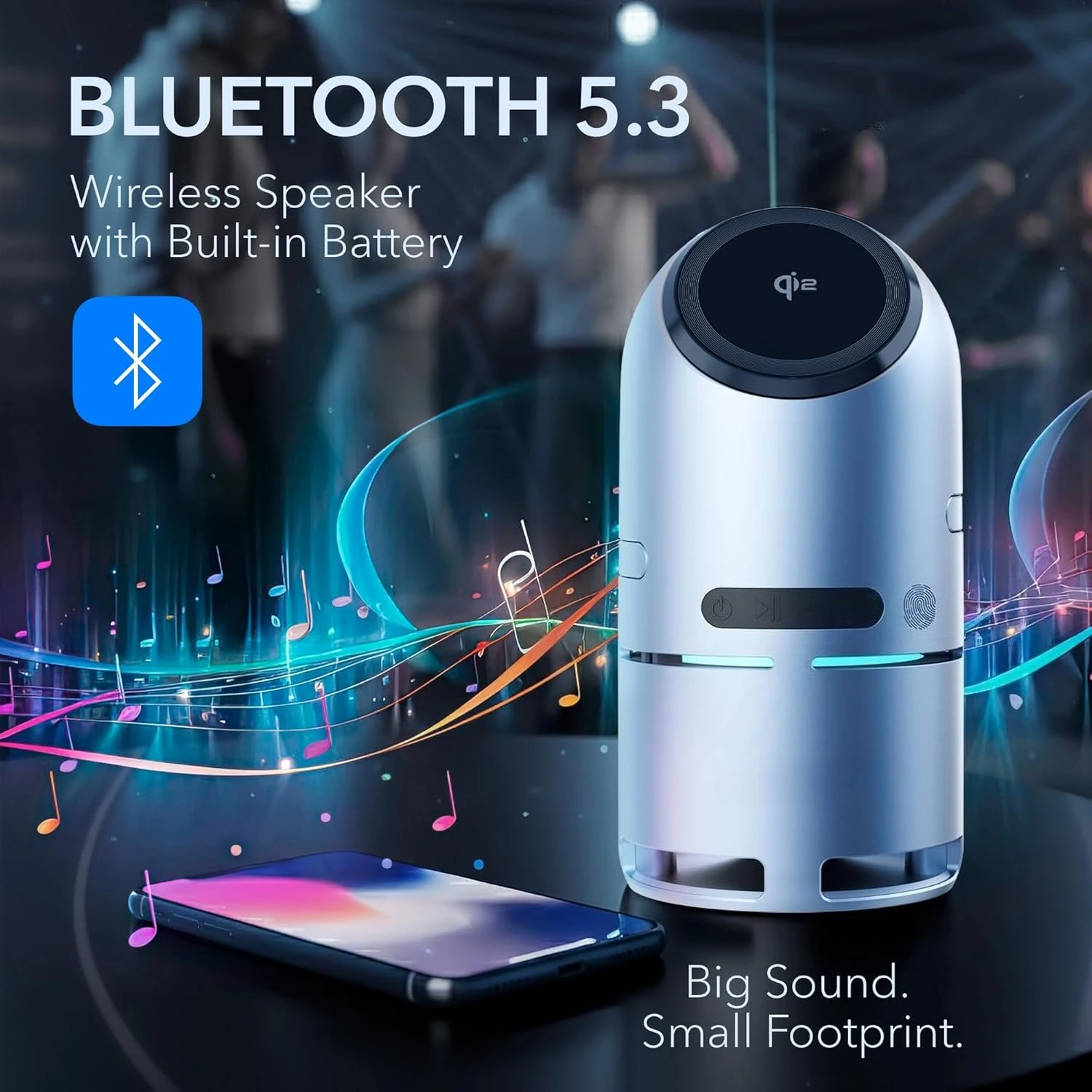
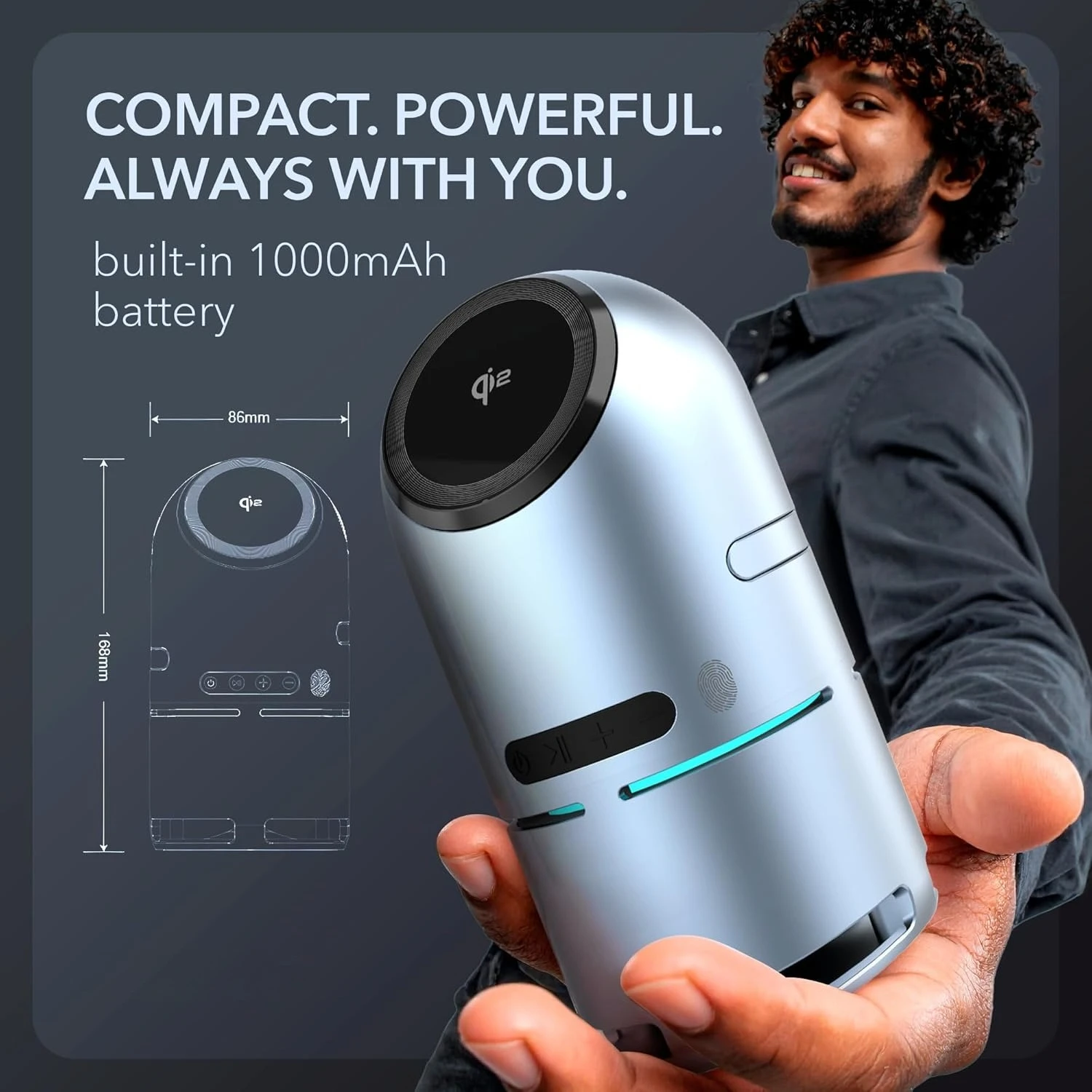
Qi2 15W 3 in 1 Magnetic Wireless Charger with Bluetooth Speaker Auto-Rotating for iPhone 17~12 Apple Watch AirPods Fast Charging
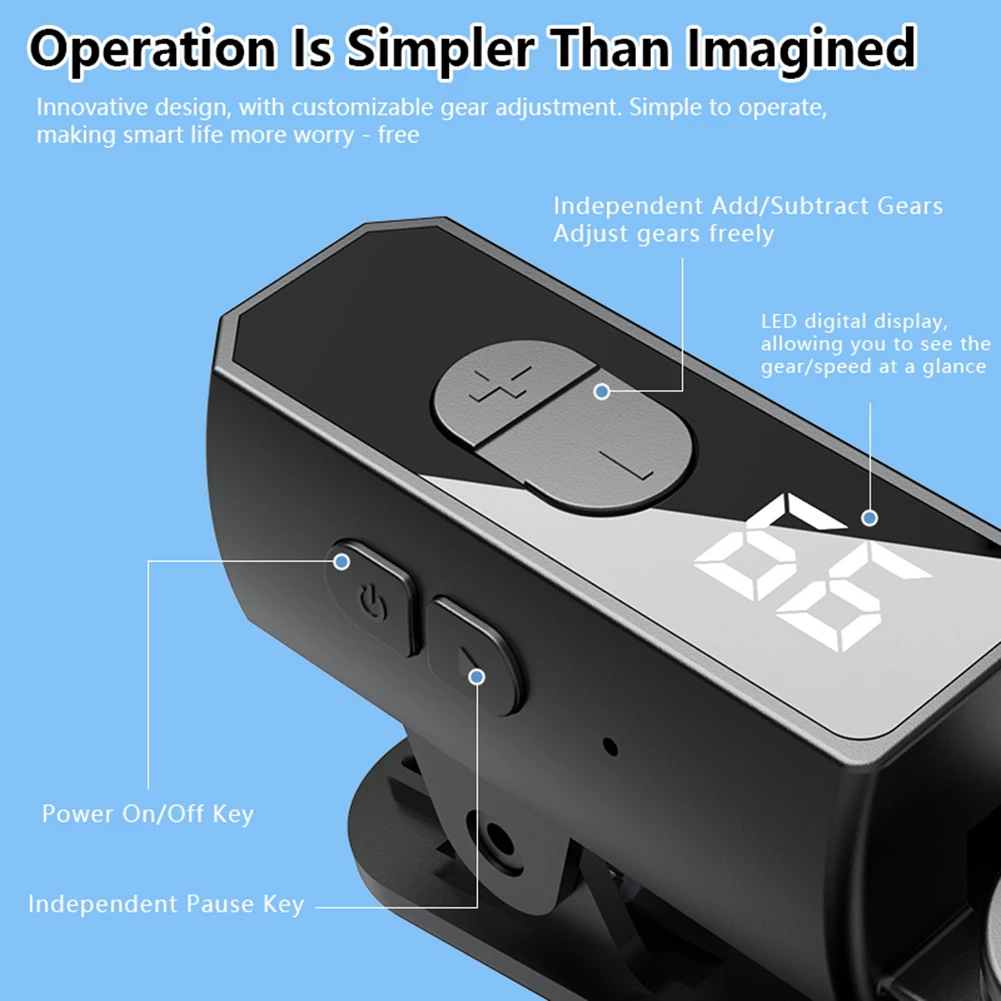
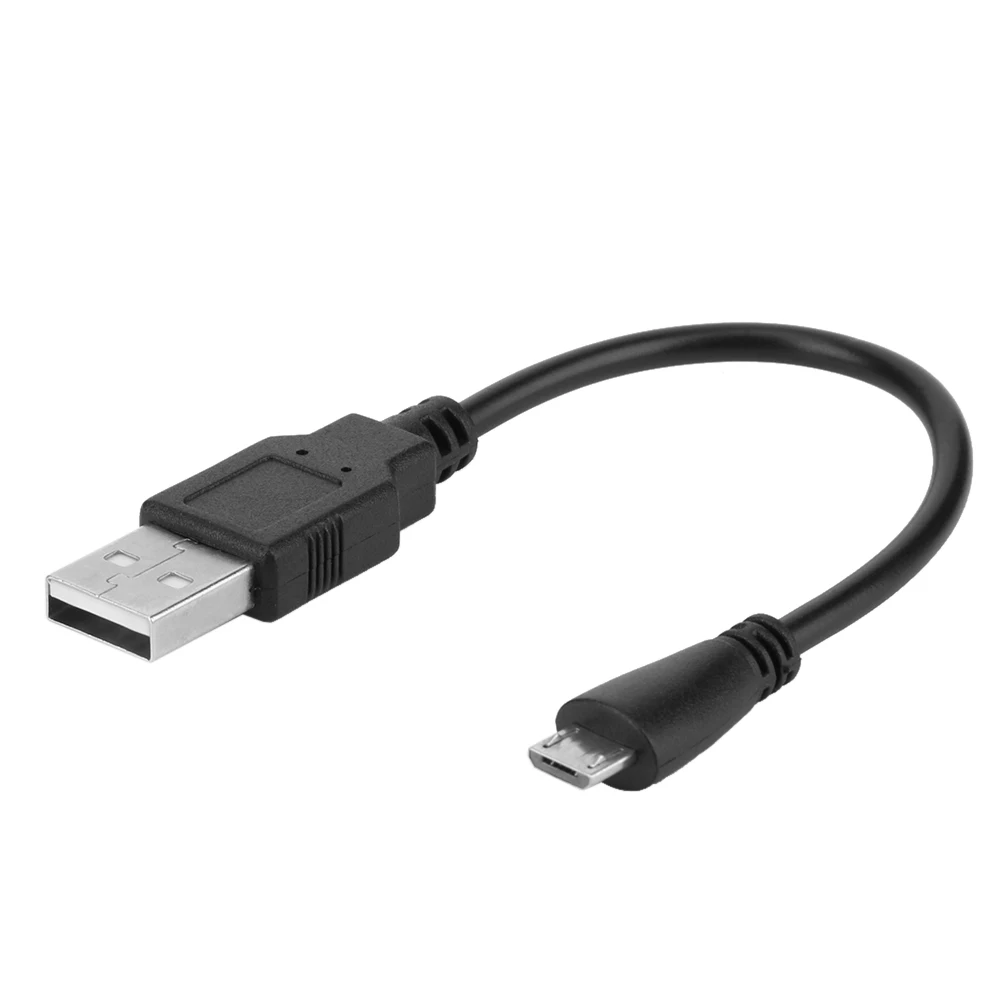
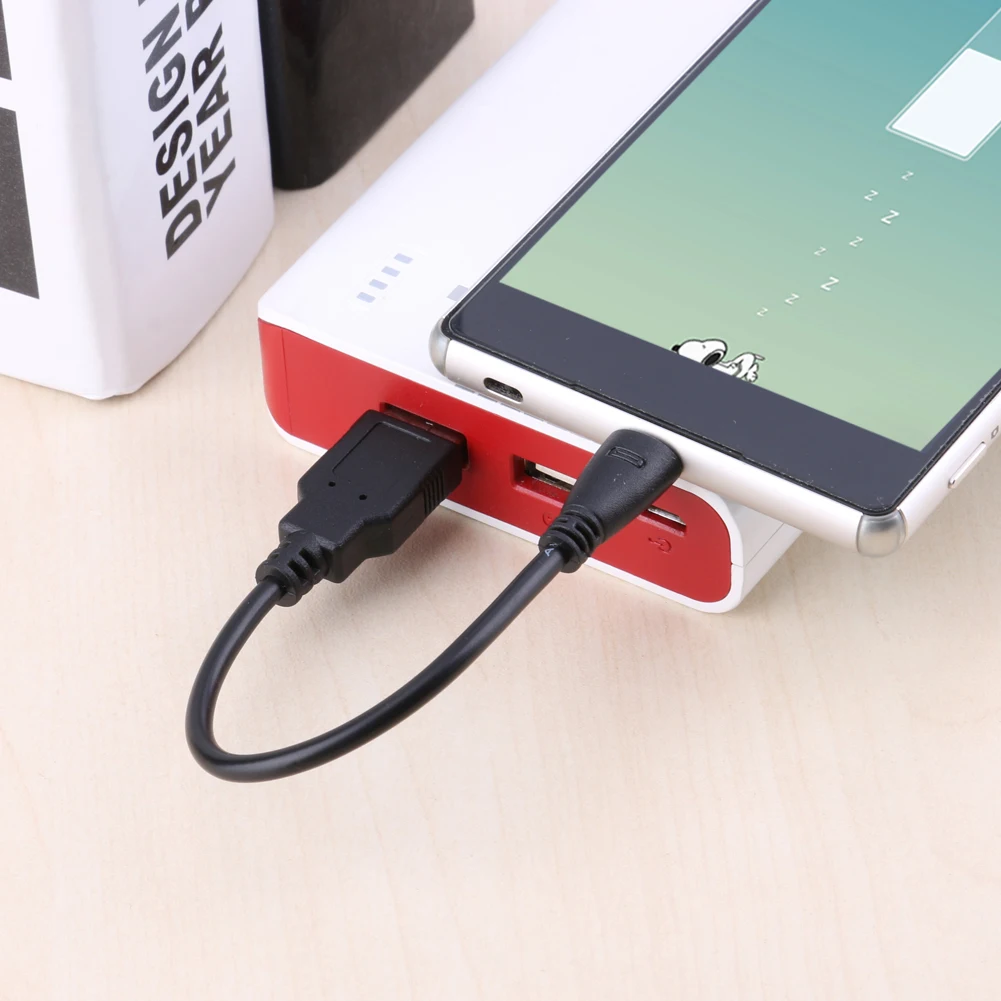
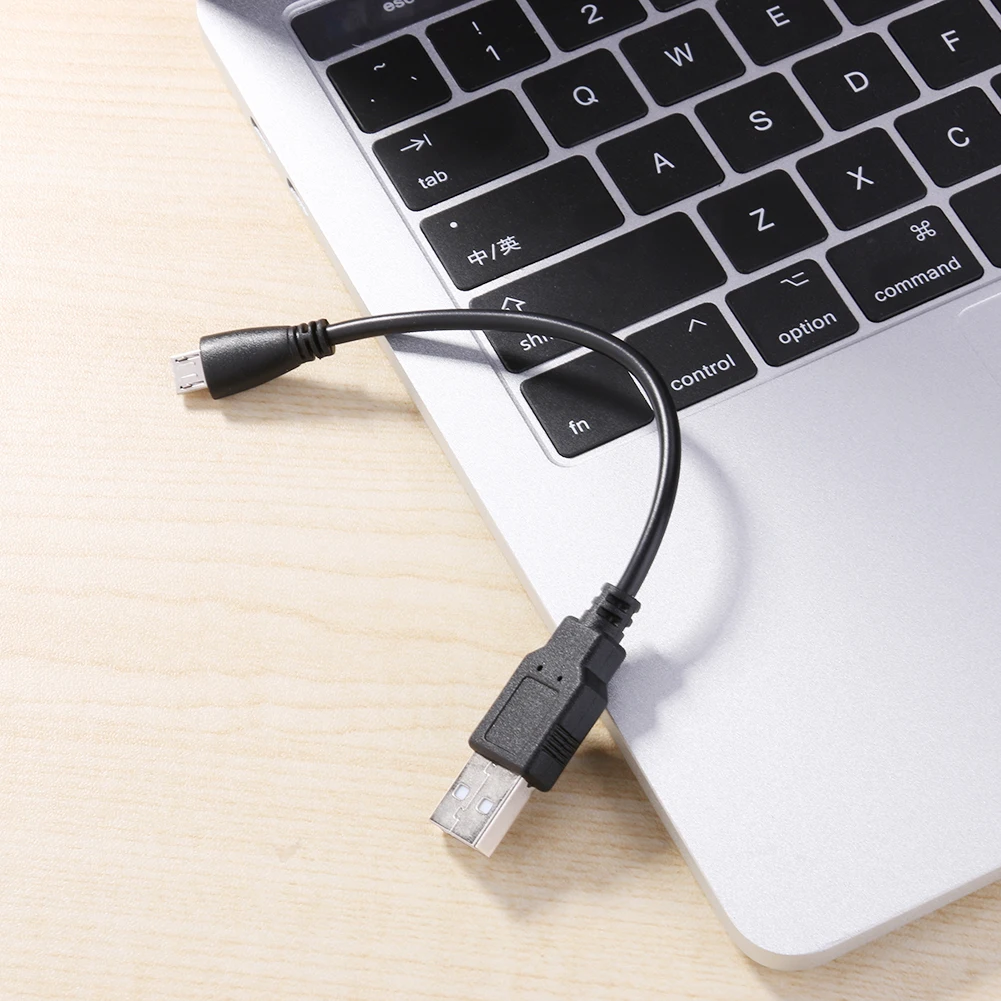
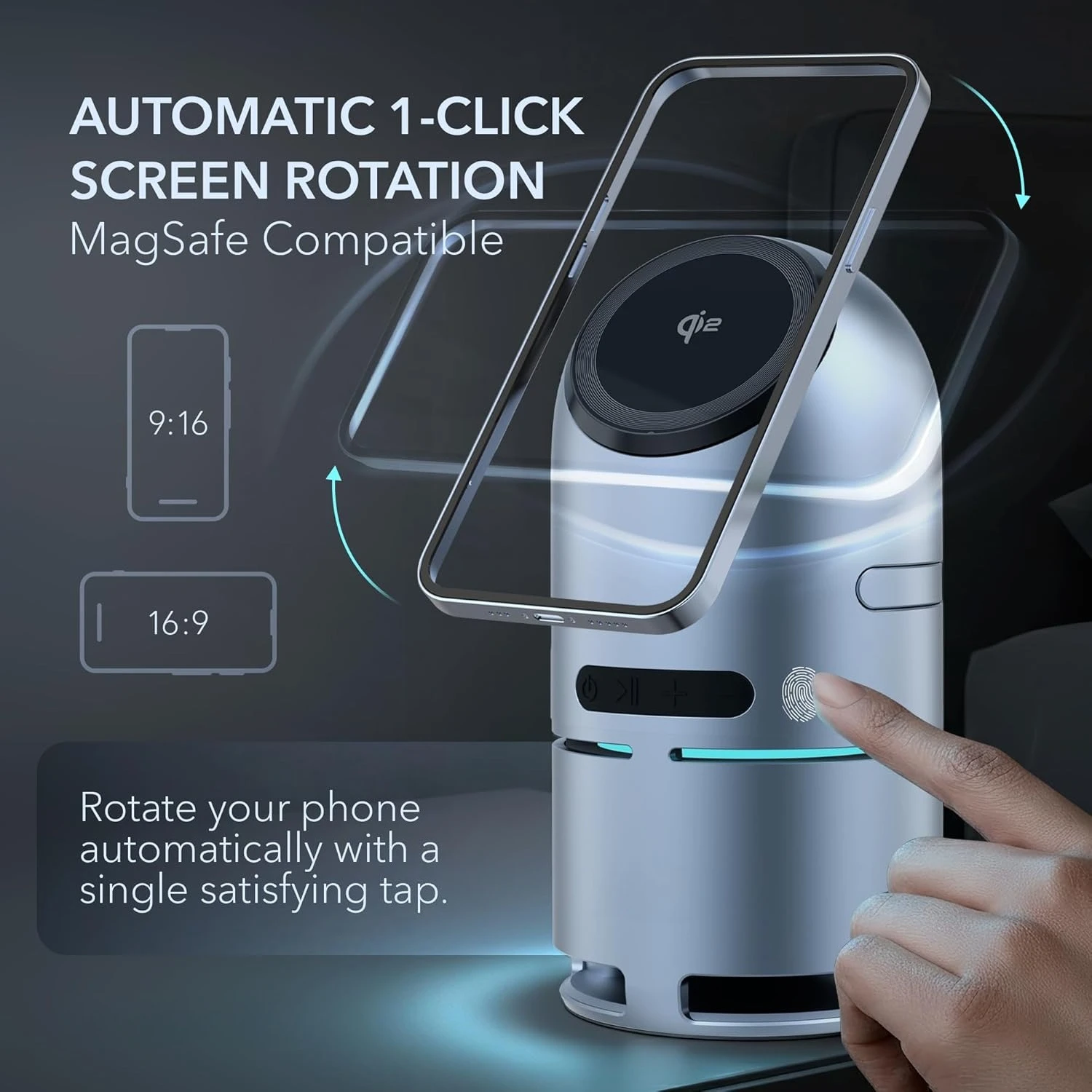
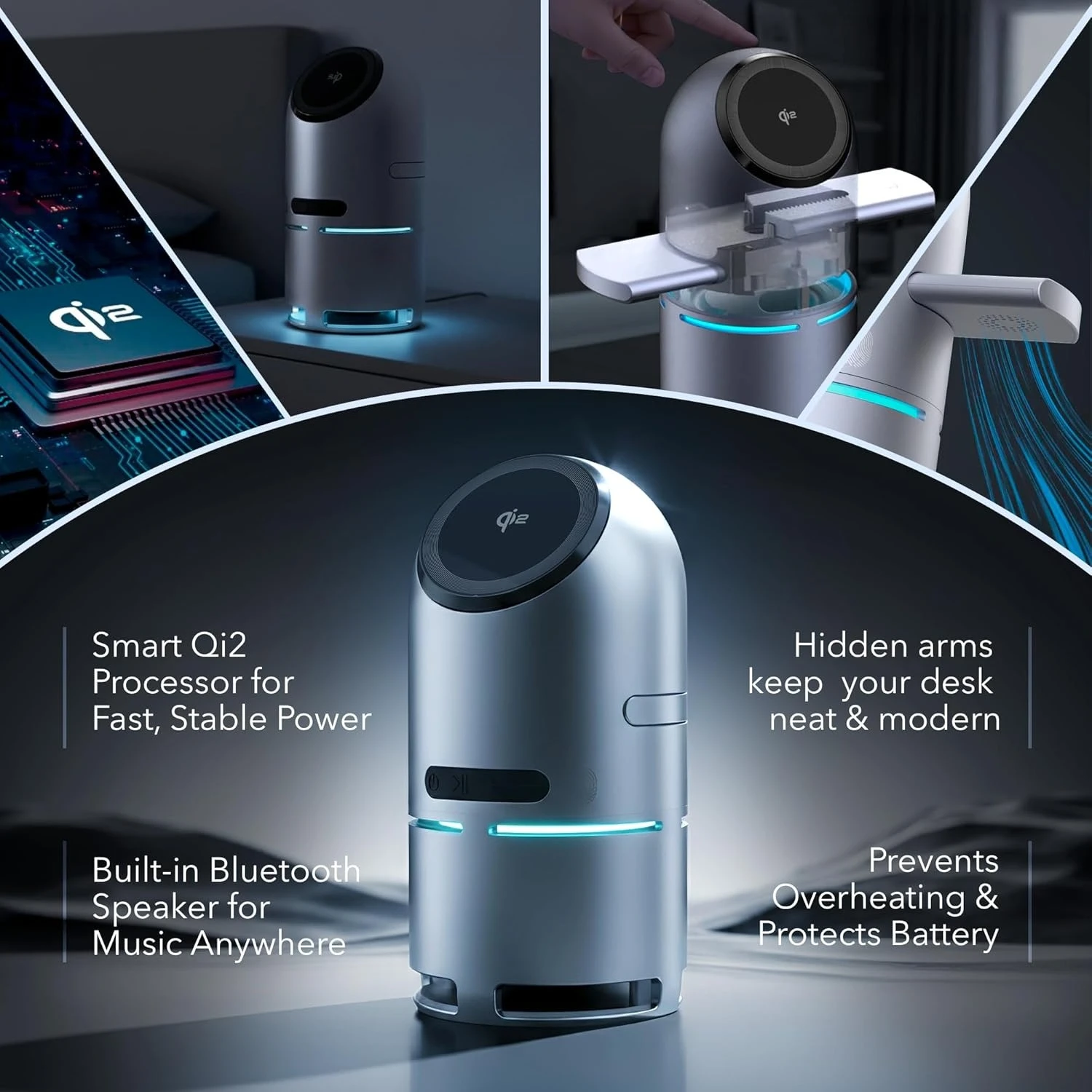
<div class="detailmodule_html"><div class="detail-desc-decorate-richtext"><div id="aplus"><ul><li id="faq-qa-pair-0"><p><span style="color:rgb(52, 152, 219)"><strong><span style="font-size:16px"><span style="font-family:Verdana, Geneva, sans-serif">Which devices is this compatible with?</span></span></strong></span></p><br/><p><span style="font-size:16px"><span style="font-family:Verdana, Geneva, sans-serif">For iPhone 12–17, including mini, Plus, Pro & Pro Max, and iPhone SE (2nd Gen)</span></span></p><p><span style="font-size:16px"><span style="font-family:Verdana, Geneva, sans-serif">For AirPods 2 (with wireless case) / AirPods pro / AirPods pro2 / AirPods 3 / AirPods 4</span></span></p><p><span style="font-size:16px"><span style="font-family:Verdana, Geneva, sans-serif">For Apple Watch Ultra, Ultra 2, Series 10-2, SE (1st and 2nd Gen)</span></span> </p></li><li id="faq-qa-pair-1"><h3><span style="color:rgb(52, 152, 219)"><strong><span style="font-size:16px"><span style="font-family:Verdana, Geneva, sans-serif">How do I rotate the phone while it's charging?</span></span></strong></span></h3><p><span style="font-size:16px"><span style="font-family:Verdana, Geneva, sans-serif">There’s a small touch button on the side of the stand. Tap it once and the phone rotates smoothly between portrait and landscape. Great for video calls, watching content, or just switching orientation without lifting your phone.</span></span><br/></p></li><li id="faq-qa-pair-2"><h3><span style="color:rgb(52, 152, 219)"><strong><span style="font-size:16px"><span style="font-family:Verdana, Geneva, sans-serif">How do the pop-up charging arms work?</span></span></strong></span></h3><p><span style="font-size:16px"><span style="font-family:Verdana, Geneva, sans-serif">Press the button on top of the charger and the two charging arms pop up automatically. When you don’t need them, press again and they fold back down for a clean, compact look.</span></span><br/></p></li><li id="faq-qa-pair-3"><h3><span style="color:rgb(52, 152, 219)"><strong><span style="font-size:16px"><span style="font-family:Verdana, Geneva, sans-serif">How do I pair the Bluetooth speaker?</span></span></strong></span></h3><p><span style="font-size:16px"><span style="font-family:Verdana, Geneva, sans-serif">Hold the power button for a few seconds to turn on Bluetooth mode. Open your phone’s Bluetooth settings and select “S9” from the list. Once connected, you can play music, take calls, or use it for videos - no extra steps needed.</span></span><br/></p></li><li id="faq-qa-pair-4"><h3><span style="color:rgb(52, 152, 219)"><strong><span style="font-size:16px"><span style="font-family:Verdana, Geneva, sans-serif">Does it charge all devices at full speed at the same time?</span></span></strong></span></h3><p><span style="font-size:16px"><span style="font-family:Verdana, Geneva, sans-serif">Yes - each charging area has its own power circuit. You can charge your phone, earbuds, and watch at the same time without slowing down your phone.</span></span></p></li></ul><div><div><span style="font-family:Verdana, Geneva, sans-serif"><span style="font-size:16px">.aplus-v2 .container-with-background-image {<br/> width: 100%;<br/> height: 100%;<br/> background-repeat: no-repeat;<br/> background-size: cover;<br/> }</span></span></div><div><div><div><div><div> </div><ul><li><p><span style="font-family:Verdana, Geneva, sans-serif"><span style="font-size:16px"><span style="color:rgb(231, 76, 60)"><strong>Attention: It is necessary to connect the QC3.0 plug for optimal performance.</strong></span></span></span></p></li></ul><div></div></div></div></div><div><div><div><div></div></div><div> </div></div></div><div><div><div><div></div></div></div></div><div><div><div id="premium-aplus-13-carousel-3-id"><div><div><div><div><div id="premium-aplus-13-carousel-3-slide-0"><div></div></div><div id="premium-aplus-13-carousel-3-slide-1"><div></div></div></div></div></div></div></div></div></div><div><div><div><div></div></div></div></div><div><div><div><div></div></div><div> </div></div></div><div><div><div></div></div></div></div><div> </div><div> </div></div></div><div id="aplus"><div> </div></div><div>.aplus-v2 .container-with-background-image {<br/> width: 100%;<br/> height: 100%;<br/> background-repeat: no-repeat;<br/> background-size: cover;<br/> }.aplus-v2 .apm-brand-story-carousel-container {<br/> position: relative;<br/> }<br/><br/> .aplus-v2 .apm-brand-story-carousel-hero-container,<br/> .aplus-v2 .apm-brand-story-carousel-hero-container &gt; div {<br/> position: absolute;<br/> width: 100%;<br/> }/*<br/> Ensuring the carousel takes only the space it needs.<br/> The sizes need to be set again on the absolutely positioned elements so they can take up space.<br/> */<br/> .aplus-v2 .apm-brand-story-carousel-container,<br/> .aplus-v2 .apm-brand-story-carousel-hero-container {<br/> height: 625px;<br/> width: 100%;<br/> max-width: 1464px;<br/> margin-left: auto;<br/> margin-right: auto;<br/> overflow: hidden;<br/> }<br/><br/> .aplus-v2 .apm-brand-story-carousel-hero-container,<br/> .aplus-v2 .apm-brand-story-carousel-hero-container &gt; div {<br/> height: 625px;<br/> }.aplus-v2 .apm-brand-story-carousel.a-carousel-container {<br/> padding: 0px;<br/> }<br/><br/> /*<br/> This centers the carousel vertically on top of the hero image container and after the logo area (125px).<br/> Margin-top = (heroHeight - cardHeight - logoAreaHeight) / 2 + logoAreaHeight<br/> */<br/> .aplus-v2 .apm-brand-story-carousel .a-carousel-row-inner {<br/> margin-top: 149px;<br/> }<br/><br/> /*<br/> Cards need to have a width set, otherwise they default to 50px or so.<br/> All cards must have the same width. The carousel will resize itself so all cards take the width of the largest card.<br/> The left margin is for leaving a space between each card.<br/> */<br/> .aplus-v2 .apm-brand-story-carousel .a-carousel-card {<br/> width: 362px;<br/> margin-left: 30px !important;<br/> }<br/><br/> /* styling the navigation buttons so they are taller, flush with the sides, and have a clean white background */<br/> .aplus-v2 .apm-brand-story-carousel .a-carousel-col.a-carousel-left,<br/> .aplus-v2 .apm-brand-story-carousel .a-carousel-col.a-carousel-right {<br/> padding: 0px;<br/> }<br/><br/> .aplus-v2 .apm-brand-story-carousel .a-carousel-col.a-carousel-left .a-button-image,<br/> .aplus-v2 .apm-brand-story-carousel .a-carousel-col.a-carousel-right .a-button-image {<br/> border: none;<br/> margin: 0px;<br/> }<br/><br/> .aplus-v2 .apm-brand-story-carousel .a-carousel-col.a-carousel-left .a-button-image .a-button-inner,<br/> .aplus-v2 .apm-brand-story-carousel .a-carousel-col.a-carousel-right .a-button-image .a-button-inner {<br/> background: #fff;<br/> padding: 20px 6px;<br/> }<br/><br/> .aplus-v2 .apm-brand-story-carousel .a-carousel-col.a-carousel-left .a-button-image .a-button-inner {<br/> border-radius: 0px 4px 4px 0px;<br/> }<br/><br/> .aplus-v2 .apm-brand-story-carousel .a-carousel-col.a-carousel-right .a-button-image .a-button-inner {<br/> border-radius: 4px 0px 0px 4px;<br/> }</div></div></div><br/>
$95.885
$66.785
- Category : Phones & Telecommunications Accessories
- Brand : xikcu_manufacture_store XIKCU Manufacture Store
Colors
Sizes
-
+

<div class="detailmodule_html"><div class="detail-desc-decorate-richtext"><div id="aplus"><ul><li id="faq-qa-pair-0"><p><span style="color:rgb(52, 152, 219)"><strong><span style="font-size:16px"><span style="font-family:Verdana, Geneva, sans-serif">Which devices is this compatible with?</span></span></strong></span></p><br/><p><span style="font-size:16px"><span style="font-family:Verdana, Geneva, sans-serif">For iPhone 12–17, including mini, Plus, Pro & Pro Max, and iPhone SE (2nd Gen)</span></span></p><p><span style="font-size:16px"><span style="font-family:Verdana, Geneva, sans-serif">For AirPods 2 (with wireless case) / AirPods pro / AirPods pro2 / AirPods 3 / AirPods 4</span></span></p><p><span style="font-size:16px"><span style="font-family:Verdana, Geneva, sans-serif">For Apple Watch Ultra, Ultra 2, Series 10-2, SE (1st and 2nd Gen)</span></span> </p></li><li id="faq-qa-pair-1"><h3><span style="color:rgb(52, 152, 219)"><strong><span style="font-size:16px"><span style="font-family:Verdana, Geneva, sans-serif">How do I rotate the phone while it's charging?</span></span></strong></span></h3><p><span style="font-size:16px"><span style="font-family:Verdana, Geneva, sans-serif">There’s a small touch button on the side of the stand. Tap it once and the phone rotates smoothly between portrait and landscape. Great for video calls, watching content, or just switching orientation without lifting your phone.</span></span><br/></p></li><li id="faq-qa-pair-2"><h3><span style="color:rgb(52, 152, 219)"><strong><span style="font-size:16px"><span style="font-family:Verdana, Geneva, sans-serif">How do the pop-up charging arms work?</span></span></strong></span></h3><p><span style="font-size:16px"><span style="font-family:Verdana, Geneva, sans-serif">Press the button on top of the charger and the two charging arms pop up automatically. When you don’t need them, press again and they fold back down for a clean, compact look.</span></span><br/></p></li><li id="faq-qa-pair-3"><h3><span style="color:rgb(52, 152, 219)"><strong><span style="font-size:16px"><span style="font-family:Verdana, Geneva, sans-serif">How do I pair the Bluetooth speaker?</span></span></strong></span></h3><p><span style="font-size:16px"><span style="font-family:Verdana, Geneva, sans-serif">Hold the power button for a few seconds to turn on Bluetooth mode. Open your phone’s Bluetooth settings and select “S9” from the list. Once connected, you can play music, take calls, or use it for videos - no extra steps needed.</span></span><br/></p></li><li id="faq-qa-pair-4"><h3><span style="color:rgb(52, 152, 219)"><strong><span style="font-size:16px"><span style="font-family:Verdana, Geneva, sans-serif">Does it charge all devices at full speed at the same time?</span></span></strong></span></h3><p><span style="font-size:16px"><span style="font-family:Verdana, Geneva, sans-serif">Yes - each charging area has its own power circuit. You can charge your phone, earbuds, and watch at the same time without slowing down your phone.</span></span></p></li></ul><div><div><span style="font-family:Verdana, Geneva, sans-serif"><span style="font-size:16px">.aplus-v2 .container-with-background-image {<br/> width: 100%;<br/> height: 100%;<br/> background-repeat: no-repeat;<br/> background-size: cover;<br/> }</span></span></div><div><div><div><div><div> </div><ul><li><p><span style="font-family:Verdana, Geneva, sans-serif"><span style="font-size:16px"><span style="color:rgb(231, 76, 60)"><strong>Attention: It is necessary to connect the QC3.0 plug for optimal performance.</strong></span></span></span></p></li></ul><div></div></div></div></div><div><div><div><div></div></div><div> </div></div></div><div><div><div><div></div></div></div></div><div><div><div id="premium-aplus-13-carousel-3-id"><div><div><div><div><div id="premium-aplus-13-carousel-3-slide-0"><div></div></div><div id="premium-aplus-13-carousel-3-slide-1"><div></div></div></div></div></div></div></div></div></div><div><div><div><div></div></div></div></div><div><div><div><div></div></div><div> </div></div></div><div><div><div></div></div></div></div><div> </div><div> </div></div></div><div id="aplus"><div> </div></div><div>.aplus-v2 .container-with-background-image {<br/> width: 100%;<br/> height: 100%;<br/> background-repeat: no-repeat;<br/> background-size: cover;<br/> }.aplus-v2 .apm-brand-story-carousel-container {<br/> position: relative;<br/> }<br/><br/> .aplus-v2 .apm-brand-story-carousel-hero-container,<br/> .aplus-v2 .apm-brand-story-carousel-hero-container &gt; div {<br/> position: absolute;<br/> width: 100%;<br/> }/*<br/> Ensuring the carousel takes only the space it needs.<br/> The sizes need to be set again on the absolutely positioned elements so they can take up space.<br/> */<br/> .aplus-v2 .apm-brand-story-carousel-container,<br/> .aplus-v2 .apm-brand-story-carousel-hero-container {<br/> height: 625px;<br/> width: 100%;<br/> max-width: 1464px;<br/> margin-left: auto;<br/> margin-right: auto;<br/> overflow: hidden;<br/> }<br/><br/> .aplus-v2 .apm-brand-story-carousel-hero-container,<br/> .aplus-v2 .apm-brand-story-carousel-hero-container &gt; div {<br/> height: 625px;<br/> }.aplus-v2 .apm-brand-story-carousel.a-carousel-container {<br/> padding: 0px;<br/> }<br/><br/> /*<br/> This centers the carousel vertically on top of the hero image container and after the logo area (125px).<br/> Margin-top = (heroHeight - cardHeight - logoAreaHeight) / 2 + logoAreaHeight<br/> */<br/> .aplus-v2 .apm-brand-story-carousel .a-carousel-row-inner {<br/> margin-top: 149px;<br/> }<br/><br/> /*<br/> Cards need to have a width set, otherwise they default to 50px or so.<br/> All cards must have the same width. The carousel will resize itself so all cards take the width of the largest card.<br/> The left margin is for leaving a space between each card.<br/> */<br/> .aplus-v2 .apm-brand-story-carousel .a-carousel-card {<br/> width: 362px;<br/> margin-left: 30px !important;<br/> }<br/><br/> /* styling the navigation buttons so they are taller, flush with the sides, and have a clean white background */<br/> .aplus-v2 .apm-brand-story-carousel .a-carousel-col.a-carousel-left,<br/> .aplus-v2 .apm-brand-story-carousel .a-carousel-col.a-carousel-right {<br/> padding: 0px;<br/> }<br/><br/> .aplus-v2 .apm-brand-story-carousel .a-carousel-col.a-carousel-left .a-button-image,<br/> .aplus-v2 .apm-brand-story-carousel .a-carousel-col.a-carousel-right .a-button-image {<br/> border: none;<br/> margin: 0px;<br/> }<br/><br/> .aplus-v2 .apm-brand-story-carousel .a-carousel-col.a-carousel-left .a-button-image .a-button-inner,<br/> .aplus-v2 .apm-brand-story-carousel .a-carousel-col.a-carousel-right .a-button-image .a-button-inner {<br/> background: #fff;<br/> padding: 20px 6px;<br/> }<br/><br/> .aplus-v2 .apm-brand-story-carousel .a-carousel-col.a-carousel-left .a-button-image .a-button-inner {<br/> border-radius: 0px 4px 4px 0px;<br/> }<br/><br/> .aplus-v2 .apm-brand-story-carousel .a-carousel-col.a-carousel-right .a-button-image .a-button-inner {<br/> border-radius: 4px 0px 0px 4px;<br/> }</div></div></div><br/>
Related Product
Browse The Collection of Top Products.