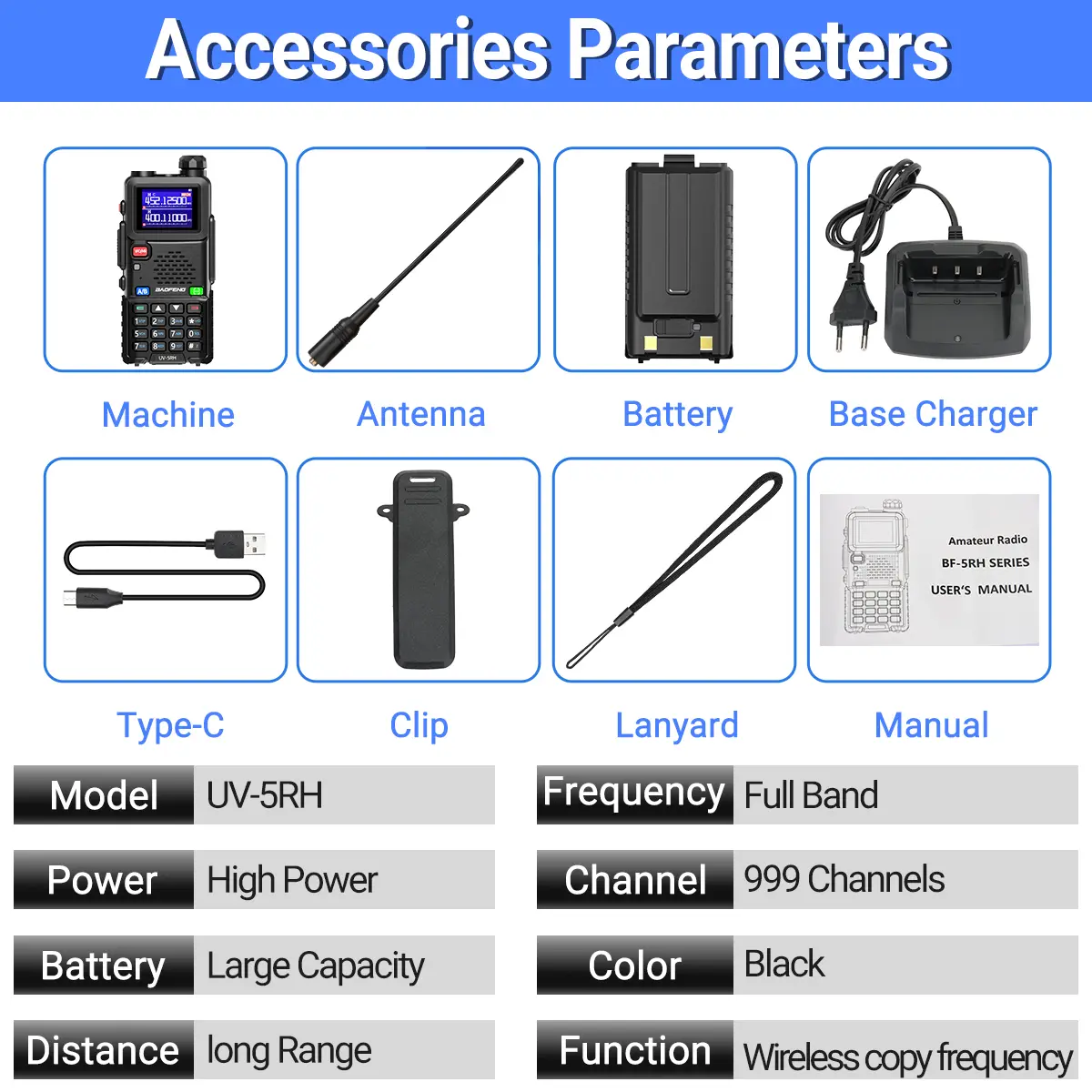
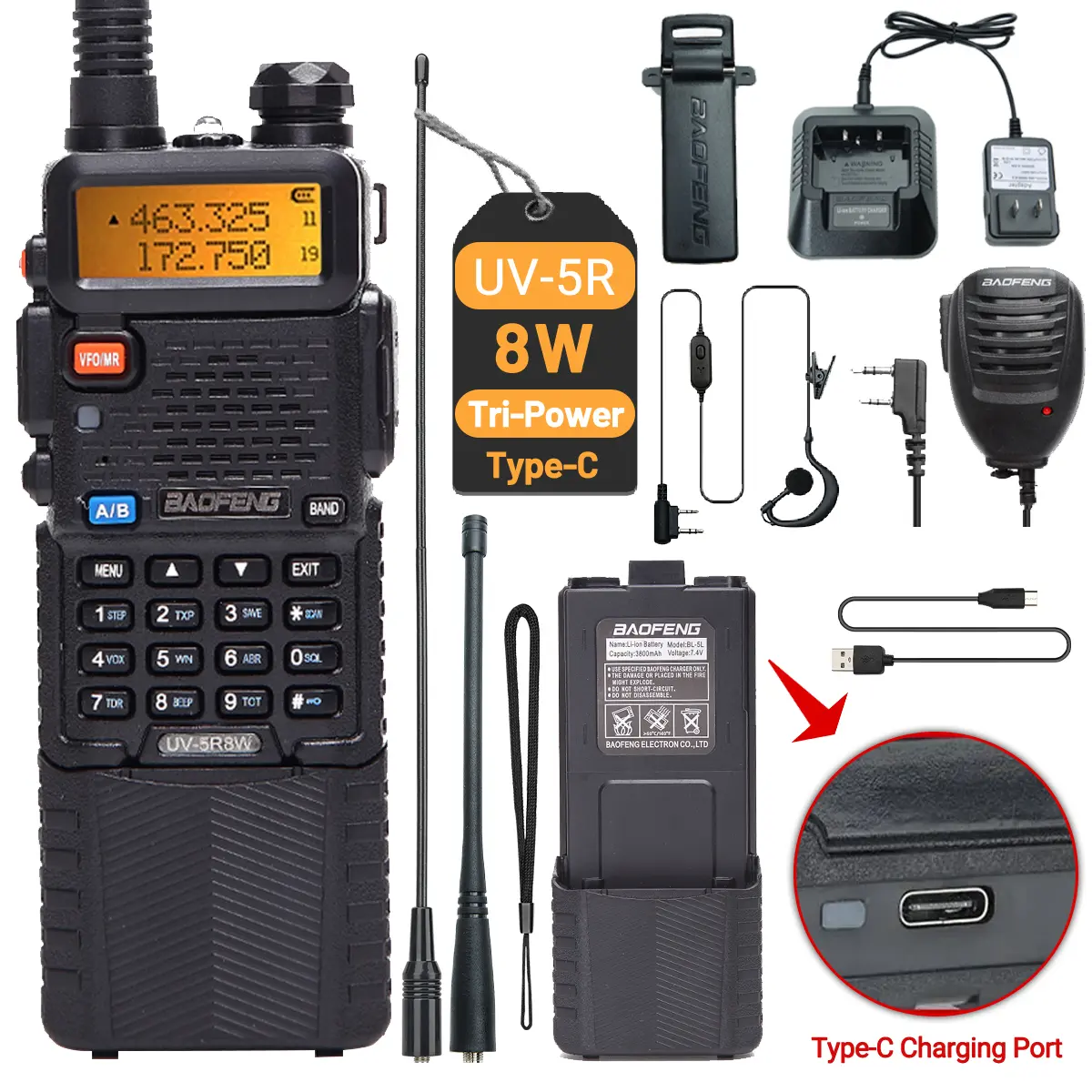
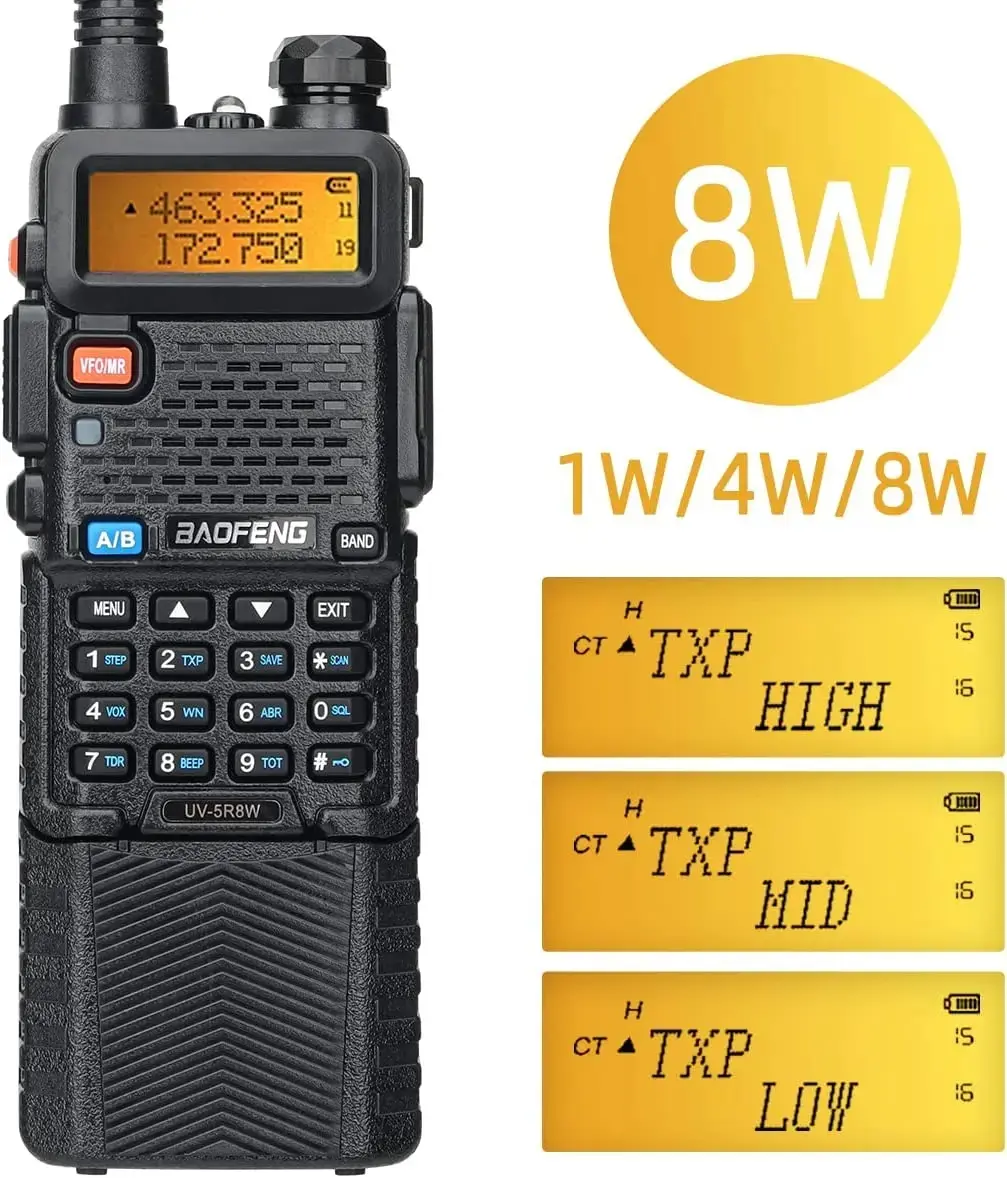
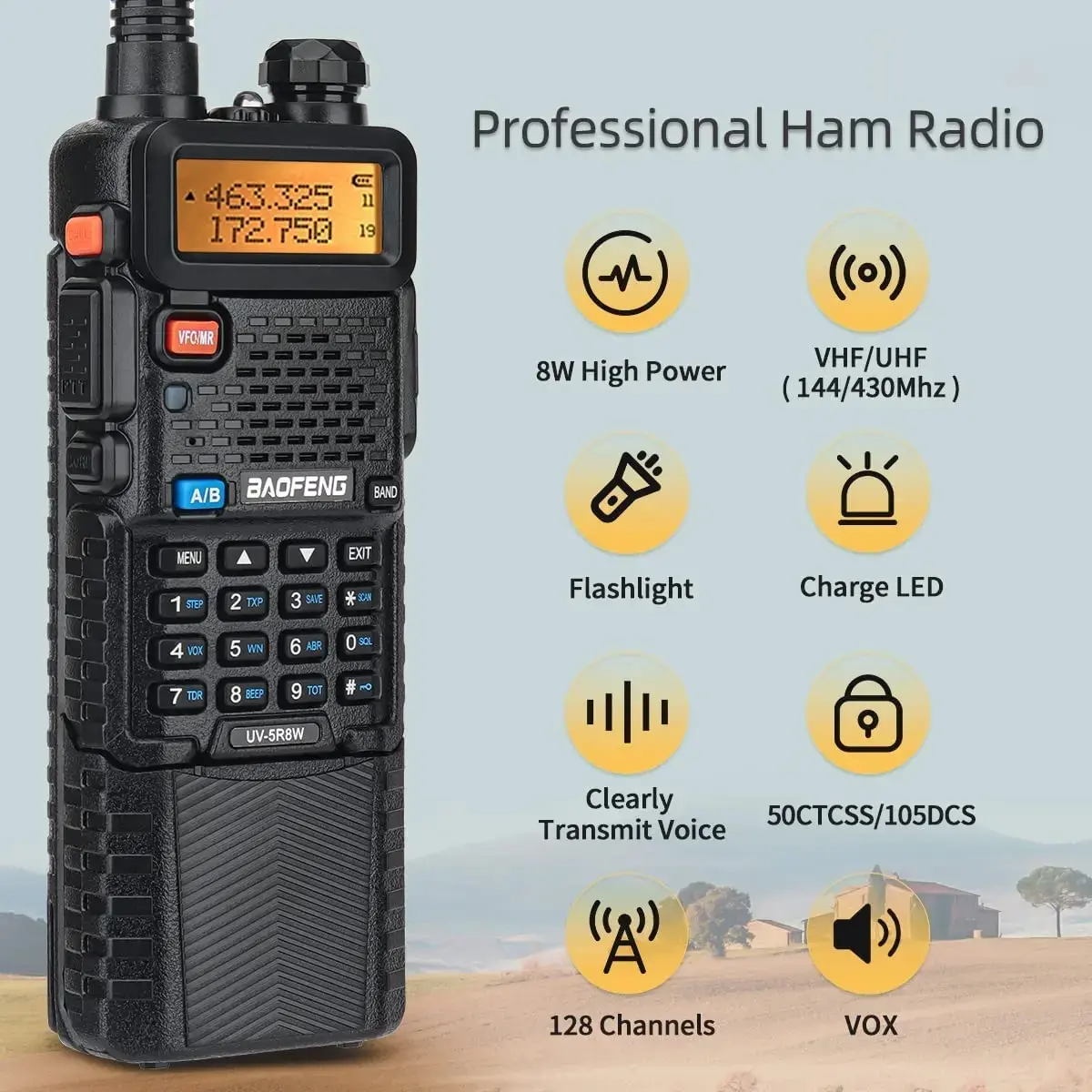
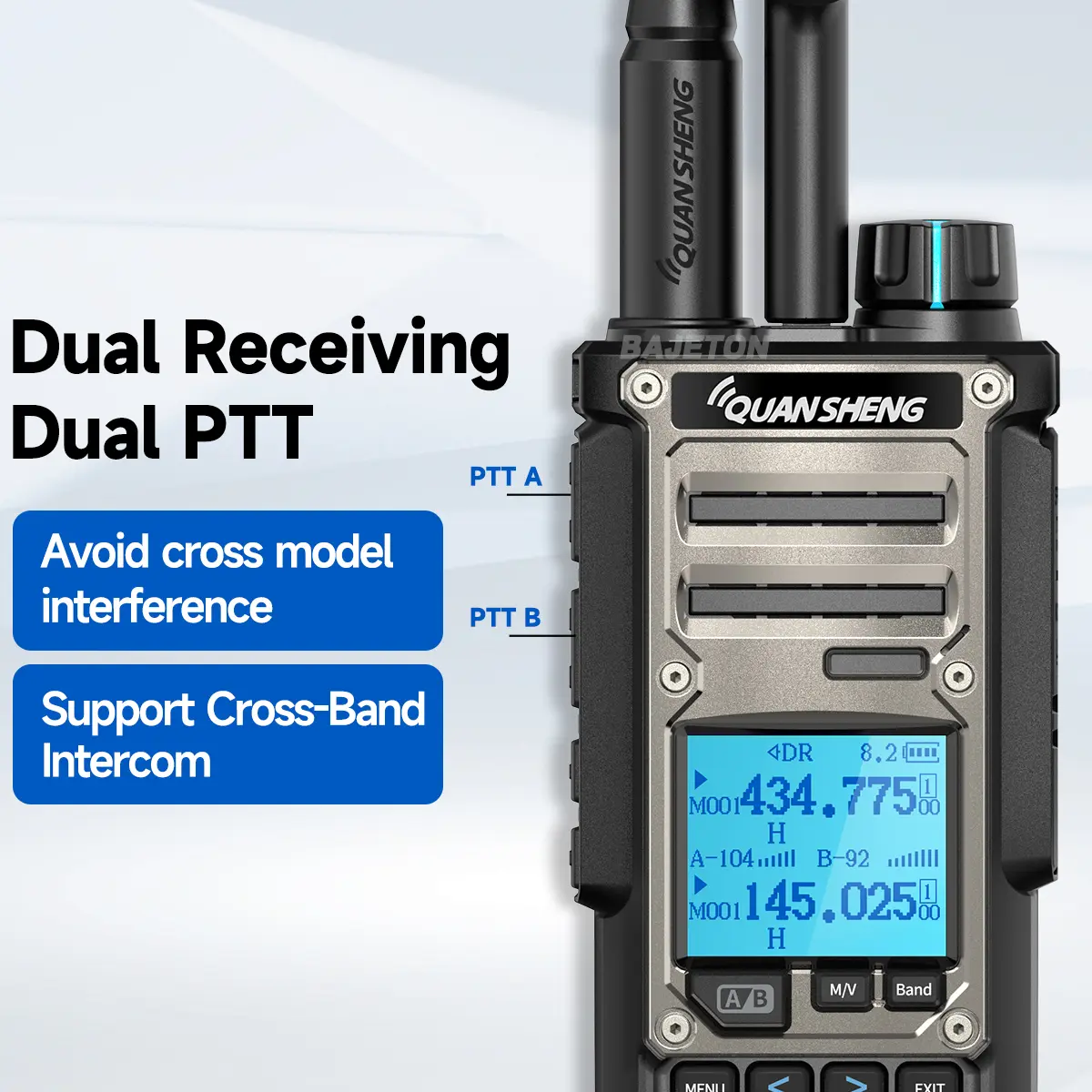
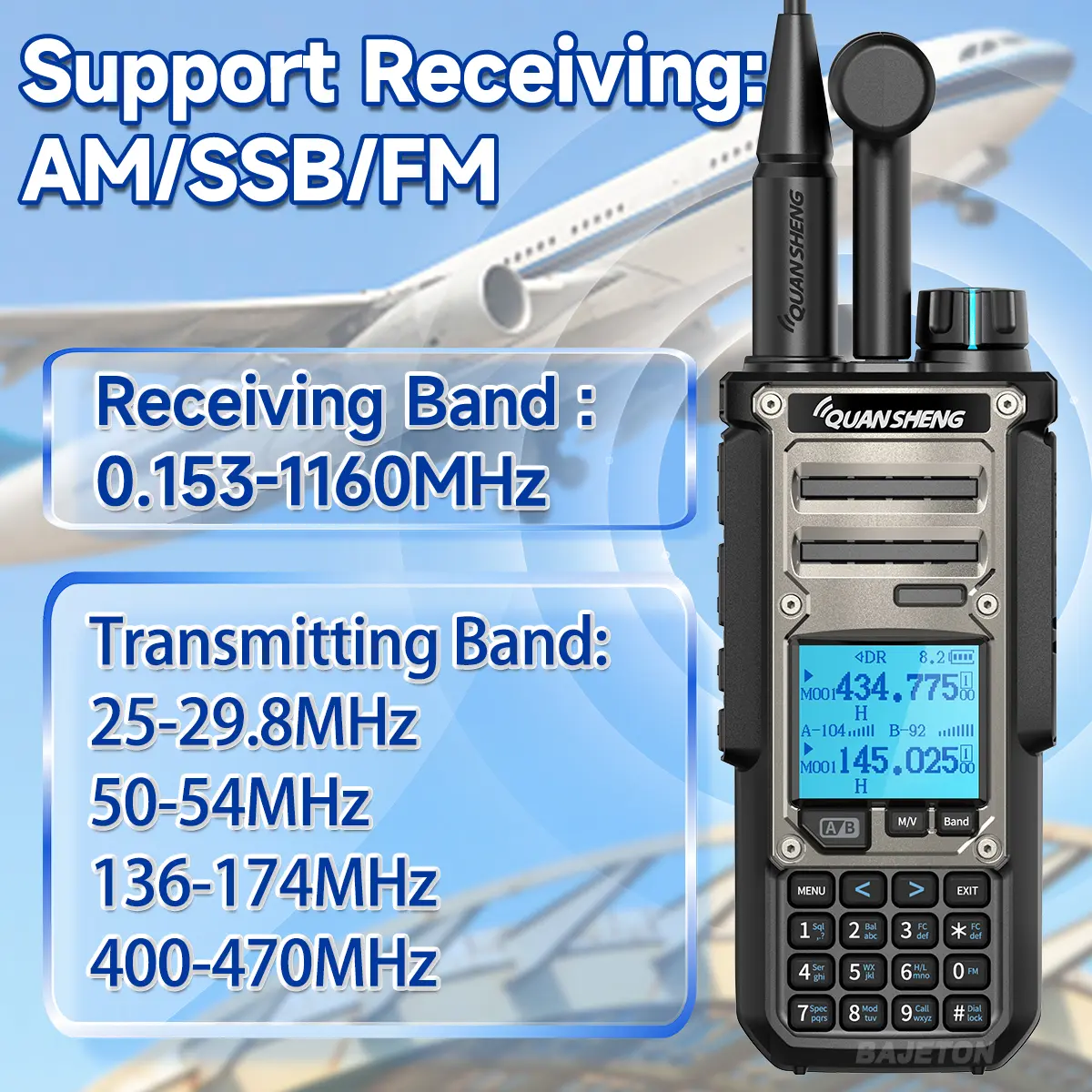
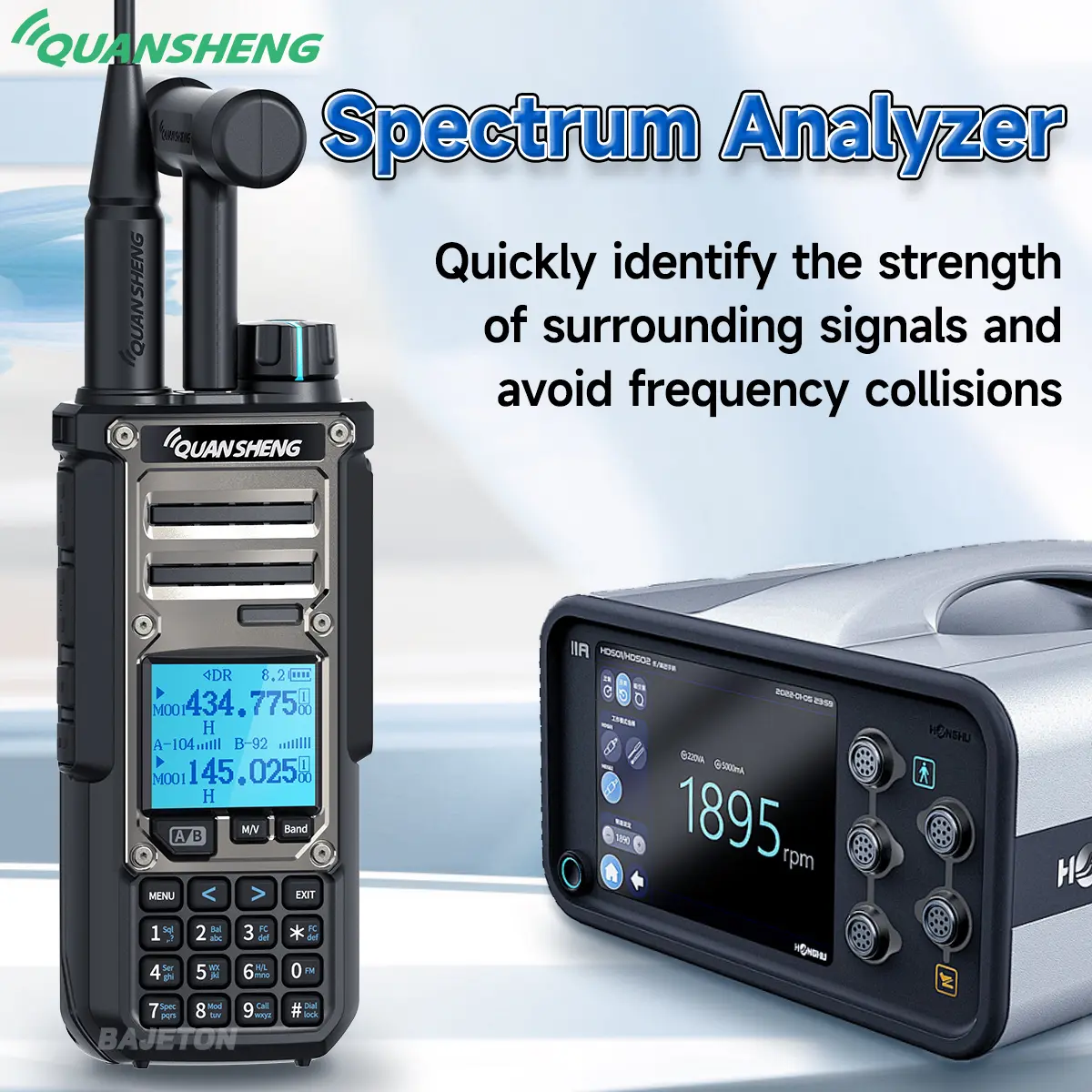
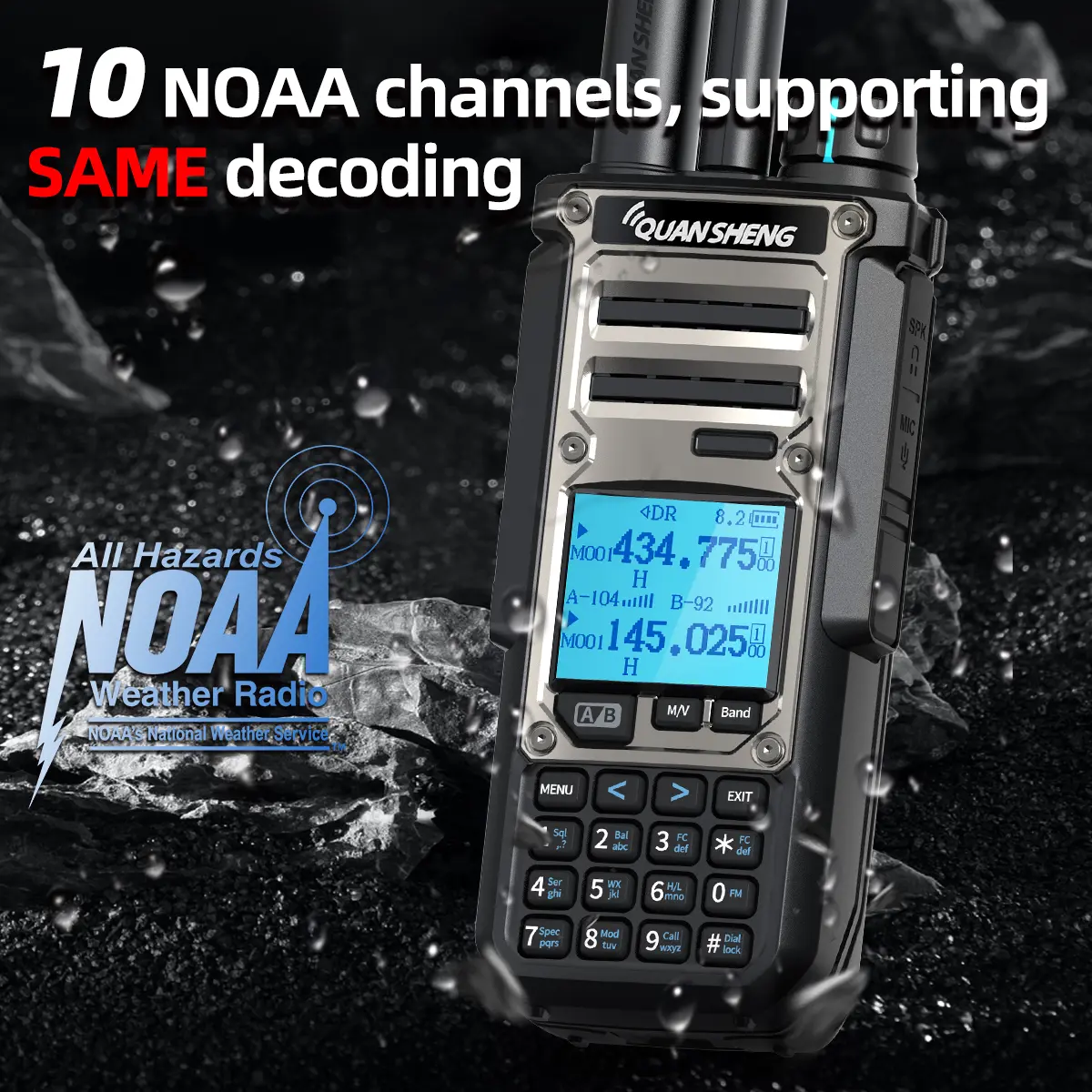
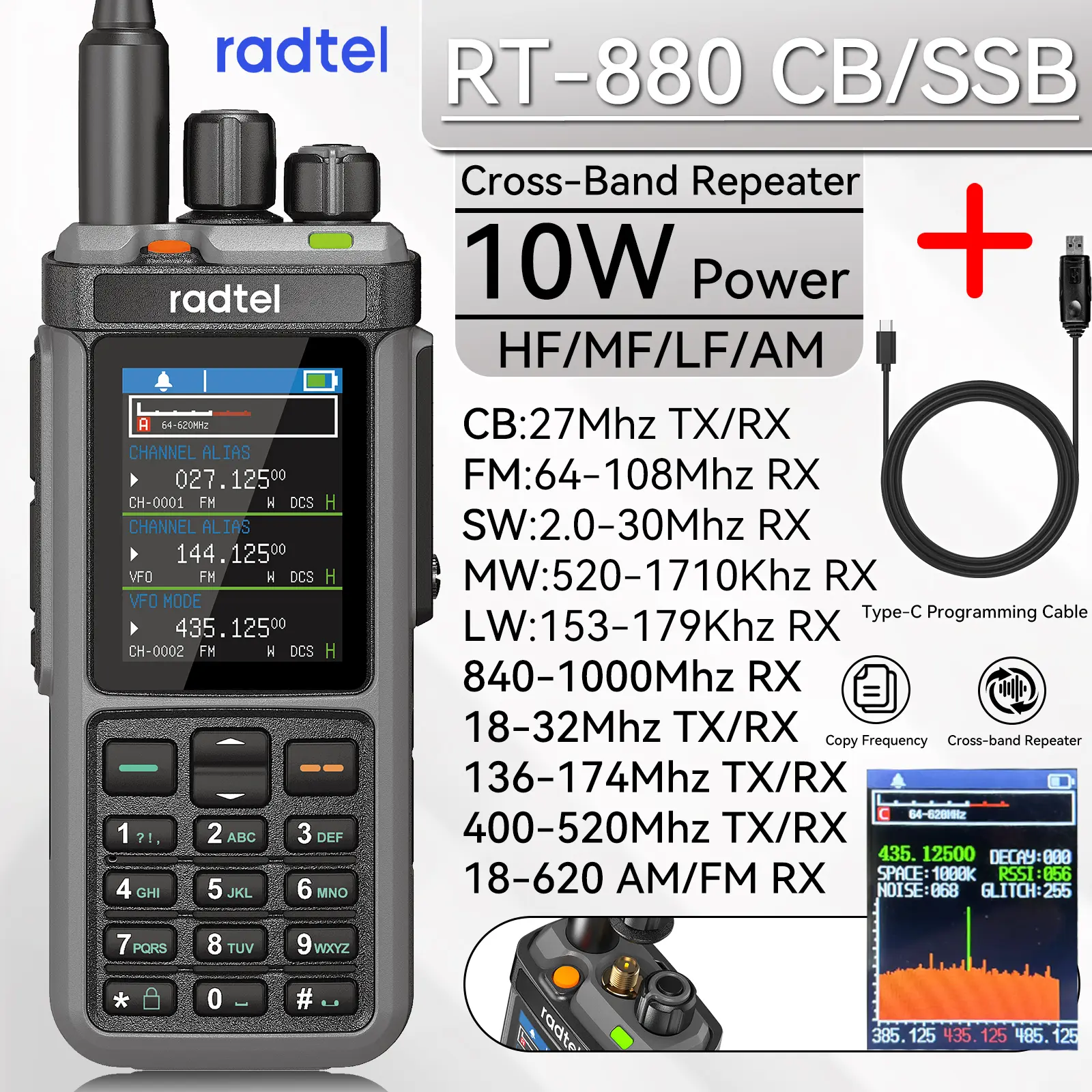
Radtel RT-910 Spectrum Analyzer AM FM Ham Radio 45-59Mhz TX/RX Walkie Talkie with 960 Channels AM/FM Air Band Type C Spectrum
<div class="detailmodule_html"><div class="detail-desc-decorate-richtext"><div class="detailmodule_text">
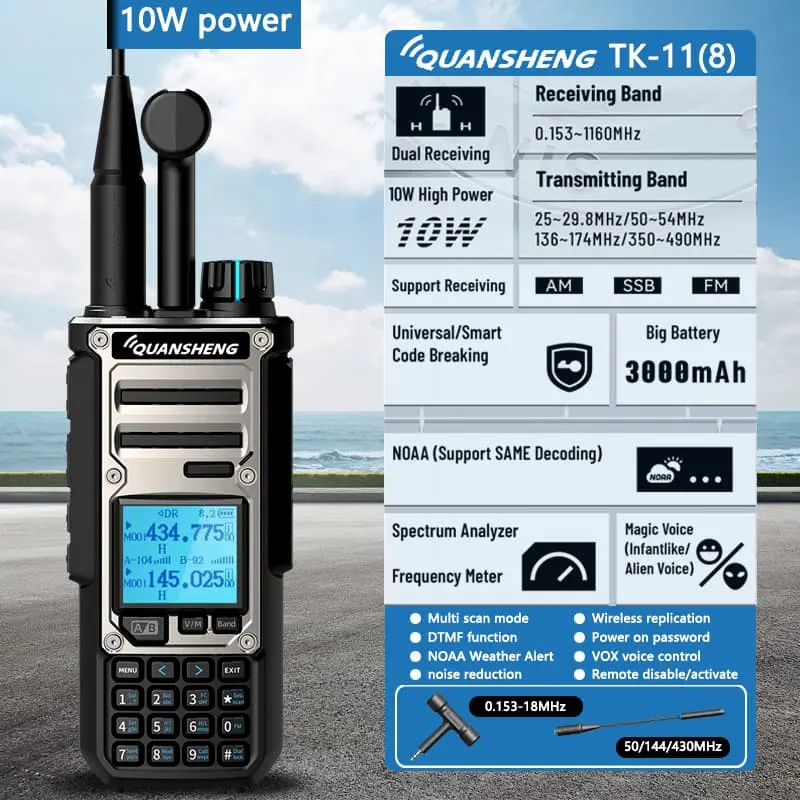
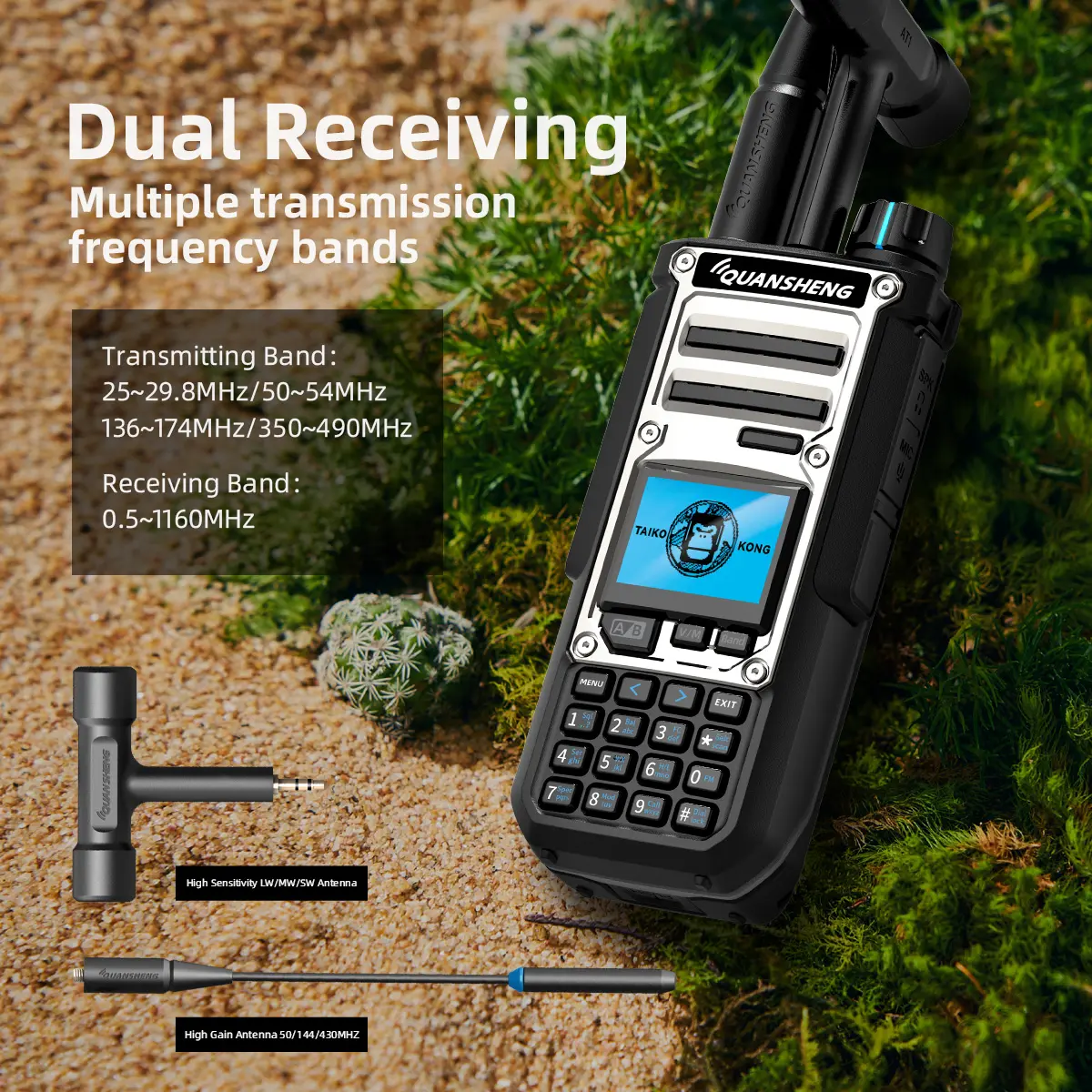
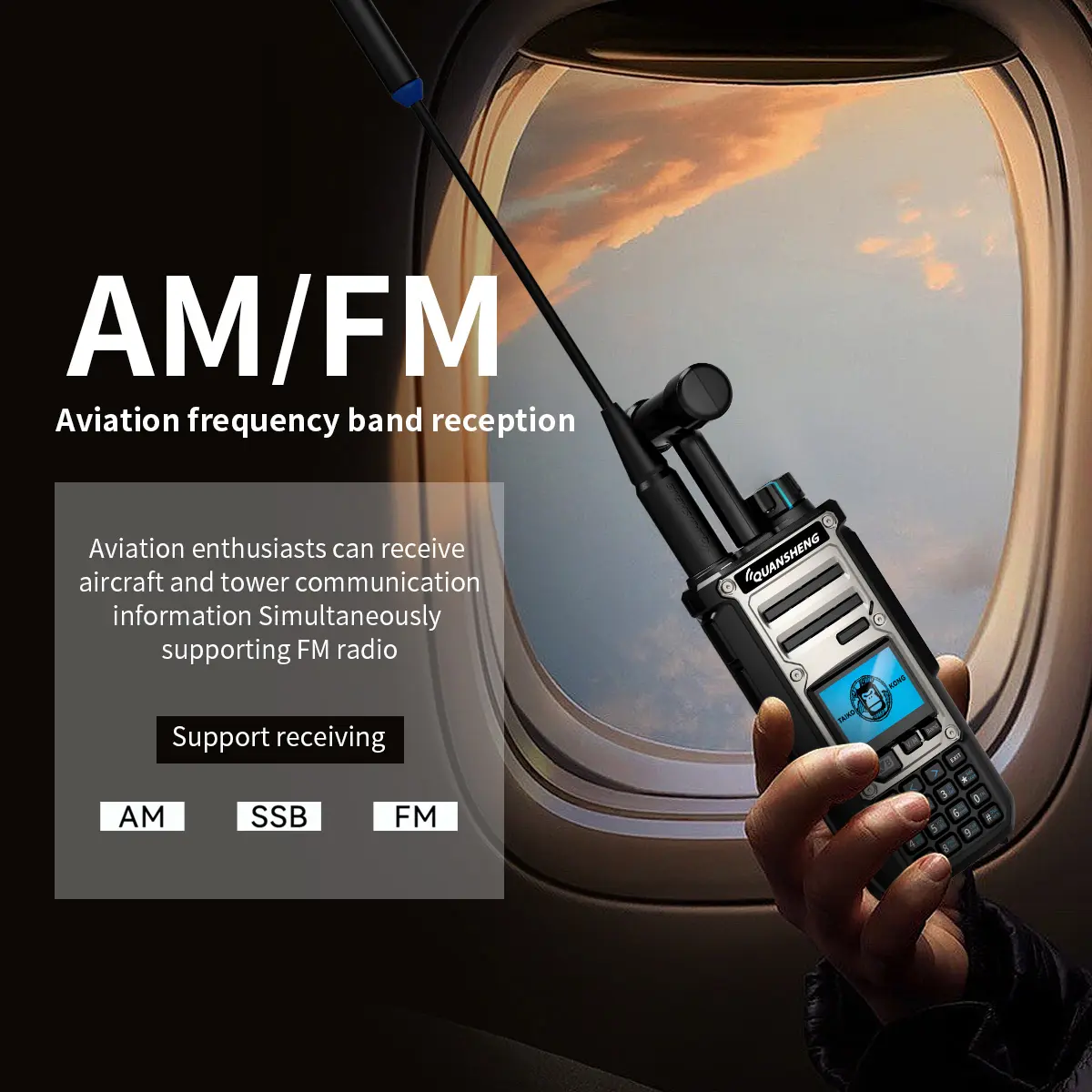
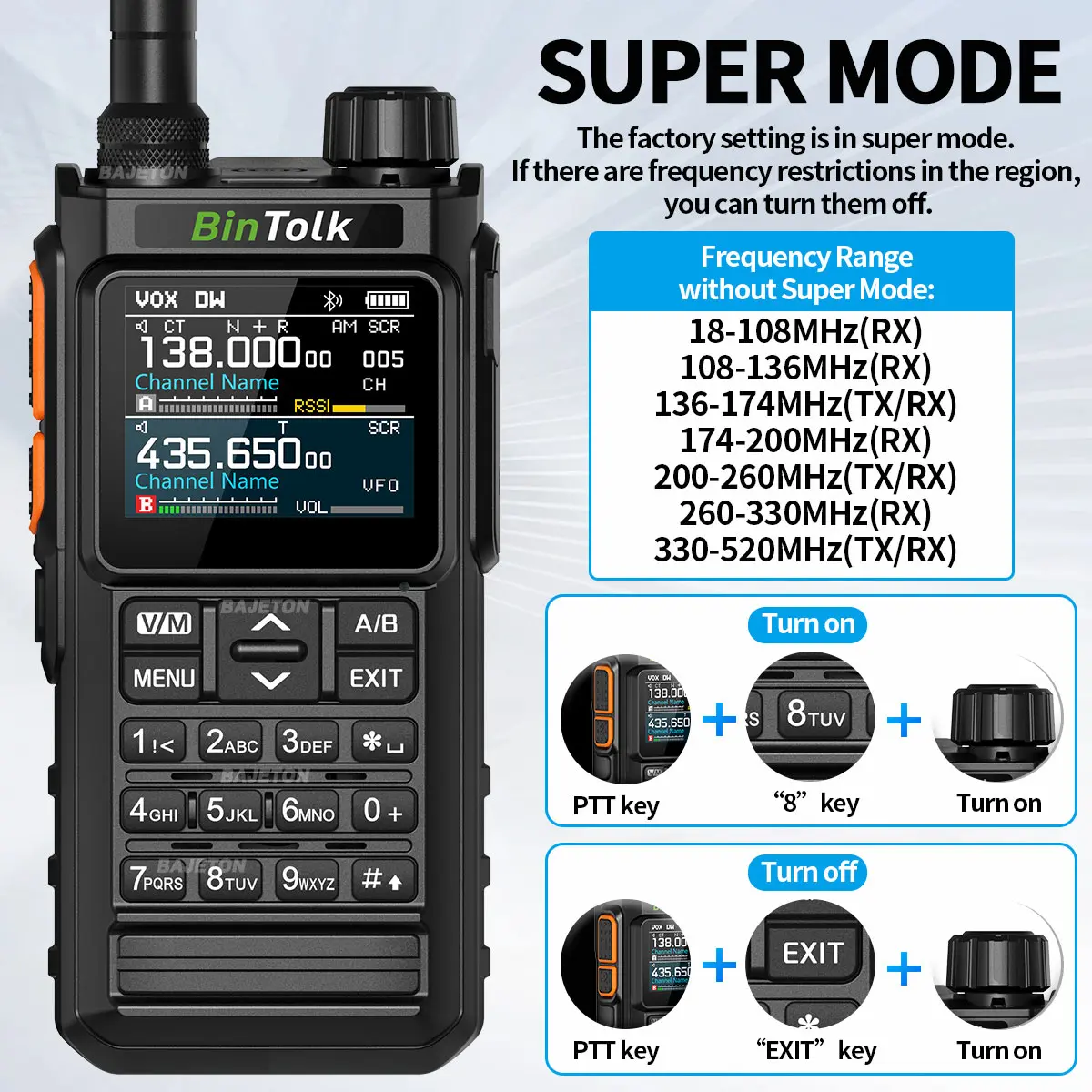
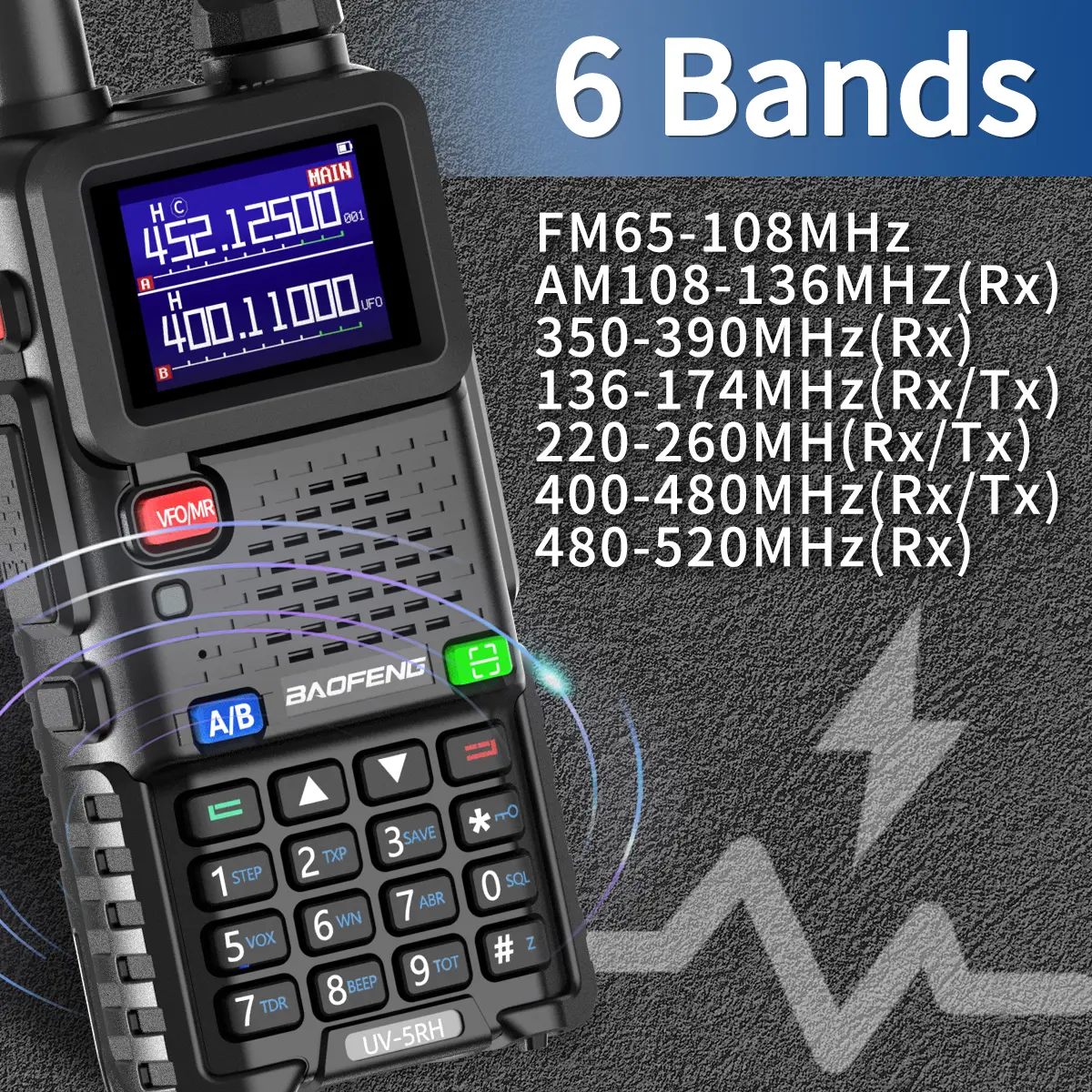
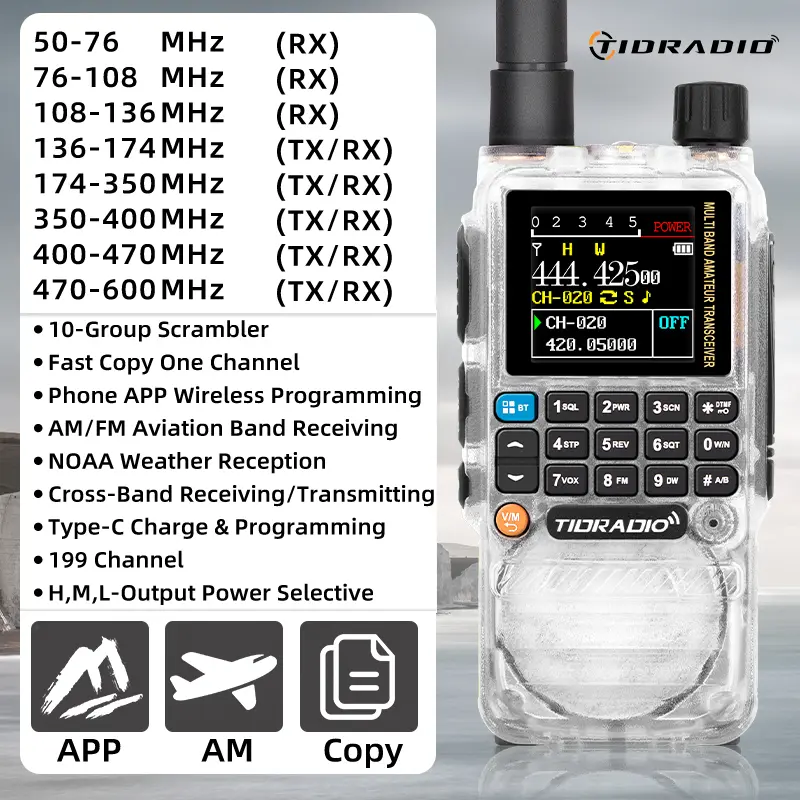
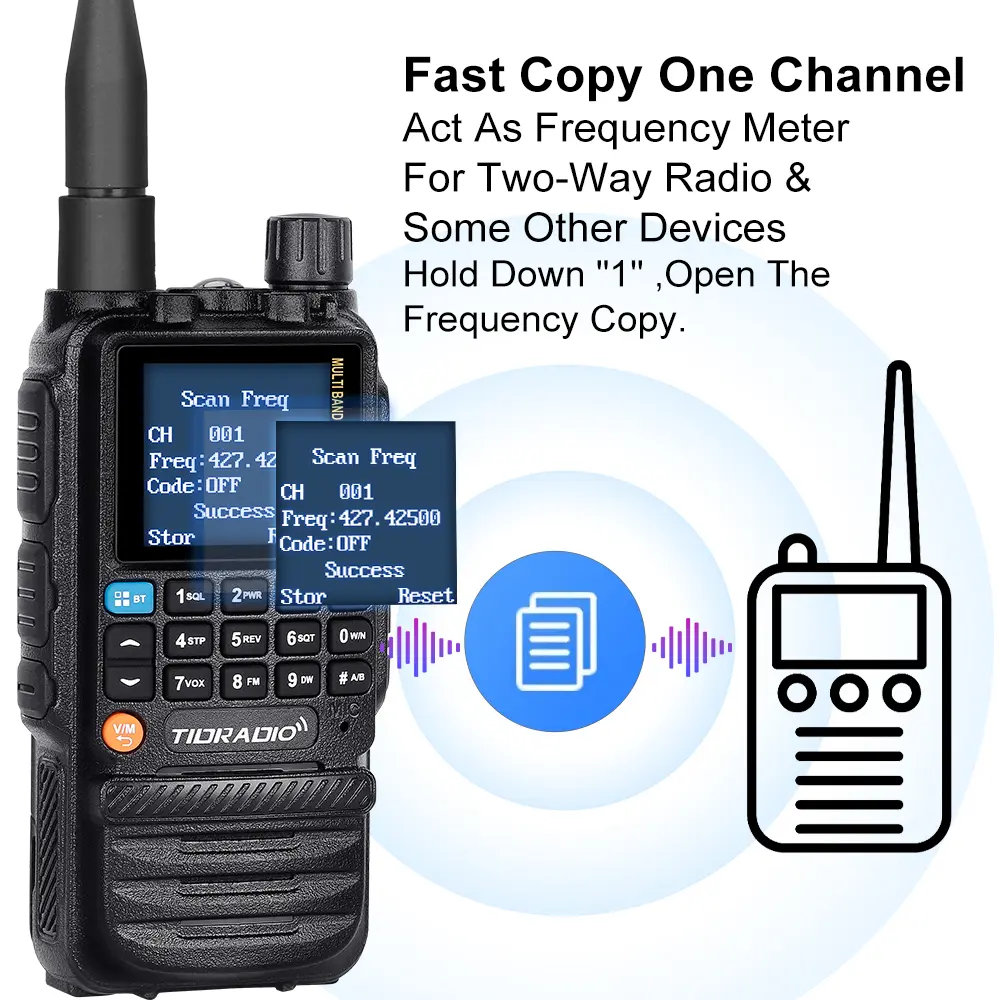
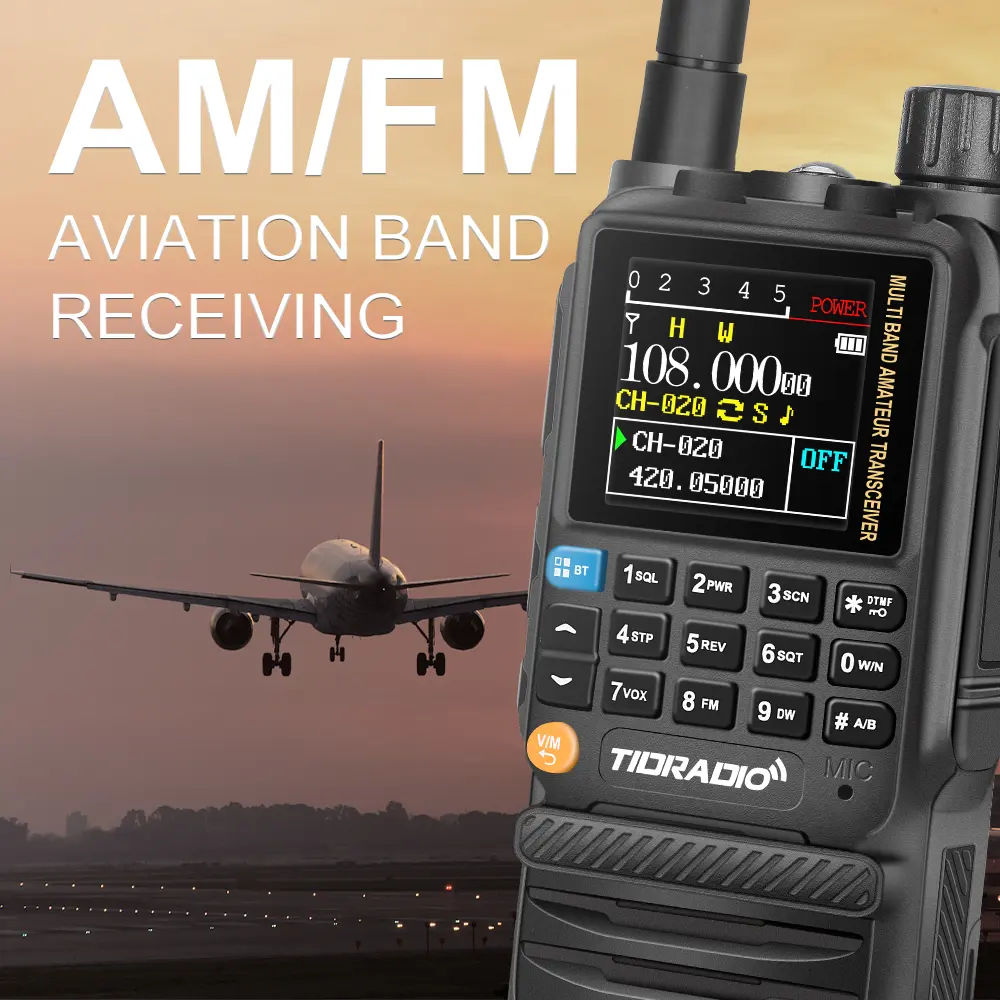
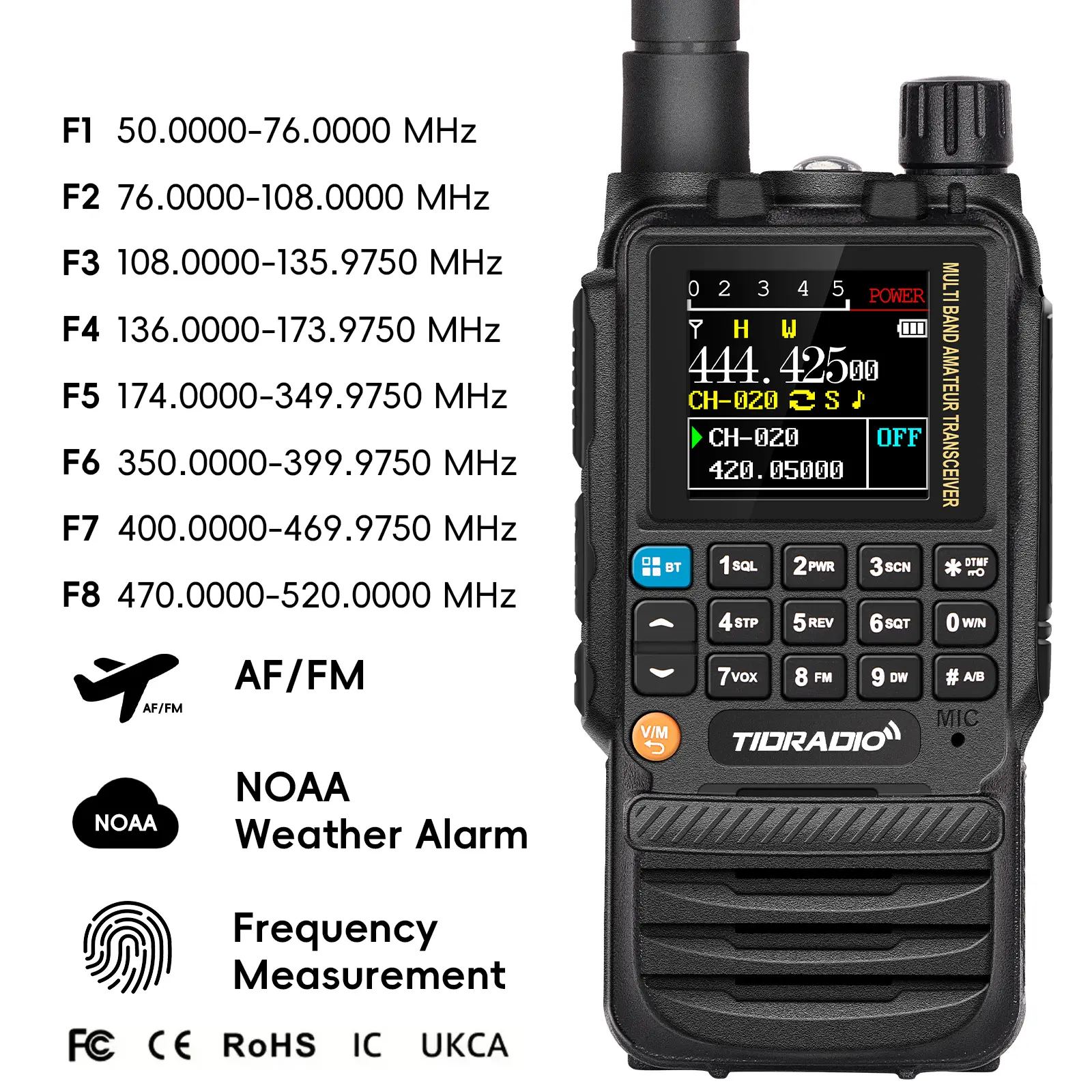
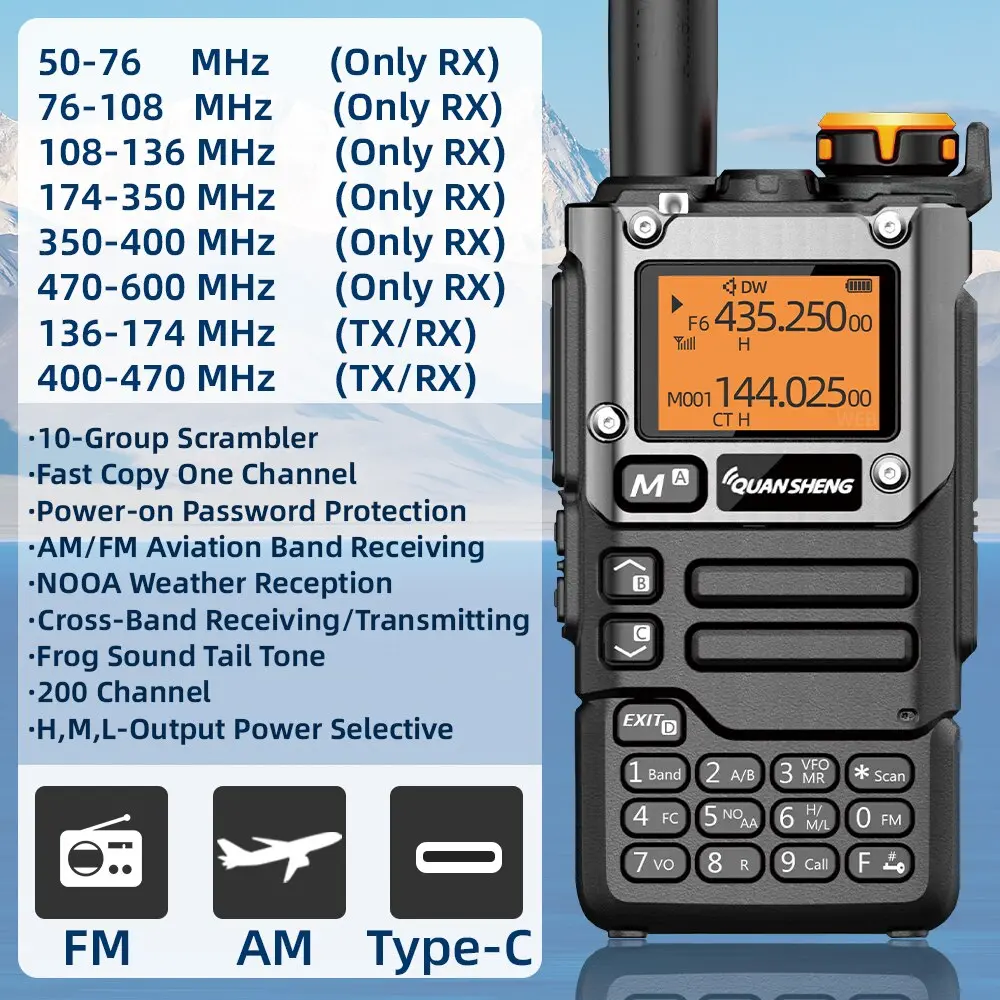
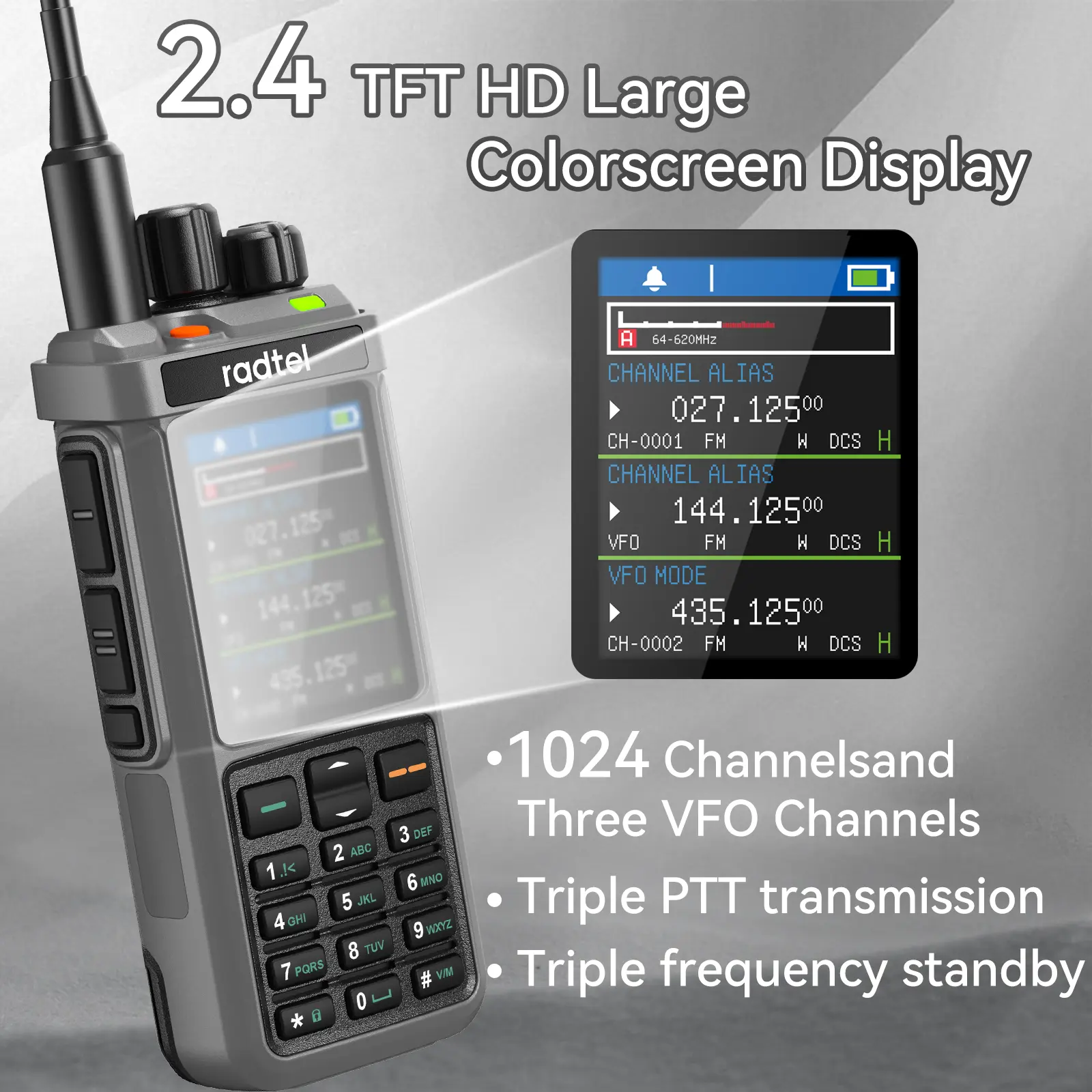
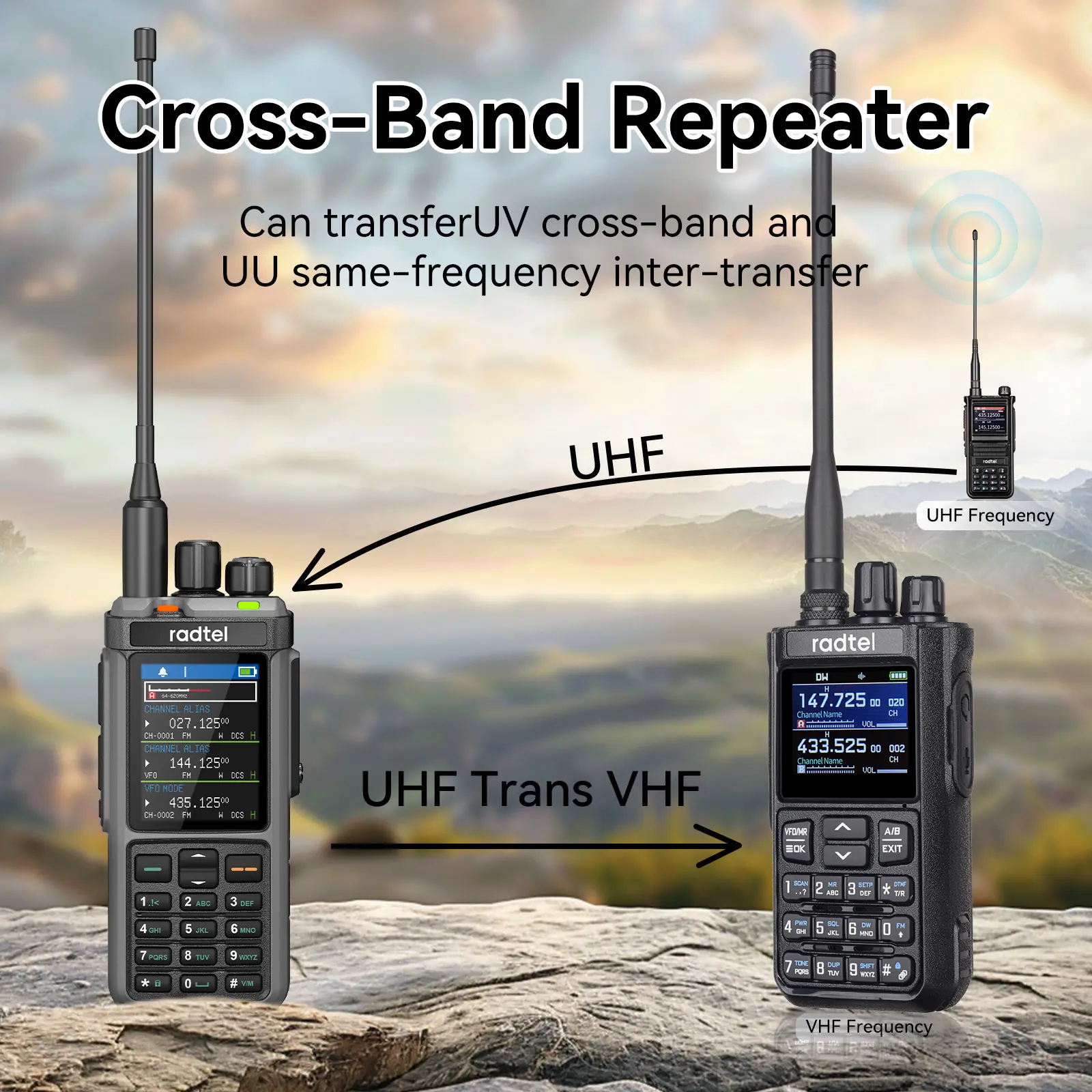
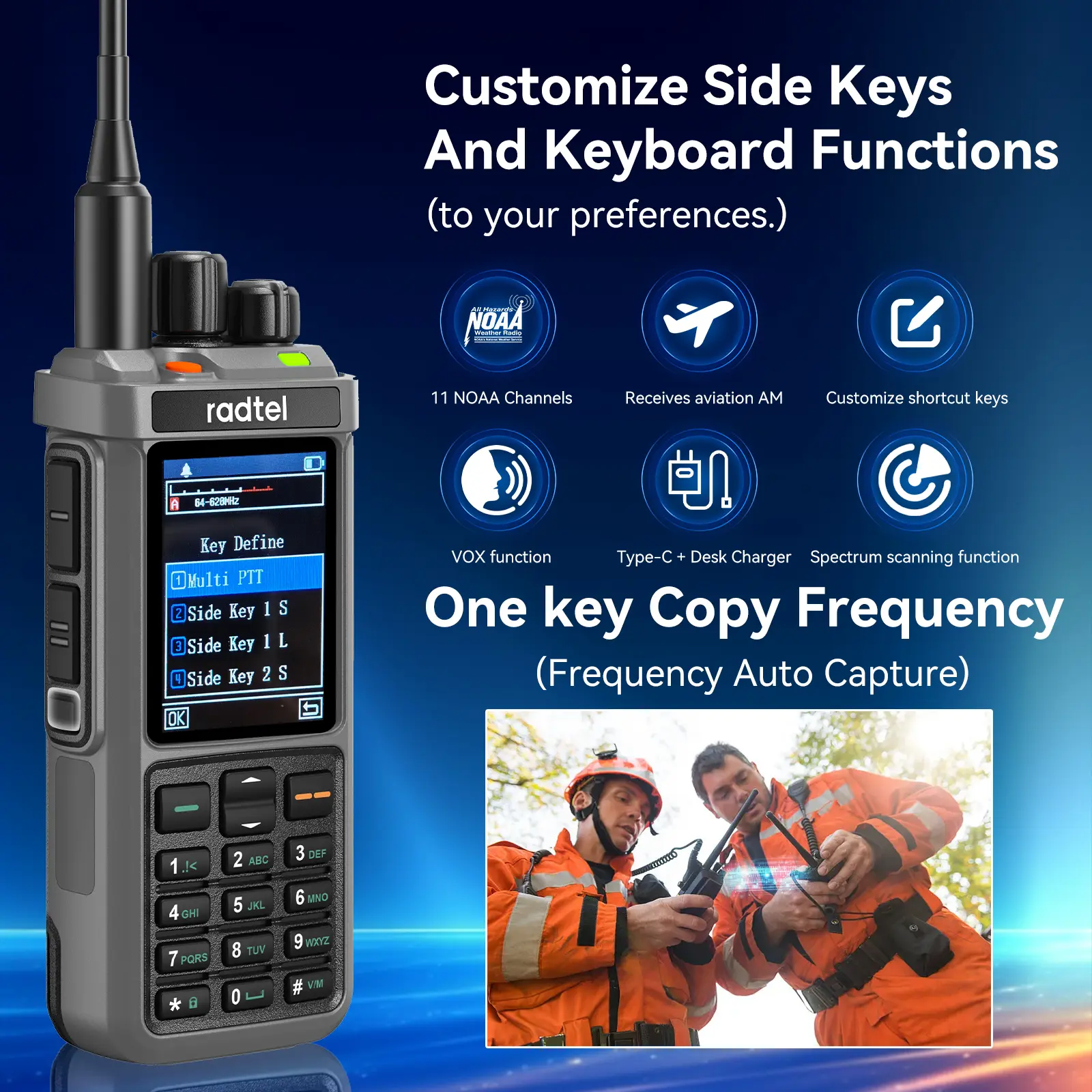
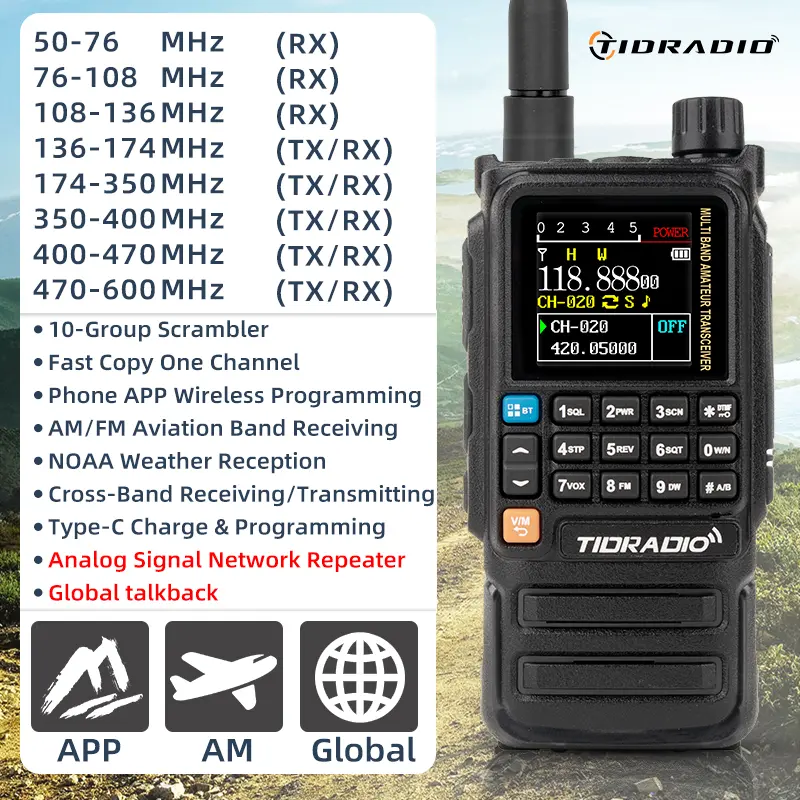
<p style="font-family:OpenSans;font-size:14px;font-weight:300;line-height:20px;white-space:pre-wrap;color:rgb(0, 0, 0);margin-bottom:12px" class="detail-desc-decorate-content">Radtel RT-910 5w 6 Meter Multi band Walkie Talkie with 50-59Mhz RX 960 Channels AM/FM Two Way Radio <br /> Frequency range:<br /> 45-59Mhz FM TX/RX<br /> 65-108Mhz FM RX<br /> 108-136Mhz AM RX<br /> 136-260Mhz TX/RX<br /> 260-299Mhz RX only<br /> 300-520Mhz TX/RX<br /> List of sample output power:</p>
</div><div class="detailmodule_image">
</div><div class="detailmodule_image">
</div><div class="detailmodule_text">
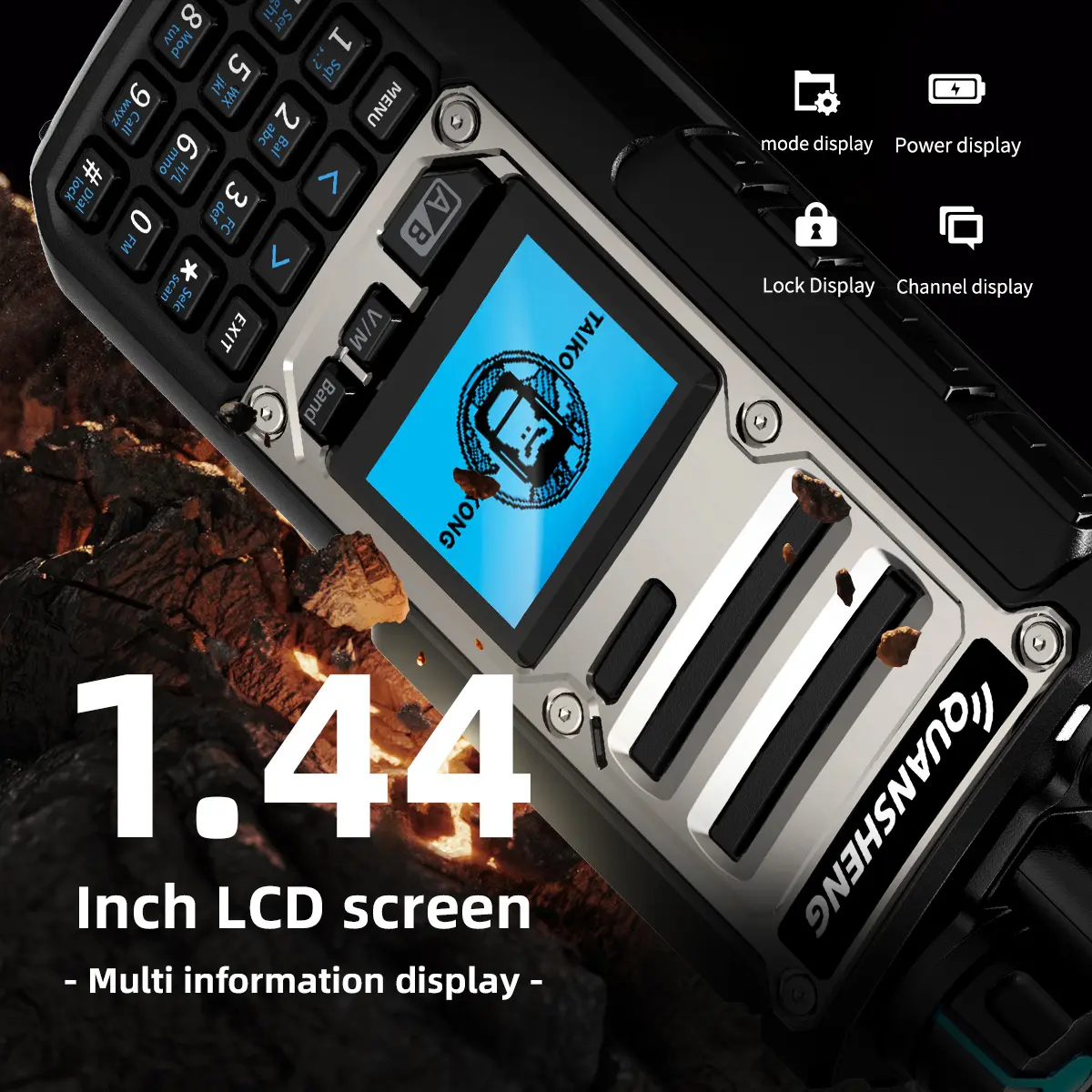
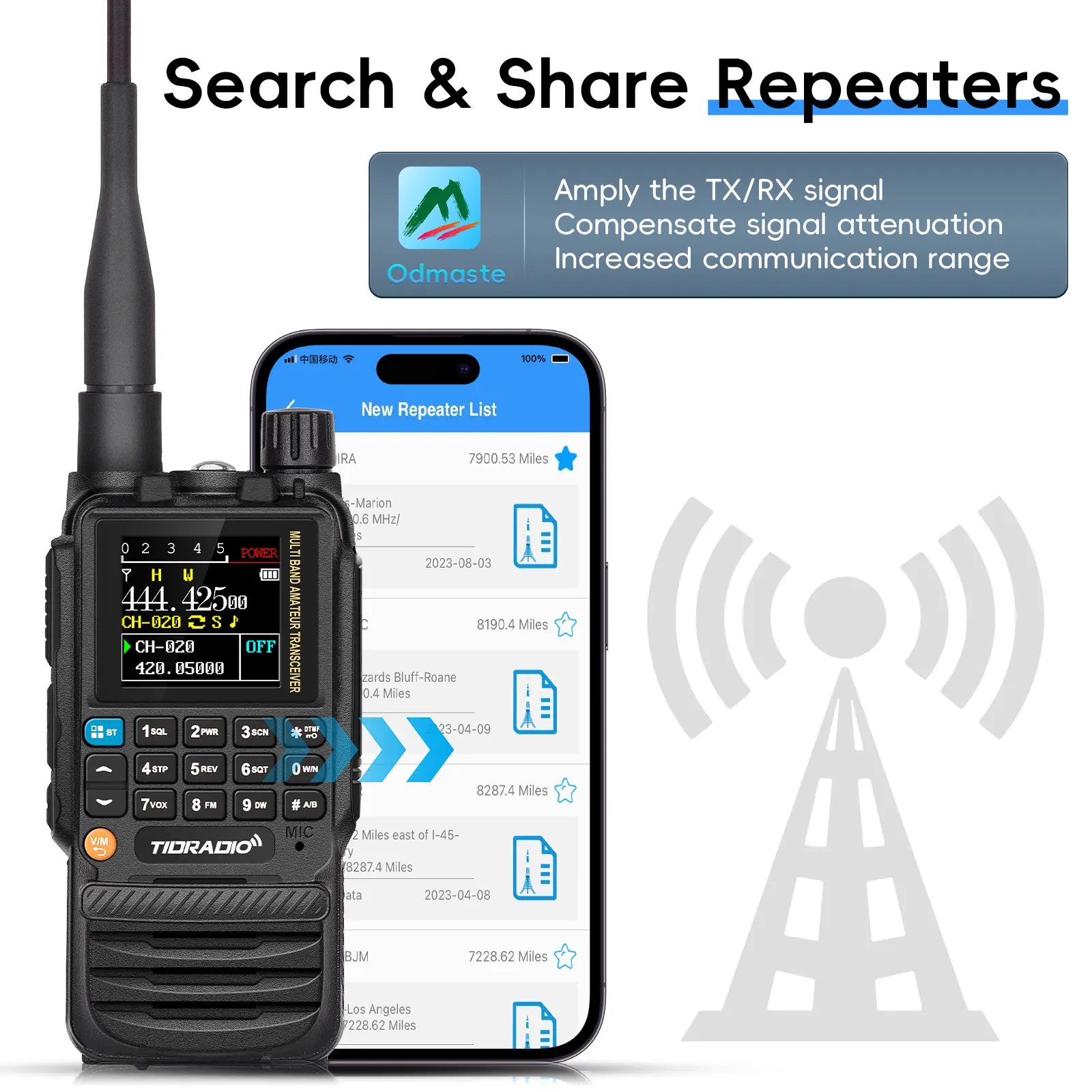
<p style="font-family:OpenSans;font-size:14px;font-weight:300;line-height:20px;white-space:pre-wrap;color:rgb(0, 0, 0);margin-bottom:12px" class="detail-desc-decorate-content">Features:<br /> SQL (Squelch)<br /> Squelch controls whether the radio receiver remains open or muted when no signal is detected.<br /> Setting squelch to 0 turns it off completely, allowing all background noise in — this may cause interference.<br /> Higher squelch levels reduce sensitivity but block unwanted weak signals.<br /> It's best to set this to a middle value to balance sensitivity and noise rejection.<br /> STEP (Frequency Step)<br /> This setting determines how much the frequency increases or decreases when using the UP/DOWN keys in VFO mode or during scanning.<br /> Available step values include: 2.5K, 5.0K, 6.25K, 10.0K, 12.5K, 20.0K, 25.0K, and 50.0K.<br /> Choose a step size that matches your local channel spacing requirements.<br /> TXP (Transmit Power)<br /> Controls how much power the radio uses to transmit.<br /> HIGH: Maximum power output, longer transmission range, higher battery usage<br /> MIDDLE: Balanced range and battery usage<br /> LOW: Saves battery life, shorter transmission range<br /> SAVE (Power Save Mode)<br /> Enables or disables power-saving features by adjusting the ratio of sleep and awake cycles during standby.<br /> OFF: Power saving is disabled<br /> 1 (Normal Mode)<br /> 2 (Super Mode)<br /> 3 (Deep Mode)<br /> The higher the mode, the longer the battery lasts. However, you might miss the first few syllables of a received message because the receiver is sleeping.<br /> VOX (Voice Operated Transmit)<br /> When enabled, this function allows voice-activated transmission without pressing the PTT (Push-to-Talk) button.<br /> OFF: VOX disabled<br /> Levels 1 to 9: Enable VOX, with 1 being the most sensitive and 9 the least sensitive<br /> Useful for hands-free operation, but may trigger accidentally in noisy environments if sensitivity is set too high.<br /> W/N (Wide/Narrow Bandwidth)<br /> Selects the transmission bandwidth:<br /> WIDE: 25 kHz – better audio quality, but uses more spectrum<br /> NARROW: 12.5 kHz – more efficient, suitable for crowded radio environments or when regulations require it<br /> Backlight (ON / Auto Off)<br /> When set to ON, the display backlight stays on continuously.<br /> When set to OFF, the backlight turns off automatically after a period of inactivity to save battery.<br /> TDR (Dual Standby)<br /> oON: Enables dual standby mode. The radio monitors two frequencies/channels alternately and receives on whichever becomes active first.<br /> oOFF: Disables dual standby. The radio will only monitor one frequency/channel at a time.<br /> Beep (Keypad Tone)<br /> oON: Enables a confirmation tone each time a button is pressed.<br /> oOFF: Disables all keypad tones for silent operation.<br /> TOT (Time-Out Timer)<br /> oWhen enabled, this feature limits the maximum duration of a single transmission to prevent long, accidental transmissions.<br /> oHelps conserve battery and reduces the risk of interference due to a stuck PTT (Push-to-Talk) button.<br /> oOFF: No time limit; continuous transmission is allowed.<br /> Channel Add (CH Memory Programming)<br /> Used to save frequencies as channels (Channel 0 to 256) so they can be accessed in MR (Memory Recall) mode.<br /> If "CH-" appears on the screen, the channel is already programmed and cannot be overwritten without deleting it first.<br /> Channel Delete<br /> Allows removal of stored channels.<br /> Note: If the channel number does not start with "CH", it means the channel is empty and cannot be deleted.<br /> CTCSS (RX – Receive Tone)<br /> oOFF: No CTCSS tone is used during receive.<br /> oIf enabled, the radio will only open squelch when the incoming signal contains the specified CTCSS tone.<br /> You can choose from standard tones or manually input a custom tone using the keypad.<br /> DCS (RX – Receive Digital Code)<br /> oOFF: No DCS code is used during receive.<br /> oIf enabled, the radio will only open squelch when the signal includes the selected DCS digital code.<br /> You can select a standard code or enter a custom one.<br /> CTCSS (TX – Transmit Tone)<br /> oOFF: No CTCSS tone is transmitted.<br /> oIf enabled, the radio transmits the selected CTCSS tone along with your voice signal.<br /> Used to match repeater or group tone settings. Custom tones can be entered via the keypad.<br /> oT-DCS (Transmit DCS Code)<br /> OFF: No DCS code is transmitted.<br /> If enabled, the radio will transmit the selected standard DCS code (e.g., D023N to D754I). You can choose from preset values or enter a custom one via keypad.<br /> VOICEPRI (Voice Privacy / Subtone Encryption)<br /> OFF: No encryption is applied.<br /> Encryption 1/2/3: Enables subtone encryption. When turned on, other radios using the same frequency and CTCSS/DCS code will not be able to hear your transmission, unless they also have the same encryption level.<br /> CH-NAME (Channel Naming)<br /> Allows you to assign a custom name to each saved channel.<br /> Use the # key to switch input methods (e.g., letters, numbers, symbols).<br /> ROGER (End-of-Transmission Tone)<br /> OFF: No tone is sent when a transmission ends.<br /> BEEP: A simple beep tone is played at the end of each transmission to let others know you’re done talking.<br /> TONE1200: Sends a frog-like tone at the end of each transmission — often used for fun or attention.<br /> VOICE (Voice Prompts)<br /> OFF: No voice feedback for key presses or actions.<br /> ON: Voice prompts are enabled, providing audible confirmation of key presses and settings changes.<br /> LANGUAGE (Voice Prompt Language)<br /> Choose the language for the voice prompts:<br /> ENGLISH<br /> CHINESE<br /> BCL (Busy Channel Lockout)<br /> OFF: You can transmit even if the channel is in use.<br /> ON: The PTT (Push-to-Talk) button is disabled if the channel is already occupied, preventing accidental interference with ongoing conversations.<br /> SC-REV (Scan Resume Mode)<br /> This setting determines how the radio behaves after detecting a signal during scanning:<br /> TO (Time Operation): Stops on a signal for ~5 seconds, then resumes scanning even if the signal continues.<br /> CO (Carrier Operation): Stops on the signal and only resumes scanning when the signal disappears.<br /> SE (Search Operation): Stops scanning completely and remains on the active frequency after a signal is detected.<br /> PF2 (Short Press Function Key Assignment)<br /> Allows you to assign a custom shortcut to the PF2 button (short press).<br /> Available functions: SOS, LAMP (Flashlight), RADIO (FM), TXPOWER, SCAN, SEARCH, NOAA.<br /> Choose the one that best suits your usage.<br /> PF2 Long Press<br /> Same as above, but this applies when you long press the PF2 key.<br /> You can assign a different function than the short press if needed.<br /> PF3 (Short Press Function Key Assignment)<br /> Assigns a shortcut to the PF3 button (short press).<br /> Functions include: SOS, LAMP, RADIO, TXPOWER, SCAN, SEARCH, NOAA.<br /> Customize this key based on your usage needs.<br /> OFFSET (Transmit/Receive Frequency Offset)<br /> Specifies the frequency difference between the transmit (TX) and receive (RX) frequencies.<br /> Used primarily for repeater operation, where TX and RX frequencies are not the same.<br /> Example: Set an offset of 0.6000 MHz for standard VHF repeaters.<br /> SFT-D (Shift Direction for Repeater Use)<br /> Controls the repeater shift direction when an OFFSET is configured:<br /> OFF: No frequency shift — simplex mode<br /> + (Plus Shift): TX = RX frequency + offset<br /> – (Minus Shift): TX = RX frequency – offset<br /> Used to match repeater uplink/downlink spacing.<br /> POWER ON MSG (Startup Display Message)<br /> Sets what is displayed when the radio powers on:<br /> LOGO: Shows the brand or logo screen<br /> VOLTAGE: Displays current battery voltage at startup</p>
</div><div>
<br />
</div></div></div>
<div class="detailmodule_html"><div class="detail-desc-decorate-richtext"><p><br /></p></div></div>
$179.225
$90.451
- Category : Phones & Telecommunications
- Brand : top_home_store TOP Home Store
Colors
Sizes
-
+

<div class="detailmodule_html"><div class="detail-desc-decorate-richtext"><div class="detailmodule_text">
<p style="font-family:OpenSans;font-size:14px;font-weight:300;line-height:20px;white-space:pre-wrap;color:rgb(0, 0, 0);margin-bottom:12px" class="detail-desc-decorate-content">Radtel RT-910 5w 6 Meter Multi band Walkie Talkie with 50-59Mhz RX 960 Channels AM/FM Two Way Radio <br /> Frequency range:<br /> 45-59Mhz FM TX/RX<br /> 65-108Mhz FM RX<br /> 108-136Mhz AM RX<br /> 136-260Mhz TX/RX<br /> 260-299Mhz RX only<br /> 300-520Mhz TX/RX<br /> List of sample output power:</p>
</div><div class="detailmodule_image">
</div><div class="detailmodule_image">
</div><div class="detailmodule_text">
<p style="font-family:OpenSans;font-size:14px;font-weight:300;line-height:20px;white-space:pre-wrap;color:rgb(0, 0, 0);margin-bottom:12px" class="detail-desc-decorate-content">Features:<br /> SQL (Squelch)<br /> Squelch controls whether the radio receiver remains open or muted when no signal is detected.<br /> Setting squelch to 0 turns it off completely, allowing all background noise in — this may cause interference.<br /> Higher squelch levels reduce sensitivity but block unwanted weak signals.<br /> It's best to set this to a middle value to balance sensitivity and noise rejection.<br /> STEP (Frequency Step)<br /> This setting determines how much the frequency increases or decreases when using the UP/DOWN keys in VFO mode or during scanning.<br /> Available step values include: 2.5K, 5.0K, 6.25K, 10.0K, 12.5K, 20.0K, 25.0K, and 50.0K.<br /> Choose a step size that matches your local channel spacing requirements.<br /> TXP (Transmit Power)<br /> Controls how much power the radio uses to transmit.<br /> HIGH: Maximum power output, longer transmission range, higher battery usage<br /> MIDDLE: Balanced range and battery usage<br /> LOW: Saves battery life, shorter transmission range<br /> SAVE (Power Save Mode)<br /> Enables or disables power-saving features by adjusting the ratio of sleep and awake cycles during standby.<br /> OFF: Power saving is disabled<br /> 1 (Normal Mode)<br /> 2 (Super Mode)<br /> 3 (Deep Mode)<br /> The higher the mode, the longer the battery lasts. However, you might miss the first few syllables of a received message because the receiver is sleeping.<br /> VOX (Voice Operated Transmit)<br /> When enabled, this function allows voice-activated transmission without pressing the PTT (Push-to-Talk) button.<br /> OFF: VOX disabled<br /> Levels 1 to 9: Enable VOX, with 1 being the most sensitive and 9 the least sensitive<br /> Useful for hands-free operation, but may trigger accidentally in noisy environments if sensitivity is set too high.<br /> W/N (Wide/Narrow Bandwidth)<br /> Selects the transmission bandwidth:<br /> WIDE: 25 kHz – better audio quality, but uses more spectrum<br /> NARROW: 12.5 kHz – more efficient, suitable for crowded radio environments or when regulations require it<br /> Backlight (ON / Auto Off)<br /> When set to ON, the display backlight stays on continuously.<br /> When set to OFF, the backlight turns off automatically after a period of inactivity to save battery.<br /> TDR (Dual Standby)<br /> oON: Enables dual standby mode. The radio monitors two frequencies/channels alternately and receives on whichever becomes active first.<br /> oOFF: Disables dual standby. The radio will only monitor one frequency/channel at a time.<br /> Beep (Keypad Tone)<br /> oON: Enables a confirmation tone each time a button is pressed.<br /> oOFF: Disables all keypad tones for silent operation.<br /> TOT (Time-Out Timer)<br /> oWhen enabled, this feature limits the maximum duration of a single transmission to prevent long, accidental transmissions.<br /> oHelps conserve battery and reduces the risk of interference due to a stuck PTT (Push-to-Talk) button.<br /> oOFF: No time limit; continuous transmission is allowed.<br /> Channel Add (CH Memory Programming)<br /> Used to save frequencies as channels (Channel 0 to 256) so they can be accessed in MR (Memory Recall) mode.<br /> If "CH-" appears on the screen, the channel is already programmed and cannot be overwritten without deleting it first.<br /> Channel Delete<br /> Allows removal of stored channels.<br /> Note: If the channel number does not start with "CH", it means the channel is empty and cannot be deleted.<br /> CTCSS (RX – Receive Tone)<br /> oOFF: No CTCSS tone is used during receive.<br /> oIf enabled, the radio will only open squelch when the incoming signal contains the specified CTCSS tone.<br /> You can choose from standard tones or manually input a custom tone using the keypad.<br /> DCS (RX – Receive Digital Code)<br /> oOFF: No DCS code is used during receive.<br /> oIf enabled, the radio will only open squelch when the signal includes the selected DCS digital code.<br /> You can select a standard code or enter a custom one.<br /> CTCSS (TX – Transmit Tone)<br /> oOFF: No CTCSS tone is transmitted.<br /> oIf enabled, the radio transmits the selected CTCSS tone along with your voice signal.<br /> Used to match repeater or group tone settings. Custom tones can be entered via the keypad.<br /> oT-DCS (Transmit DCS Code)<br /> OFF: No DCS code is transmitted.<br /> If enabled, the radio will transmit the selected standard DCS code (e.g., D023N to D754I). You can choose from preset values or enter a custom one via keypad.<br /> VOICEPRI (Voice Privacy / Subtone Encryption)<br /> OFF: No encryption is applied.<br /> Encryption 1/2/3: Enables subtone encryption. When turned on, other radios using the same frequency and CTCSS/DCS code will not be able to hear your transmission, unless they also have the same encryption level.<br /> CH-NAME (Channel Naming)<br /> Allows you to assign a custom name to each saved channel.<br /> Use the # key to switch input methods (e.g., letters, numbers, symbols).<br /> ROGER (End-of-Transmission Tone)<br /> OFF: No tone is sent when a transmission ends.<br /> BEEP: A simple beep tone is played at the end of each transmission to let others know you’re done talking.<br /> TONE1200: Sends a frog-like tone at the end of each transmission — often used for fun or attention.<br /> VOICE (Voice Prompts)<br /> OFF: No voice feedback for key presses or actions.<br /> ON: Voice prompts are enabled, providing audible confirmation of key presses and settings changes.<br /> LANGUAGE (Voice Prompt Language)<br /> Choose the language for the voice prompts:<br /> ENGLISH<br /> CHINESE<br /> BCL (Busy Channel Lockout)<br /> OFF: You can transmit even if the channel is in use.<br /> ON: The PTT (Push-to-Talk) button is disabled if the channel is already occupied, preventing accidental interference with ongoing conversations.<br /> SC-REV (Scan Resume Mode)<br /> This setting determines how the radio behaves after detecting a signal during scanning:<br /> TO (Time Operation): Stops on a signal for ~5 seconds, then resumes scanning even if the signal continues.<br /> CO (Carrier Operation): Stops on the signal and only resumes scanning when the signal disappears.<br /> SE (Search Operation): Stops scanning completely and remains on the active frequency after a signal is detected.<br /> PF2 (Short Press Function Key Assignment)<br /> Allows you to assign a custom shortcut to the PF2 button (short press).<br /> Available functions: SOS, LAMP (Flashlight), RADIO (FM), TXPOWER, SCAN, SEARCH, NOAA.<br /> Choose the one that best suits your usage.<br /> PF2 Long Press<br /> Same as above, but this applies when you long press the PF2 key.<br /> You can assign a different function than the short press if needed.<br /> PF3 (Short Press Function Key Assignment)<br /> Assigns a shortcut to the PF3 button (short press).<br /> Functions include: SOS, LAMP, RADIO, TXPOWER, SCAN, SEARCH, NOAA.<br /> Customize this key based on your usage needs.<br /> OFFSET (Transmit/Receive Frequency Offset)<br /> Specifies the frequency difference between the transmit (TX) and receive (RX) frequencies.<br /> Used primarily for repeater operation, where TX and RX frequencies are not the same.<br /> Example: Set an offset of 0.6000 MHz for standard VHF repeaters.<br /> SFT-D (Shift Direction for Repeater Use)<br /> Controls the repeater shift direction when an OFFSET is configured:<br /> OFF: No frequency shift — simplex mode<br /> + (Plus Shift): TX = RX frequency + offset<br /> – (Minus Shift): TX = RX frequency – offset<br /> Used to match repeater uplink/downlink spacing.<br /> POWER ON MSG (Startup Display Message)<br /> Sets what is displayed when the radio powers on:<br /> LOGO: Shows the brand or logo screen<br /> VOLTAGE: Displays current battery voltage at startup</p>
</div><div>
<br />
</div></div></div>
<div class="detailmodule_html"><div class="detail-desc-decorate-richtext"><p><br /></p></div></div>
Related Product
Browse The Collection of Top Products.