


Retro Home TV Game Console with 300 Built-in Games and Dual Joysticks
<p><span style="background-color:rgb(255, 255, 255);color:rgb(28, 31, 35);font-size:medium;font-family:Inter, -apple-system, BlinkMacSystemFont, "Segoe UI", "SF Pro SC", "SF Pro Display", "SF Pro Icons", "PingFang SC", "Hiragino Sans GB", "Microsoft YaHei", "Helvetica Neue", Helvetica, Arial, sans-serif">1. Product Introduction<br/>This is a home video game console that allows users to enjoy classic retro games on a large TV screen, reliving childhood gaming moments. It is suitable for family entertainment and for game enthusiasts who are nostalgic.<br/>2. Product Composition<br/>Host: The appearance is in black and white color scheme, with a simple design. It has multiple interfaces and can be connected to the TV through an AV cable. There are also other interfaces such as USB and TF card slots (partially visible in the picture), providing possibilities for expanded functions.<br/>Controller: Equipped with two white wired controllers. The button layout is classic and the operation is simple and easy to get started, meeting the needs of two people playing games at the same time.<br/>Accessories: Includes a host base, AV cable, and 5V power adapter, making it convenient for users to install and use quickly.<br/>3. Core Features<br/>Rich game resources: Built-in 300 non-repetitive games, covering various types such as action, adventure, and puzzle. For example, classic games like "Super Mario", meeting the preferences of different players.<br/>Multi-language support: Supports multiple languages, making it convenient for users from different regions and reducing language barriers.<br/>Large-screen experience: Connected to the TV through an AV cable, users can enjoy the fun of games on a large screen with clearer pictures and a wider field of vision.<br/>Plug and play: With complete accessories and simple connection, just connect the host to the TV through an AV cable, connect the power supply, and plug in the controller to start the game without complex settings.<br/>4. Usage Method<br/>Place the host on the base and keep it stable.<br/>Use an AV cable to connect the AV interface of the host to the AV input interface of the TV.<br/>Insert the power adapter into the power interface of the host and turn on the power.<br/>Insert the two wired controllers into the corresponding controller interfaces of the host respectively. Turn on the host and then you can select a game to start playing.<br/>5. Precautions<br/>When using, ensure that all connection cables are firmly connected to avoid loose connections that affect the gaming experience. Do not use the host in high-temperature or humid environments. When not in use for a long time, it is recommended to unplug the power adapter to extend the service life of the device.</span></p><p></p>
$77.54
$39.02
- Category : Consumer Electronics
- Brand : echopoint_global_store EchoPoint Global Store
Colors
-
+

<p><span style="background-color:rgb(255, 255, 255);color:rgb(28, 31, 35);font-size:medium;font-family:Inter, -apple-system, BlinkMacSystemFont, "Segoe UI", "SF Pro SC", "SF Pro Display", "SF Pro Icons", "PingFang SC", "Hiragino Sans GB", "Microsoft YaHei", "Helvetica Neue", Helvetica, Arial, sans-serif">1. Product Introduction<br/>This is a home video game console that allows users to enjoy classic retro games on a large TV screen, reliving childhood gaming moments. It is suitable for family entertainment and for game enthusiasts who are nostalgic.<br/>2. Product Composition<br/>Host: The appearance is in black and white color scheme, with a simple design. It has multiple interfaces and can be connected to the TV through an AV cable. There are also other interfaces such as USB and TF card slots (partially visible in the picture), providing possibilities for expanded functions.<br/>Controller: Equipped with two white wired controllers. The button layout is classic and the operation is simple and easy to get started, meeting the needs of two people playing games at the same time.<br/>Accessories: Includes a host base, AV cable, and 5V power adapter, making it convenient for users to install and use quickly.<br/>3. Core Features<br/>Rich game resources: Built-in 300 non-repetitive games, covering various types such as action, adventure, and puzzle. For example, classic games like "Super Mario", meeting the preferences of different players.<br/>Multi-language support: Supports multiple languages, making it convenient for users from different regions and reducing language barriers.<br/>Large-screen experience: Connected to the TV through an AV cable, users can enjoy the fun of games on a large screen with clearer pictures and a wider field of vision.<br/>Plug and play: With complete accessories and simple connection, just connect the host to the TV through an AV cable, connect the power supply, and plug in the controller to start the game without complex settings.<br/>4. Usage Method<br/>Place the host on the base and keep it stable.<br/>Use an AV cable to connect the AV interface of the host to the AV input interface of the TV.<br/>Insert the power adapter into the power interface of the host and turn on the power.<br/>Insert the two wired controllers into the corresponding controller interfaces of the host respectively. Turn on the host and then you can select a game to start playing.<br/>5. Precautions<br/>When using, ensure that all connection cables are firmly connected to avoid loose connections that affect the gaming experience. Do not use the host in high-temperature or humid environments. When not in use for a long time, it is recommended to unplug the power adapter to extend the service life of the device.</span></p><p></p>
Related Product
Browse The Collection of Top Products.


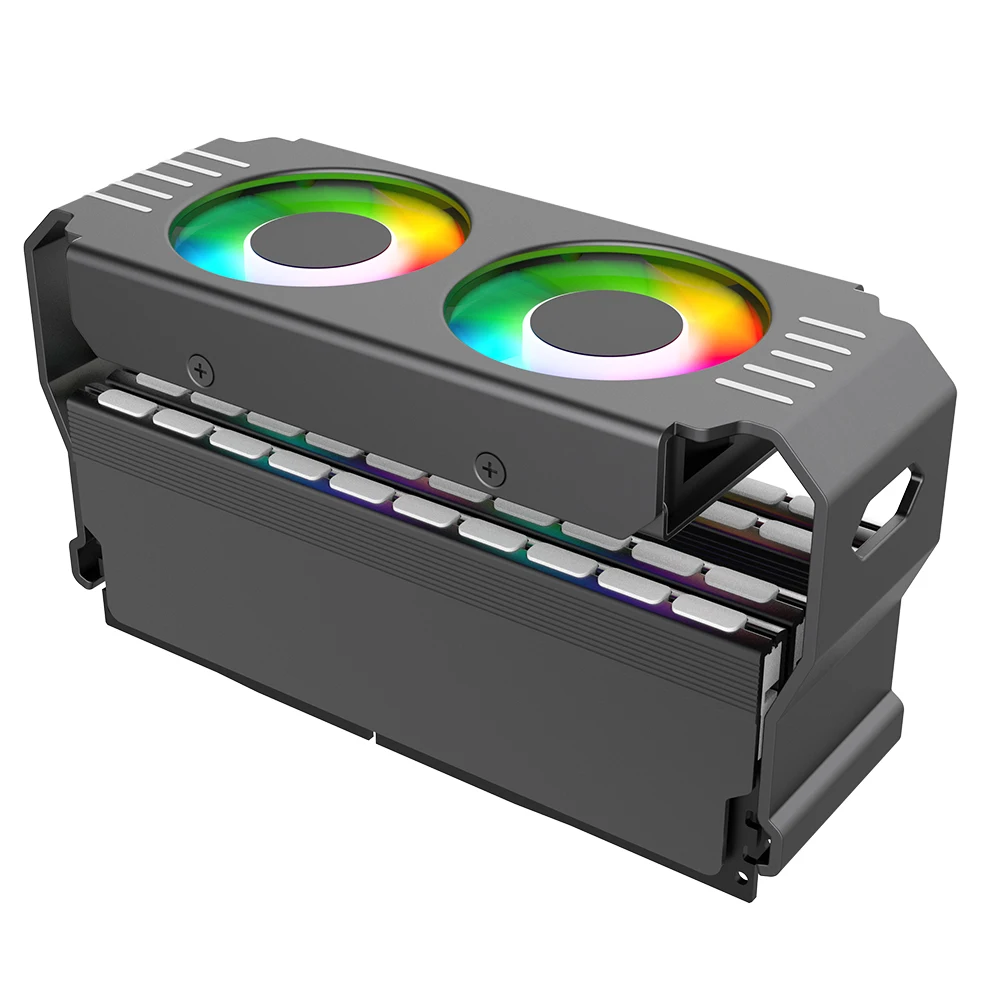


Aluminum RAM Cooling Fan for DDR4 DDR5 Memory
$34.73
$98.3


NFC Smart Simulator Card with LCD Screen for Gaming
$29.49
$56.99
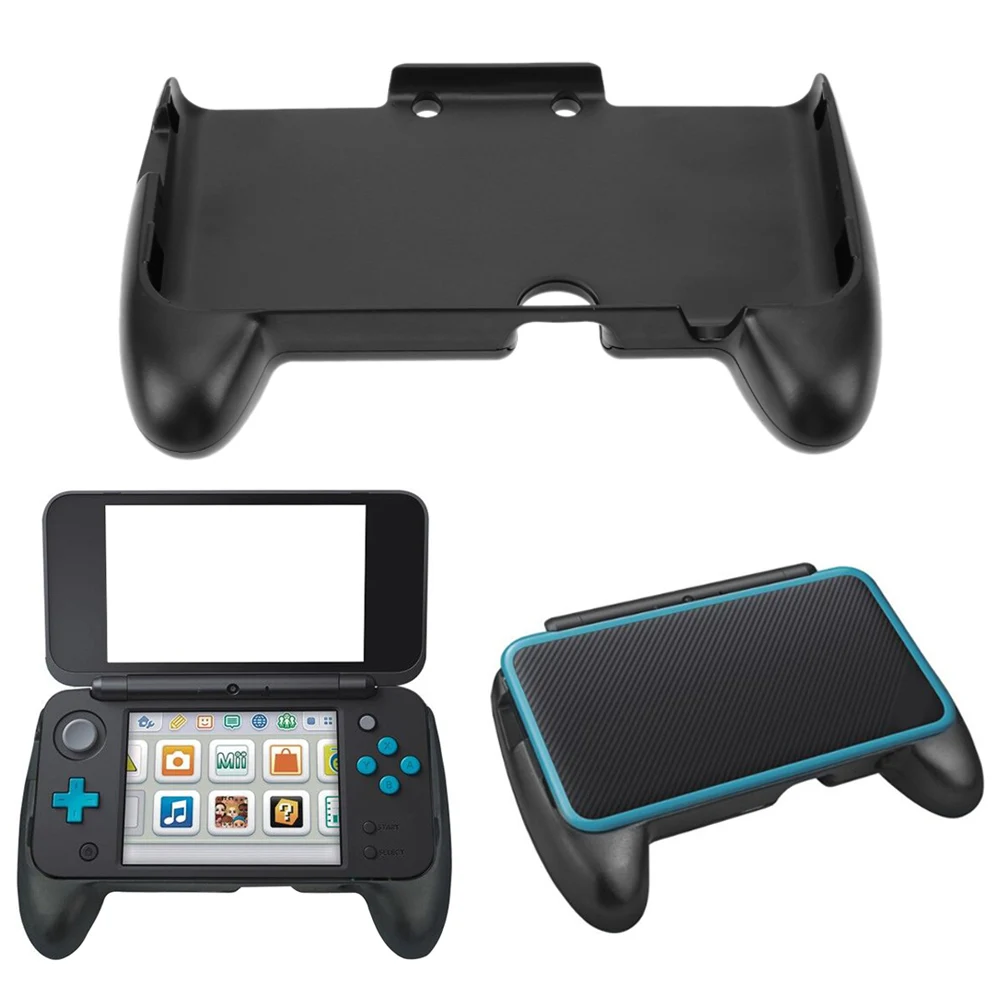


ABS Plastic Hand Grip for Nintendo 2DS XL Console
$8.38
$14.77



Resin Boxing Glove Mug for Coffee and Tea Lovers
$19.37
$37.46


Sweatproof Gaming Finger Sleeves for Mobile Players
$6.01
$10.36


PS2 Memory Card 64MB for Game Console
$24.23
$49.31


PS4 Game Mod Kit with Type C Cable for PS4 Pro and Slim
$32.92
$63.85


