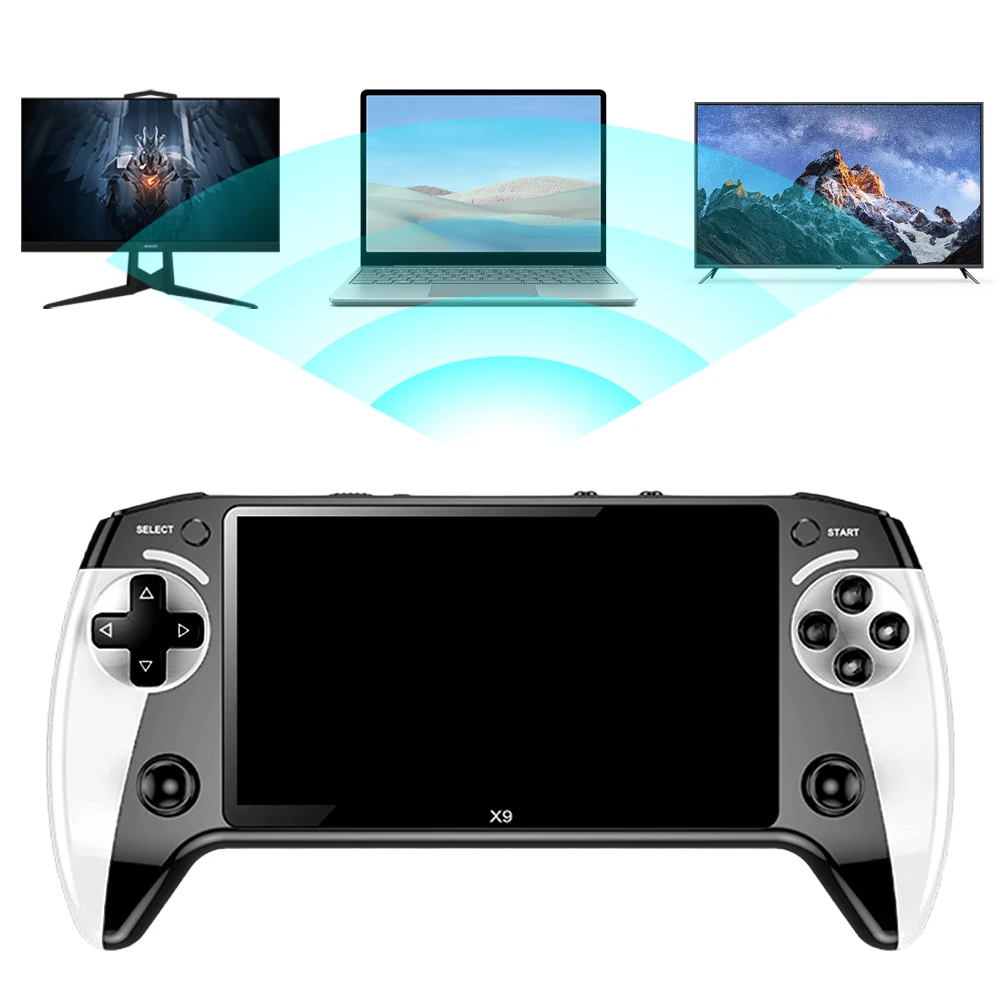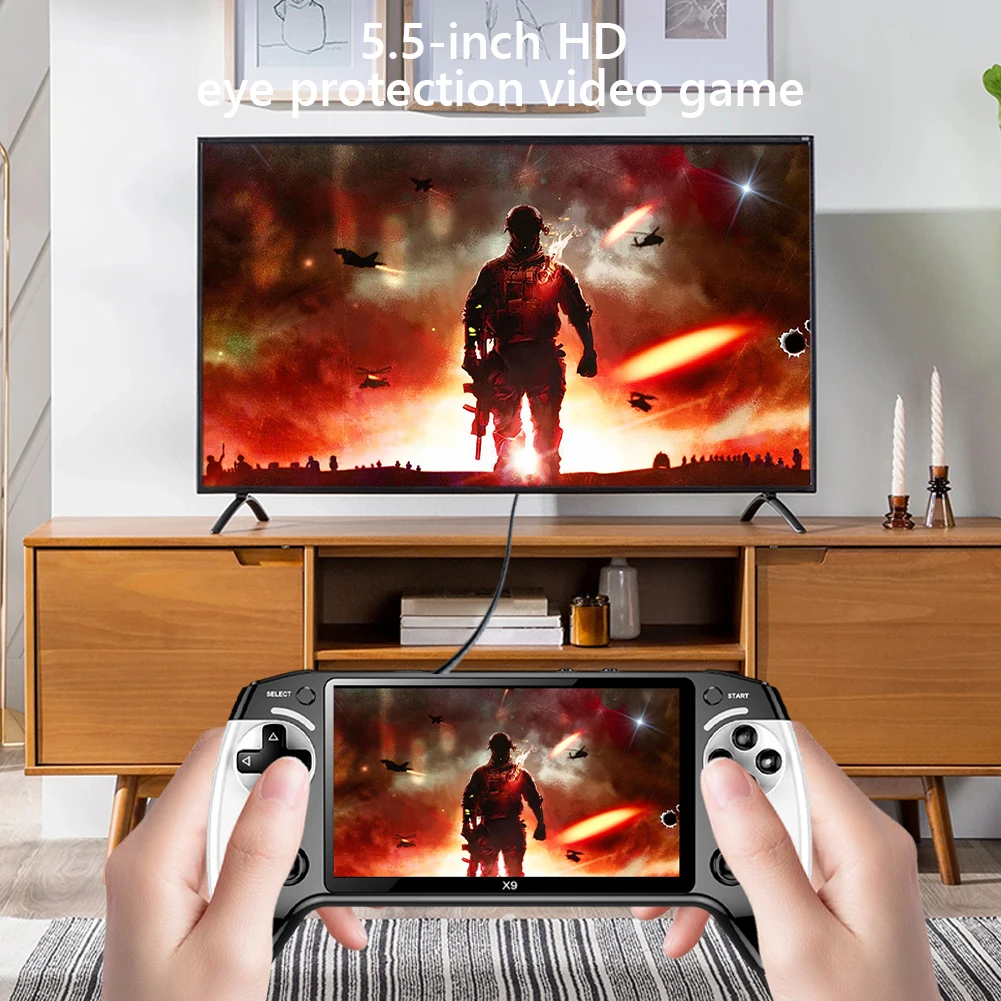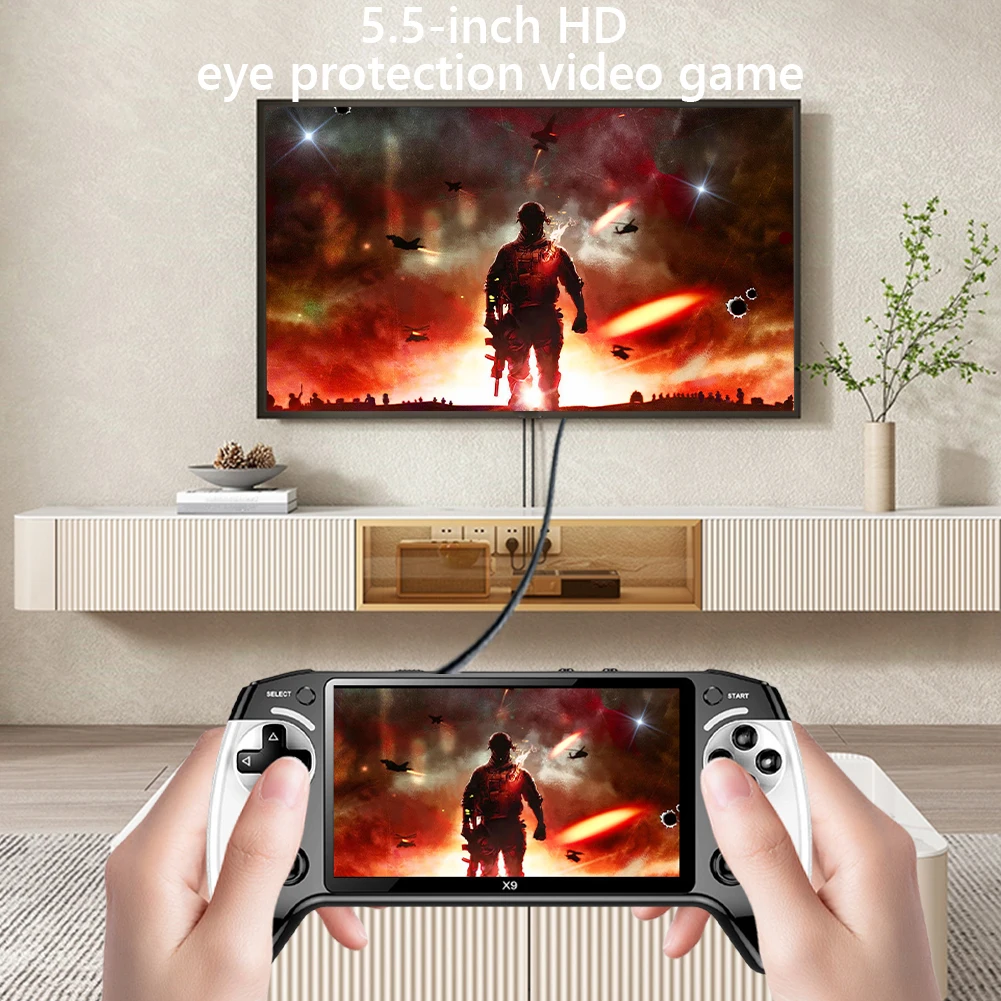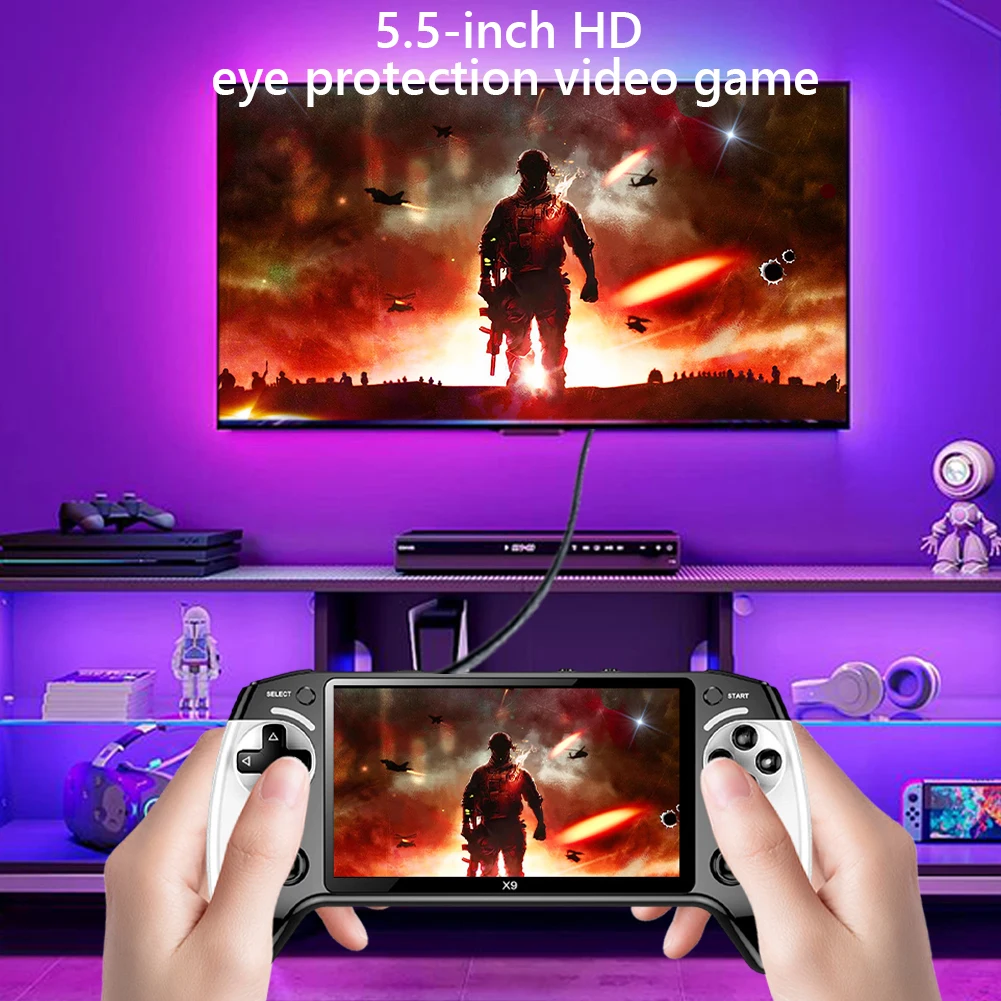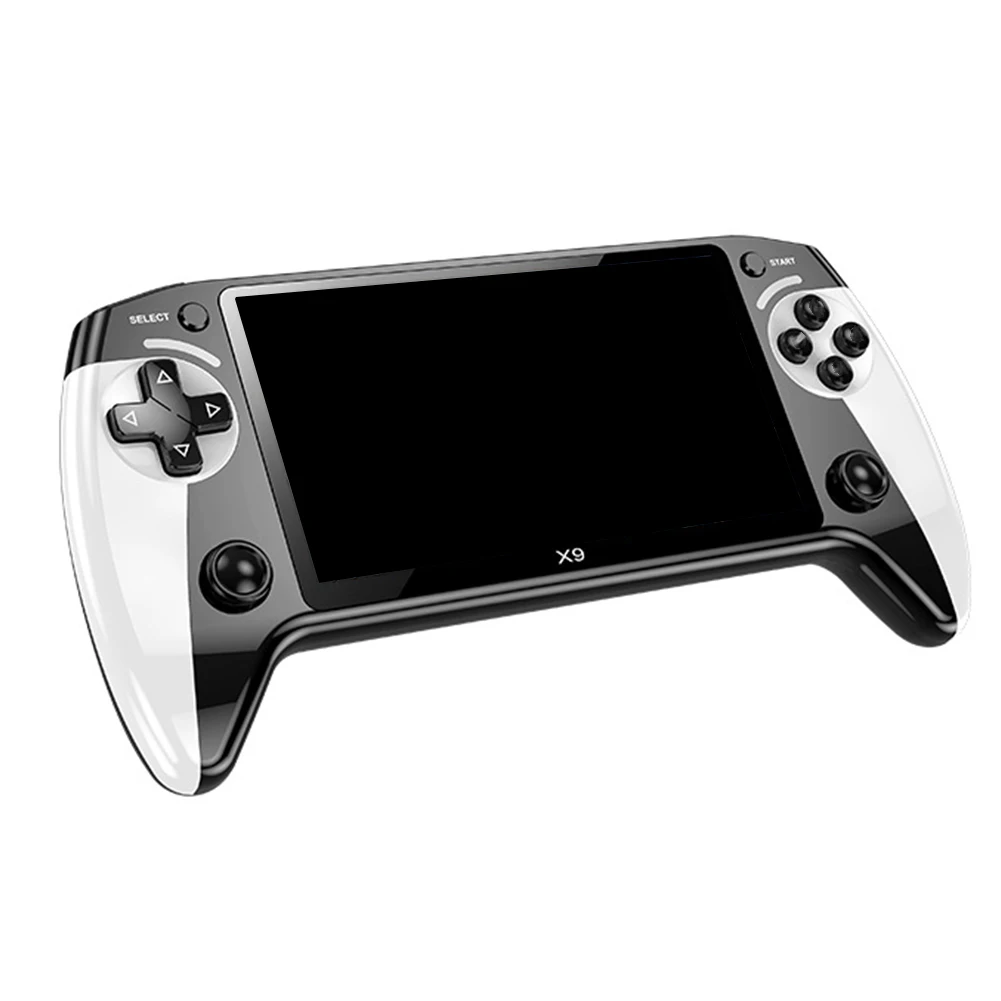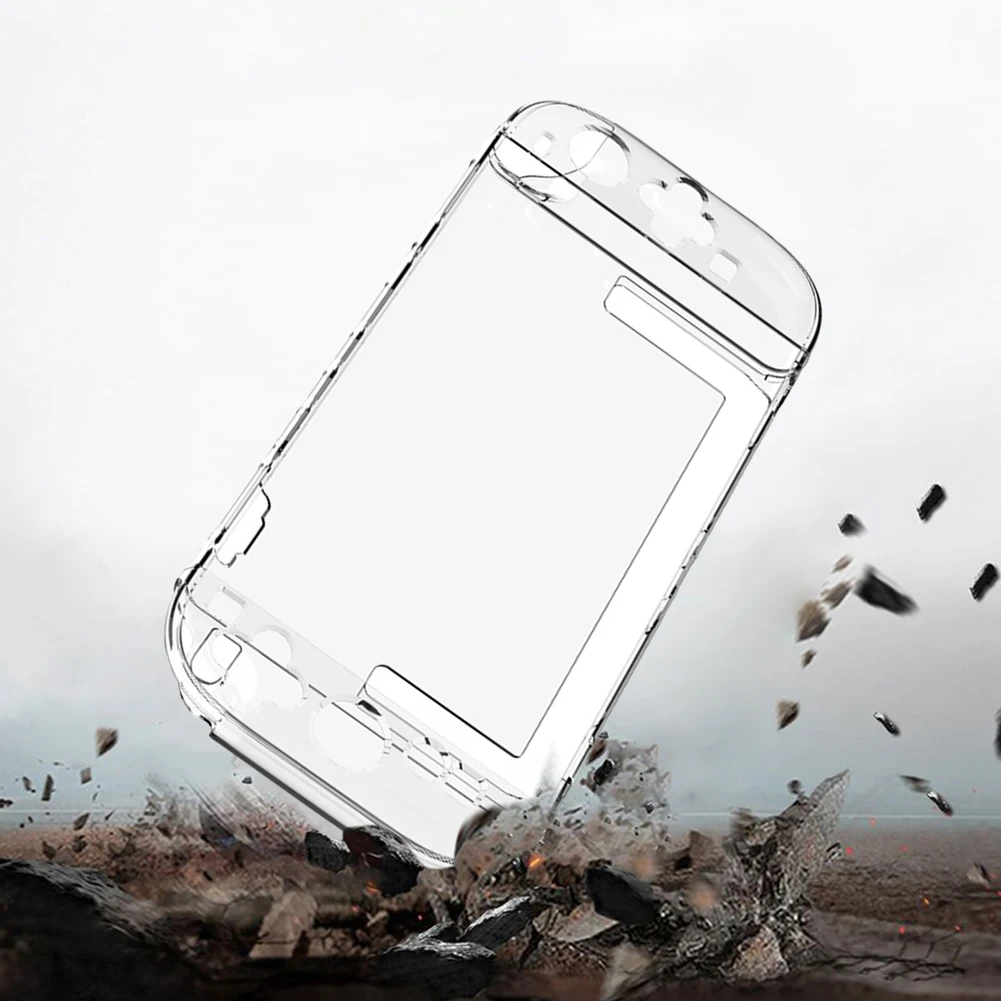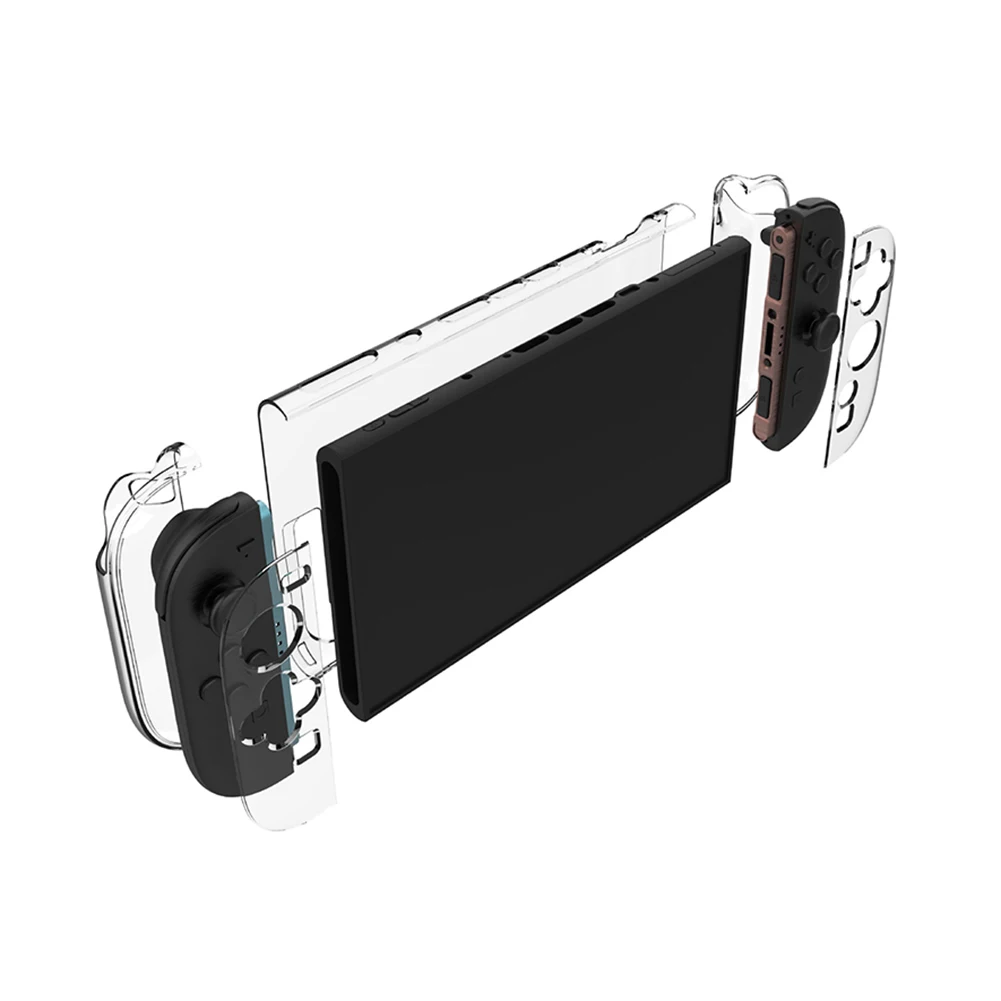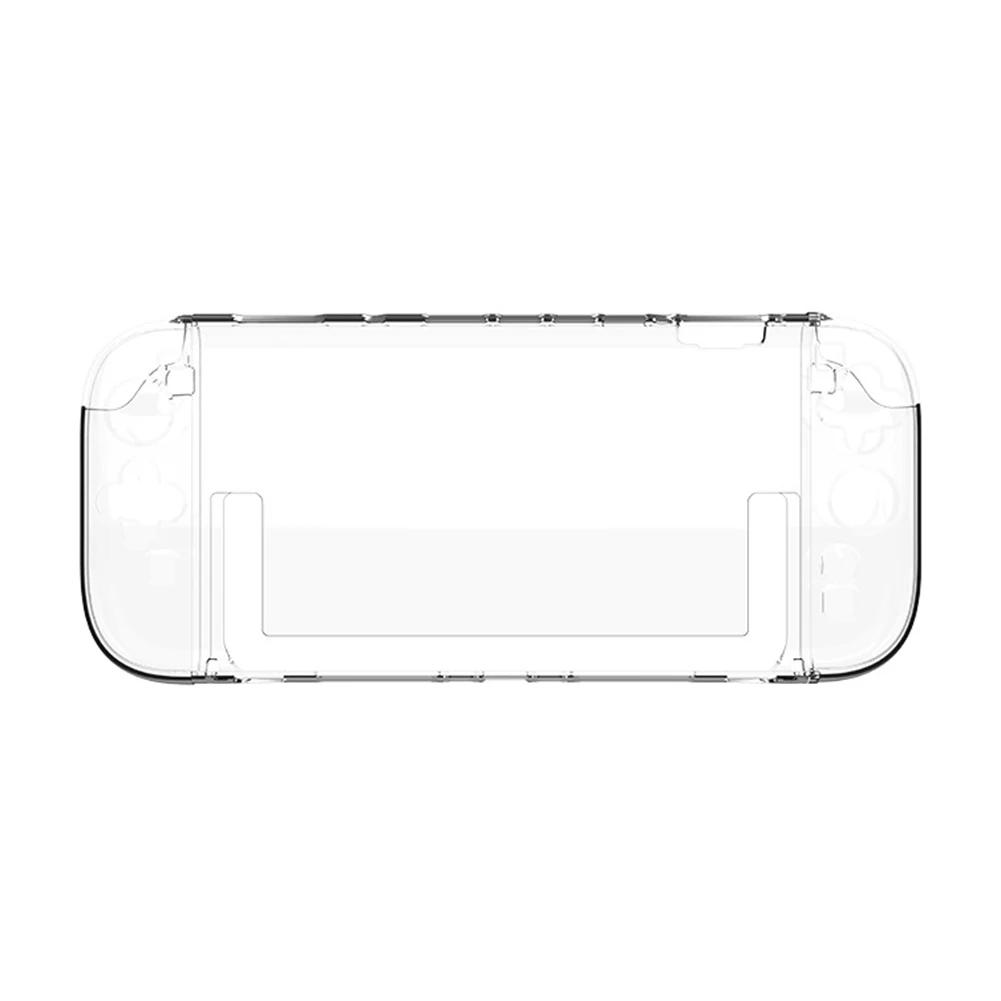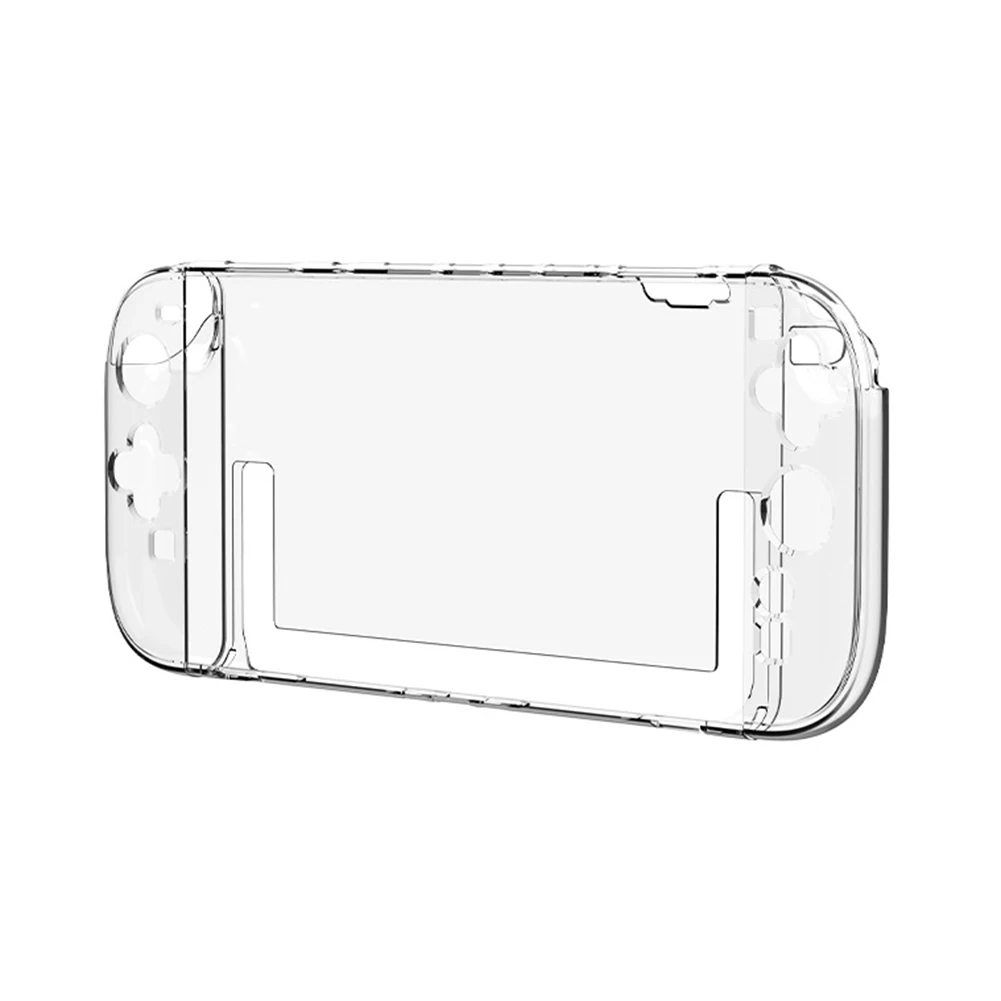
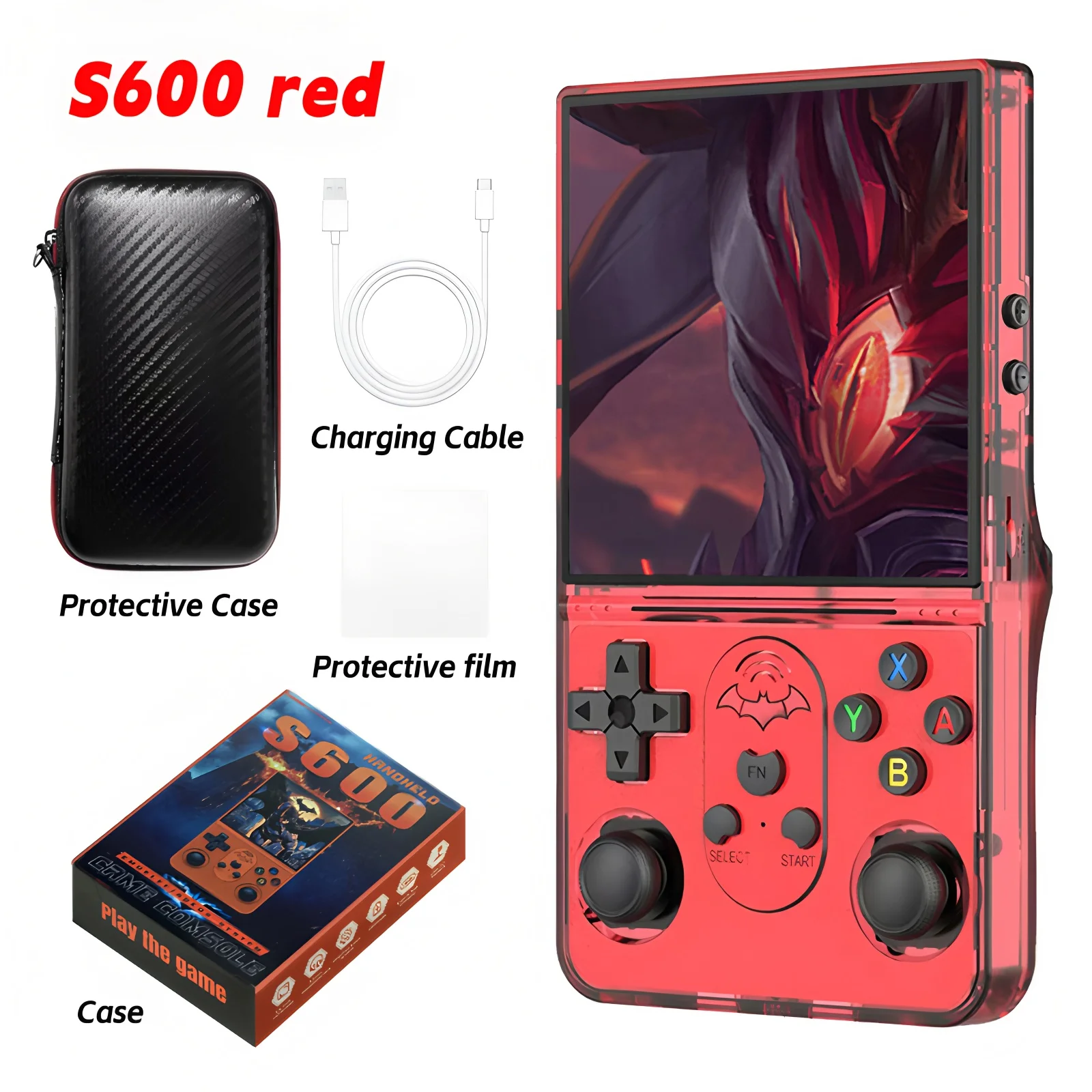
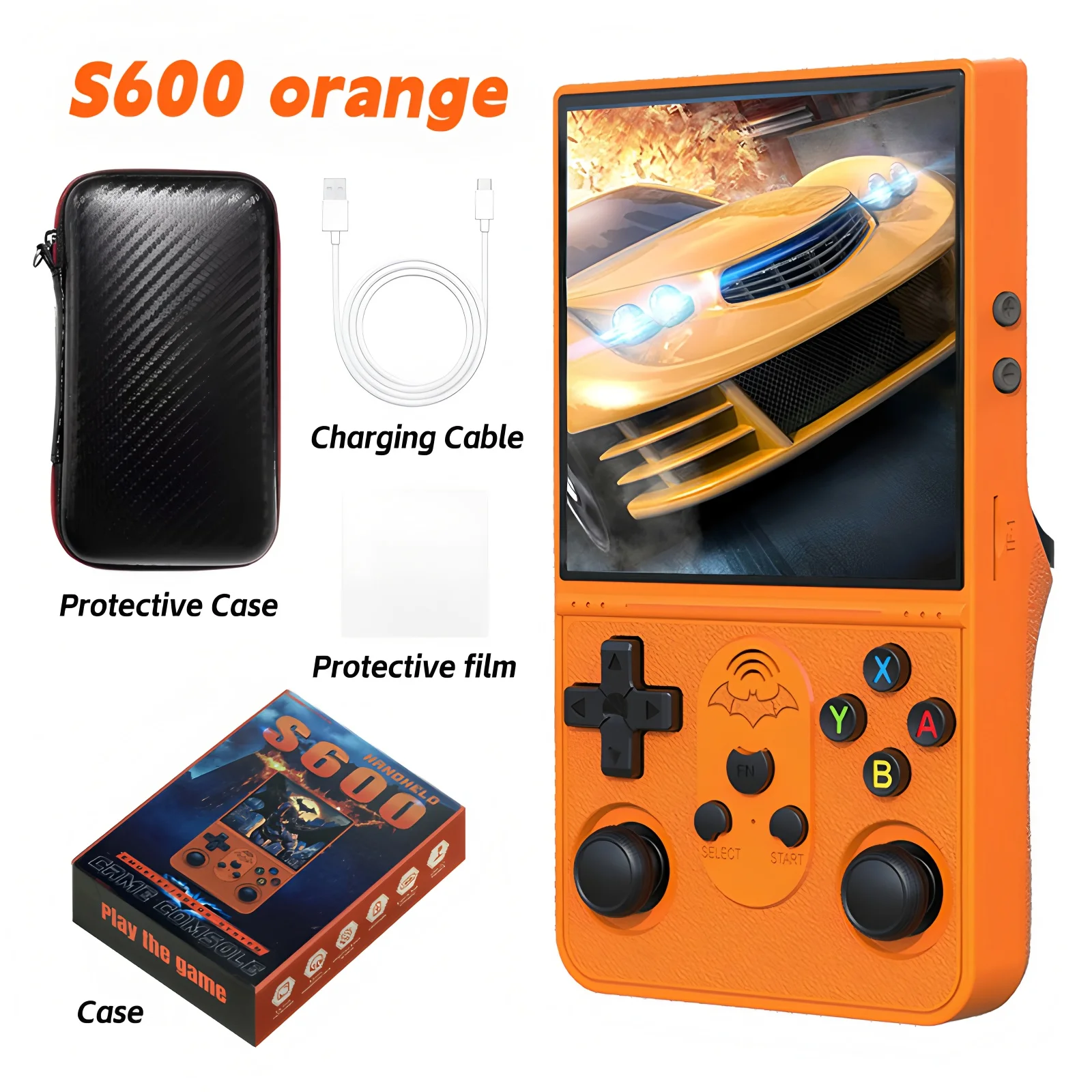
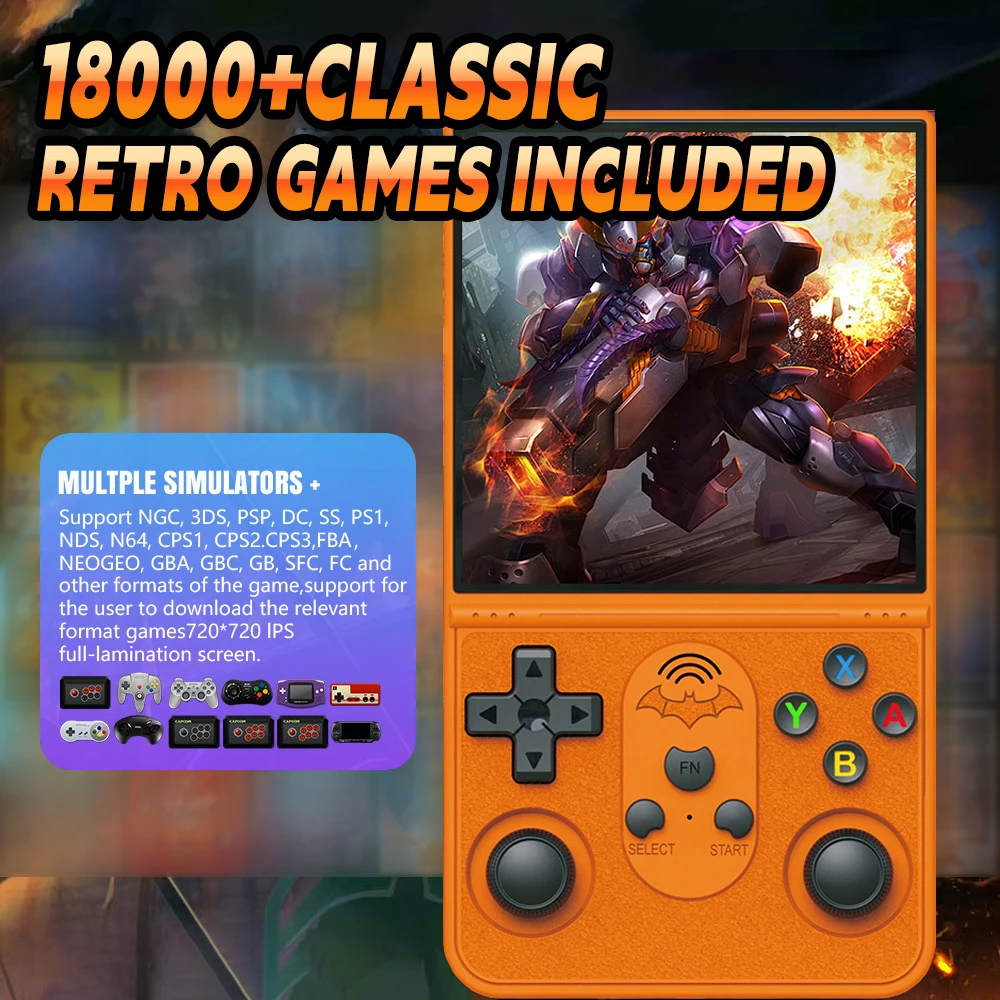
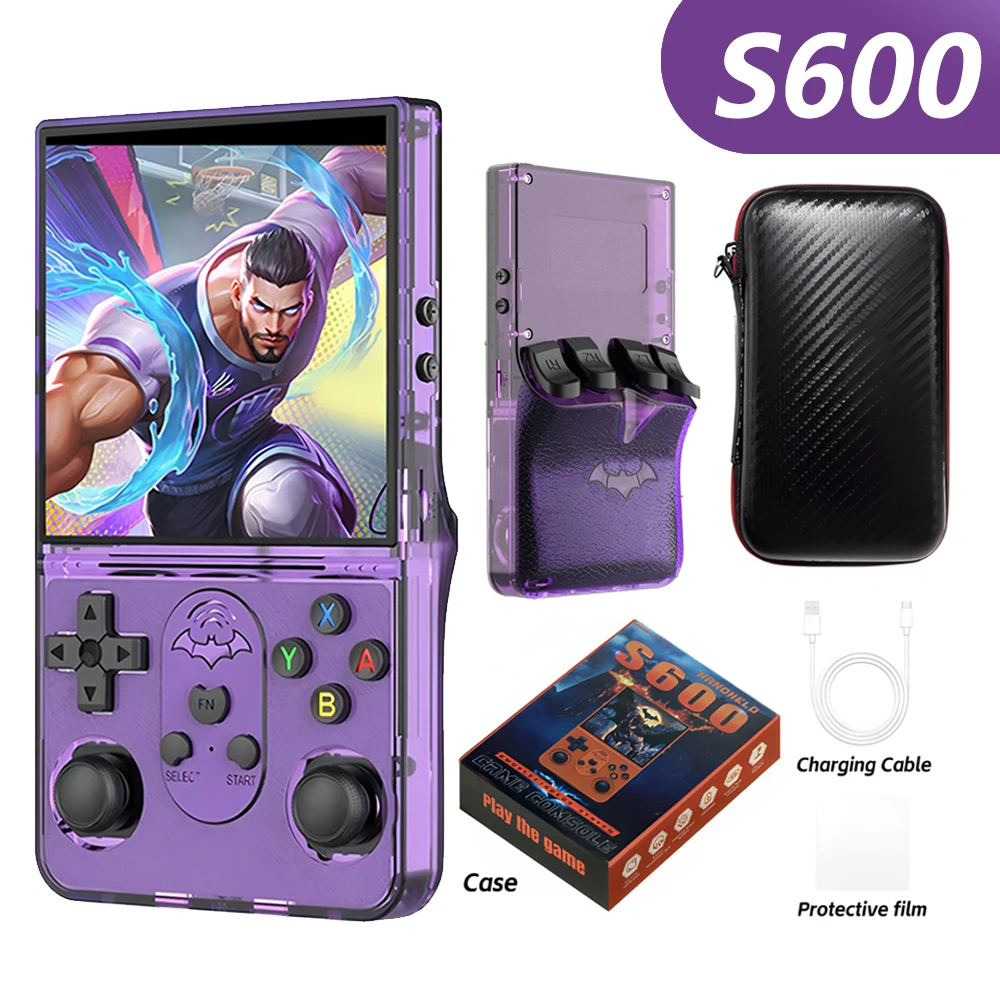
S600 Open Source Game Console 128G Retro Handheld Video Player Linux System 4.0Inch IPS Screen Portable Game Player 18000+ Games
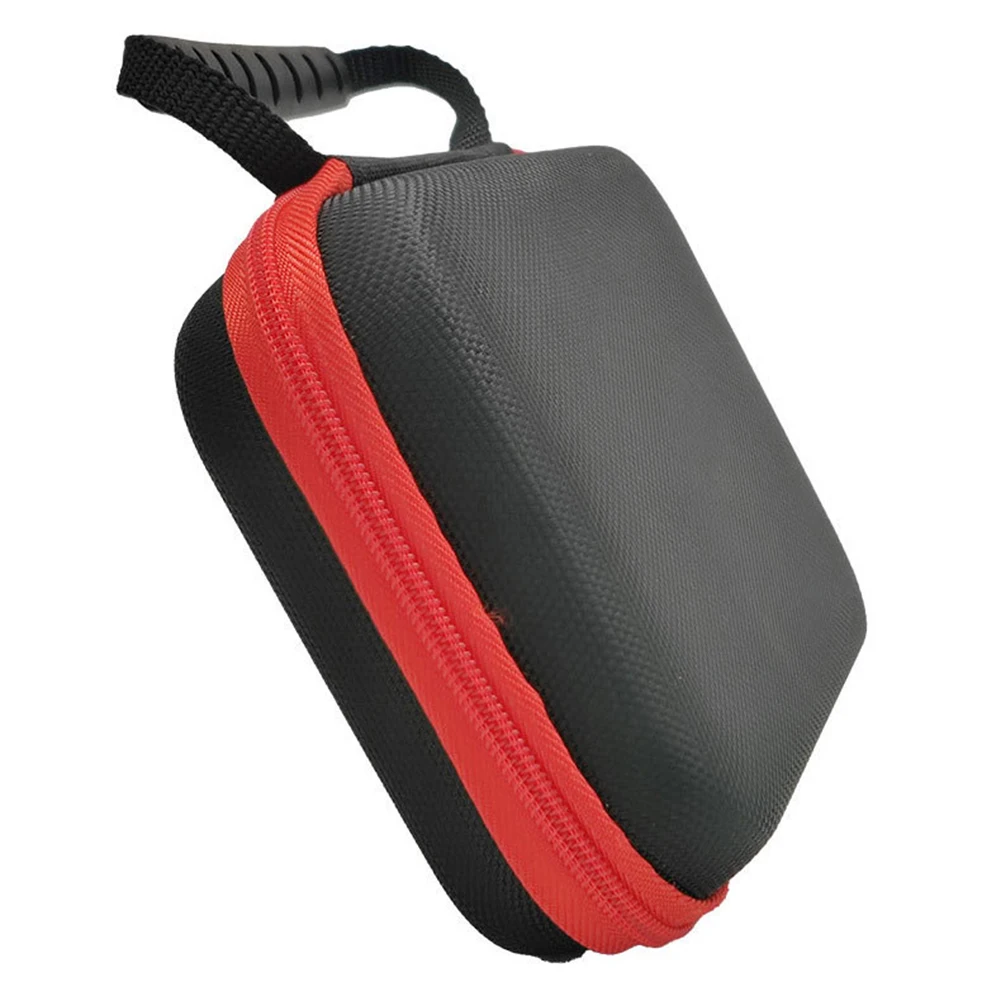
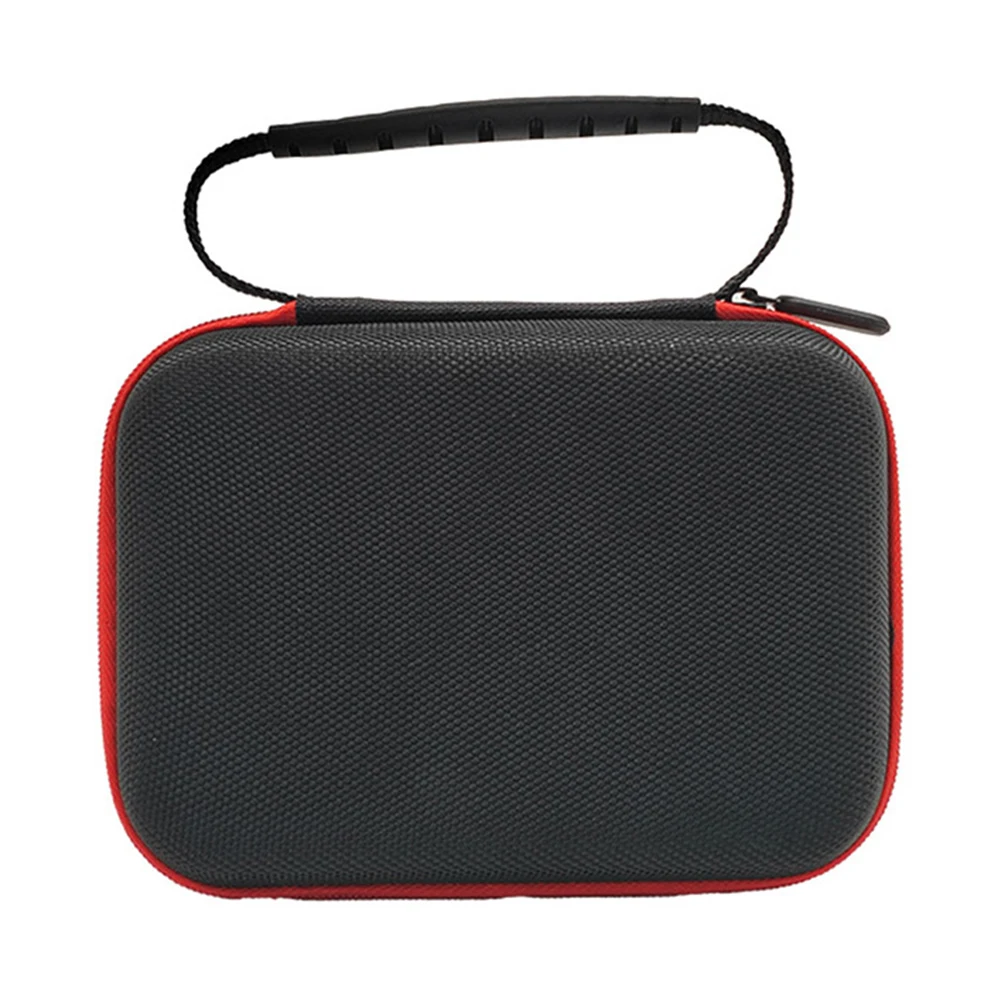
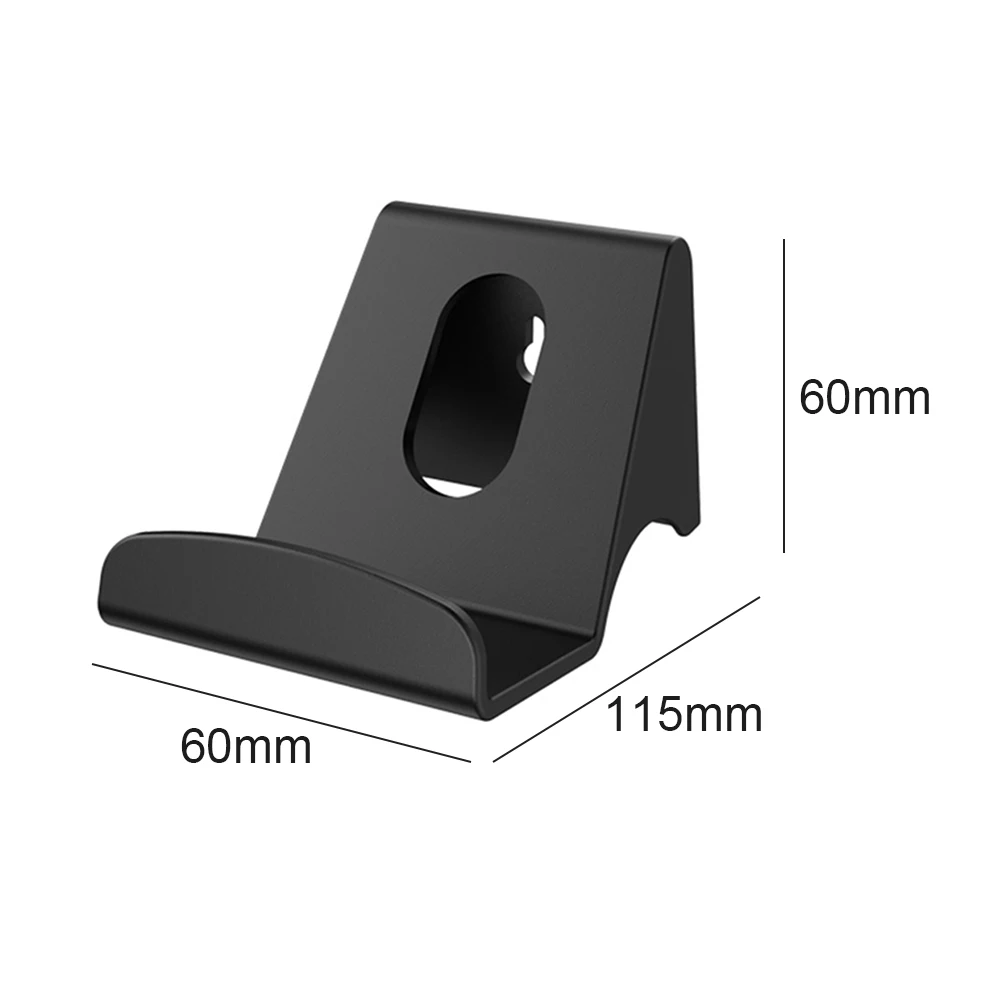
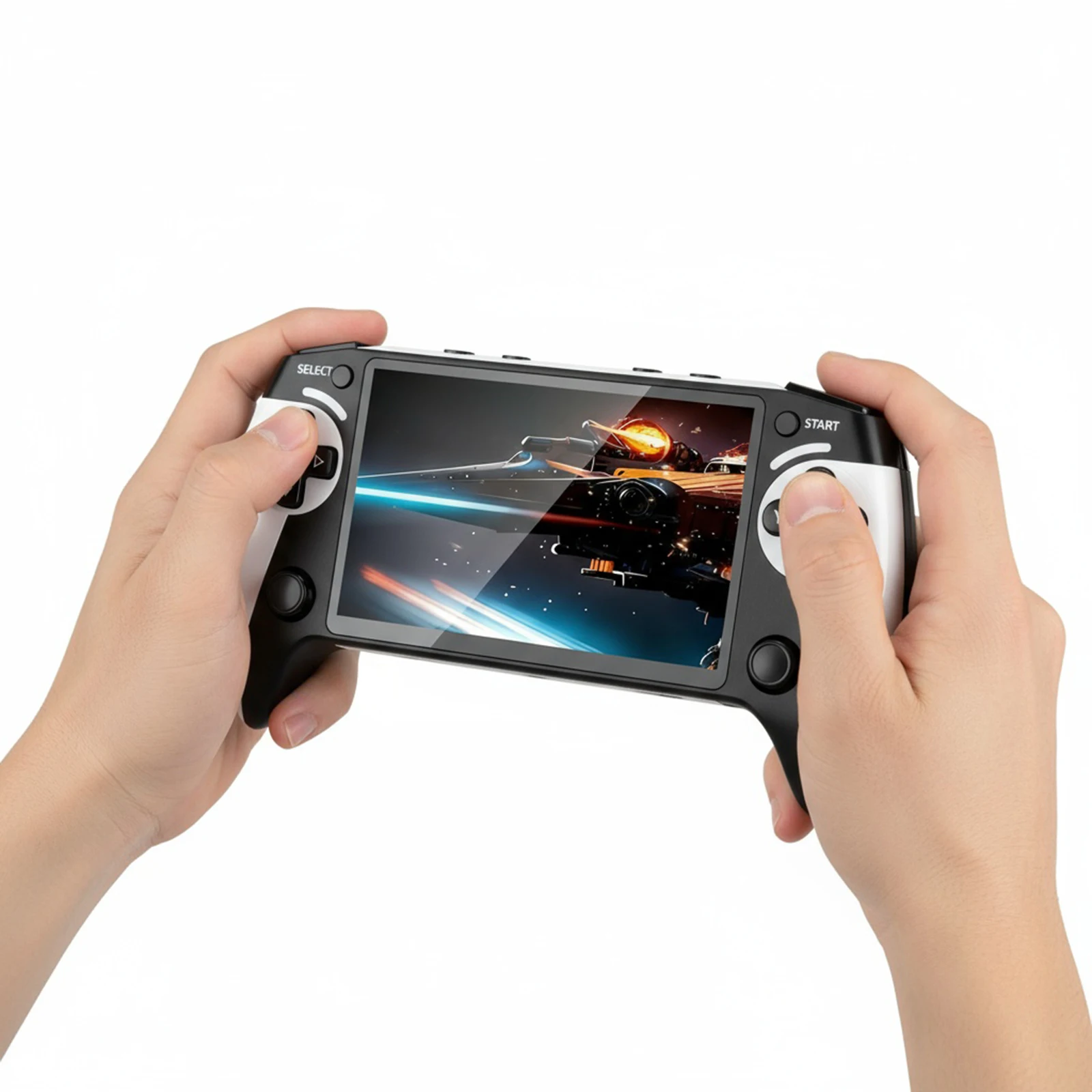
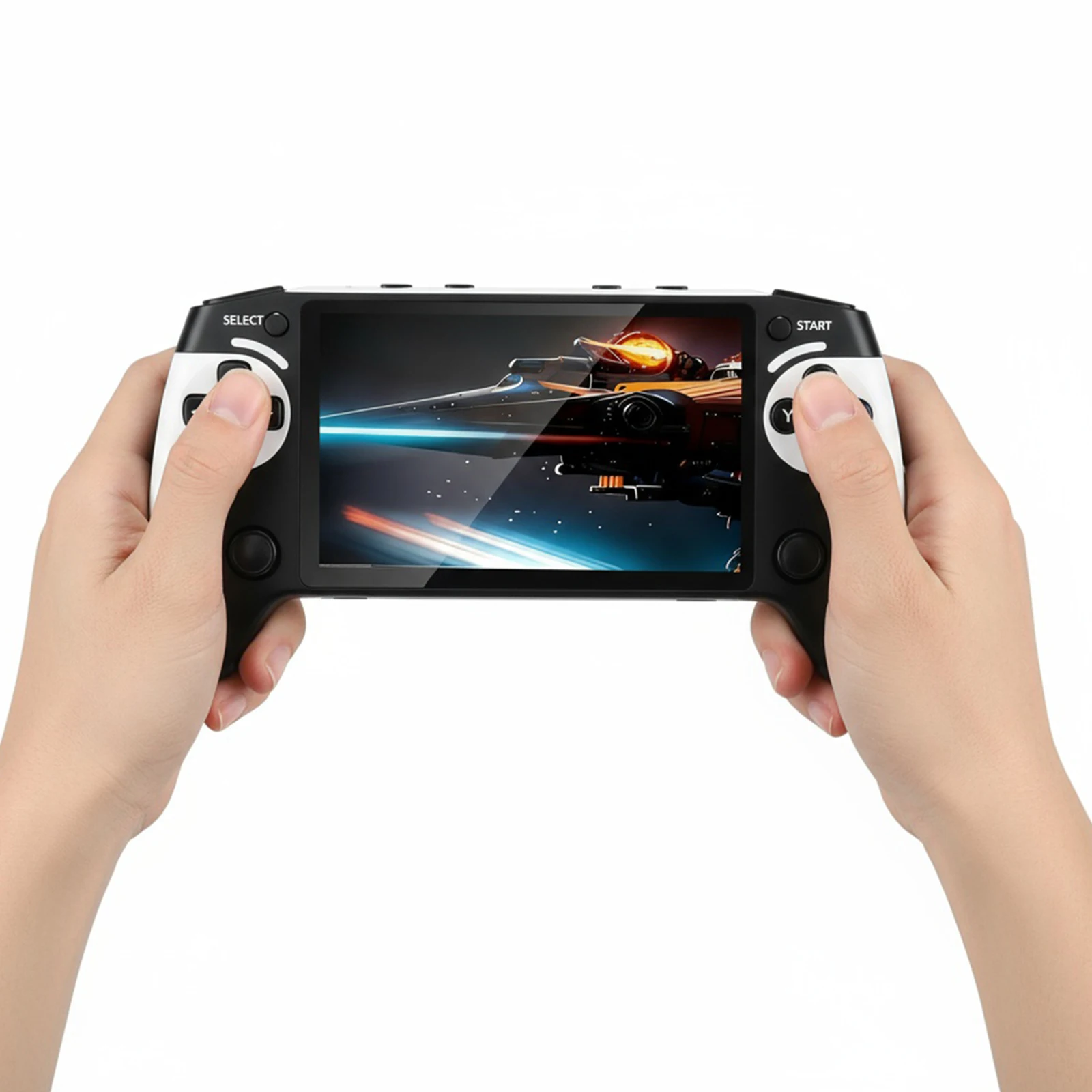
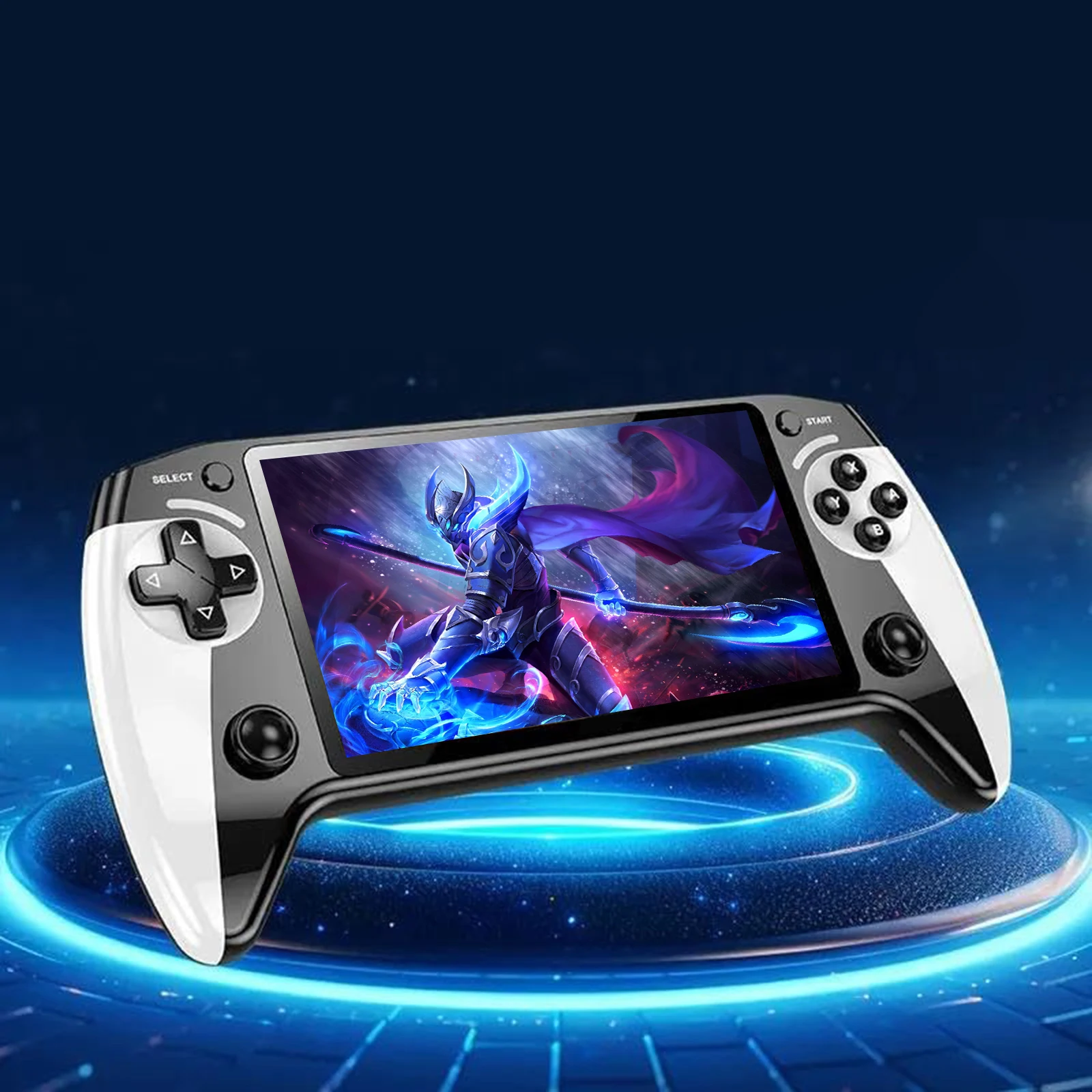
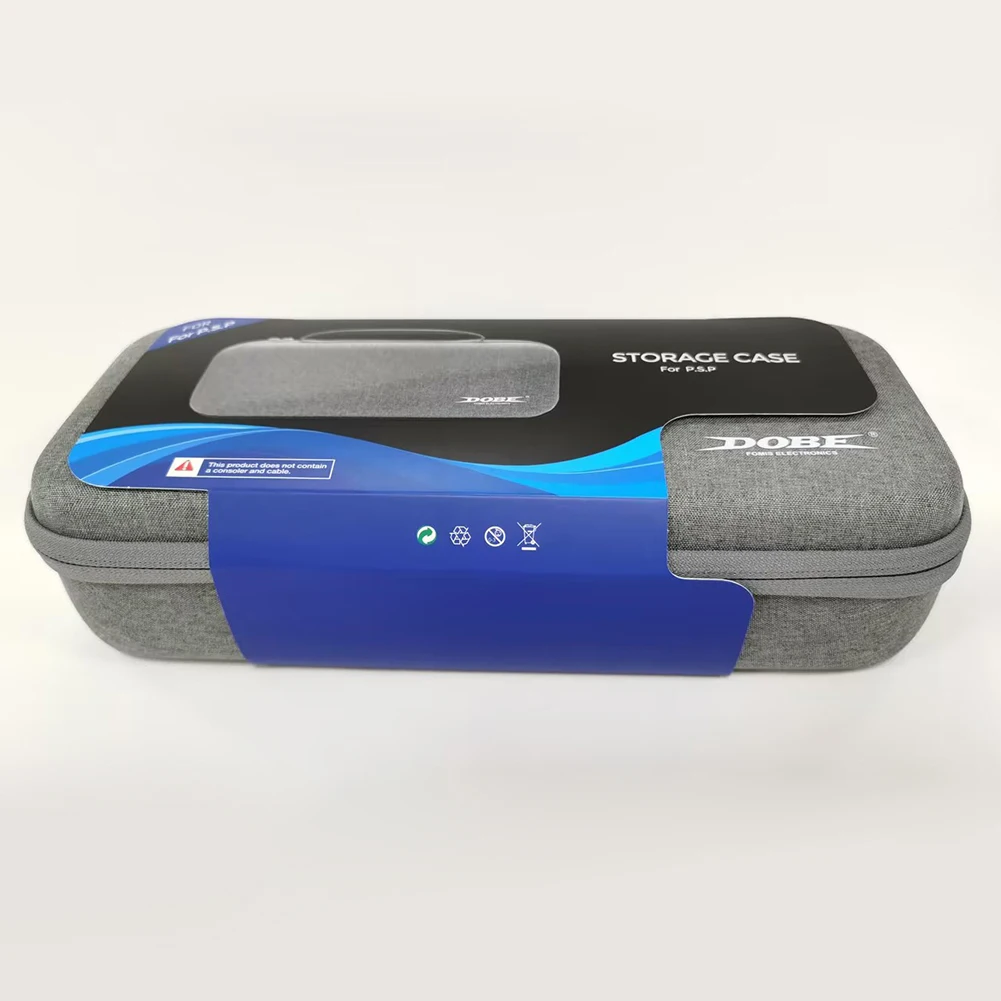
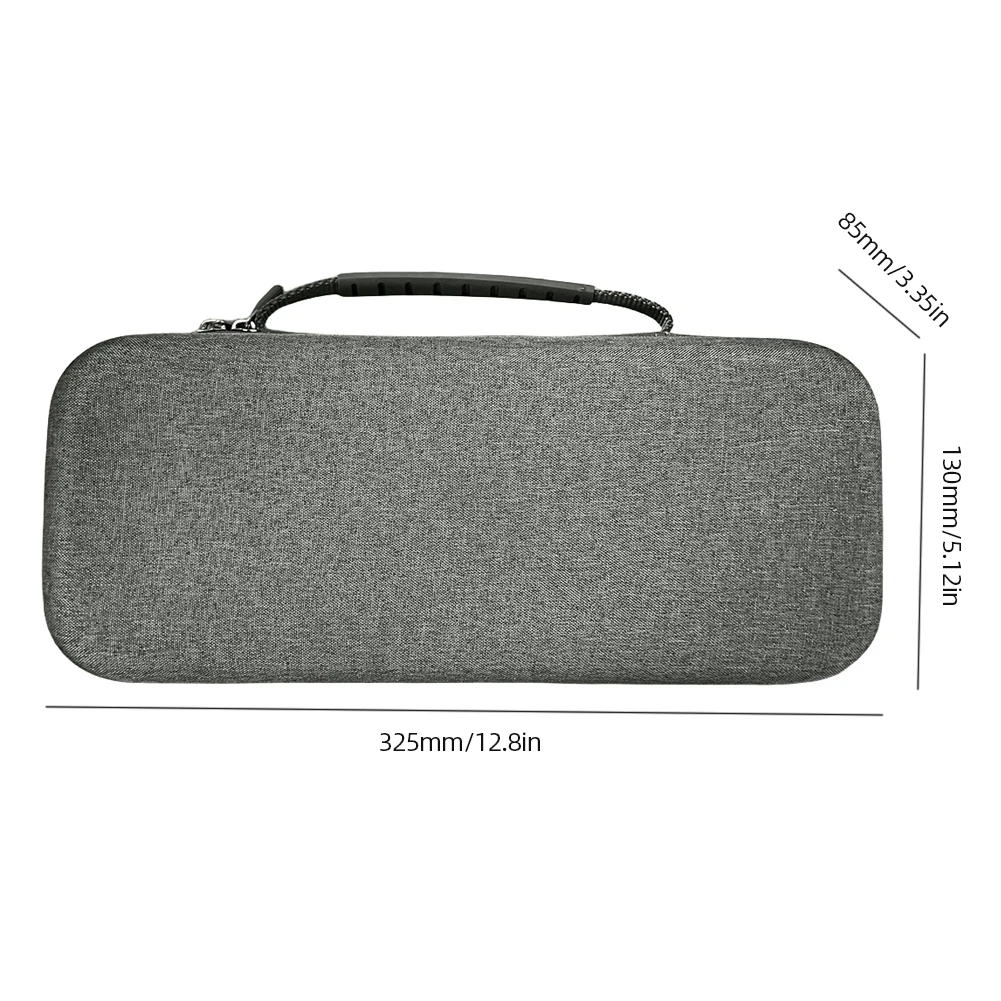
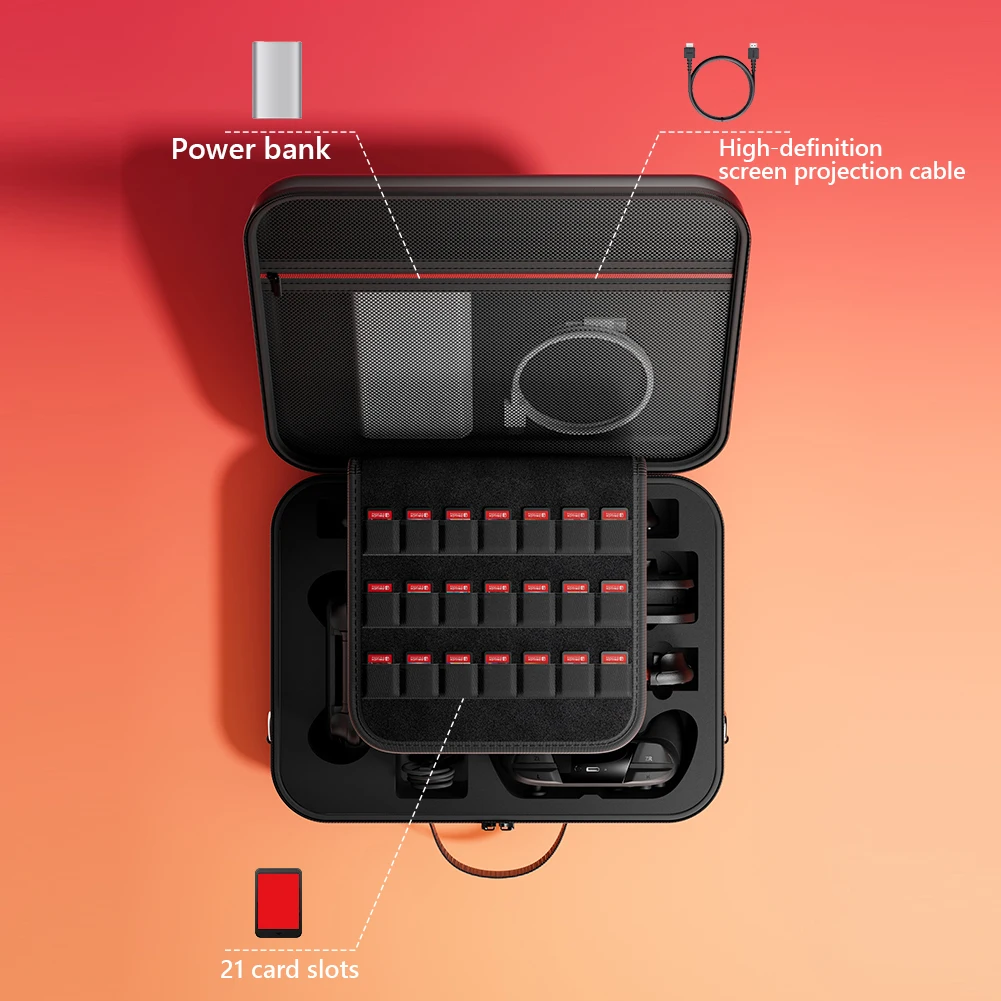
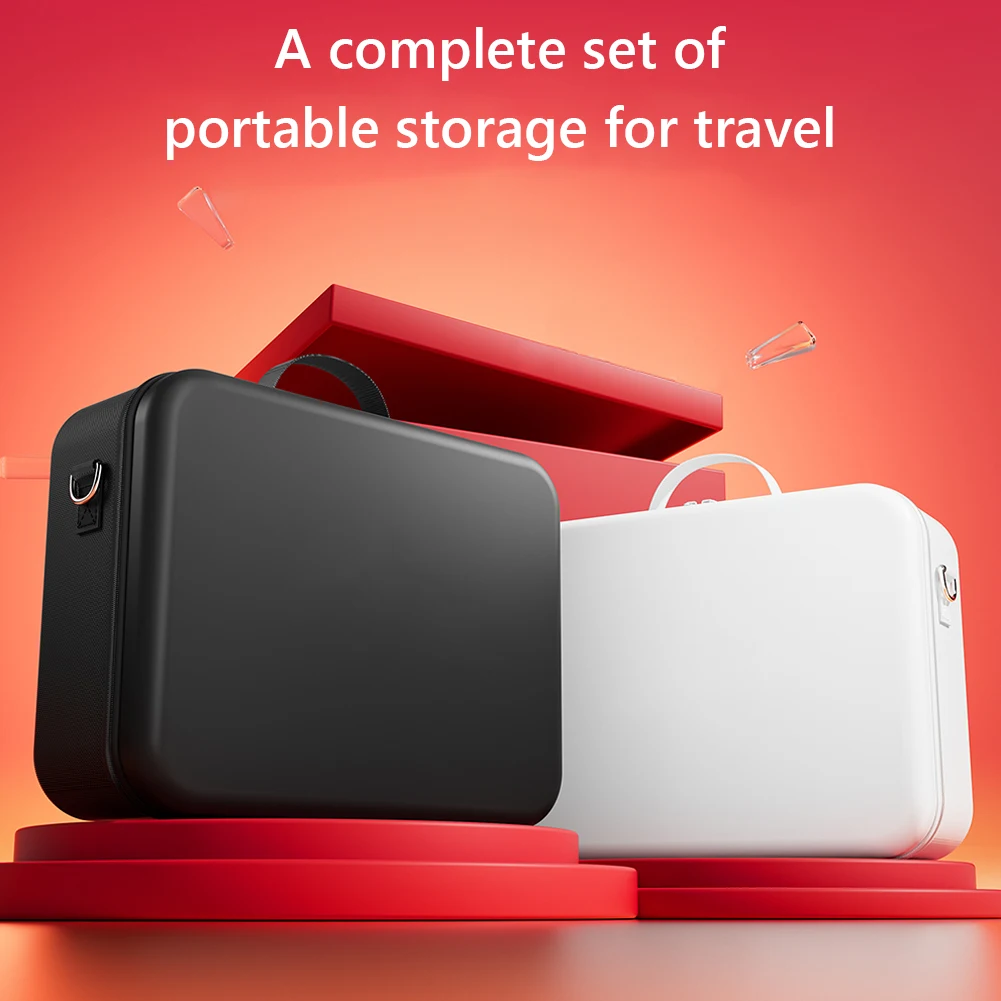
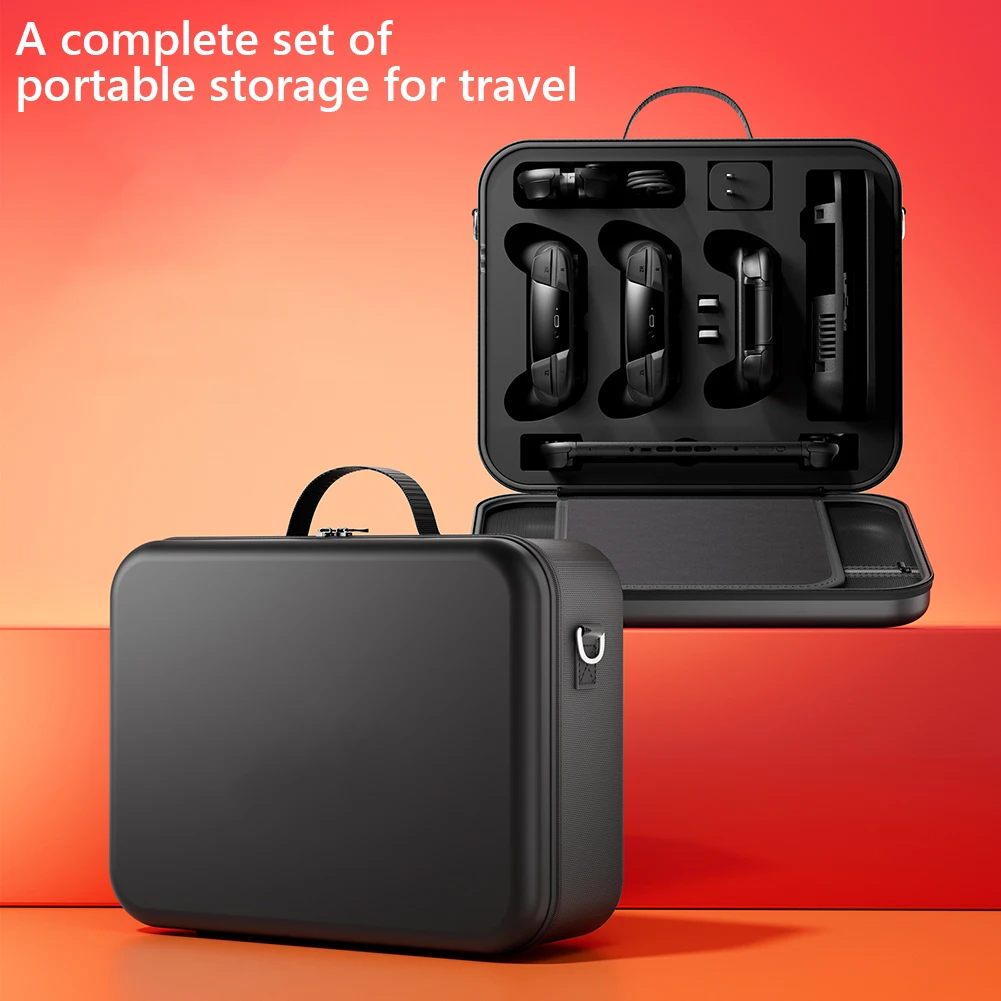
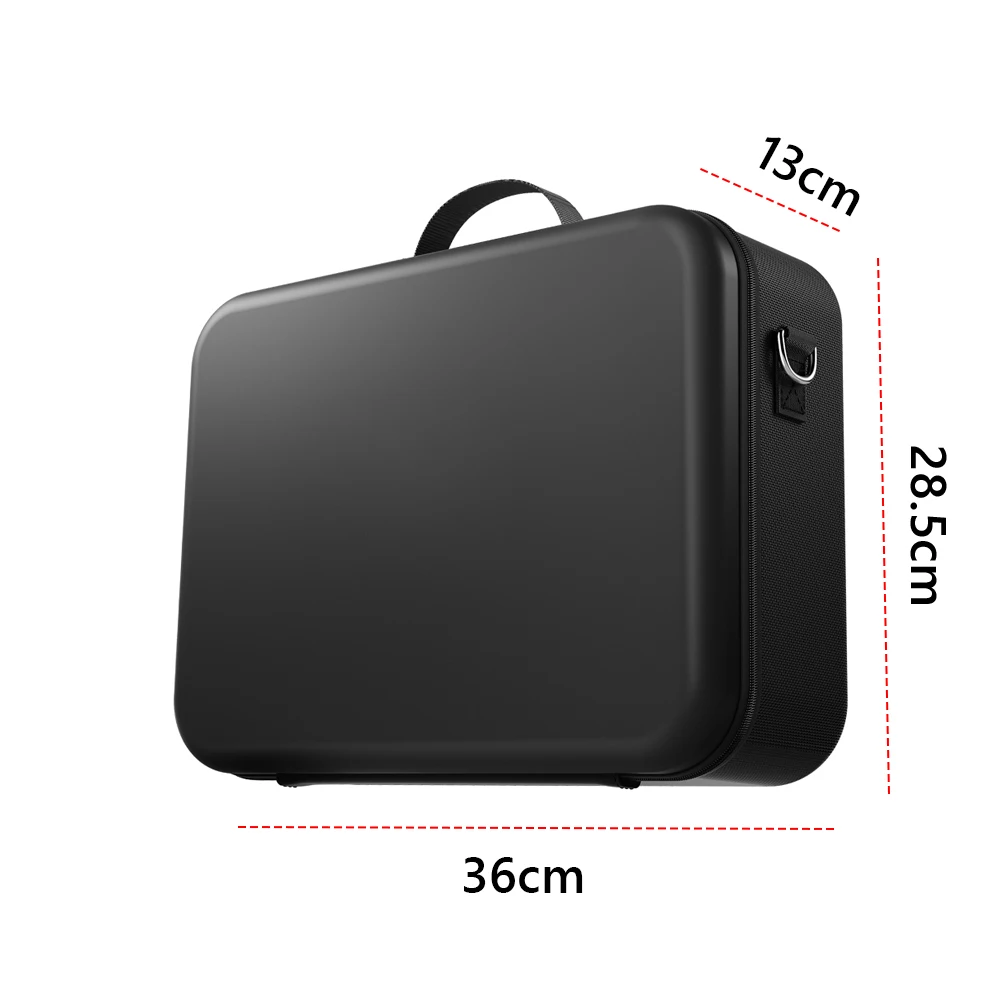
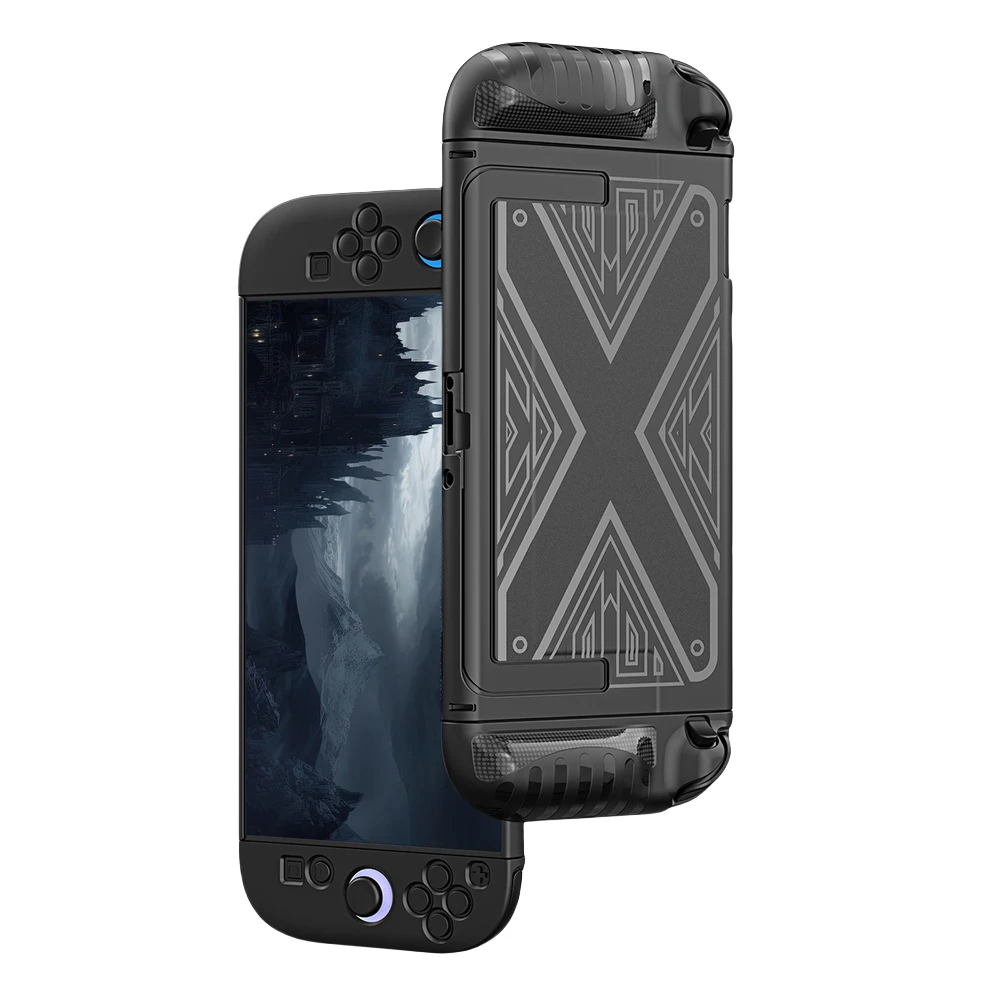
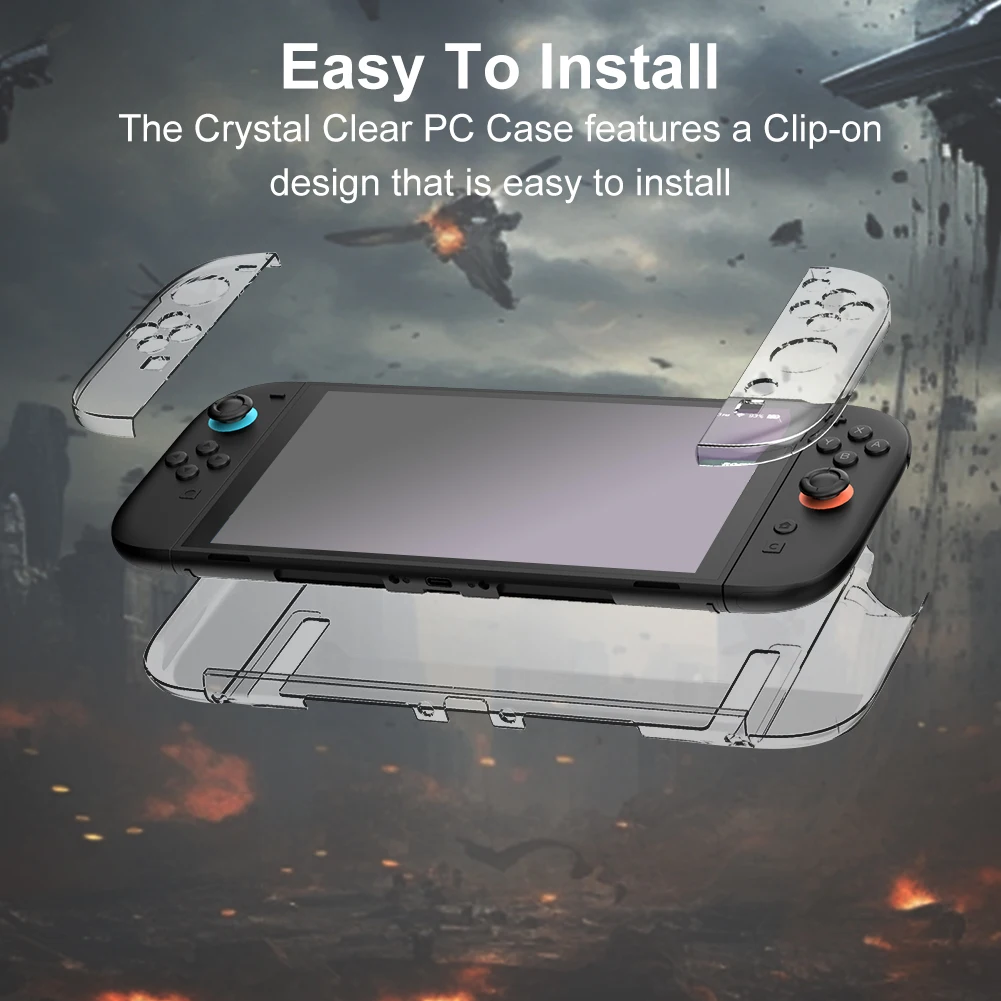
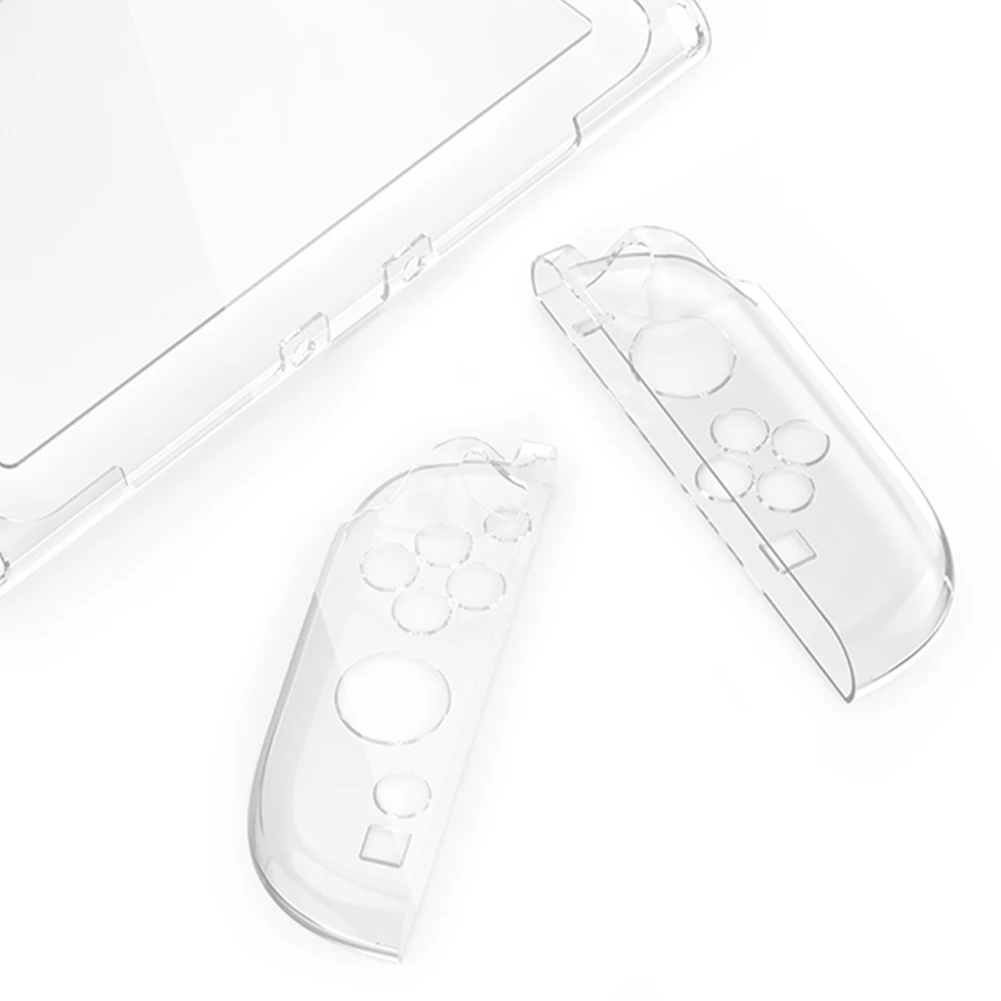
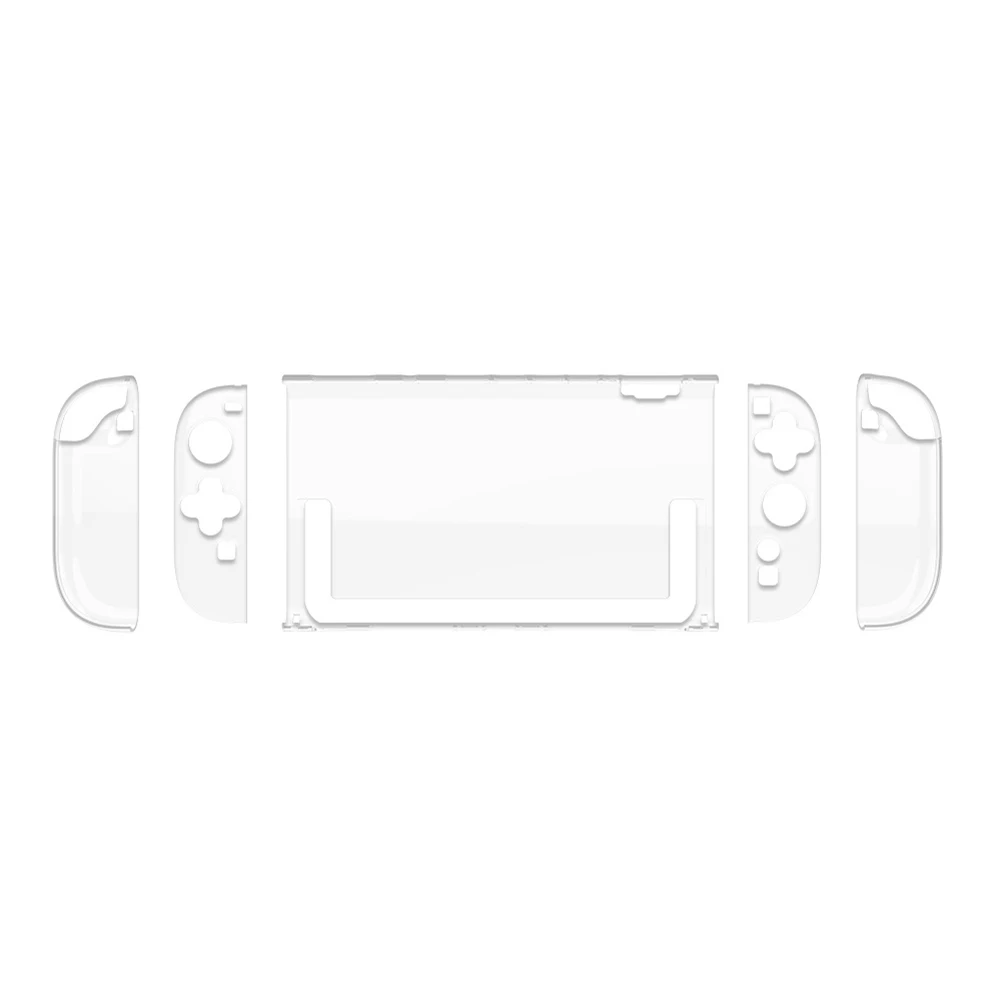
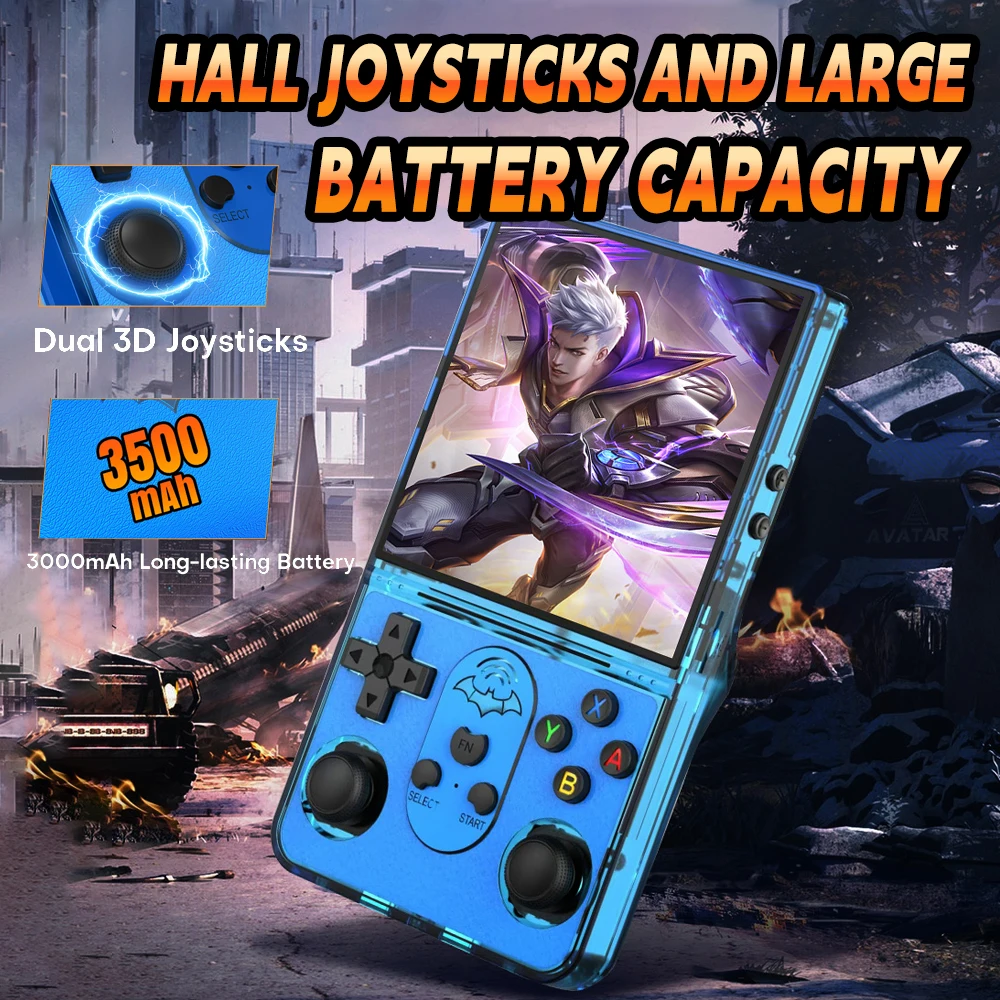
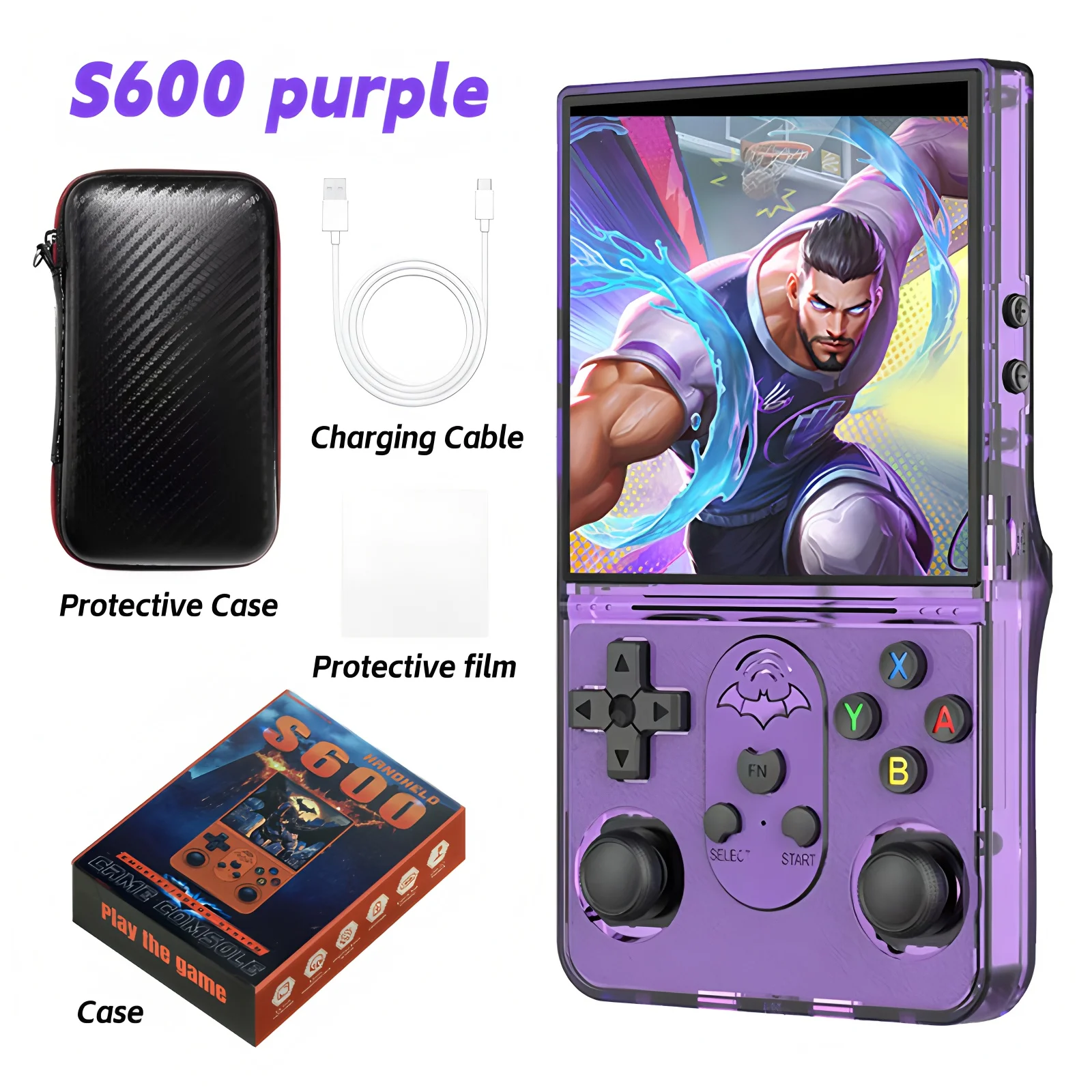
<h1 style="color:rgb(245, 166, 35);box-sizing:border-box"><strong>S600 Handheld Game Console</strong></h1><div style="font-family:"TT Norms Pro", "Open Sans", Roboto, Arial, Helvetica, sans-serif, SimSun;font-size:14px;font-weight:400;letter-spacing:normal;text-align:start;white-space:normal;color:rgb(34, 34, 34);margin:0px;margin-bottom:0px;margin-top:0px;margin-left:0px;margin-right:0px;padding:0px;padding-bottom:0px;padding-top:0px;padding-left:0px;padding-right:0px;box-sizing:content-box" class="detailmodule_text" align="start"><p style="font-family:OpenSans;font-size:14px;font-weight:300;line-height:20px;white-space:pre-wrap;color:rgb(0, 0, 0);margin:0px 0px 12px;margin-bottom:12px;margin-top:0px;margin-left:0px;margin-right:0px;padding:0px;padding-bottom:0px;padding-top:0px;padding-left:0px;padding-right:0px;box-sizing:border-box" class="detail-desc-decorate-content"><span style="font-size:14px;font-family:arial, helvetica, sans-serif">1.Powerful Performance: 64 bit quad-core Cortex-A35 processor 1.5GHz for smooth gaming.<br/><br/>2.Fast Charging: 5V/2A quick charge support for minimal downtime.<br/><br/>3.Ergonomic Design: Enhanced trigger structure for a comfortable and responsive grip.<br/><br/>4.Vibrant Display: 4.0-inch IPS screen with 640×480 resolution for crisp, clear visuals.<br/><br/>5.Memory information: original 64GB TF memory card, supports expandable storage up to 256GB.<br/><br/>6.Massive Game Library: Preloaded with 18,000+ classic games for endless fun.<br/><br/>7.Stylish Controls: Color-gradient joystick with smooth, precise movement.<br/><br/>8.Multi-Platform Support: Compatible with 18+ emulators for retro gaming diversity.<br/><br/>9.Long Battery Life: 3500mAh battery delivers up to 8 hours of playtime.</span></p></div><div style="font-family:"TT Norms Pro", "Open Sans", Roboto, Arial, Helvetica, sans-serif, SimSun;font-size:14px;font-weight:400;letter-spacing:normal;text-align:start;white-space:normal;color:rgb(34, 34, 34);margin:0px;margin-bottom:0px;margin-top:0px;margin-left:0px;margin-right:0px;padding:0px;padding-bottom:0px;padding-top:0px;padding-left:0px;padding-right:0px;box-sizing:content-box" class="detailmodule_image" align="start"><span> </span><span> </span></div><div style="font-family:"TT Norms Pro", "Open Sans", Roboto, Arial, Helvetica, sans-serif, SimSun;font-size:14px;font-weight:400;letter-spacing:normal;text-align:start;white-space:normal;color:rgb(34, 34, 34);margin:0px;margin-bottom:0px;margin-top:0px;margin-left:0px;margin-right:0px;padding:0px;padding-bottom:0px;padding-top:0px;padding-left:0px;padding-right:0px;box-sizing:content-box" class="detailmodule_text" align="start"><p style="font-family:OpenSans;font-size:20px;font-weight:900;line-height:28px;white-space:pre-wrap;color:rgb(0, 0, 0);margin:0px 0px 12px;margin-bottom:12px;margin-top:0px;margin-left:0px;margin-right:0px;padding:0px;padding-bottom:0px;padding-top:0px;padding-left:0px;padding-right:0px;box-sizing:border-box" class="detail-desc-decorate-title">Special instructions</p><p style="font-family:OpenSans;font-size:14px;font-weight:300;line-height:20px;white-space:pre-wrap;color:rgb(0, 0, 0);margin:0px 0px 12px;margin-bottom:12px;margin-top:0px;margin-left:0px;margin-right:0px;padding:0px;padding-bottom:0px;padding-top:0px;padding-left:0px;padding-right:0px;box-sizing:border-box" class="detail-desc-decorate-content">1. Before switching on the computer, you must insert the TF card into the TF1-0S position, and then press the Power Press the power button, then press the power button to turn on the device and enter the system.<br/>Note: if the device is switched on directly without inserting the TF card, only the yellow light will be on but no screen will be displayed. At this time, you must first insert the TF card and press Reset to enter the system.</p></div><div style="font-family:"TT Norms Pro", "Open Sans", Roboto, Arial, Helvetica, sans-serif, SimSun;font-size:14px;font-weight:400;letter-spacing:normal;text-align:start;white-space:normal;color:rgb(34, 34, 34);margin:0px;margin-bottom:0px;margin-top:0px;margin-left:0px;margin-right:0px;padding:0px;padding-bottom:0px;padding-top:0px;padding-left:0px;padding-right:0px;box-sizing:content-box" class="detailmodule_image" align="start"></div><div style="font-family:"TT Norms Pro", "Open Sans", Roboto, Arial, Helvetica, sans-serif, SimSun;font-size:14px;font-weight:400;letter-spacing:normal;text-align:start;white-space:normal;color:rgb(34, 34, 34);margin:0px;margin-bottom:0px;margin-top:0px;margin-left:0px;margin-right:0px;padding:0px;padding-bottom:0px;padding-top:0px;padding-left:0px;padding-right:0px;box-sizing:content-box" class="detailmodule_text" align="start"><p style="font-family:OpenSans;font-size:20px;font-weight:900;line-height:28px;white-space:pre-wrap;color:rgb(0, 0, 0);margin:0px 0px 12px;margin-bottom:12px;margin-top:0px;margin-left:0px;margin-right:0px;padding:0px;padding-bottom:0px;padding-top:0px;padding-left:0px;padding-right:0px;box-sizing:border-box" class="detail-desc-decorate-title">Charging instructions</p><p style="font-family:OpenSans;font-size:14px;font-weight:300;line-height:20px;white-space:pre-wrap;color:rgb(0, 0, 0);margin:0px 0px 12px;margin-bottom:12px;margin-top:0px;margin-left:0px;margin-right:0px;padding:0px;padding-bottom:0px;padding-top:0px;padding-left:0px;padding-right:0px;box-sizing:border-box" class="detail-desc-decorate-content">1. When the red light of the host is blinking, please charge it in time, after connecting the DC charging, the indicator light shows static red.<br/>2. lf the red light starts flashing without charging in time,after about 1 hour of battery life, the host will automatically shut down due to lack of power. Please long press the power button for 12 seconds, until the display green light off and then charging, etc. After about 1 hour, it can be switched on normally. So please charge it in time!</p></div><div style="font-family:"TT Norms Pro", "Open Sans", Roboto, Arial, Helvetica, sans-serif, SimSun;font-size:14px;font-weight:400;letter-spacing:normal;text-align:start;white-space:normal;color:rgb(34, 34, 34);margin:0px;margin-bottom:0px;margin-top:0px;margin-left:0px;margin-right:0px;padding:0px;padding-bottom:0px;padding-top:0px;padding-left:0px;padding-right:0px;box-sizing:content-box" class="detailmodule_text" align="start"><h2 style="color:rgb(144, 19, 254);box-sizing:border-box"><strong>Packing List</strong></h2><p style="font-family:OpenSans;font-size:14px;font-weight:300;line-height:20px;white-space:pre-wrap;color:rgb(0, 0, 0);margin:0px 0px 12px;margin-bottom:12px;margin-top:0px;margin-left:0px;margin-right:0px;padding:0px;padding-bottom:0px;padding-top:0px;padding-left:0px;padding-right:0px;box-sizing:border-box" class="detail-desc-decorate-content">Game console *1<br/>Protective case *1<br/>Instruction manual *1<br/>Protective film*1<br/>USB C charging cable*1</p></div><div style="font-family:"TT Norms Pro", "Open Sans", Roboto, Arial, Helvetica, sans-serif, SimSun;font-size:14px;font-weight:400;letter-spacing:normal;text-align:start;white-space:normal;color:rgb(34, 34, 34);margin:0px;margin-bottom:0px;margin-top:0px;margin-left:0px;margin-right:0px;padding:0px;padding-bottom:0px;padding-top:0px;padding-left:0px;padding-right:0px;box-sizing:content-box" class="detailmodule_image" align="start"><span> </span><span> </span><span> </span><span> </span></div><p><br/></p>
$73.37
$69.8
- Category : Consumer Electronics
- Brand : game_01_store Game 01 Store
Colors
Sizes
-
+

<h1 style="color:rgb(245, 166, 35);box-sizing:border-box"><strong>S600 Handheld Game Console</strong></h1><div style="font-family:"TT Norms Pro", "Open Sans", Roboto, Arial, Helvetica, sans-serif, SimSun;font-size:14px;font-weight:400;letter-spacing:normal;text-align:start;white-space:normal;color:rgb(34, 34, 34);margin:0px;margin-bottom:0px;margin-top:0px;margin-left:0px;margin-right:0px;padding:0px;padding-bottom:0px;padding-top:0px;padding-left:0px;padding-right:0px;box-sizing:content-box" class="detailmodule_text" align="start"><p style="font-family:OpenSans;font-size:14px;font-weight:300;line-height:20px;white-space:pre-wrap;color:rgb(0, 0, 0);margin:0px 0px 12px;margin-bottom:12px;margin-top:0px;margin-left:0px;margin-right:0px;padding:0px;padding-bottom:0px;padding-top:0px;padding-left:0px;padding-right:0px;box-sizing:border-box" class="detail-desc-decorate-content"><span style="font-size:14px;font-family:arial, helvetica, sans-serif">1.Powerful Performance: 64 bit quad-core Cortex-A35 processor 1.5GHz for smooth gaming.<br/><br/>2.Fast Charging: 5V/2A quick charge support for minimal downtime.<br/><br/>3.Ergonomic Design: Enhanced trigger structure for a comfortable and responsive grip.<br/><br/>4.Vibrant Display: 4.0-inch IPS screen with 640×480 resolution for crisp, clear visuals.<br/><br/>5.Memory information: original 64GB TF memory card, supports expandable storage up to 256GB.<br/><br/>6.Massive Game Library: Preloaded with 18,000+ classic games for endless fun.<br/><br/>7.Stylish Controls: Color-gradient joystick with smooth, precise movement.<br/><br/>8.Multi-Platform Support: Compatible with 18+ emulators for retro gaming diversity.<br/><br/>9.Long Battery Life: 3500mAh battery delivers up to 8 hours of playtime.</span></p></div><div style="font-family:"TT Norms Pro", "Open Sans", Roboto, Arial, Helvetica, sans-serif, SimSun;font-size:14px;font-weight:400;letter-spacing:normal;text-align:start;white-space:normal;color:rgb(34, 34, 34);margin:0px;margin-bottom:0px;margin-top:0px;margin-left:0px;margin-right:0px;padding:0px;padding-bottom:0px;padding-top:0px;padding-left:0px;padding-right:0px;box-sizing:content-box" class="detailmodule_image" align="start"><span> </span><span> </span></div><div style="font-family:"TT Norms Pro", "Open Sans", Roboto, Arial, Helvetica, sans-serif, SimSun;font-size:14px;font-weight:400;letter-spacing:normal;text-align:start;white-space:normal;color:rgb(34, 34, 34);margin:0px;margin-bottom:0px;margin-top:0px;margin-left:0px;margin-right:0px;padding:0px;padding-bottom:0px;padding-top:0px;padding-left:0px;padding-right:0px;box-sizing:content-box" class="detailmodule_text" align="start"><p style="font-family:OpenSans;font-size:20px;font-weight:900;line-height:28px;white-space:pre-wrap;color:rgb(0, 0, 0);margin:0px 0px 12px;margin-bottom:12px;margin-top:0px;margin-left:0px;margin-right:0px;padding:0px;padding-bottom:0px;padding-top:0px;padding-left:0px;padding-right:0px;box-sizing:border-box" class="detail-desc-decorate-title">Special instructions</p><p style="font-family:OpenSans;font-size:14px;font-weight:300;line-height:20px;white-space:pre-wrap;color:rgb(0, 0, 0);margin:0px 0px 12px;margin-bottom:12px;margin-top:0px;margin-left:0px;margin-right:0px;padding:0px;padding-bottom:0px;padding-top:0px;padding-left:0px;padding-right:0px;box-sizing:border-box" class="detail-desc-decorate-content">1. Before switching on the computer, you must insert the TF card into the TF1-0S position, and then press the Power Press the power button, then press the power button to turn on the device and enter the system.<br/>Note: if the device is switched on directly without inserting the TF card, only the yellow light will be on but no screen will be displayed. At this time, you must first insert the TF card and press Reset to enter the system.</p></div><div style="font-family:"TT Norms Pro", "Open Sans", Roboto, Arial, Helvetica, sans-serif, SimSun;font-size:14px;font-weight:400;letter-spacing:normal;text-align:start;white-space:normal;color:rgb(34, 34, 34);margin:0px;margin-bottom:0px;margin-top:0px;margin-left:0px;margin-right:0px;padding:0px;padding-bottom:0px;padding-top:0px;padding-left:0px;padding-right:0px;box-sizing:content-box" class="detailmodule_image" align="start"></div><div style="font-family:"TT Norms Pro", "Open Sans", Roboto, Arial, Helvetica, sans-serif, SimSun;font-size:14px;font-weight:400;letter-spacing:normal;text-align:start;white-space:normal;color:rgb(34, 34, 34);margin:0px;margin-bottom:0px;margin-top:0px;margin-left:0px;margin-right:0px;padding:0px;padding-bottom:0px;padding-top:0px;padding-left:0px;padding-right:0px;box-sizing:content-box" class="detailmodule_text" align="start"><p style="font-family:OpenSans;font-size:20px;font-weight:900;line-height:28px;white-space:pre-wrap;color:rgb(0, 0, 0);margin:0px 0px 12px;margin-bottom:12px;margin-top:0px;margin-left:0px;margin-right:0px;padding:0px;padding-bottom:0px;padding-top:0px;padding-left:0px;padding-right:0px;box-sizing:border-box" class="detail-desc-decorate-title">Charging instructions</p><p style="font-family:OpenSans;font-size:14px;font-weight:300;line-height:20px;white-space:pre-wrap;color:rgb(0, 0, 0);margin:0px 0px 12px;margin-bottom:12px;margin-top:0px;margin-left:0px;margin-right:0px;padding:0px;padding-bottom:0px;padding-top:0px;padding-left:0px;padding-right:0px;box-sizing:border-box" class="detail-desc-decorate-content">1. When the red light of the host is blinking, please charge it in time, after connecting the DC charging, the indicator light shows static red.<br/>2. lf the red light starts flashing without charging in time,after about 1 hour of battery life, the host will automatically shut down due to lack of power. Please long press the power button for 12 seconds, until the display green light off and then charging, etc. After about 1 hour, it can be switched on normally. So please charge it in time!</p></div><div style="font-family:"TT Norms Pro", "Open Sans", Roboto, Arial, Helvetica, sans-serif, SimSun;font-size:14px;font-weight:400;letter-spacing:normal;text-align:start;white-space:normal;color:rgb(34, 34, 34);margin:0px;margin-bottom:0px;margin-top:0px;margin-left:0px;margin-right:0px;padding:0px;padding-bottom:0px;padding-top:0px;padding-left:0px;padding-right:0px;box-sizing:content-box" class="detailmodule_text" align="start"><h2 style="color:rgb(144, 19, 254);box-sizing:border-box"><strong>Packing List</strong></h2><p style="font-family:OpenSans;font-size:14px;font-weight:300;line-height:20px;white-space:pre-wrap;color:rgb(0, 0, 0);margin:0px 0px 12px;margin-bottom:12px;margin-top:0px;margin-left:0px;margin-right:0px;padding:0px;padding-bottom:0px;padding-top:0px;padding-left:0px;padding-right:0px;box-sizing:border-box" class="detail-desc-decorate-content">Game console *1<br/>Protective case *1<br/>Instruction manual *1<br/>Protective film*1<br/>USB C charging cable*1</p></div><div style="font-family:"TT Norms Pro", "Open Sans", Roboto, Arial, Helvetica, sans-serif, SimSun;font-size:14px;font-weight:400;letter-spacing:normal;text-align:start;white-space:normal;color:rgb(34, 34, 34);margin:0px;margin-bottom:0px;margin-top:0px;margin-left:0px;margin-right:0px;padding:0px;padding-bottom:0px;padding-top:0px;padding-left:0px;padding-right:0px;box-sizing:content-box" class="detailmodule_image" align="start"><span> </span><span> </span><span> </span><span> </span></div><p><br/></p>
Related Product
Browse The Collection of Top Products.