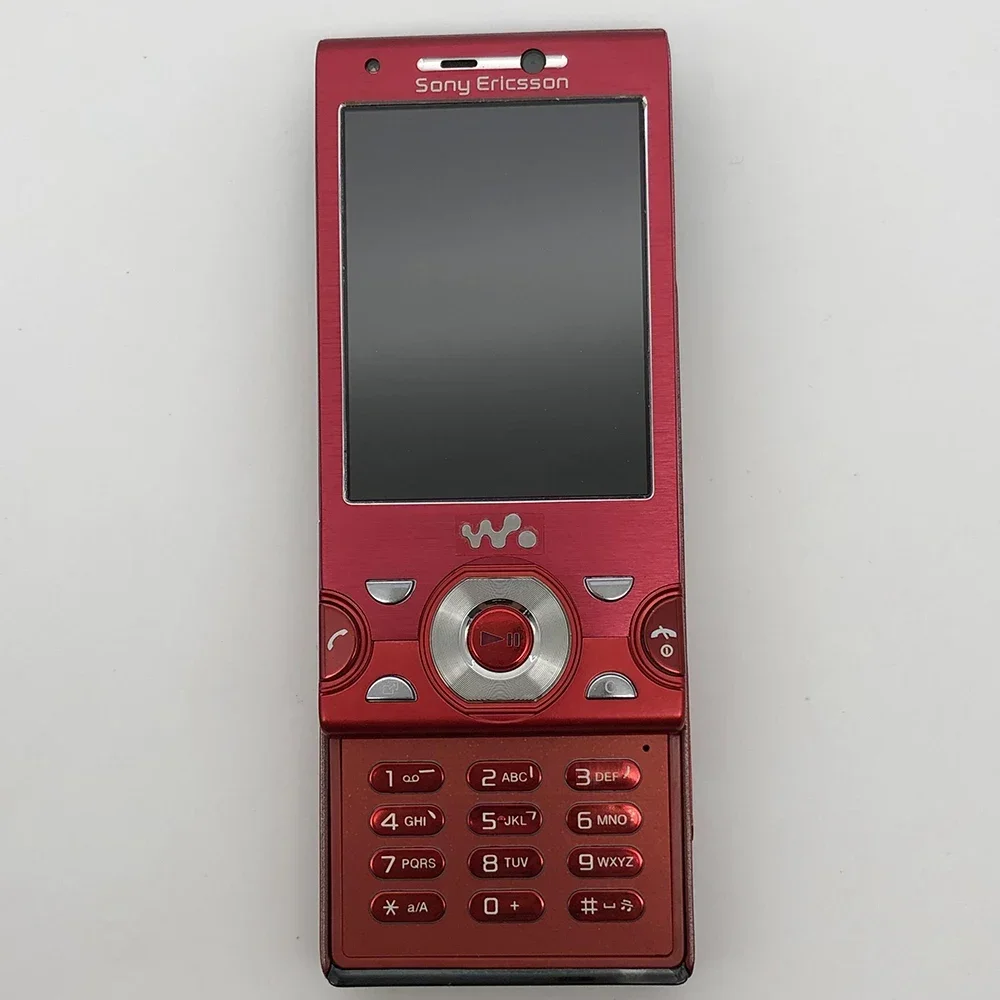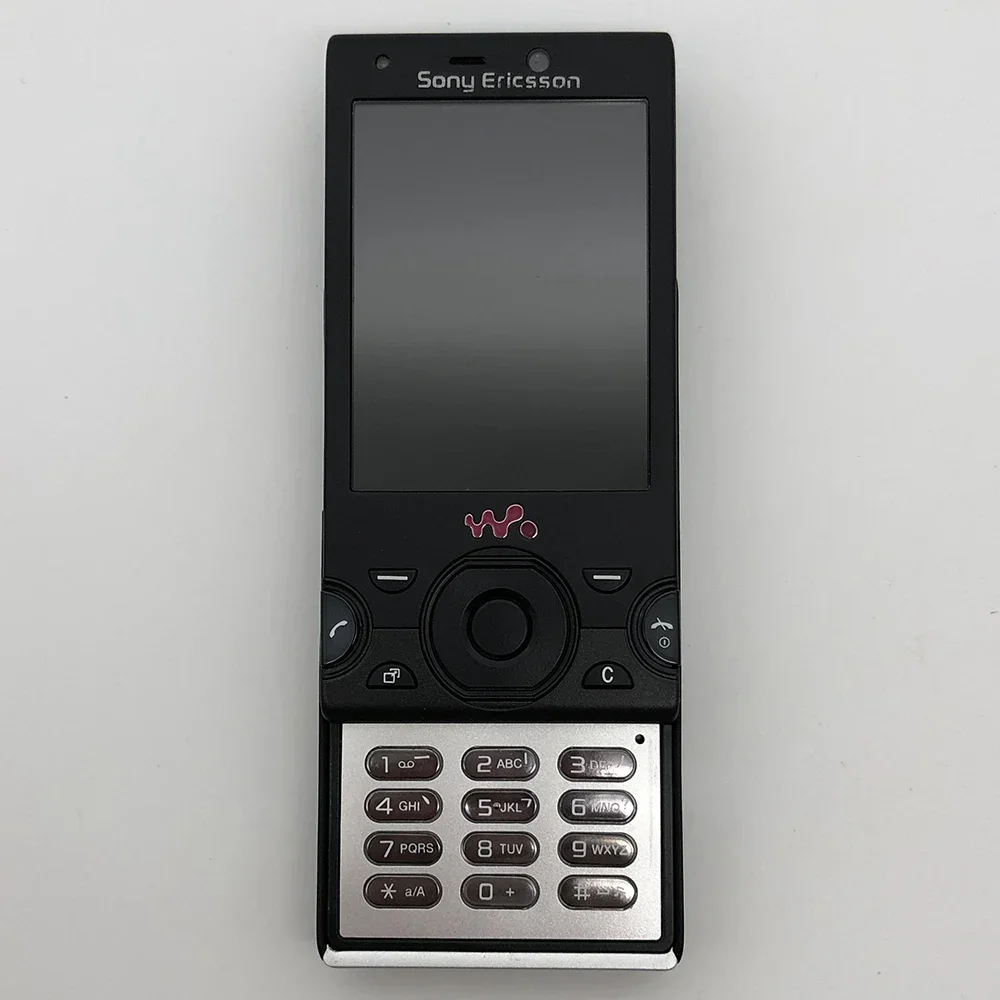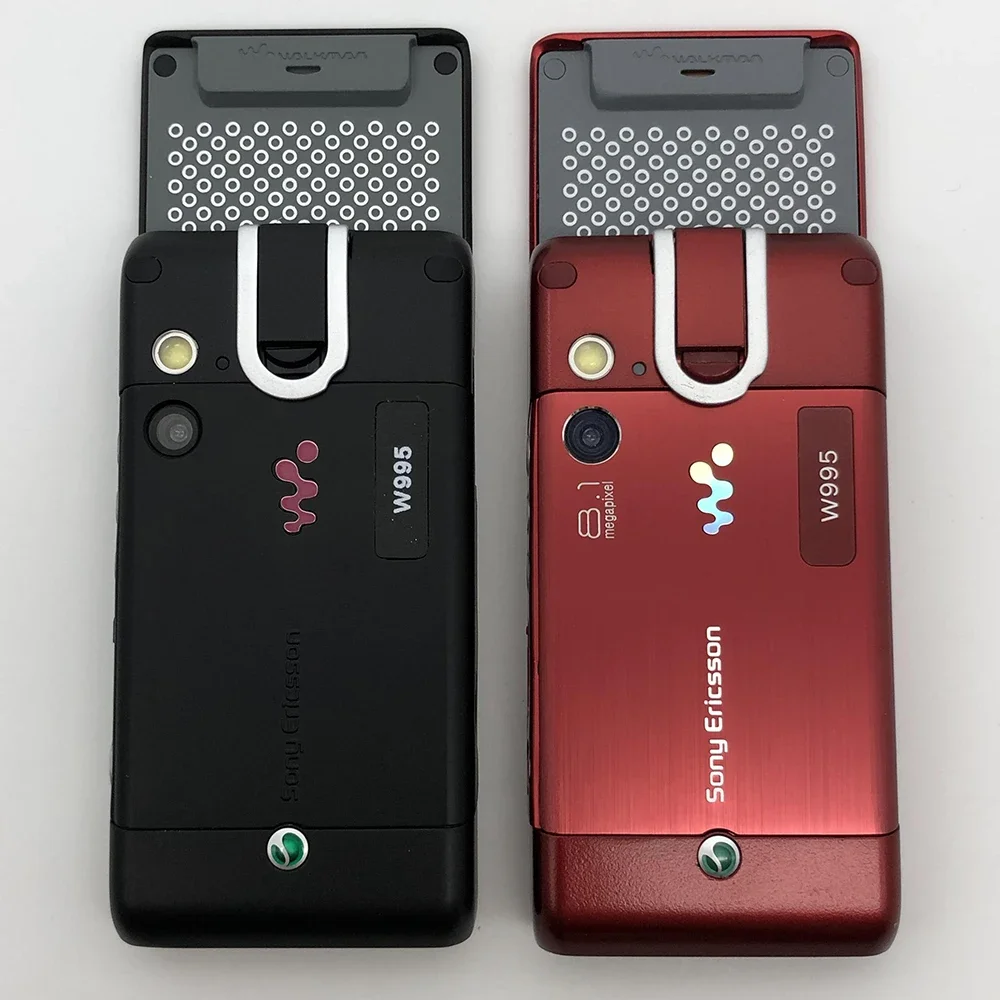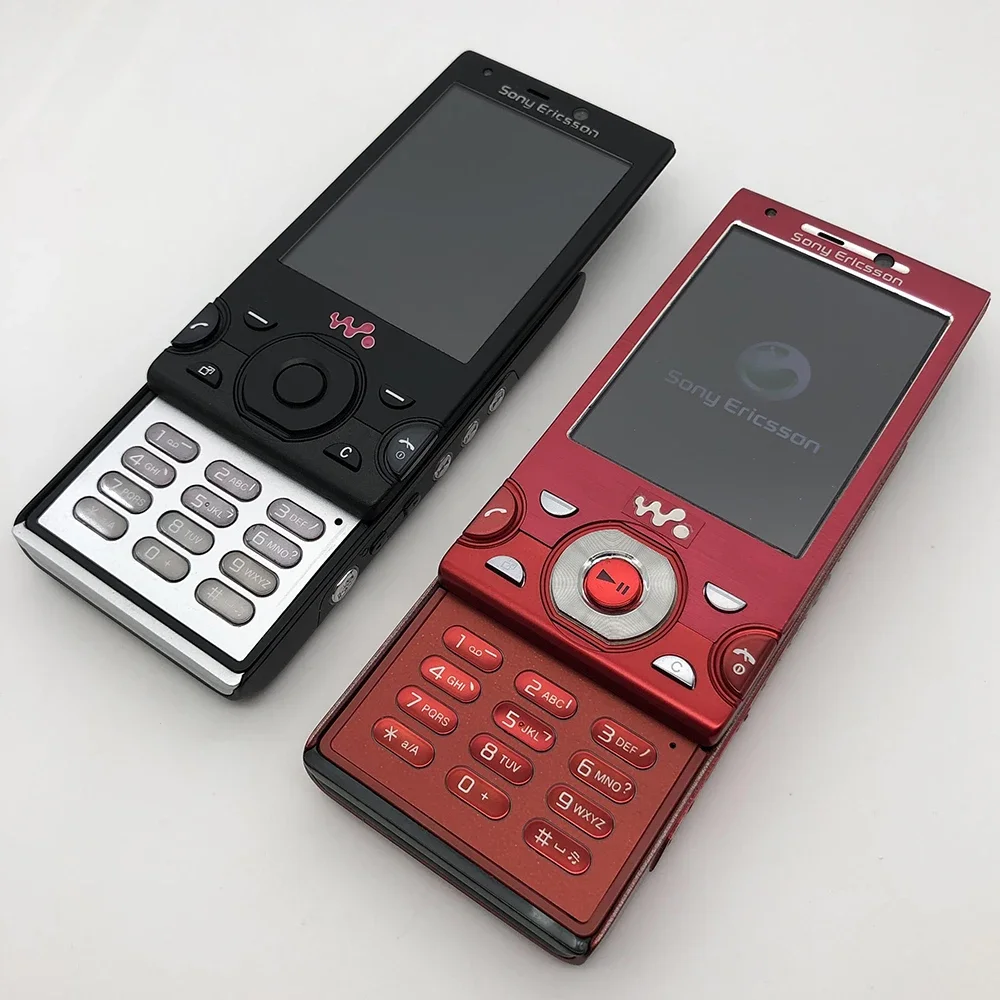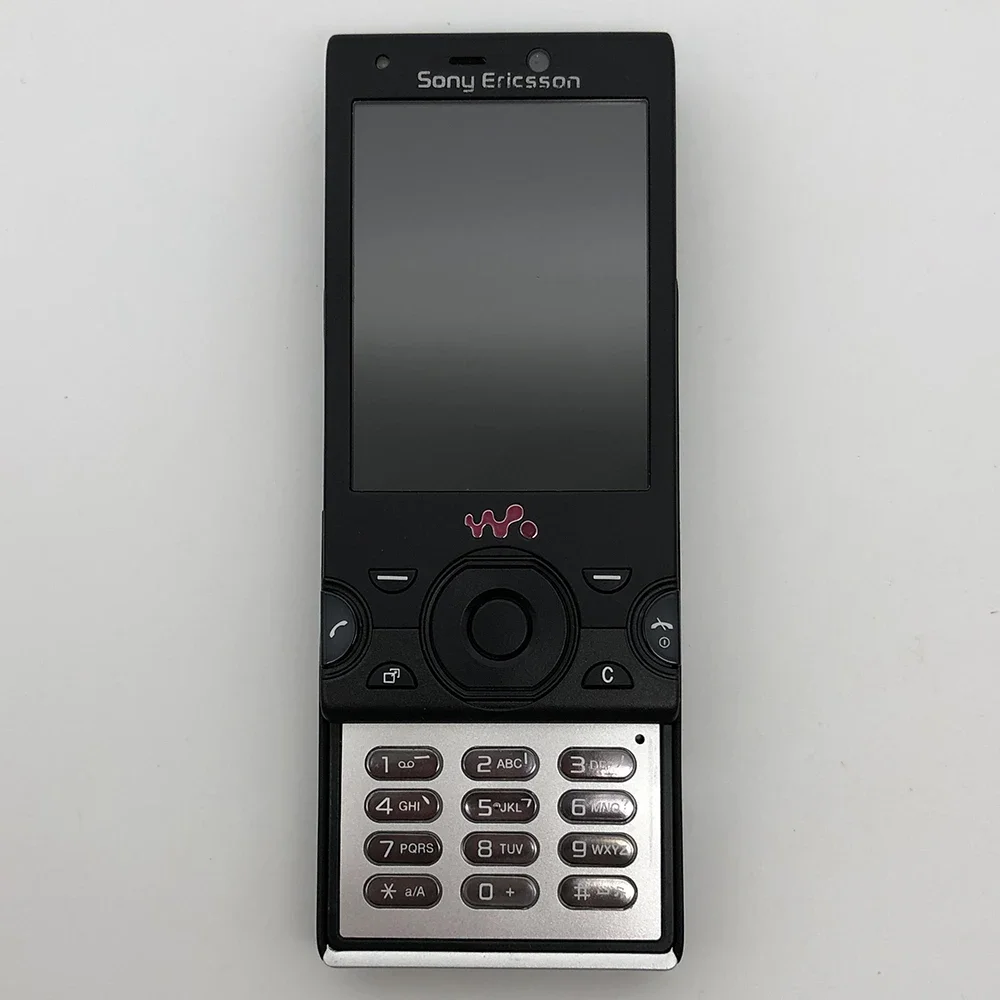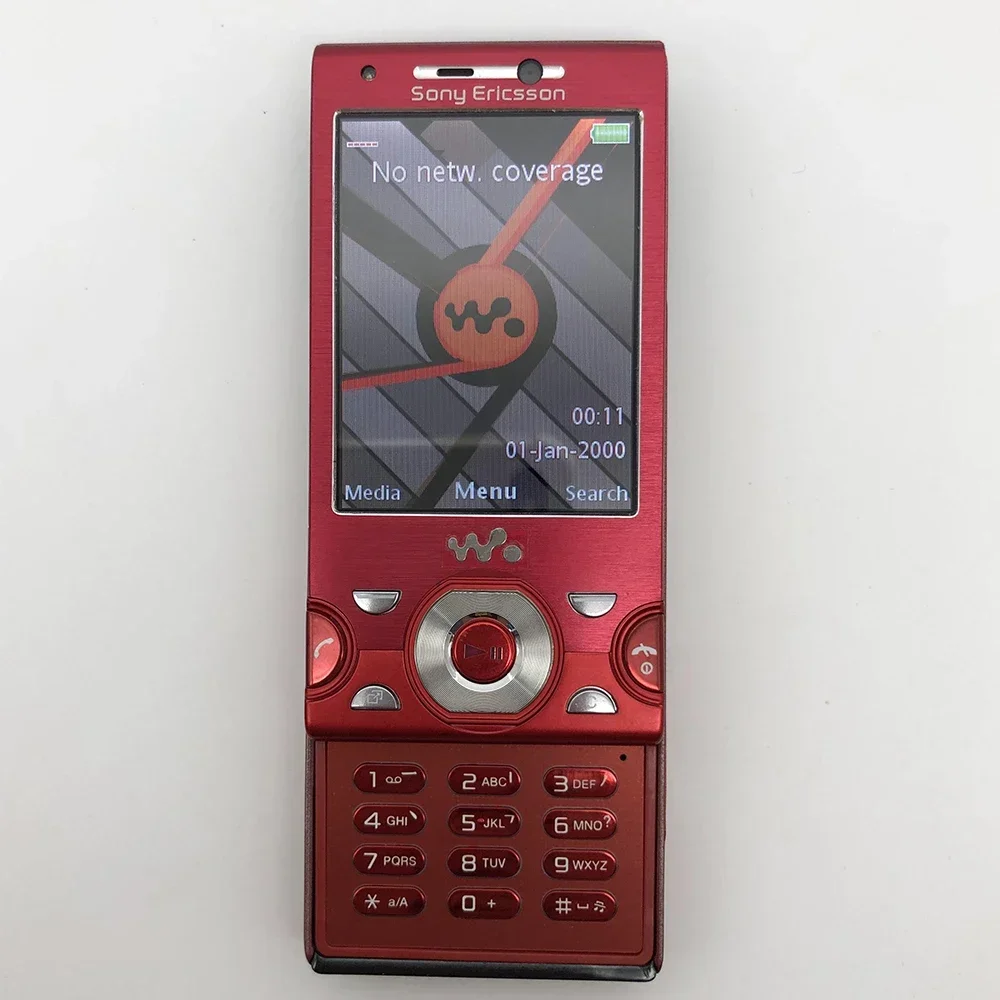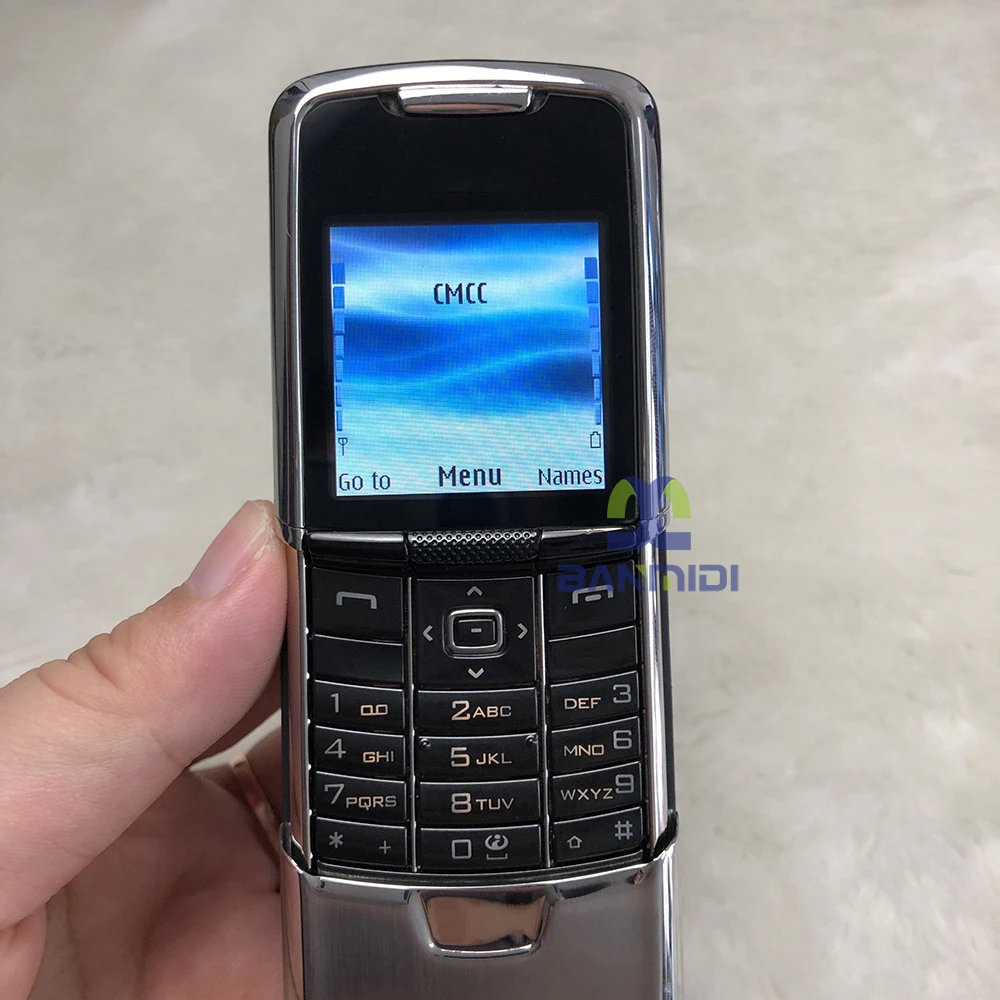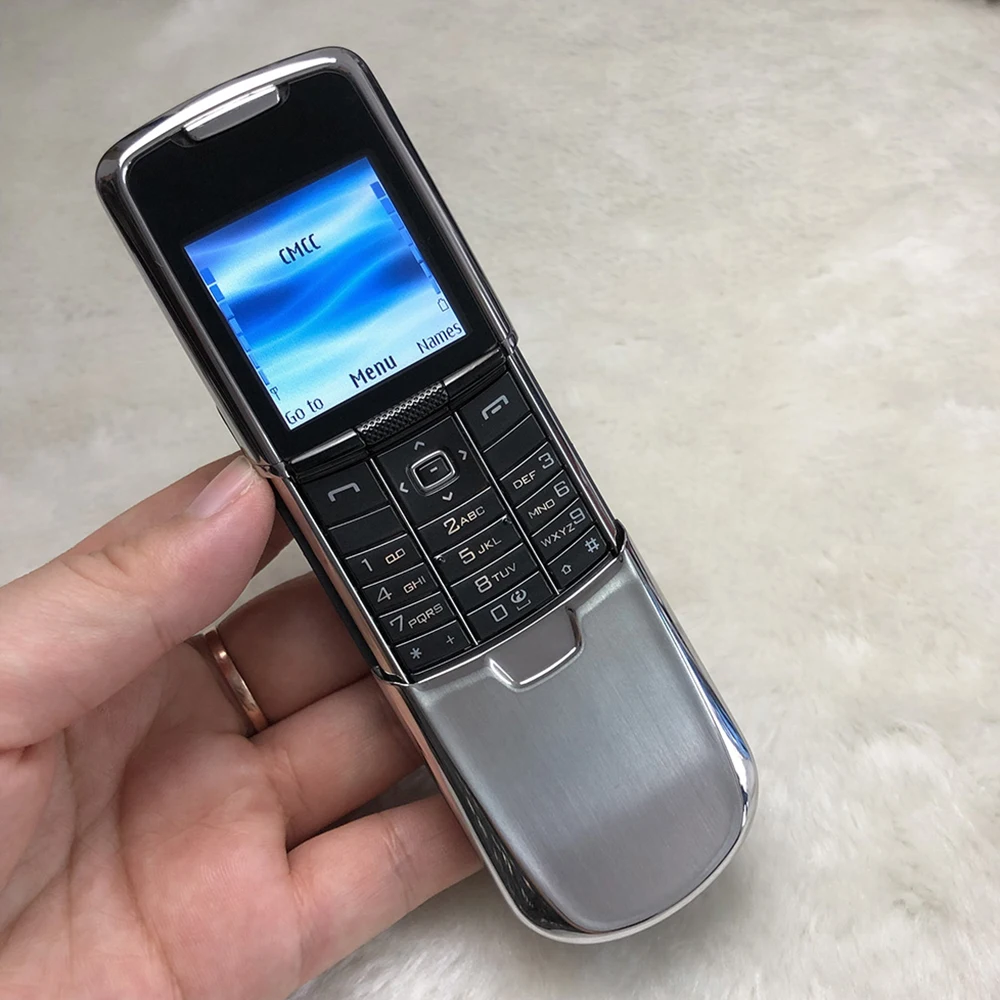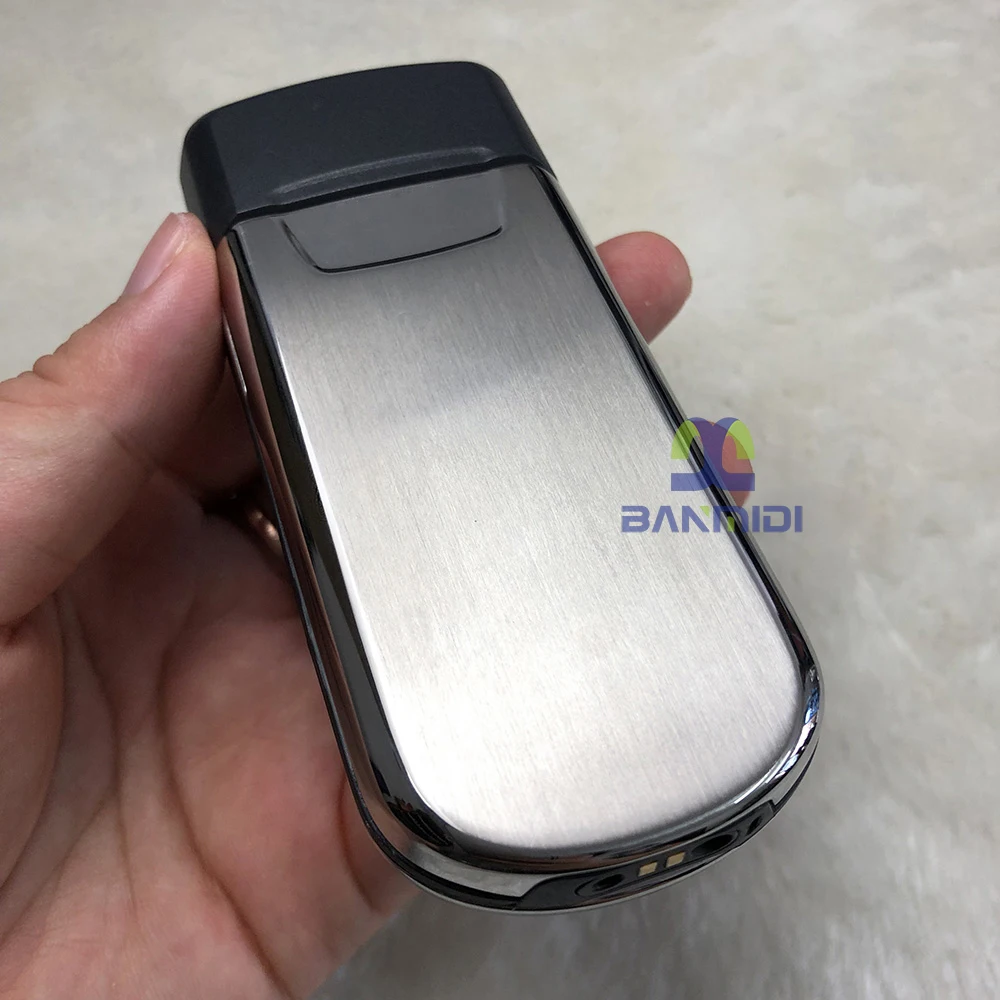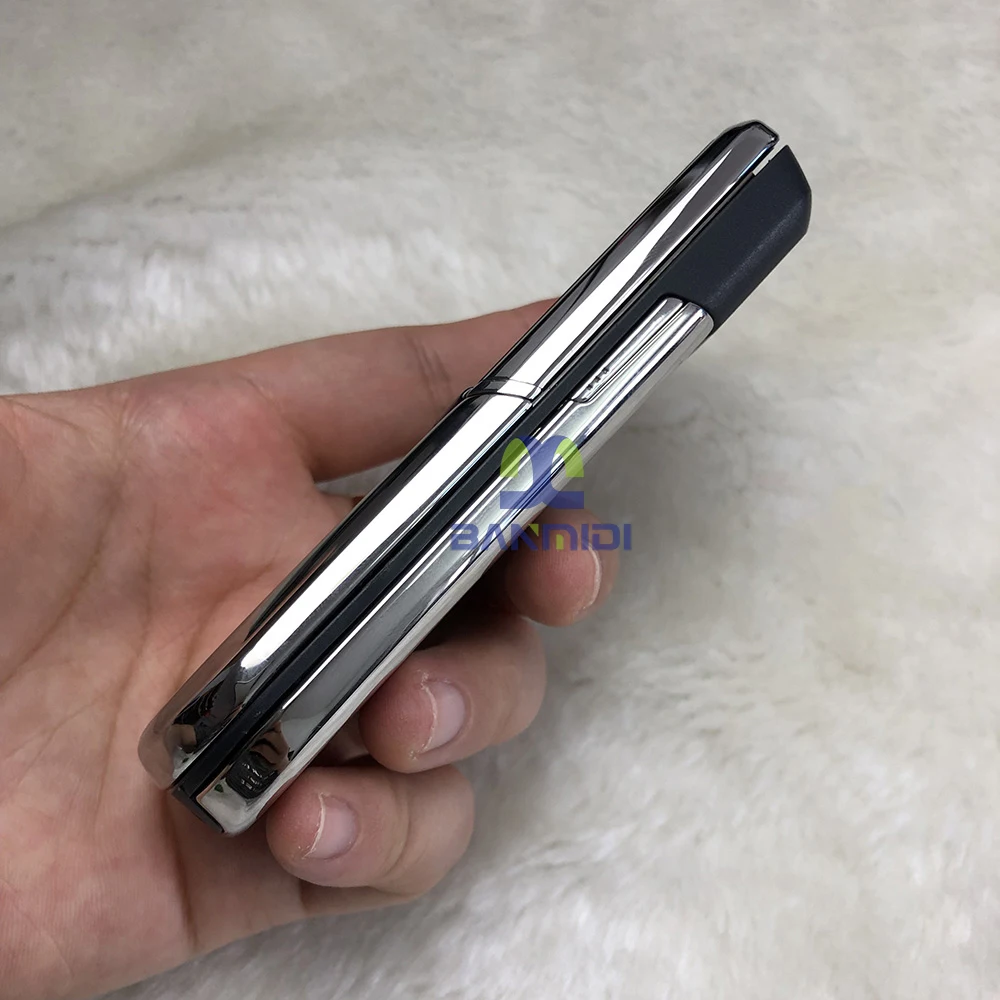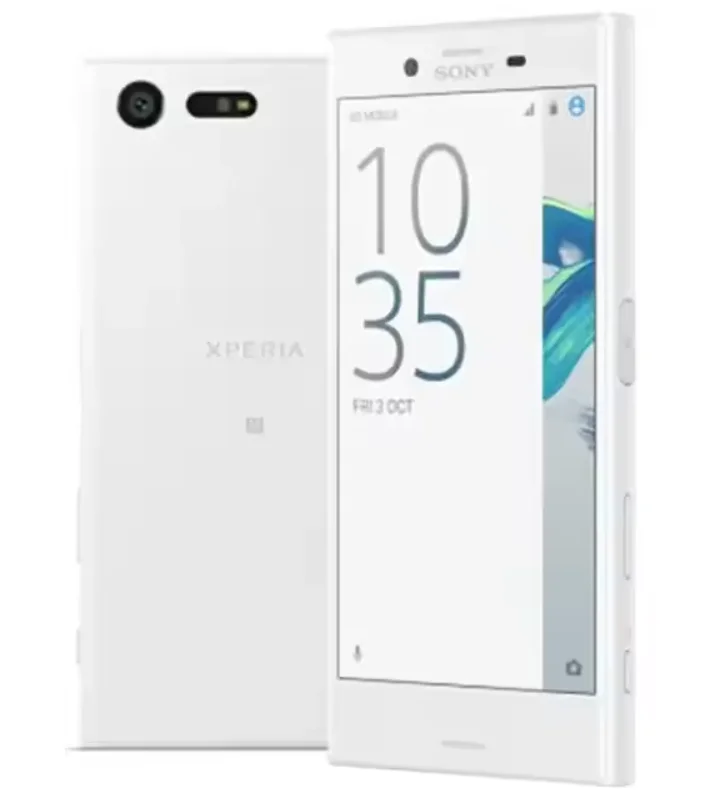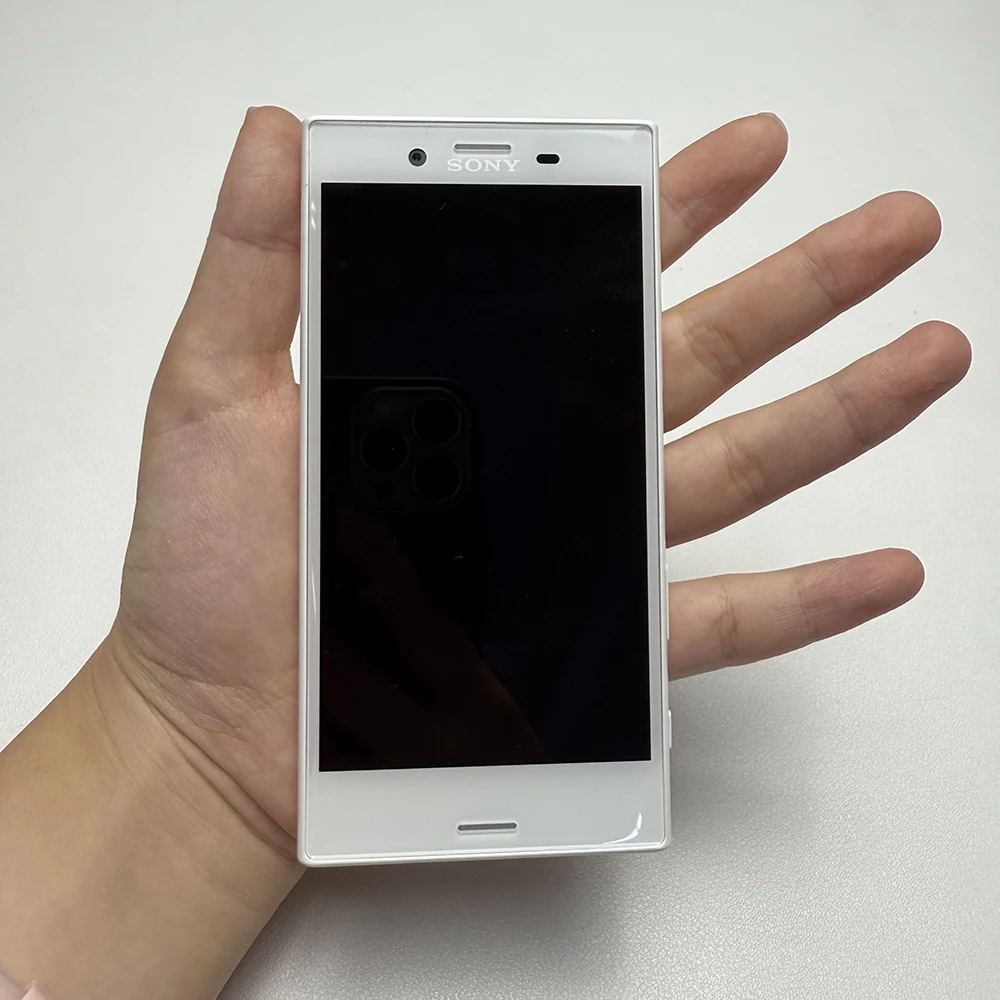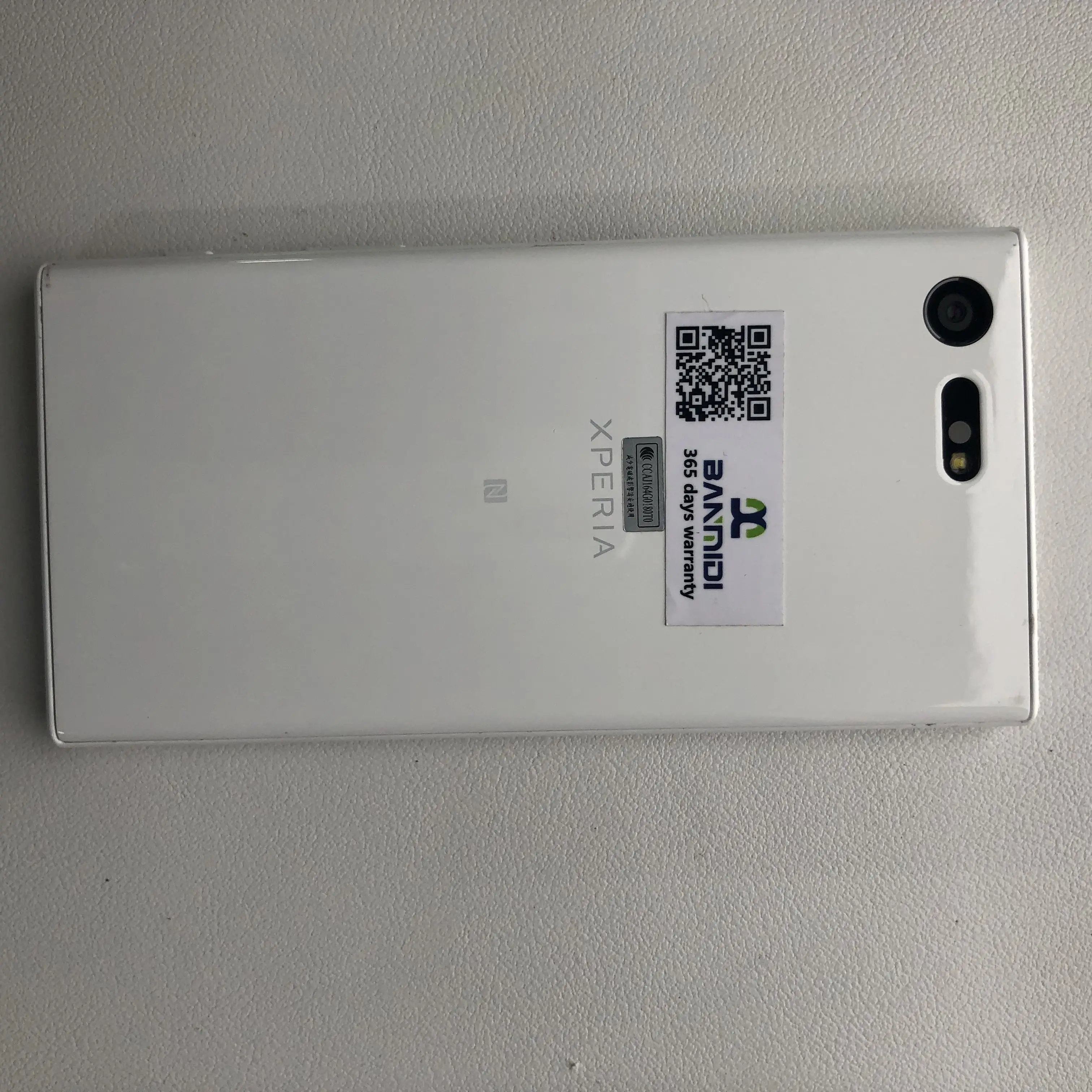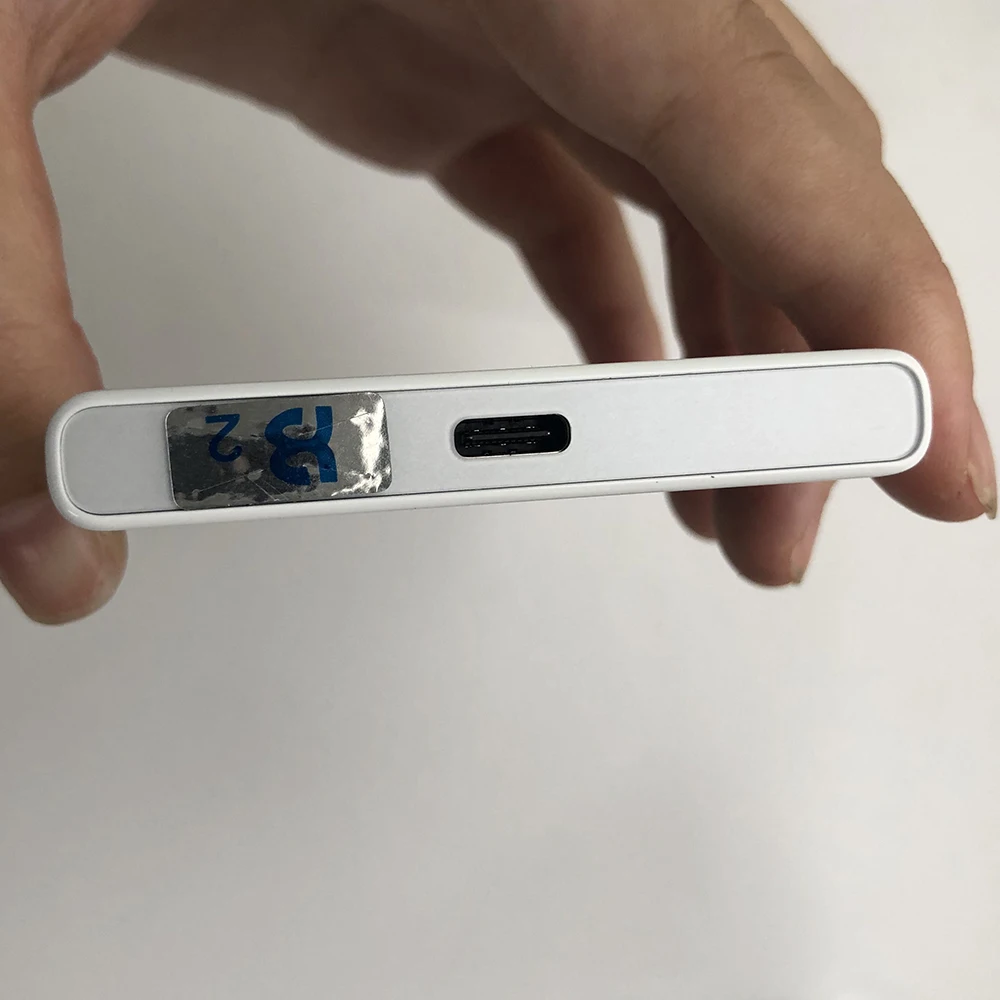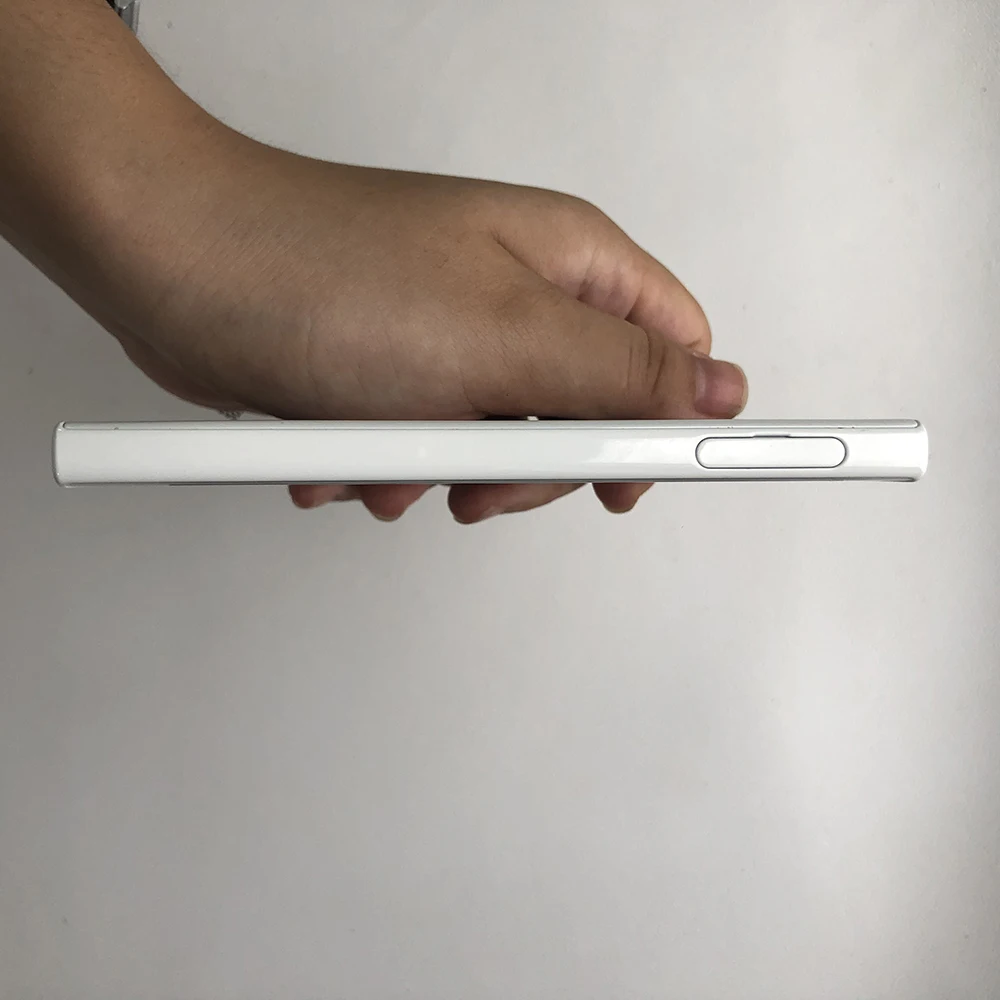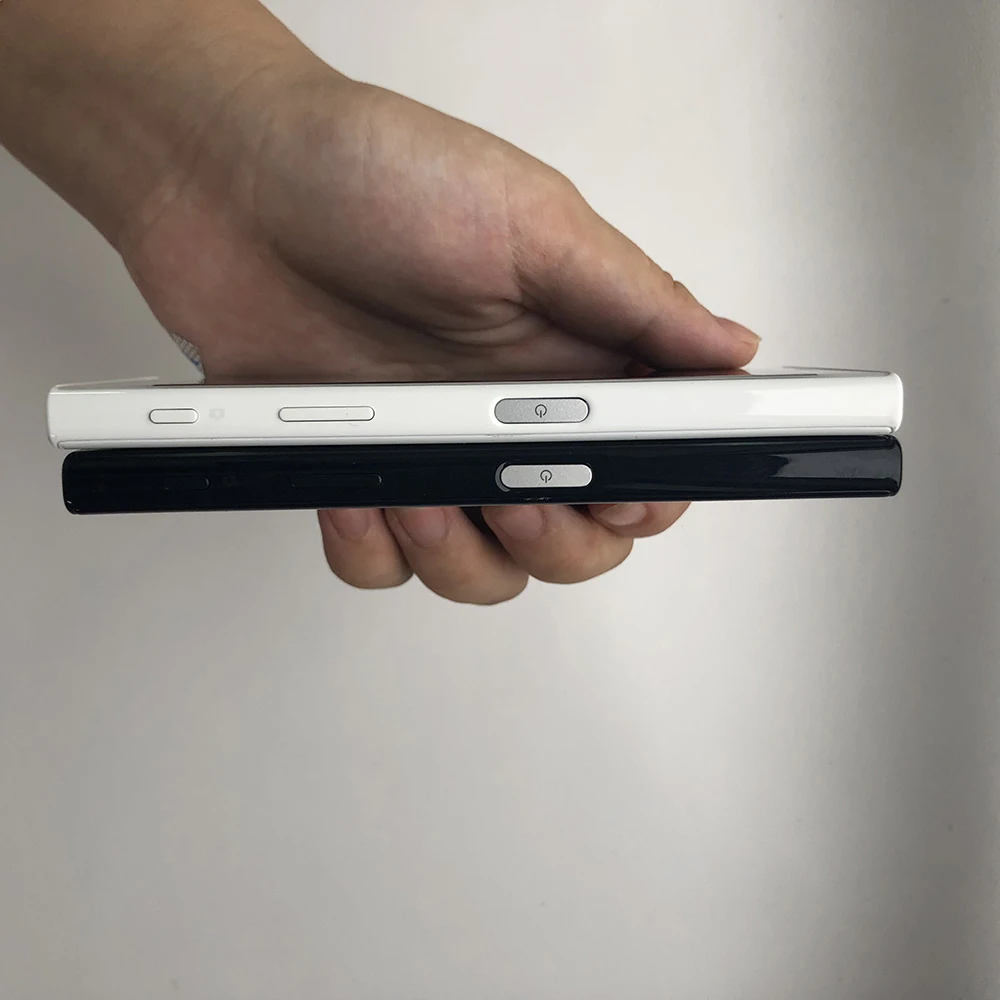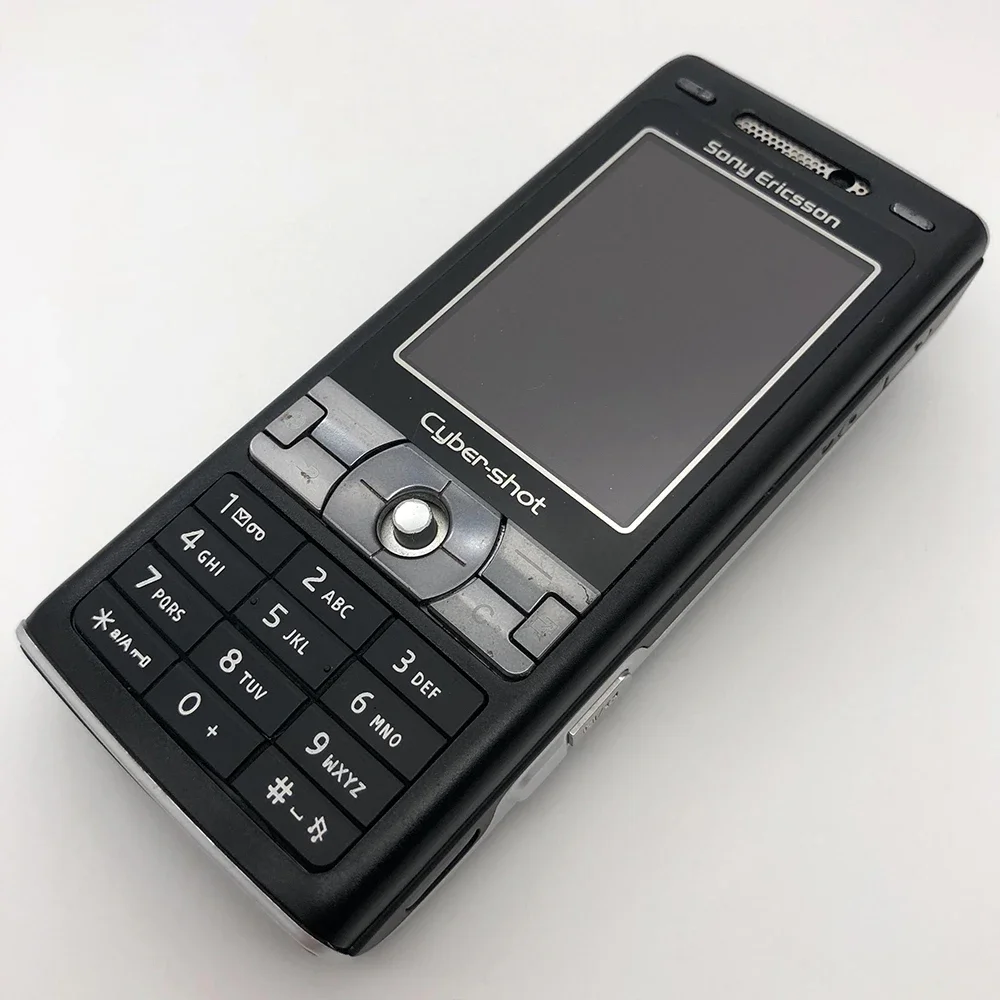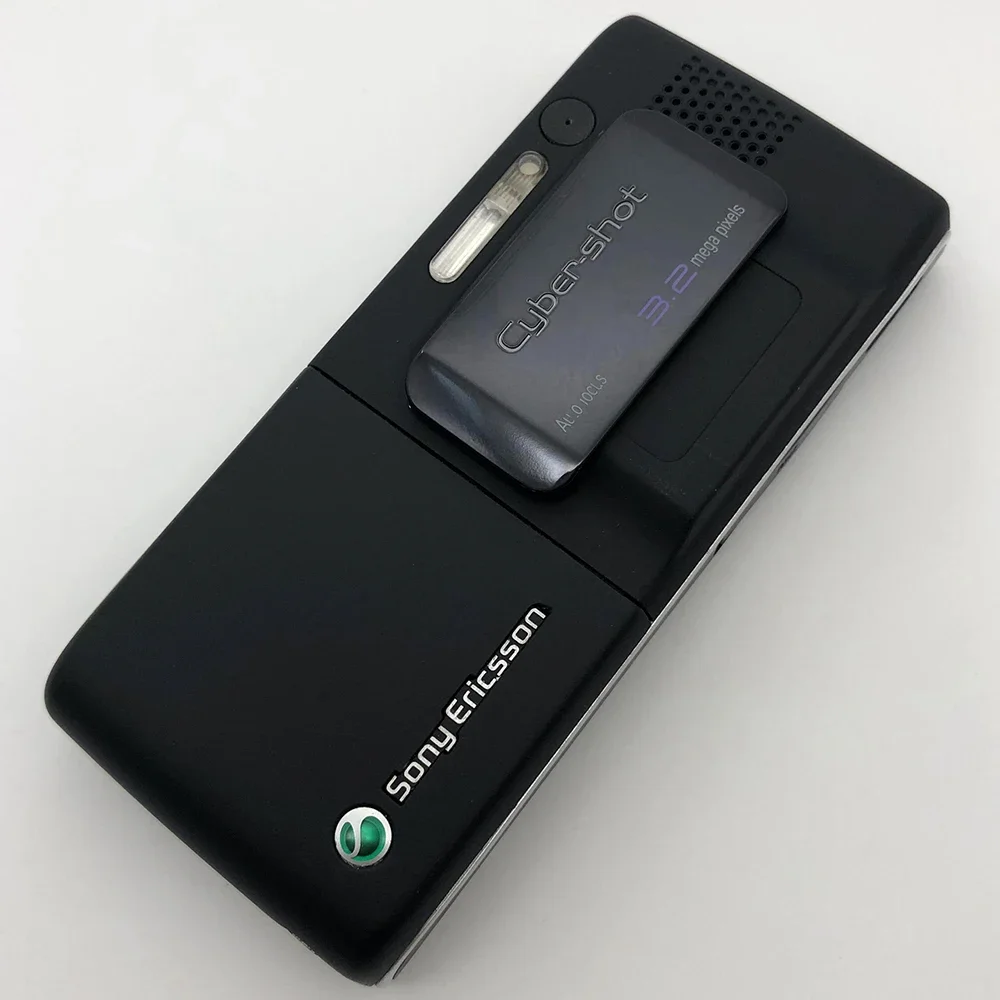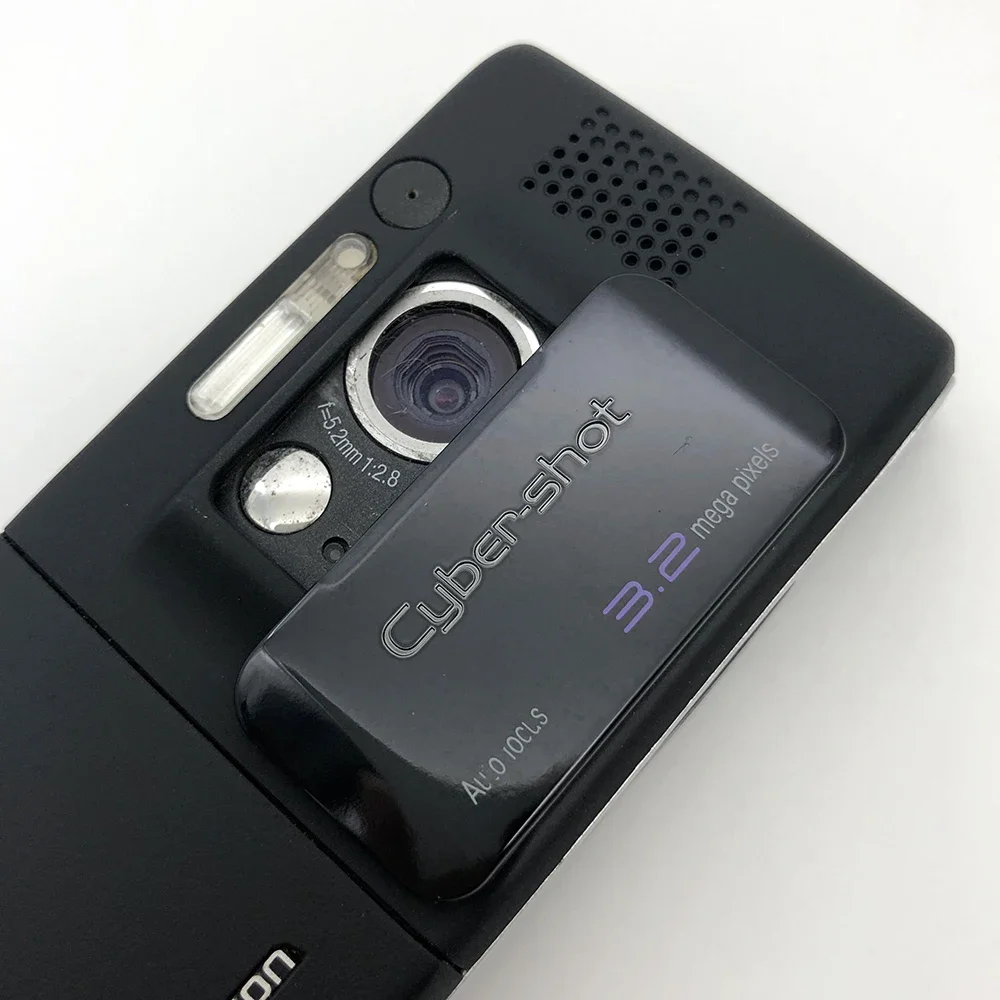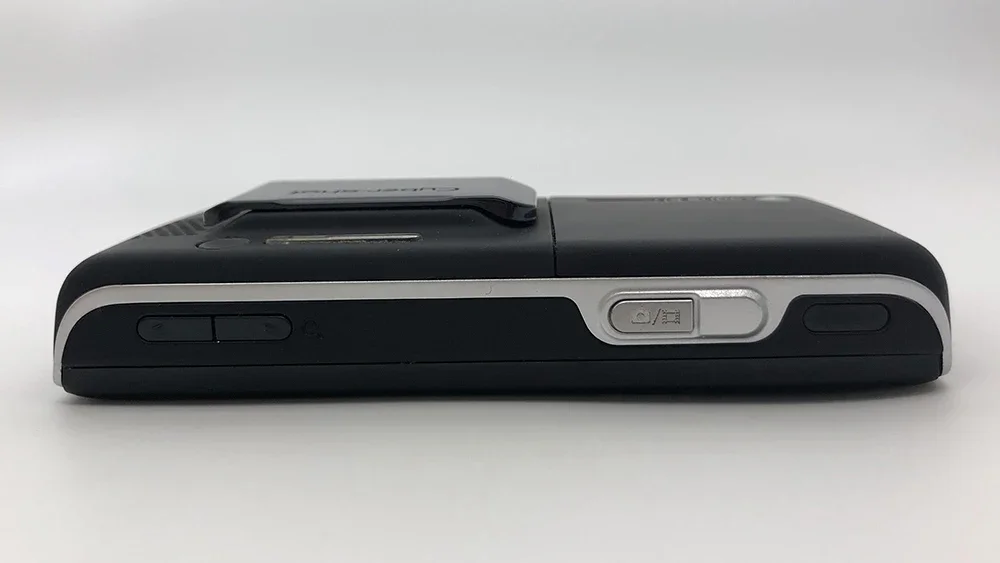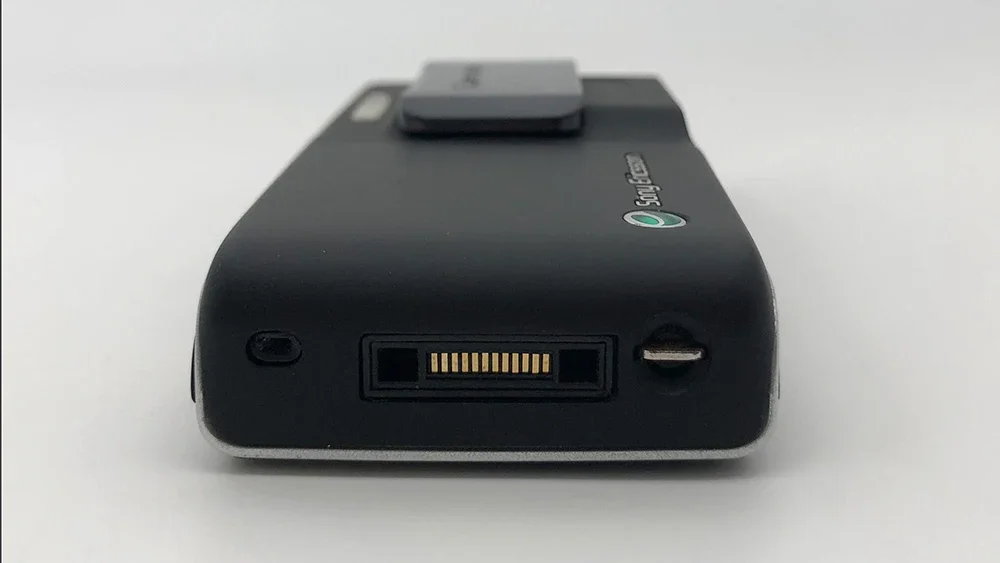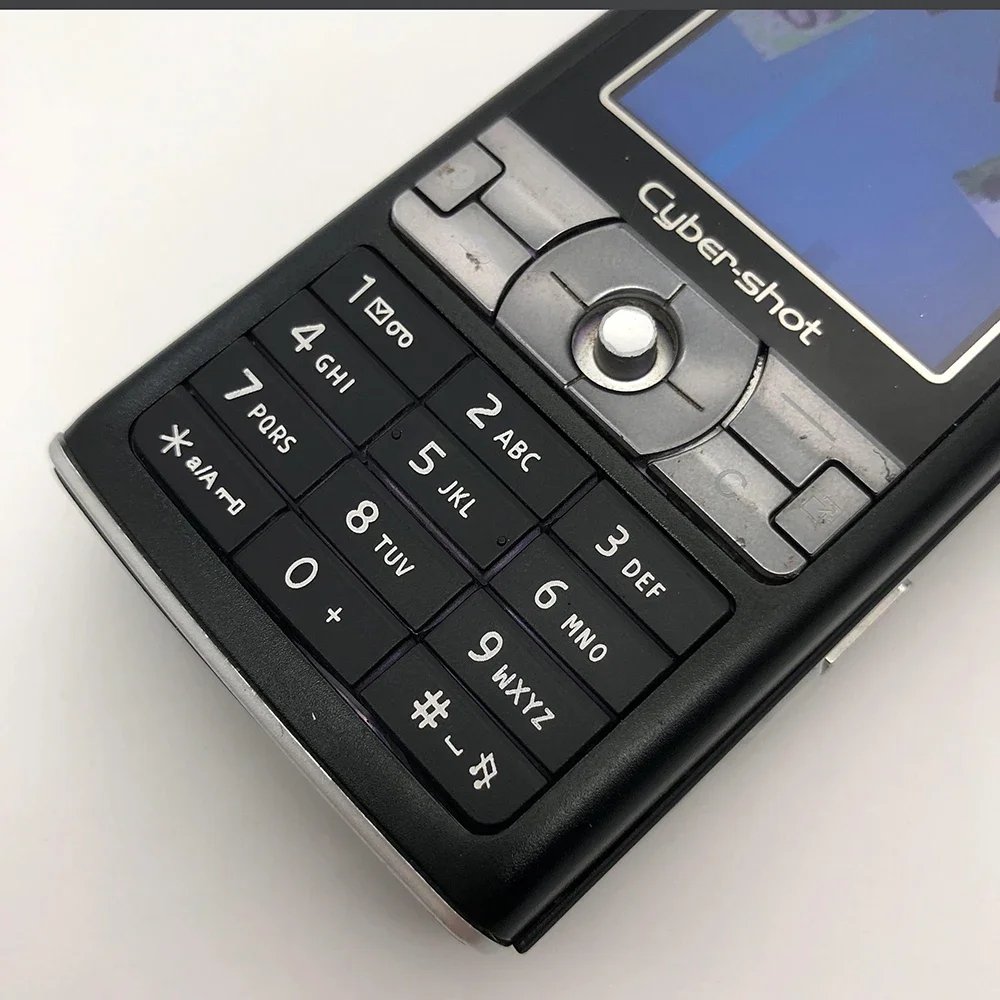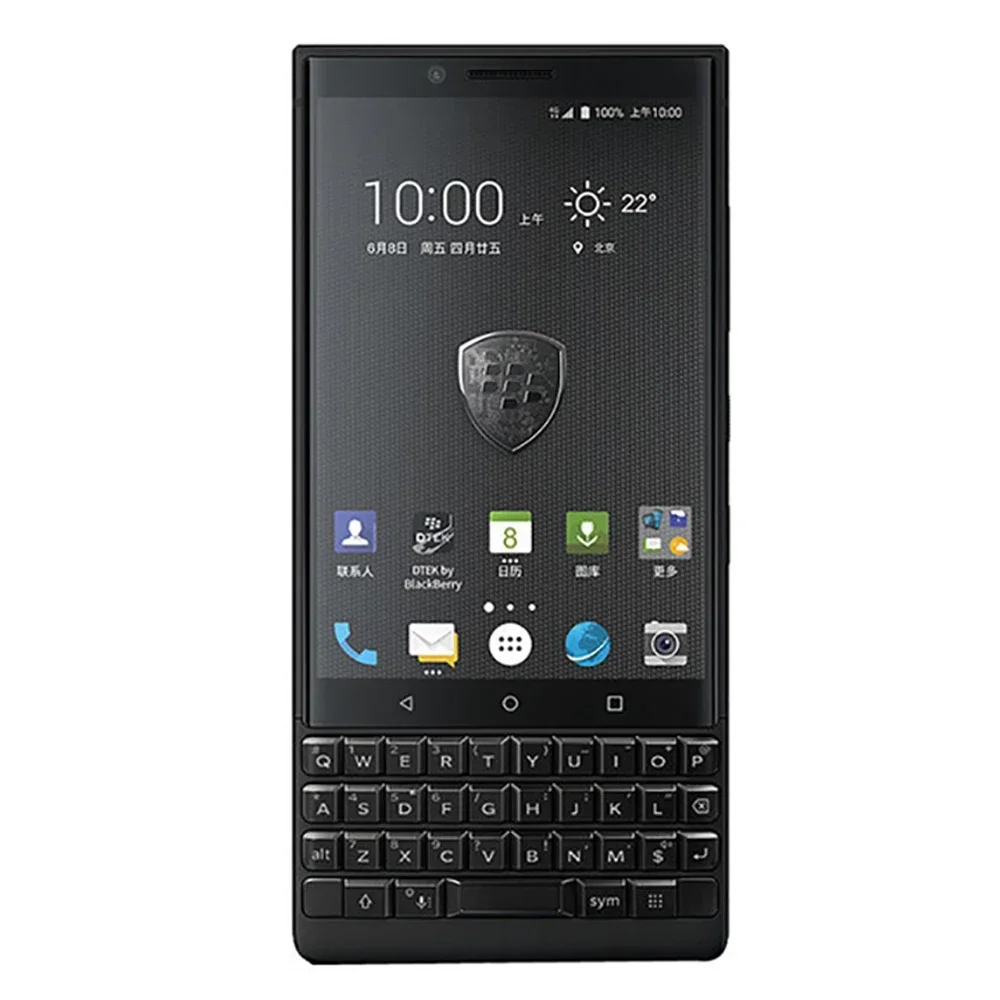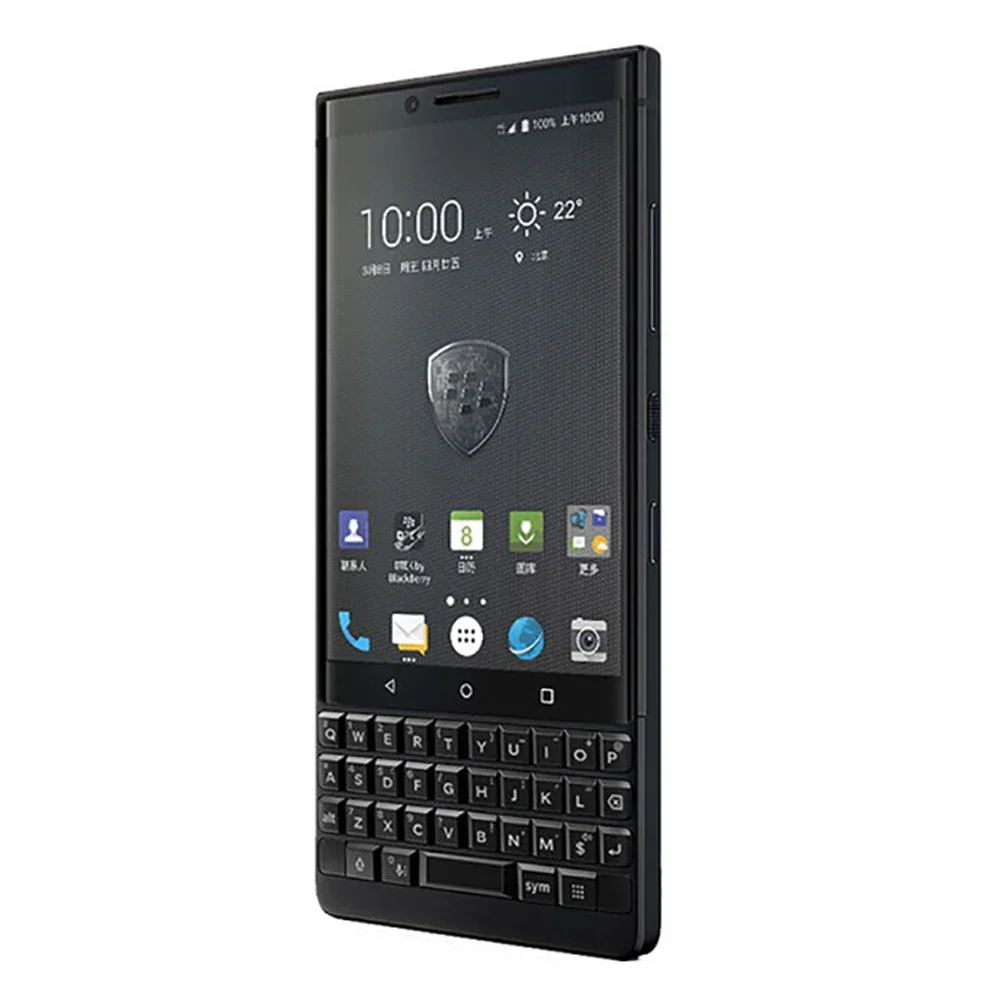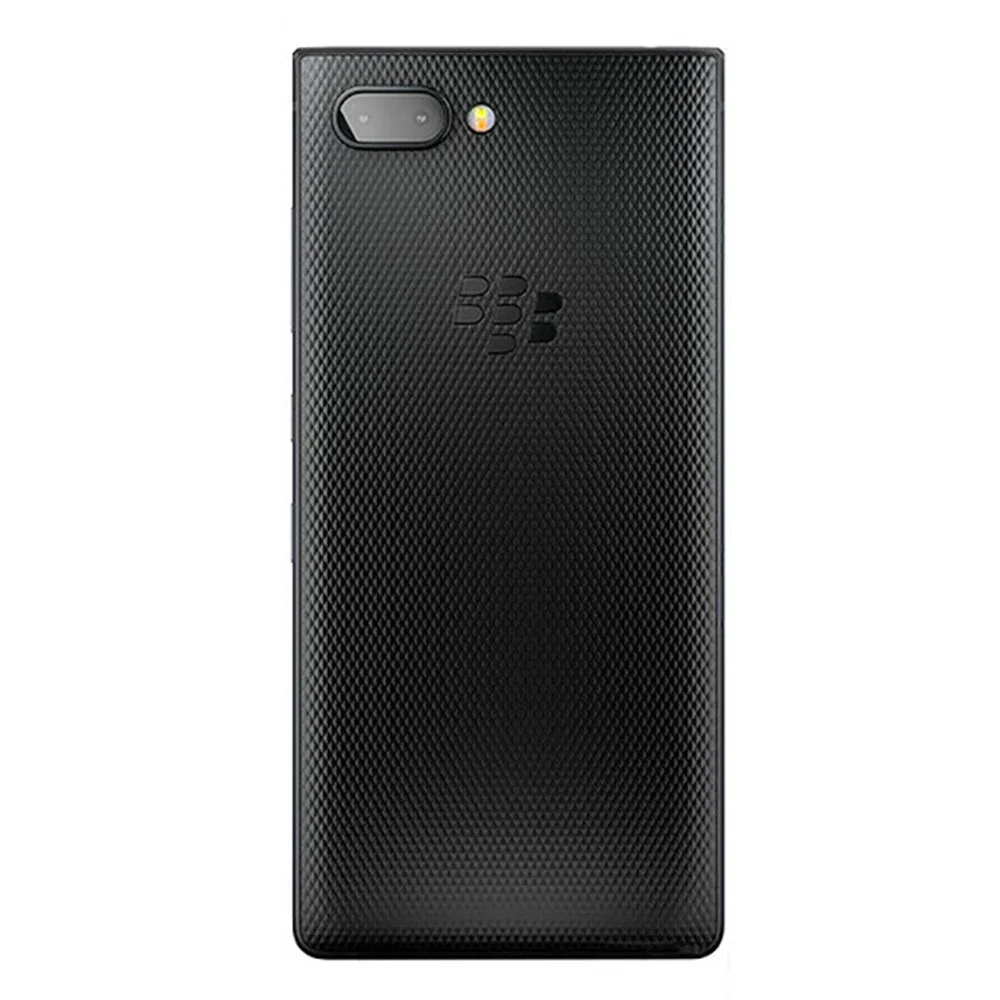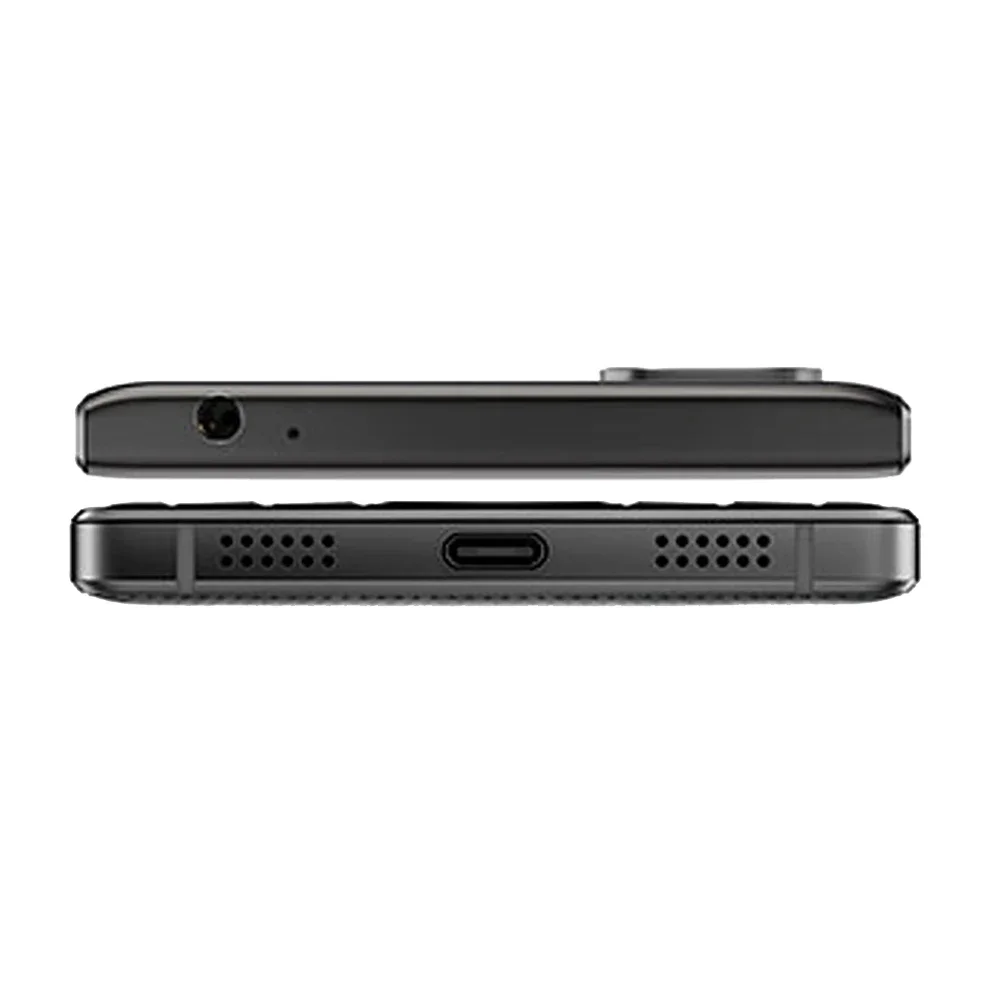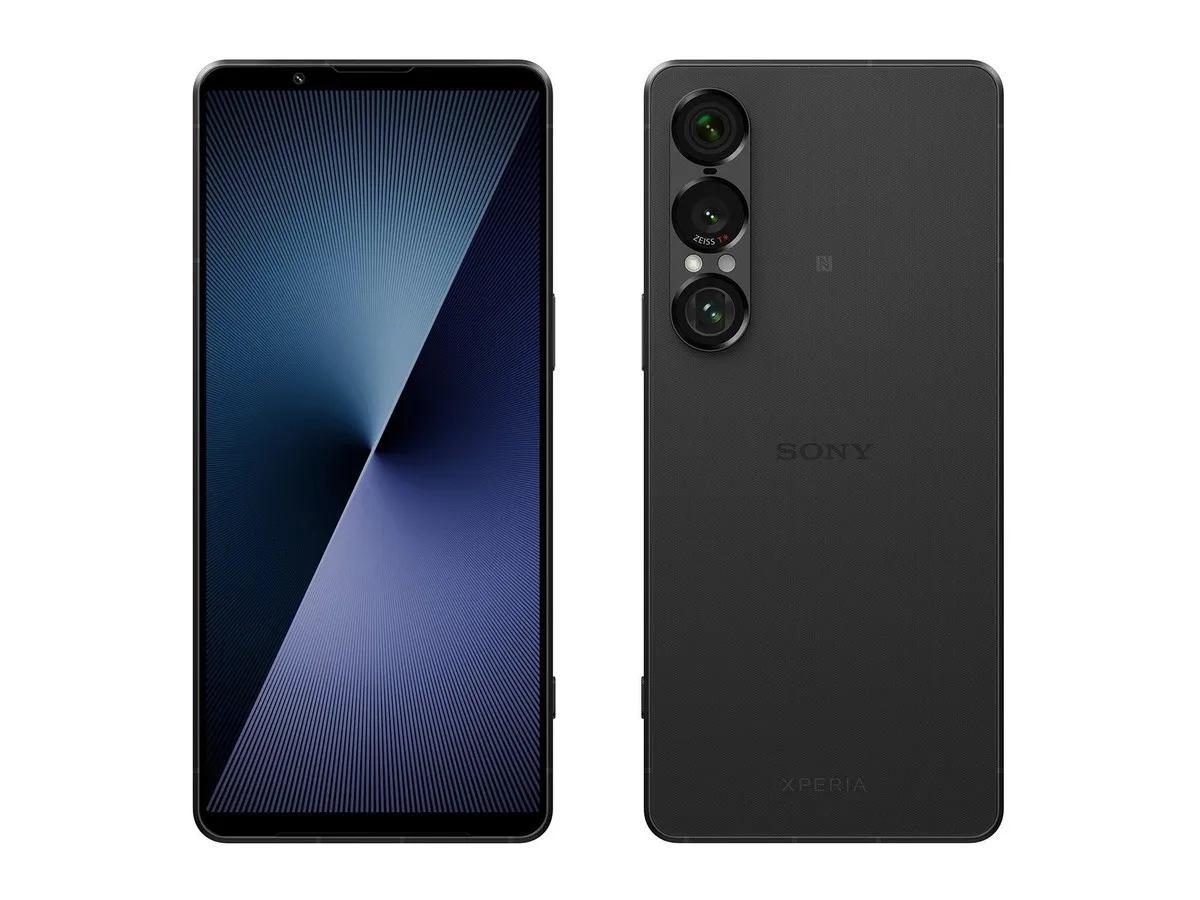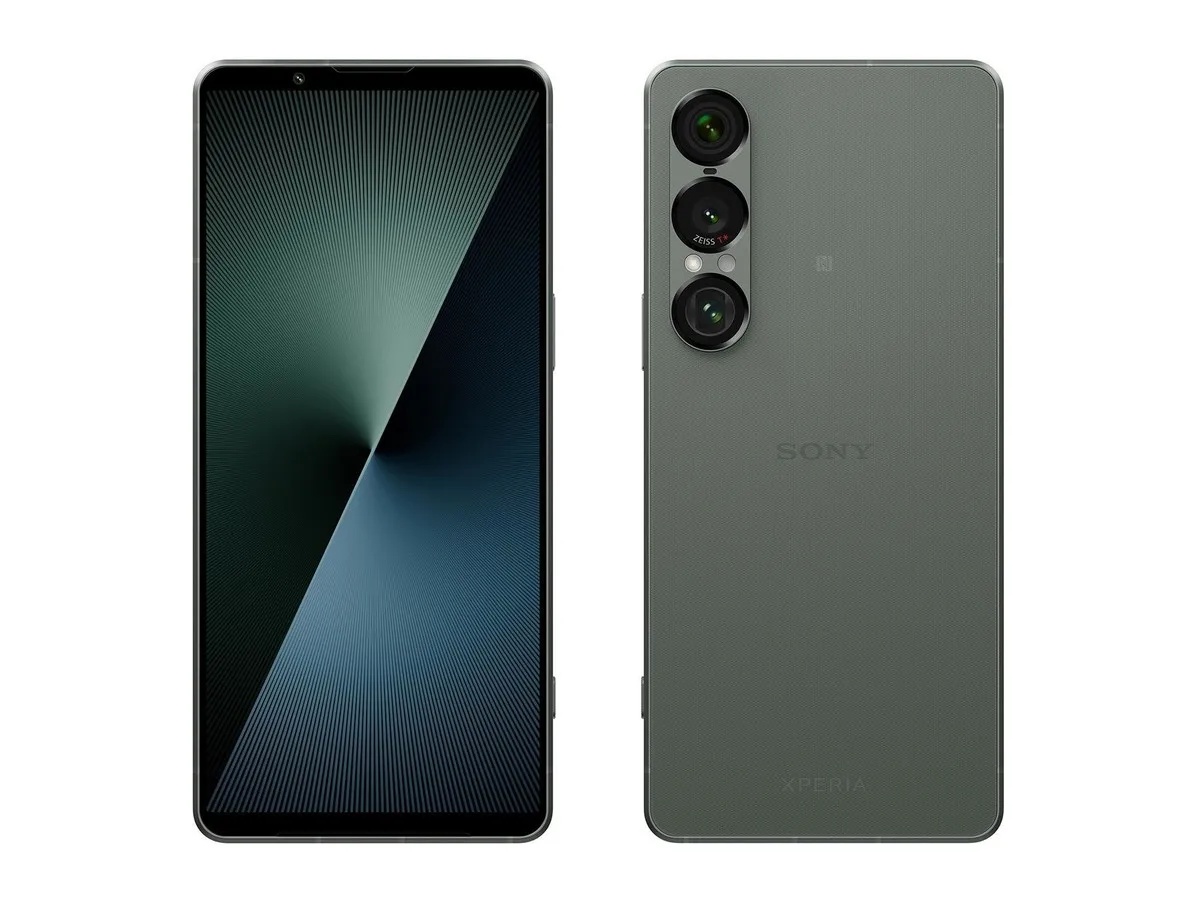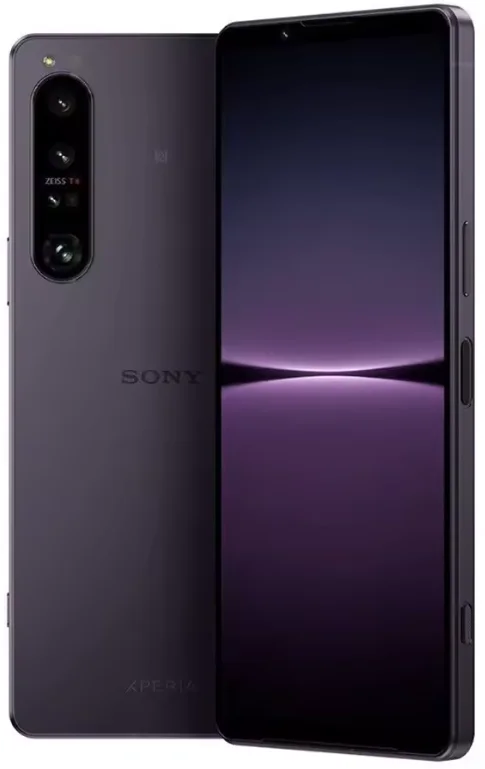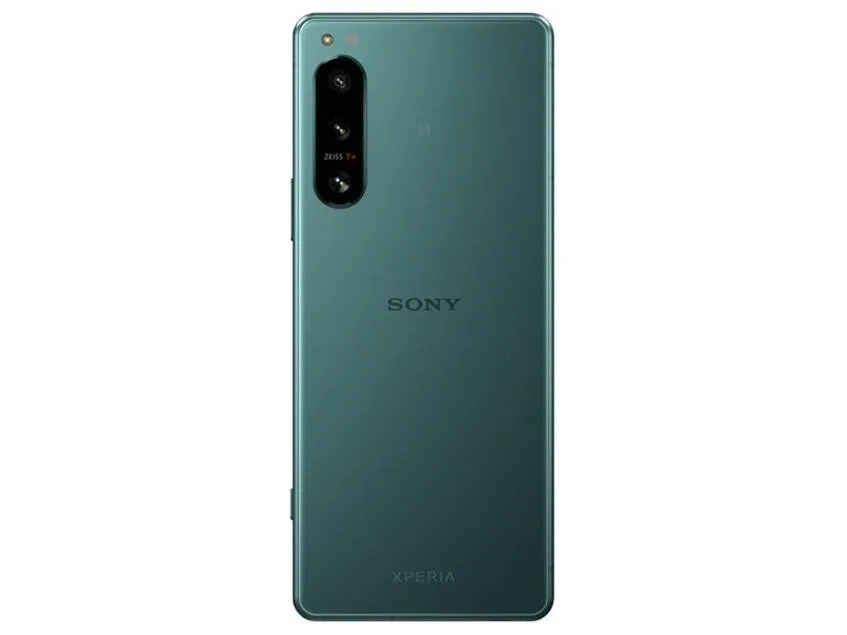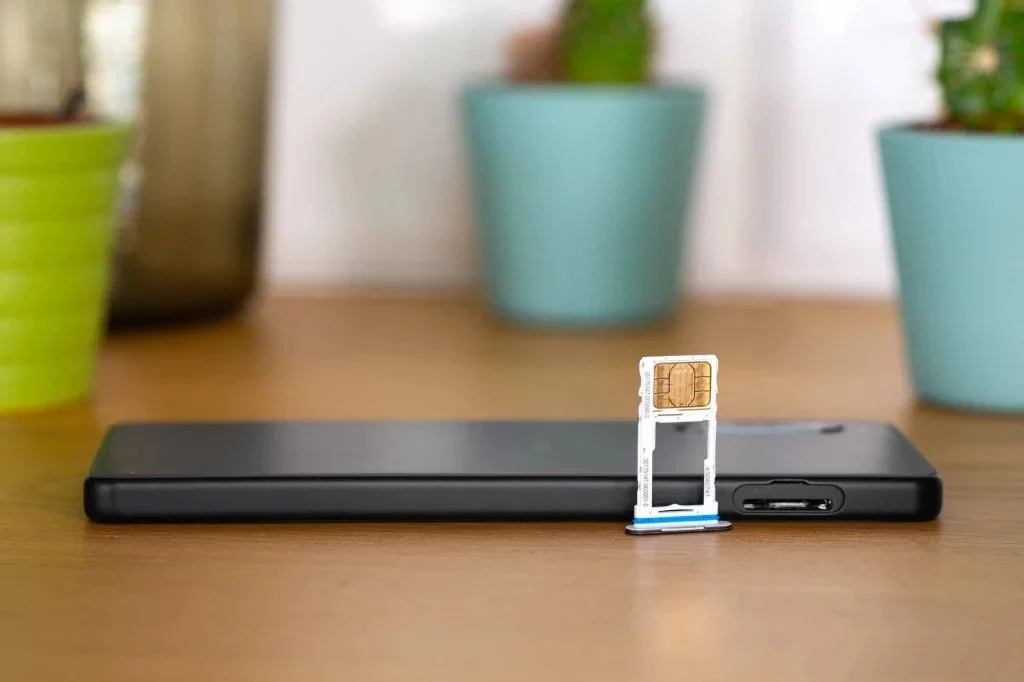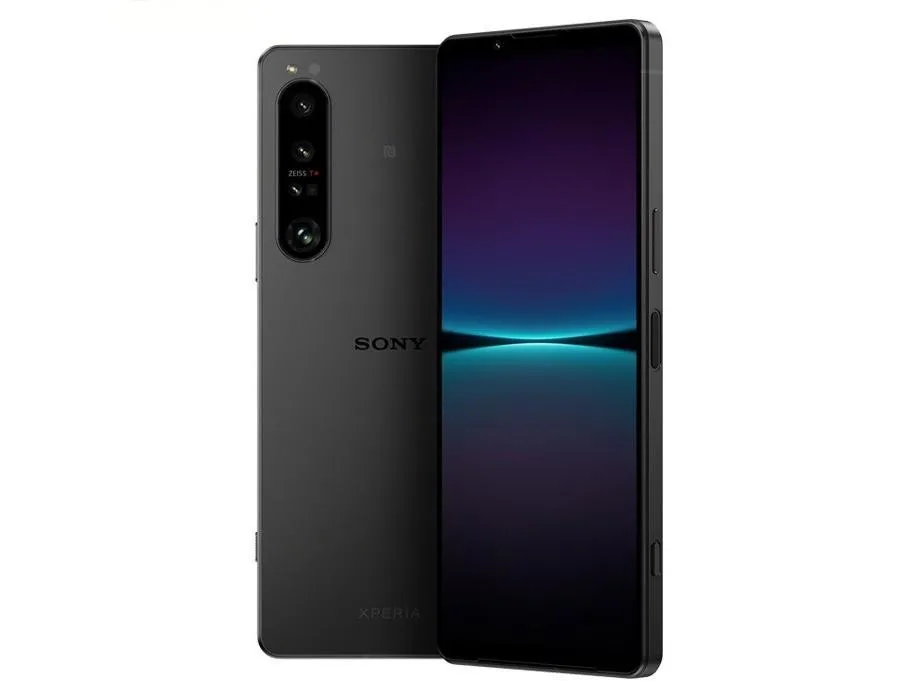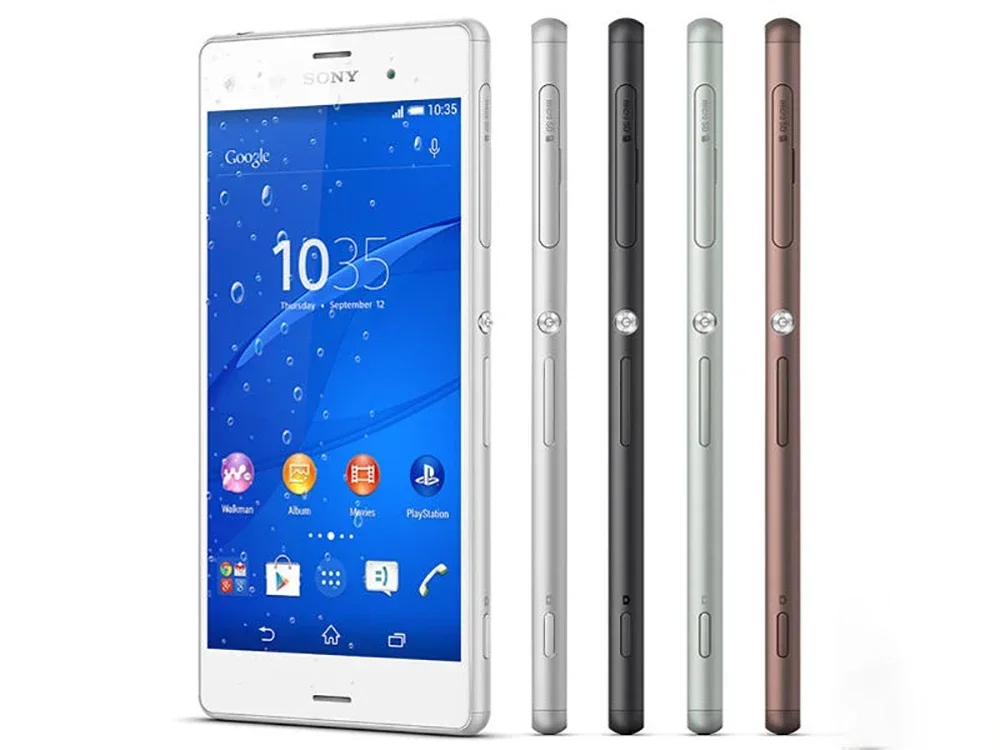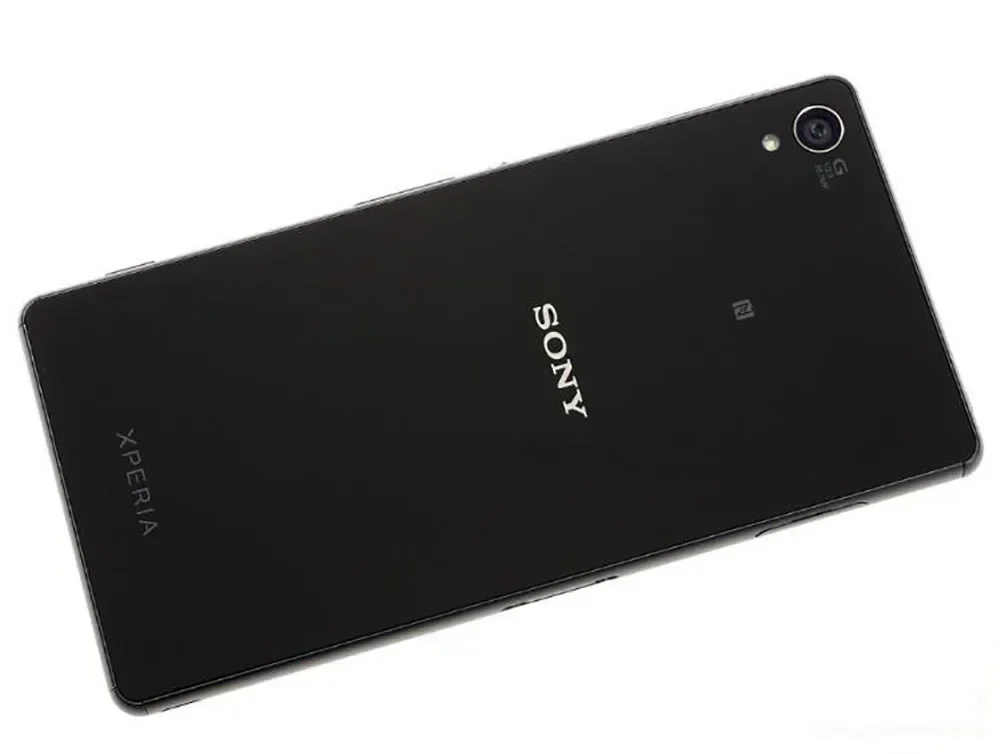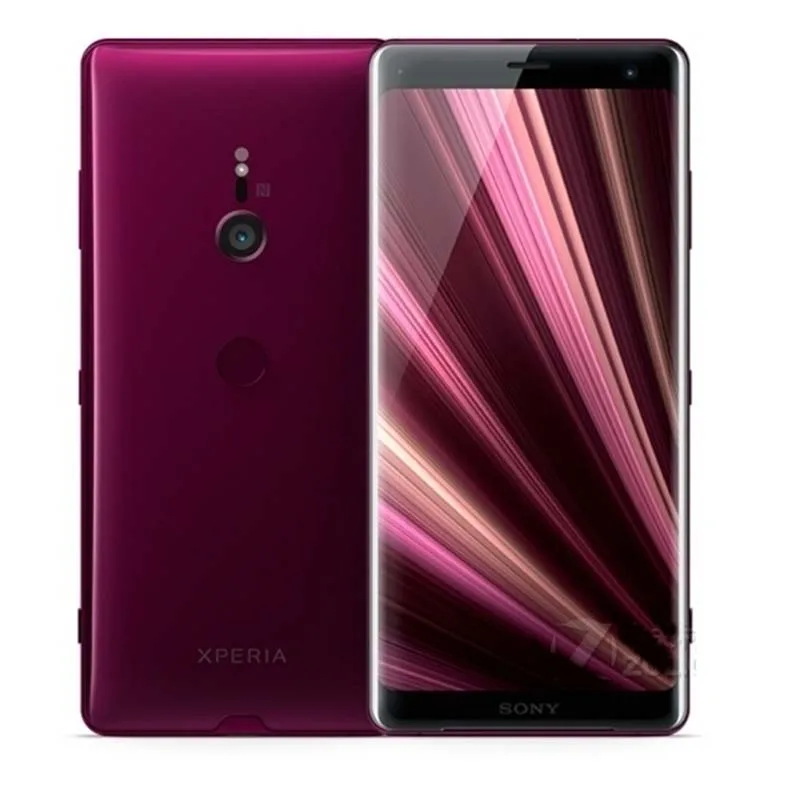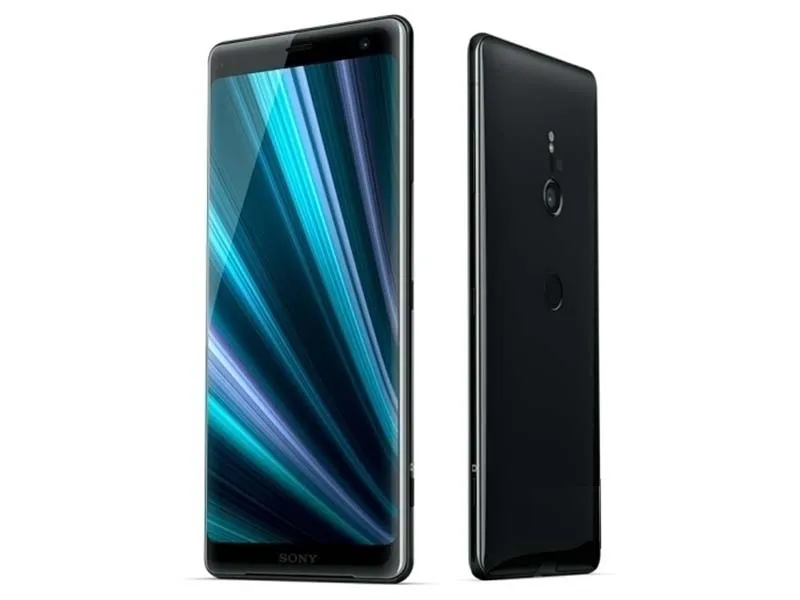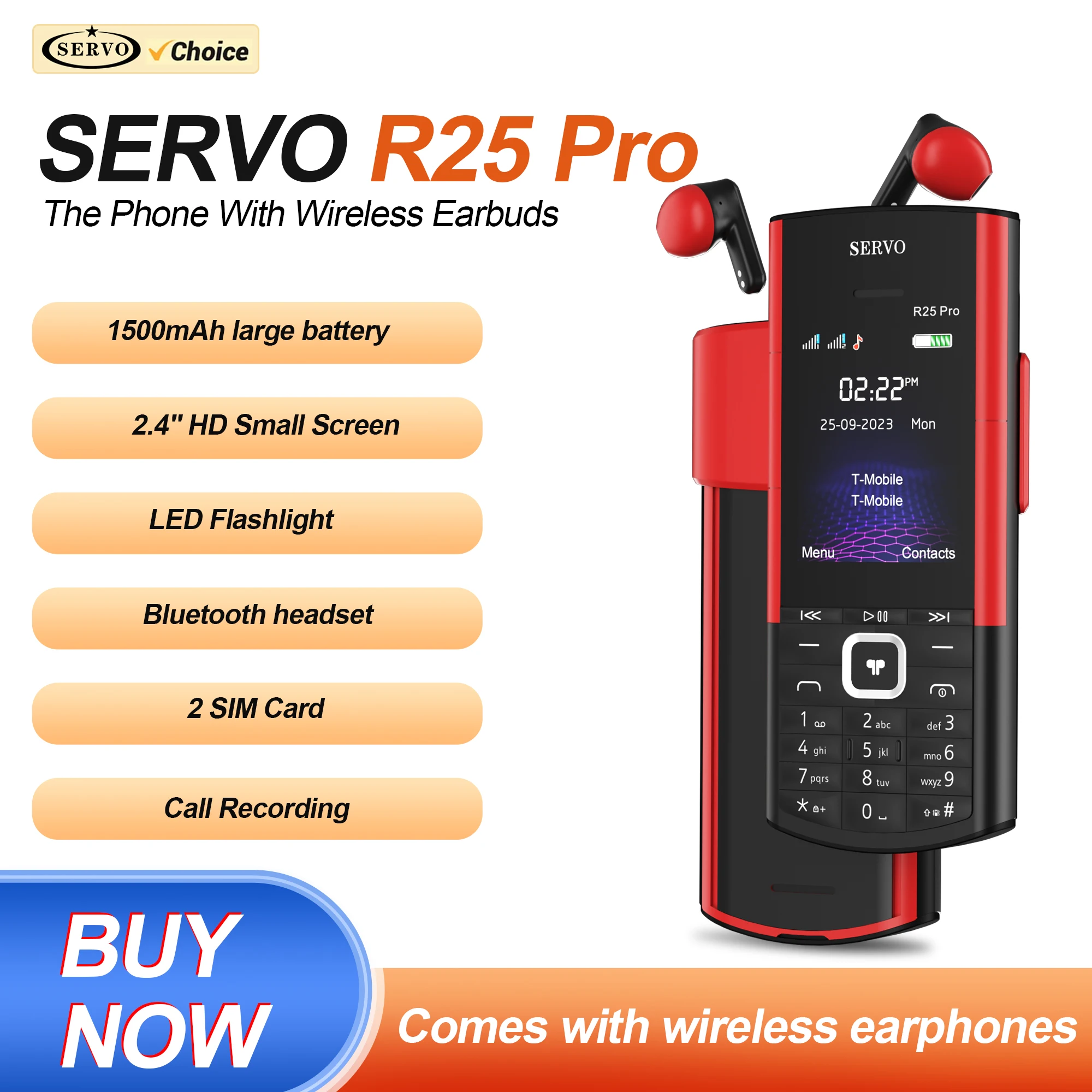
SERVO R25 PRO Bluetooth Earphones Mobile Phone Dual SIM Cards Call Recording Speed Dial FM Radio 2G GSM Button Backup Cellphones
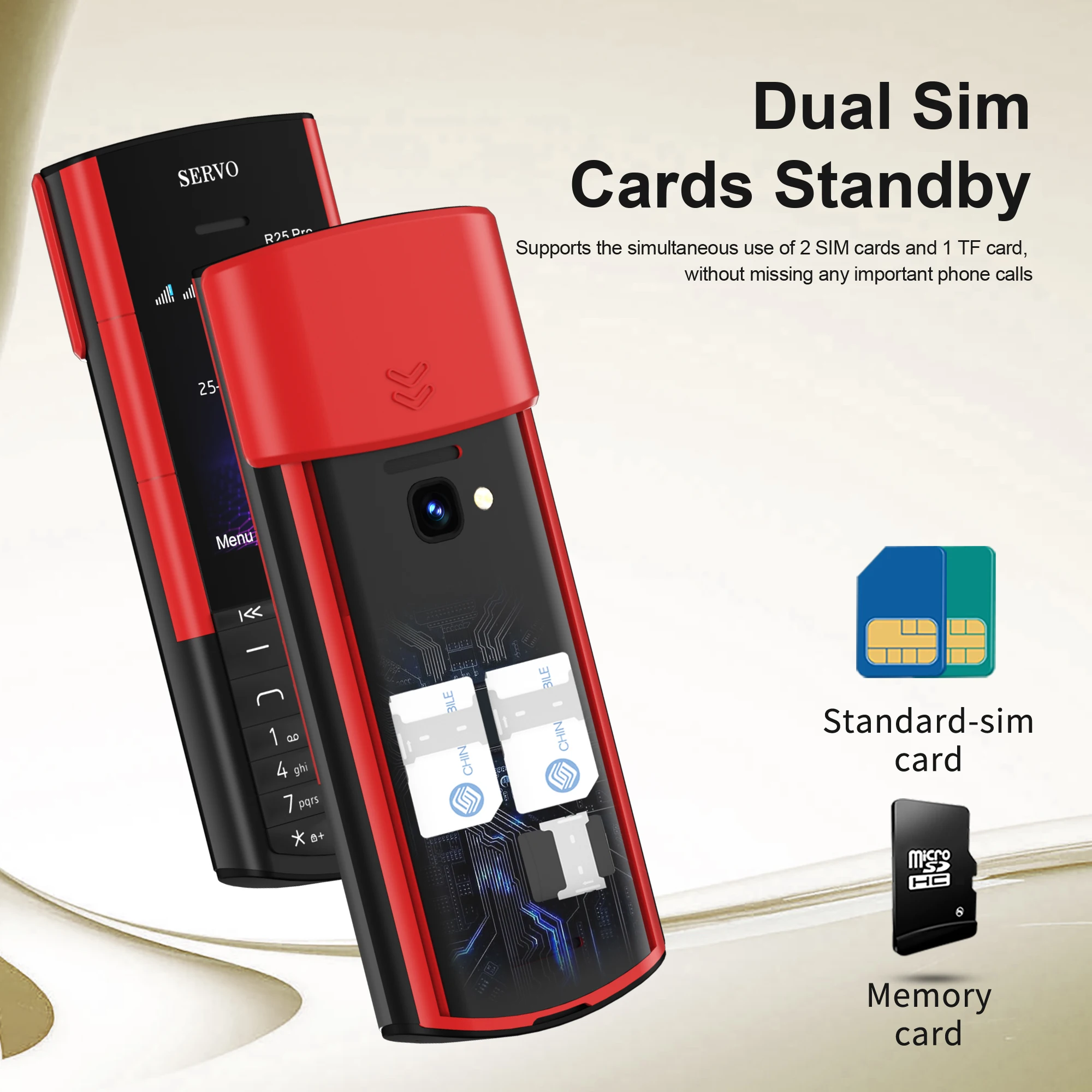
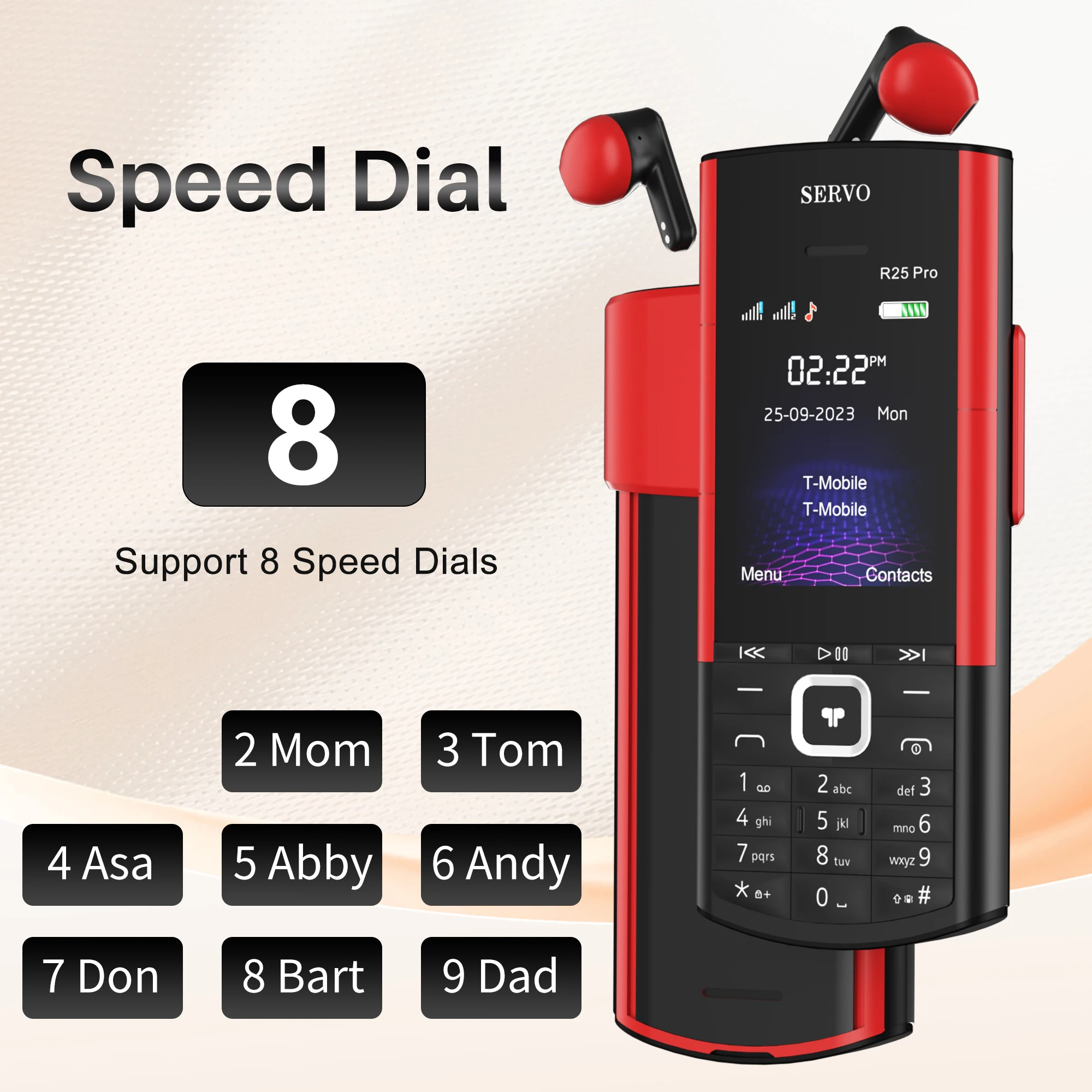
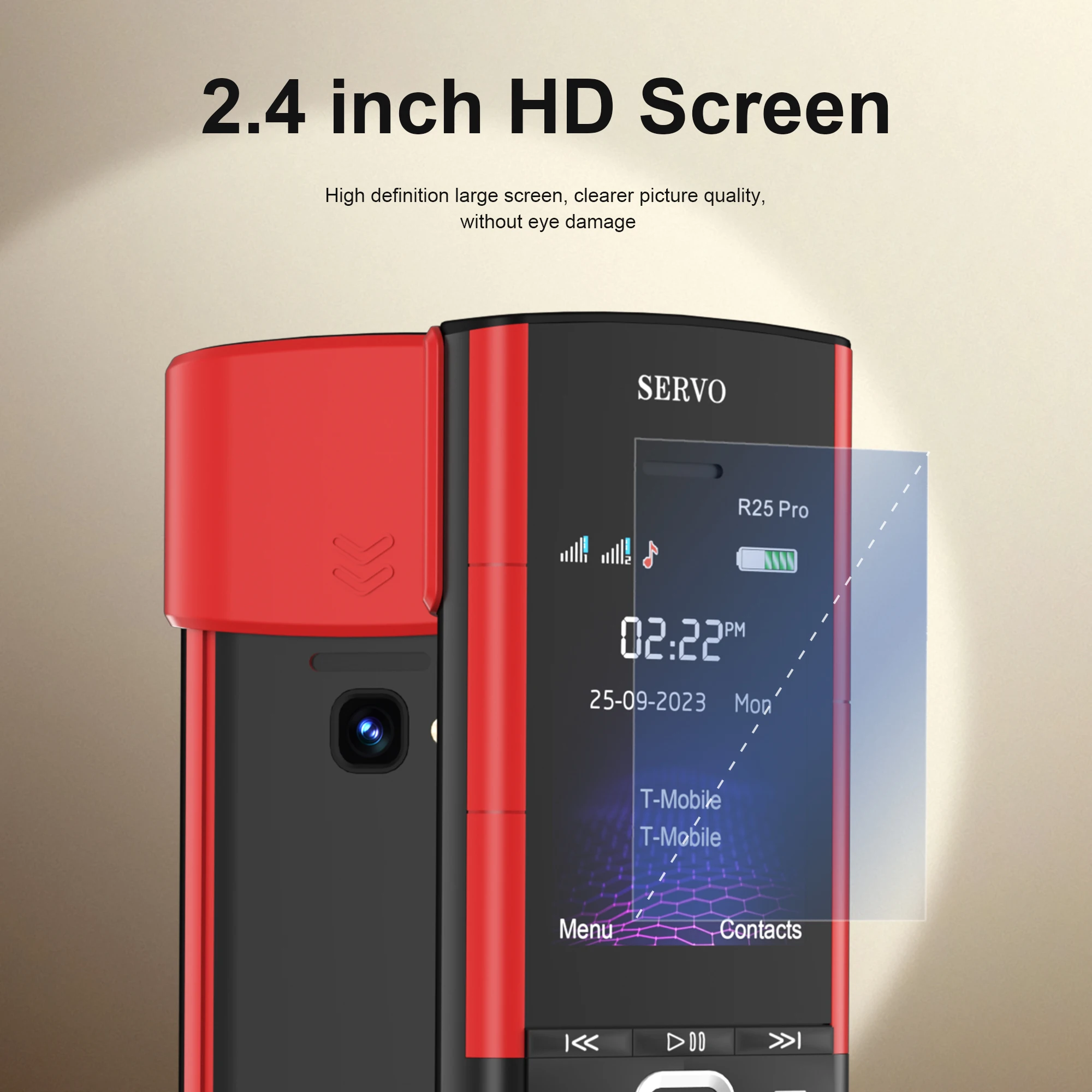
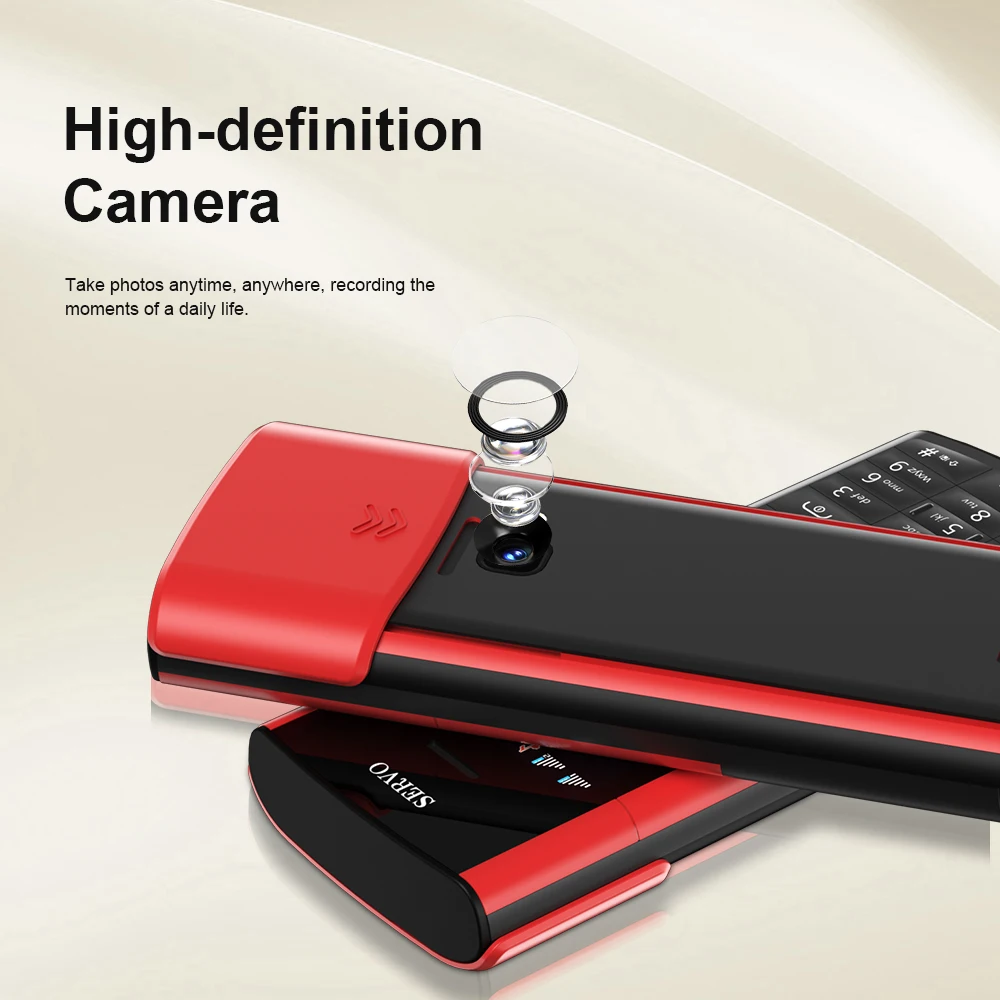
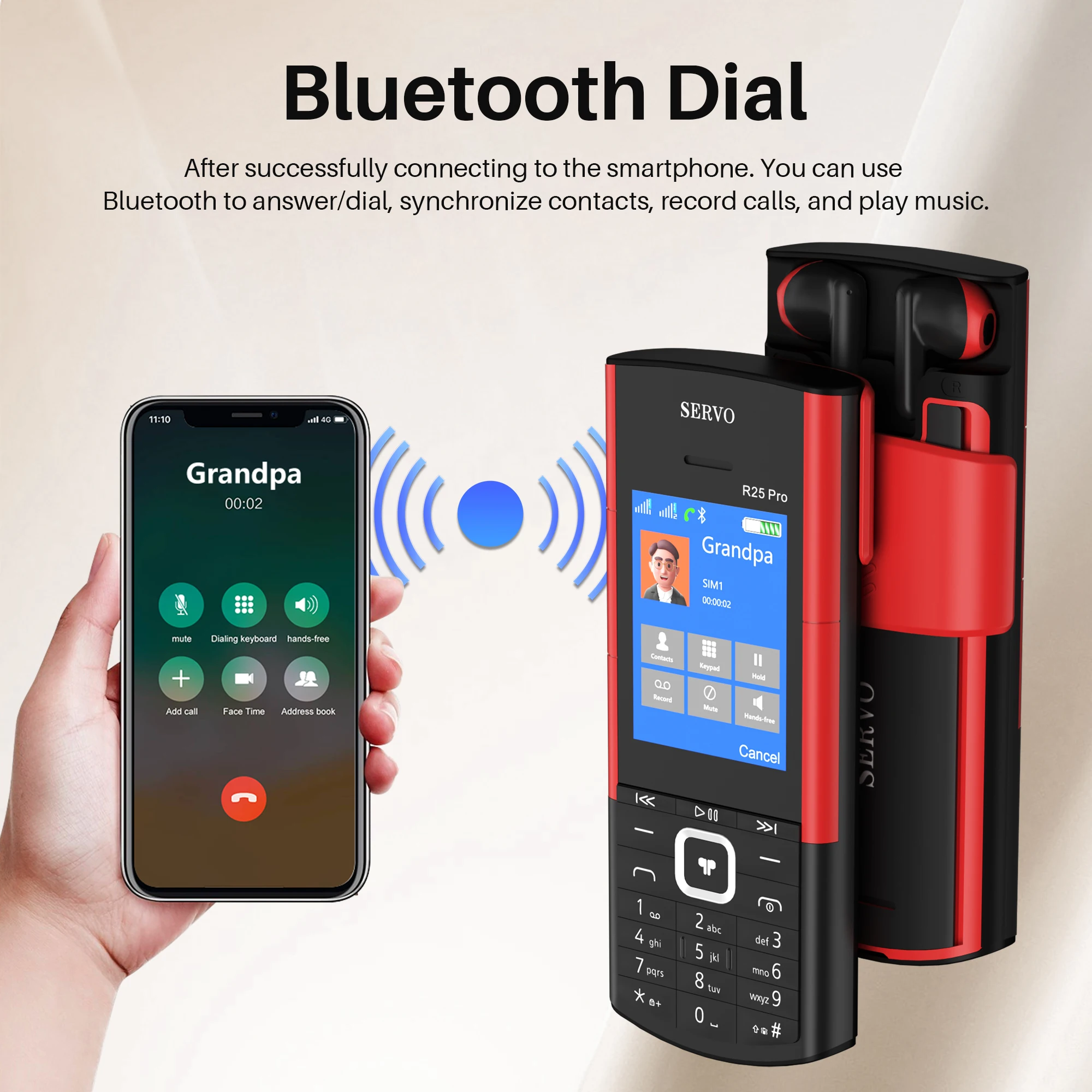
<br/><div class="detailmodule_text"><p style="text-align:center;display:block;width:100%" align="center">Real video shooting</p></div><p><div class="detailmodule_media"><div class="video-container-5000331032070"><div class="detail-video" id="5000331032070" data-previewurl="https://ae01.alicdn.com/kf/Sc75b067b6d854bb48962b52dc037dda49.jpg"></div></div></div></p><div class="detailmodule_text"><p style="font-family:OpenSans;font-size:20px;font-weight:900;line-height:28px;white-space:pre-wrap;color:rgb(0, 0, 0);margin-bottom:12px" class="detail-desc-decorate-title">🏷️Product Parameter</p><p style="font-family:OpenSans;font-size:14px;font-weight:300;line-height:20px;white-space:pre-wrap;color:rgb(0, 0, 0);margin-bottom:12px" class="detail-desc-decorate-content">◆ Model : R25 PRO<br/>◆ Screen Size :2.4 inch <br/>◆ Phone Size :140*57.5*16.5mm<br/>◆ Phone Weight : 106g (Including battery)<br/>◆ Phonebook : 500<br/>◆ Phone SMS: 200<br/>◆ Headphone jack : 3.5mm Jack<br/>◆ Camera : Rear Camera 0.08mp<br/>◆ Battery : 1500mAh<br/>◆ SIM Card Quantity :2 SIM card + 1TF card<br/>◆ Memory Card : 32Mb RAM , 32Mb ROM, Maximum support 16GB expansion (The system will occupy part of the memory,It is recommended to install a memory card before using the phone)<br/>◆ Charging Interface Type : Micro USB<br/>◆ WiFi : NO<br/>◆ Bluetooth :Support<br/>◆ Audio Playback:Support<br/>◆ Video Playback:Support<br/>◆ Phone material : Plastic shell<br/>◆ Operating system: Non smartphone operating system, unable to download application</p></div><div class="detailmodule_text"><p style="font-family:OpenSans;font-size:20px;font-weight:900;line-height:28px;white-space:pre-wrap;color:rgb(0, 0, 0);margin-bottom:12px" class="detail-desc-decorate-title">📶Network</p><p style="font-family:OpenSans;font-size:14px;font-weight:300;line-height:20px;white-space:pre-wrap;color:rgb(0, 0, 0);margin-bottom:12px" class="detail-desc-decorate-content">2G GSM 850/900/1800/1900MHz</p></div><div class="detailmodule_text"><p style="font-size:13px;font-weight:bold;color:rgb(237, 6, 6)">Some countries have already discontinued 2G GSM networks. Please check if your SIM card supports 2G GSM network<br/>South Korea, Singapore, Japan, Australia, Israel, and other countries have stopped 2G networks, and the phone cannot be used in these countries</p></div><div class="detailmodule_text"><p style="font-family:OpenSans;font-size:20px;font-weight:900;line-height:28px;white-space:pre-wrap;color:rgb(0, 0, 0);margin-bottom:12px" class="detail-desc-decorate-title">🌍System Languages</p><p style="font-family:OpenSans;font-size:14px;font-weight:300;line-height:20px;white-space:pre-wrap;color:rgb(0, 0, 0);margin-bottom:12px" class="detail-desc-decorate-content">English, French, Portuguese, Spanish, Italian</p></div><div class="detailmodule_text"><p style="font-family:OpenSans;font-size:20px;font-weight:900;line-height:28px;white-space:pre-wrap;color:rgb(0, 0, 0);margin-bottom:12px" class="detail-desc-decorate-title">🌟Features</p><p style="font-family:OpenSans;font-size:14px;font-weight:300;line-height:20px;white-space:pre-wrap;color:rgb(0, 0, 0);margin-bottom:12px" class="detail-desc-decorate-content">◆Wireless Earbuds<br/><br/>◆Dual Sim Card Standby<br/><br/>◆Automatic Call Recording<br/><br/>◆Speed Dial<br/><br/>◆FM Radio<br/><br/>◆Blacklist<br/><br/>◆LED Flashlight<br/><br/>◆Bluetooth Call</p></div><div class="detailmodule_text"><p style="font-size:13px;font-weight:bold;color:rgb(208, 2, 27)">❗Due to the problem of network frequency band, the mobile phone cannot be used normally in the following countries: Colombia, India, Türkiye, Chile, Azerbaijan, Tanzania, Australia. Please know before ordering</p></div><div class="detailmodule_text"><p style="font-size:16px;font-weight:bold">* Connection steps between smartphone and R25 PRO phone</p></div><div class="detailmodule_text"><p style="color:rgb(0, 0, 0)">1 , mobile phone bluetooth</p></div><div class="detailmodule_text"><p style="color:rgb(0, 0, 0)">2 , Activate the Bluetooth function of your mobile phone, search and select "SERVO" from the devices list to connect.</p></div><div class="detailmodule_text"><p style="color:rgb(0, 0, 0)">3 , click on the "pair" and " OK",Successfully paired smartphone and R25 PRO</p></div><div class="detailmodule_text"><p style="color:rgb(0, 0, 0)">4 , By clicking ''allow'', the phone can synchronize the contacts of the smartphone.</p></div><div class="detailmodule_text"><p style="font-size:16px;font-weight:bold">* Steps for connecting TWS S5710 to R25 PRO mobile phones</p></div><div class="detailmodule_text"><p style="color:rgb(0, 0, 0)">1, Open the BTPhone program, activate Bluetooth, and then click on the paired device</p></div><div class="detailmodule_text"><p style="color:rgb(0, 0, 0)">2 , Click on 'Add New Device' on your phone</p></div><div class="detailmodule_text"><p style="color:rgb(0, 0, 0)">3 , Slide the phone back cover and remove the TWS</p></div><div class="detailmodule_text"><p style="font-size:13px;font-weight:bold;color:rgb(208, 2, 27)">R25 PRO phones cannot connect to both smartphones and TWS at the same time, only one can be selected for connection</p></div><div class="detailmodule_text"><p style="font-family:OpenSans;font-size:20px;font-weight:900;line-height:28px;white-space:pre-wrap;color:rgb(0, 0, 0);margin-bottom:12px" class="detail-desc-decorate-title">📦Packages</p><p style="font-family:OpenSans;font-size:14px;font-weight:300;line-height:20px;white-space:pre-wrap;color:rgb(0, 0, 0);margin-bottom:12px" class="detail-desc-decorate-content">1 x Phone (Including battery)<br/>1 x TWS Headset<br/>1 x USB Cable<br/>1 x Box</p></div><div class="detailmodule_image"></div><div class="detailmodule_text"><p style="color:rgb(0, 0, 0)">NOTE</p><p style="font-size:13px;font-weight:bold;color:rgb(208, 2, 27)">1,There is a layer of insulating tape on the battery and Earphone charging port . Before using the phone, you need to open the back cover and remove it, Thank you<br/>2. This product does not contain a SIM card, please buy it locally by yourself.<br/>3. First use, Please charge the phone for 3-5 hours first and use a charger that supports 5V1A to charge the phone, Other power chargers may not charge properly,thank you</p></div><div class="detailmodule_image"></div><div class="detailmodule_image"></div><div class="detailmodule_image"></div><div class="detailmodule_text"><p style="font-family:OpenSans;font-size:20px;font-weight:900;line-height:28px;white-space:pre-wrap;color:rgb(0, 0, 0);margin-bottom:12px" class="detail-desc-decorate-title">FAQ</p><p style="font-family:OpenSans;font-size:14px;font-weight:300;line-height:20px;white-space:pre-wrap;color:rgb(0, 0, 0);margin-bottom:12px" class="detail-desc-decorate-content">Q: Does the phone not turn on after charging?<br/><br/>A: If the mobile phone has not been used for a long time, the battery power will also be consumed by itself. If it cannot be turned on, You need to charge the mobile phone for 3-5 hours first. Please use the charging cable configured with this product and the charger that supports 5V1A to charge the mobile phone.<br/><br/>Q: How to check the status of the package?<br/><br/>A: Enter the official website of Cainiao parcel and enter the parcel number to check the logistics track. Or enter this page for customer service help to inquire.<br/>https://global.cainiao.com/?spm=a311a.7996332.0.0.227d2516klCRJJ</p></div><div class="detailmodule_image"></div><br/>
$55.16
$28.04
- Category : Phones & Telecommunications
- Brand : wfive_store WFIVE Store
Colors
Sizes
-
+

<br/><div class="detailmodule_text"><p style="text-align:center;display:block;width:100%" align="center">Real video shooting</p></div><p><div class="detailmodule_media"><div class="video-container-5000331032070"><div class="detail-video" id="5000331032070" data-previewurl="https://ae01.alicdn.com/kf/Sc75b067b6d854bb48962b52dc037dda49.jpg"></div></div></div></p><div class="detailmodule_text"><p style="font-family:OpenSans;font-size:20px;font-weight:900;line-height:28px;white-space:pre-wrap;color:rgb(0, 0, 0);margin-bottom:12px" class="detail-desc-decorate-title">🏷️Product Parameter</p><p style="font-family:OpenSans;font-size:14px;font-weight:300;line-height:20px;white-space:pre-wrap;color:rgb(0, 0, 0);margin-bottom:12px" class="detail-desc-decorate-content">◆ Model : R25 PRO<br/>◆ Screen Size :2.4 inch <br/>◆ Phone Size :140*57.5*16.5mm<br/>◆ Phone Weight : 106g (Including battery)<br/>◆ Phonebook : 500<br/>◆ Phone SMS: 200<br/>◆ Headphone jack : 3.5mm Jack<br/>◆ Camera : Rear Camera 0.08mp<br/>◆ Battery : 1500mAh<br/>◆ SIM Card Quantity :2 SIM card + 1TF card<br/>◆ Memory Card : 32Mb RAM , 32Mb ROM, Maximum support 16GB expansion (The system will occupy part of the memory,It is recommended to install a memory card before using the phone)<br/>◆ Charging Interface Type : Micro USB<br/>◆ WiFi : NO<br/>◆ Bluetooth :Support<br/>◆ Audio Playback:Support<br/>◆ Video Playback:Support<br/>◆ Phone material : Plastic shell<br/>◆ Operating system: Non smartphone operating system, unable to download application</p></div><div class="detailmodule_text"><p style="font-family:OpenSans;font-size:20px;font-weight:900;line-height:28px;white-space:pre-wrap;color:rgb(0, 0, 0);margin-bottom:12px" class="detail-desc-decorate-title">📶Network</p><p style="font-family:OpenSans;font-size:14px;font-weight:300;line-height:20px;white-space:pre-wrap;color:rgb(0, 0, 0);margin-bottom:12px" class="detail-desc-decorate-content">2G GSM 850/900/1800/1900MHz</p></div><div class="detailmodule_text"><p style="font-size:13px;font-weight:bold;color:rgb(237, 6, 6)">Some countries have already discontinued 2G GSM networks. Please check if your SIM card supports 2G GSM network<br/>South Korea, Singapore, Japan, Australia, Israel, and other countries have stopped 2G networks, and the phone cannot be used in these countries</p></div><div class="detailmodule_text"><p style="font-family:OpenSans;font-size:20px;font-weight:900;line-height:28px;white-space:pre-wrap;color:rgb(0, 0, 0);margin-bottom:12px" class="detail-desc-decorate-title">🌍System Languages</p><p style="font-family:OpenSans;font-size:14px;font-weight:300;line-height:20px;white-space:pre-wrap;color:rgb(0, 0, 0);margin-bottom:12px" class="detail-desc-decorate-content">English, French, Portuguese, Spanish, Italian</p></div><div class="detailmodule_text"><p style="font-family:OpenSans;font-size:20px;font-weight:900;line-height:28px;white-space:pre-wrap;color:rgb(0, 0, 0);margin-bottom:12px" class="detail-desc-decorate-title">🌟Features</p><p style="font-family:OpenSans;font-size:14px;font-weight:300;line-height:20px;white-space:pre-wrap;color:rgb(0, 0, 0);margin-bottom:12px" class="detail-desc-decorate-content">◆Wireless Earbuds<br/><br/>◆Dual Sim Card Standby<br/><br/>◆Automatic Call Recording<br/><br/>◆Speed Dial<br/><br/>◆FM Radio<br/><br/>◆Blacklist<br/><br/>◆LED Flashlight<br/><br/>◆Bluetooth Call</p></div><div class="detailmodule_text"><p style="font-size:13px;font-weight:bold;color:rgb(208, 2, 27)">❗Due to the problem of network frequency band, the mobile phone cannot be used normally in the following countries: Colombia, India, Türkiye, Chile, Azerbaijan, Tanzania, Australia. Please know before ordering</p></div><div class="detailmodule_text"><p style="font-size:16px;font-weight:bold">* Connection steps between smartphone and R25 PRO phone</p></div><div class="detailmodule_text"><p style="color:rgb(0, 0, 0)">1 , mobile phone bluetooth</p></div><div class="detailmodule_text"><p style="color:rgb(0, 0, 0)">2 , Activate the Bluetooth function of your mobile phone, search and select "SERVO" from the devices list to connect.</p></div><div class="detailmodule_text"><p style="color:rgb(0, 0, 0)">3 , click on the "pair" and " OK",Successfully paired smartphone and R25 PRO</p></div><div class="detailmodule_text"><p style="color:rgb(0, 0, 0)">4 , By clicking ''allow'', the phone can synchronize the contacts of the smartphone.</p></div><div class="detailmodule_text"><p style="font-size:16px;font-weight:bold">* Steps for connecting TWS S5710 to R25 PRO mobile phones</p></div><div class="detailmodule_text"><p style="color:rgb(0, 0, 0)">1, Open the BTPhone program, activate Bluetooth, and then click on the paired device</p></div><div class="detailmodule_text"><p style="color:rgb(0, 0, 0)">2 , Click on 'Add New Device' on your phone</p></div><div class="detailmodule_text"><p style="color:rgb(0, 0, 0)">3 , Slide the phone back cover and remove the TWS</p></div><div class="detailmodule_text"><p style="font-size:13px;font-weight:bold;color:rgb(208, 2, 27)">R25 PRO phones cannot connect to both smartphones and TWS at the same time, only one can be selected for connection</p></div><div class="detailmodule_text"><p style="font-family:OpenSans;font-size:20px;font-weight:900;line-height:28px;white-space:pre-wrap;color:rgb(0, 0, 0);margin-bottom:12px" class="detail-desc-decorate-title">📦Packages</p><p style="font-family:OpenSans;font-size:14px;font-weight:300;line-height:20px;white-space:pre-wrap;color:rgb(0, 0, 0);margin-bottom:12px" class="detail-desc-decorate-content">1 x Phone (Including battery)<br/>1 x TWS Headset<br/>1 x USB Cable<br/>1 x Box</p></div><div class="detailmodule_image"></div><div class="detailmodule_text"><p style="color:rgb(0, 0, 0)">NOTE</p><p style="font-size:13px;font-weight:bold;color:rgb(208, 2, 27)">1,There is a layer of insulating tape on the battery and Earphone charging port . Before using the phone, you need to open the back cover and remove it, Thank you<br/>2. This product does not contain a SIM card, please buy it locally by yourself.<br/>3. First use, Please charge the phone for 3-5 hours first and use a charger that supports 5V1A to charge the phone, Other power chargers may not charge properly,thank you</p></div><div class="detailmodule_image"></div><div class="detailmodule_image"></div><div class="detailmodule_image"></div><div class="detailmodule_text"><p style="font-family:OpenSans;font-size:20px;font-weight:900;line-height:28px;white-space:pre-wrap;color:rgb(0, 0, 0);margin-bottom:12px" class="detail-desc-decorate-title">FAQ</p><p style="font-family:OpenSans;font-size:14px;font-weight:300;line-height:20px;white-space:pre-wrap;color:rgb(0, 0, 0);margin-bottom:12px" class="detail-desc-decorate-content">Q: Does the phone not turn on after charging?<br/><br/>A: If the mobile phone has not been used for a long time, the battery power will also be consumed by itself. If it cannot be turned on, You need to charge the mobile phone for 3-5 hours first. Please use the charging cable configured with this product and the charger that supports 5V1A to charge the mobile phone.<br/><br/>Q: How to check the status of the package?<br/><br/>A: Enter the official website of Cainiao parcel and enter the parcel number to check the logistics track. Or enter this page for customer service help to inquire.<br/>https://global.cainiao.com/?spm=a311a.7996332.0.0.227d2516klCRJJ</p></div><div class="detailmodule_image"></div><br/>
Related Product
Browse The Collection of Top Products.