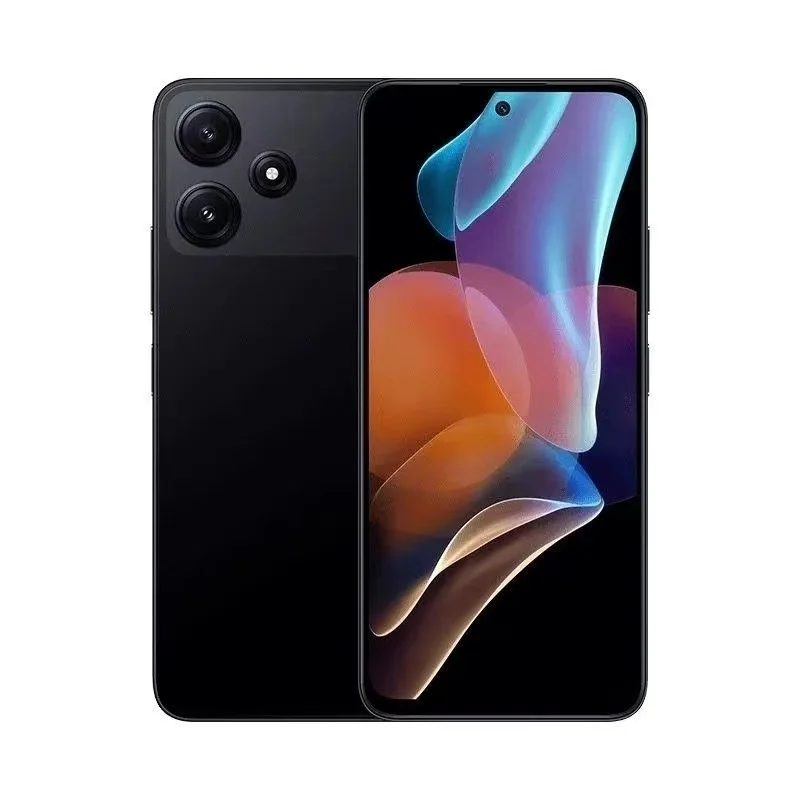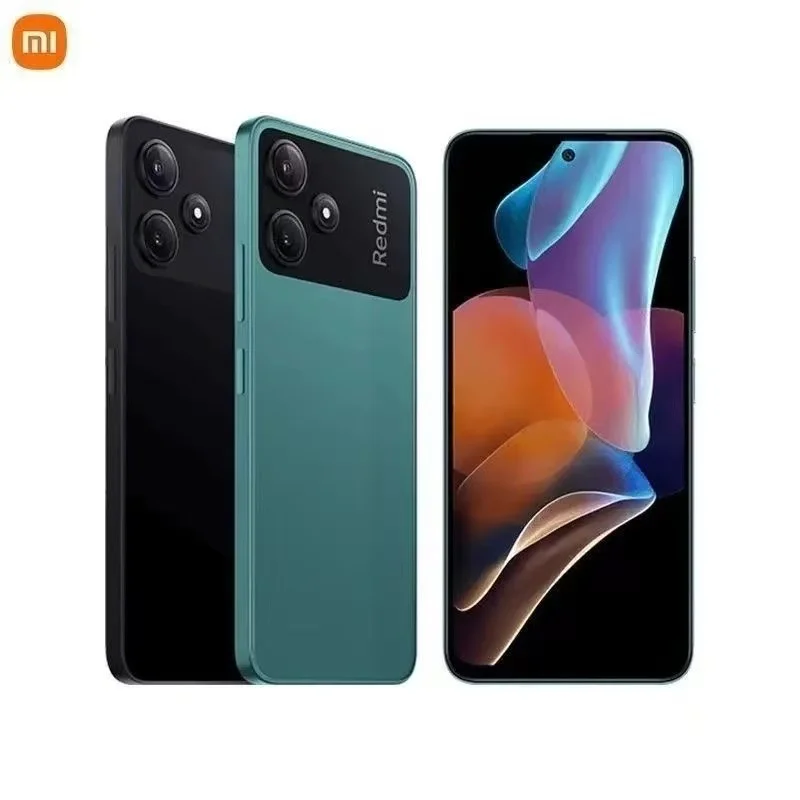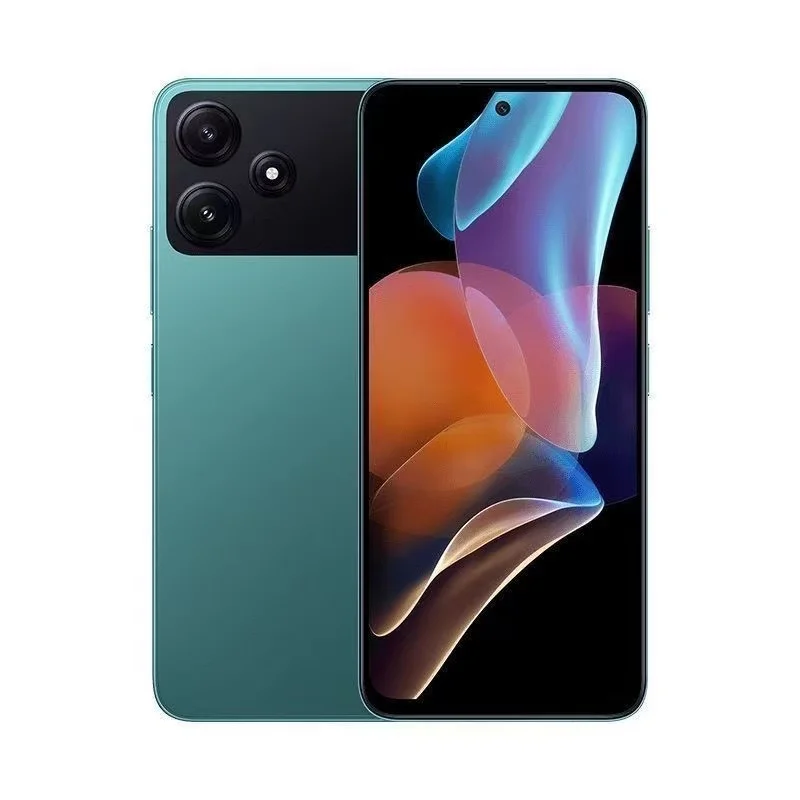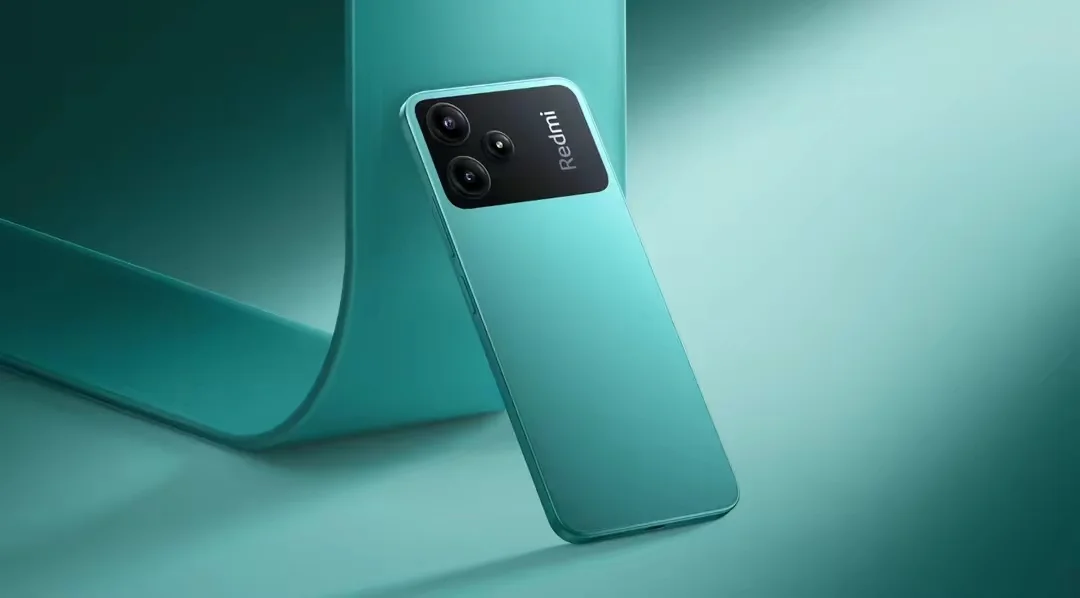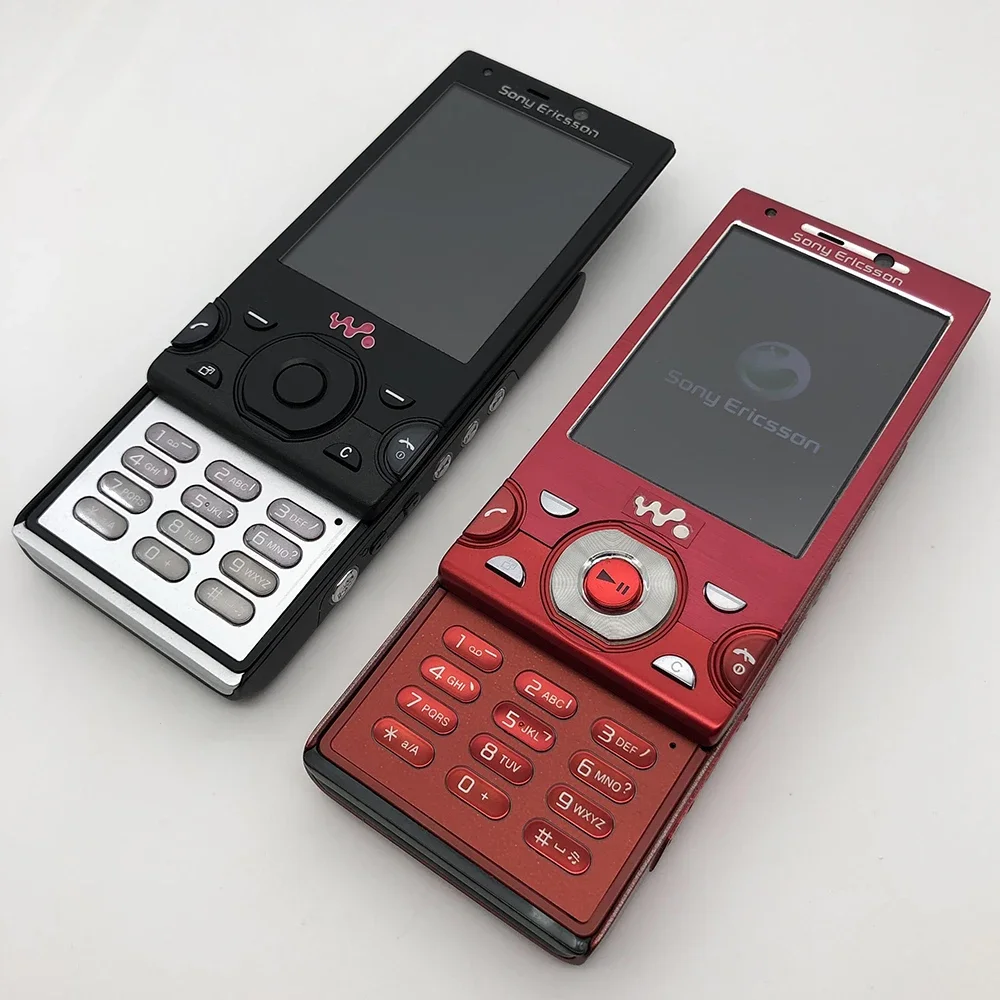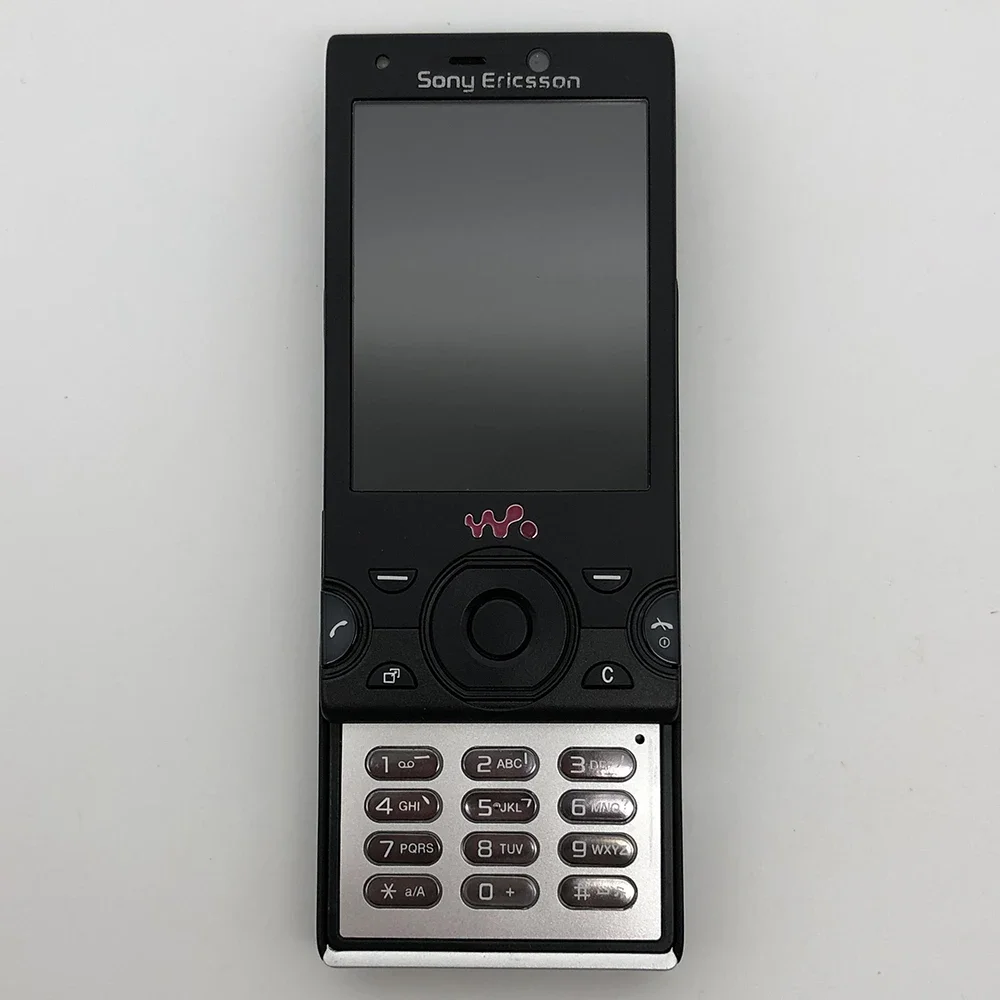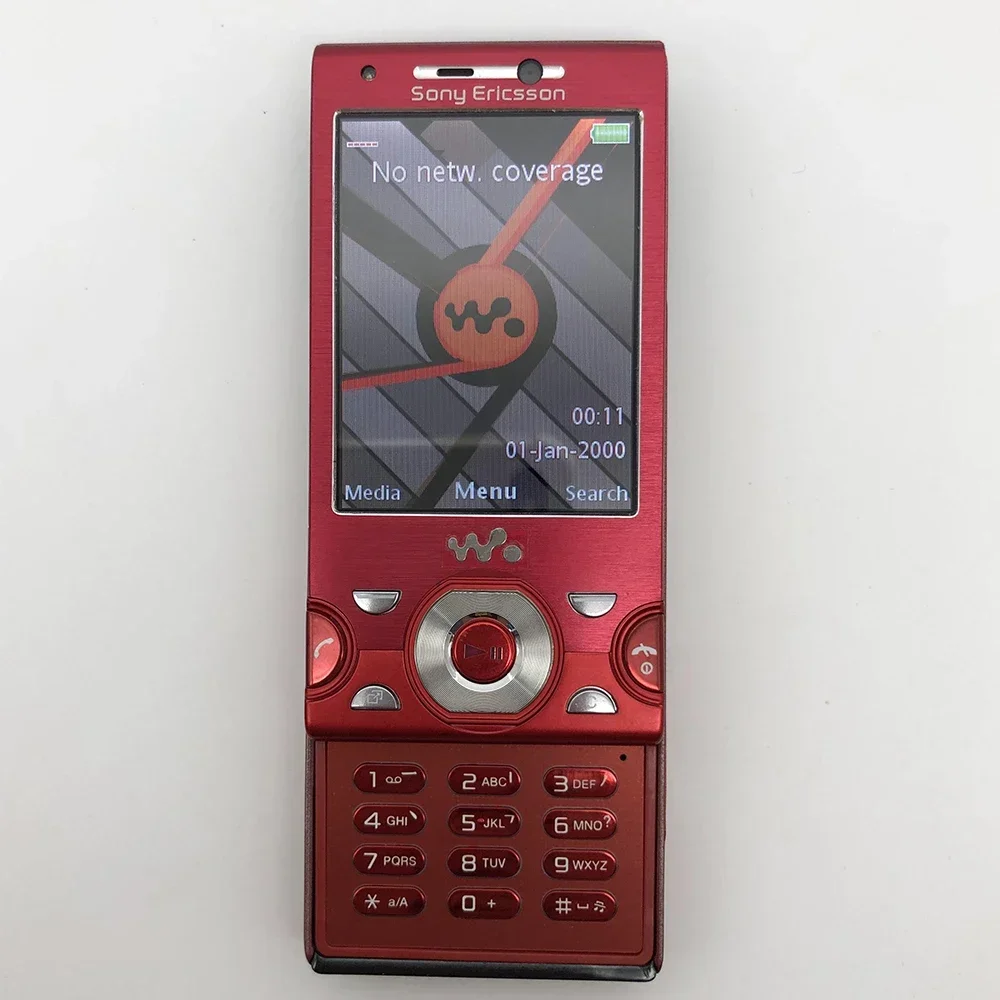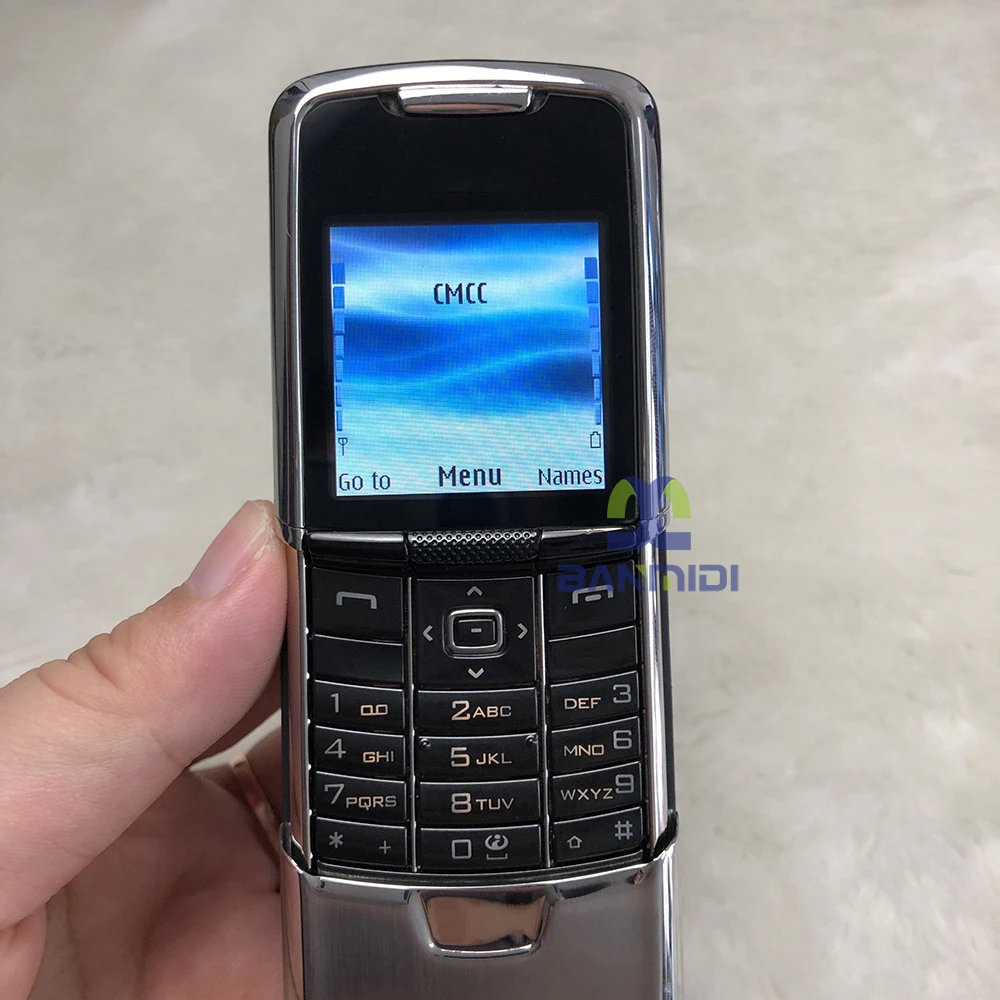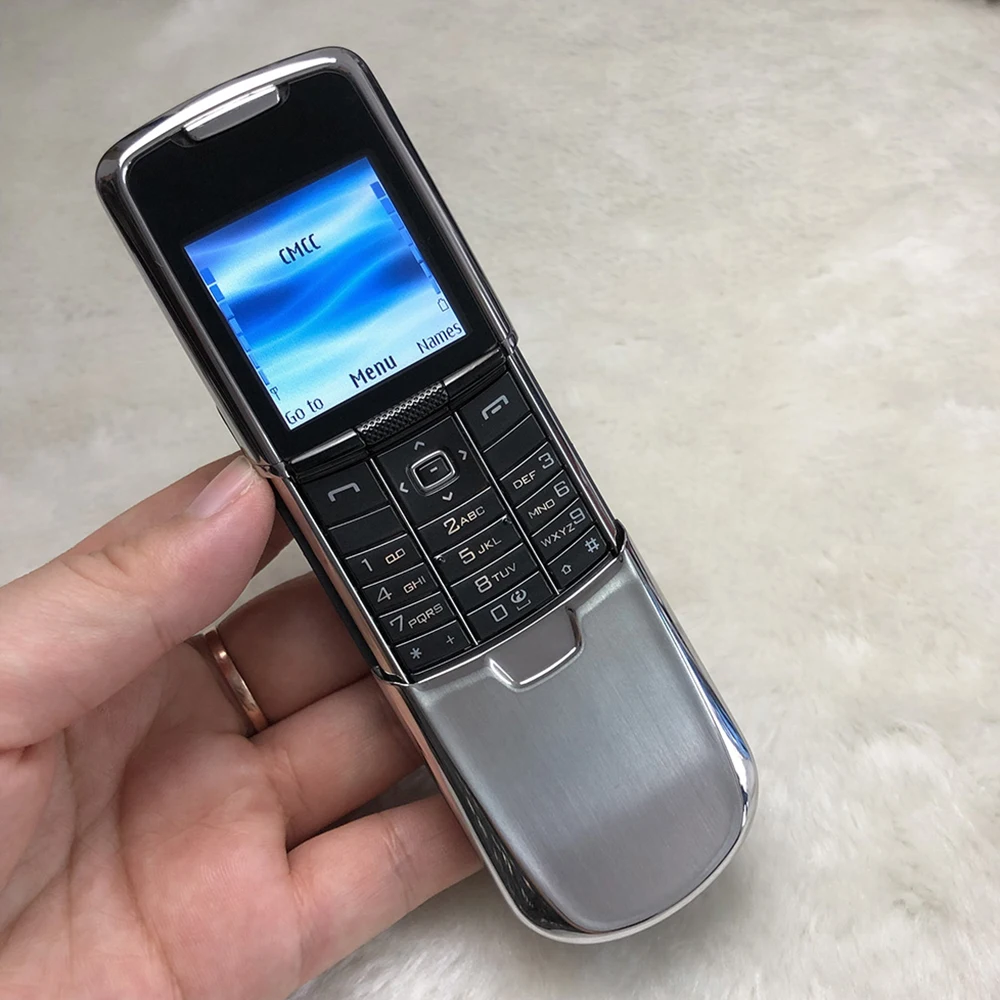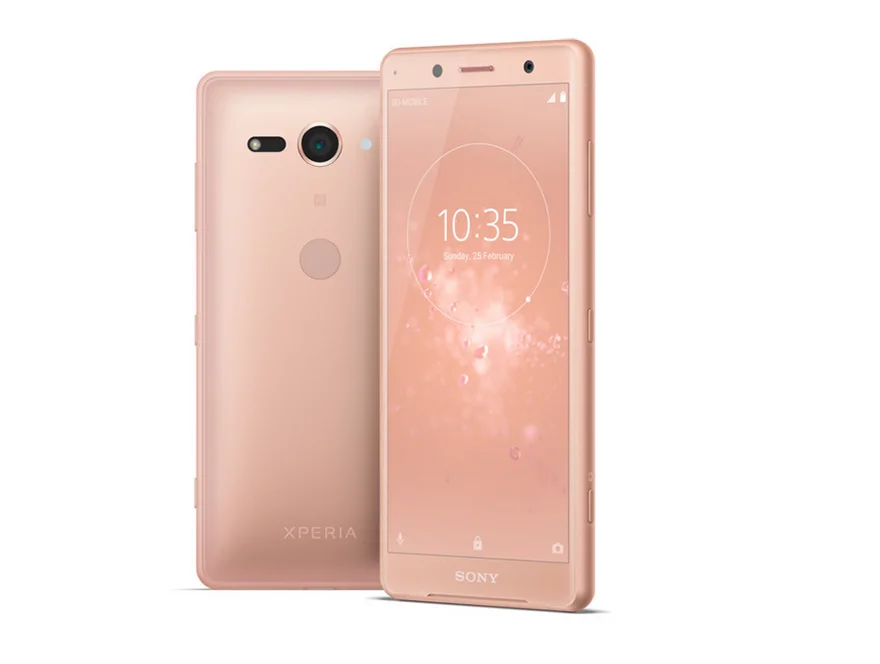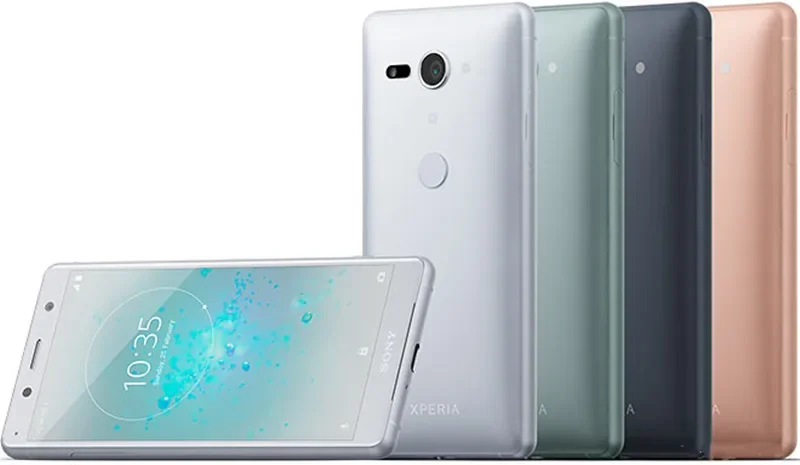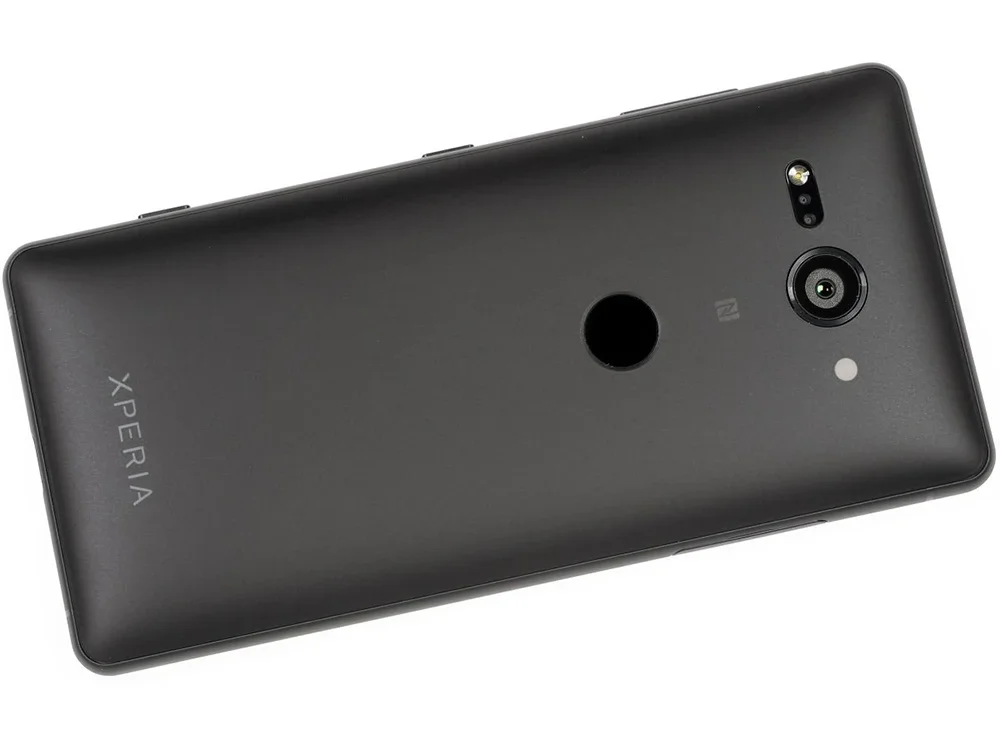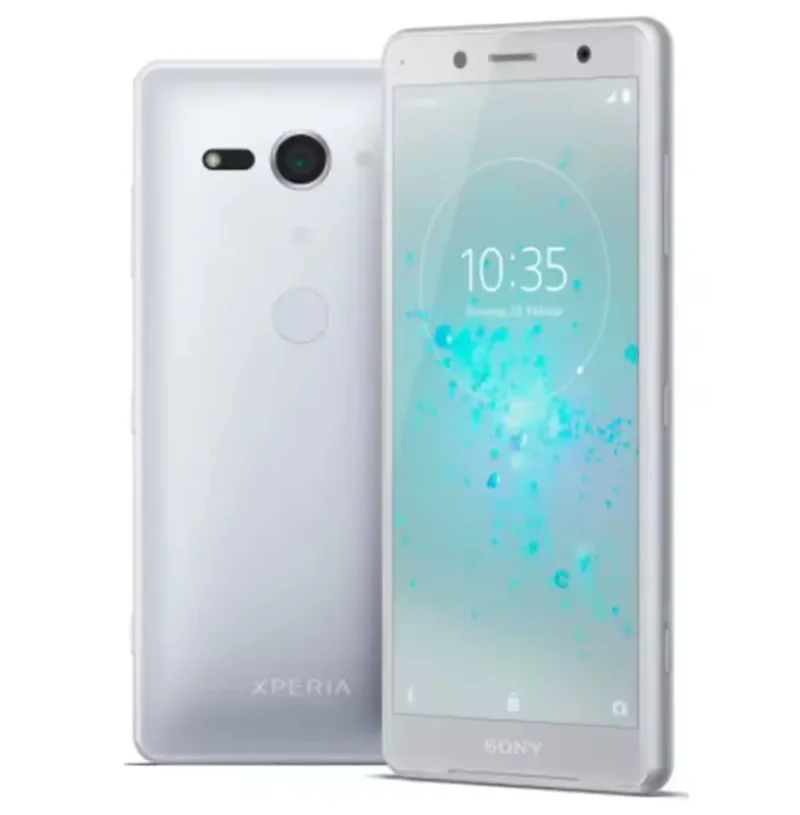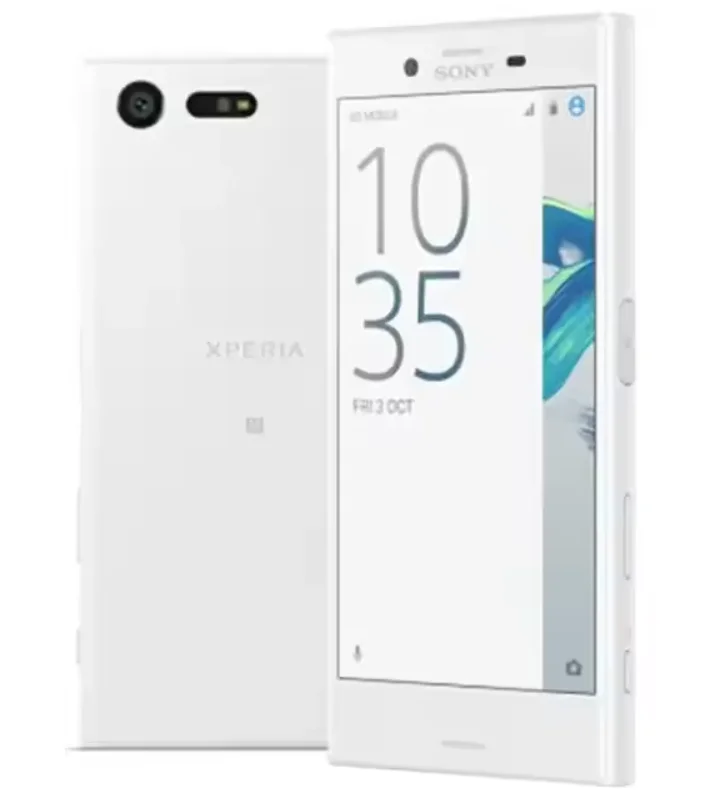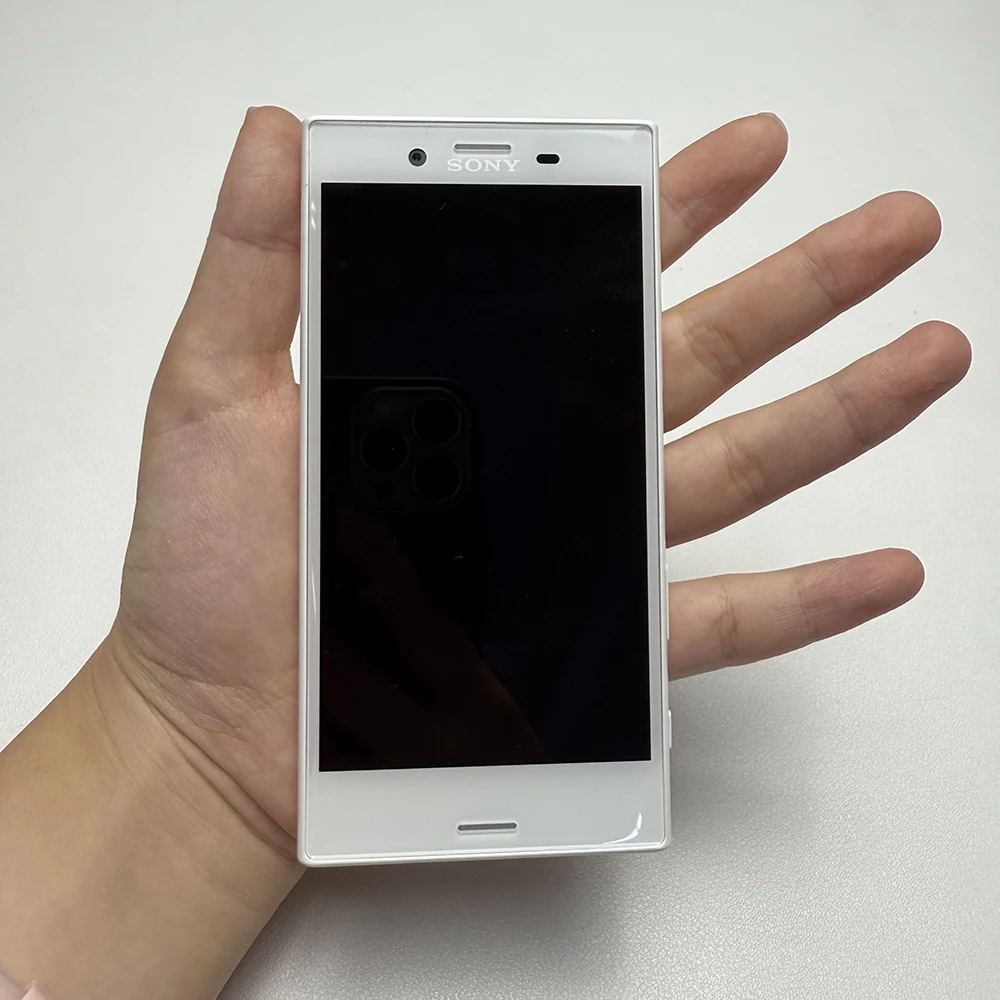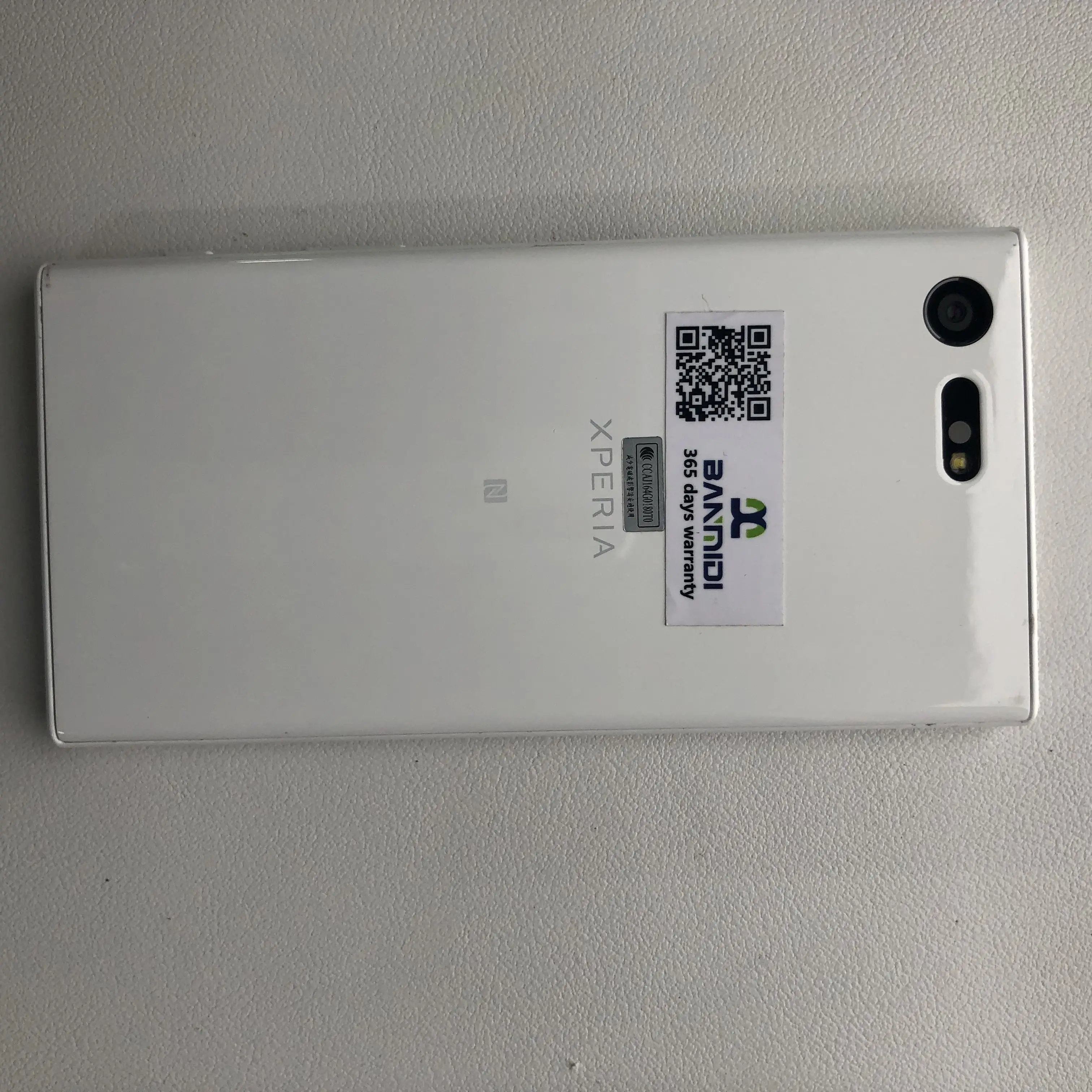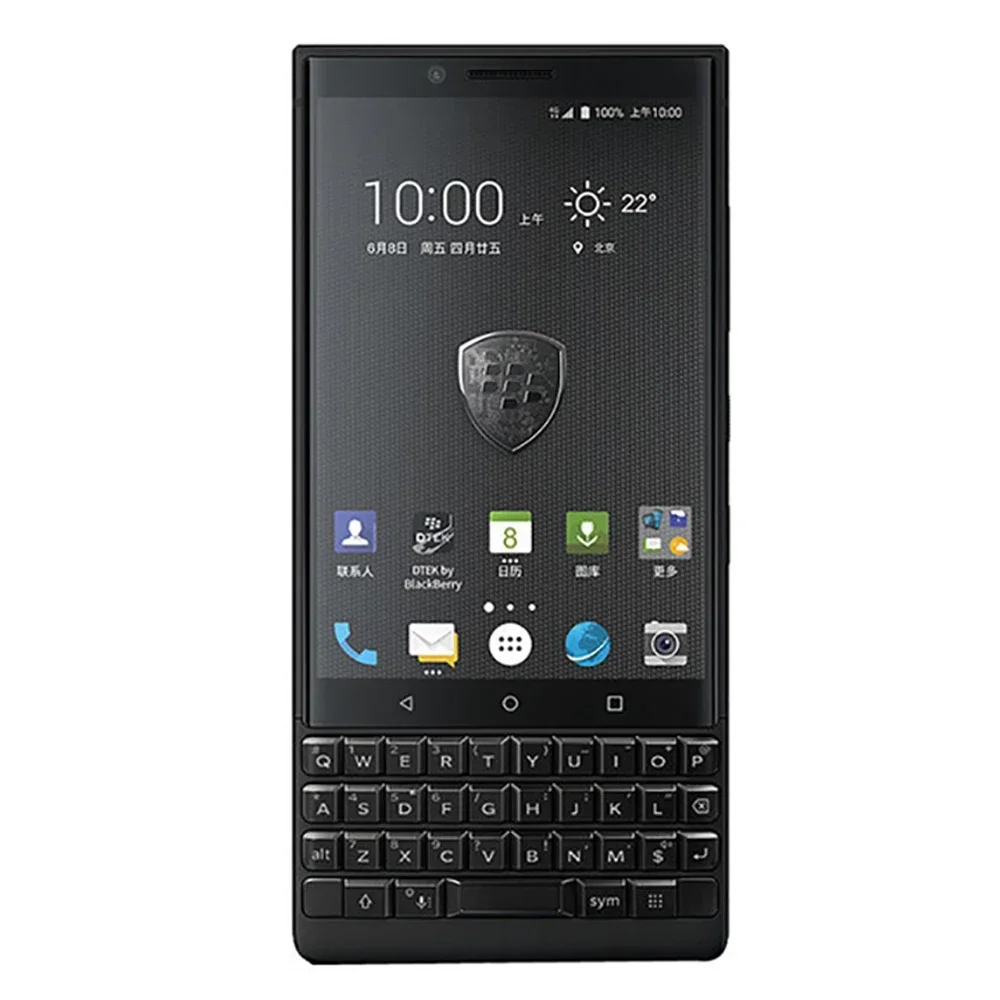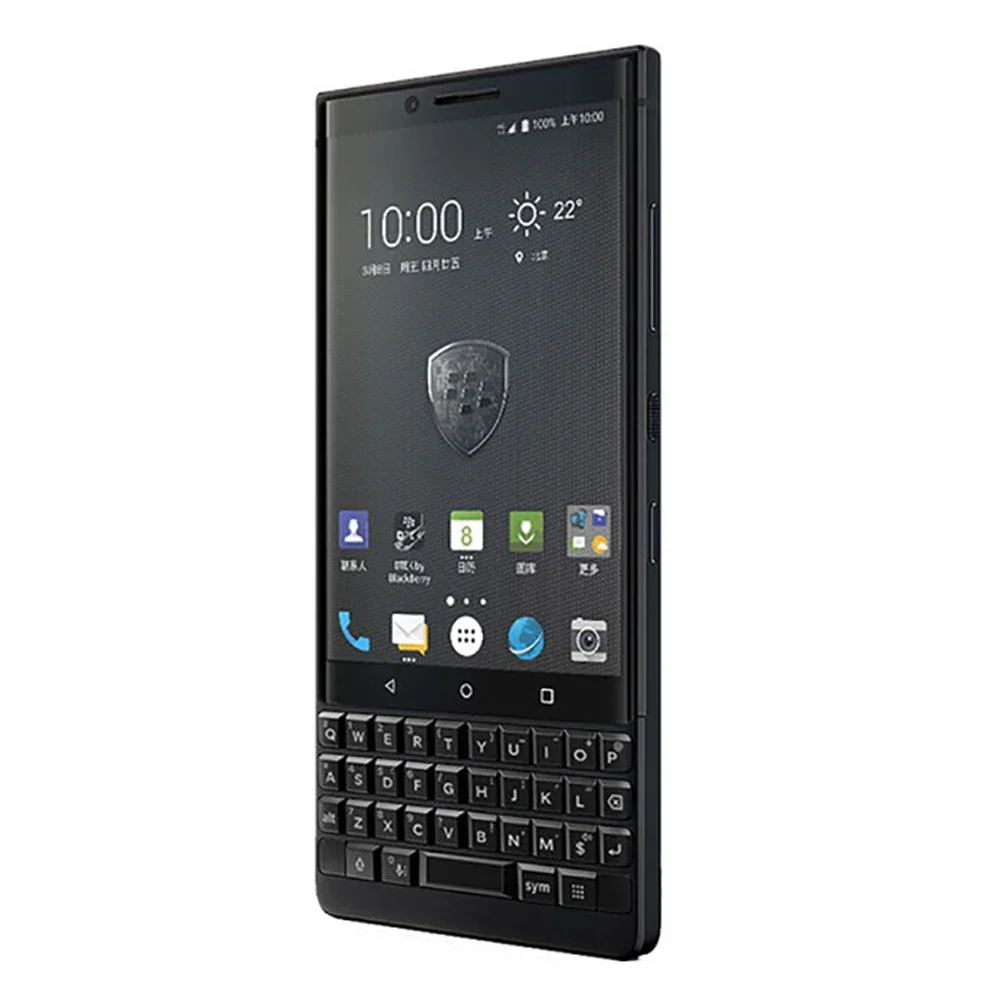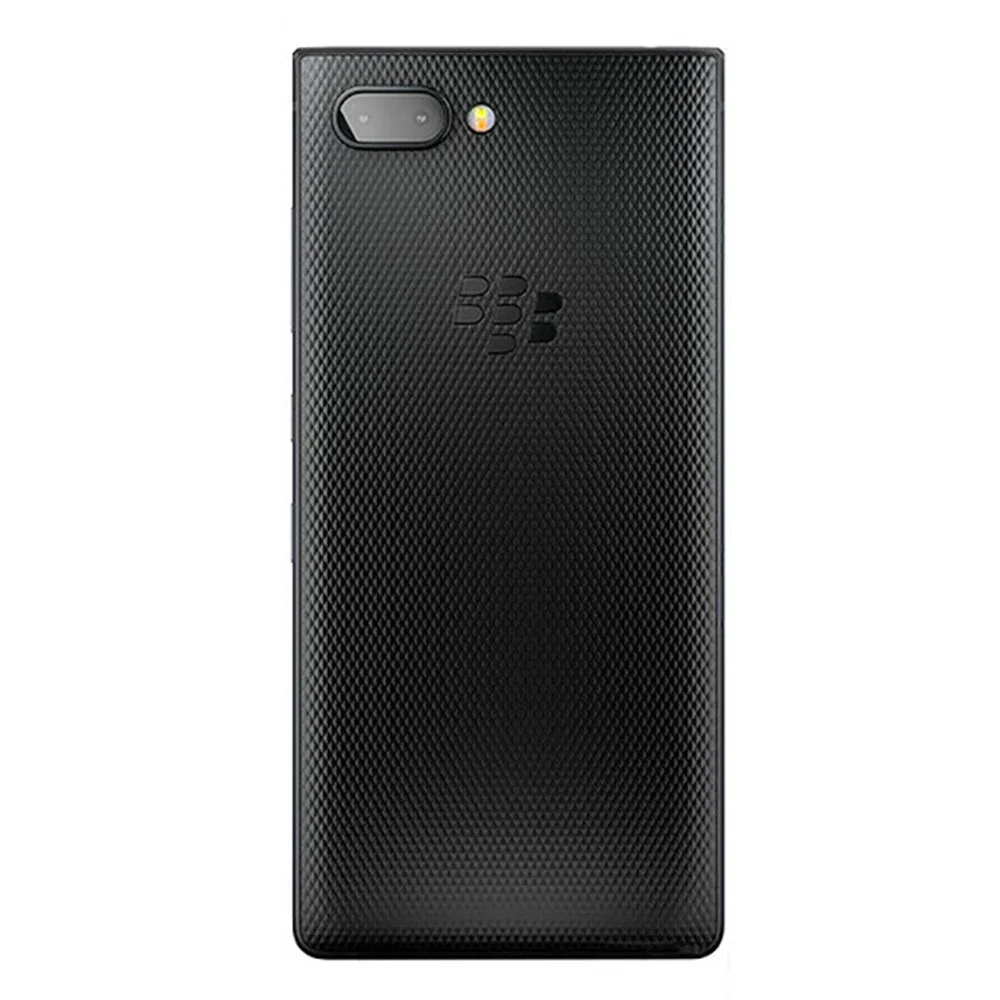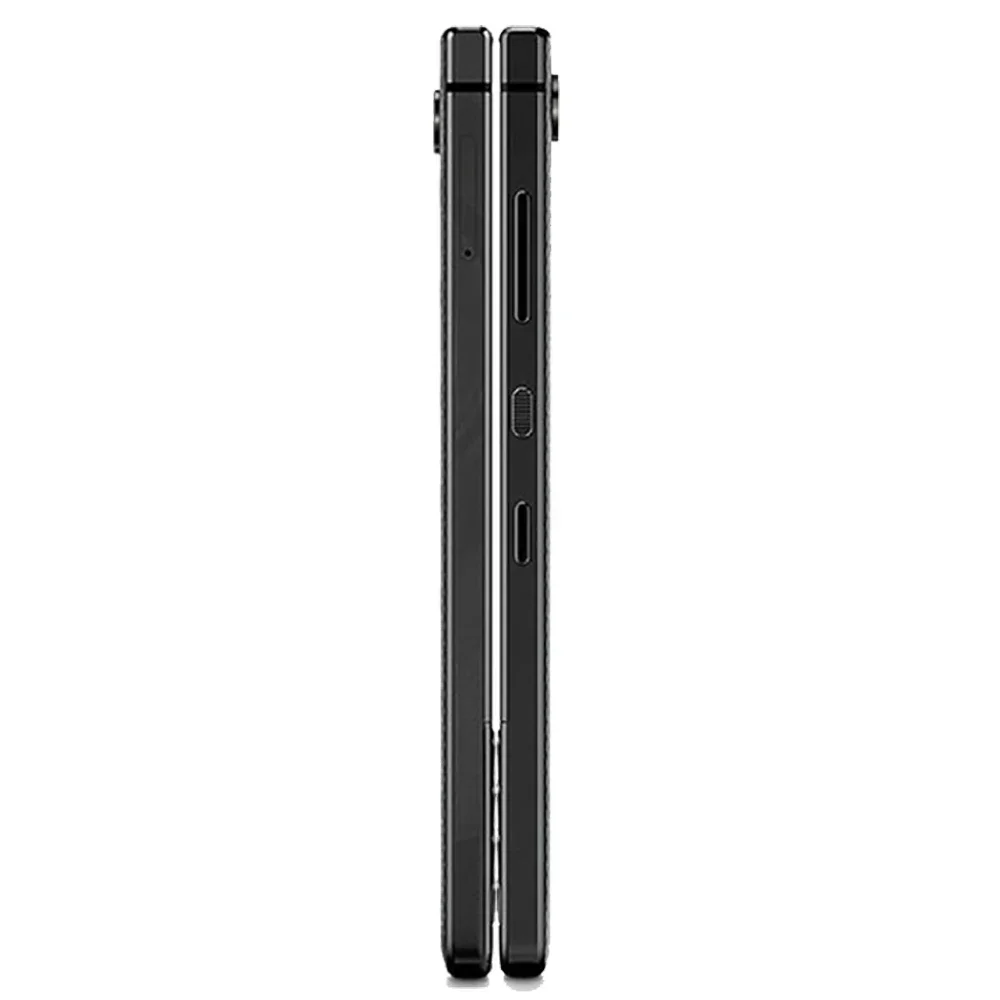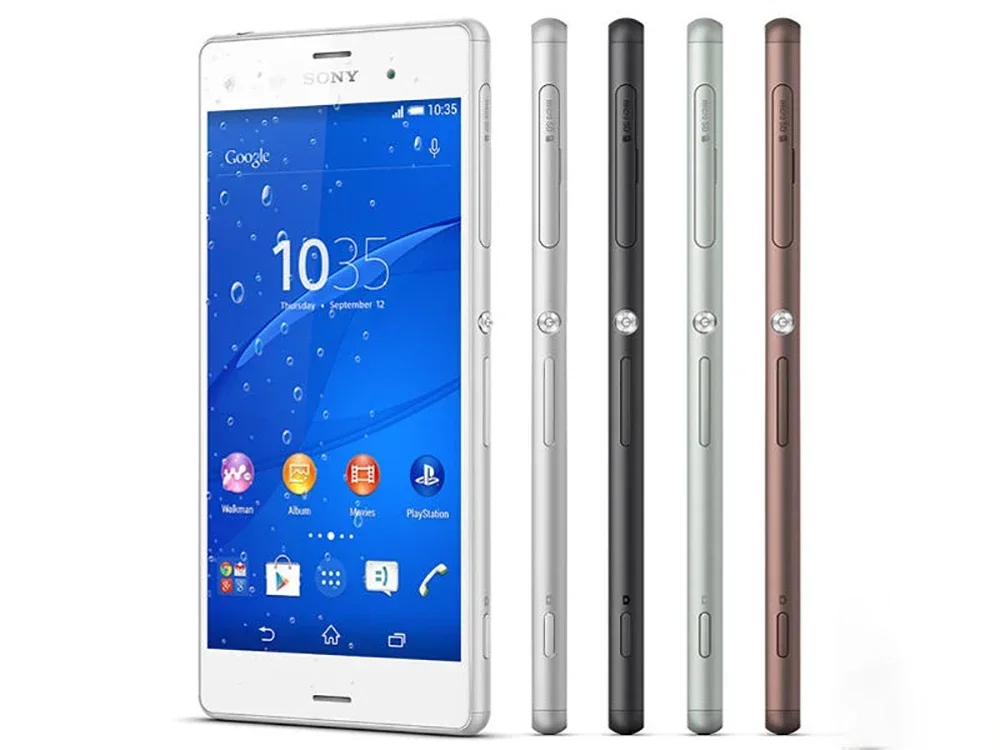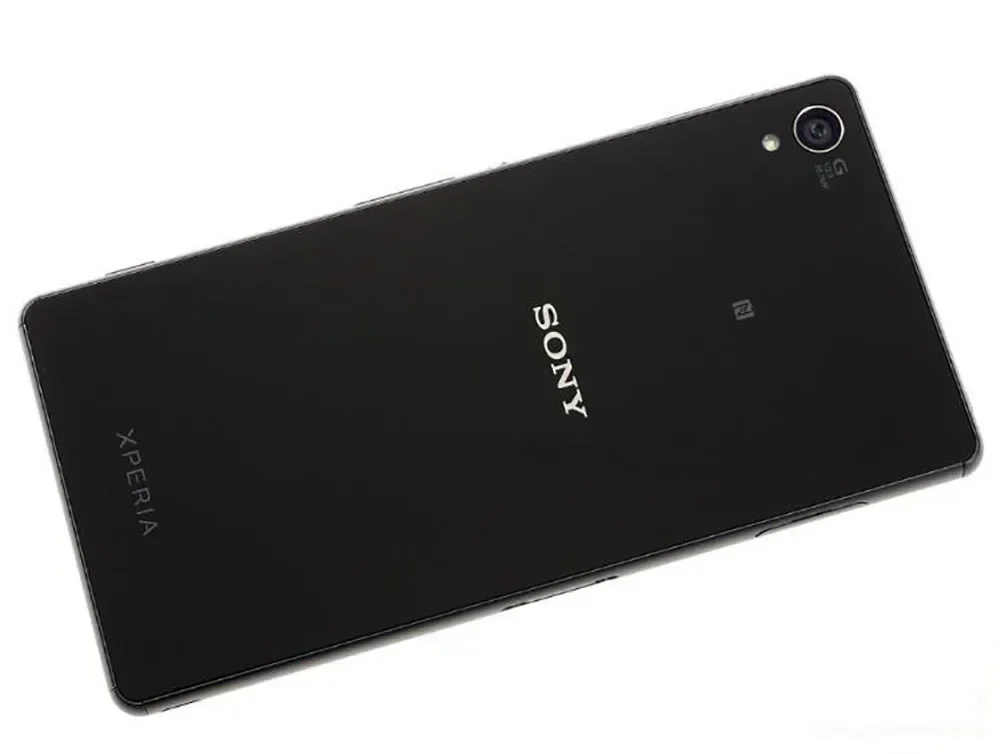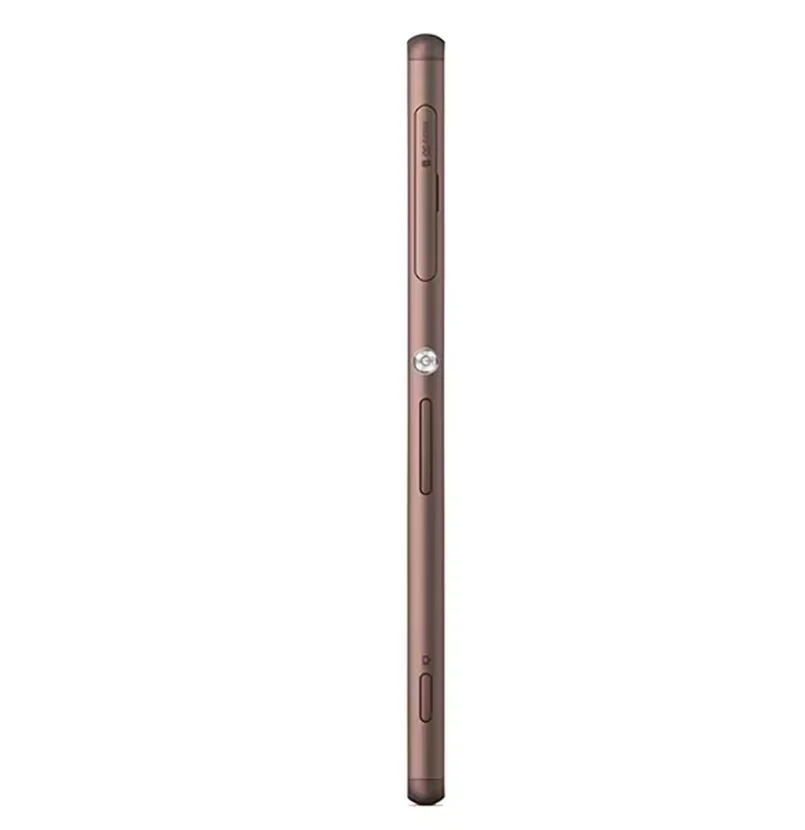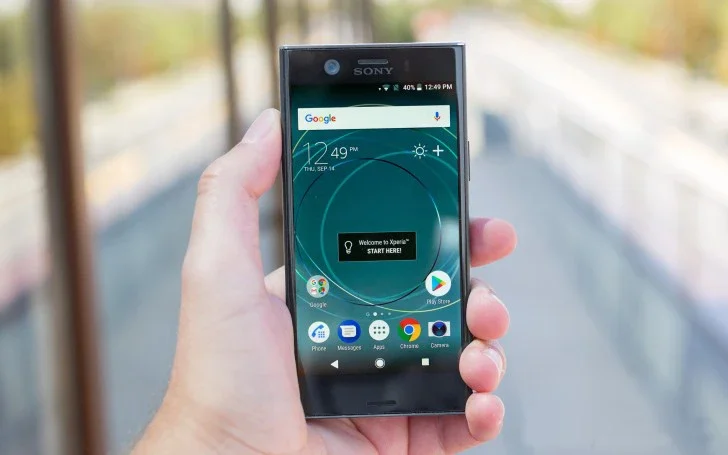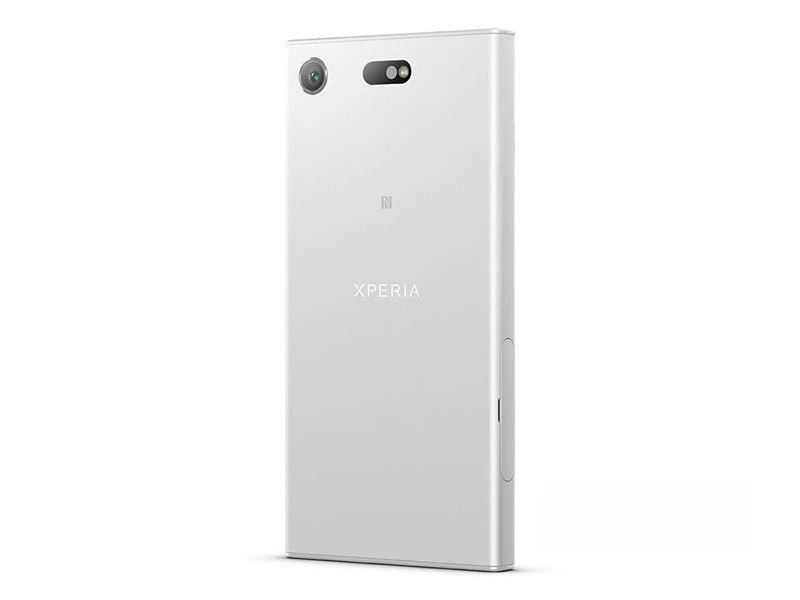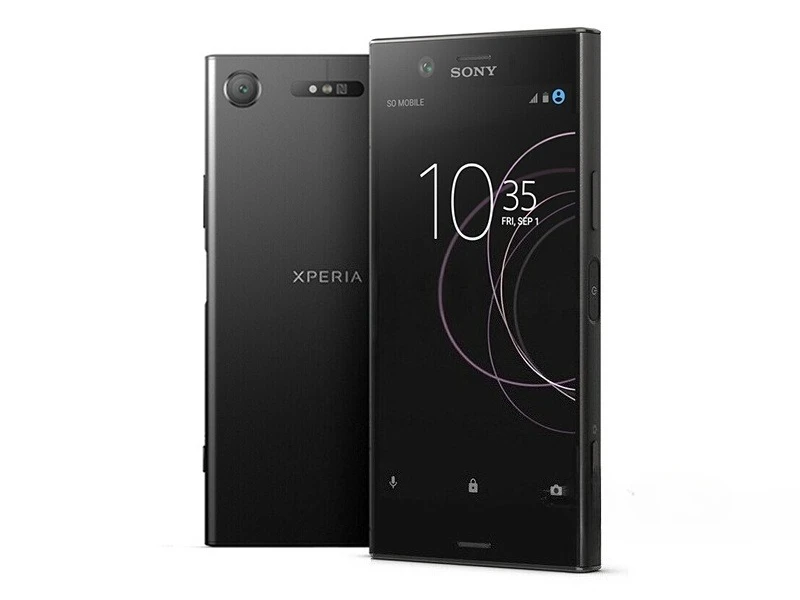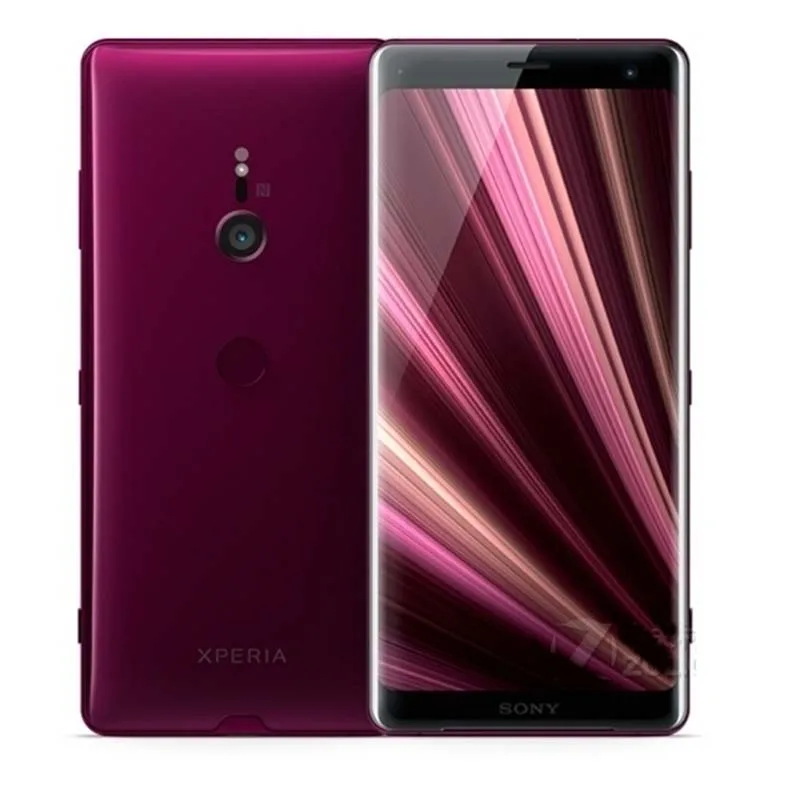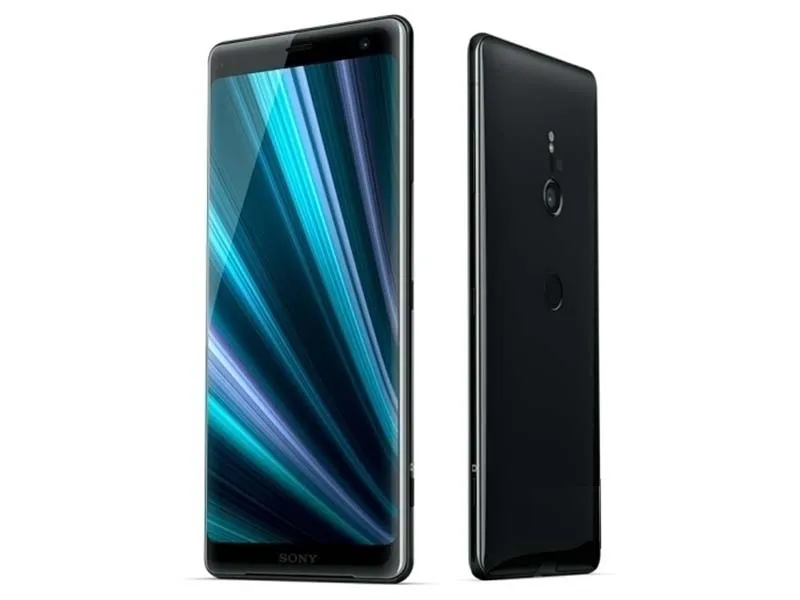
SERVO R25 PRO Mobile Phone With Wireless Earbuds 2.4" Display Dual SIM Standby Speed Dial Call Recording FM Radio Cellular phone
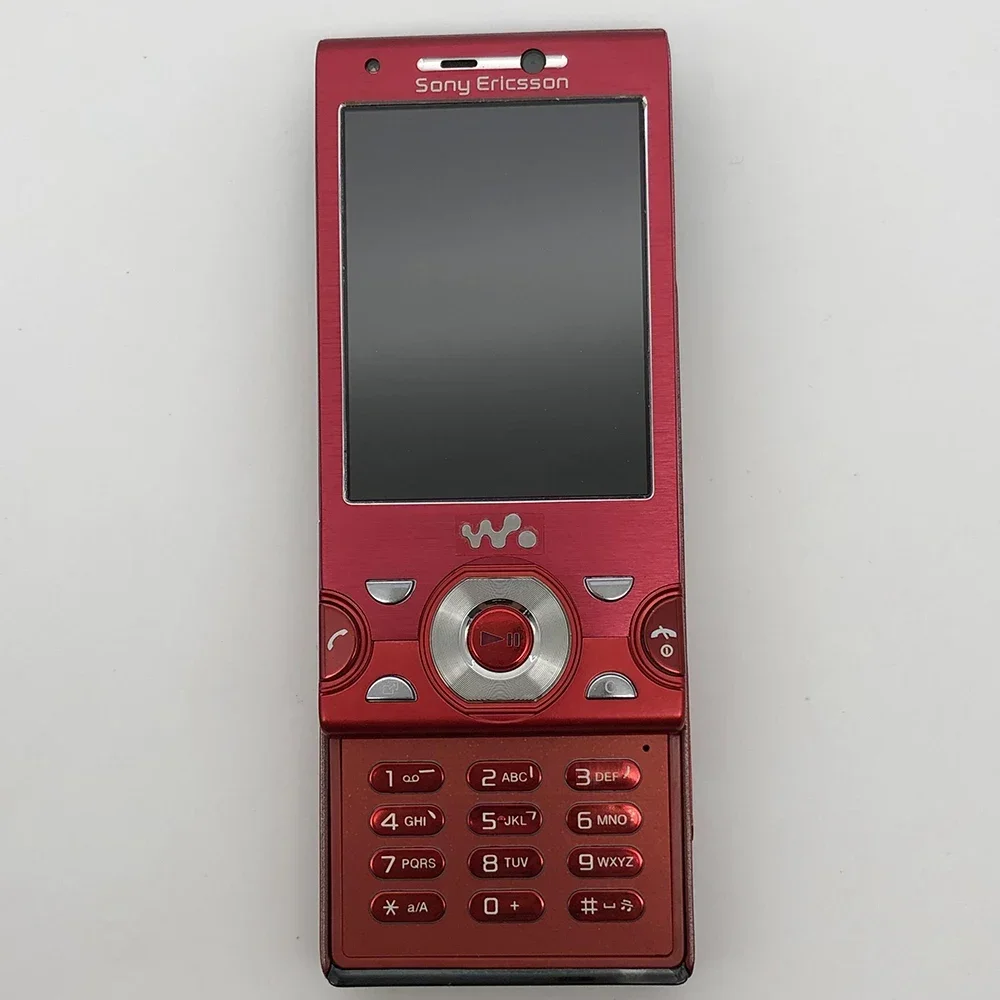
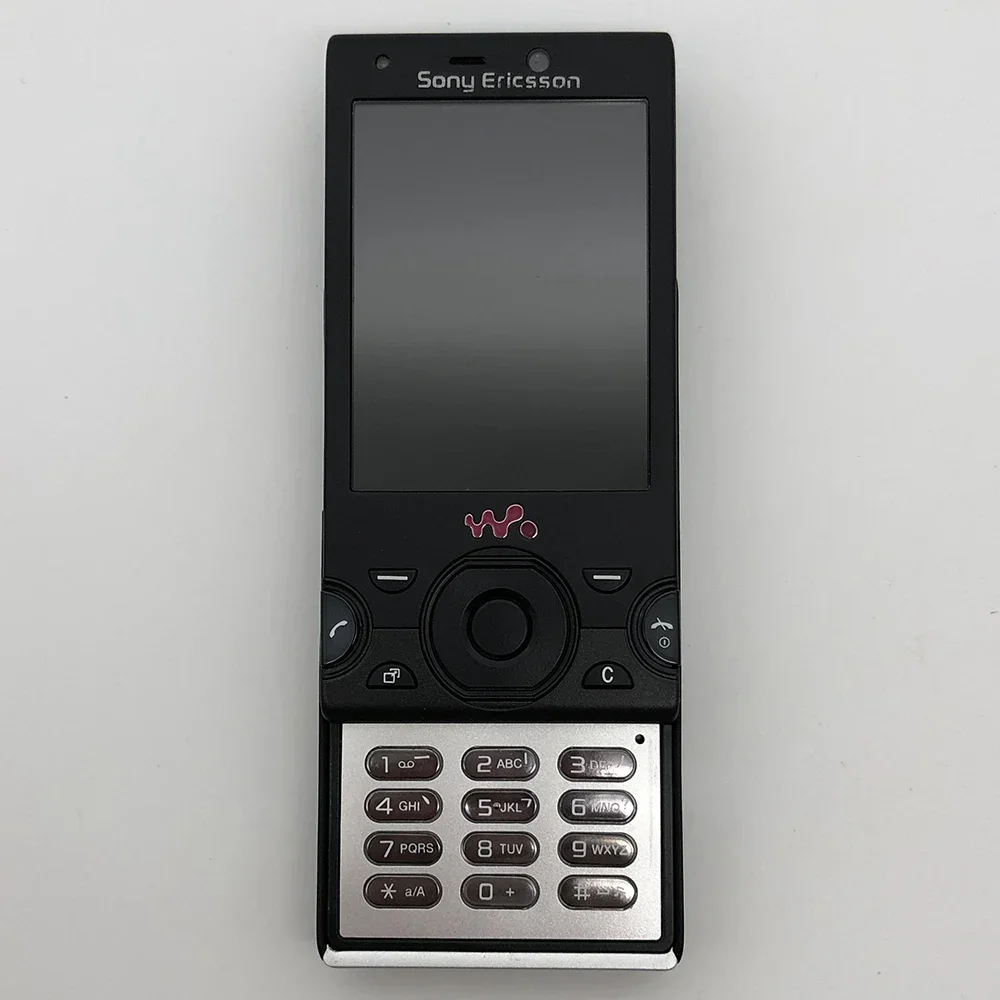
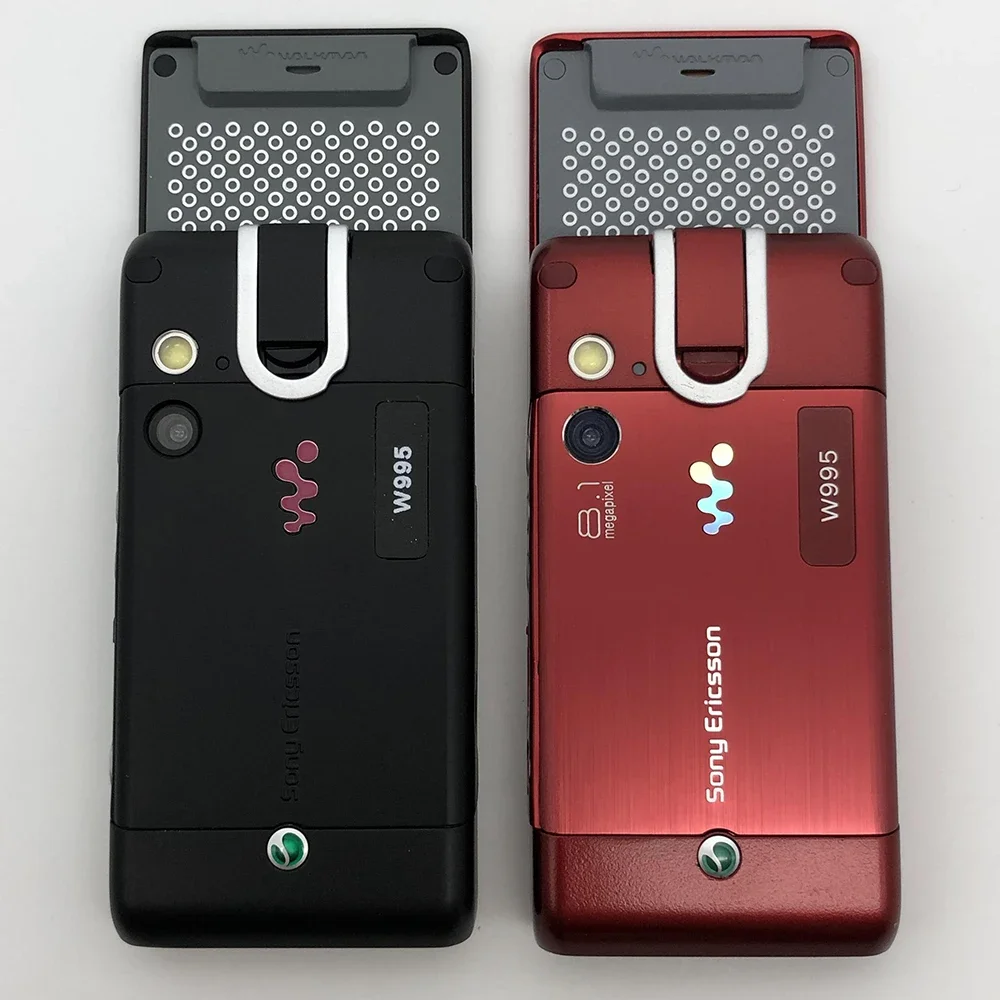
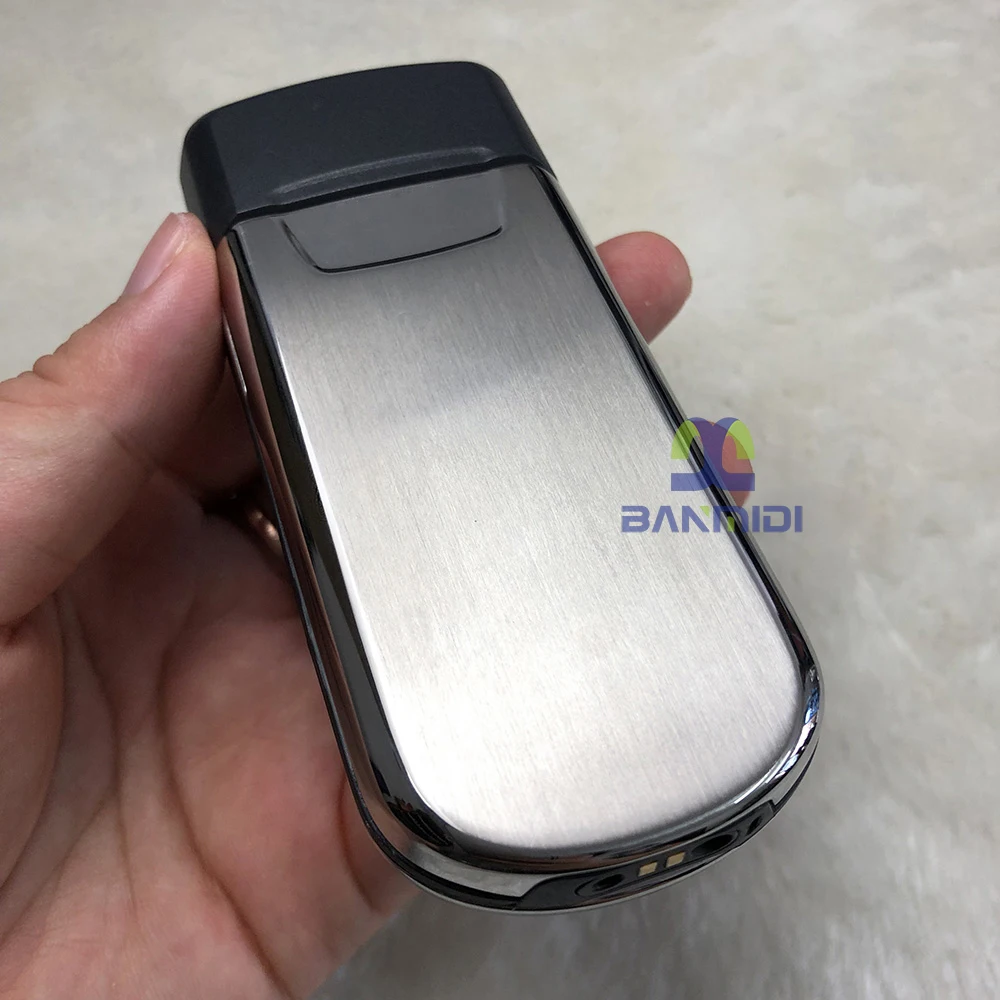
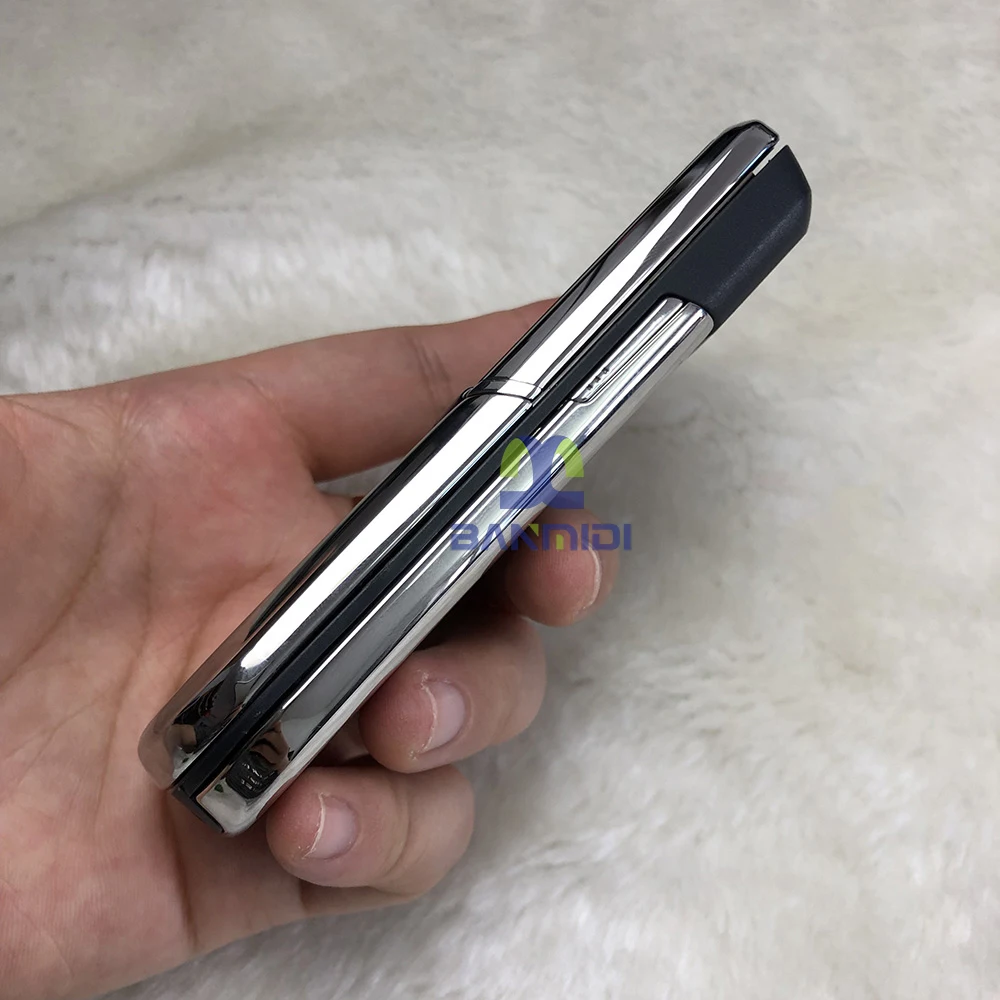
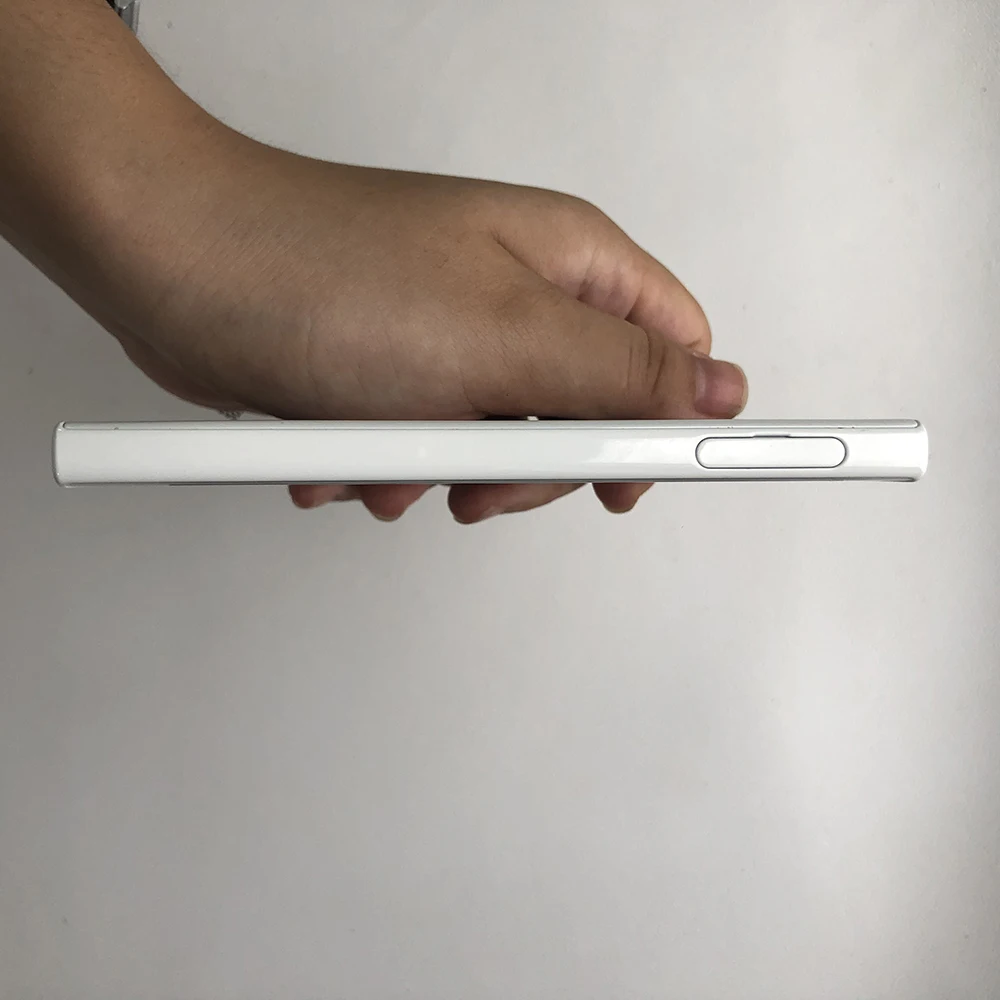
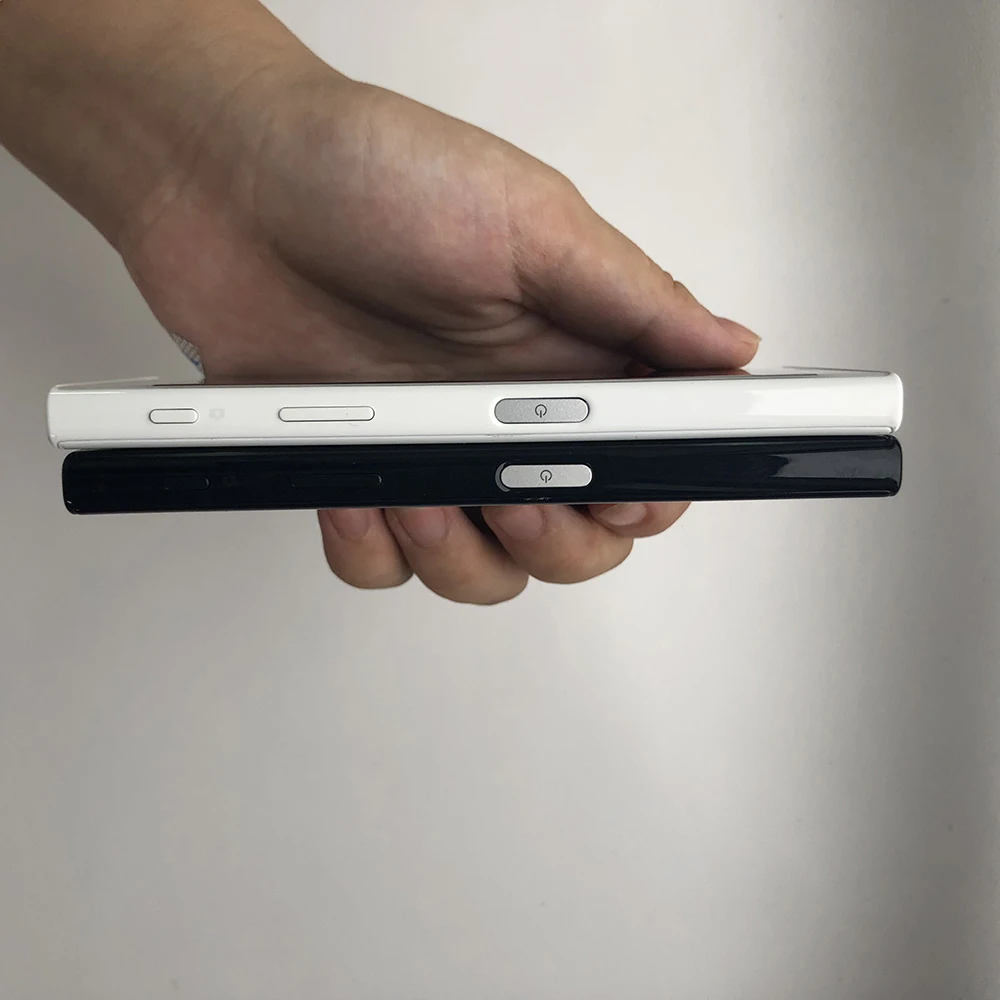
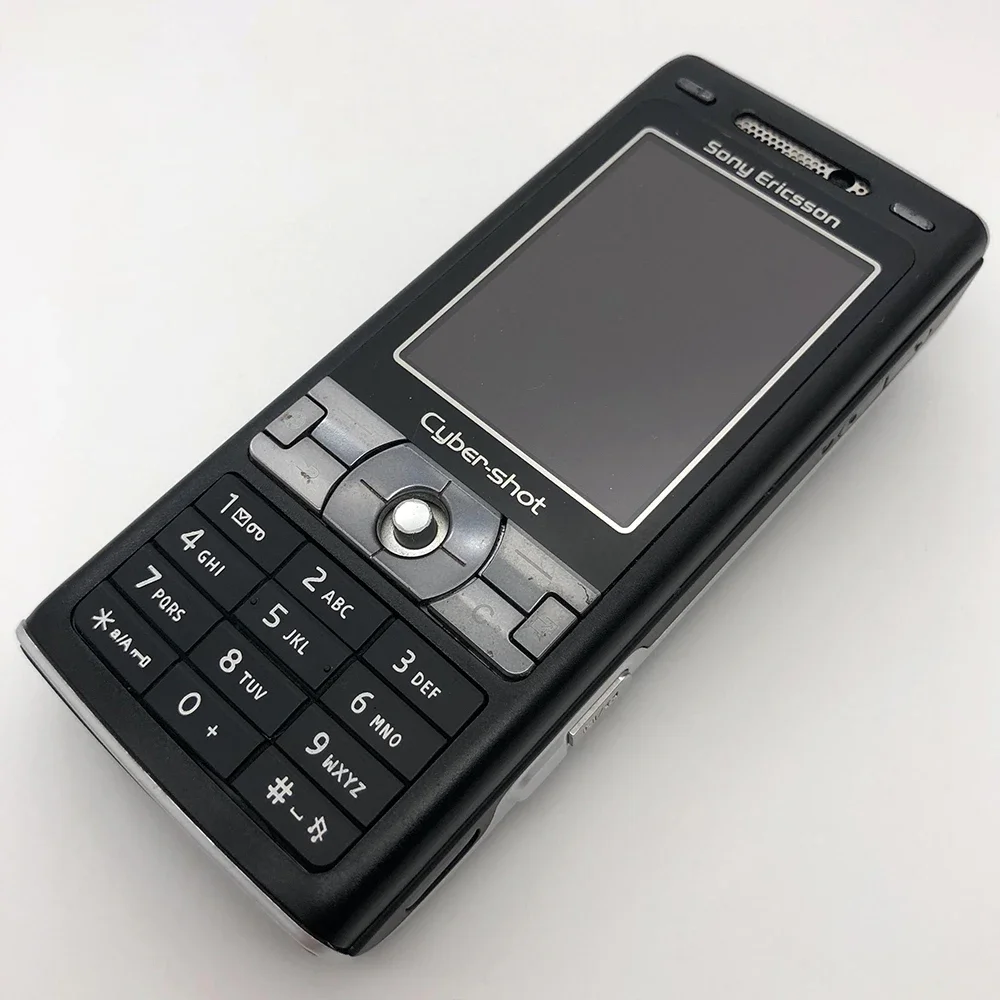
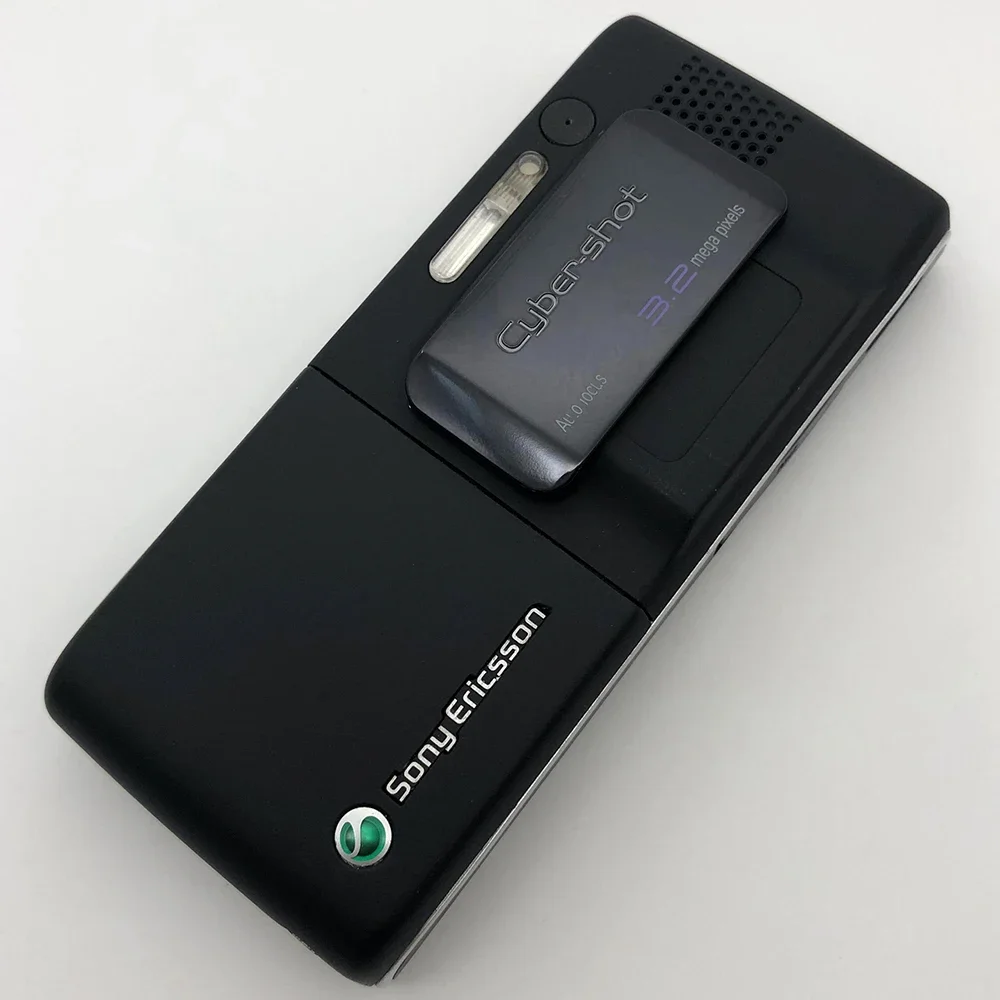
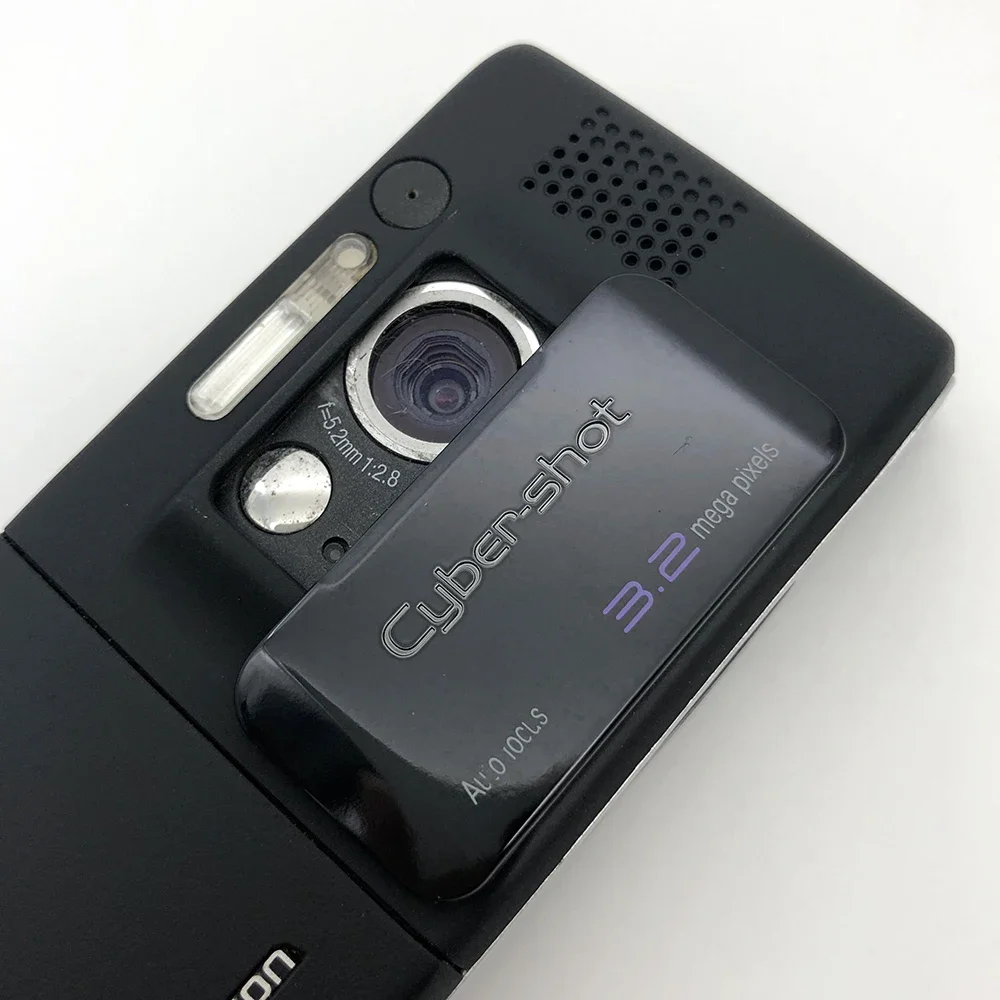
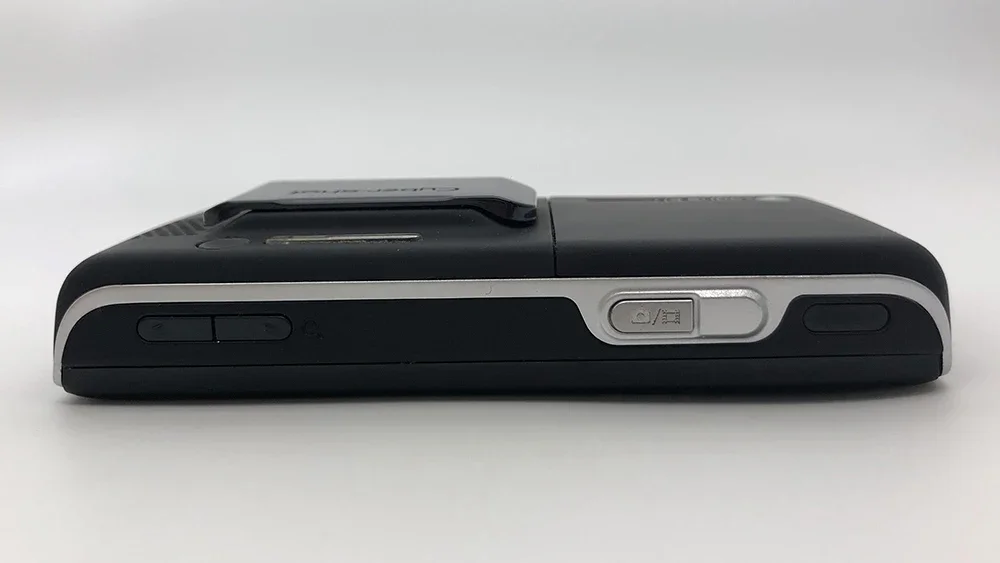
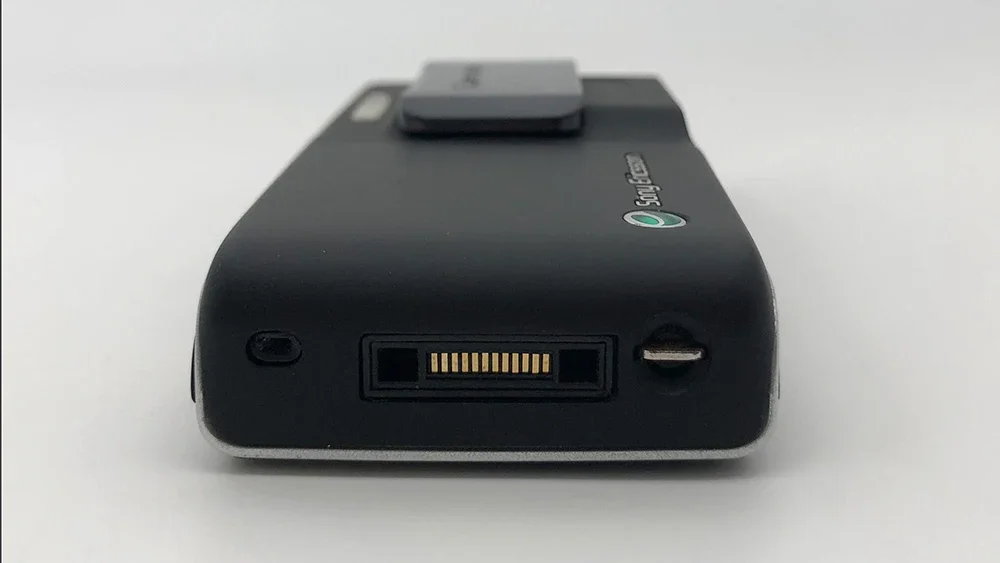
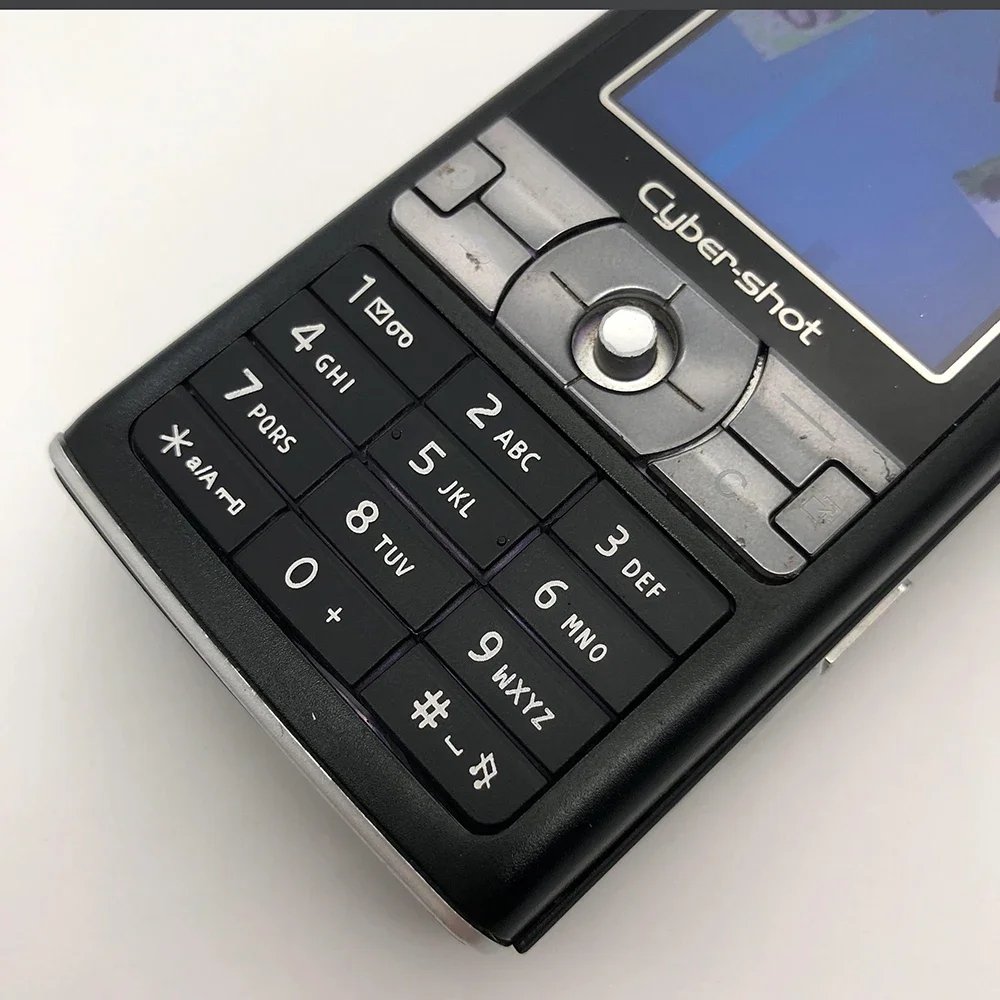
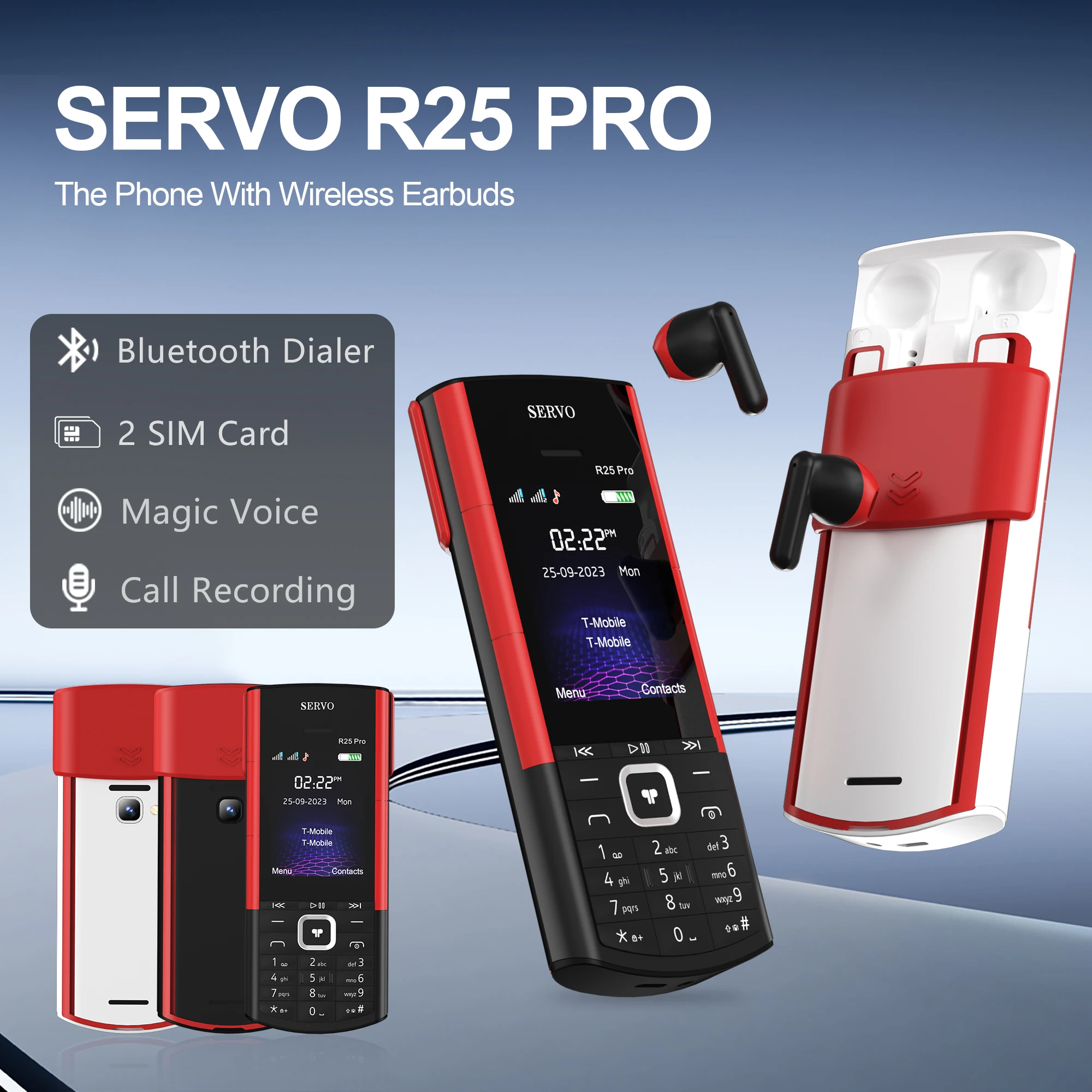
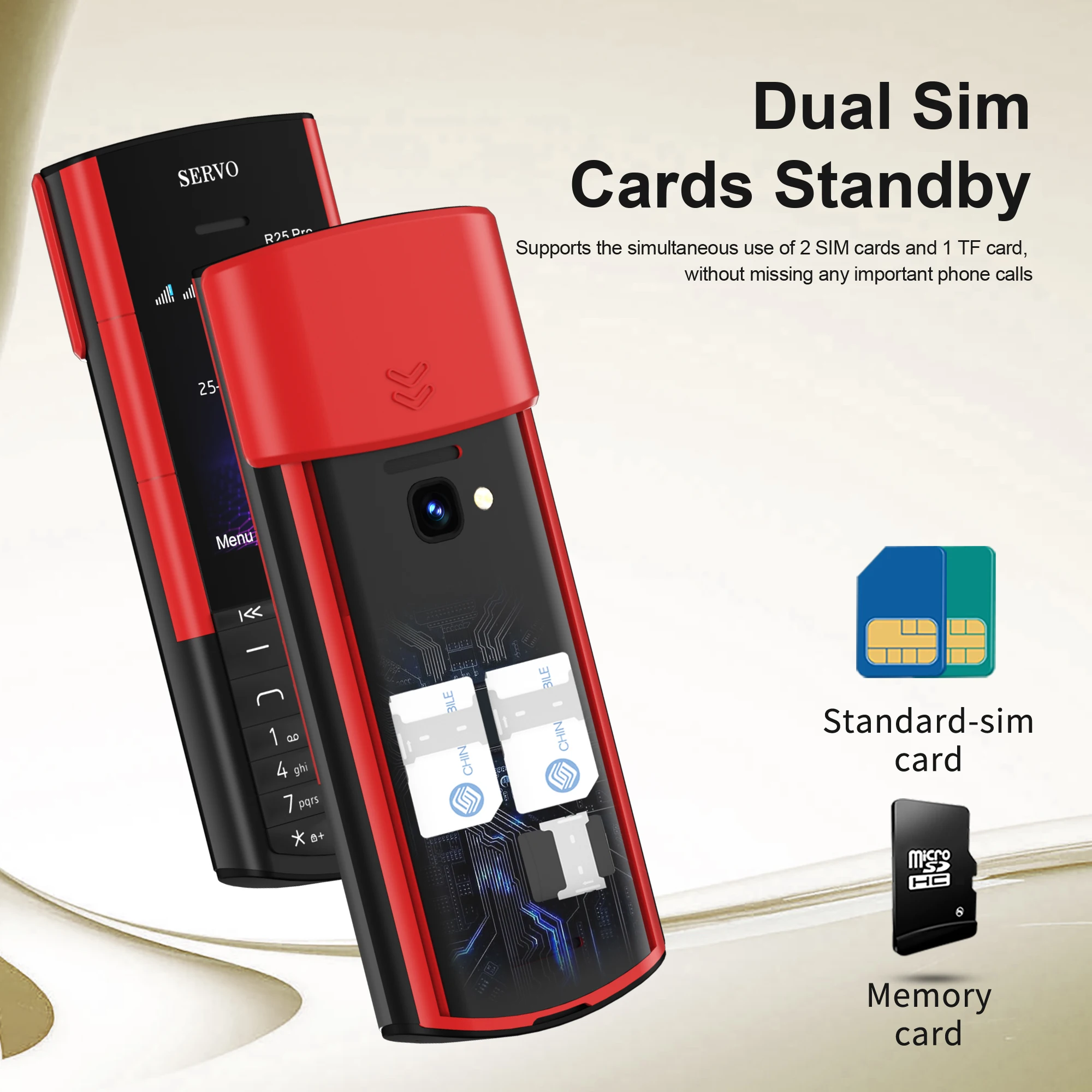
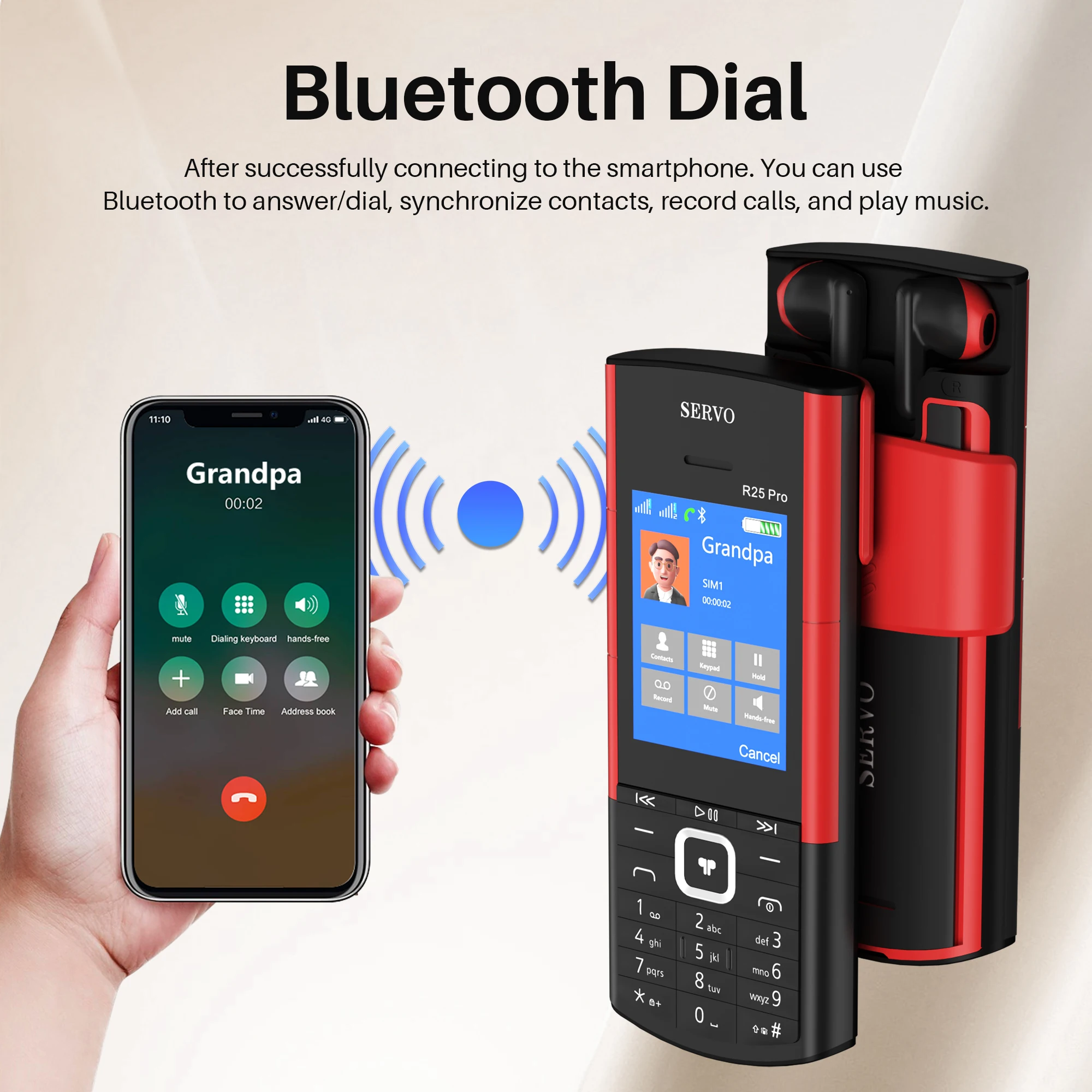
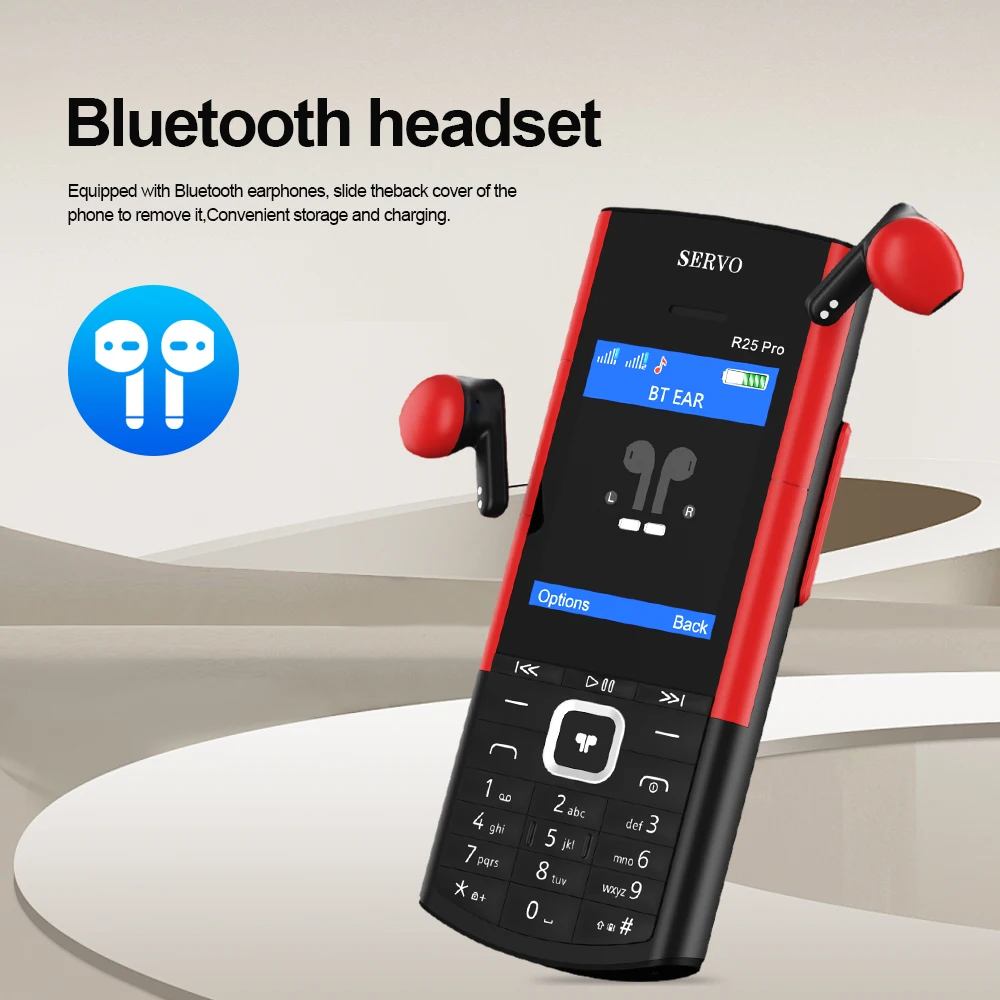
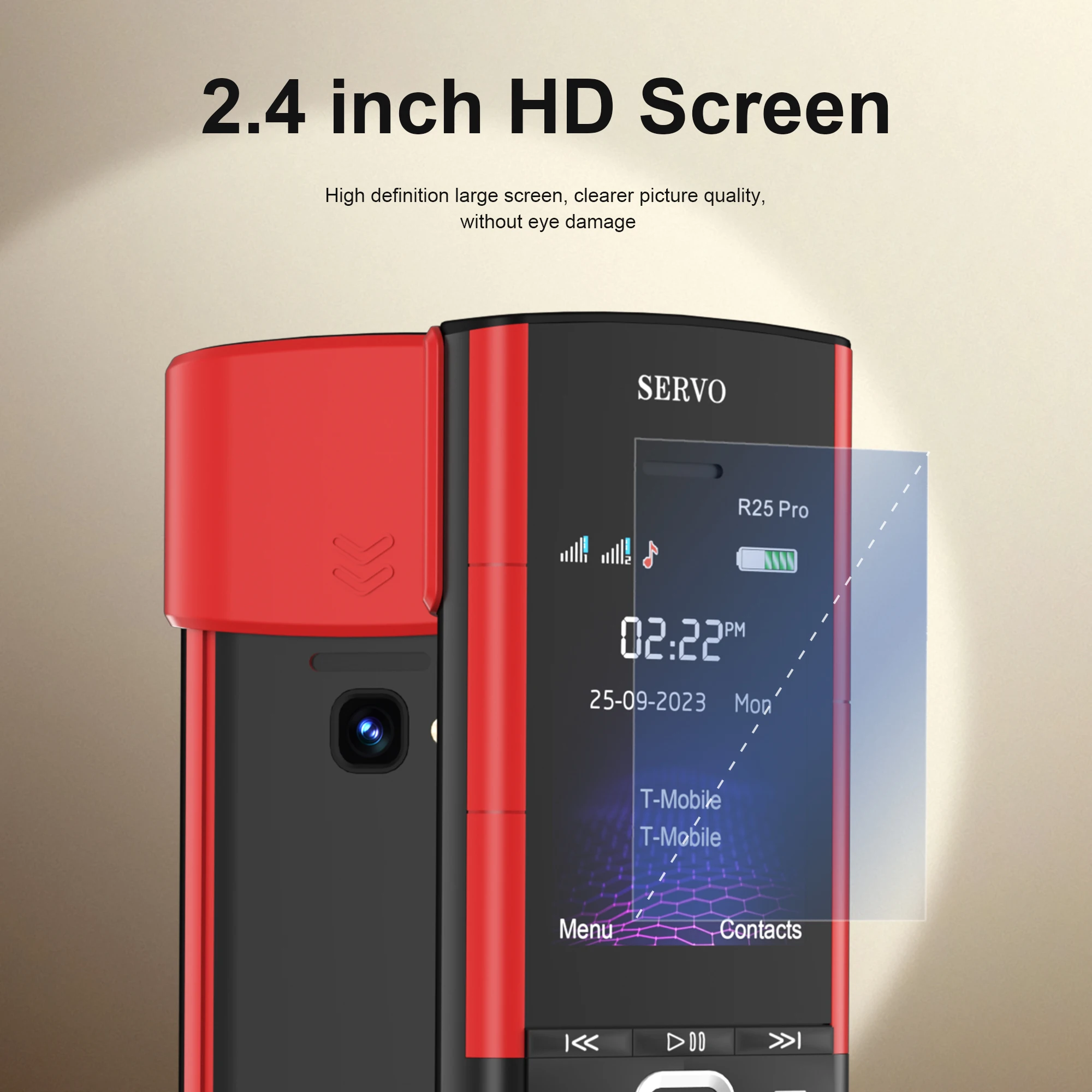
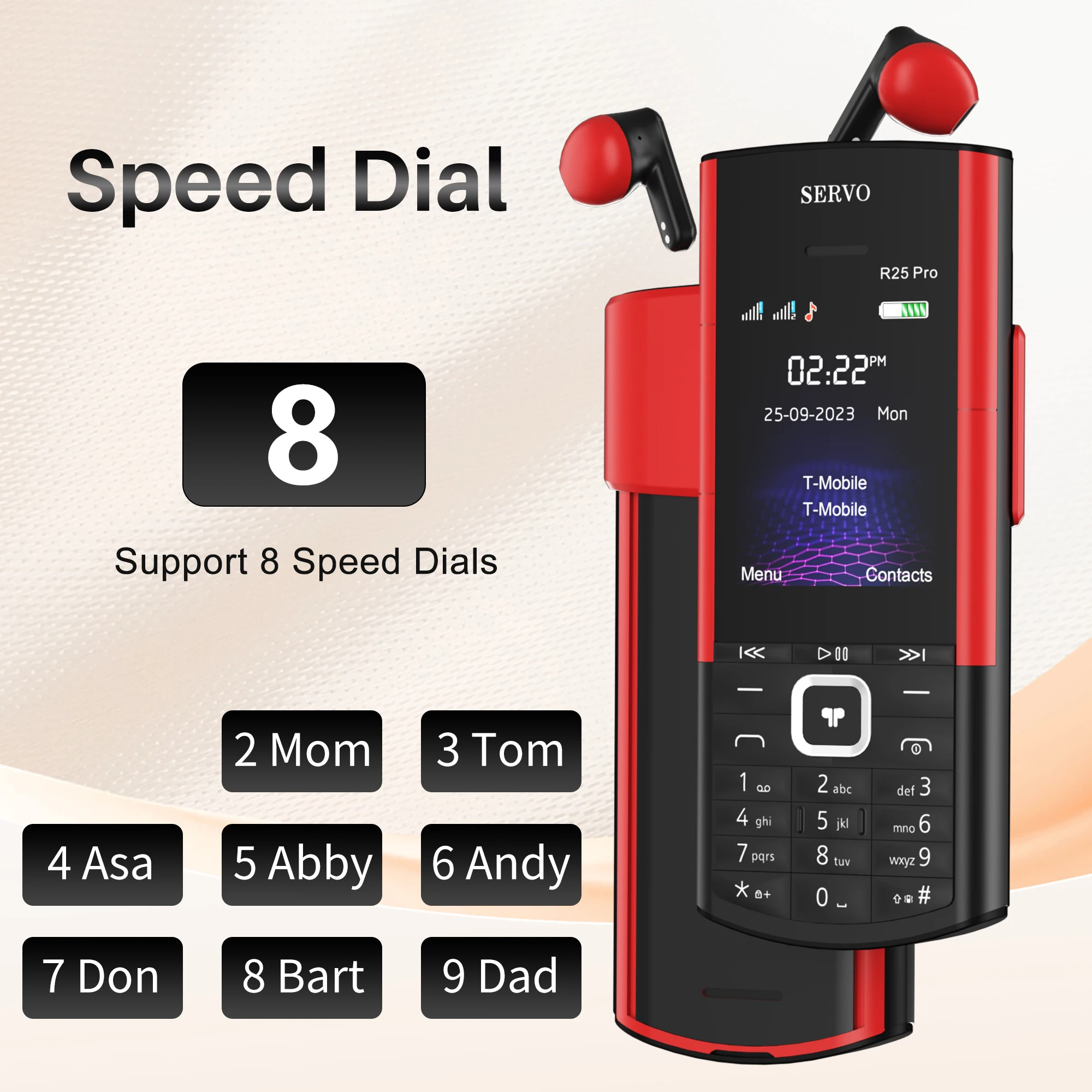
<div class="detailmodule_text"><p style="text-align:center;display:block;width:100%" align="center">SERVO R25 Pro Mobile Phone With Wireless Earbuds</p></div><div class="detailmodule_text"><p style="font-family:OpenSans;font-size:20px;font-weight:900;line-height:28px;white-space:pre-wrap;color:rgb(0, 0, 0);margin-bottom:12px" class="detail-desc-decorate-title">🏷️Product Parameter</p><p style="font-family:OpenSans;font-size:14px;font-weight:300;line-height:20px;white-space:pre-wrap;color:rgb(0, 0, 0);margin-bottom:12px" class="detail-desc-decorate-content">✦Model : R25 PRO<br/>✦Screen Size : 2.4 inch HD Screen<br/>✦Phone Size : 140*57.5*16.5mm<br/>✦Phone Weight :106g (Including battery)<br/>✦Battery : 1500mAh Battery<br/>✦Phonebook : 500<br/>✦Phone SMS: 200<br/>✦Camera : Rear Camera<br/>✦SIM Card Quantity : 2 standard SIM Cards and 1TF card<br/>✦Memory Card : 32Mb RAM , 32Mb ROM , Maximum support 16GB expansion (The system will occupy part of the memory,It is recommended to install a memory card before using the phone)<br/>✦WiFi : No<br/>✦Mobile system : Non smartphone operating system, unable to download application software</p></div><div class="detailmodule_text"><p style="font-family:OpenSans;font-size:20px;font-weight:900;line-height:28px;white-space:pre-wrap;color:rgb(0, 0, 0);margin-bottom:12px" class="detail-desc-decorate-title">📶Network :</p><p style="font-family:OpenSans;font-size:14px;font-weight:300;line-height:20px;white-space:pre-wrap;color:rgb(0, 0, 0);margin-bottom:12px" class="detail-desc-decorate-content">2G GSM 850/900/1800/1900MHz</p></div><div class="detailmodule_text"><p style="font-family:OpenSans;font-size:20px;font-weight:900;line-height:28px;white-space:pre-wrap;color:rgb(0, 0, 0);margin-bottom:12px" class="detail-desc-decorate-title">🧩Features</p><p style="font-family:OpenSans;font-size:14px;font-weight:300;line-height:20px;white-space:pre-wrap;color:rgb(0, 0, 0);margin-bottom:12px" class="detail-desc-decorate-content">With Wireless Earbuds<br/><br/>Dual Sim Card Standby<br/><br/>Automatic Call Recording<br/><br/>Speed Dial<br/><br/>FM Radio<br/><br/>Blacklist<br/><br/>MP3/MP4 Player<br/><br/>Bluetooth Call</p></div><div class="detailmodule_text"><p style="font-family:OpenSans;font-size:20px;font-weight:900;line-height:28px;white-space:pre-wrap;color:rgb(0, 0, 0);margin-bottom:12px" class="detail-desc-decorate-title">🔠Language</p><p style="font-family:OpenSans;font-size:14px;font-weight:300;line-height:20px;white-space:pre-wrap;color:rgb(0, 0, 0);margin-bottom:12px" class="detail-desc-decorate-content">NOTE: Tell us which language version you want before ordering. Or note the language version in the remarks in the order. If the buyer does not note the language version or leave a message. We will base on the buyer's receiving country. Decide on the language version of the phone. thanks</p></div><div class="detailmodule_text"><p style="color:rgb(241, 10, 10)">Version 1:<br/>English, French, Portuguese, Spanish, Italian<br/><br/>Version 2:<br/>English, Russian, Arabic, Hebrew. Czech</p></div><div class="detailmodule_text"><p style="font-size:16px;font-weight:bold">* Steps for connecting TWS S5710 to R25 PRO mobile phones</p><p style="font-family:OpenSans;font-size:14px;font-weight:300;line-height:20px;white-space:pre-wrap;color:rgb(0, 0, 0);margin-bottom:12px" class="detail-desc-decorate-content">1, Open the BTPhone program, activate Bluetooth, and then click on the paired device<br/>2 , Click on 'Add New Device' on your phone<br/>3 , Slide the phone back cover and remove the TWS<br/>4 , Search for S5710 and pair it<br/>5 , TWS S5710 successfully connected and can start using</p></div><div class="detailmodule_text"><p style="font-size:16px;font-weight:bold">* Connection steps between smartphone and R25 PRO phone</p><p style="font-family:OpenSans;font-size:14px;font-weight:300;line-height:20px;white-space:pre-wrap;color:rgb(0, 0, 0);margin-bottom:12px" class="detail-desc-decorate-content">1 , mobile phone bluetooth<br/>2 , Activate the Bluetooth function of your mobile phone, search and select "SERVO" from the devices list to connect.<br/>3 , click on the "pair" and " OK",Successfully paired smartphone and R25 PRO<br/>4 , By clicking ''allow'', the phone can synchronize the contacts of the smartphone.</p></div><div class="detailmodule_text"><p style="color:rgb(208, 2, 27)">1, R25 PRO phones cannot connect to both smartphones and TWS at the same time, only one can be selected for connection.<br/><br/>2, Insulation tape is attached to both the battery and headphones of the mobile phone. Before using the phone, you need to open the back cover and remove the insulating tape, otherwise the phone cannot be turned on. Thank you.</p></div><div class="detailmodule_text"><p style="font-family:OpenSans;font-size:20px;font-weight:900;line-height:28px;white-space:pre-wrap;color:rgb(0, 0, 0);margin-bottom:12px" class="detail-desc-decorate-title">📦Package</p><p style="font-family:OpenSans;font-size:14px;font-weight:300;line-height:20px;white-space:pre-wrap;color:rgb(0, 0, 0);margin-bottom:12px" class="detail-desc-decorate-content">1 x Phone<br/>1 x TWS Headset<br/>1 x Battery<br/>1 x USB Cable<br/>1 x Box</p></div><div class="detailmodule_image"></div><div class="detailmodule_image"></div><div class="detailmodule_image"></div><div class="detailmodule_image"></div><p><br/></p>
$100.985
$29.72
- Category : Phones & Telecommunications
- Brand : wfive_store WFIVE Store
Colors
Sizes
-
+

<div class="detailmodule_text"><p style="text-align:center;display:block;width:100%" align="center">SERVO R25 Pro Mobile Phone With Wireless Earbuds</p></div><div class="detailmodule_text"><p style="font-family:OpenSans;font-size:20px;font-weight:900;line-height:28px;white-space:pre-wrap;color:rgb(0, 0, 0);margin-bottom:12px" class="detail-desc-decorate-title">🏷️Product Parameter</p><p style="font-family:OpenSans;font-size:14px;font-weight:300;line-height:20px;white-space:pre-wrap;color:rgb(0, 0, 0);margin-bottom:12px" class="detail-desc-decorate-content">✦Model : R25 PRO<br/>✦Screen Size : 2.4 inch HD Screen<br/>✦Phone Size : 140*57.5*16.5mm<br/>✦Phone Weight :106g (Including battery)<br/>✦Battery : 1500mAh Battery<br/>✦Phonebook : 500<br/>✦Phone SMS: 200<br/>✦Camera : Rear Camera<br/>✦SIM Card Quantity : 2 standard SIM Cards and 1TF card<br/>✦Memory Card : 32Mb RAM , 32Mb ROM , Maximum support 16GB expansion (The system will occupy part of the memory,It is recommended to install a memory card before using the phone)<br/>✦WiFi : No<br/>✦Mobile system : Non smartphone operating system, unable to download application software</p></div><div class="detailmodule_text"><p style="font-family:OpenSans;font-size:20px;font-weight:900;line-height:28px;white-space:pre-wrap;color:rgb(0, 0, 0);margin-bottom:12px" class="detail-desc-decorate-title">📶Network :</p><p style="font-family:OpenSans;font-size:14px;font-weight:300;line-height:20px;white-space:pre-wrap;color:rgb(0, 0, 0);margin-bottom:12px" class="detail-desc-decorate-content">2G GSM 850/900/1800/1900MHz</p></div><div class="detailmodule_text"><p style="font-family:OpenSans;font-size:20px;font-weight:900;line-height:28px;white-space:pre-wrap;color:rgb(0, 0, 0);margin-bottom:12px" class="detail-desc-decorate-title">🧩Features</p><p style="font-family:OpenSans;font-size:14px;font-weight:300;line-height:20px;white-space:pre-wrap;color:rgb(0, 0, 0);margin-bottom:12px" class="detail-desc-decorate-content">With Wireless Earbuds<br/><br/>Dual Sim Card Standby<br/><br/>Automatic Call Recording<br/><br/>Speed Dial<br/><br/>FM Radio<br/><br/>Blacklist<br/><br/>MP3/MP4 Player<br/><br/>Bluetooth Call</p></div><div class="detailmodule_text"><p style="font-family:OpenSans;font-size:20px;font-weight:900;line-height:28px;white-space:pre-wrap;color:rgb(0, 0, 0);margin-bottom:12px" class="detail-desc-decorate-title">🔠Language</p><p style="font-family:OpenSans;font-size:14px;font-weight:300;line-height:20px;white-space:pre-wrap;color:rgb(0, 0, 0);margin-bottom:12px" class="detail-desc-decorate-content">NOTE: Tell us which language version you want before ordering. Or note the language version in the remarks in the order. If the buyer does not note the language version or leave a message. We will base on the buyer's receiving country. Decide on the language version of the phone. thanks</p></div><div class="detailmodule_text"><p style="color:rgb(241, 10, 10)">Version 1:<br/>English, French, Portuguese, Spanish, Italian<br/><br/>Version 2:<br/>English, Russian, Arabic, Hebrew. Czech</p></div><div class="detailmodule_text"><p style="font-size:16px;font-weight:bold">* Steps for connecting TWS S5710 to R25 PRO mobile phones</p><p style="font-family:OpenSans;font-size:14px;font-weight:300;line-height:20px;white-space:pre-wrap;color:rgb(0, 0, 0);margin-bottom:12px" class="detail-desc-decorate-content">1, Open the BTPhone program, activate Bluetooth, and then click on the paired device<br/>2 , Click on 'Add New Device' on your phone<br/>3 , Slide the phone back cover and remove the TWS<br/>4 , Search for S5710 and pair it<br/>5 , TWS S5710 successfully connected and can start using</p></div><div class="detailmodule_text"><p style="font-size:16px;font-weight:bold">* Connection steps between smartphone and R25 PRO phone</p><p style="font-family:OpenSans;font-size:14px;font-weight:300;line-height:20px;white-space:pre-wrap;color:rgb(0, 0, 0);margin-bottom:12px" class="detail-desc-decorate-content">1 , mobile phone bluetooth<br/>2 , Activate the Bluetooth function of your mobile phone, search and select "SERVO" from the devices list to connect.<br/>3 , click on the "pair" and " OK",Successfully paired smartphone and R25 PRO<br/>4 , By clicking ''allow'', the phone can synchronize the contacts of the smartphone.</p></div><div class="detailmodule_text"><p style="color:rgb(208, 2, 27)">1, R25 PRO phones cannot connect to both smartphones and TWS at the same time, only one can be selected for connection.<br/><br/>2, Insulation tape is attached to both the battery and headphones of the mobile phone. Before using the phone, you need to open the back cover and remove the insulating tape, otherwise the phone cannot be turned on. Thank you.</p></div><div class="detailmodule_text"><p style="font-family:OpenSans;font-size:20px;font-weight:900;line-height:28px;white-space:pre-wrap;color:rgb(0, 0, 0);margin-bottom:12px" class="detail-desc-decorate-title">📦Package</p><p style="font-family:OpenSans;font-size:14px;font-weight:300;line-height:20px;white-space:pre-wrap;color:rgb(0, 0, 0);margin-bottom:12px" class="detail-desc-decorate-content">1 x Phone<br/>1 x TWS Headset<br/>1 x Battery<br/>1 x USB Cable<br/>1 x Box</p></div><div class="detailmodule_image"></div><div class="detailmodule_image"></div><div class="detailmodule_image"></div><div class="detailmodule_image"></div><p><br/></p>
Related Product
Browse The Collection of Top Products.