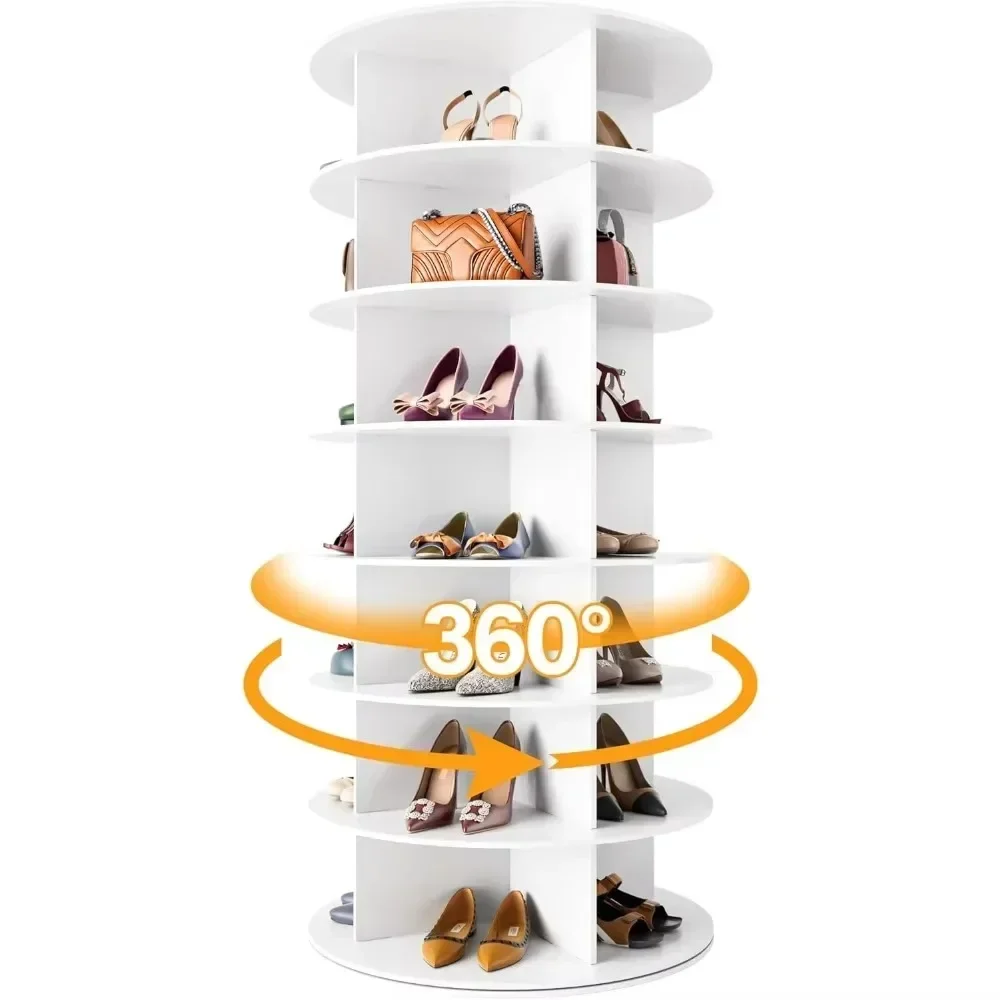
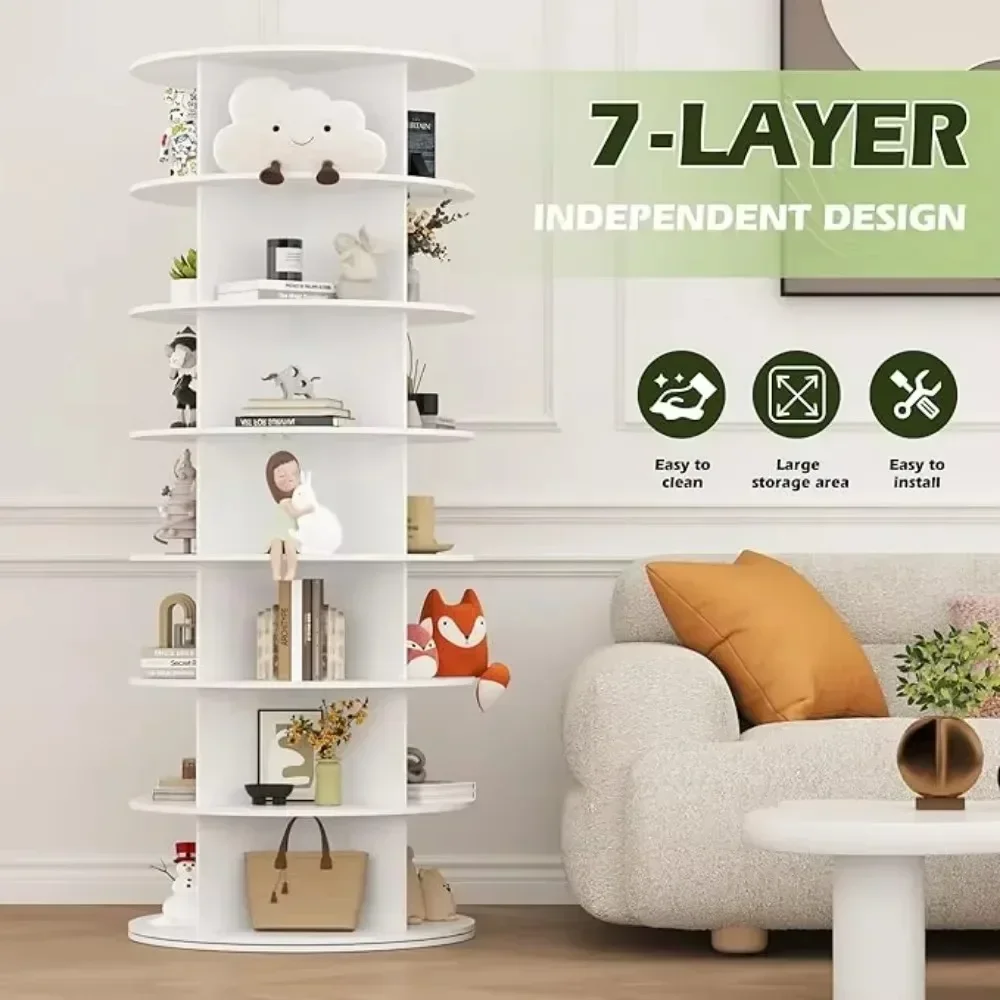
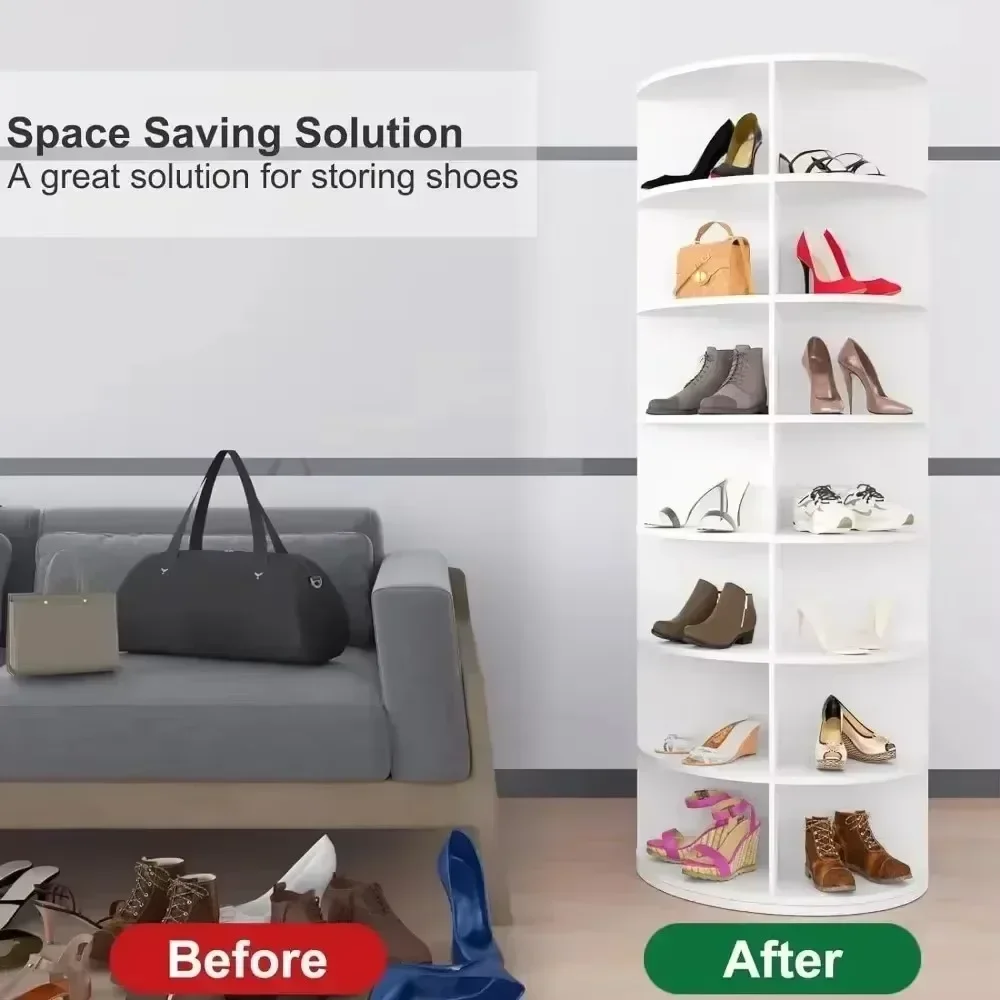
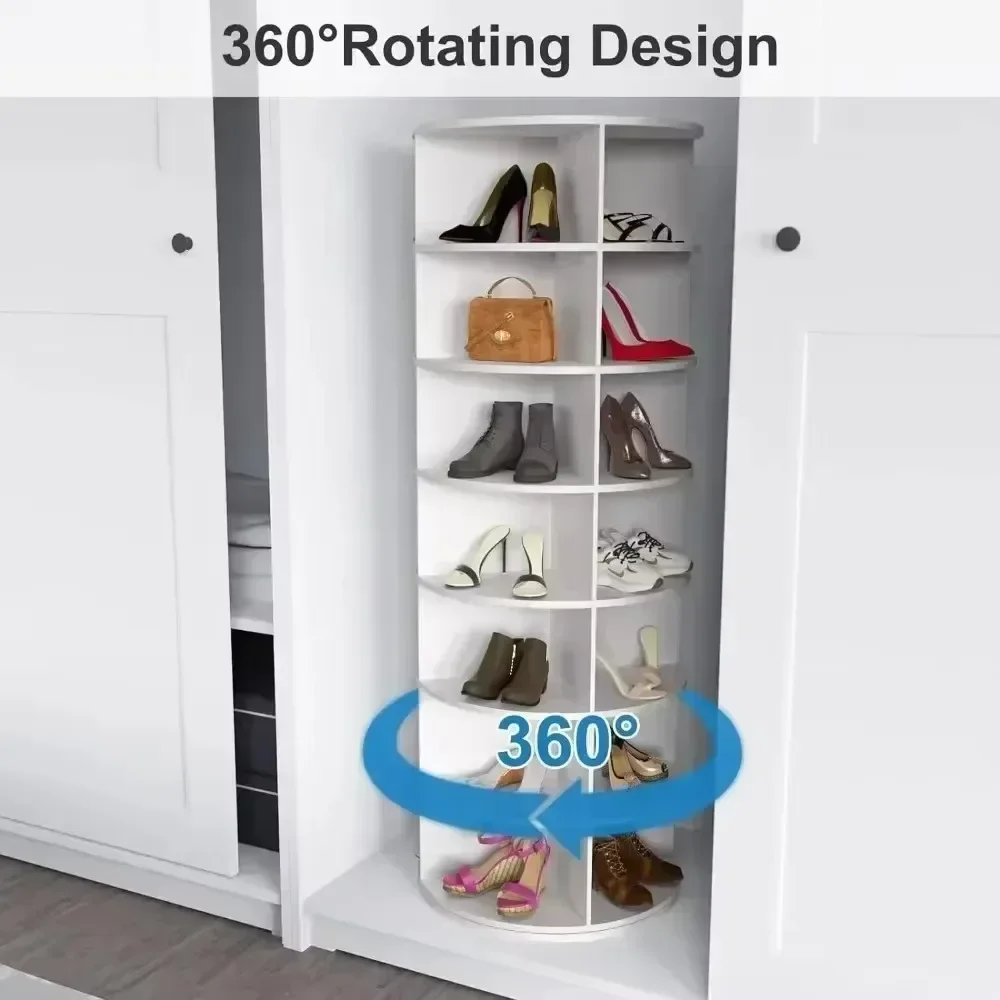
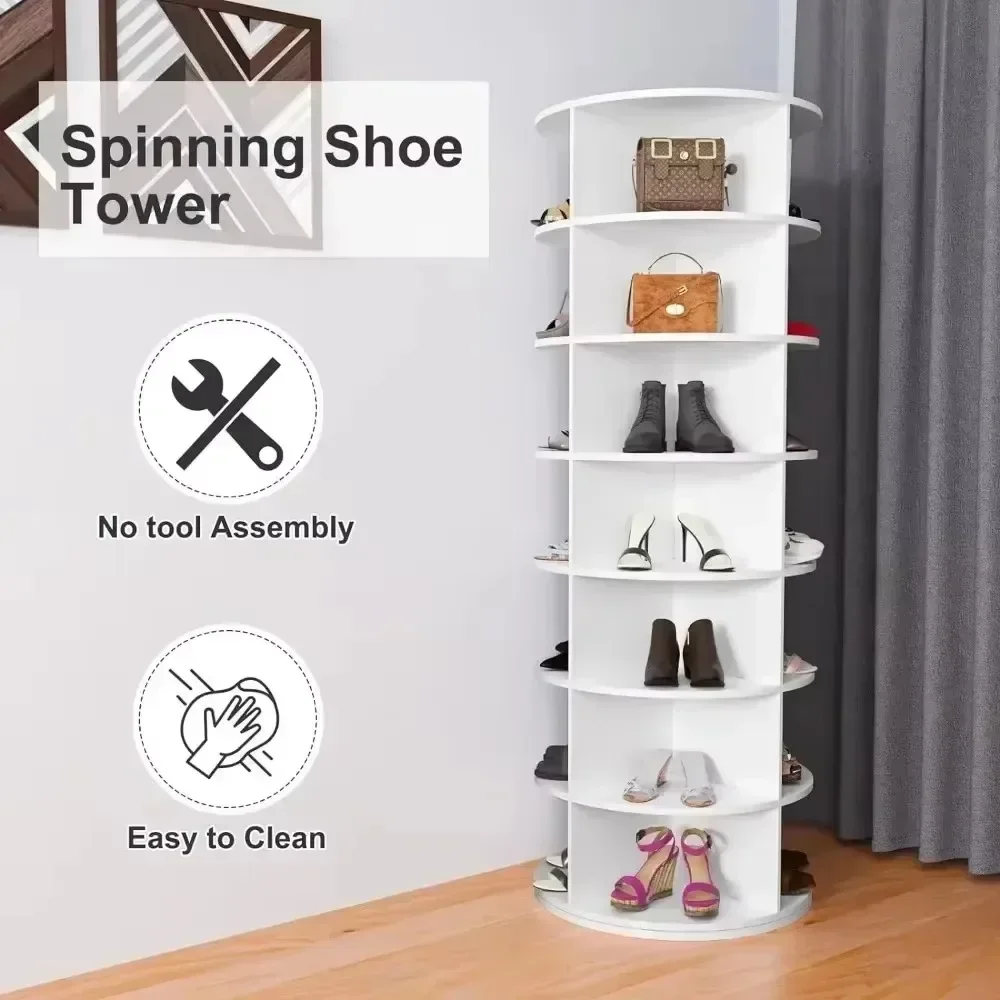
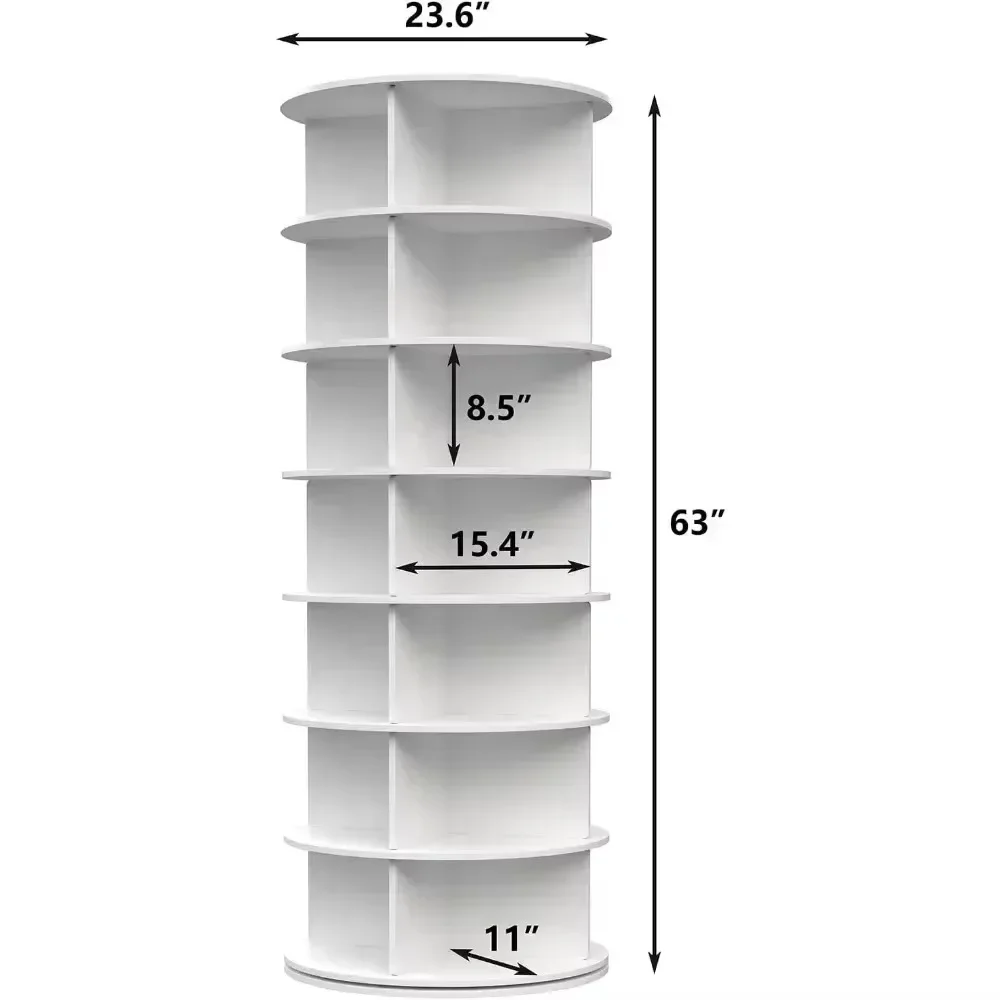
Shoe Rack 7-Tier Spinning, Free Standing Rotating Tower 360°, Easy To Assemble, Space-Saving,White Easy To Clean Shoe Cabinet
<div class="detailmodule_html"><div class="detail-desc-decorate-richtext"><div>
<div>
<div id="aplus">
<h1 class="a-size-base-plus a-text-bold" style="box-sizing: border-box; padding: 0px 0px 4px; margin: 0px; text-rendering: optimizelegibility; font-weight: 700 !important; font-size: 16px !important; line-height: 24px !important; color: rgb(15, 17, 17); font-family: "Amazon Ember", Arial, sans-serif; font-style: normal; font-variant-ligatures: normal; font-variant-caps: normal; letter-spacing: normal; orphans: 2; text-align: start; text-indent: 0px; text-transform: none; widows: 2; word-spacing: 0px; -webkit-text-stroke-width: 0px; white-space: normal; background-color: rgb(255, 255, 255); text-decoration-thickness: initial; text-decoration-style: initial; text-decoration-color: initial;"> </h1>
<div cel_widget_id="aplus">
<div cel_widget_id="aplus-premium-module-2-fullbackground-image">
<div>
<div>
<div></div>
</div>
<div> </div>
</div>
</div>
<div cel_widget_id="aplus-premium-module-2-fullbackground-image">
<div>
<div>
<div></div>
</div>
<div> </div>
</div>
</div>
<div cel_widget_id="aplus-premium-module-3-four-column-images">
<div>
<div>
<div>
<div></div>
<div>
<h1 class="aplus-h3 a-text-bold">Larger space for larger shoes</h1>
</div>
<div>
<p class="aplus-p3">our rotating shoe rack offers 7 layers and 4 compartments, offering more space than the other 5-compartment racks, allows for larger shoe sizes.</p>
</div>
</div>
<div>
<div></div>
<div>
<h1 class="aplus-h3 a-text-bold">360° Rotatable Design</h1>
</div>
<div>
<p class="aplus-p3">The 360° rotatable design allows you to easily access the shoes you want.</p>
</div>
</div>
<div>
<div></div>
<div>
<h1 class="aplus-h3 a-text-bold">Easy to Clean</h1>
</div>
<div>
<p class="aplus-p3">The surface coating makes the rotating shoe rack easy to clean.</p>
</div>
</div>
<div>
<div></div>
<div>
<h1 class="aplus-h3 a-text-bold">No Tool & Easy Assembly</h1>
</div>
<div>
<p class="aplus-p3">Our rotating shoe racks are quick and easy to assemble without tools.</p>
</div>
</div>
</div>
</div>
</div>
<div cel_widget_id="aplus-premium-module-2-fullbackground-image">
<div>
<div>
<div></div>
</div>
<div> </div>
</div>
</div>
<div cel_widget_id="aplus-premium-module-2-fullbackground-image">
<div>
<div>
<div></div>
</div>
<div> </div>
</div>
</div>
</div>
</div>
<style type="text/css">.aplus-v2 .apm-brand-story-carousel-container {
position: relative;
}
.aplus-v2 .apm-brand-story-carousel-hero-container,
.aplus-v2 .apm-brand-story-carousel-hero-container > div {
position: absolute;
width: 100%;
}
</style>
<style type="text/css">/*
Ensuring the carousel takes only the space it needs.
The sizes need to be set again on the absolutely positioned elements so they can take up space.
*/
.aplus-v2 .apm-brand-story-carousel-container,
.aplus-v2 .apm-brand-story-carousel-hero-container {
height: 625px;
width: 100%;
max-width: 1464px;
margin-left: auto;
margin-right: auto;
overflow: hidden;
}
/*
This centers the carousel vertically on top of the hero image container and after the logo area (125px).
Margin-top = (heroHeight - cardHeight - logoAreaHeight) / 2 + logoAreaHeight
*/
.aplus-v2 .apm-brand-story-carousel .a-carousel-row-inner{
margin-top: 149px;
}
/*
Cards need to have a width set, otherwise they default to 50px or so.
All cards must have the same width. The carousel will resize itself so all cards take the width of the largest card.
The left margin is for leaving a space between each card.
*/
.aplus-v2 .apm-brand-story-carousel .a-carousel-card {
width: 362px;
margin-left: 30px !important;
}
/* styling the navigation buttons so they are taller, flush with the sides, and have a clean white background */
.aplus-v2 .apm-brand-story-carousel .a-carousel-col.a-carousel-left,
.aplus-v2 .apm-brand-story-carousel .a-carousel-col.a-carousel-right {
padding: 0px;
}
.aplus-v2 .apm-brand-story-carousel .a-carousel-col.a-carousel-left .a-button-image,
.aplus-v2 .apm-brand-story-carousel .a-carousel-col.a-carousel-right .a-button-image {
border: none;
margin: 0px;
}
.aplus-v2 .apm-brand-story-carousel .a-carousel-col.a-carousel-left .a-button-image .a-button-inner,
.aplus-v2 .apm-brand-story-carousel .a-carousel-col.a-carousel-right .a-button-image .a-button-inner {
background: #fff;
padding: 20px 6px;
}
.aplus-v2 .apm-brand-story-carousel .a-carousel-col.a-carousel-left .a-button-image .a-button-inner {
border-radius: 0px 4px 4px 0px;
}
.aplus-v2 .apm-brand-story-carousel .a-carousel-col.a-carousel-right .a-button-image .a-button-inner {
border-radius: 4px 0px 0px 4px;
}
</style>
</div>
</div>
</div></div>
$377.285
$182.135
- Category : Furniture
- Brand : cozy_modern_home_store Cozy Modern Home Store
Colors
Sizes
-
+

<div class="detailmodule_html"><div class="detail-desc-decorate-richtext"><div>
<div>
<div id="aplus">
<h1 class="a-size-base-plus a-text-bold" style="box-sizing: border-box; padding: 0px 0px 4px; margin: 0px; text-rendering: optimizelegibility; font-weight: 700 !important; font-size: 16px !important; line-height: 24px !important; color: rgb(15, 17, 17); font-family: "Amazon Ember", Arial, sans-serif; font-style: normal; font-variant-ligatures: normal; font-variant-caps: normal; letter-spacing: normal; orphans: 2; text-align: start; text-indent: 0px; text-transform: none; widows: 2; word-spacing: 0px; -webkit-text-stroke-width: 0px; white-space: normal; background-color: rgb(255, 255, 255); text-decoration-thickness: initial; text-decoration-style: initial; text-decoration-color: initial;"> </h1>
<div cel_widget_id="aplus">
<div cel_widget_id="aplus-premium-module-2-fullbackground-image">
<div>
<div>
<div></div>
</div>
<div> </div>
</div>
</div>
<div cel_widget_id="aplus-premium-module-2-fullbackground-image">
<div>
<div>
<div></div>
</div>
<div> </div>
</div>
</div>
<div cel_widget_id="aplus-premium-module-3-four-column-images">
<div>
<div>
<div>
<div></div>
<div>
<h1 class="aplus-h3 a-text-bold">Larger space for larger shoes</h1>
</div>
<div>
<p class="aplus-p3">our rotating shoe rack offers 7 layers and 4 compartments, offering more space than the other 5-compartment racks, allows for larger shoe sizes.</p>
</div>
</div>
<div>
<div></div>
<div>
<h1 class="aplus-h3 a-text-bold">360° Rotatable Design</h1>
</div>
<div>
<p class="aplus-p3">The 360° rotatable design allows you to easily access the shoes you want.</p>
</div>
</div>
<div>
<div></div>
<div>
<h1 class="aplus-h3 a-text-bold">Easy to Clean</h1>
</div>
<div>
<p class="aplus-p3">The surface coating makes the rotating shoe rack easy to clean.</p>
</div>
</div>
<div>
<div></div>
<div>
<h1 class="aplus-h3 a-text-bold">No Tool & Easy Assembly</h1>
</div>
<div>
<p class="aplus-p3">Our rotating shoe racks are quick and easy to assemble without tools.</p>
</div>
</div>
</div>
</div>
</div>
<div cel_widget_id="aplus-premium-module-2-fullbackground-image">
<div>
<div>
<div></div>
</div>
<div> </div>
</div>
</div>
<div cel_widget_id="aplus-premium-module-2-fullbackground-image">
<div>
<div>
<div></div>
</div>
<div> </div>
</div>
</div>
</div>
</div>
<style type="text/css">.aplus-v2 .apm-brand-story-carousel-container {
position: relative;
}
.aplus-v2 .apm-brand-story-carousel-hero-container,
.aplus-v2 .apm-brand-story-carousel-hero-container > div {
position: absolute;
width: 100%;
}
</style>
<style type="text/css">/*
Ensuring the carousel takes only the space it needs.
The sizes need to be set again on the absolutely positioned elements so they can take up space.
*/
.aplus-v2 .apm-brand-story-carousel-container,
.aplus-v2 .apm-brand-story-carousel-hero-container {
height: 625px;
width: 100%;
max-width: 1464px;
margin-left: auto;
margin-right: auto;
overflow: hidden;
}
/*
This centers the carousel vertically on top of the hero image container and after the logo area (125px).
Margin-top = (heroHeight - cardHeight - logoAreaHeight) / 2 + logoAreaHeight
*/
.aplus-v2 .apm-brand-story-carousel .a-carousel-row-inner{
margin-top: 149px;
}
/*
Cards need to have a width set, otherwise they default to 50px or so.
All cards must have the same width. The carousel will resize itself so all cards take the width of the largest card.
The left margin is for leaving a space between each card.
*/
.aplus-v2 .apm-brand-story-carousel .a-carousel-card {
width: 362px;
margin-left: 30px !important;
}
/* styling the navigation buttons so they are taller, flush with the sides, and have a clean white background */
.aplus-v2 .apm-brand-story-carousel .a-carousel-col.a-carousel-left,
.aplus-v2 .apm-brand-story-carousel .a-carousel-col.a-carousel-right {
padding: 0px;
}
.aplus-v2 .apm-brand-story-carousel .a-carousel-col.a-carousel-left .a-button-image,
.aplus-v2 .apm-brand-story-carousel .a-carousel-col.a-carousel-right .a-button-image {
border: none;
margin: 0px;
}
.aplus-v2 .apm-brand-story-carousel .a-carousel-col.a-carousel-left .a-button-image .a-button-inner,
.aplus-v2 .apm-brand-story-carousel .a-carousel-col.a-carousel-right .a-button-image .a-button-inner {
background: #fff;
padding: 20px 6px;
}
.aplus-v2 .apm-brand-story-carousel .a-carousel-col.a-carousel-left .a-button-image .a-button-inner {
border-radius: 0px 4px 4px 0px;
}
.aplus-v2 .apm-brand-story-carousel .a-carousel-col.a-carousel-right .a-button-image .a-button-inner {
border-radius: 4px 0px 0px 4px;
}
</style>
</div>
</div>
</div></div>
Related Product
Browse The Collection of Top Products.

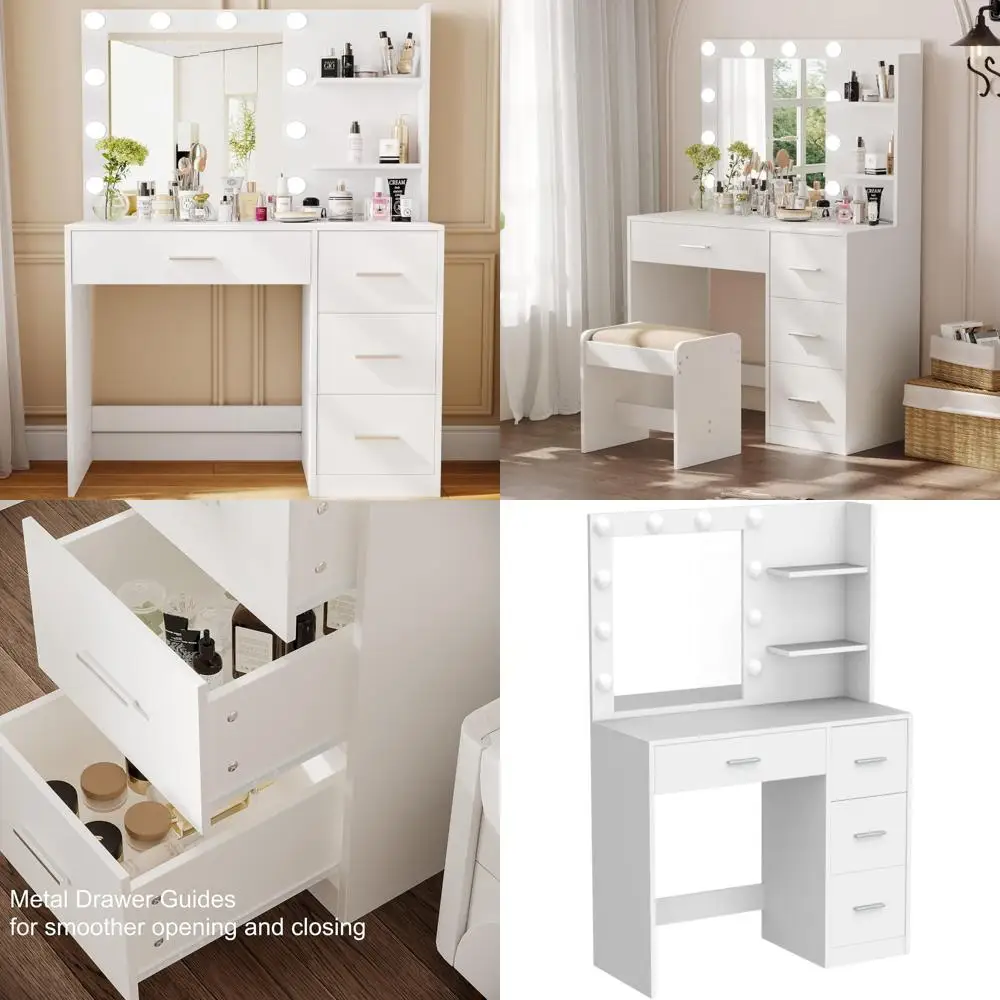
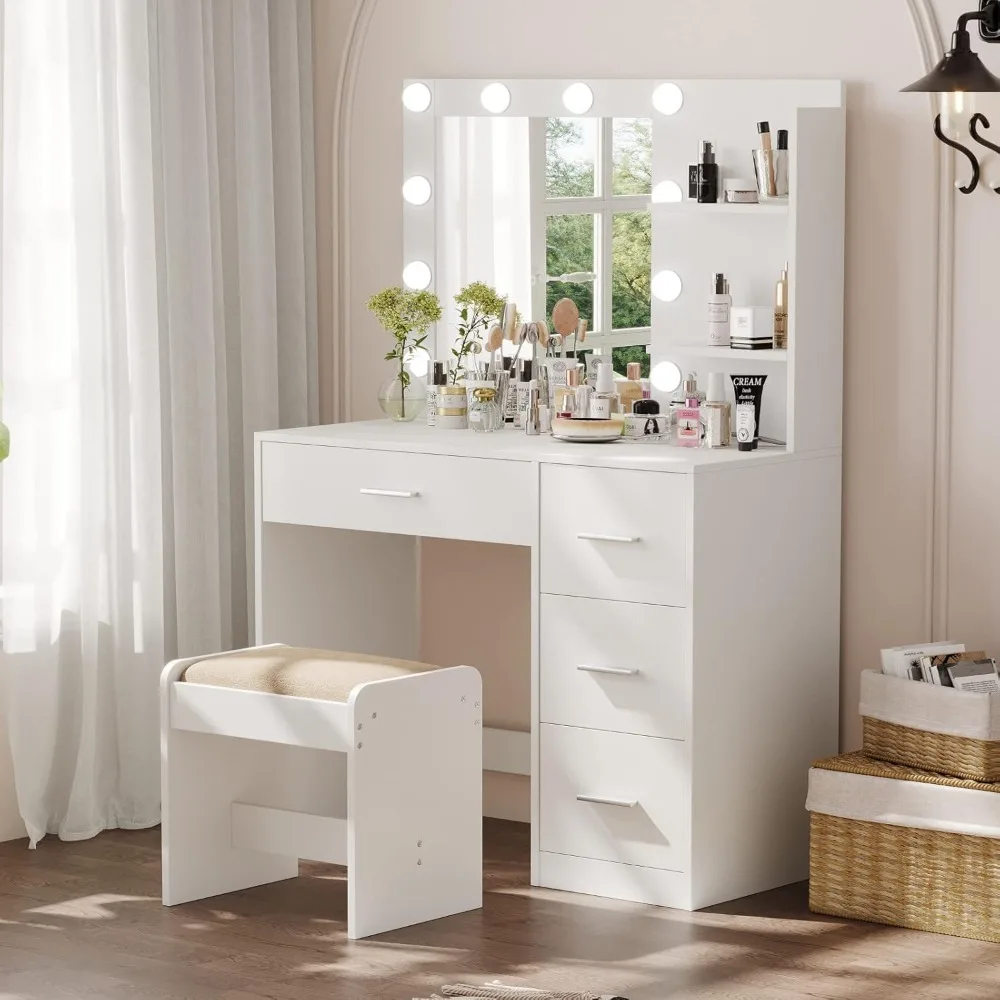
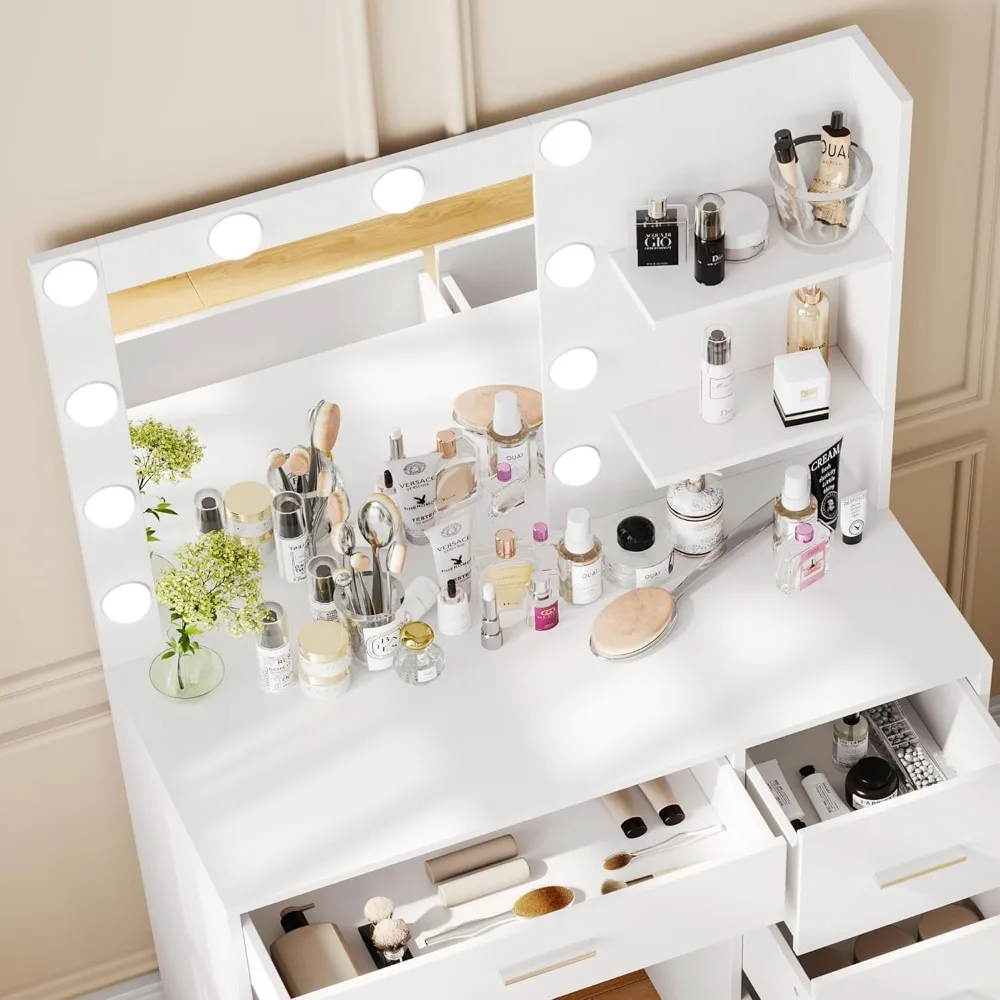
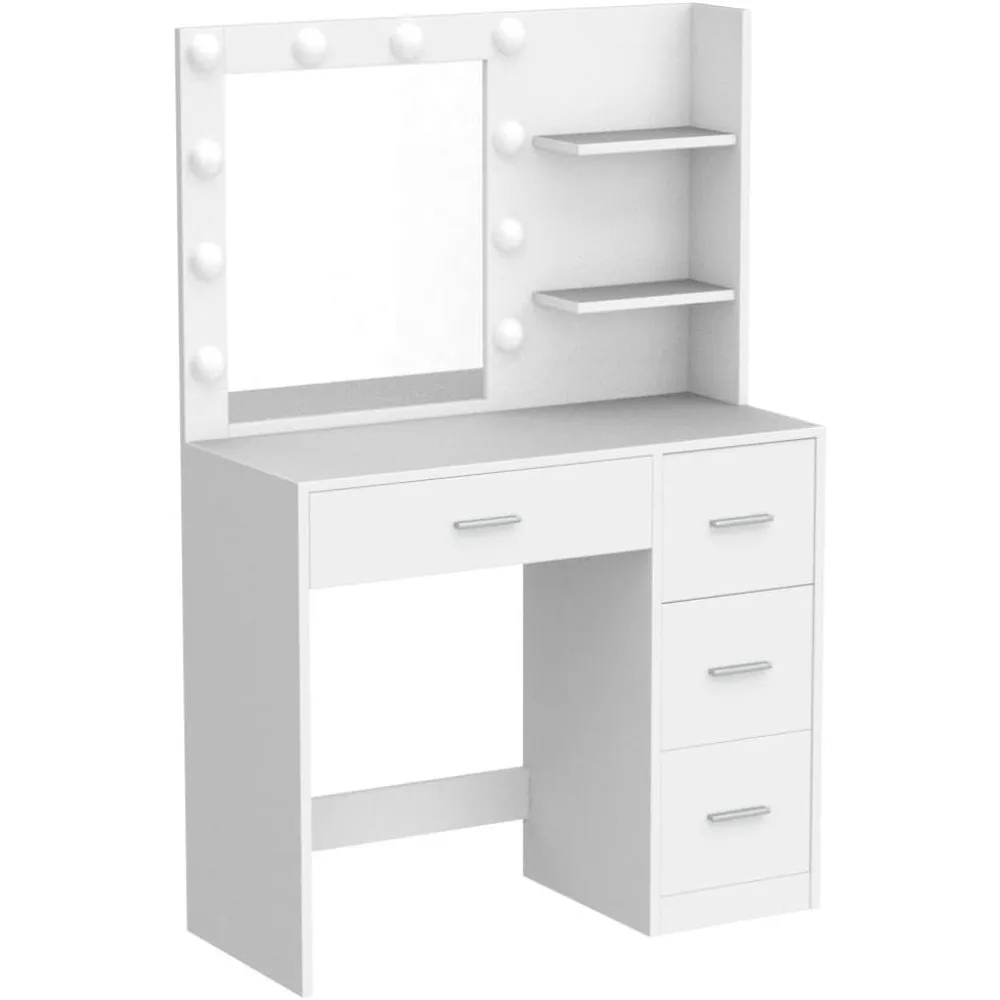
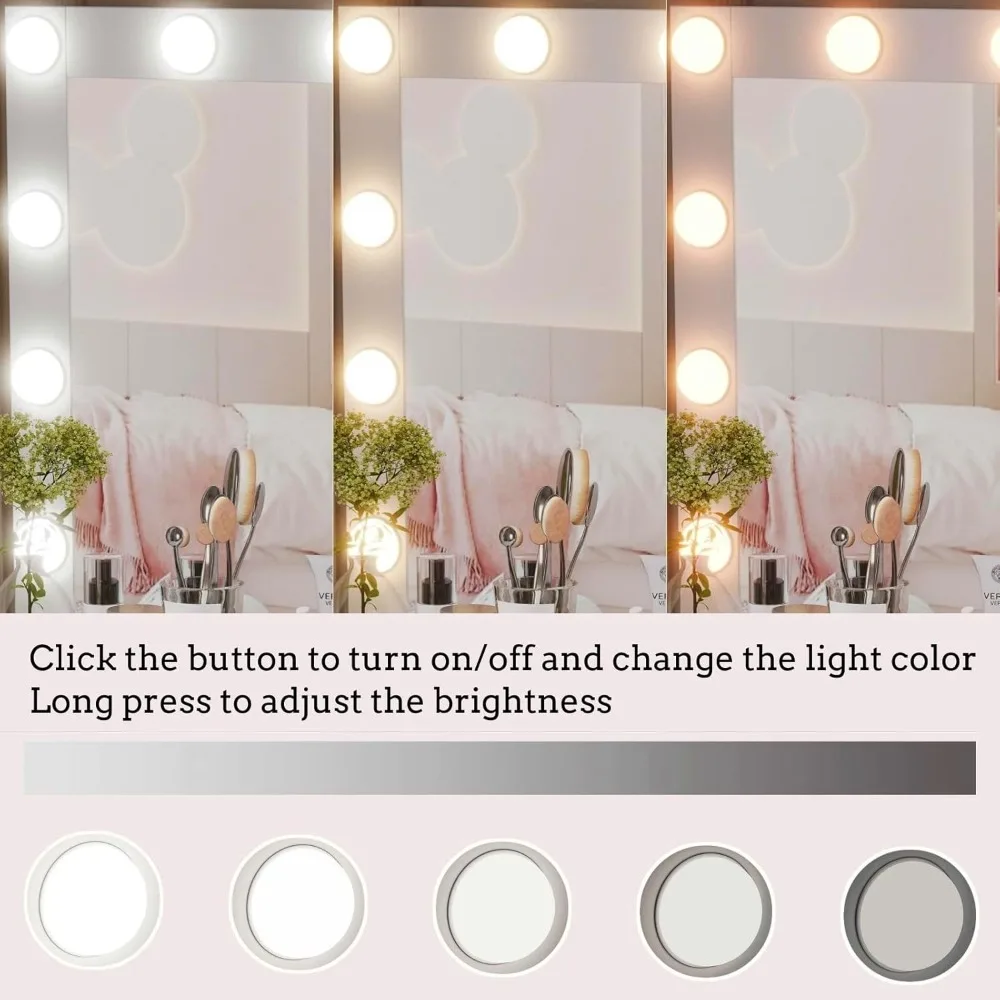
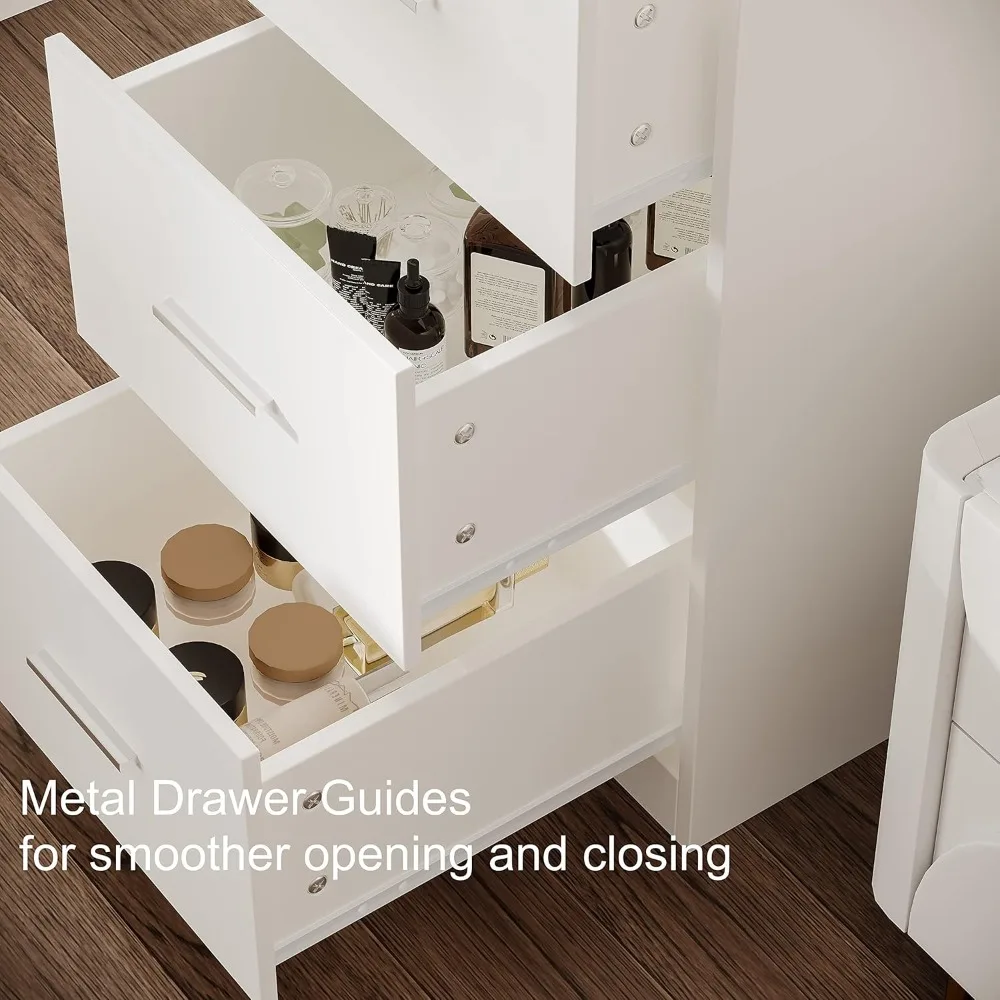
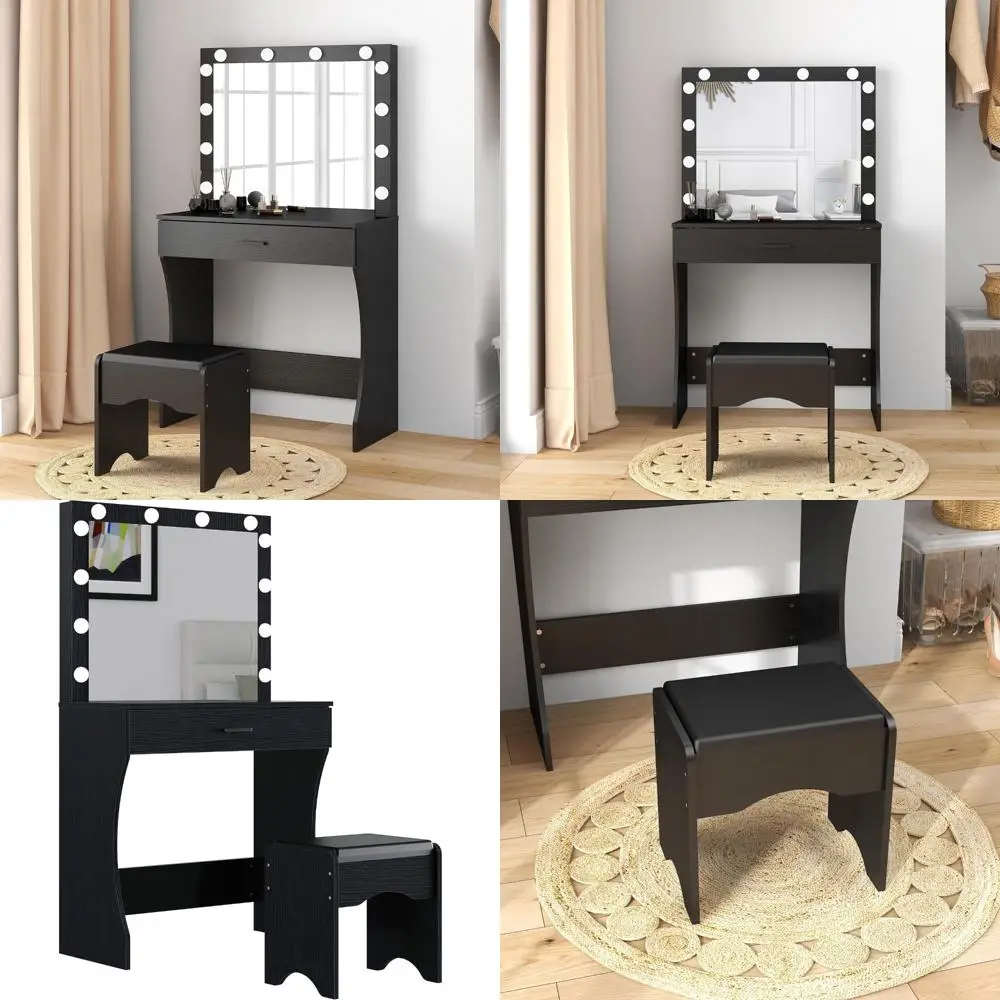
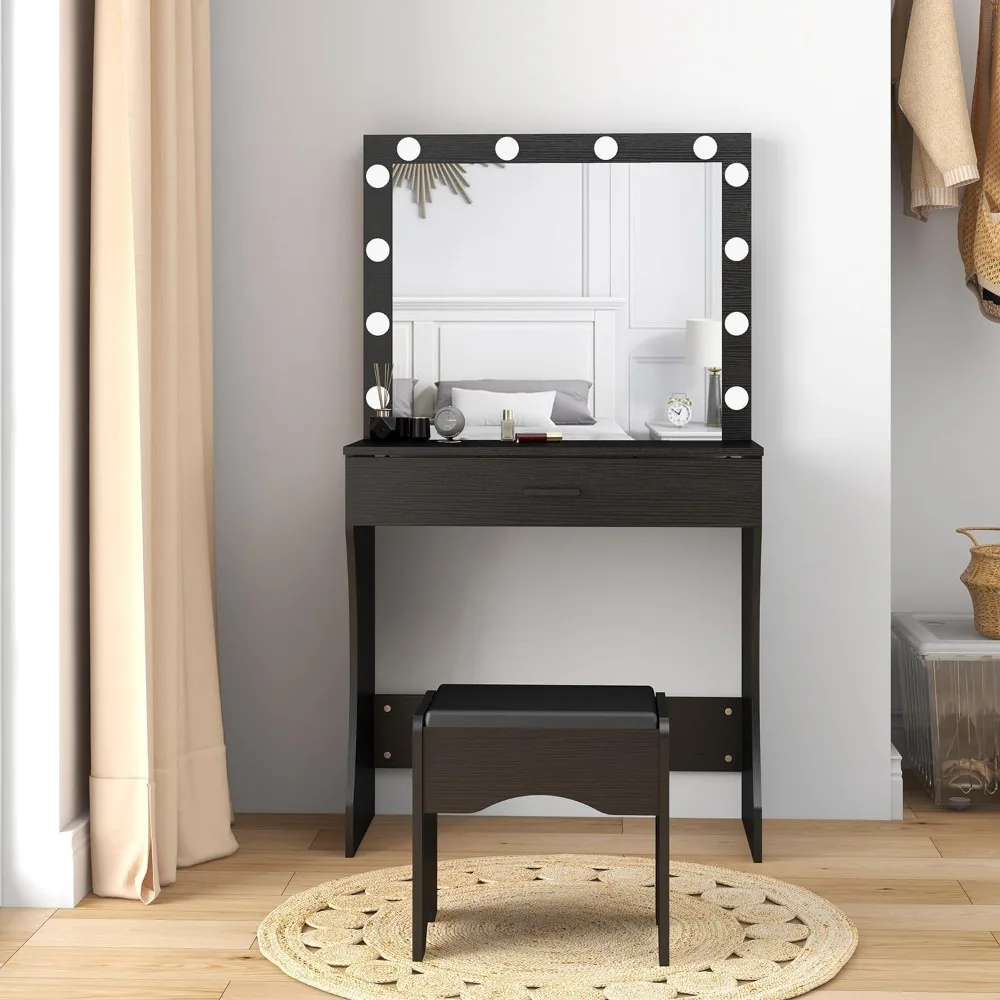
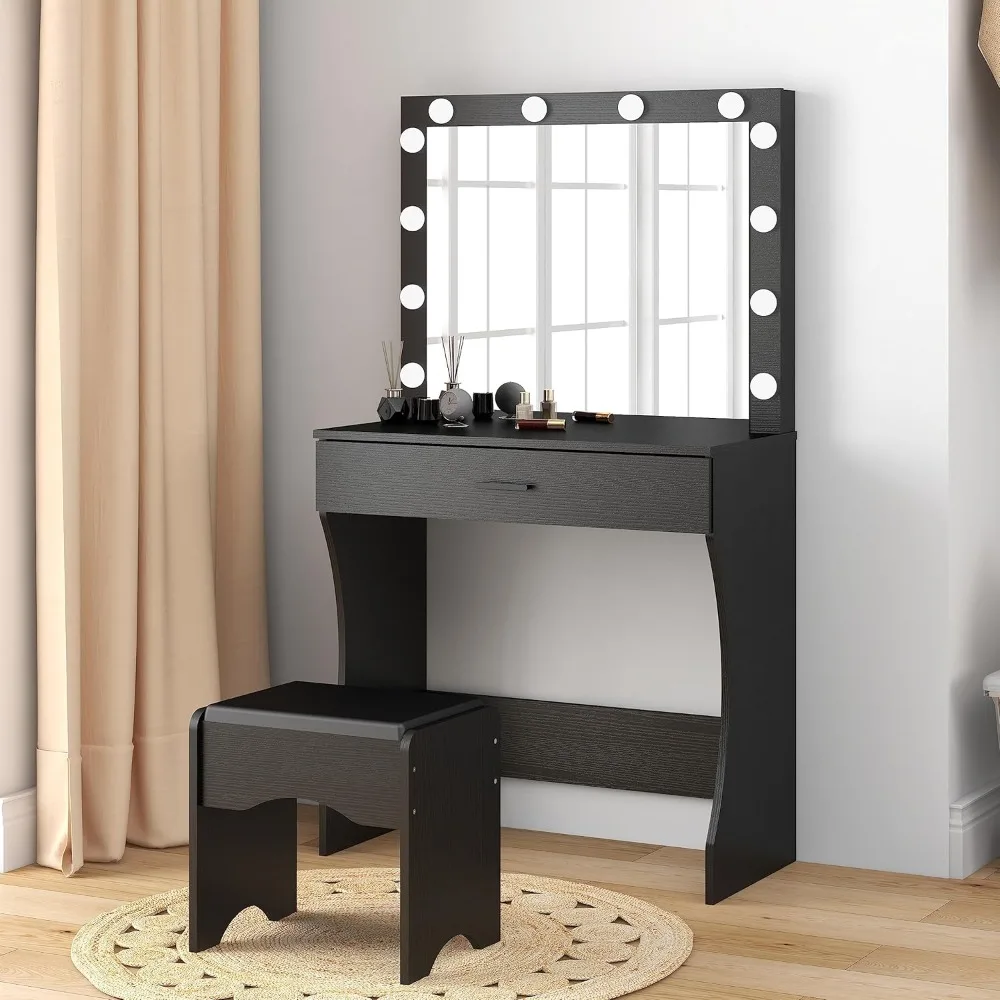
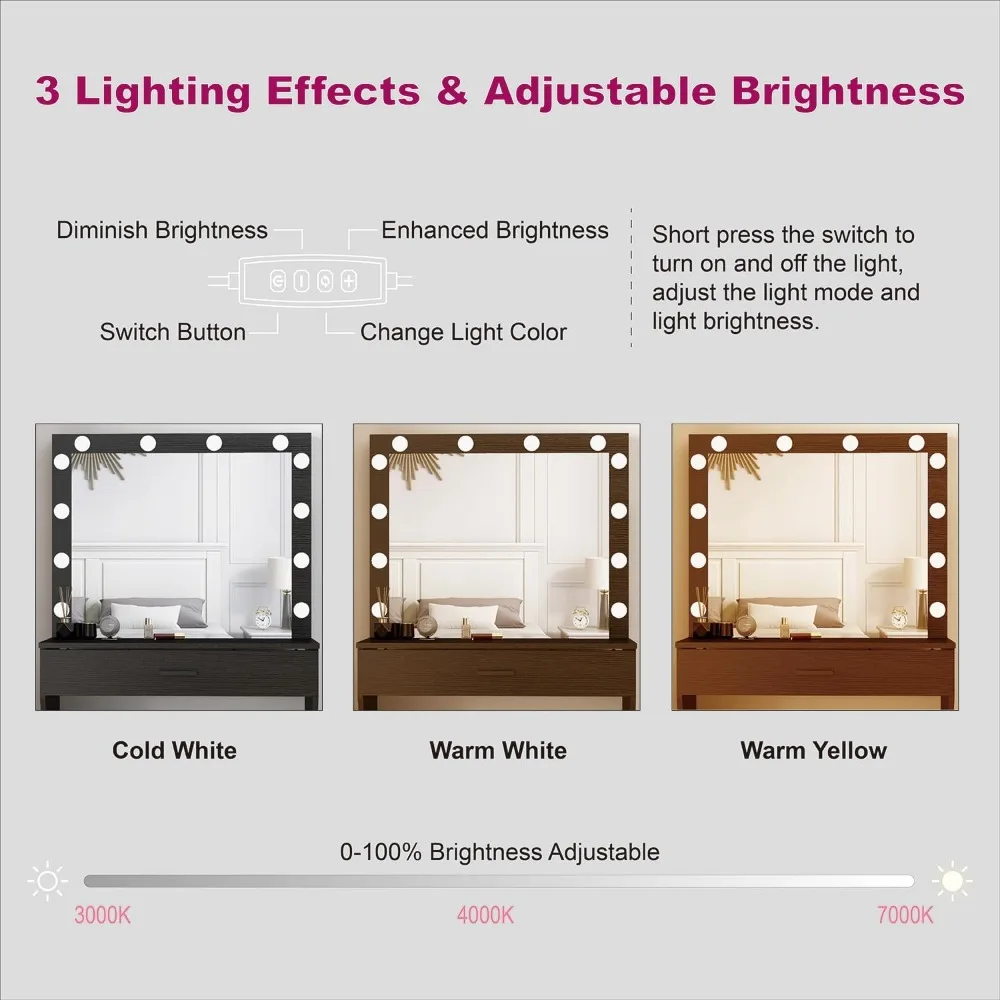
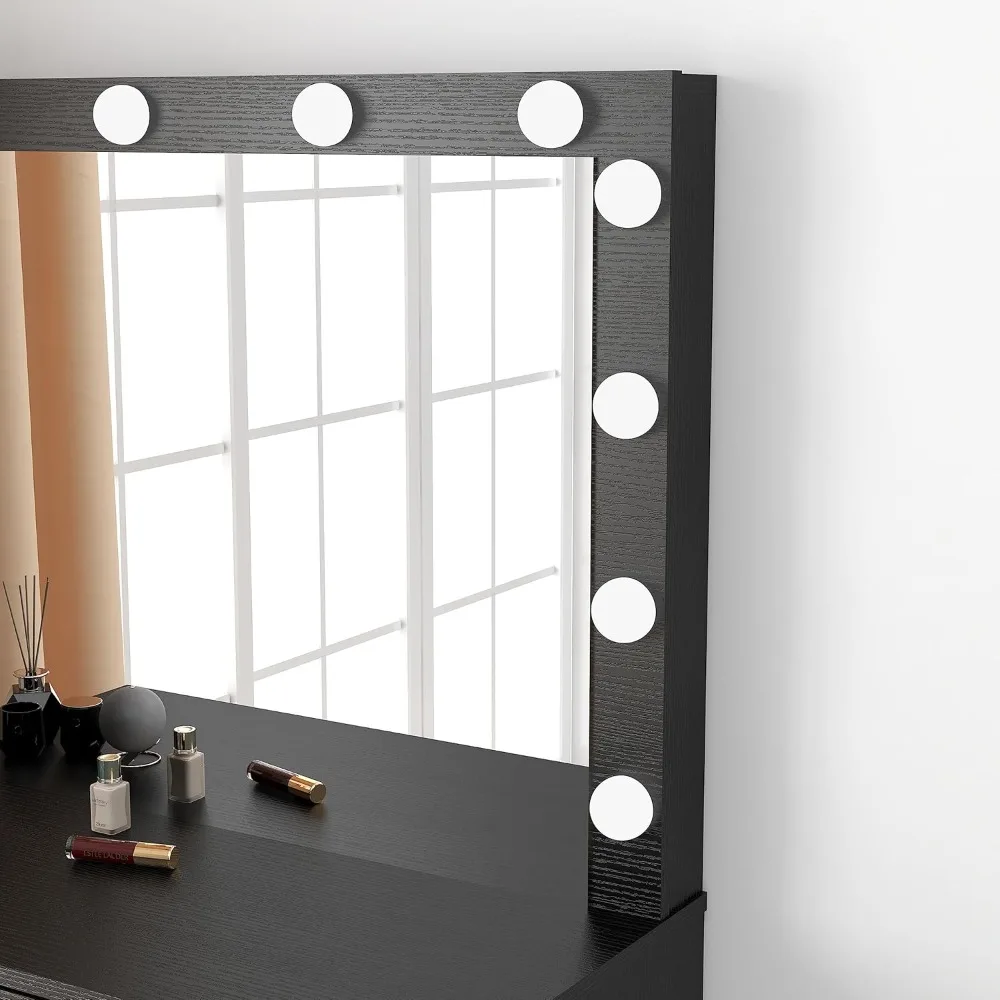
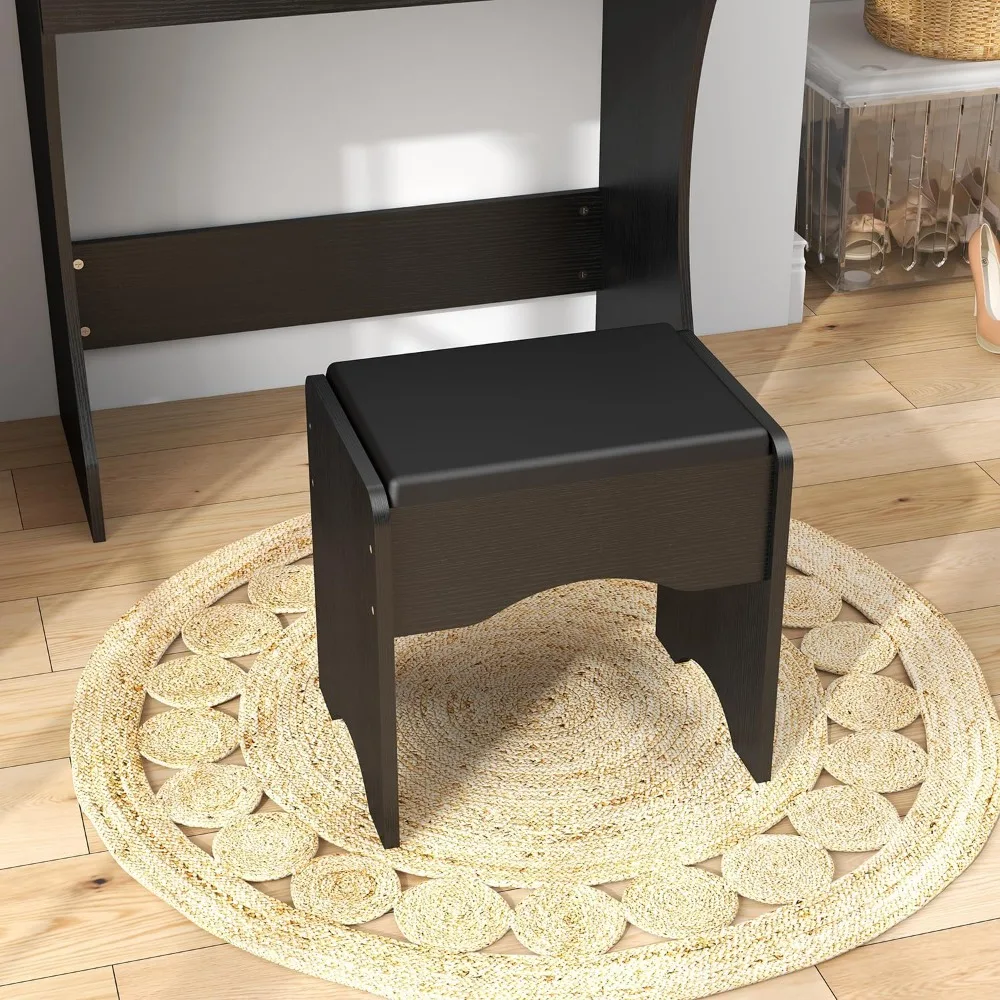
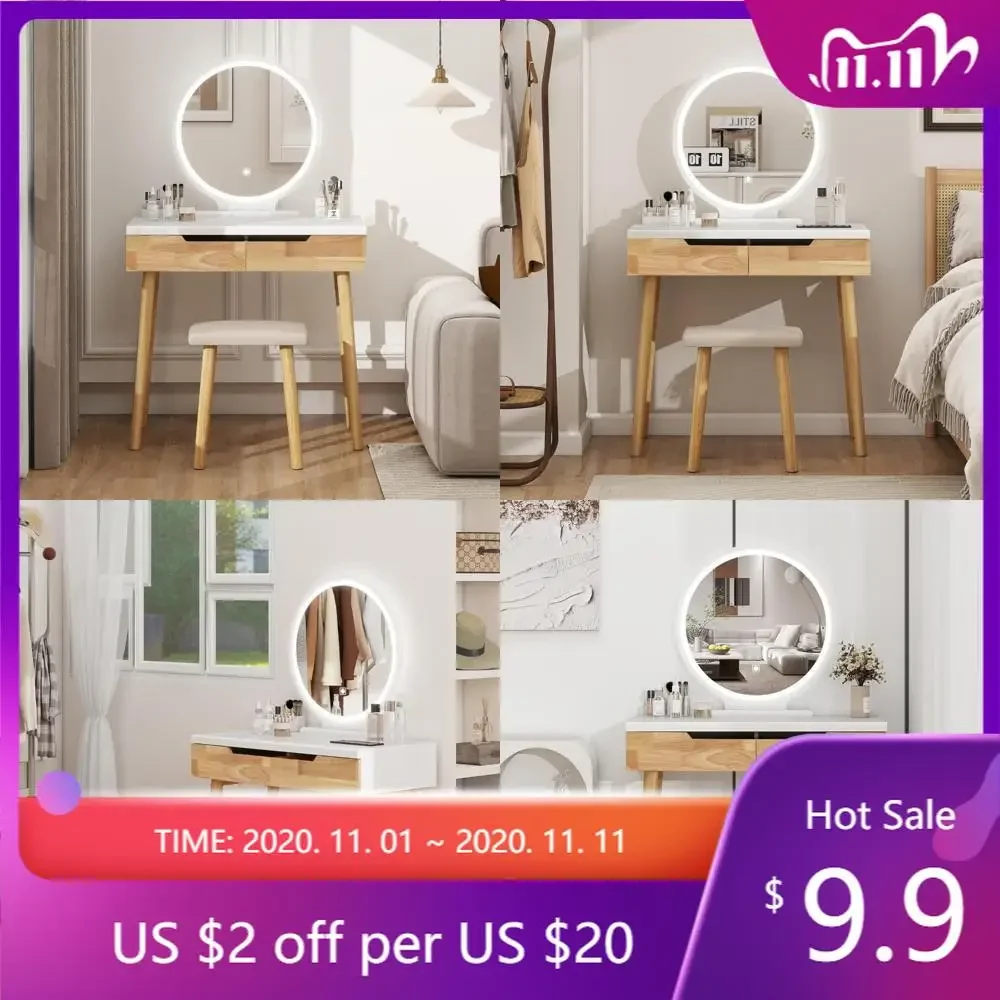
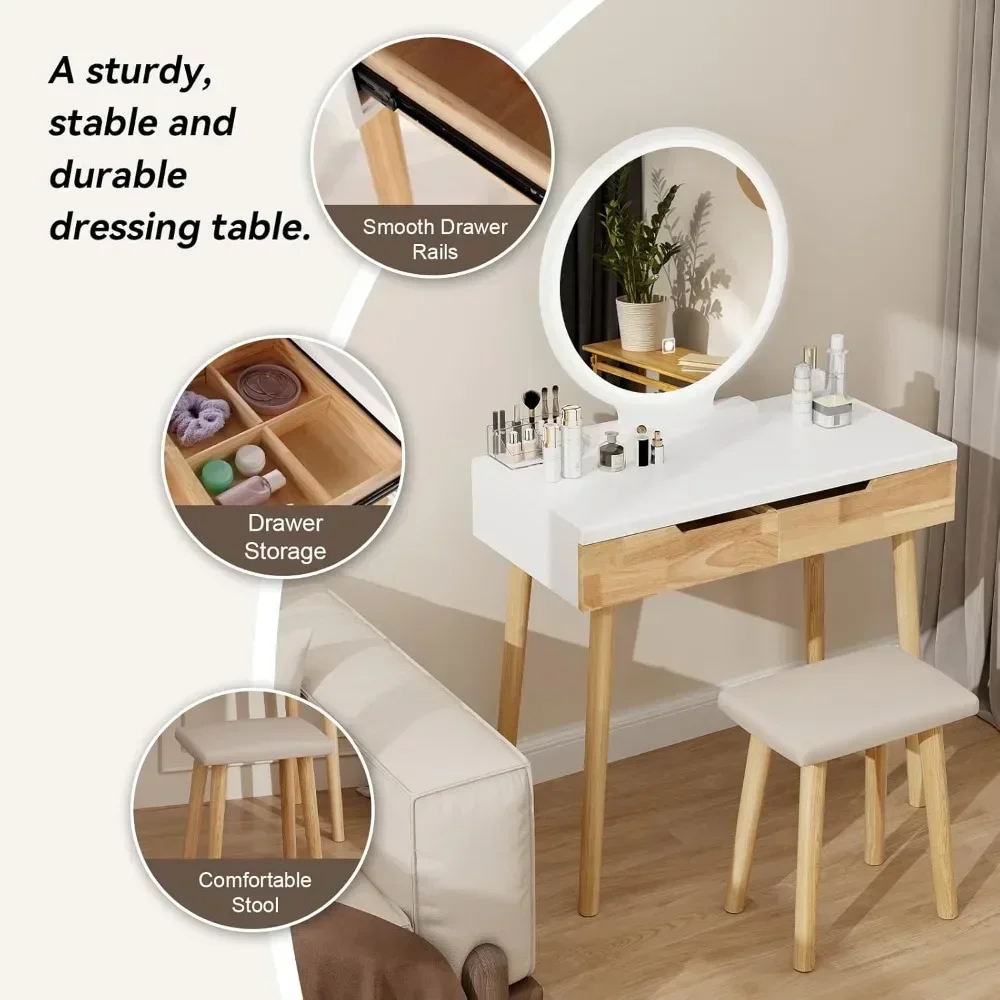
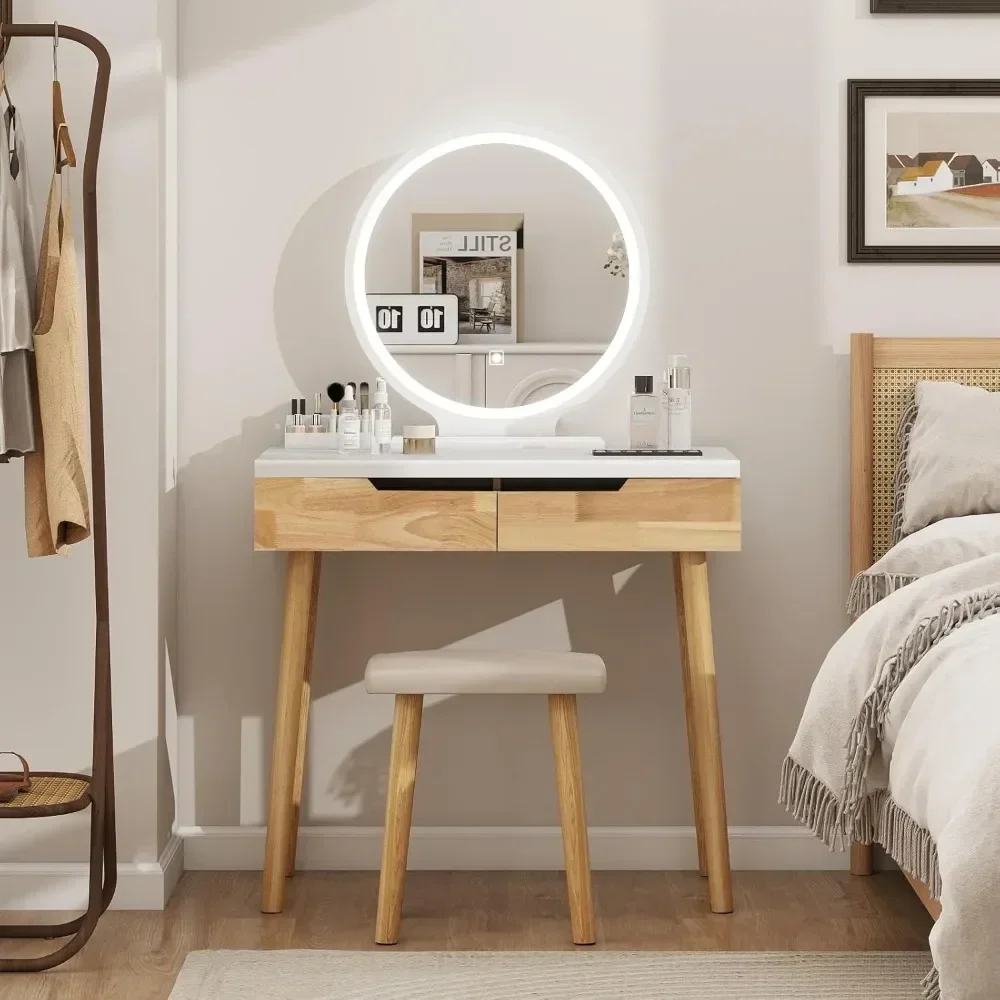
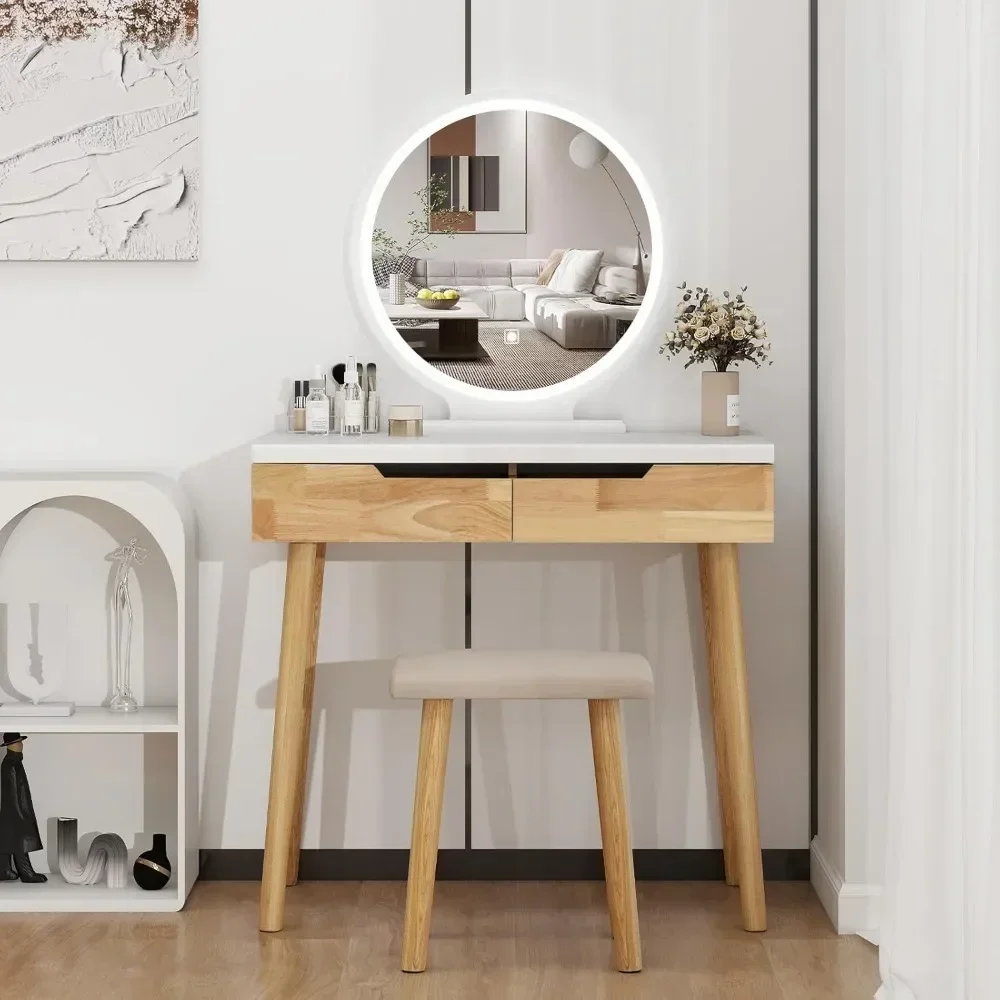
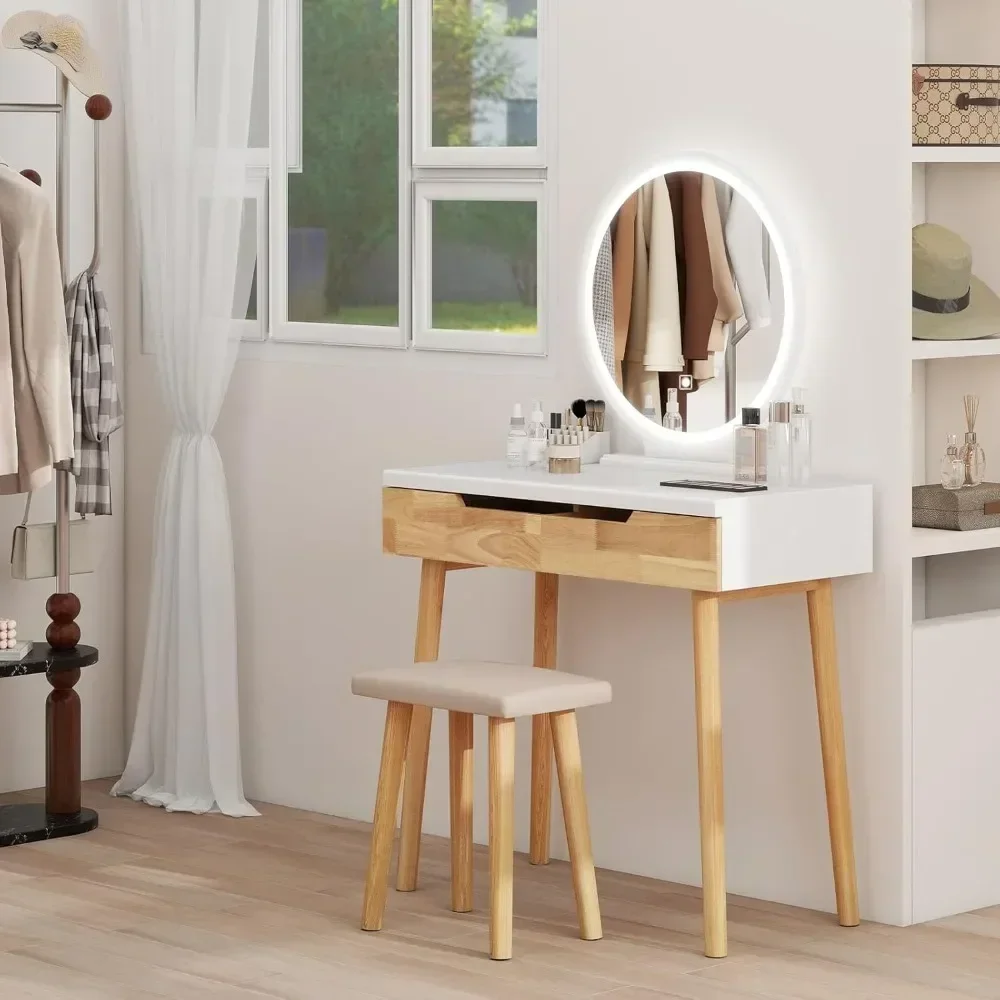
illuminated makeup vanity desk with mirror and storage drawer
$127.145
$322.88
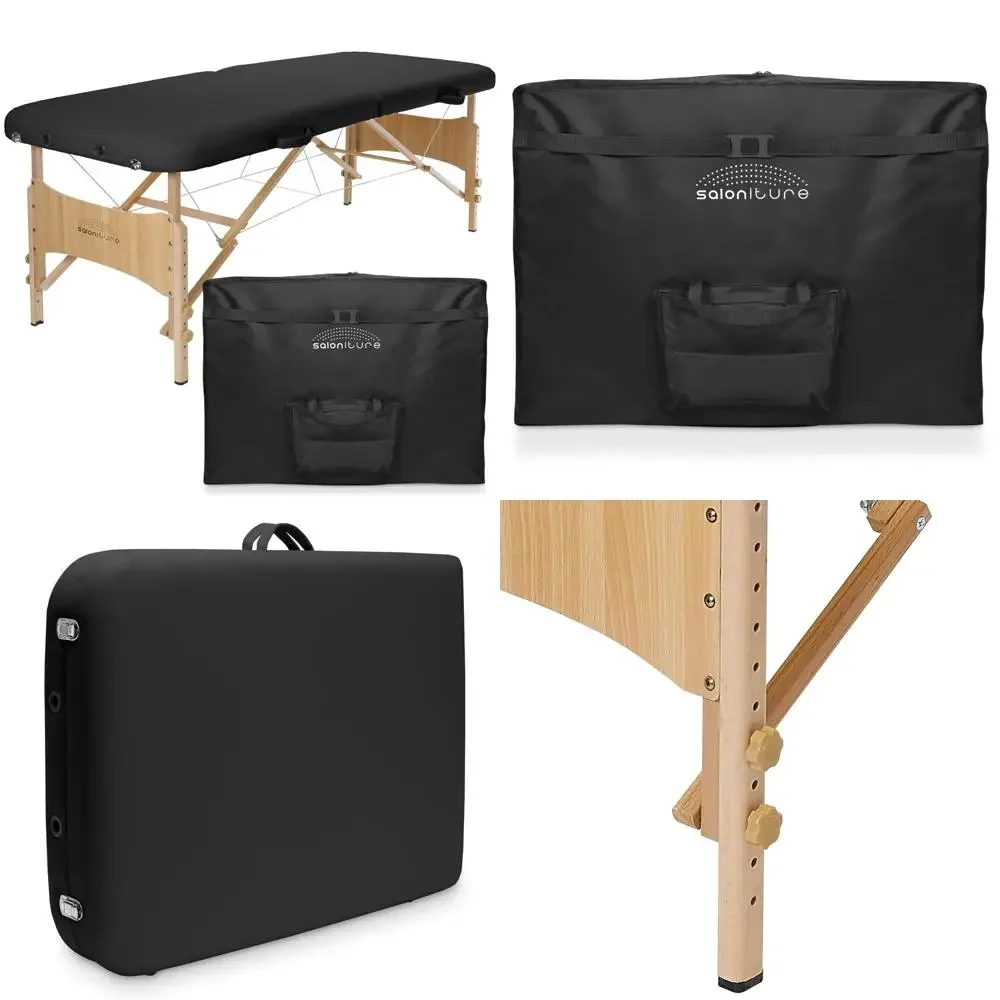
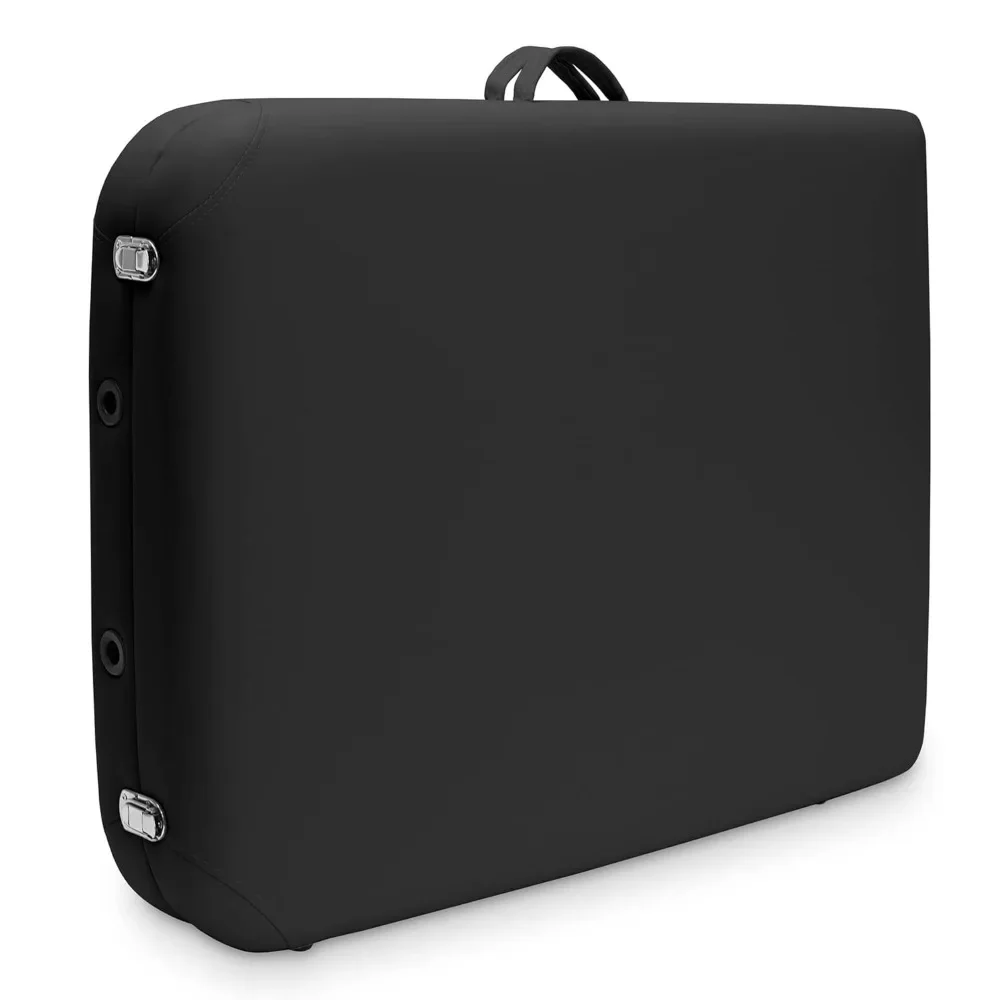
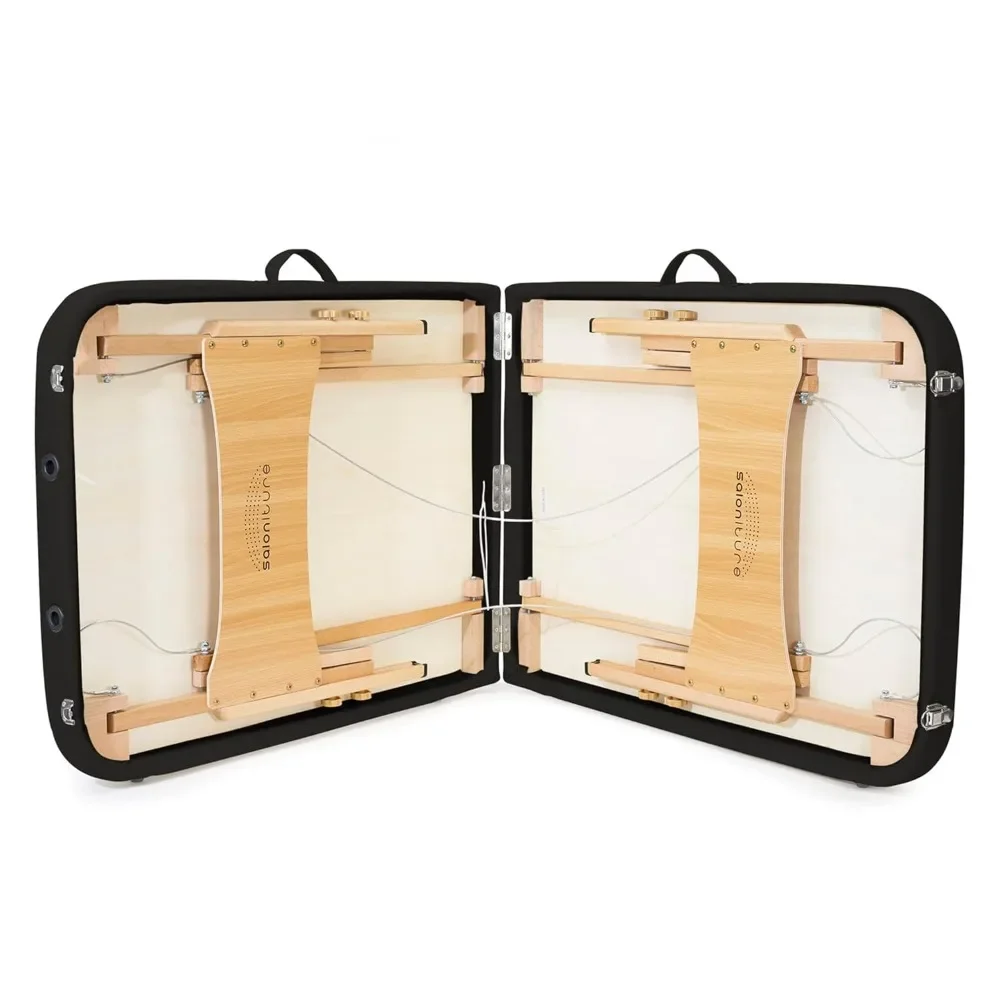
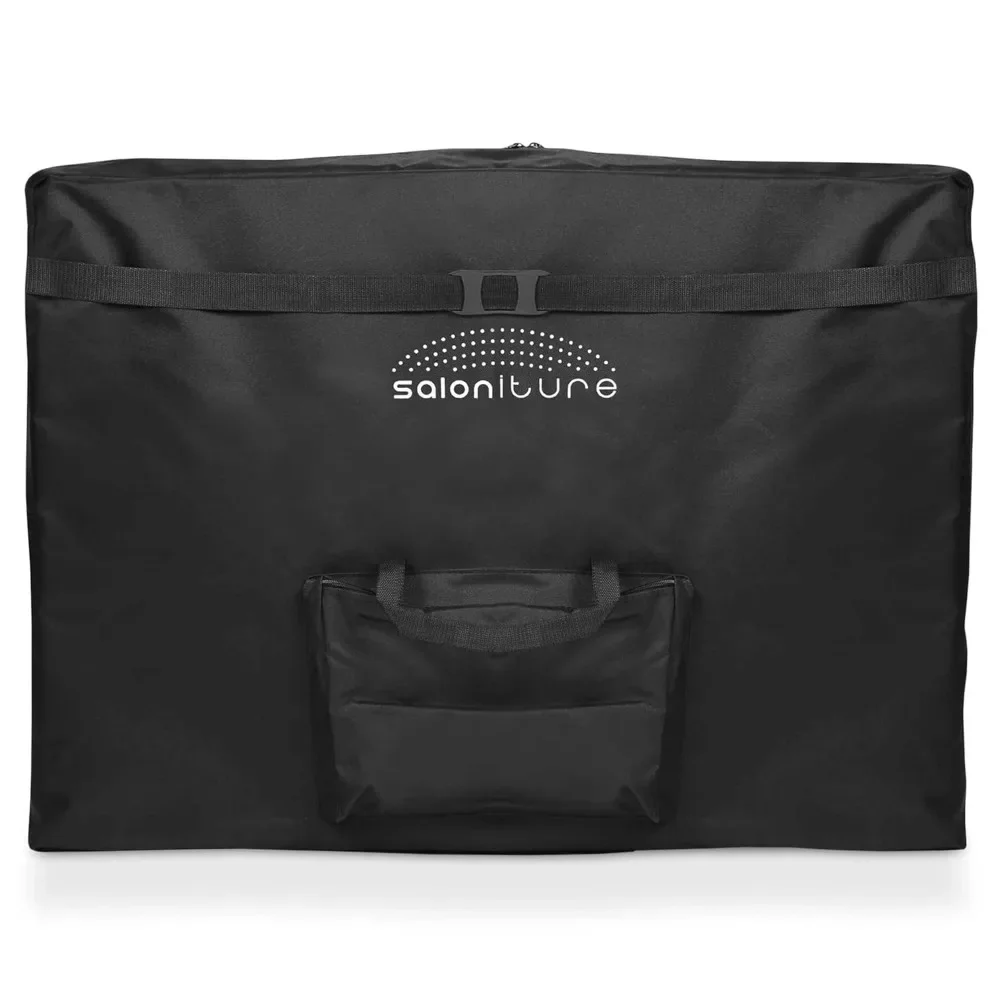
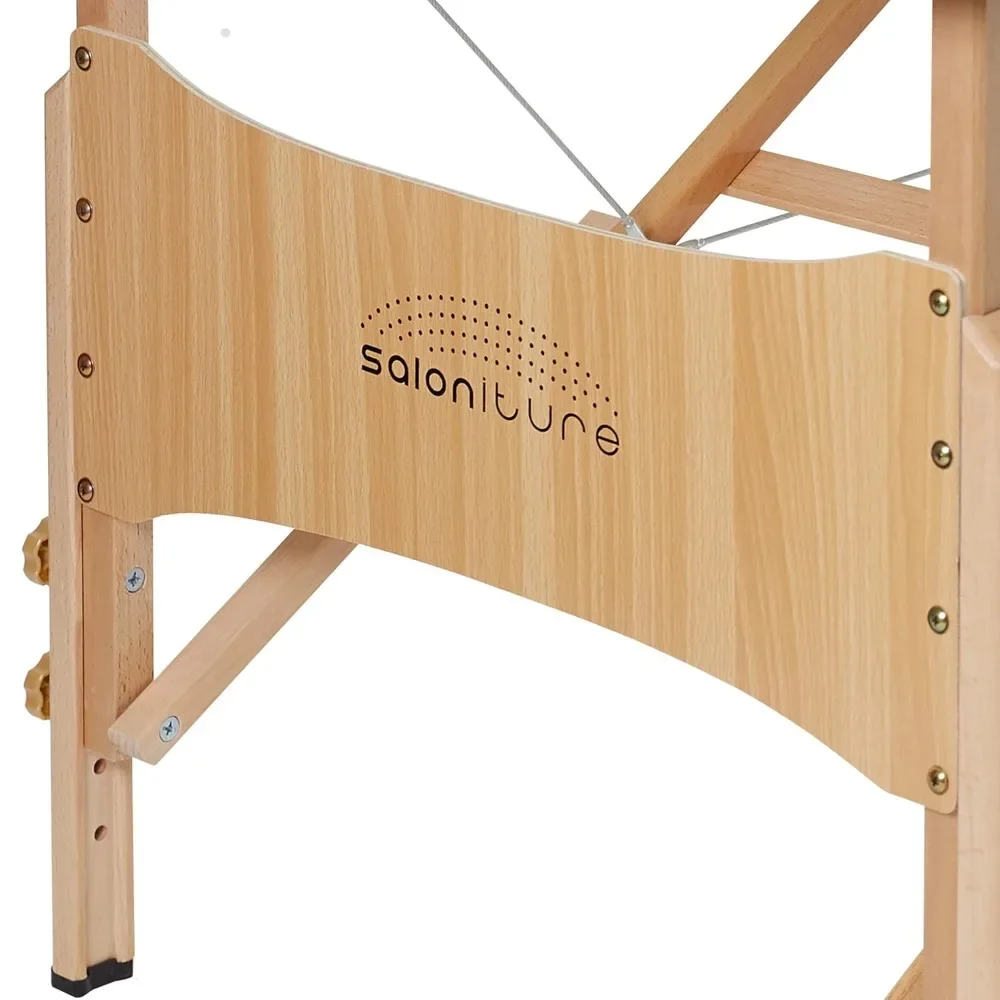
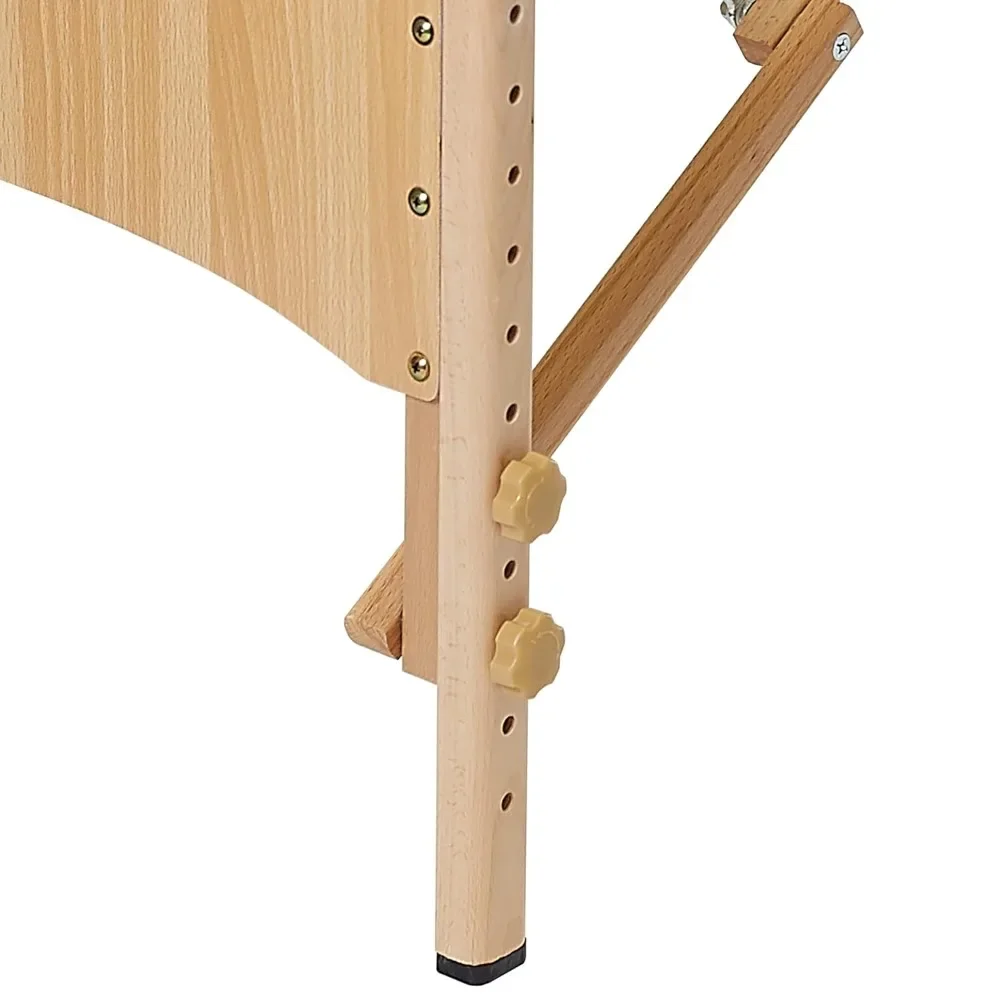
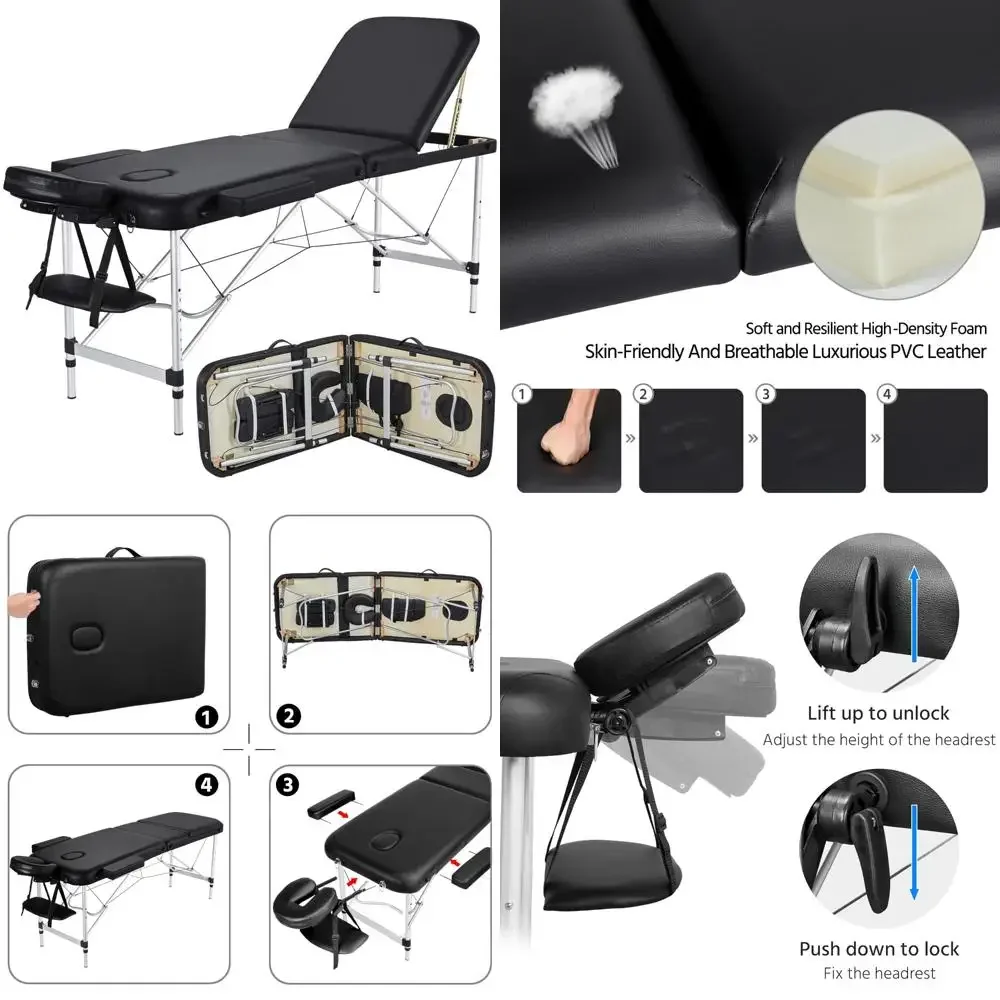
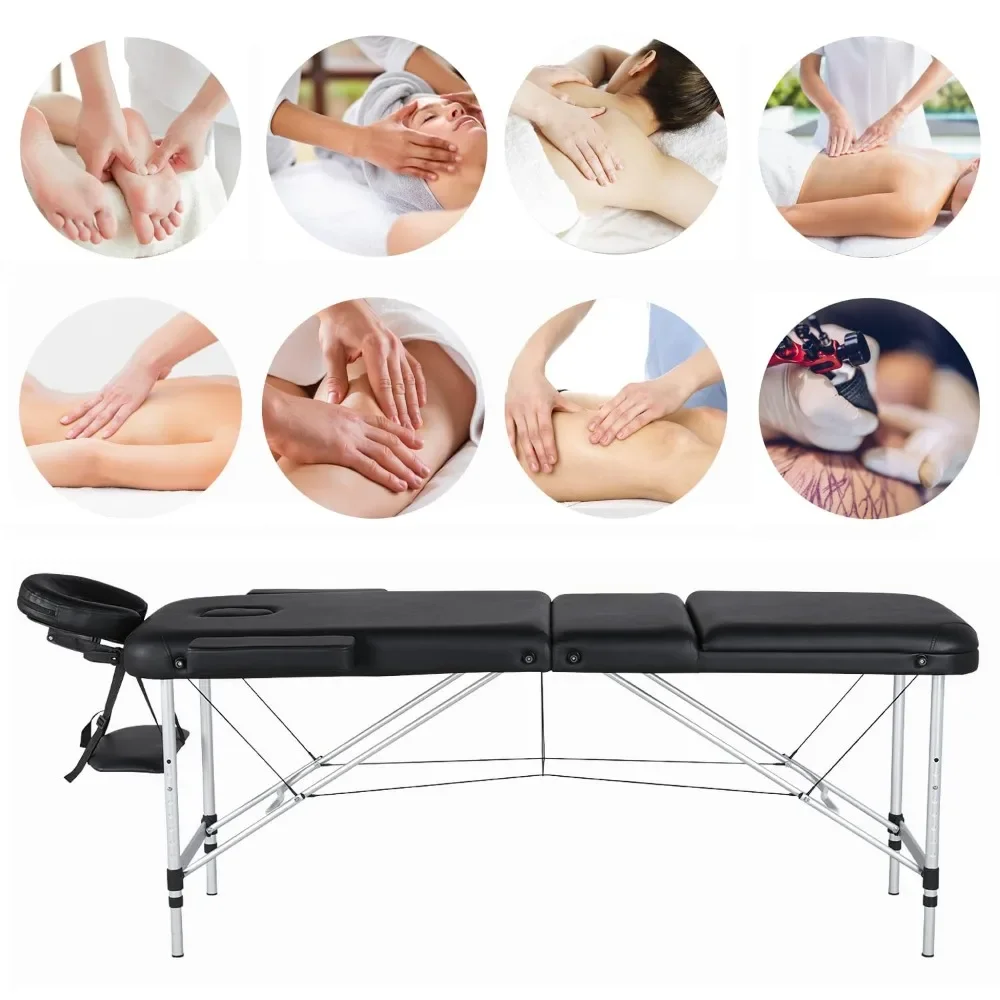
Compact Portable Folding Massage Table in Black
$152.915
$399.14