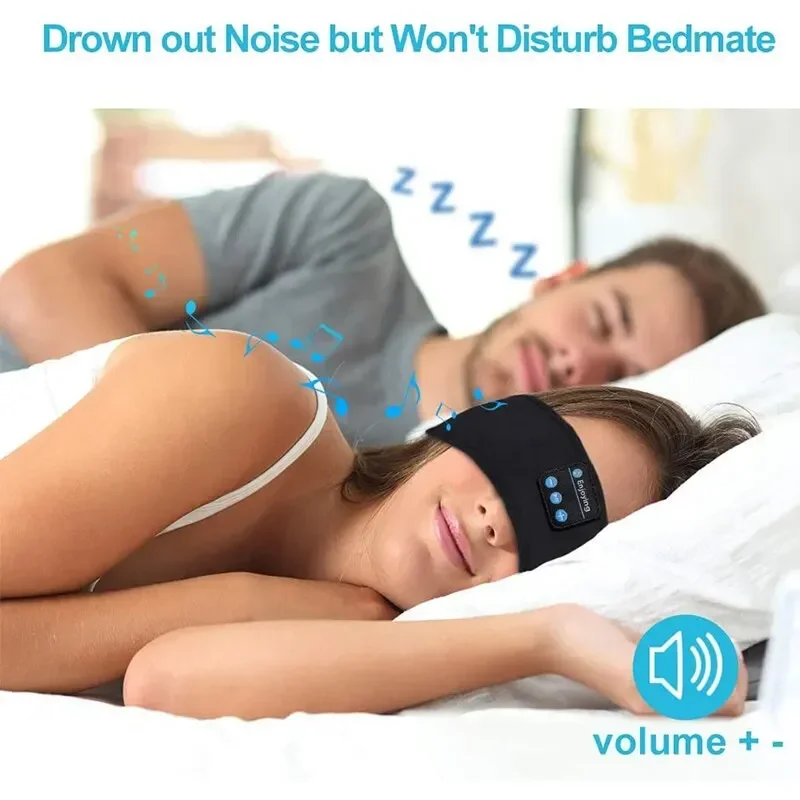
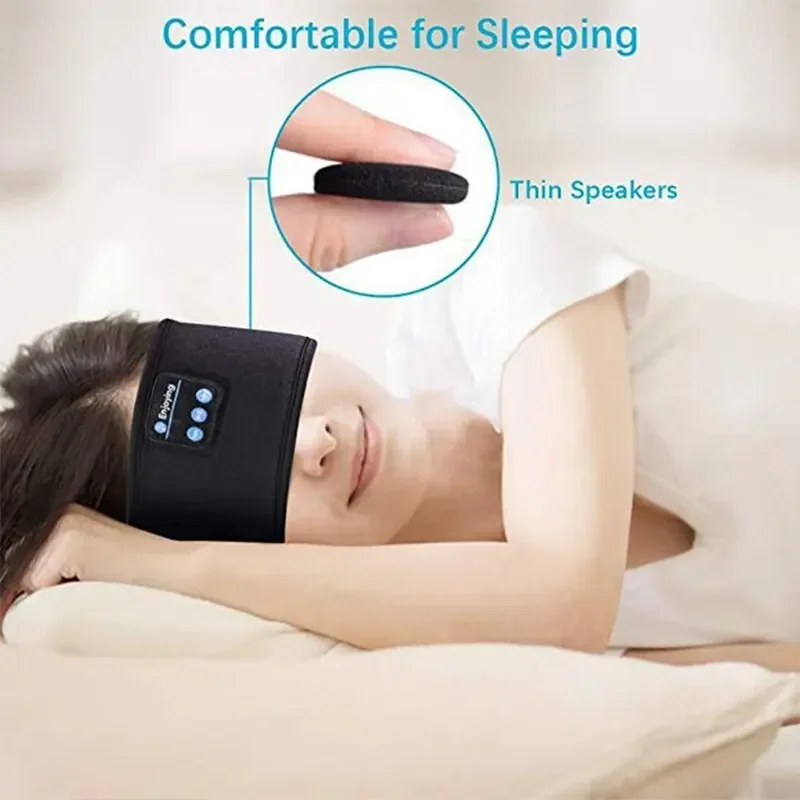
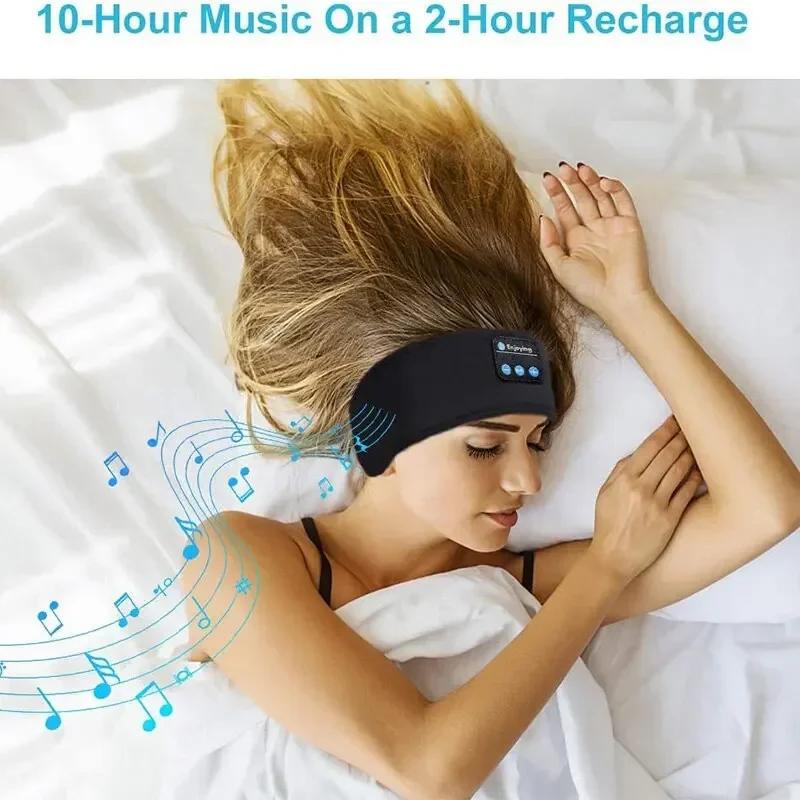
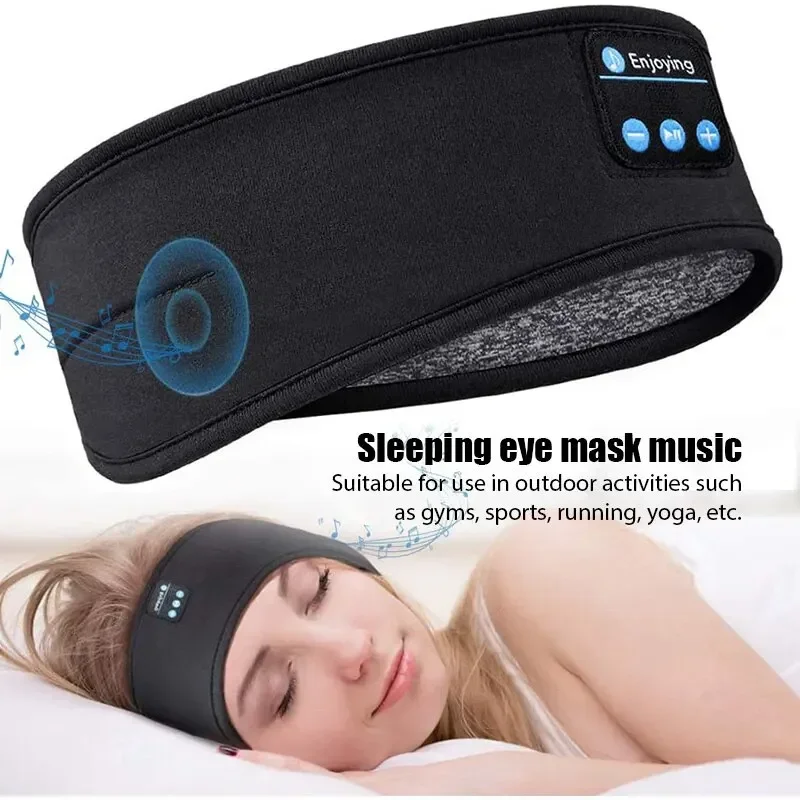

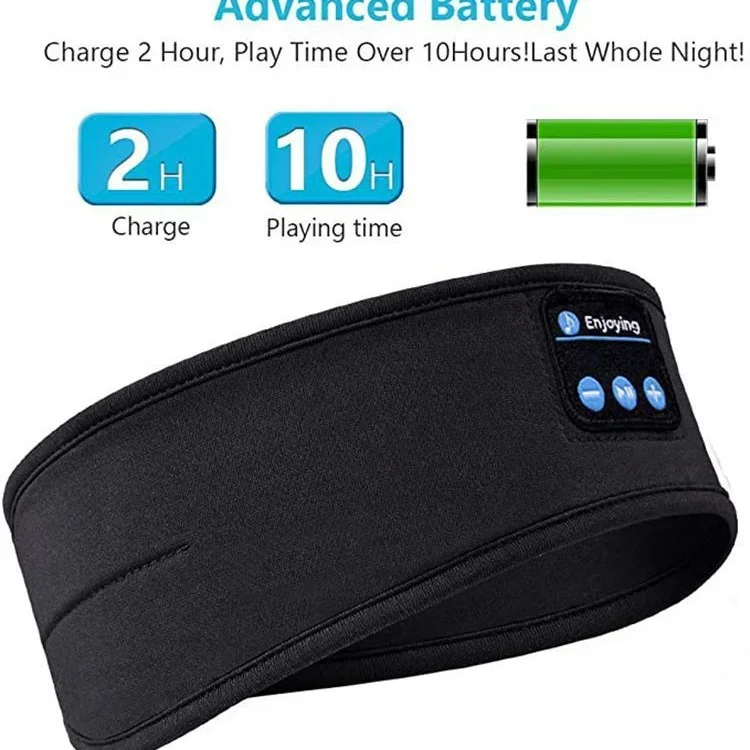
Sports Sleep Headband Eye Mask Wireless Headphones Music Eye Mask Wireless Bluetooth Headset Headband Original Wireless Bluetoot
<p>Matters needing attention</p><p>1. Please keep away from acidic, alkaline, and pointed items for use and storage</p><p>2. Please keep the equipment dry</p><p>3. Please keep the equipment clean and add desiccant after use</p><p>4. Please take out the headphones before washing</p><p>5. Do not disassemble, modify, or modify the equipment separately</p><p>6. Do not throw or drop</p><p>Function Introduction</p><p>Insert the USB port of the micro into the headphones, and then connect the USB port of the USB</p><p>data cable to the computer. At this time, the LED light will turn red. When the LED light turns</p><p>blue, it indicates that the wireless hat headphones are fully charged. Please unplug the data cable.</p><p>Power on</p><p>Press the power button for 2-3 seconds, and the wireless earphone LED lights will alternately</p><p>flash red and blue.</p><p>Shut down</p><p>In the power on state, press the power on button for 2-3 seconds. When the LED flashes red for 3</p><p>times, the red light goes out and the wireless headphones are turned off.</p><p>wireless hat wireless connection instructions:</p><p>Power on and wireless connection</p><p>1. Press the power on button for 2-3 seconds, and the LED lights will alternately flash red and</p><p>blue. Turn on the wireless phone and search for the wireless name "BT-03s" to pair. If the</p><br/><p>pairing is successful, the next time wireless headphones and mobile wireless</p><p>are used, they will automatically connect without the need to search for a new connection.</p><p>Pause and Play</p><p>When playing music, pressing the power button once is the pause function, and pressing it again</p><p>is the play function. When a phone call is made, pressing the power button once is the answer</p><p>function, and when a phone call is made, pressing the power button once is the end function.</p><p>When connected to the phone, double pressing the power button is a replay call function.</p><p>Long press the volume down "-" to decrease the volume, short press the volume down "-" to</p><p>decrease the previous song. Long press the "+" button to increase the volume, short press the "+""</p><p>button to increase the volume, and it will be the next song.</p><p>Wirelessheadband technicalparameters:</p><p>wireless version: 5.0</p><p>wireless pairing name: BT-03S</p><p>wireless solution:Blue Message</p><p>wireless transmission distance: 10 meters</p><p>Headphone channel: Stereo (2.0)</p><p><br/></p><br/><p></p>
$42.77
$41.54
- Category : Beauty & Health
- Brand : qiflow_healthy_store_store QiFlow Healthy Store Store
Colors
Sizes
-
+

<p>Matters needing attention</p><p>1. Please keep away from acidic, alkaline, and pointed items for use and storage</p><p>2. Please keep the equipment dry</p><p>3. Please keep the equipment clean and add desiccant after use</p><p>4. Please take out the headphones before washing</p><p>5. Do not disassemble, modify, or modify the equipment separately</p><p>6. Do not throw or drop</p><p>Function Introduction</p><p>Insert the USB port of the micro into the headphones, and then connect the USB port of the USB</p><p>data cable to the computer. At this time, the LED light will turn red. When the LED light turns</p><p>blue, it indicates that the wireless hat headphones are fully charged. Please unplug the data cable.</p><p>Power on</p><p>Press the power button for 2-3 seconds, and the wireless earphone LED lights will alternately</p><p>flash red and blue.</p><p>Shut down</p><p>In the power on state, press the power on button for 2-3 seconds. When the LED flashes red for 3</p><p>times, the red light goes out and the wireless headphones are turned off.</p><p>wireless hat wireless connection instructions:</p><p>Power on and wireless connection</p><p>1. Press the power on button for 2-3 seconds, and the LED lights will alternately flash red and</p><p>blue. Turn on the wireless phone and search for the wireless name "BT-03s" to pair. If the</p><br/><p>pairing is successful, the next time wireless headphones and mobile wireless</p><p>are used, they will automatically connect without the need to search for a new connection.</p><p>Pause and Play</p><p>When playing music, pressing the power button once is the pause function, and pressing it again</p><p>is the play function. When a phone call is made, pressing the power button once is the answer</p><p>function, and when a phone call is made, pressing the power button once is the end function.</p><p>When connected to the phone, double pressing the power button is a replay call function.</p><p>Long press the volume down "-" to decrease the volume, short press the volume down "-" to</p><p>decrease the previous song. Long press the "+" button to increase the volume, short press the "+""</p><p>button to increase the volume, and it will be the next song.</p><p>Wirelessheadband technicalparameters:</p><p>wireless version: 5.0</p><p>wireless pairing name: BT-03S</p><p>wireless solution:Blue Message</p><p>wireless transmission distance: 10 meters</p><p>Headphone channel: Stereo (2.0)</p><p><br/></p><br/><p></p>
Related Product
Browse The Collection of Top Products.