Surround Sound Bar Wired Computer Speakers Stereo Subwoofer Soundbar for Desktop Laptop PC TV Mini Speaker Home Theater System
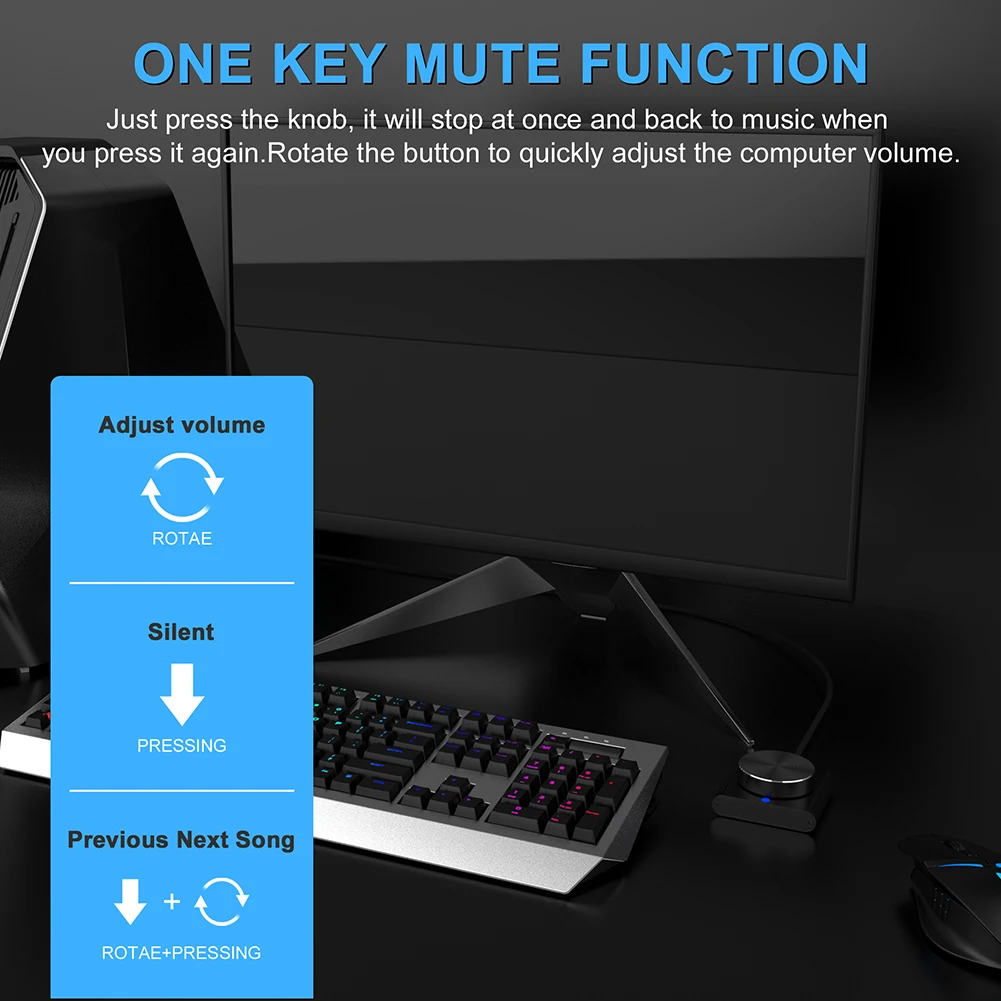
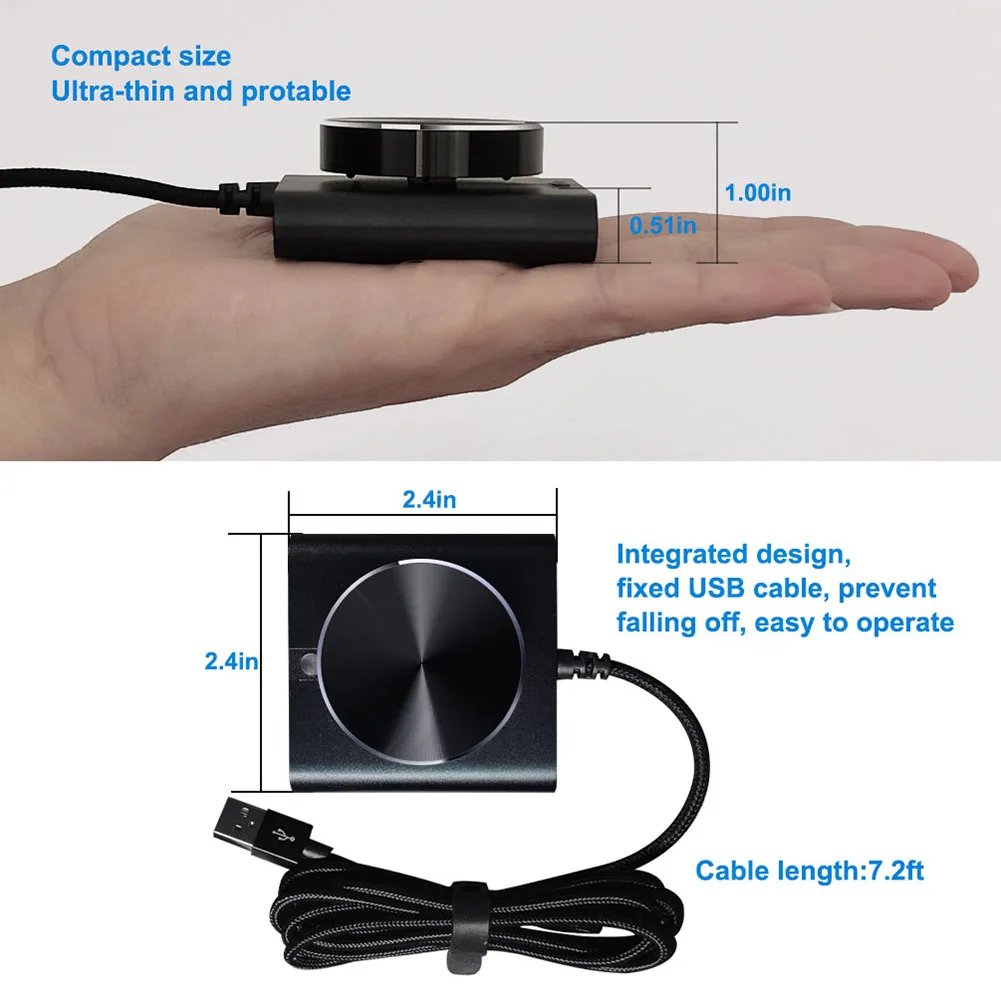
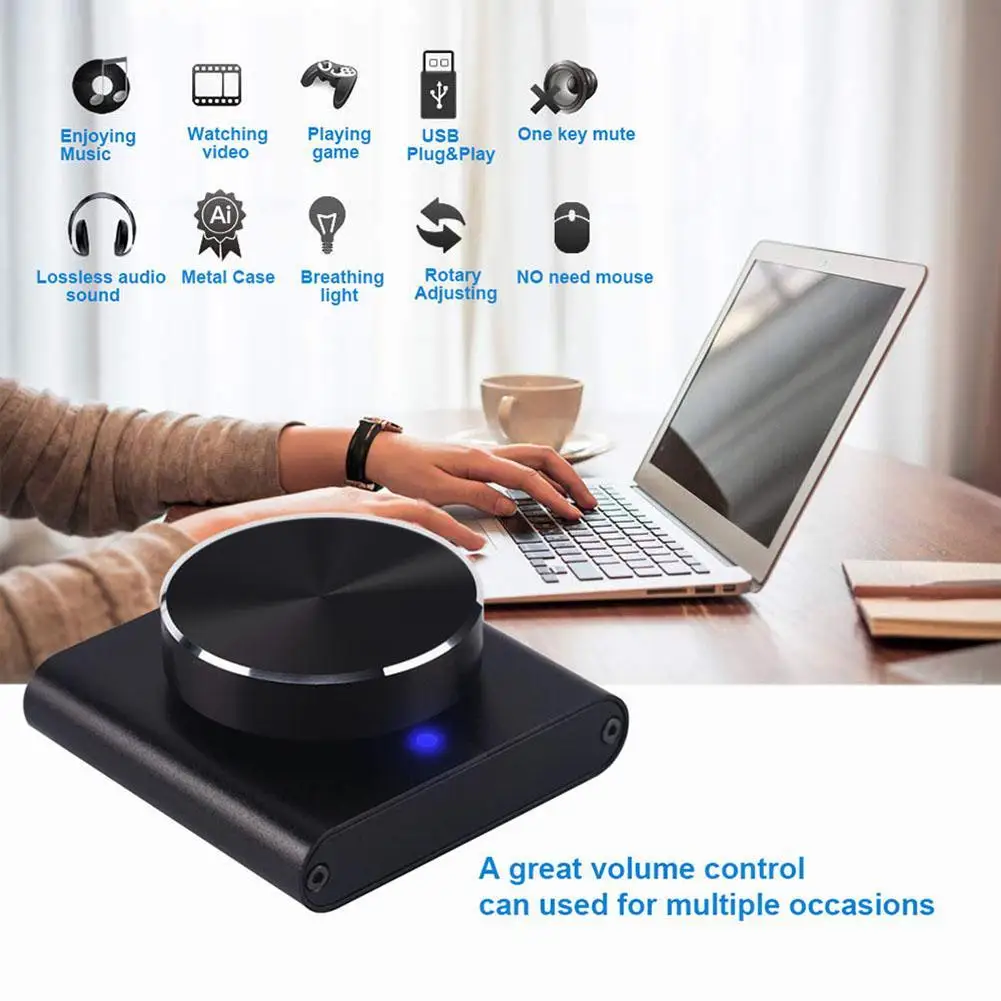
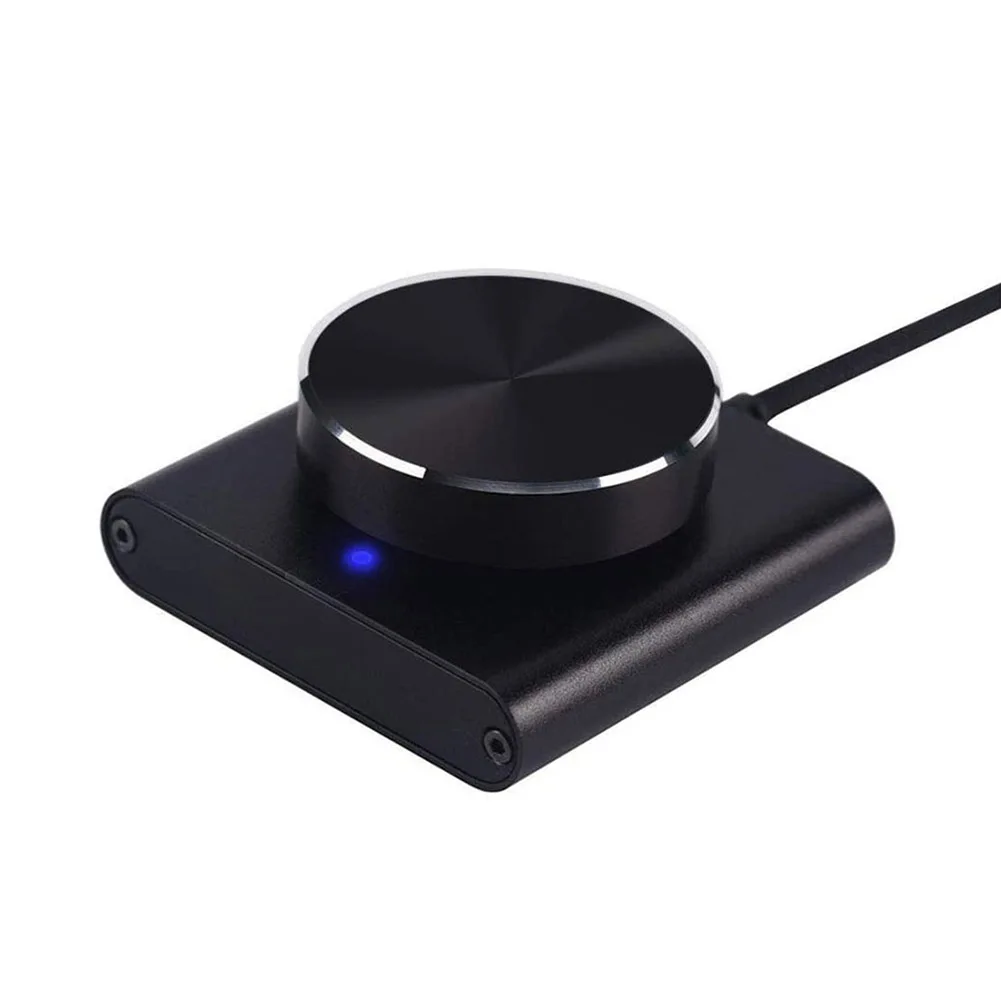
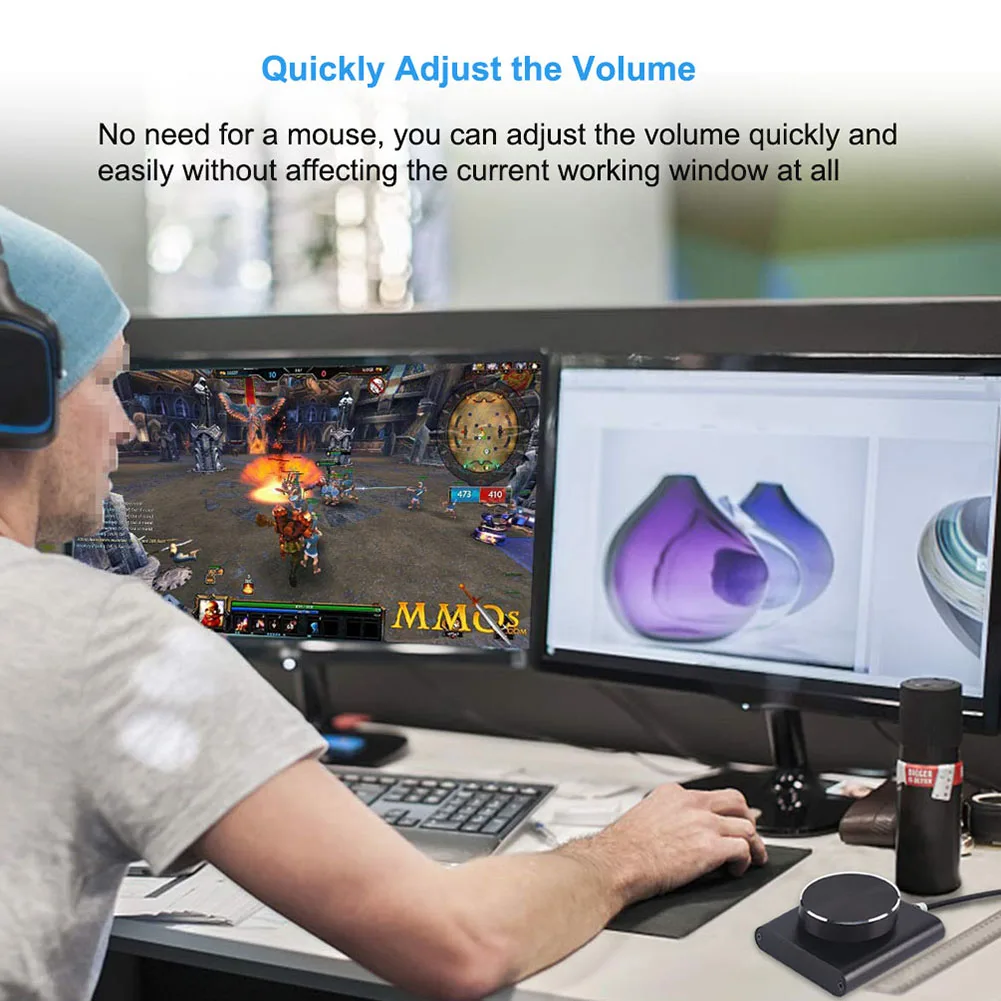
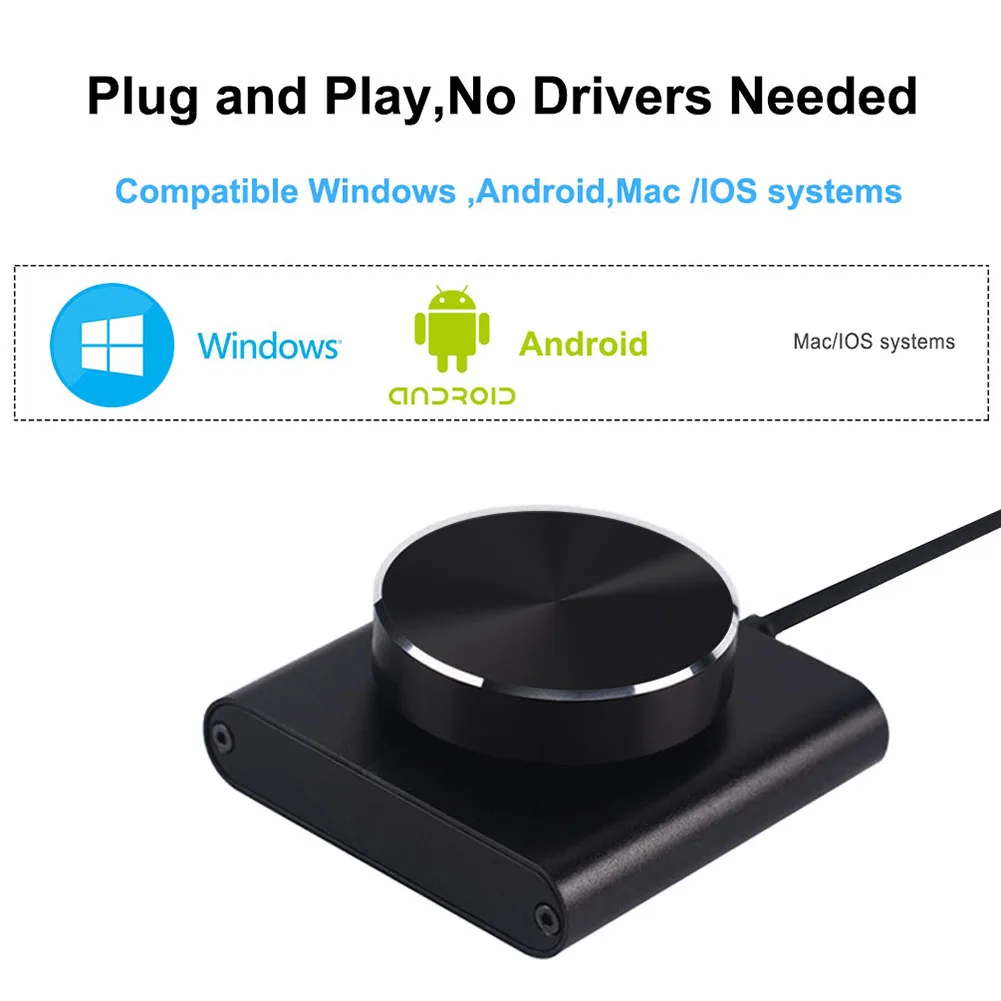
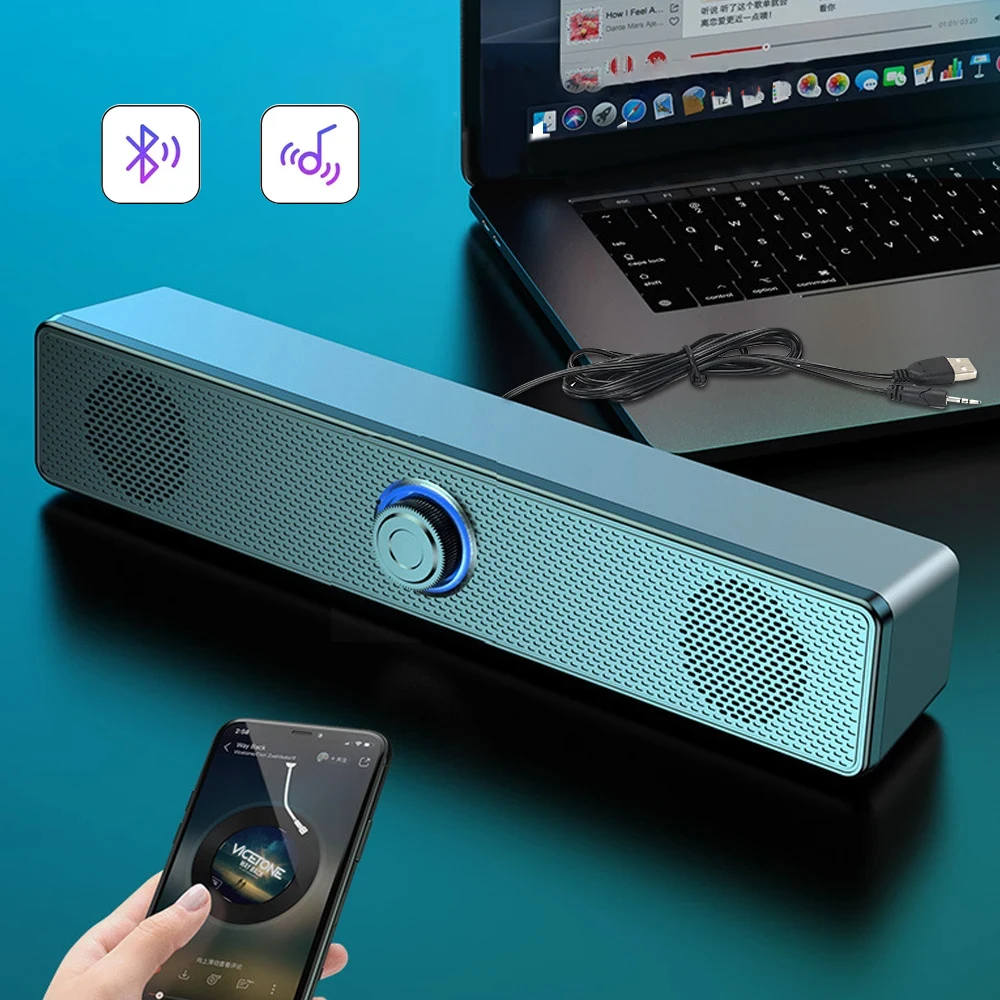
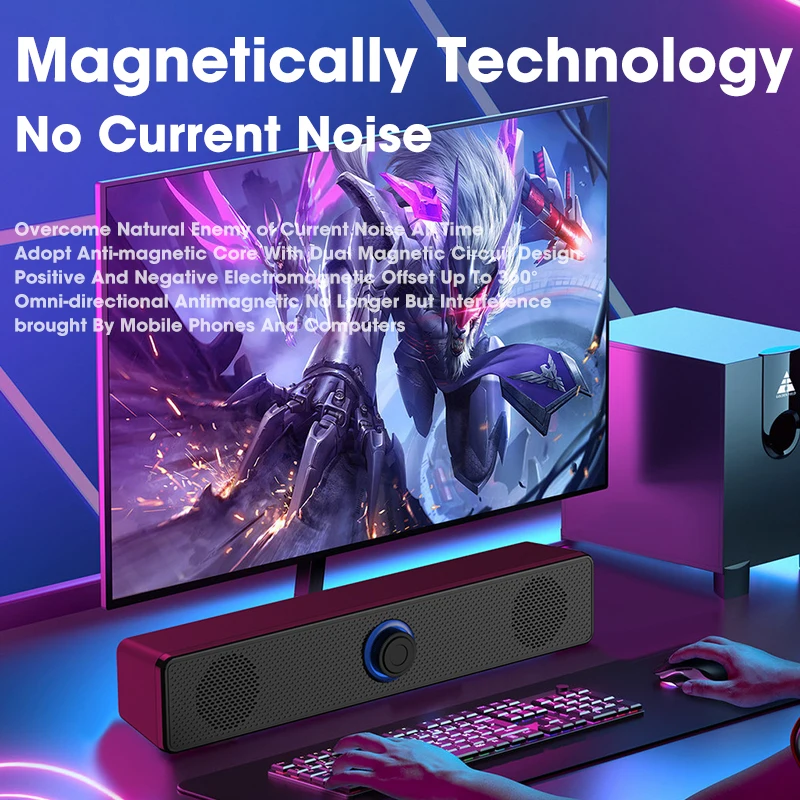
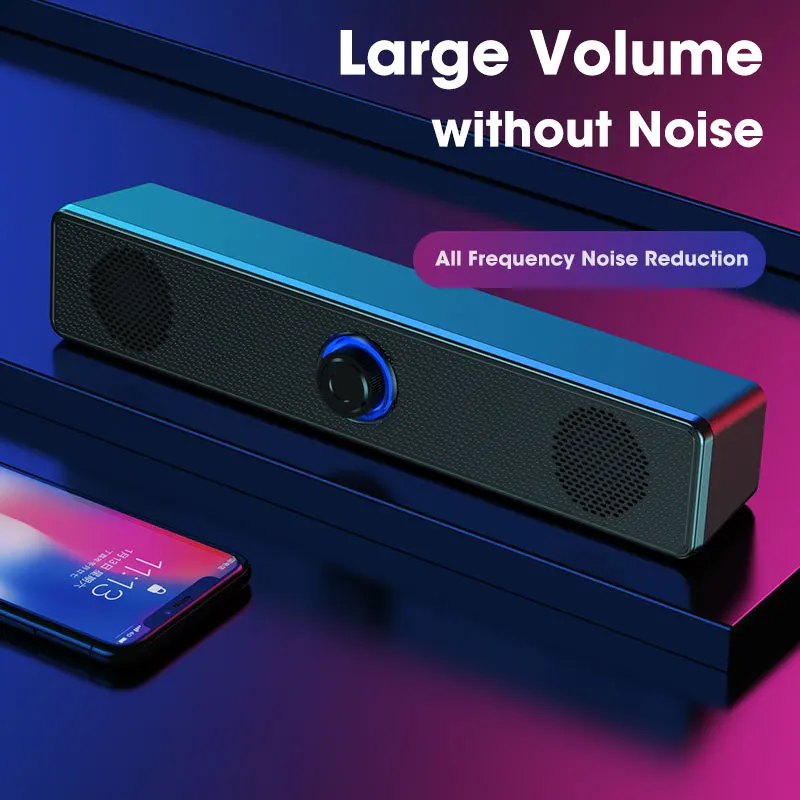
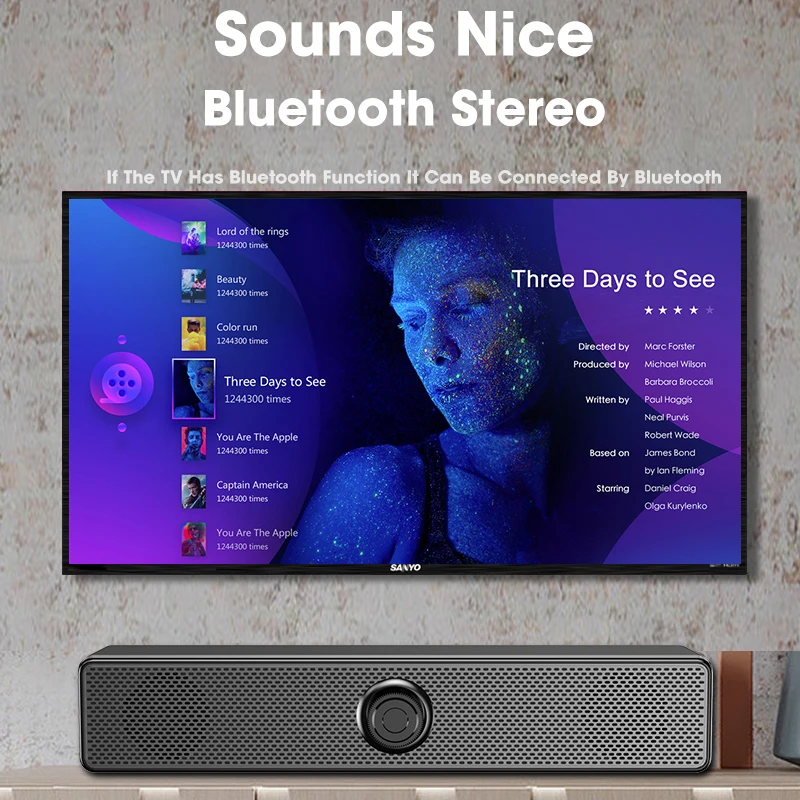
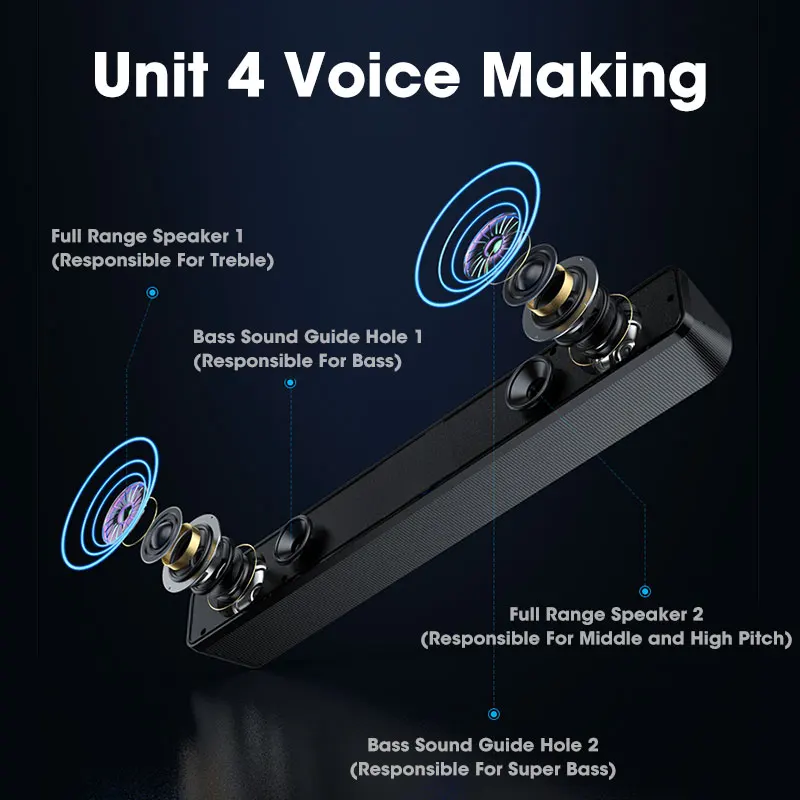
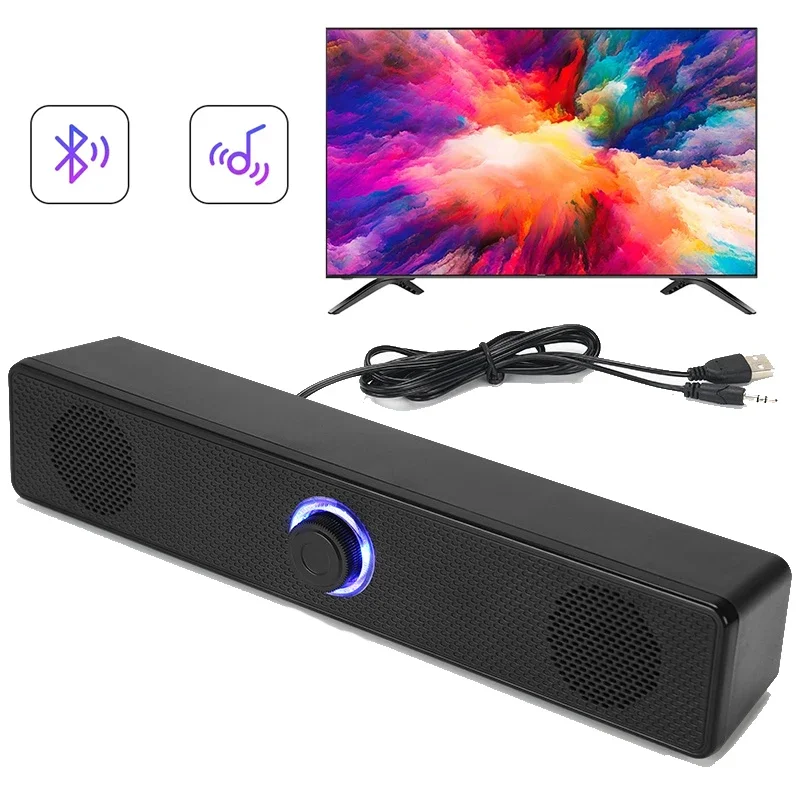
<div class="detailmodule_html"><div class="detail-desc-decorate-richtext"><p style="text-align:center;margin:0px;margin-bottom:0px;margin-top:0px;margin-left:0px;margin-right:0px" align="center"><span style="font-size:20px"><strong>Surround Sound Bar Wired Computer Speakers Stereo Subwoofer Soundbar for Desktop Laptop PC TV Mini Speaker Home Theater System</strong></span></p><div><br/></div><p style="margin:0px;margin-bottom:0px;margin-top:0px;margin-left:0px;margin-right:0px"><strong><span style="font-size:16px">Description:<br/></span></strong><span style="font-size:16px"><br/>-Two versions, wired speakers and Bluetooth speakers<br/><br/>-Direct USB power supply, easy to connect. BLUE LED lights will bring you visual and auditory enjoyment.<br/><br/>-Bluetooth mode is compatible with plug-in mode, 360° surround sound quality<br/><br/>-Bluetooth speaker version V5.0 is compatible with most devices with Bluetooth<br/><br/>-Large-diameter full-frequency vibration speaker, with heavy bass, rich midrange and clear treble.<br/><br/>-The rear woofer, with solid bass, brings you high-quality bass.<br/><br/>-High magnetic speakers, bring you a different listening experience.<br/><br/>-The speaker is compatible with various devices such as tablets, laptops, desktop computers and mobile phones<br/><br/><br/></span><strong><span style="font-size:16px">Specifications:<br/></span></strong><span style="font-size:16px"><br/>Bluetooth version: V5.0<br/><br/>Product color: black<br/><br/>Distortion: THD+N (1%)<br/><br/>Frequency: 80Hz- 18KHz<br/><br/>Signal to noise ratio: 85dB<br/><br/>Connection method: Bluetooth/wired connection <br/><br/>Audio input: Bluetooth/AUX<br/><br/>Size: 38.2*5.6*6.0cm</span><br/><br/><span style="color:rgb(211, 84, 0)"><span style="font-size:20px"><strong>Please kindly Note :<br/>Bluetooth Version Speaker also need to insert USB Cable to Supply Power.</strong></span></span><br/><br/><br/></p><p style="font-family:"Open Sans", sans-serif;font-size:14px;font-weight:400;letter-spacing:normal;line-height:inherit;text-align:start;white-space:normal;color:rgb(0, 0, 0);background-color:rgb(255, 255, 255);margin:0px;margin-bottom:0px;margin-top:0px;margin-left:0px;margin-right:0px;padding:0px;padding-bottom:0px;padding-top:0px;padding-left:0px;padding-right:0px;box-sizing:border-box" align="start"><span style="font-size:36px"><span>How To Use This Computer Speaker ?</span></span></p><p style="font-family:"Open Sans", sans-serif;font-size:14px;font-weight:400;letter-spacing:normal;line-height:inherit;text-align:start;white-space:normal;color:rgb(0, 0, 0);background-color:rgb(255, 255, 255);margin:0px;margin-bottom:0px;margin-top:0px;margin-left:0px;margin-right:0px;padding:0px;padding-bottom:0px;padding-top:0px;padding-left:0px;padding-right:0px;box-sizing:border-box" align="start"><span style="font-size:24px"><span style="color:rgb(21, 21, 21);font-family:"Microsoft YaHei""><span style="background-color:rgb(255, 255, 255)">1. Insert the USB Port tightly to your computer ,</span></span></span></p><p style="font-family:"Open Sans", sans-serif;font-size:14px;font-weight:400;letter-spacing:normal;line-height:inherit;text-align:start;white-space:normal;color:rgb(0, 0, 0);background-color:rgb(255, 255, 255);margin:0px;margin-bottom:0px;margin-top:0px;margin-left:0px;margin-right:0px;padding:0px;padding-bottom:0px;padding-top:0px;padding-left:0px;padding-right:0px;box-sizing:border-box" align="start"><span style="font-size:24px"><span style="color:rgb(21, 21, 21);font-family:"Microsoft YaHei""><span style="background-color:rgb(255, 255, 255)">2. Insert 3.5 mm Jack Audio Port tightly to your computer or Mobile Phones.</span></span></span></p><p style="font-family:"Open Sans", sans-serif;font-size:14px;font-weight:400;letter-spacing:normal;line-height:inherit;text-align:start;white-space:normal;color:rgb(0, 0, 0);background-color:rgb(255, 255, 255);margin:0px;margin-bottom:0px;margin-top:0px;margin-left:0px;margin-right:0px;padding:0px;padding-bottom:0px;padding-top:0px;padding-left:0px;padding-right:0px;box-sizing:border-box" align="start"><span style="font-size:24px"><span style="color:rgb(21, 21, 21);font-family:"Microsoft YaHei""><span style="background-color:rgb(255, 255, 255)">3. Then, adjust the volume with the Controller.</span></span></span></p><p style="font-family:"Open Sans", sans-serif;font-size:14px;font-weight:400;letter-spacing:normal;line-height:inherit;text-align:start;white-space:normal;color:rgb(0, 0, 0);background-color:rgb(255, 255, 255);margin:0px;margin-bottom:0px;margin-top:0px;margin-left:0px;margin-right:0px;padding:0px;padding-bottom:0px;padding-top:0px;padding-left:0px;padding-right:0px;box-sizing:border-box" align="start"><span style="font-size:24px"><span style="color:rgb(21, 21, 21);font-family:"Microsoft YaHei""><span style="background-color:rgb(255, 255, 255)">4. Enjoy Music</span></span></span><br/><span style="font-size:24px"><span style="color:rgb(21, 21, 21);font-family:"Microsoft YaHei""><span style="background-color:rgb(255, 255, 255)"><strong>(After Two Cables Connected , You Can Connect The Speaker With Your Bluetooth Devices)</strong></span></span></span></p><p style="text-align:center;margin:0px;margin-bottom:0px;margin-top:0px;margin-left:0px;margin-right:0px" align="center"><br/><br/></p></div></div><p><br/></p>
$27.59
$14.795
- Category : Consumer Electronics
- Brand : nocclili_direct_store Nocclili Direct Store
Colors
Sizes
-
+

<div class="detailmodule_html"><div class="detail-desc-decorate-richtext"><p style="text-align:center;margin:0px;margin-bottom:0px;margin-top:0px;margin-left:0px;margin-right:0px" align="center"><span style="font-size:20px"><strong>Surround Sound Bar Wired Computer Speakers Stereo Subwoofer Soundbar for Desktop Laptop PC TV Mini Speaker Home Theater System</strong></span></p><div><br/></div><p style="margin:0px;margin-bottom:0px;margin-top:0px;margin-left:0px;margin-right:0px"><strong><span style="font-size:16px">Description:<br/></span></strong><span style="font-size:16px"><br/>-Two versions, wired speakers and Bluetooth speakers<br/><br/>-Direct USB power supply, easy to connect. BLUE LED lights will bring you visual and auditory enjoyment.<br/><br/>-Bluetooth mode is compatible with plug-in mode, 360° surround sound quality<br/><br/>-Bluetooth speaker version V5.0 is compatible with most devices with Bluetooth<br/><br/>-Large-diameter full-frequency vibration speaker, with heavy bass, rich midrange and clear treble.<br/><br/>-The rear woofer, with solid bass, brings you high-quality bass.<br/><br/>-High magnetic speakers, bring you a different listening experience.<br/><br/>-The speaker is compatible with various devices such as tablets, laptops, desktop computers and mobile phones<br/><br/><br/></span><strong><span style="font-size:16px">Specifications:<br/></span></strong><span style="font-size:16px"><br/>Bluetooth version: V5.0<br/><br/>Product color: black<br/><br/>Distortion: THD+N (1%)<br/><br/>Frequency: 80Hz- 18KHz<br/><br/>Signal to noise ratio: 85dB<br/><br/>Connection method: Bluetooth/wired connection <br/><br/>Audio input: Bluetooth/AUX<br/><br/>Size: 38.2*5.6*6.0cm</span><br/><br/><span style="color:rgb(211, 84, 0)"><span style="font-size:20px"><strong>Please kindly Note :<br/>Bluetooth Version Speaker also need to insert USB Cable to Supply Power.</strong></span></span><br/><br/><br/></p><p style="font-family:"Open Sans", sans-serif;font-size:14px;font-weight:400;letter-spacing:normal;line-height:inherit;text-align:start;white-space:normal;color:rgb(0, 0, 0);background-color:rgb(255, 255, 255);margin:0px;margin-bottom:0px;margin-top:0px;margin-left:0px;margin-right:0px;padding:0px;padding-bottom:0px;padding-top:0px;padding-left:0px;padding-right:0px;box-sizing:border-box" align="start"><span style="font-size:36px"><span>How To Use This Computer Speaker ?</span></span></p><p style="font-family:"Open Sans", sans-serif;font-size:14px;font-weight:400;letter-spacing:normal;line-height:inherit;text-align:start;white-space:normal;color:rgb(0, 0, 0);background-color:rgb(255, 255, 255);margin:0px;margin-bottom:0px;margin-top:0px;margin-left:0px;margin-right:0px;padding:0px;padding-bottom:0px;padding-top:0px;padding-left:0px;padding-right:0px;box-sizing:border-box" align="start"><span style="font-size:24px"><span style="color:rgb(21, 21, 21);font-family:"Microsoft YaHei""><span style="background-color:rgb(255, 255, 255)">1. Insert the USB Port tightly to your computer ,</span></span></span></p><p style="font-family:"Open Sans", sans-serif;font-size:14px;font-weight:400;letter-spacing:normal;line-height:inherit;text-align:start;white-space:normal;color:rgb(0, 0, 0);background-color:rgb(255, 255, 255);margin:0px;margin-bottom:0px;margin-top:0px;margin-left:0px;margin-right:0px;padding:0px;padding-bottom:0px;padding-top:0px;padding-left:0px;padding-right:0px;box-sizing:border-box" align="start"><span style="font-size:24px"><span style="color:rgb(21, 21, 21);font-family:"Microsoft YaHei""><span style="background-color:rgb(255, 255, 255)">2. Insert 3.5 mm Jack Audio Port tightly to your computer or Mobile Phones.</span></span></span></p><p style="font-family:"Open Sans", sans-serif;font-size:14px;font-weight:400;letter-spacing:normal;line-height:inherit;text-align:start;white-space:normal;color:rgb(0, 0, 0);background-color:rgb(255, 255, 255);margin:0px;margin-bottom:0px;margin-top:0px;margin-left:0px;margin-right:0px;padding:0px;padding-bottom:0px;padding-top:0px;padding-left:0px;padding-right:0px;box-sizing:border-box" align="start"><span style="font-size:24px"><span style="color:rgb(21, 21, 21);font-family:"Microsoft YaHei""><span style="background-color:rgb(255, 255, 255)">3. Then, adjust the volume with the Controller.</span></span></span></p><p style="font-family:"Open Sans", sans-serif;font-size:14px;font-weight:400;letter-spacing:normal;line-height:inherit;text-align:start;white-space:normal;color:rgb(0, 0, 0);background-color:rgb(255, 255, 255);margin:0px;margin-bottom:0px;margin-top:0px;margin-left:0px;margin-right:0px;padding:0px;padding-bottom:0px;padding-top:0px;padding-left:0px;padding-right:0px;box-sizing:border-box" align="start"><span style="font-size:24px"><span style="color:rgb(21, 21, 21);font-family:"Microsoft YaHei""><span style="background-color:rgb(255, 255, 255)">4. Enjoy Music</span></span></span><br/><span style="font-size:24px"><span style="color:rgb(21, 21, 21);font-family:"Microsoft YaHei""><span style="background-color:rgb(255, 255, 255)"><strong>(After Two Cables Connected , You Can Connect The Speaker With Your Bluetooth Devices)</strong></span></span></span></p><p style="text-align:center;margin:0px;margin-bottom:0px;margin-top:0px;margin-left:0px;margin-right:0px" align="center"><br/><br/></p></div></div><p><br/></p>
Related Product
Browse The Collection of Top Products.