


Ultra Action Camera Kit Accessories
<div class="detailmodule_html"><div class="detail-desc-decorate-richtext"><p style="font-size:13px;font-weight:normal;text-align:left;color:rgb(67, 70, 73)" class="word-break white-space mt-10" align="left">1. Filter lens: Gently rotate the lens to present images with different filters.<br/>2. Easy installation: Place the camera neatly into the camera frame and press lightly to complete the installation.<br/>3. When it needs to be removed: Turn the camera screen upside down, hold it with your palm first, and then gently press it a few times with your other hand to drop the camera into your palm.<br/>4. Do not obstruct the screen: The frame is molded with a real machine, and it will not affect the viewing and adjustment of the screen during shooting.<br/>5. Equipped with a hand rope, it can be used to snap and capture exciting moments.<br/><br/>Applicable products: Suitable for Insta360 GO Ultra<br/>Product Name: Camera Handle<br/>Material: Plastic<br/>Color: Black<br/>Size: 10.5x5.4x8.5cm<br/>Weight: 121g<br/>Packing list: 1 piece<br/>Note: Not including camera</p><div></div></div></div><p><br/></p>
$33.38
$33.38
- Category : Consumer Electronics
- Brand : a_3c_accessories_store_store A 3C Accessories Store Store
Colors
-
+

<div class="detailmodule_html"><div class="detail-desc-decorate-richtext"><p style="font-size:13px;font-weight:normal;text-align:left;color:rgb(67, 70, 73)" class="word-break white-space mt-10" align="left">1. Filter lens: Gently rotate the lens to present images with different filters.<br/>2. Easy installation: Place the camera neatly into the camera frame and press lightly to complete the installation.<br/>3. When it needs to be removed: Turn the camera screen upside down, hold it with your palm first, and then gently press it a few times with your other hand to drop the camera into your palm.<br/>4. Do not obstruct the screen: The frame is molded with a real machine, and it will not affect the viewing and adjustment of the screen during shooting.<br/>5. Equipped with a hand rope, it can be used to snap and capture exciting moments.<br/><br/>Applicable products: Suitable for Insta360 GO Ultra<br/>Product Name: Camera Handle<br/>Material: Plastic<br/>Color: Black<br/>Size: 10.5x5.4x8.5cm<br/>Weight: 121g<br/>Packing list: 1 piece<br/>Note: Not including camera</p><div></div></div></div><p><br/></p>
Related Product
Browse The Collection of Top Products.


Foldable Propeller Blades Lightweight Black PC
$14.2
$26.41


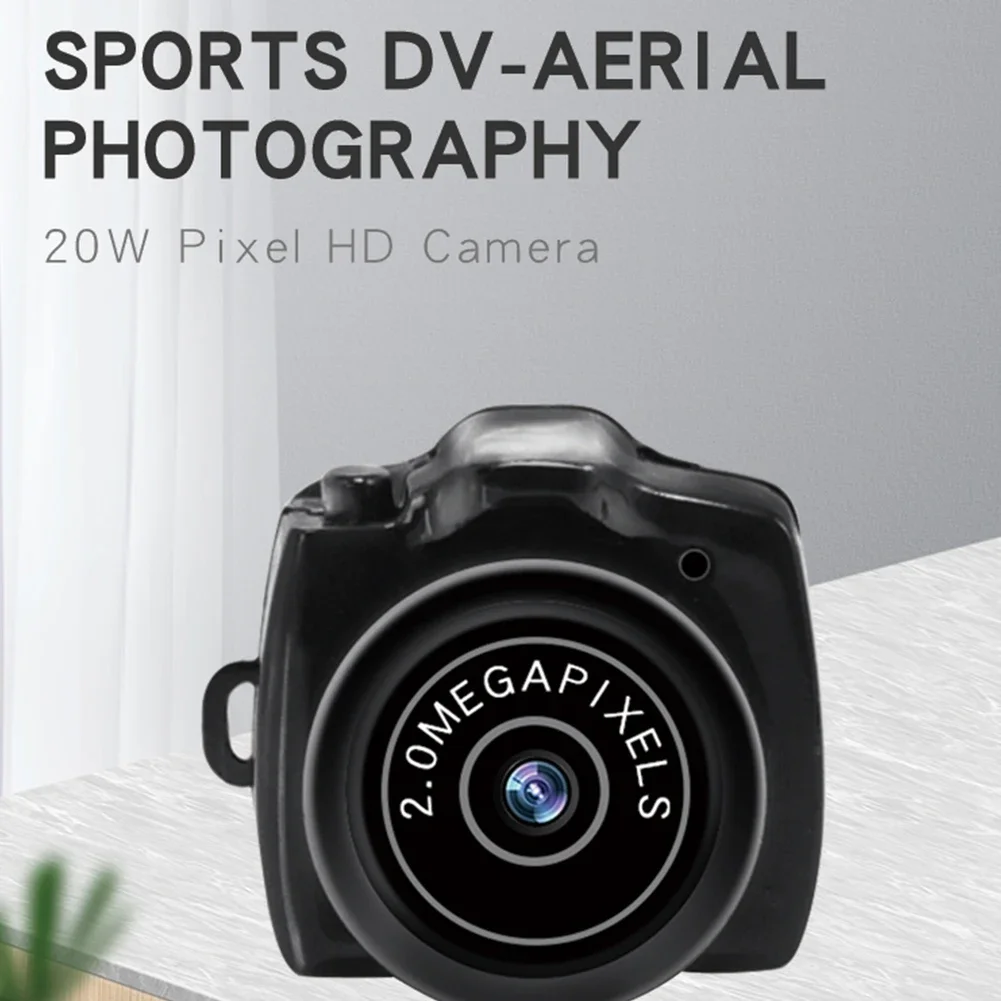
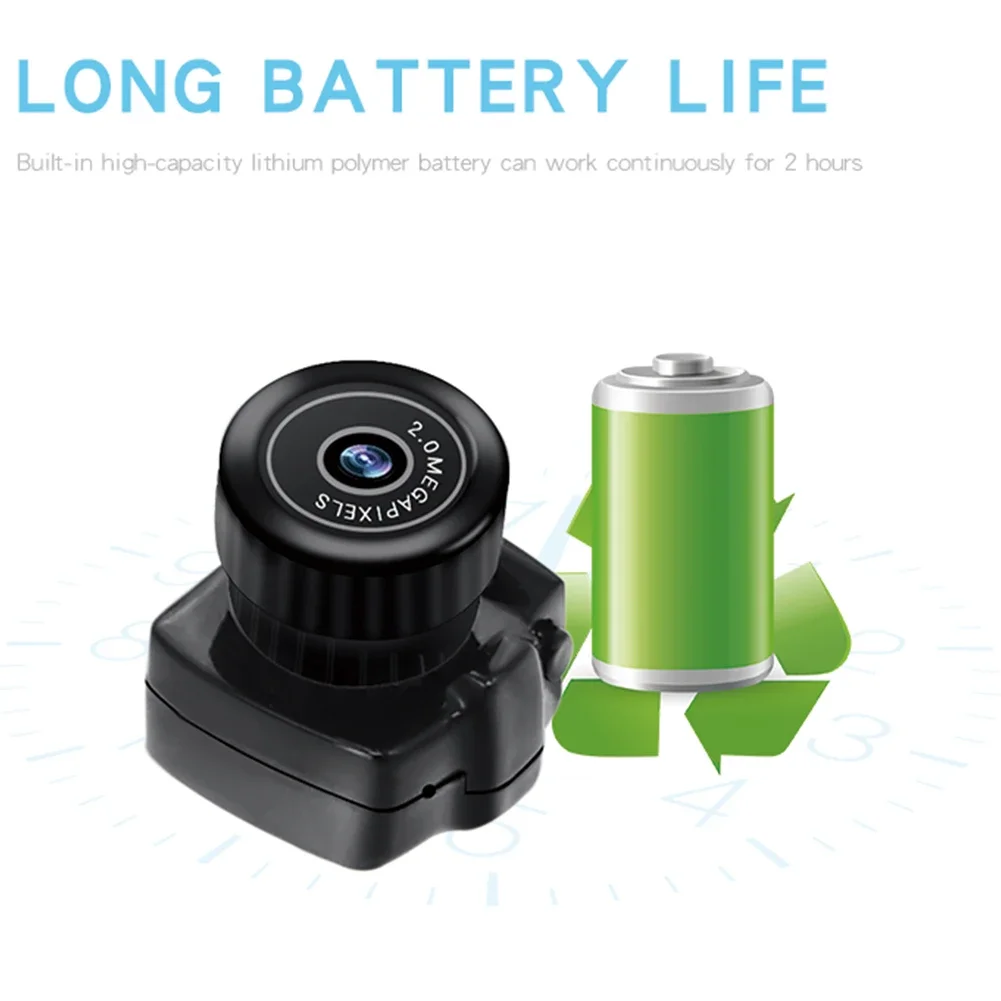
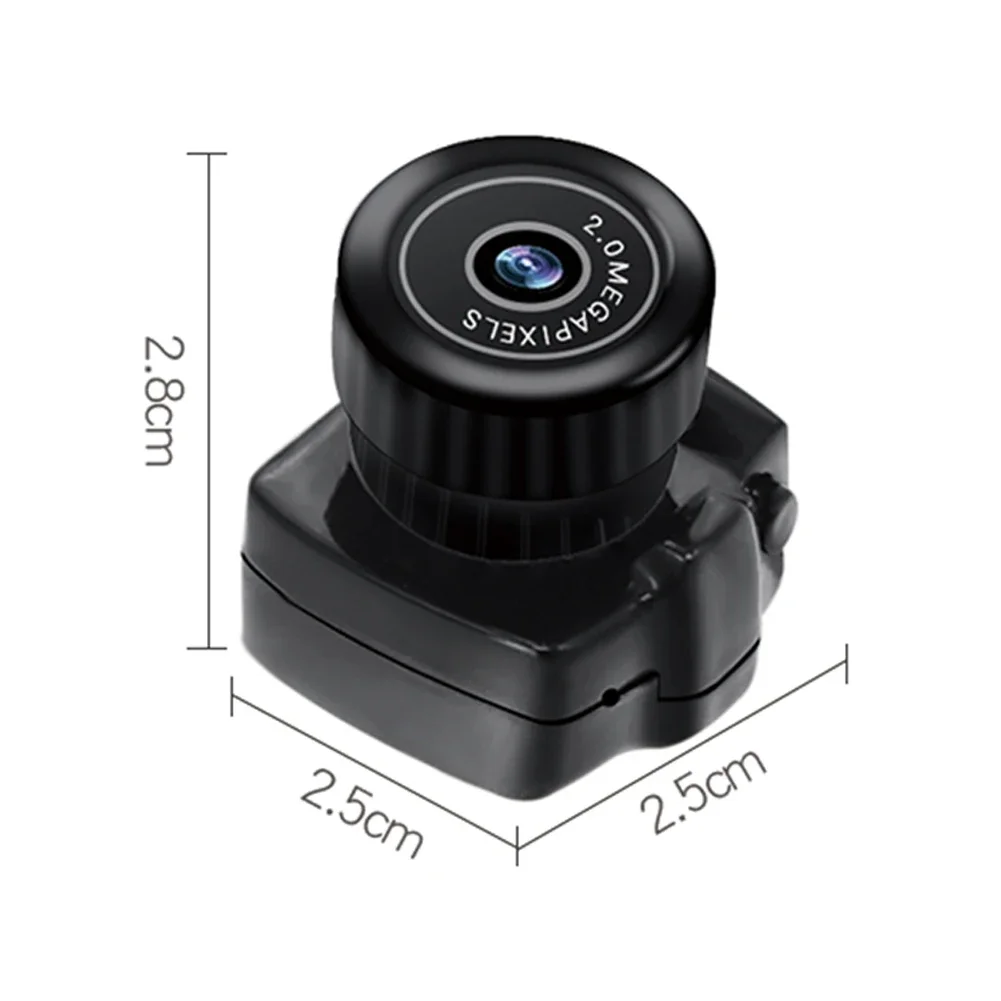


Wireless Mini WiFi Camera 1080P with Motion Detection
$36.61
$71.21


Reflector Diffuser Lamp Shade for Studio Lighting
$13.42
$25.28


Black Digital Camera 16X Zoom for Photography and Video
$92.02
$182.02


Metal Hot Shoe Base for Video Light Accessories
$12.2
$23.26


O
N
L
I
N
E
G
A
L
A
X
Y
Loading