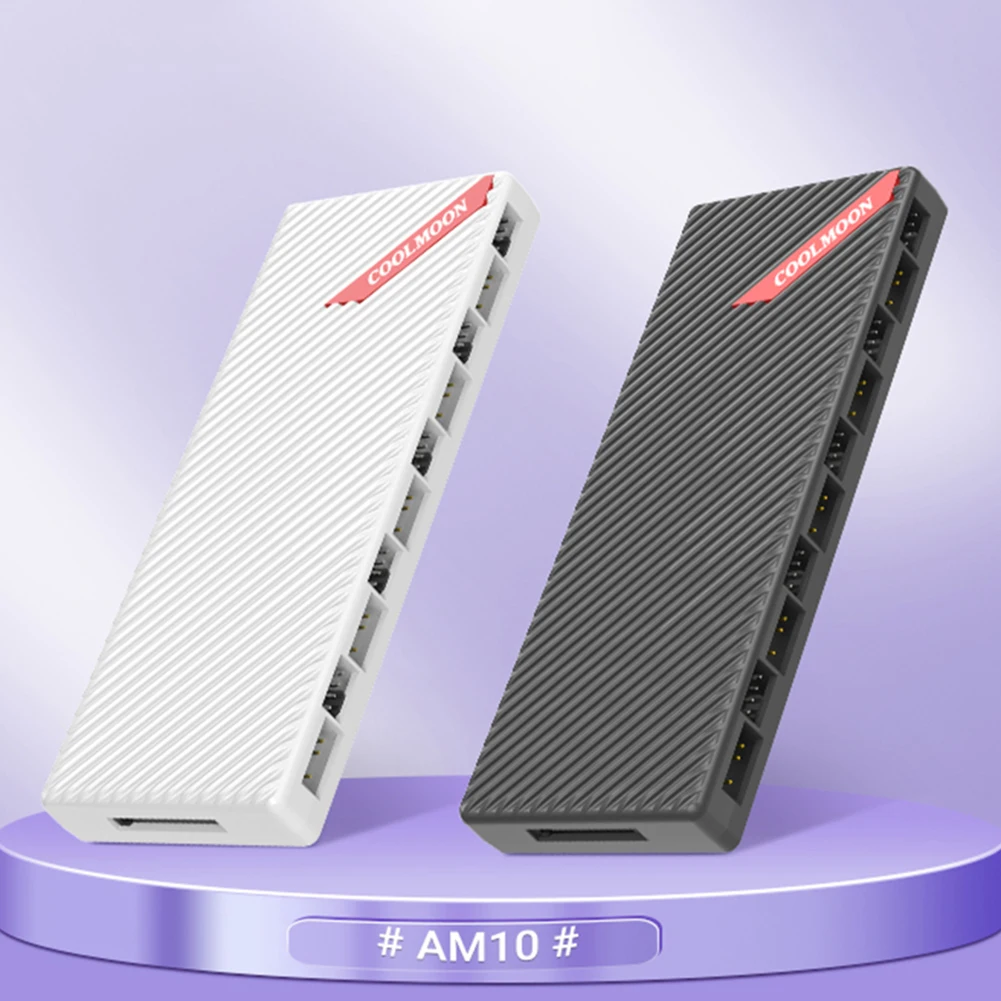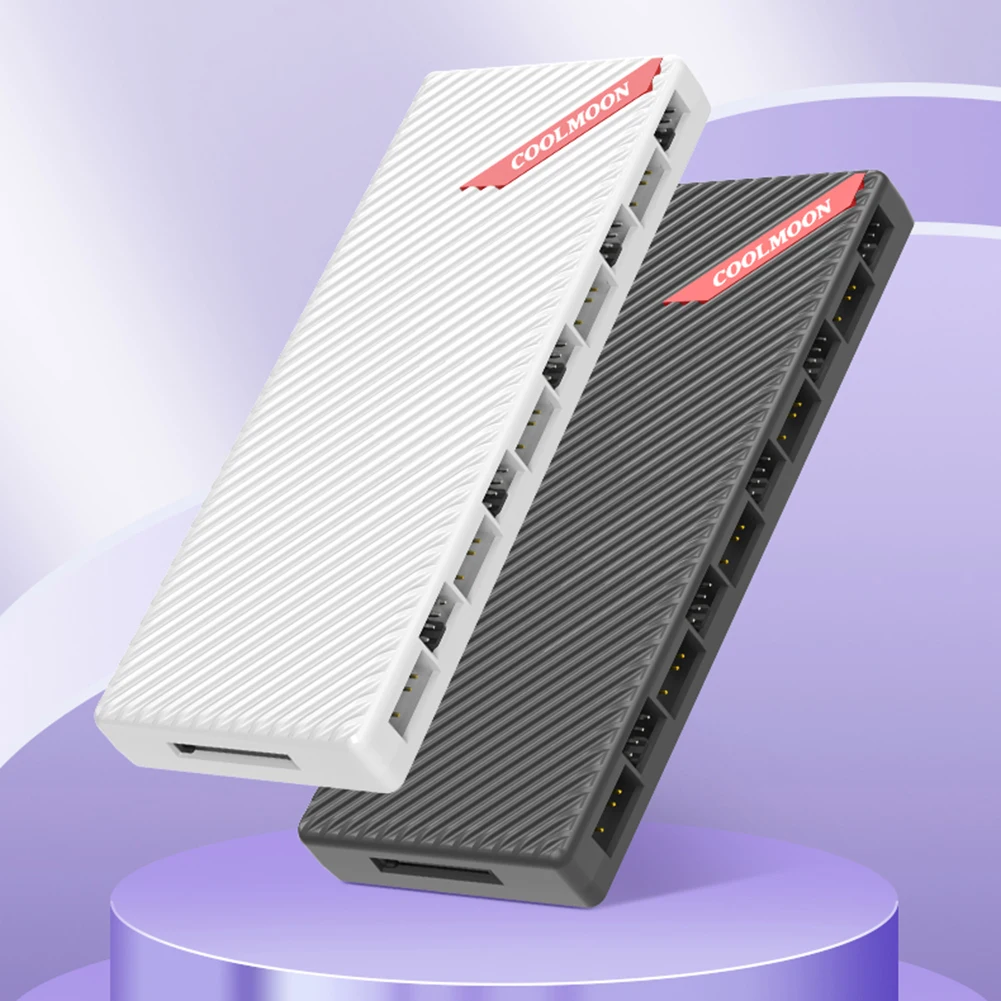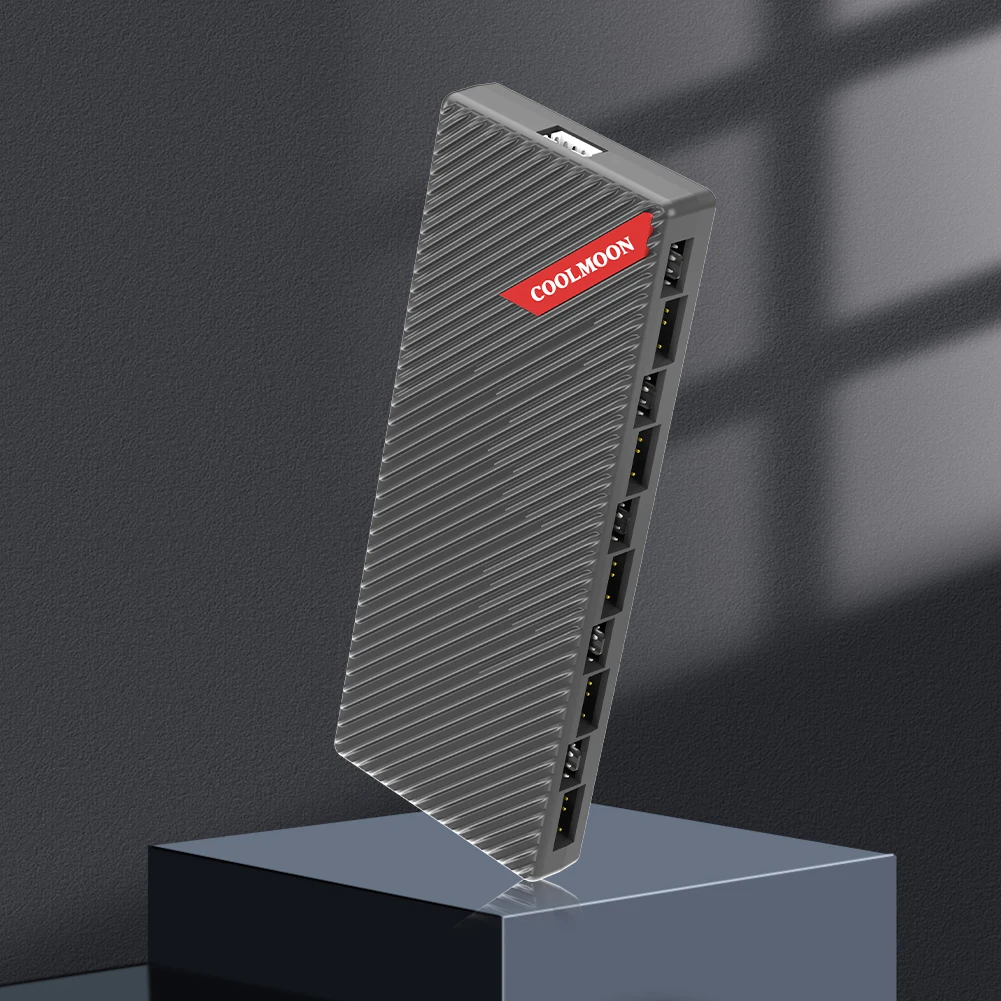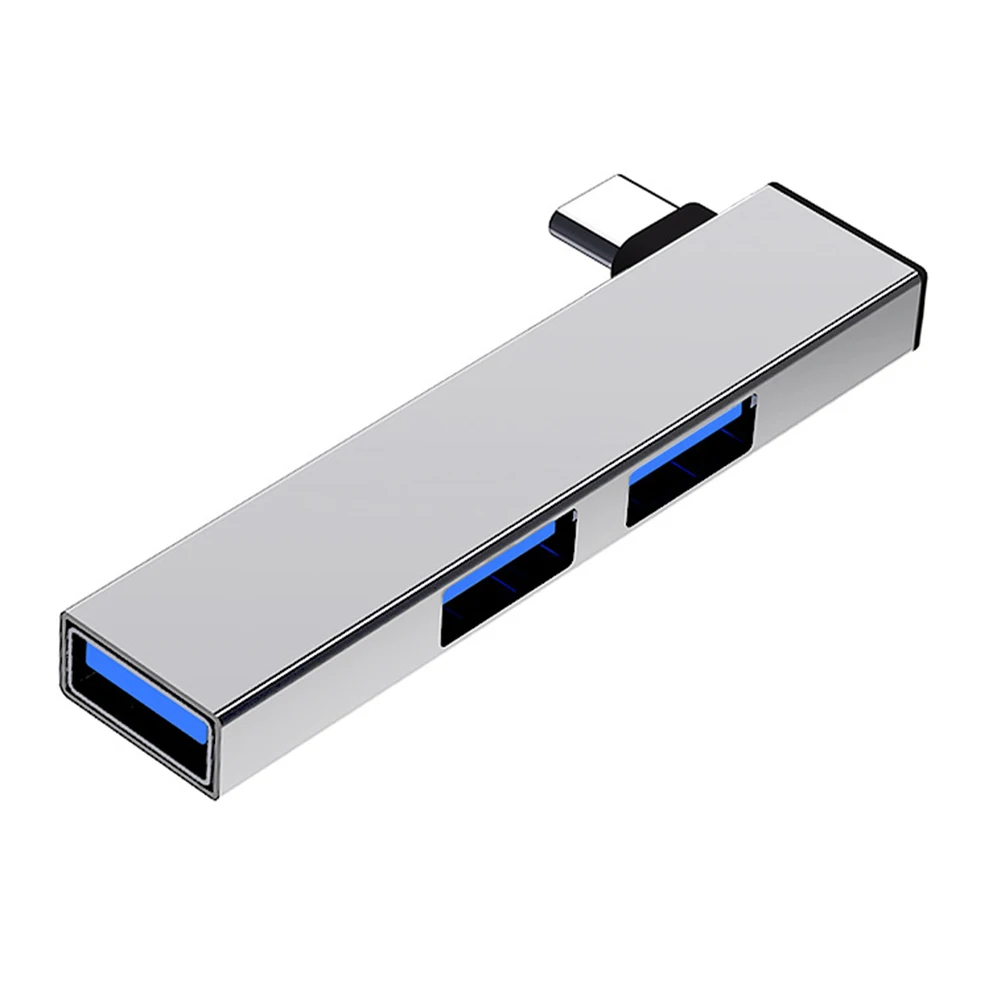
USB 2.0 Hub Multi USB Splitter Hub Use Power Adapter 7 Port Multiple Expander 2.0 USB Hub with Switch For PC
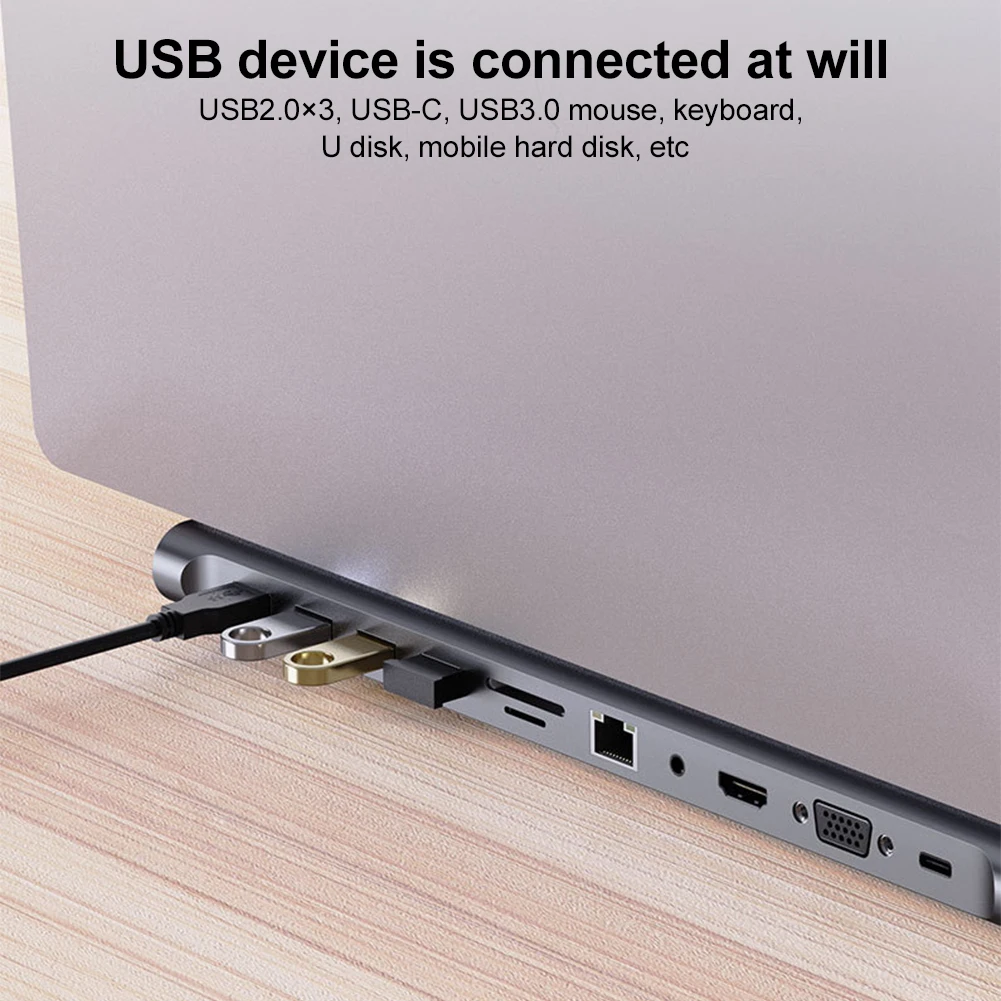
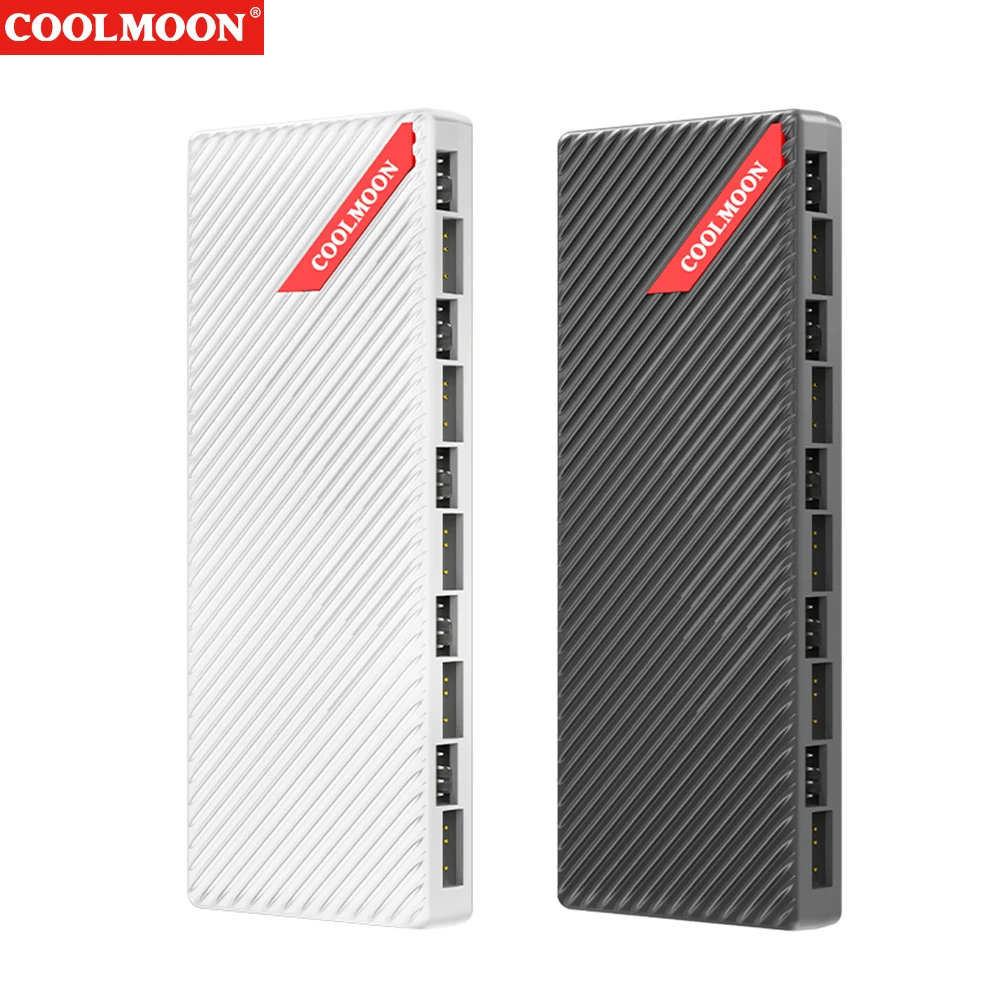
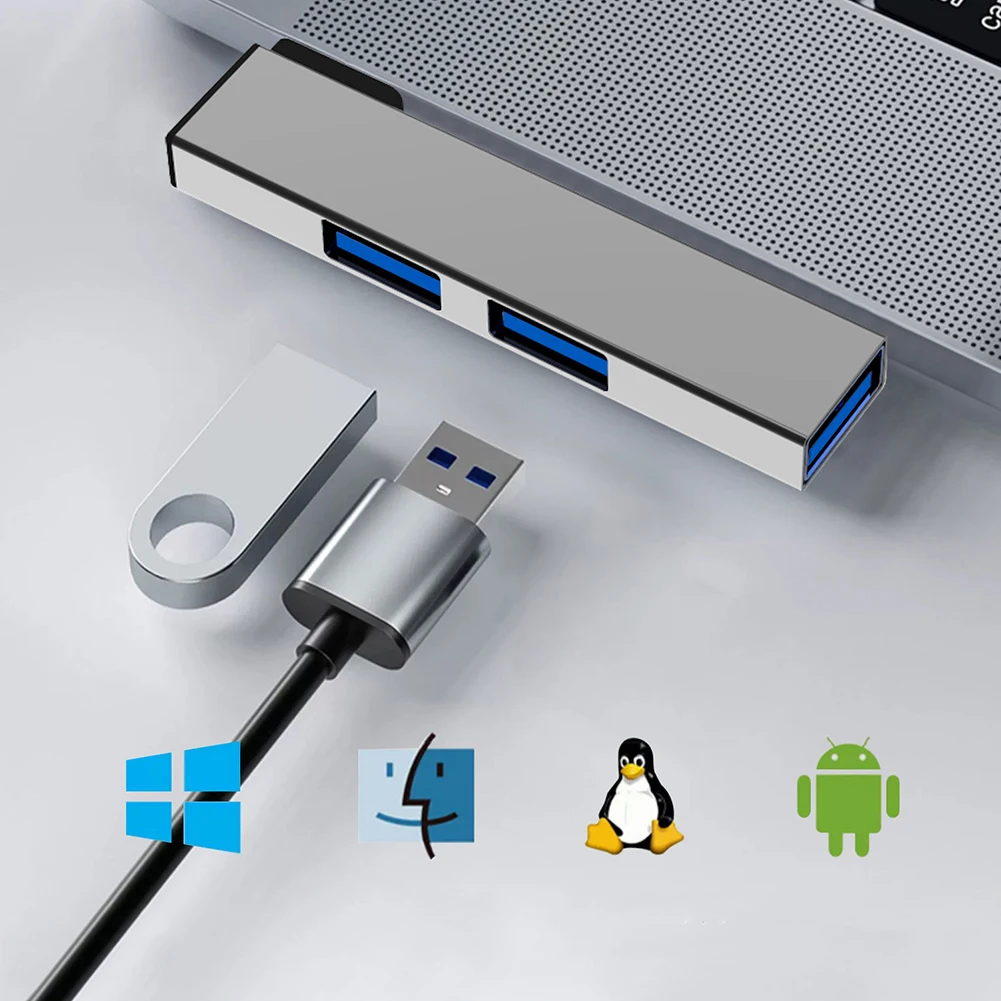
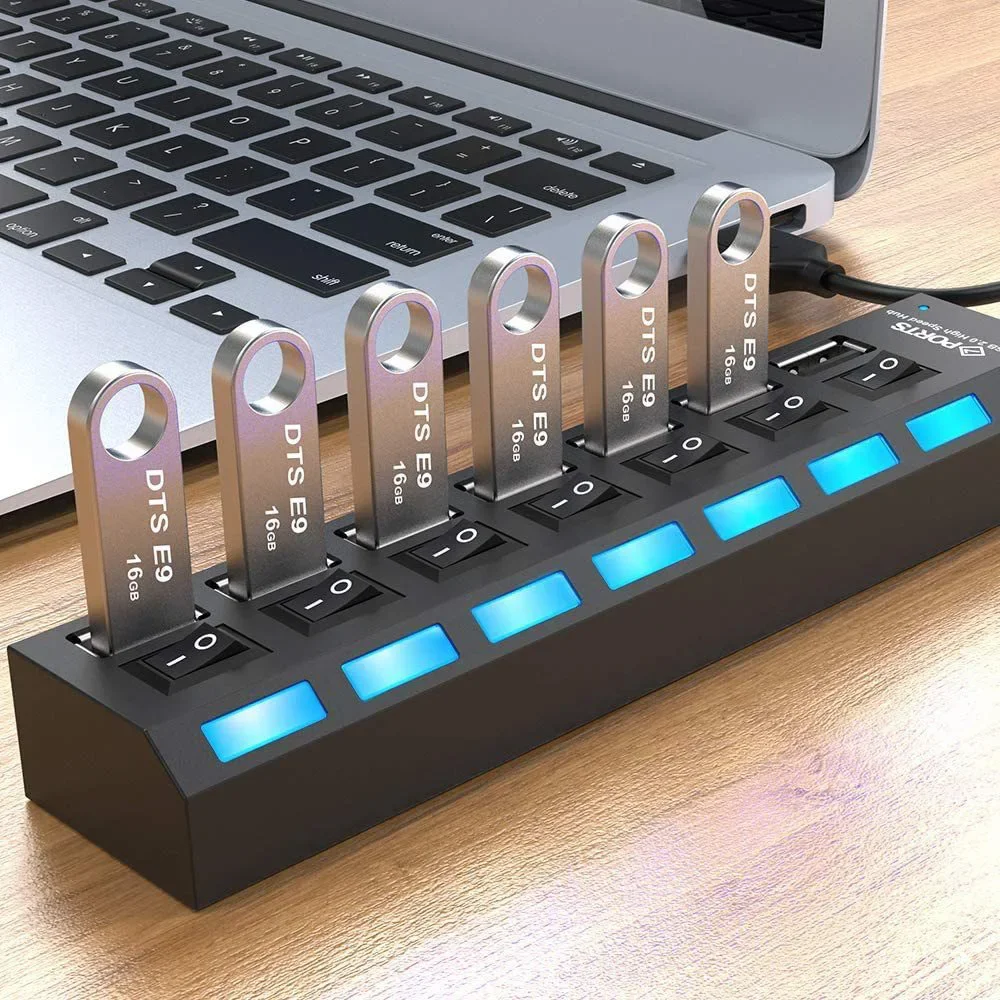
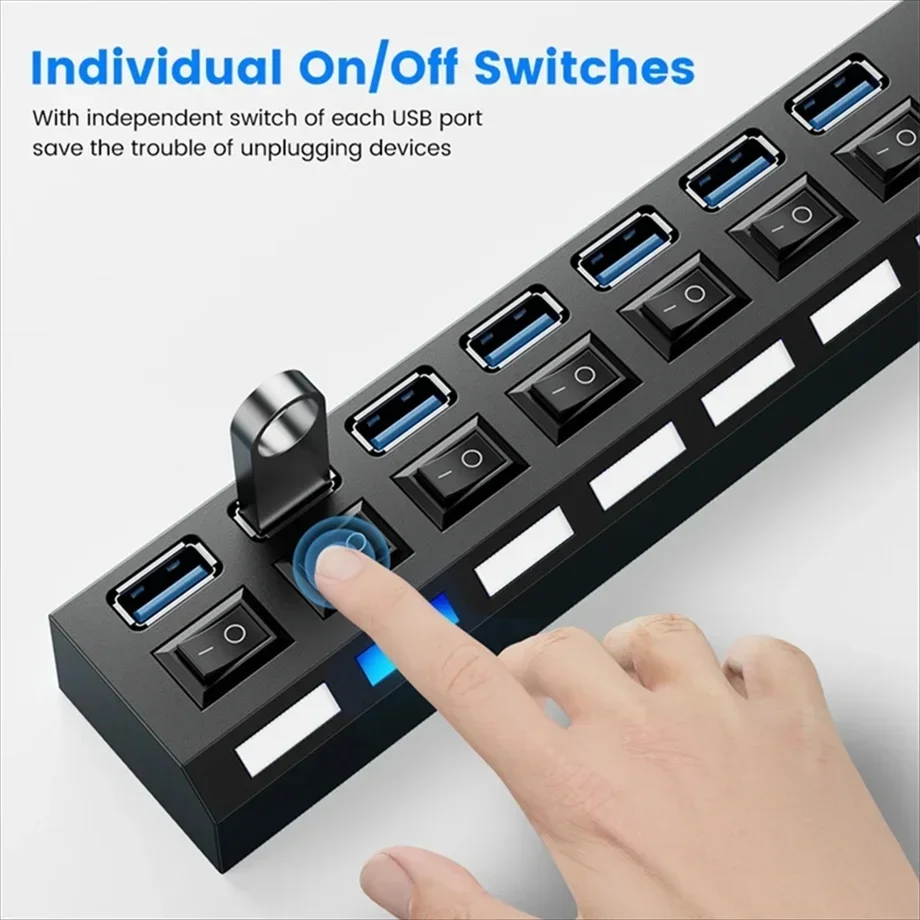
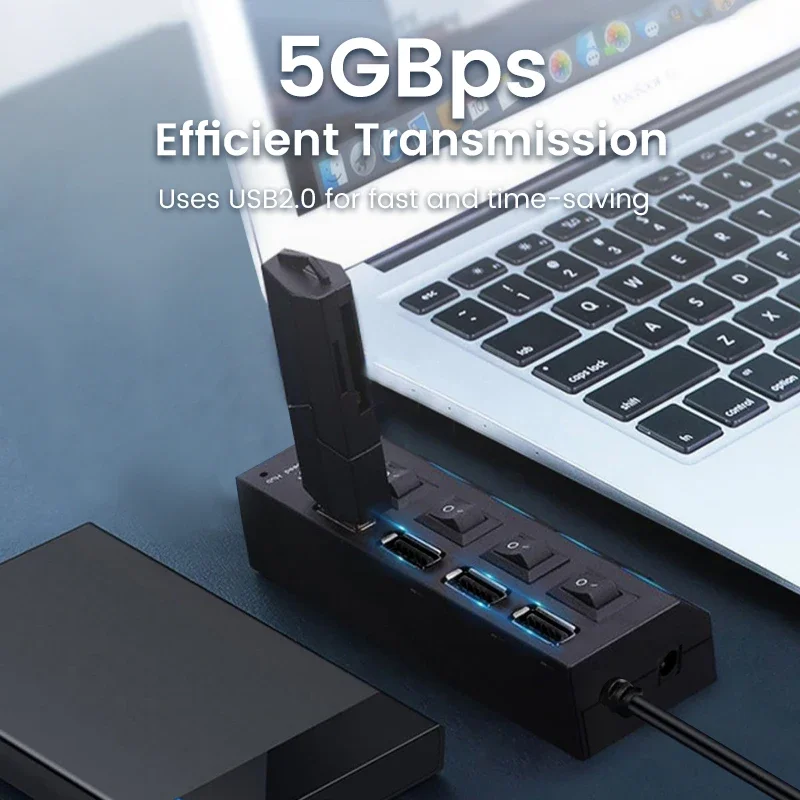
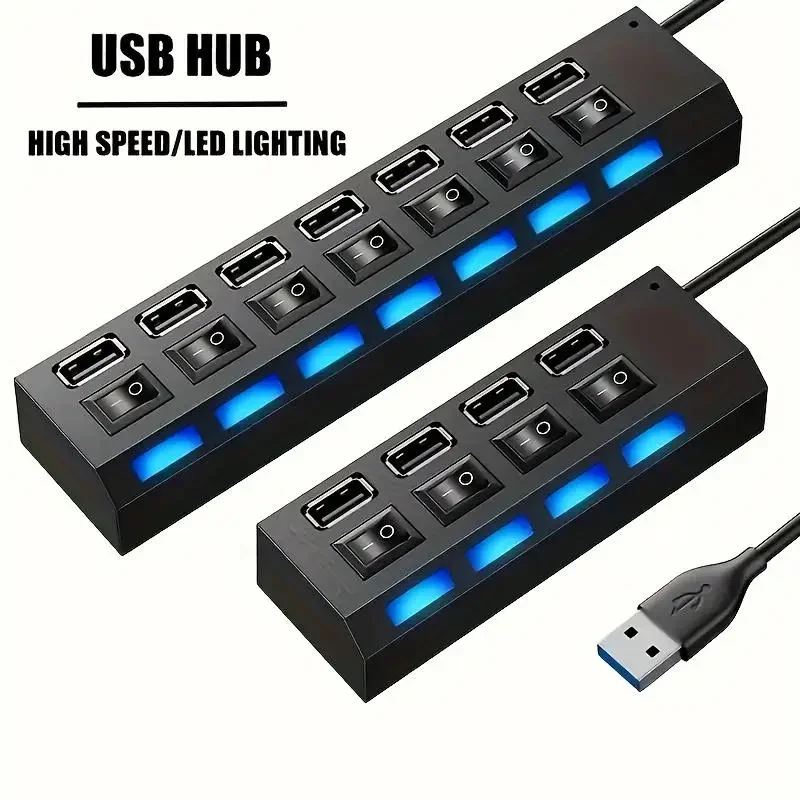
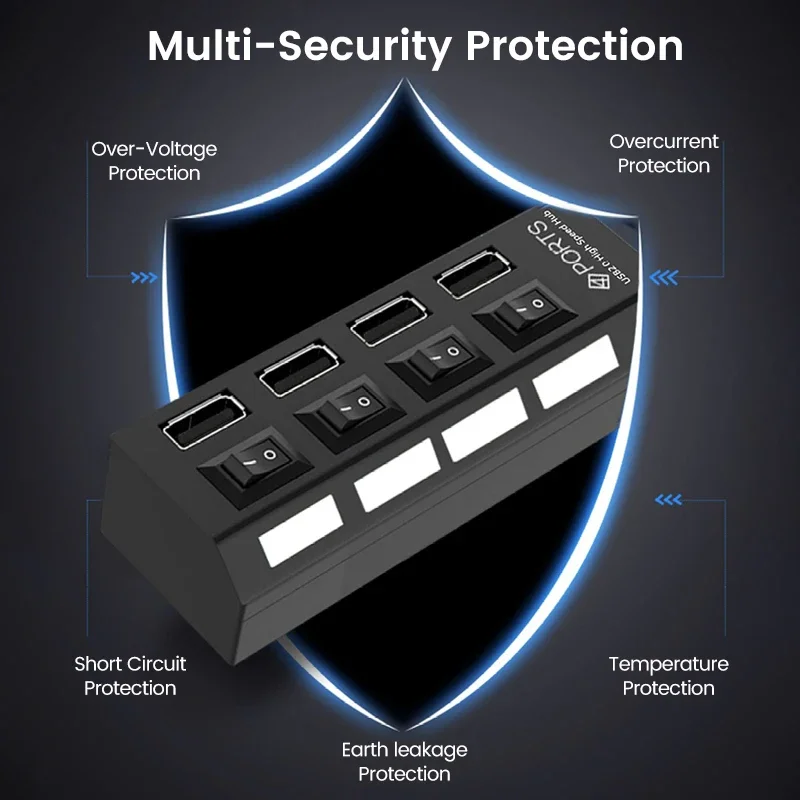
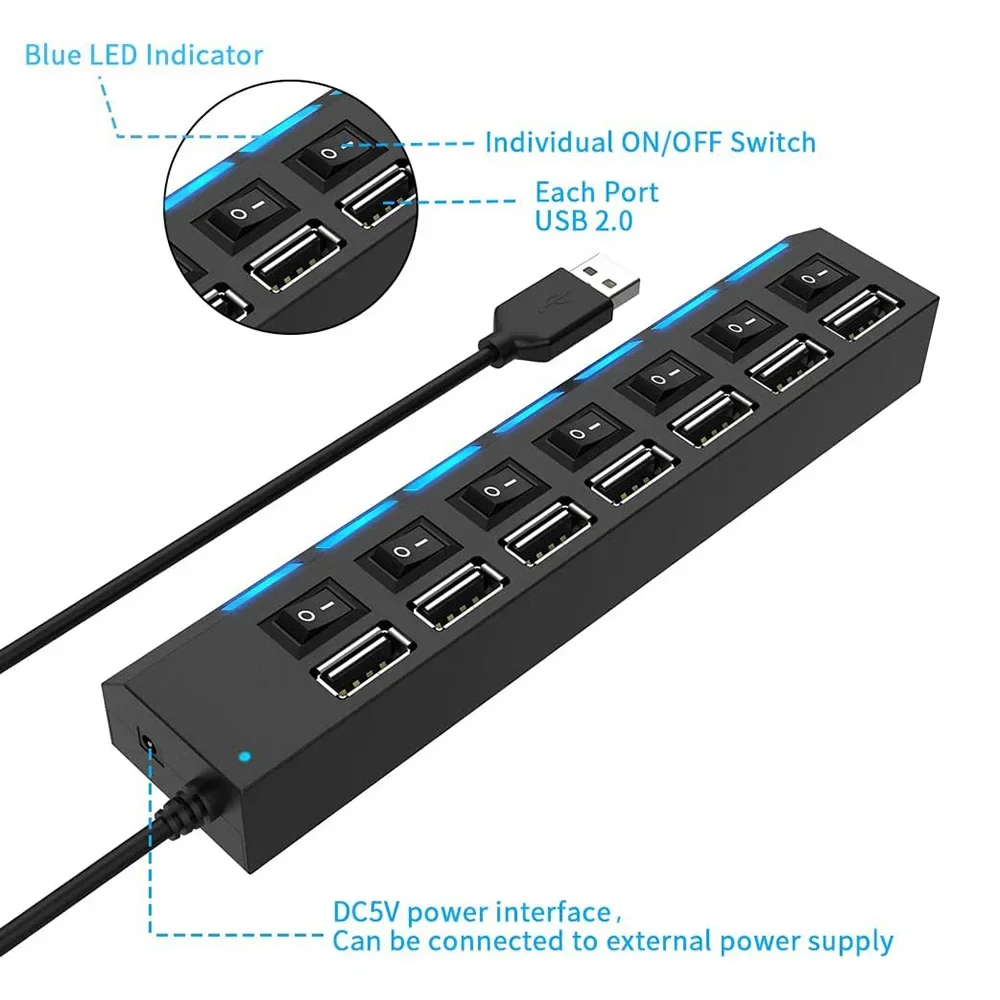
<div class="detailmodule_html"><div class="detail-desc-decorate-richtext"><div class="ai-description"><div class="origin-part box-sizing"><p style="font-family:"Open Sans", sans-serif;font-size:14px;font-weight:400;letter-spacing:normal;line-height:inherit;text-align:start;white-space:normal;color:rgb(0, 0, 0);background-color:rgb(255, 255, 255);margin:0px;margin-bottom:0px;margin-top:0px;margin-left:0px;margin-right:0px;padding:0px;padding-bottom:0px;padding-top:0px;padding-left:0px;padding-right:0px;box-sizing:border-box" align="start"><span style="background-color:rgb(255, 255, 255)"><strong>• 7-Port USB2.0 Hub :</strong></span><span style="background-color:rgb(255, 255, 255)">Expand your computer's USB capabilities with 7 additional ports for connecting multiple devices.</span></p><p><br/></p><p style="font-family:"Open Sans", sans-serif;font-size:14px;font-weight:400;letter-spacing:normal;line-height:inherit;text-align:start;white-space:normal;color:rgb(0, 0, 0);background-color:rgb(255, 255, 255);margin:0px;margin-bottom:0px;margin-top:0px;margin-left:0px;margin-right:0px;padding:0px;padding-bottom:0px;padding-top:0px;padding-left:0px;padding-right:0px;box-sizing:border-box" align="start"><span style="background-color:rgb(255, 255, 255)"><strong>• One Drag Seven USB2.0 Split PC Laptop Desktop :</strong></span><span style="background-color:rgb(255, 255, 255)">Easily extend your computer's USB reach with this one-drag solution that splits into 7 ports.</span></p><p><br/></p><p style="font-family:"Open Sans", sans-serif;font-size:14px;font-weight:400;letter-spacing:normal;line-height:inherit;text-align:start;white-space:normal;color:rgb(0, 0, 0);background-color:rgb(255, 255, 255);margin:0px;margin-bottom:0px;margin-top:0px;margin-left:0px;margin-right:0px;padding:0px;padding-bottom:0px;padding-top:0px;padding-left:0px;padding-right:0px;box-sizing:border-box" align="start"><span style="background-color:rgb(255, 255, 255)"><strong>• NONE :</strong></span><span style="background-color:rgb(255, 255, 255)">This product does not require any additional software or drivers, making it easy to use and compatible with most devices.</span></p><p><br/></p><p style="font-family:"Open Sans", sans-serif;font-size:14px;font-weight:400;letter-spacing:normal;line-height:inherit;text-align:start;white-space:normal;color:rgb(0, 0, 0);background-color:rgb(255, 255, 255);margin:0px;margin-bottom:0px;margin-top:0px;margin-left:0px;margin-right:0px;padding:0px;padding-bottom:0px;padding-top:0px;padding-left:0px;padding-right:0px;box-sizing:border-box" align="start"><span style="background-color:rgb(255, 255, 255)"><strong>• USB 2.0 Standard :</strong></span><span style="background-color:rgb(255, 255, 255)">Enjoy fast data transfer rates with the USB 2.0 standard, ensuring quick and efficient file sharing.</span></p><p><br/></p></div></div><p><span style="font-size:16px"><strong>[Features]</strong></span></p><p>External USB2.0 seven port hub with built-in current protection device, effectively protecting the connected equipment and HUB itself.</p><p>USB2.0 data cable power supply, optional with USB to DC power supply to enhance current, ensuring that high power consuming devices can also work simultaneously.</p><p>Supports USB 2.0 to serial interface settings, with a theoretical peak transmission speed of up to 480Mb/s, and downward support for USB 1.1.</p><p>Separate LED blue light display, supporting hot swapping, no need to install driver, plug and play.</p><div><br/></div><div><br/></div><p><span style="font-size:16px"><strong>[Specification]</strong></span></p><p>Communication interface: USB2.0</p><p>Number of interfaces: 7</p><p>Chip: high speed 2.0 chip</p><p>Switch: 7 independent switches</p><p>Special: 7 LED display lights</p><p>Color: Black</p><div><br/></div><div><br/></div><p><span style="font-size:16px"><strong>[Notes]</strong></span></p><p>Please use and maintain the product correctly to ensure its performance and normal operation.</p><p>1.When unplugging the adapter plug from the power socket, please hold the plug and do not pull the power cord.</p><p>2.Please turn off the power when the machine is not in use (please unplug the power adapter plug when not in use for a long time).</p><p></p><p><span style="font-size:16px"><strong>Notice</strong></span></p><p>*Images on this page are for illustration only and the design of the actual product may differ.</p><div><br/></div><p>*All data on this page are from laboratories, actual results may vary according to differences in software version, environment and phone edition.</p><div><br/></div><p>*Channel availability may vary between markets. Local standards and laws may vary, please ensure this product meets local requirements before purchasing.</p></div></div><p><br/></p>
$14.225
$7.985
- Category : Computer & Office
- Brand : yuejun_store YueJun Store
Colors
Sizes
-
+

<div class="detailmodule_html"><div class="detail-desc-decorate-richtext"><div class="ai-description"><div class="origin-part box-sizing"><p style="font-family:"Open Sans", sans-serif;font-size:14px;font-weight:400;letter-spacing:normal;line-height:inherit;text-align:start;white-space:normal;color:rgb(0, 0, 0);background-color:rgb(255, 255, 255);margin:0px;margin-bottom:0px;margin-top:0px;margin-left:0px;margin-right:0px;padding:0px;padding-bottom:0px;padding-top:0px;padding-left:0px;padding-right:0px;box-sizing:border-box" align="start"><span style="background-color:rgb(255, 255, 255)"><strong>• 7-Port USB2.0 Hub :</strong></span><span style="background-color:rgb(255, 255, 255)">Expand your computer's USB capabilities with 7 additional ports for connecting multiple devices.</span></p><p><br/></p><p style="font-family:"Open Sans", sans-serif;font-size:14px;font-weight:400;letter-spacing:normal;line-height:inherit;text-align:start;white-space:normal;color:rgb(0, 0, 0);background-color:rgb(255, 255, 255);margin:0px;margin-bottom:0px;margin-top:0px;margin-left:0px;margin-right:0px;padding:0px;padding-bottom:0px;padding-top:0px;padding-left:0px;padding-right:0px;box-sizing:border-box" align="start"><span style="background-color:rgb(255, 255, 255)"><strong>• One Drag Seven USB2.0 Split PC Laptop Desktop :</strong></span><span style="background-color:rgb(255, 255, 255)">Easily extend your computer's USB reach with this one-drag solution that splits into 7 ports.</span></p><p><br/></p><p style="font-family:"Open Sans", sans-serif;font-size:14px;font-weight:400;letter-spacing:normal;line-height:inherit;text-align:start;white-space:normal;color:rgb(0, 0, 0);background-color:rgb(255, 255, 255);margin:0px;margin-bottom:0px;margin-top:0px;margin-left:0px;margin-right:0px;padding:0px;padding-bottom:0px;padding-top:0px;padding-left:0px;padding-right:0px;box-sizing:border-box" align="start"><span style="background-color:rgb(255, 255, 255)"><strong>• NONE :</strong></span><span style="background-color:rgb(255, 255, 255)">This product does not require any additional software or drivers, making it easy to use and compatible with most devices.</span></p><p><br/></p><p style="font-family:"Open Sans", sans-serif;font-size:14px;font-weight:400;letter-spacing:normal;line-height:inherit;text-align:start;white-space:normal;color:rgb(0, 0, 0);background-color:rgb(255, 255, 255);margin:0px;margin-bottom:0px;margin-top:0px;margin-left:0px;margin-right:0px;padding:0px;padding-bottom:0px;padding-top:0px;padding-left:0px;padding-right:0px;box-sizing:border-box" align="start"><span style="background-color:rgb(255, 255, 255)"><strong>• USB 2.0 Standard :</strong></span><span style="background-color:rgb(255, 255, 255)">Enjoy fast data transfer rates with the USB 2.0 standard, ensuring quick and efficient file sharing.</span></p><p><br/></p></div></div><p><span style="font-size:16px"><strong>[Features]</strong></span></p><p>External USB2.0 seven port hub with built-in current protection device, effectively protecting the connected equipment and HUB itself.</p><p>USB2.0 data cable power supply, optional with USB to DC power supply to enhance current, ensuring that high power consuming devices can also work simultaneously.</p><p>Supports USB 2.0 to serial interface settings, with a theoretical peak transmission speed of up to 480Mb/s, and downward support for USB 1.1.</p><p>Separate LED blue light display, supporting hot swapping, no need to install driver, plug and play.</p><div><br/></div><div><br/></div><p><span style="font-size:16px"><strong>[Specification]</strong></span></p><p>Communication interface: USB2.0</p><p>Number of interfaces: 7</p><p>Chip: high speed 2.0 chip</p><p>Switch: 7 independent switches</p><p>Special: 7 LED display lights</p><p>Color: Black</p><div><br/></div><div><br/></div><p><span style="font-size:16px"><strong>[Notes]</strong></span></p><p>Please use and maintain the product correctly to ensure its performance and normal operation.</p><p>1.When unplugging the adapter plug from the power socket, please hold the plug and do not pull the power cord.</p><p>2.Please turn off the power when the machine is not in use (please unplug the power adapter plug when not in use for a long time).</p><p></p><p><span style="font-size:16px"><strong>Notice</strong></span></p><p>*Images on this page are for illustration only and the design of the actual product may differ.</p><div><br/></div><p>*All data on this page are from laboratories, actual results may vary according to differences in software version, environment and phone edition.</p><div><br/></div><p>*Channel availability may vary between markets. Local standards and laws may vary, please ensure this product meets local requirements before purchasing.</p></div></div><p><br/></p>
Related Product
Browse The Collection of Top Products.