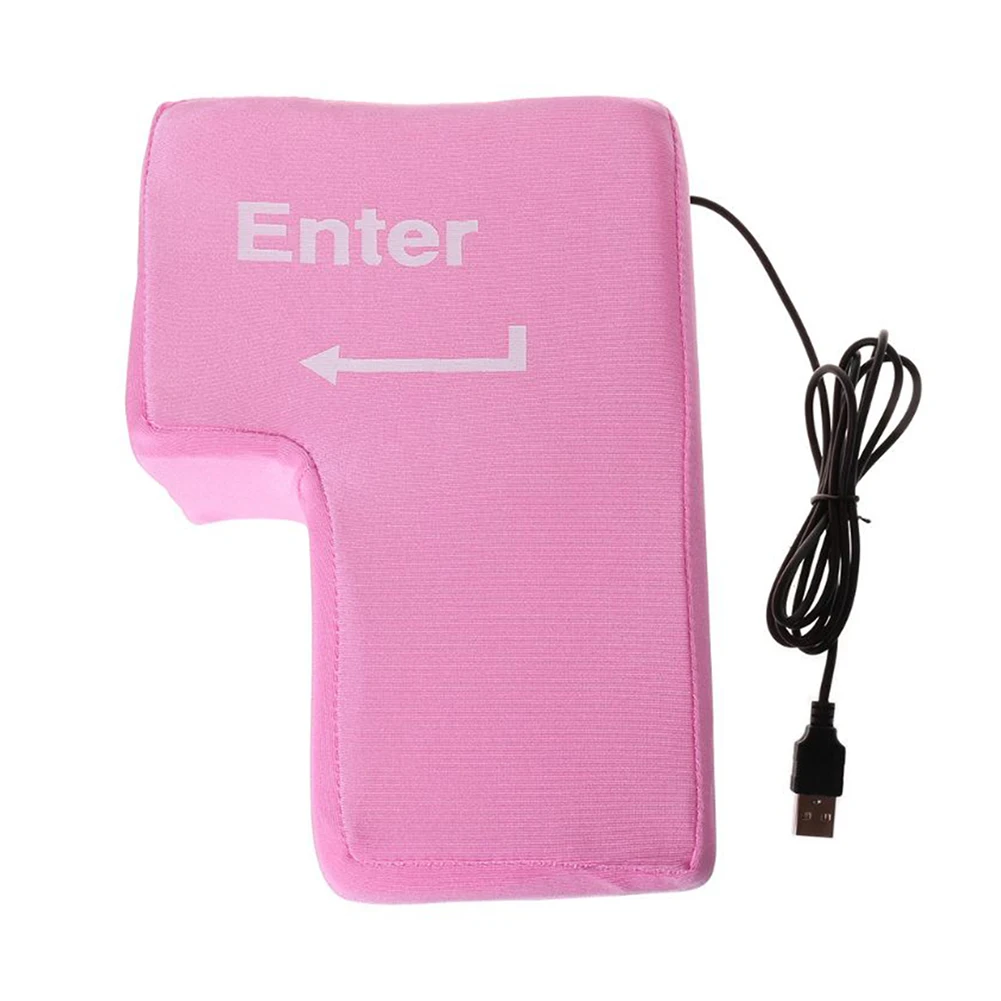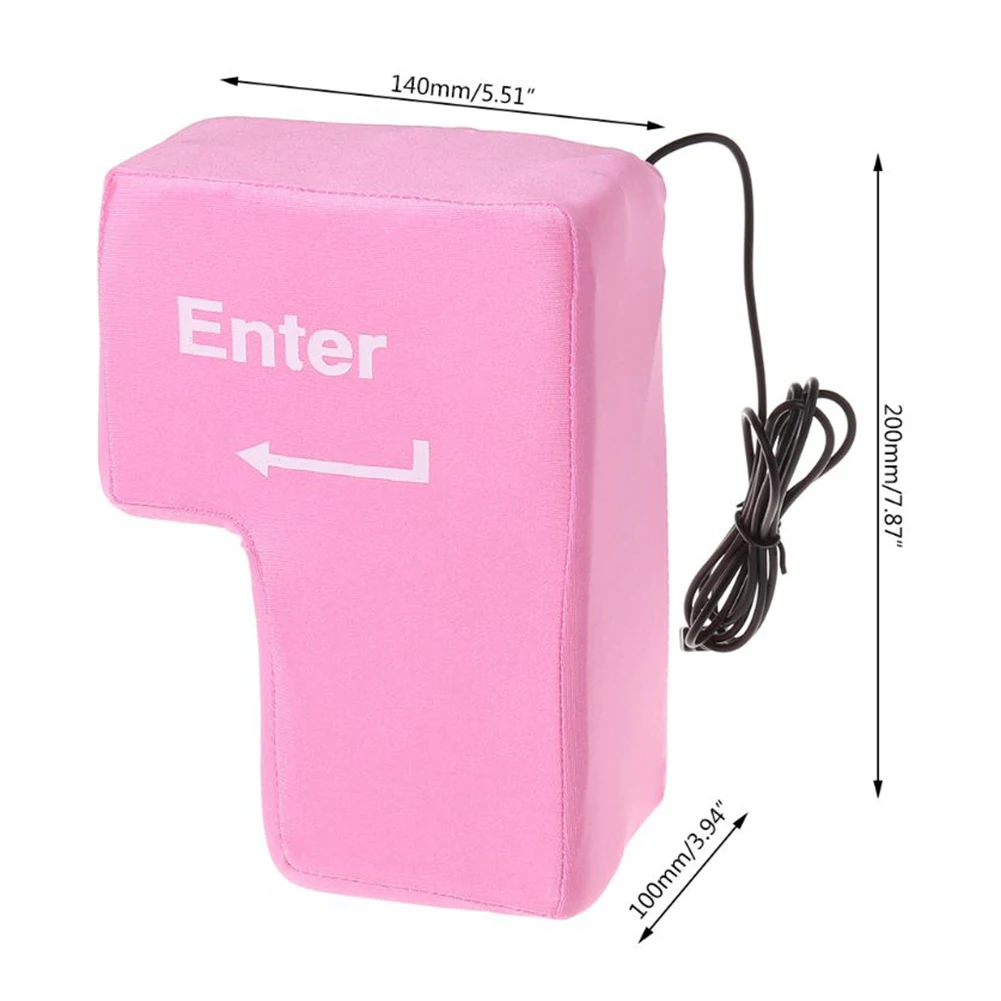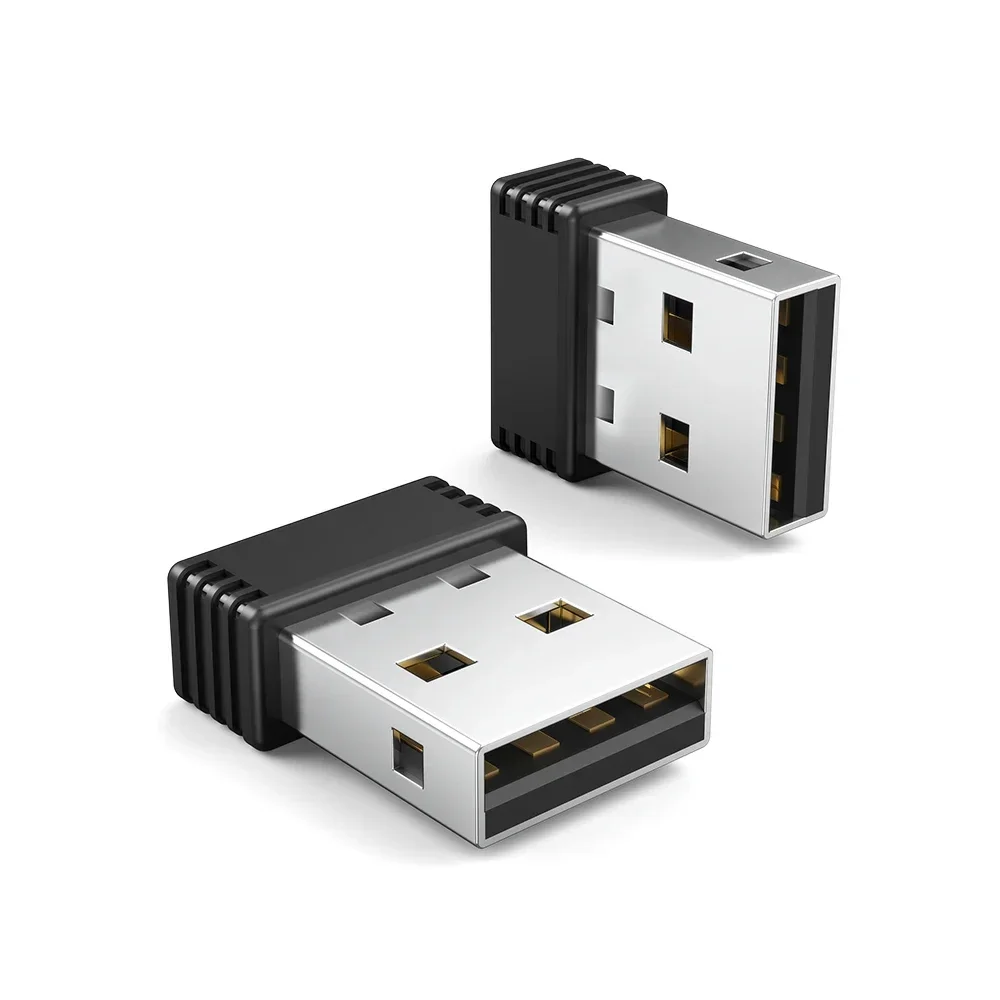
USB Port Shaker Wiggler Awake Mouse Wireless Mouse Jigglers Mover Undetectable Automatic for Laptop PC
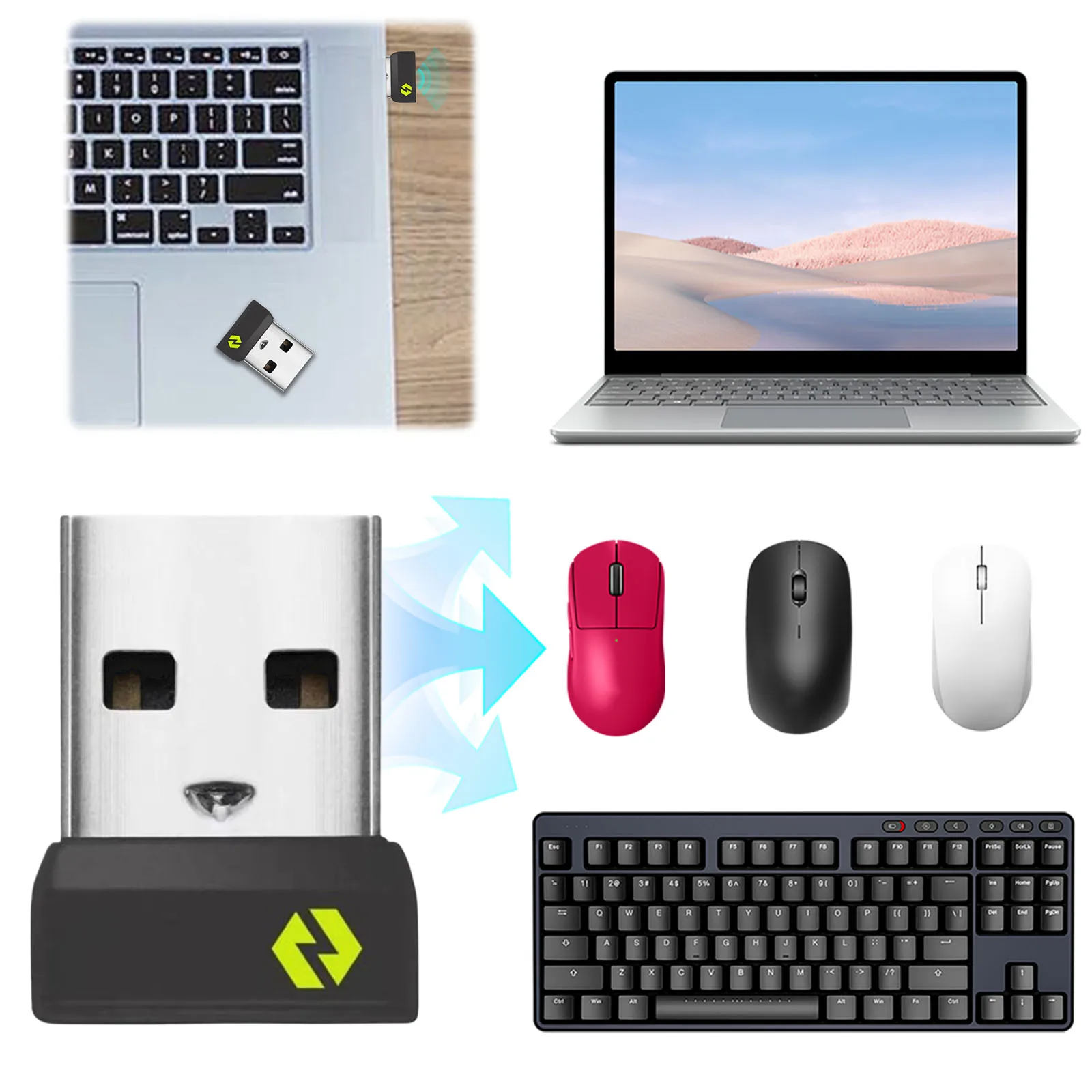
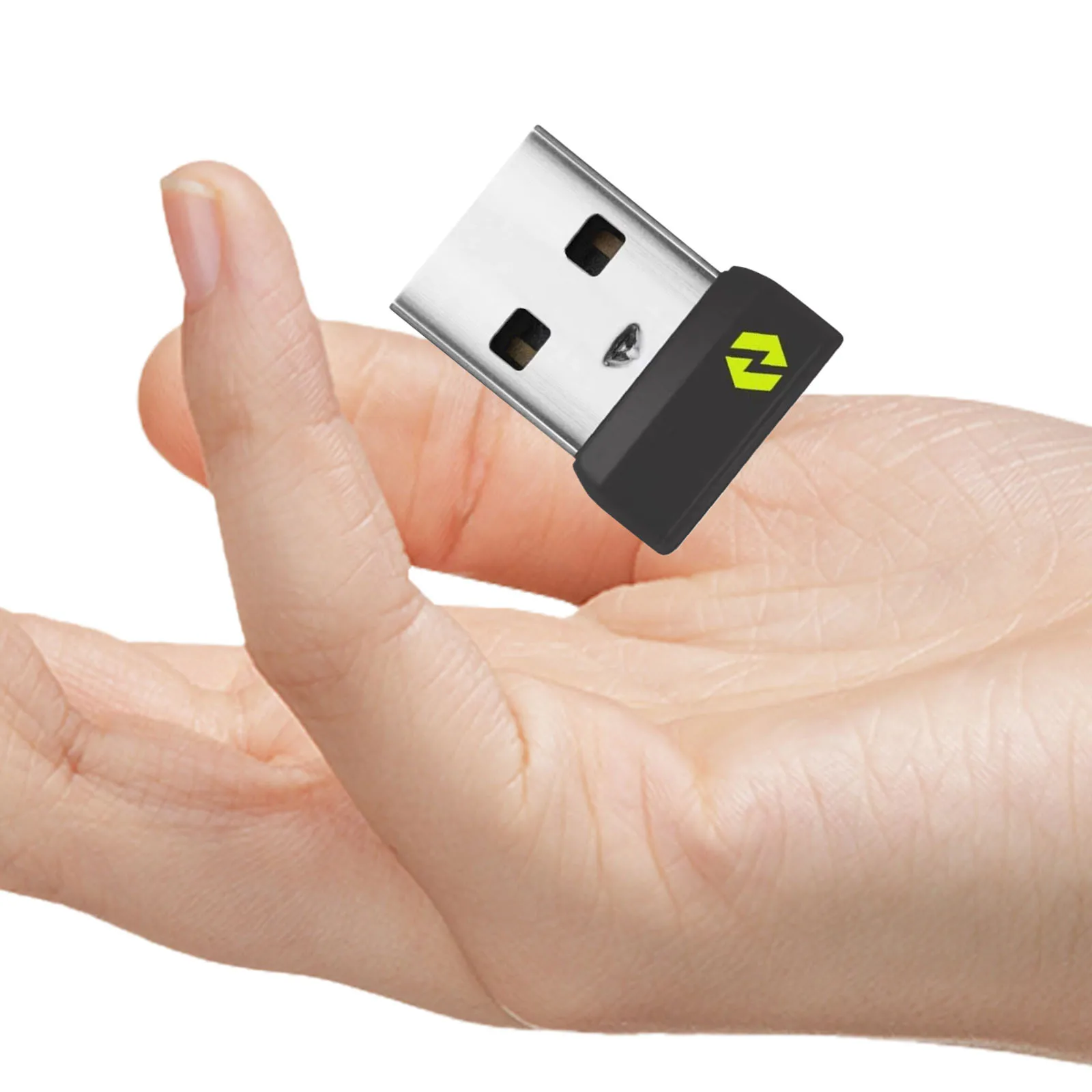
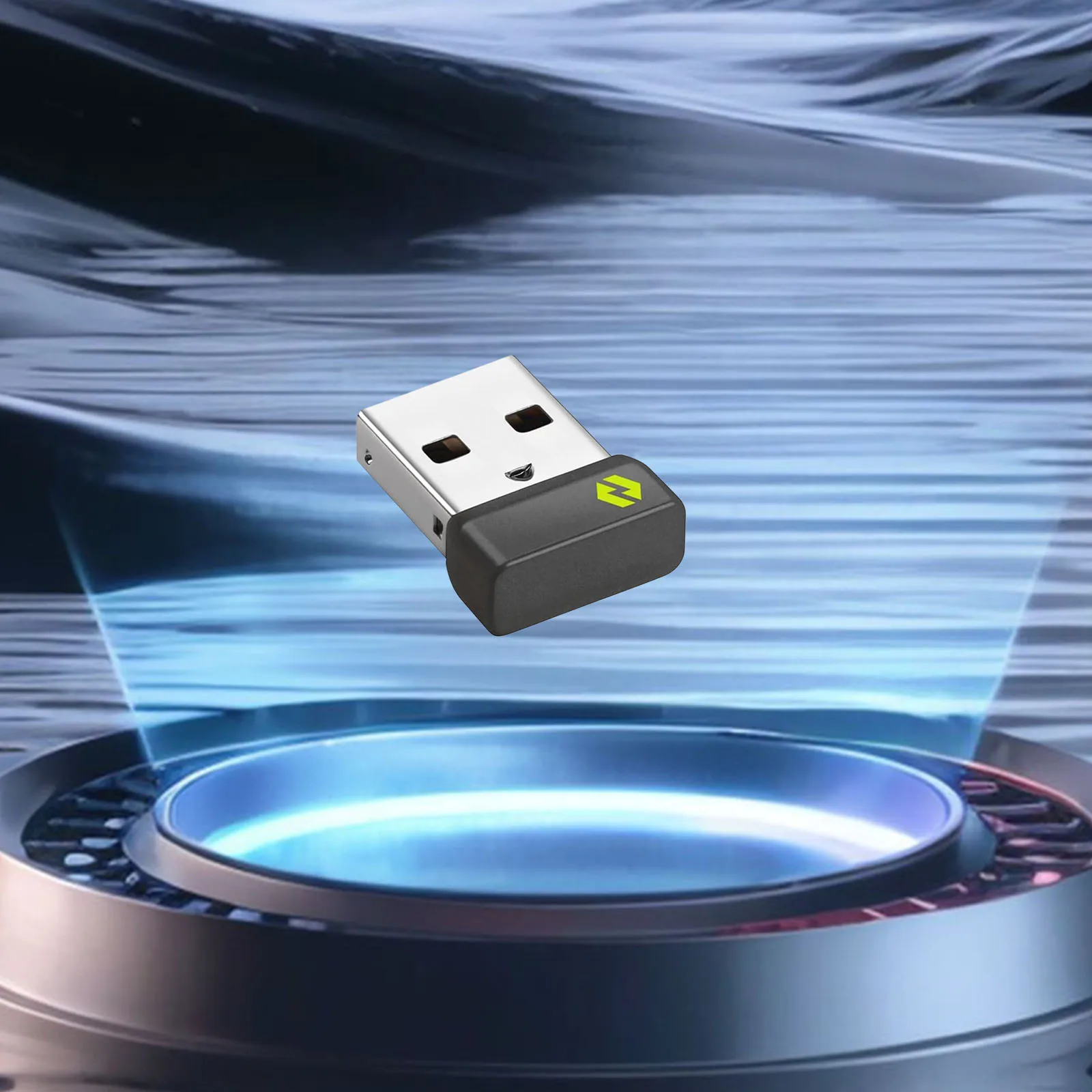
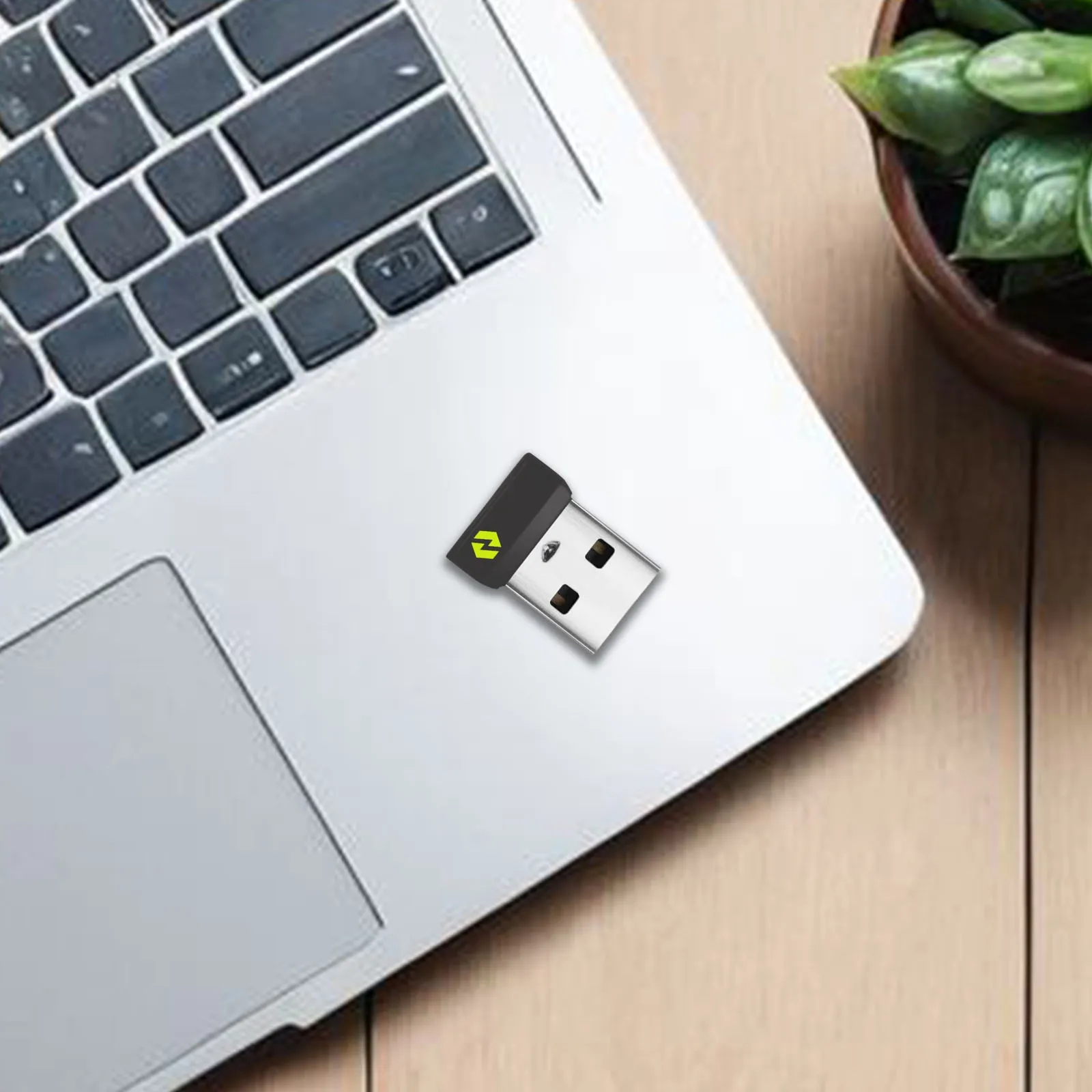
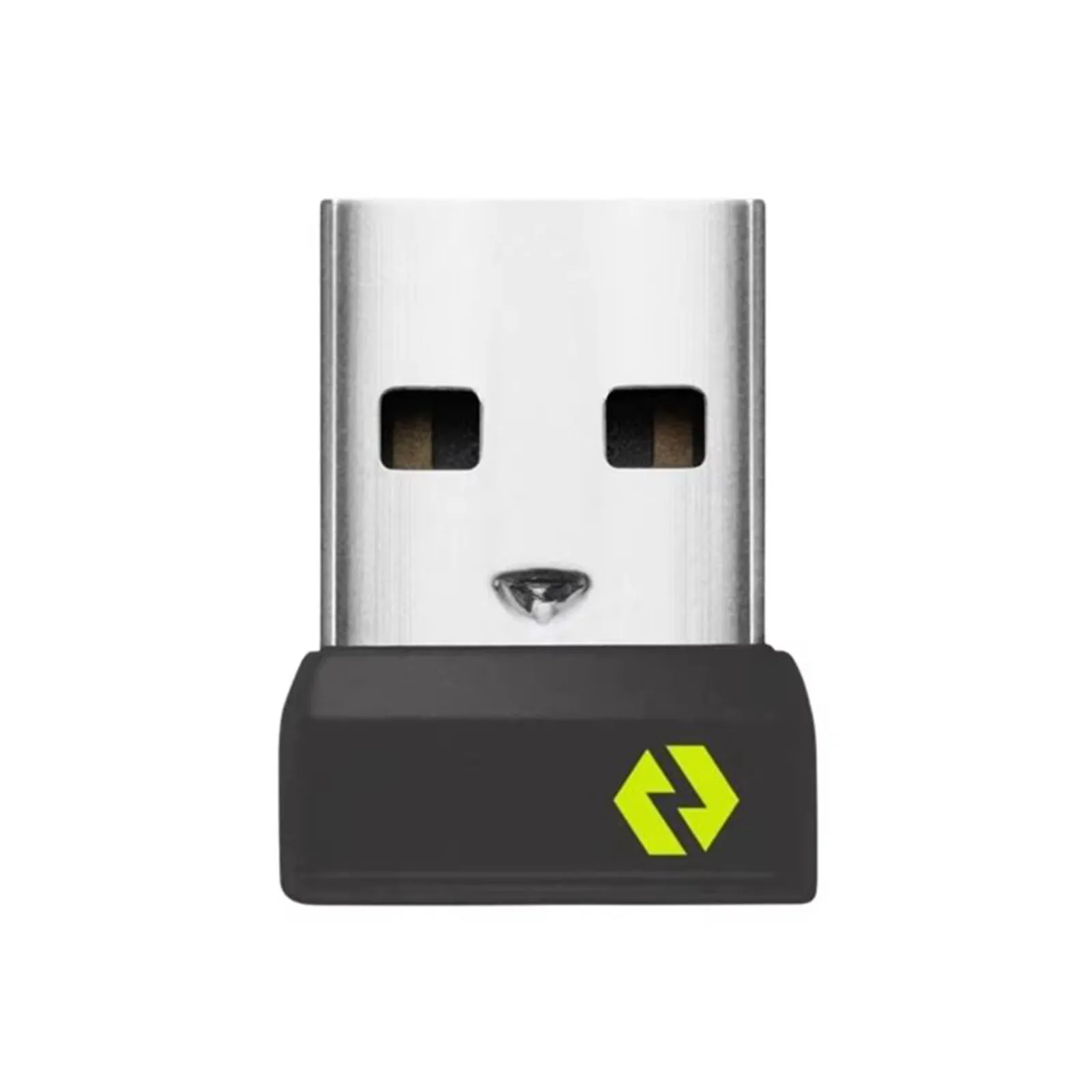
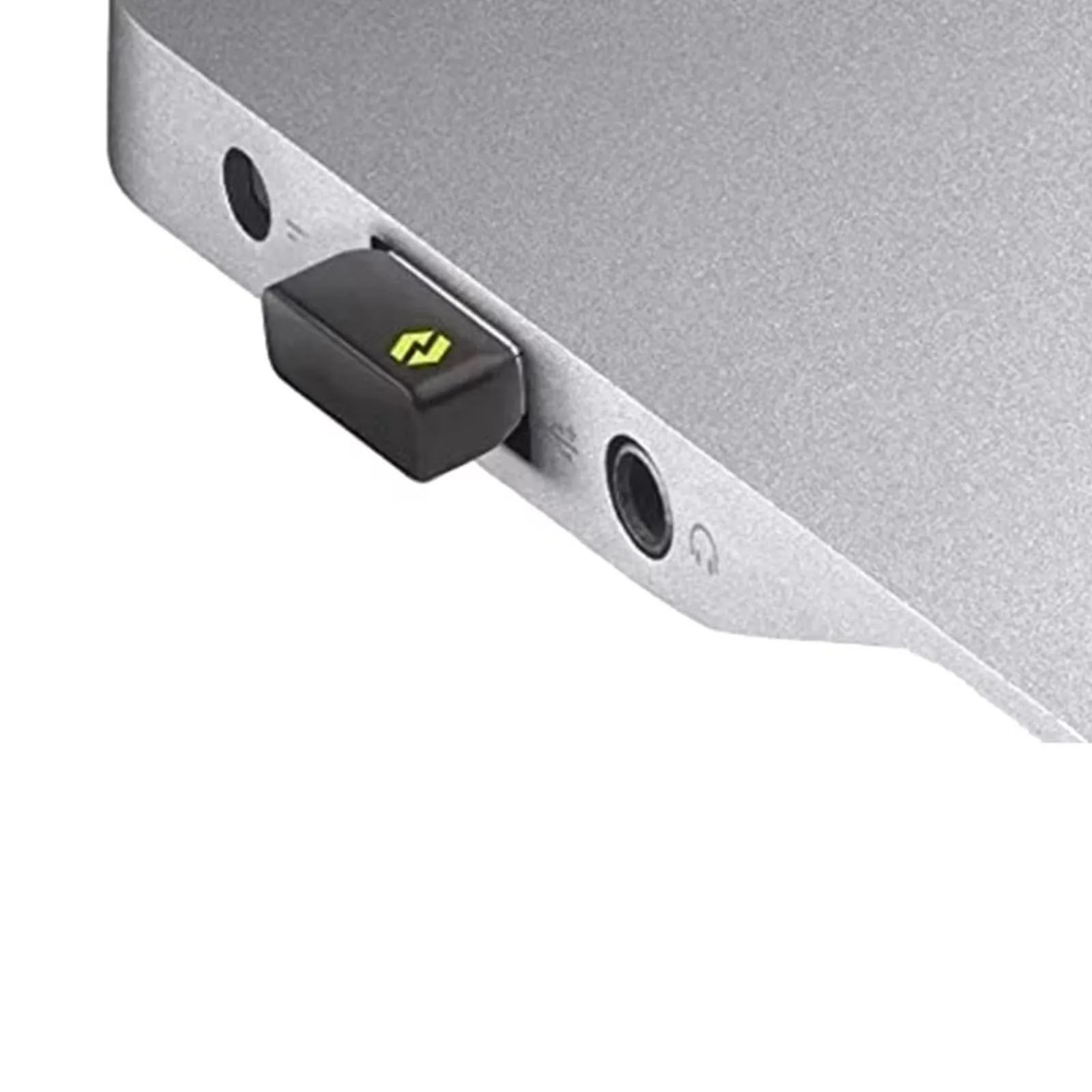
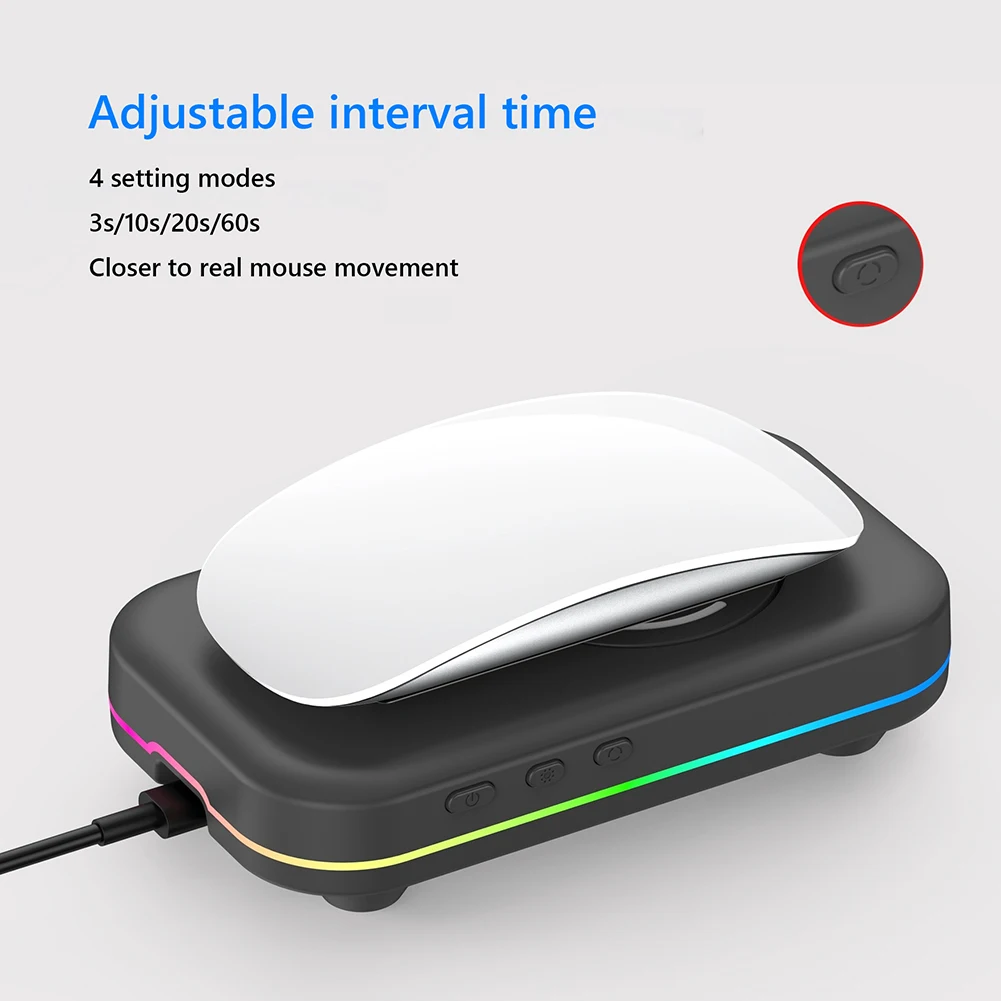
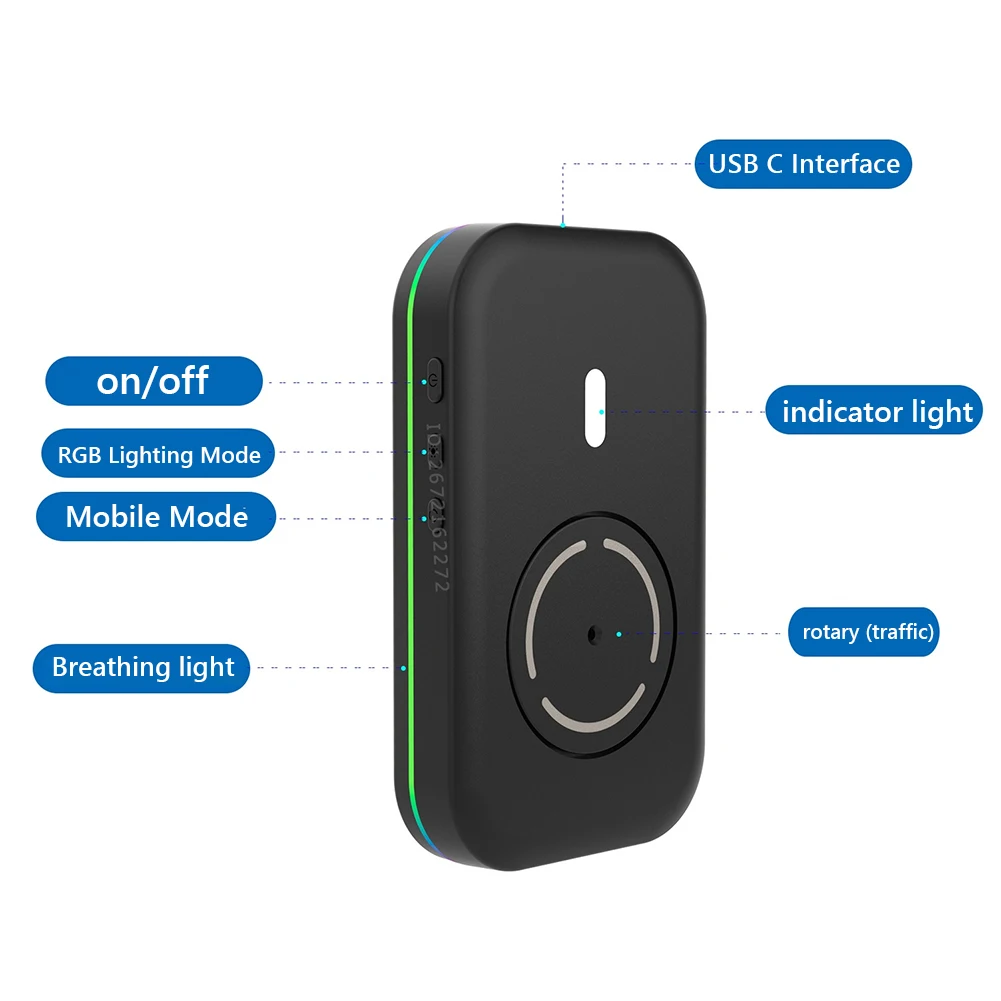
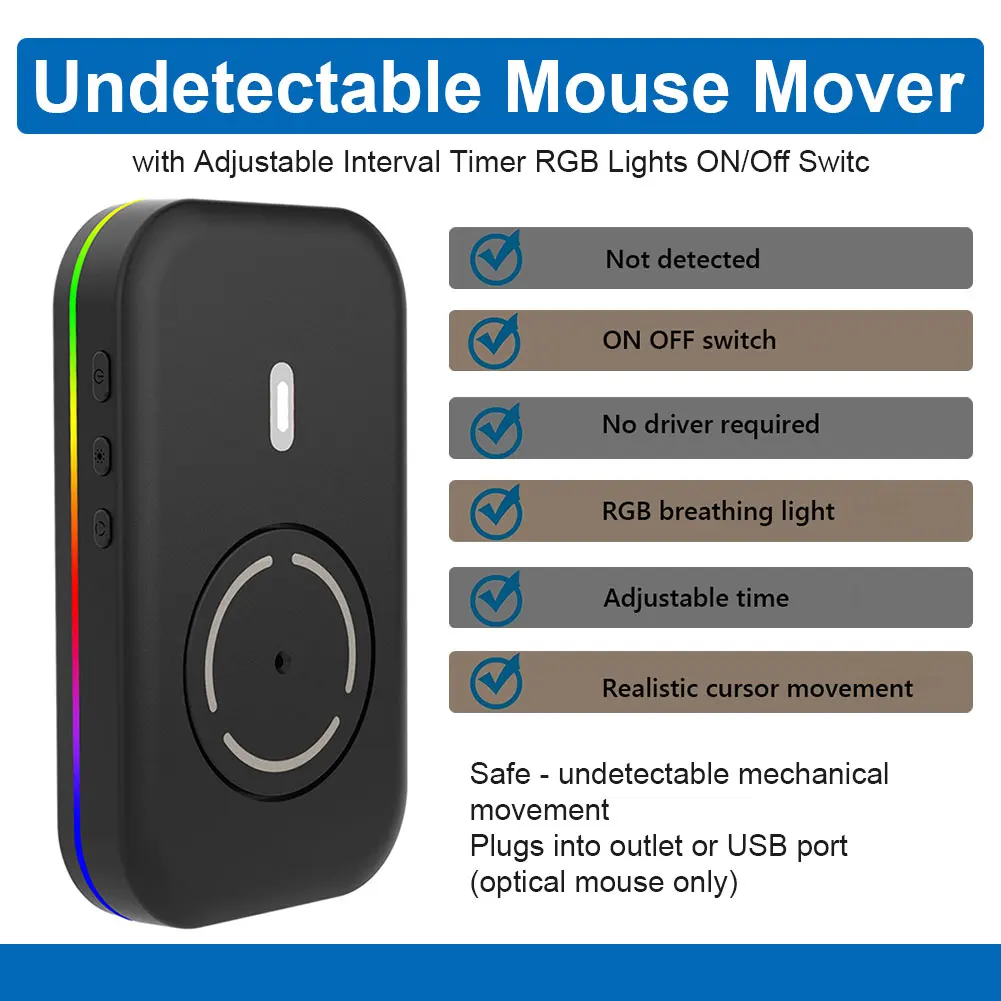
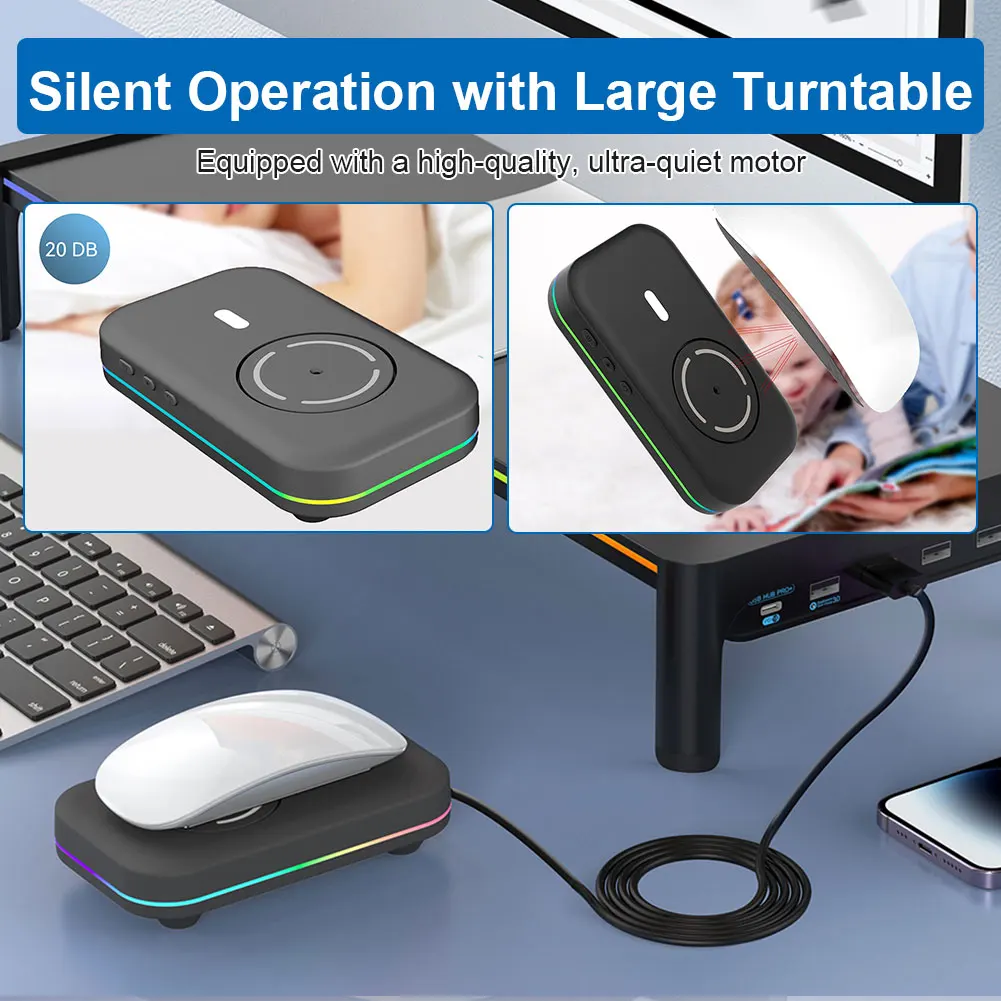
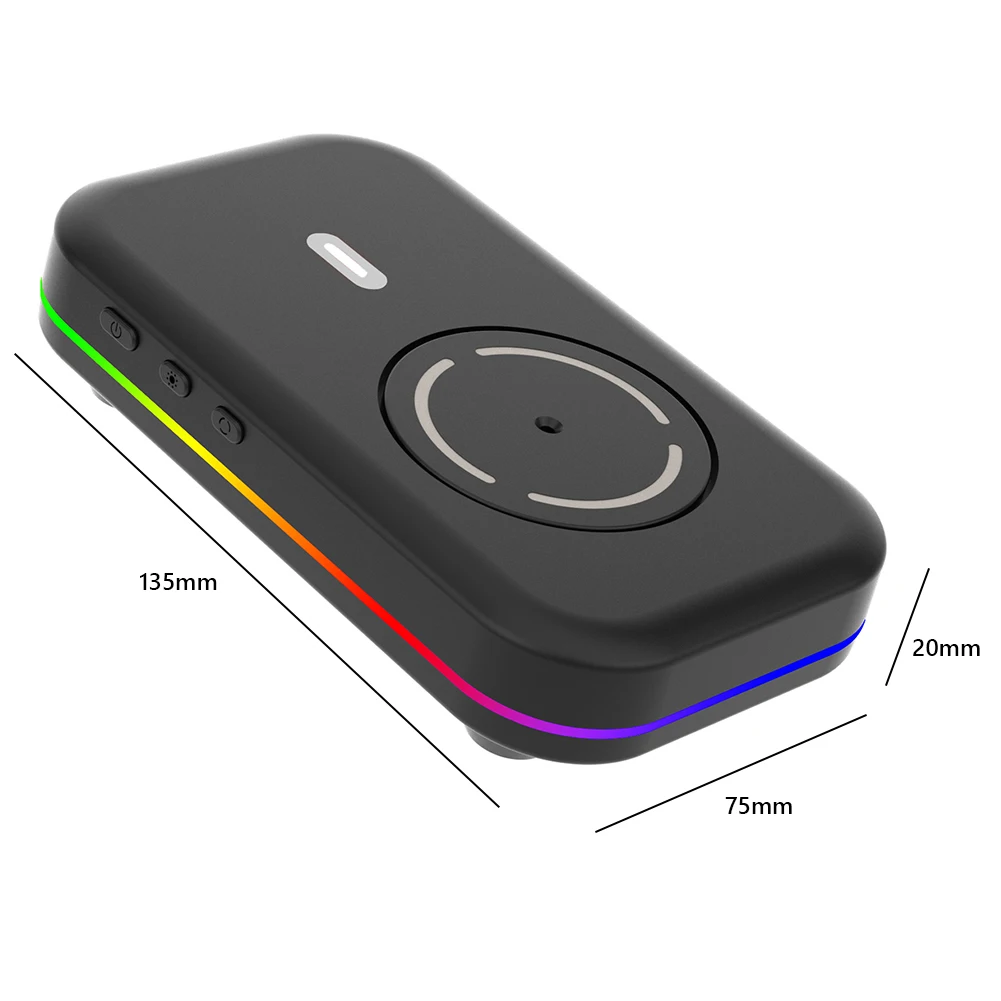
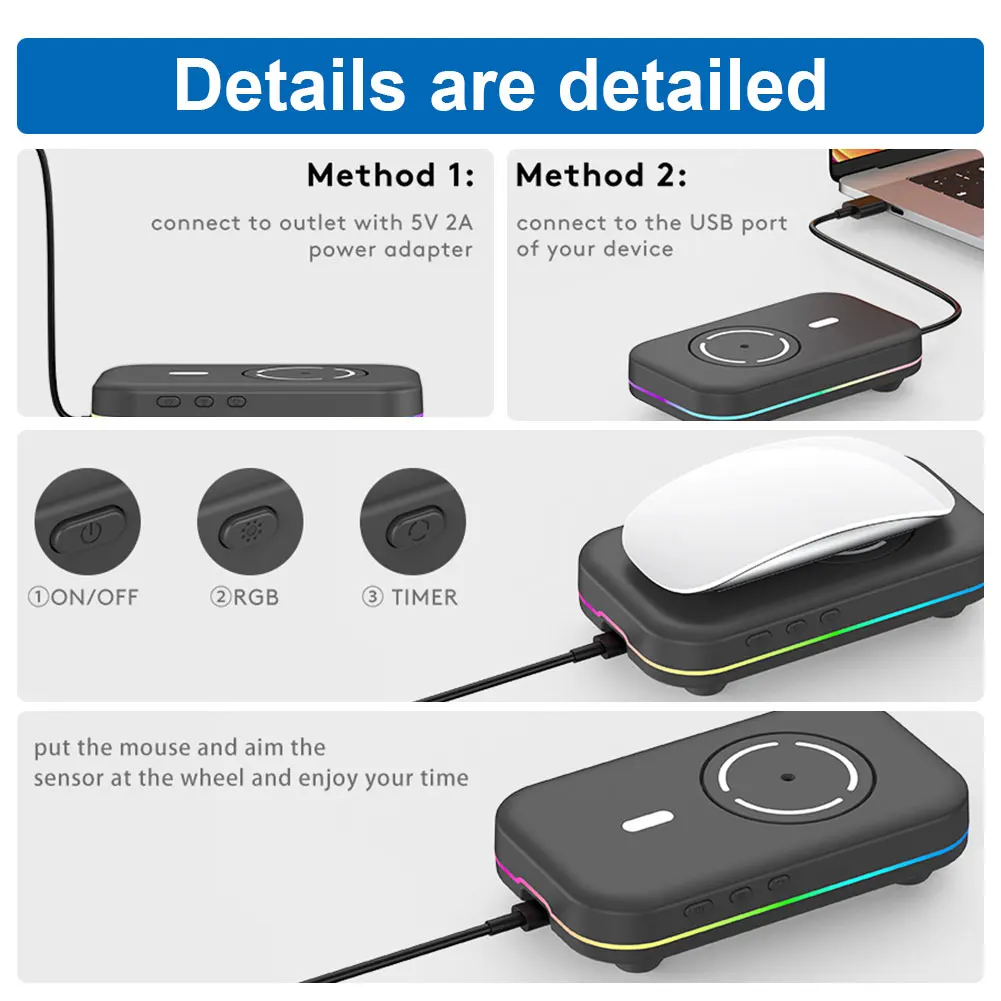
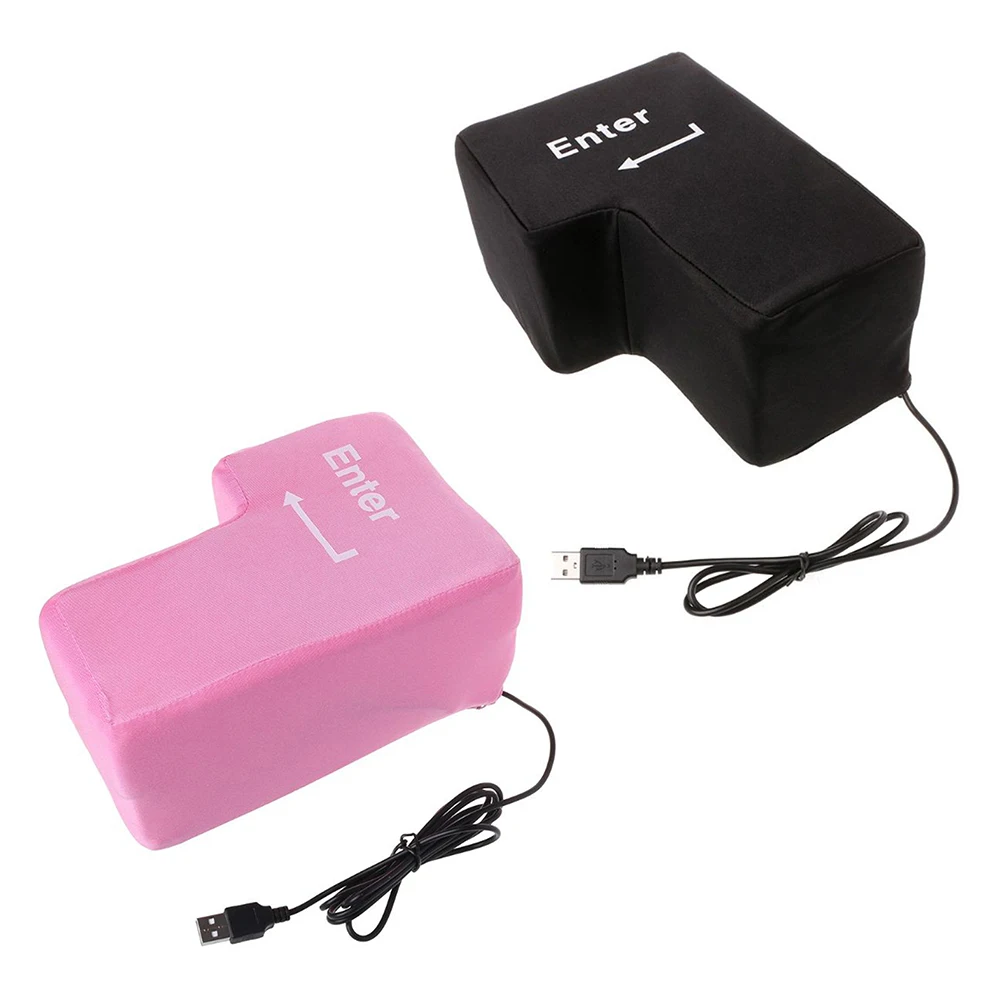
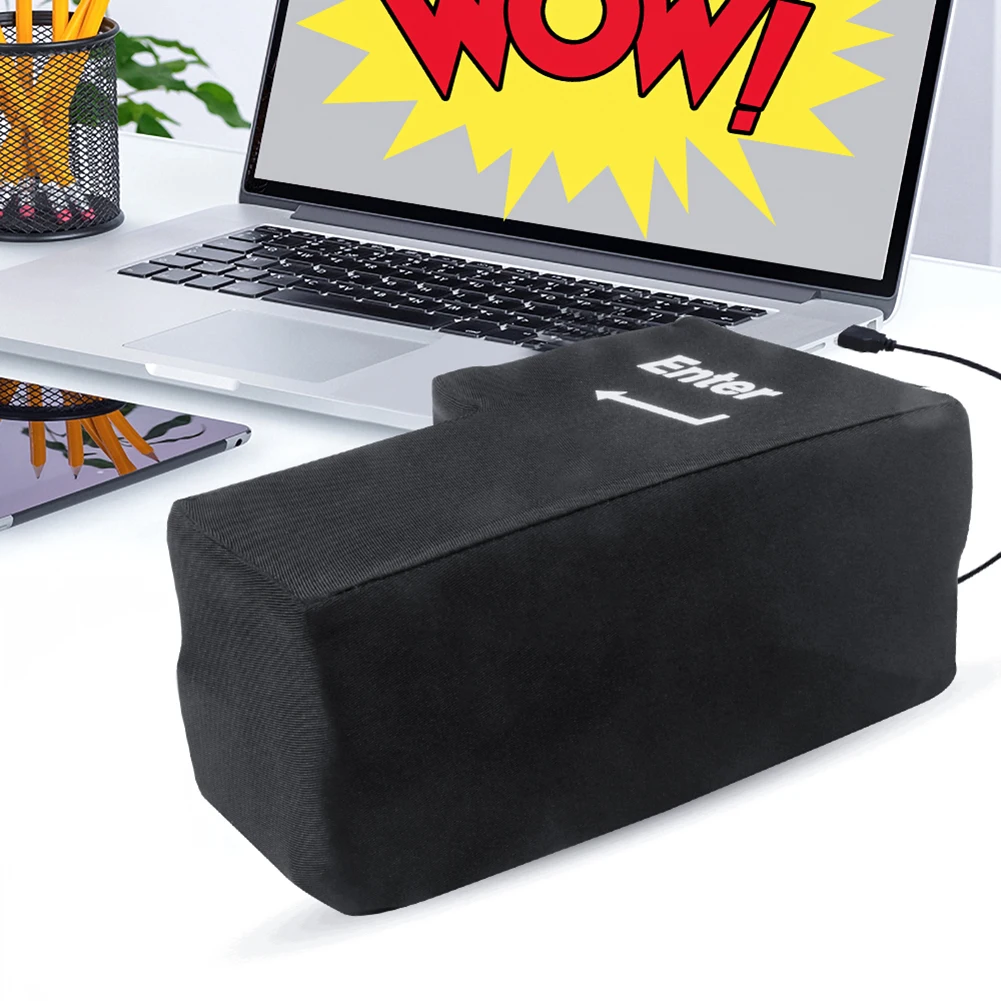
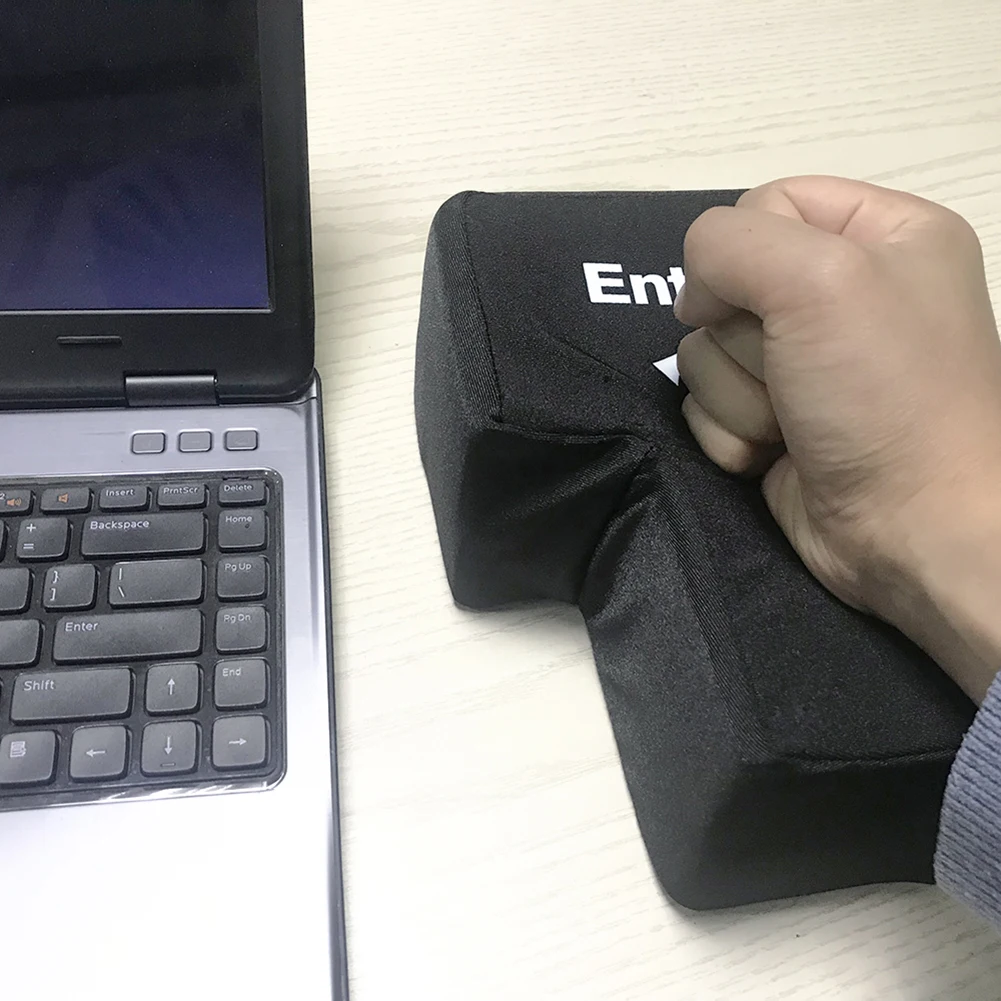
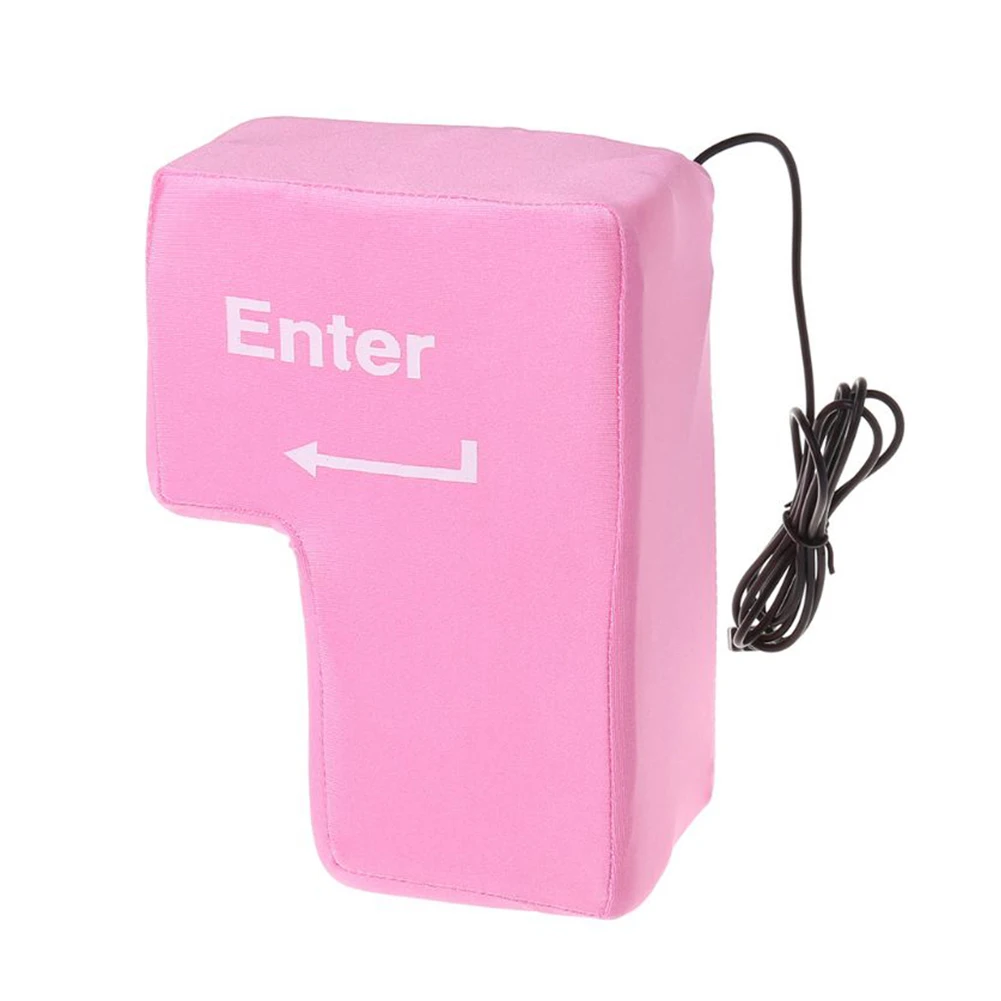
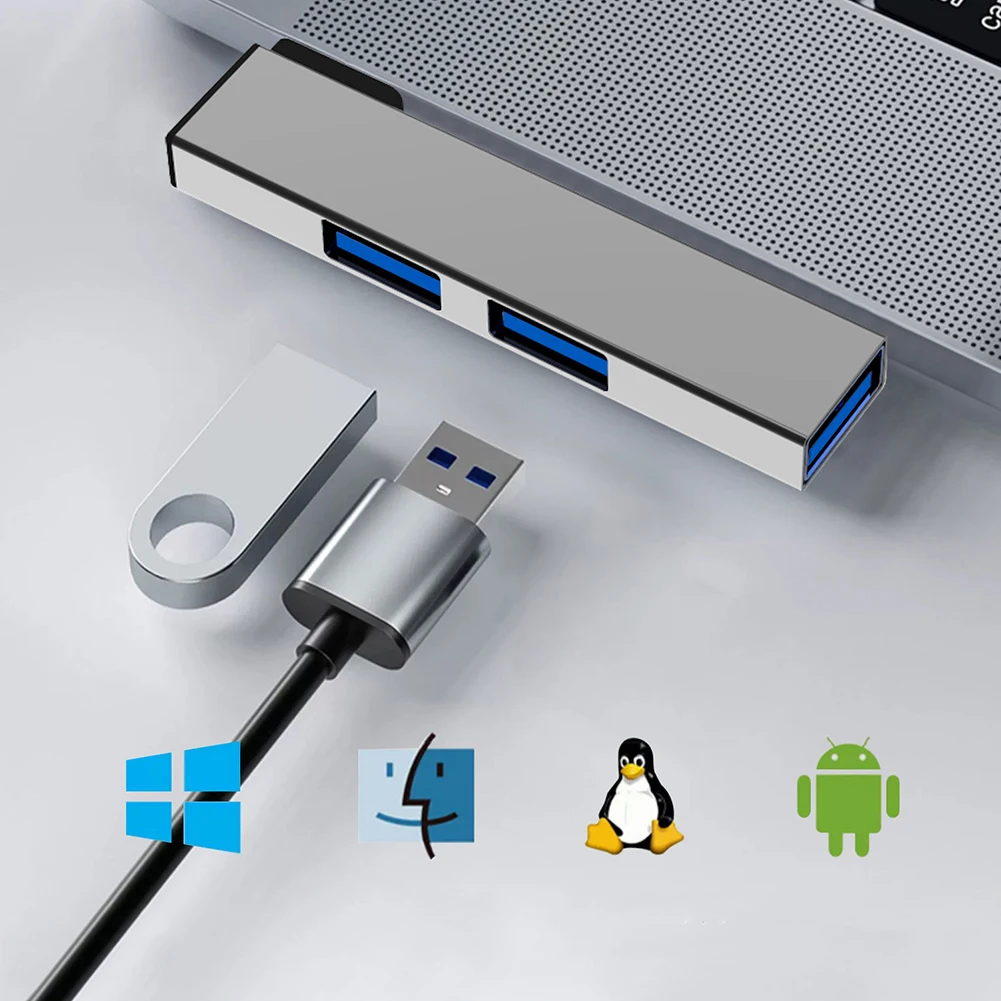
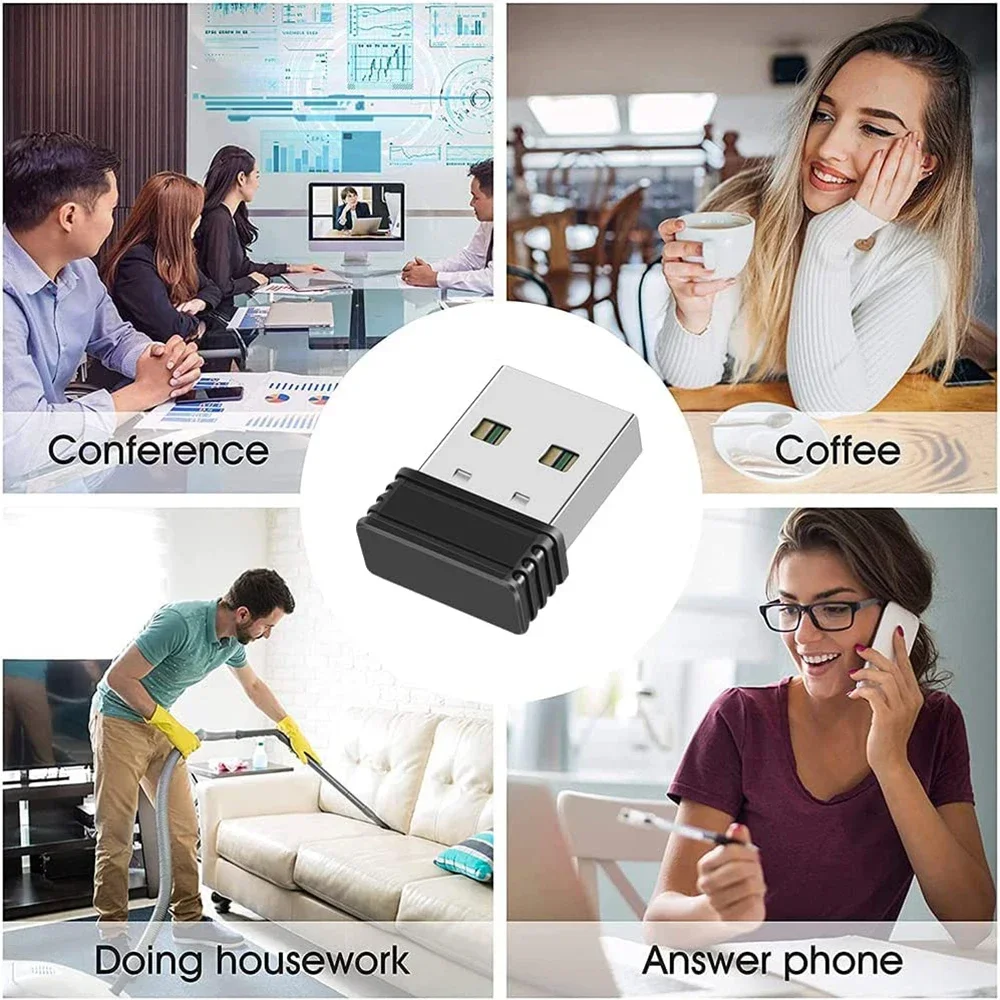
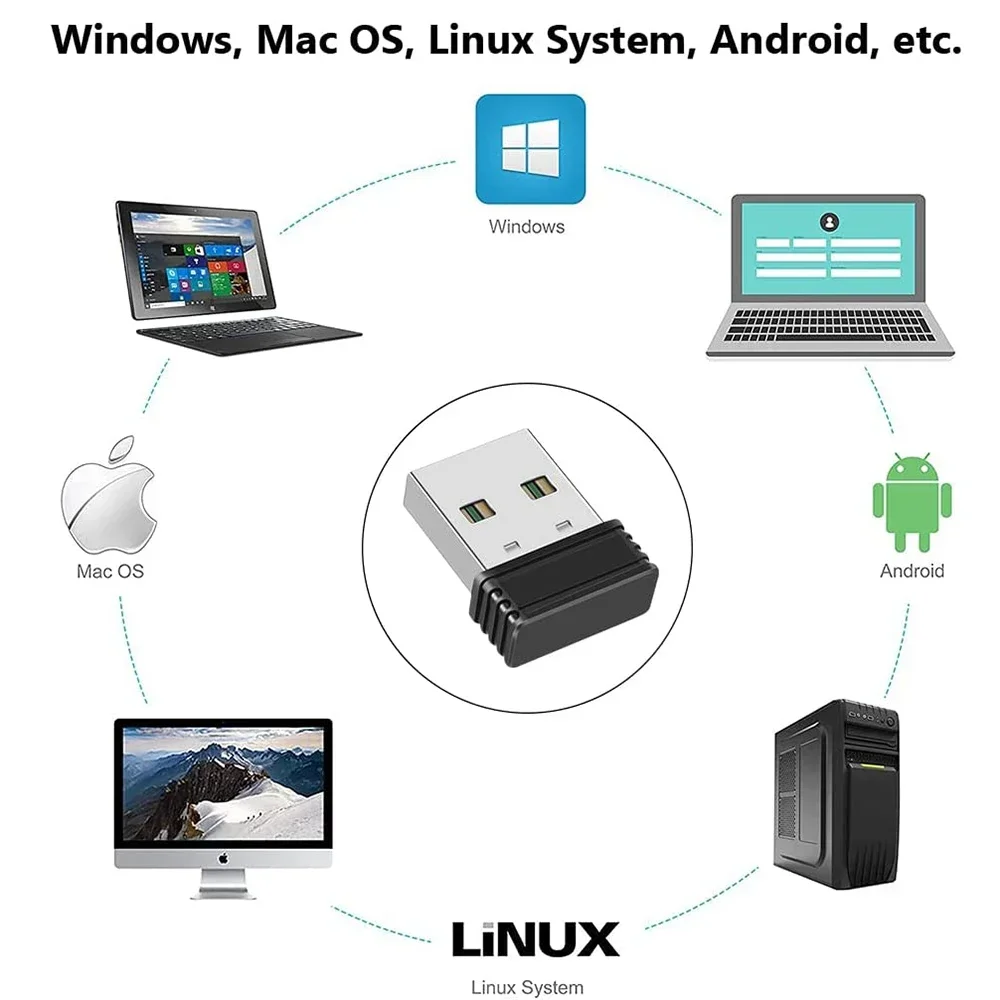
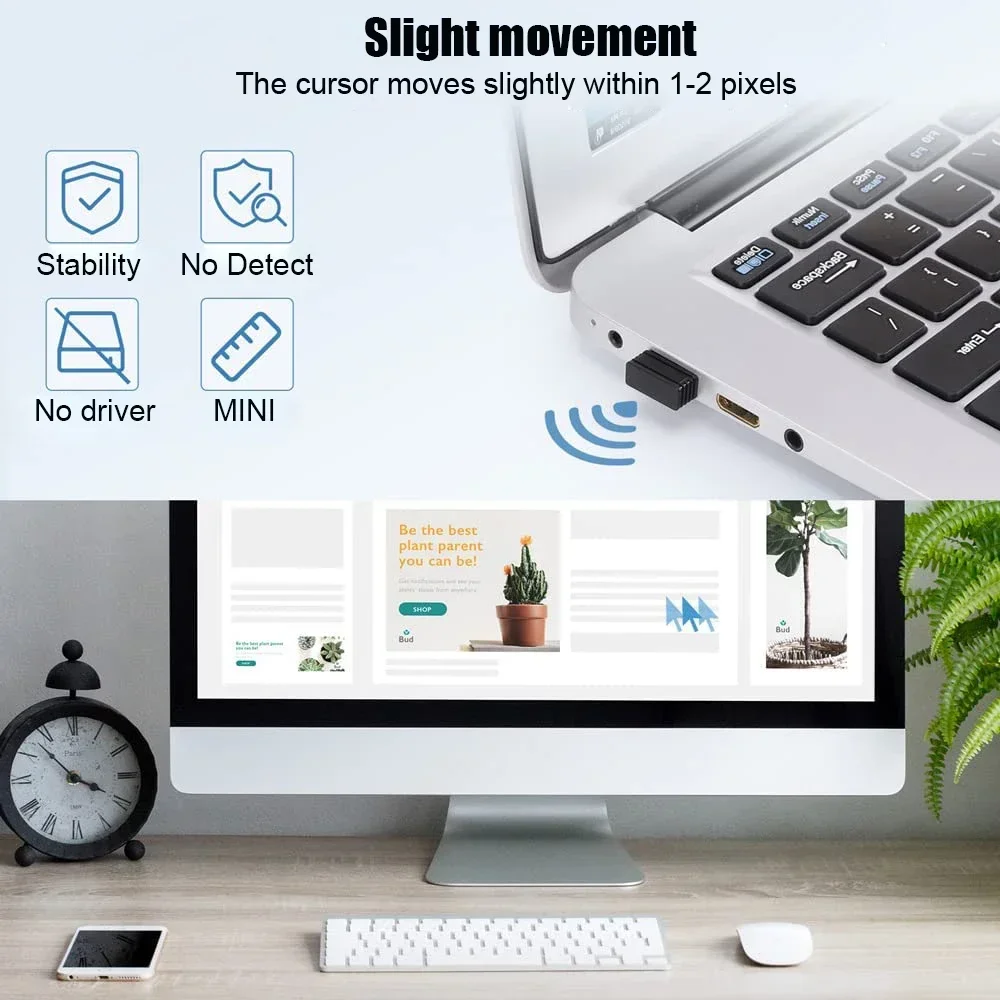
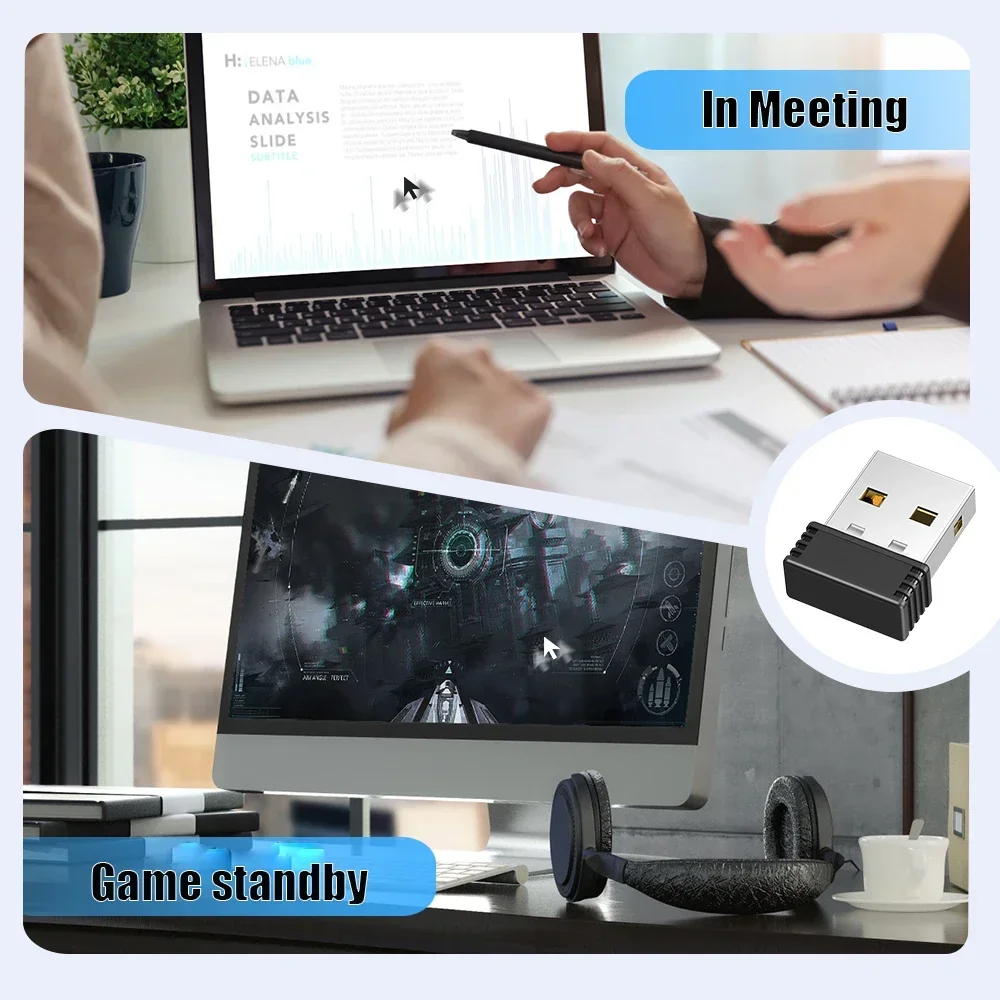
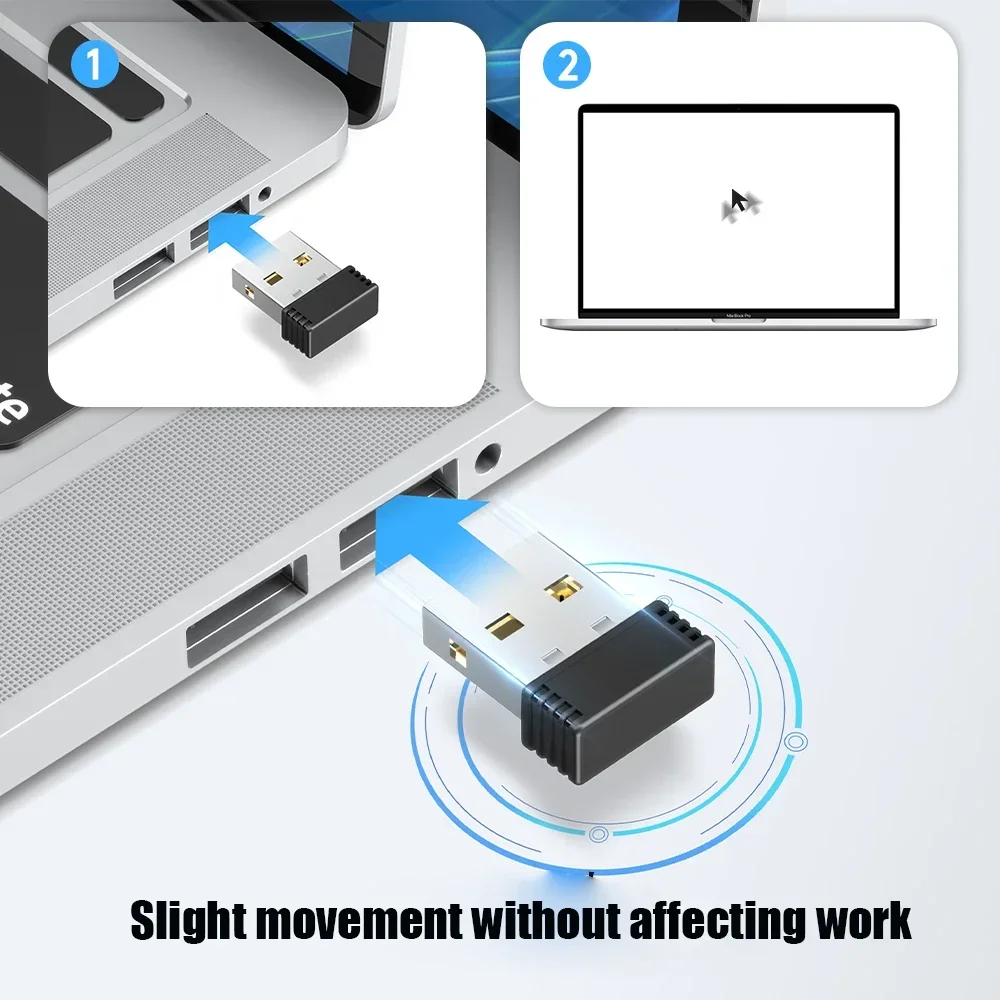
<p style="font-family:Roboto, -apple-system, BlinkMacSystemFont, "Segoe UI", Oxygen, Ubuntu, "Fira Sans", "Droid Sans", "Helvetica Neue", "sans-serif";font-size:14px;font-weight:400;letter-spacing:normal;line-height:1.7;text-align:left;white-space:pre-wrap;color:rgb(51, 51, 51);background-color:rgb(246, 246, 246);margin:0px;margin-bottom:0px;margin-top:0px;margin-left:0px;margin-right:0px;padding:0px;padding-bottom:0px;padding-top:0px;padding-left:0px;padding-right:0px;box-sizing:border-box" align="left">[Undetectable Mouse Mover] This USB mouse is recognized as a "2.4G Mouse" when you first plug it into the computer,no worry about being detected</p><p style="font-family:Roboto, -apple-system, BlinkMacSystemFont, "Segoe UI", Oxygen, Ubuntu, "Fira Sans", "Droid Sans", "Helvetica Neue", "sans-serif";font-size:14px;font-weight:400;letter-spacing:normal;line-height:1.7;text-align:left;white-space:pre-wrap;color:rgb(51, 51, 51);background-color:rgb(246, 246, 246);margin:0px;margin-bottom:0px;margin-top:0px;margin-left:0px;margin-right:0px;padding:0px;padding-bottom:0px;padding-top:0px;padding-left:0px;padding-right:0px;box-sizing:border-box" align="left"><br/></p><p style="font-family:Roboto, -apple-system, BlinkMacSystemFont, "Segoe UI", Oxygen, Ubuntu, "Fira Sans", "Droid Sans", "Helvetica Neue", "sans-serif";font-size:14px;font-weight:400;letter-spacing:normal;line-height:1.7;text-align:left;white-space:pre-wrap;color:rgb(51, 51, 51);background-color:rgb(246, 246, 246);margin:0px;margin-bottom:0px;margin-top:0px;margin-left:0px;margin-right:0px;padding:0px;padding-bottom:0px;padding-top:0px;padding-left:0px;padding-right:0px;box-sizing:border-box" align="left">[Slight Shaking] Just plug the mouse shaker into the computer and it will work automatically. The mice pointer will jitter in 1-2 pixels left and right, it doesn't even affect the regular work, you won't notice it is working if you don't pay close attention to the screen</p><p style="font-family:Roboto, -apple-system, BlinkMacSystemFont, "Segoe UI", Oxygen, Ubuntu, "Fira Sans", "Droid Sans", "Helvetica Neue", "sans-serif";font-size:14px;font-weight:400;letter-spacing:normal;line-height:1.7;text-align:left;white-space:pre-wrap;color:rgb(51, 51, 51);background-color:rgb(246, 246, 246);margin:0px;margin-bottom:0px;margin-top:0px;margin-left:0px;margin-right:0px;padding:0px;padding-bottom:0px;padding-top:0px;padding-left:0px;padding-right:0px;box-sizing:border-box" align="left"><br/></p><p style="font-family:Roboto, -apple-system, BlinkMacSystemFont, "Segoe UI", Oxygen, Ubuntu, "Fira Sans", "Droid Sans", "Helvetica Neue", "sans-serif";font-size:14px;font-weight:400;letter-spacing:normal;line-height:1.7;text-align:left;white-space:pre-wrap;color:rgb(51, 51, 51);background-color:rgb(246, 246, 246);margin:0px;margin-bottom:0px;margin-top:0px;margin-left:0px;margin-right:0px;padding:0px;padding-bottom:0px;padding-top:0px;padding-left:0px;padding-right:0px;box-sizing:border-box" align="left">[No Software Required] No driver needed to runs directly after being plugged into the computer(it will prompt "install 2.4G Mouse"). Compatible with your original mouse, it will not even affect the regular use</p><p style="font-family:Roboto, -apple-system, BlinkMacSystemFont, "Segoe UI", Oxygen, Ubuntu, "Fira Sans", "Droid Sans", "Helvetica Neue", "sans-serif";font-size:14px;font-weight:400;letter-spacing:normal;line-height:1.7;text-align:left;white-space:pre-wrap;color:rgb(51, 51, 51);background-color:rgb(246, 246, 246);margin:0px;margin-bottom:0px;margin-top:0px;margin-left:0px;margin-right:0px;padding:0px;padding-bottom:0px;padding-top:0px;padding-left:0px;padding-right:0px;box-sizing:border-box" align="left"><br/></p><p style="font-family:Roboto, -apple-system, BlinkMacSystemFont, "Segoe UI", Oxygen, Ubuntu, "Fira Sans", "Droid Sans", "Helvetica Neue", "sans-serif";font-size:14px;font-weight:400;letter-spacing:normal;line-height:1.7;text-align:left;white-space:pre-wrap;color:rgb(51, 51, 51);background-color:rgb(246, 246, 246);margin:0px;margin-bottom:0px;margin-top:0px;margin-left:0px;margin-right:0px;padding:0px;padding-bottom:0px;padding-top:0px;padding-left:0px;padding-right:0px;box-sizing:border-box" align="left">[Wide Compatibility] Applies for online meetings, games, remote connections, etc. Keep you online all the time. Compatible with Windows, Mac OS, Android system, etc.</p>
$16.49
$9.095
- Category : Computer & Office
- Brand : yuejun_store YueJun Store
Colors
Sizes
-
+

<p style="font-family:Roboto, -apple-system, BlinkMacSystemFont, "Segoe UI", Oxygen, Ubuntu, "Fira Sans", "Droid Sans", "Helvetica Neue", "sans-serif";font-size:14px;font-weight:400;letter-spacing:normal;line-height:1.7;text-align:left;white-space:pre-wrap;color:rgb(51, 51, 51);background-color:rgb(246, 246, 246);margin:0px;margin-bottom:0px;margin-top:0px;margin-left:0px;margin-right:0px;padding:0px;padding-bottom:0px;padding-top:0px;padding-left:0px;padding-right:0px;box-sizing:border-box" align="left">[Undetectable Mouse Mover] This USB mouse is recognized as a "2.4G Mouse" when you first plug it into the computer,no worry about being detected</p><p style="font-family:Roboto, -apple-system, BlinkMacSystemFont, "Segoe UI", Oxygen, Ubuntu, "Fira Sans", "Droid Sans", "Helvetica Neue", "sans-serif";font-size:14px;font-weight:400;letter-spacing:normal;line-height:1.7;text-align:left;white-space:pre-wrap;color:rgb(51, 51, 51);background-color:rgb(246, 246, 246);margin:0px;margin-bottom:0px;margin-top:0px;margin-left:0px;margin-right:0px;padding:0px;padding-bottom:0px;padding-top:0px;padding-left:0px;padding-right:0px;box-sizing:border-box" align="left"><br/></p><p style="font-family:Roboto, -apple-system, BlinkMacSystemFont, "Segoe UI", Oxygen, Ubuntu, "Fira Sans", "Droid Sans", "Helvetica Neue", "sans-serif";font-size:14px;font-weight:400;letter-spacing:normal;line-height:1.7;text-align:left;white-space:pre-wrap;color:rgb(51, 51, 51);background-color:rgb(246, 246, 246);margin:0px;margin-bottom:0px;margin-top:0px;margin-left:0px;margin-right:0px;padding:0px;padding-bottom:0px;padding-top:0px;padding-left:0px;padding-right:0px;box-sizing:border-box" align="left">[Slight Shaking] Just plug the mouse shaker into the computer and it will work automatically. The mice pointer will jitter in 1-2 pixels left and right, it doesn't even affect the regular work, you won't notice it is working if you don't pay close attention to the screen</p><p style="font-family:Roboto, -apple-system, BlinkMacSystemFont, "Segoe UI", Oxygen, Ubuntu, "Fira Sans", "Droid Sans", "Helvetica Neue", "sans-serif";font-size:14px;font-weight:400;letter-spacing:normal;line-height:1.7;text-align:left;white-space:pre-wrap;color:rgb(51, 51, 51);background-color:rgb(246, 246, 246);margin:0px;margin-bottom:0px;margin-top:0px;margin-left:0px;margin-right:0px;padding:0px;padding-bottom:0px;padding-top:0px;padding-left:0px;padding-right:0px;box-sizing:border-box" align="left"><br/></p><p style="font-family:Roboto, -apple-system, BlinkMacSystemFont, "Segoe UI", Oxygen, Ubuntu, "Fira Sans", "Droid Sans", "Helvetica Neue", "sans-serif";font-size:14px;font-weight:400;letter-spacing:normal;line-height:1.7;text-align:left;white-space:pre-wrap;color:rgb(51, 51, 51);background-color:rgb(246, 246, 246);margin:0px;margin-bottom:0px;margin-top:0px;margin-left:0px;margin-right:0px;padding:0px;padding-bottom:0px;padding-top:0px;padding-left:0px;padding-right:0px;box-sizing:border-box" align="left">[No Software Required] No driver needed to runs directly after being plugged into the computer(it will prompt "install 2.4G Mouse"). Compatible with your original mouse, it will not even affect the regular use</p><p style="font-family:Roboto, -apple-system, BlinkMacSystemFont, "Segoe UI", Oxygen, Ubuntu, "Fira Sans", "Droid Sans", "Helvetica Neue", "sans-serif";font-size:14px;font-weight:400;letter-spacing:normal;line-height:1.7;text-align:left;white-space:pre-wrap;color:rgb(51, 51, 51);background-color:rgb(246, 246, 246);margin:0px;margin-bottom:0px;margin-top:0px;margin-left:0px;margin-right:0px;padding:0px;padding-bottom:0px;padding-top:0px;padding-left:0px;padding-right:0px;box-sizing:border-box" align="left"><br/></p><p style="font-family:Roboto, -apple-system, BlinkMacSystemFont, "Segoe UI", Oxygen, Ubuntu, "Fira Sans", "Droid Sans", "Helvetica Neue", "sans-serif";font-size:14px;font-weight:400;letter-spacing:normal;line-height:1.7;text-align:left;white-space:pre-wrap;color:rgb(51, 51, 51);background-color:rgb(246, 246, 246);margin:0px;margin-bottom:0px;margin-top:0px;margin-left:0px;margin-right:0px;padding:0px;padding-bottom:0px;padding-top:0px;padding-left:0px;padding-right:0px;box-sizing:border-box" align="left">[Wide Compatibility] Applies for online meetings, games, remote connections, etc. Keep you online all the time. Compatible with Windows, Mac OS, Android system, etc.</p>
Related Product
Browse The Collection of Top Products.