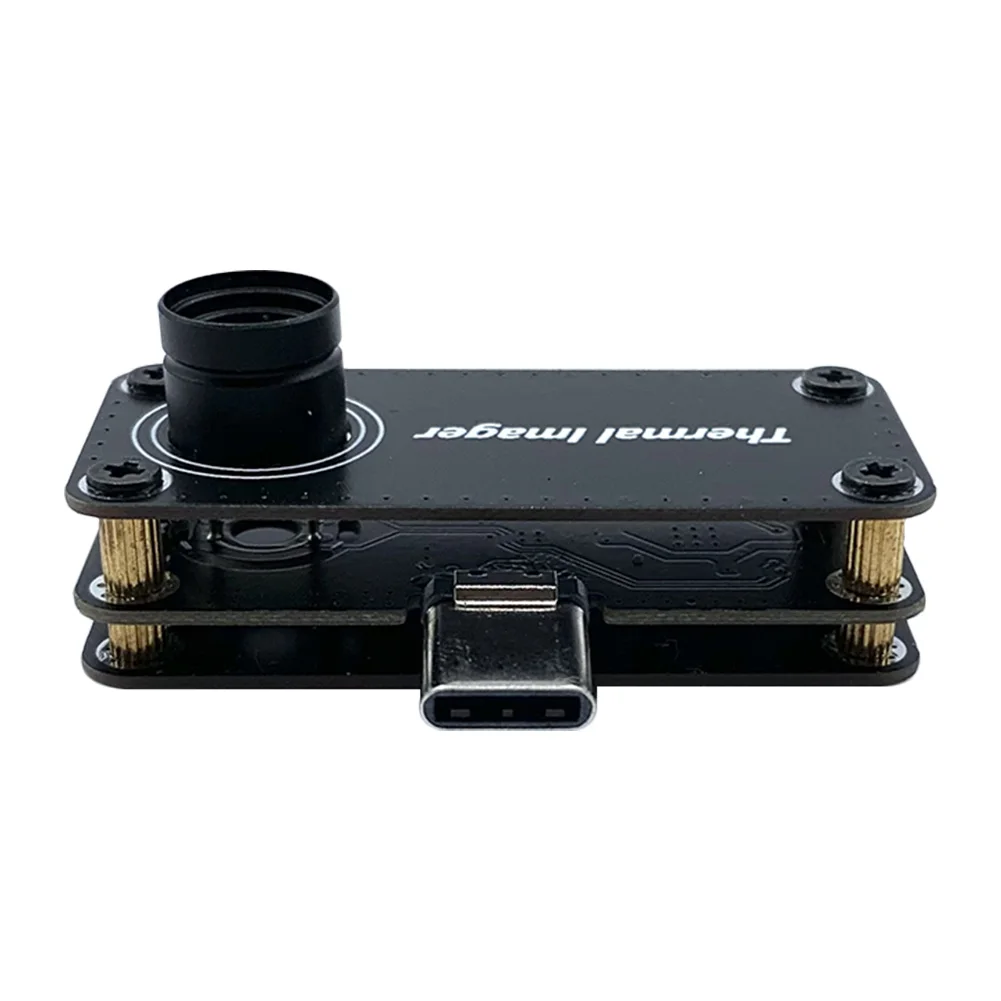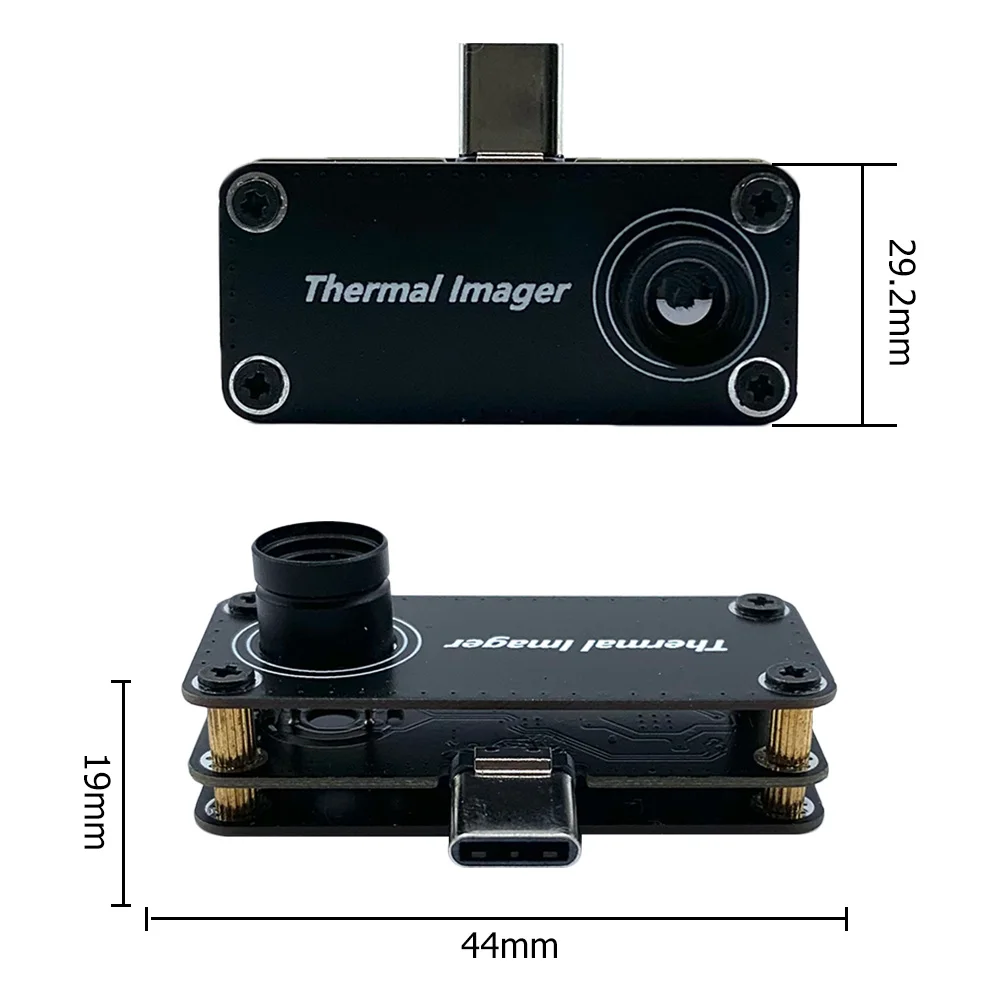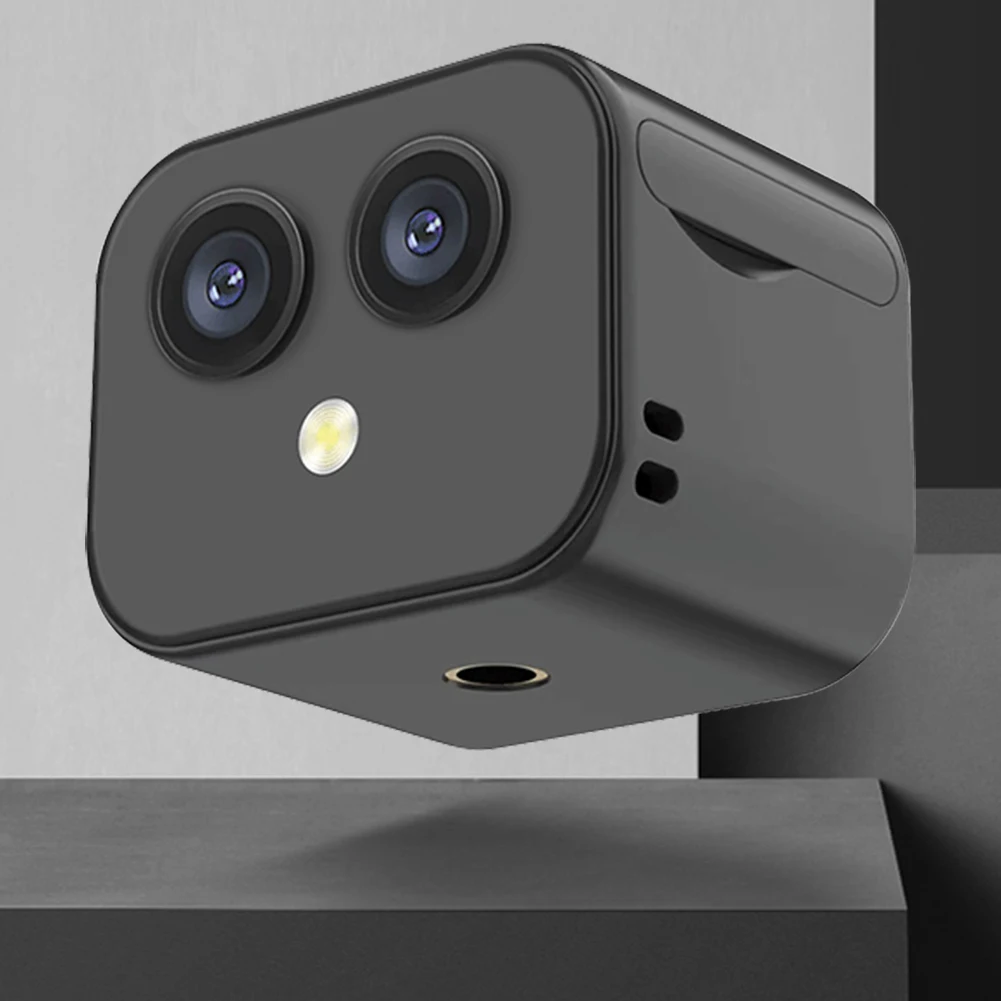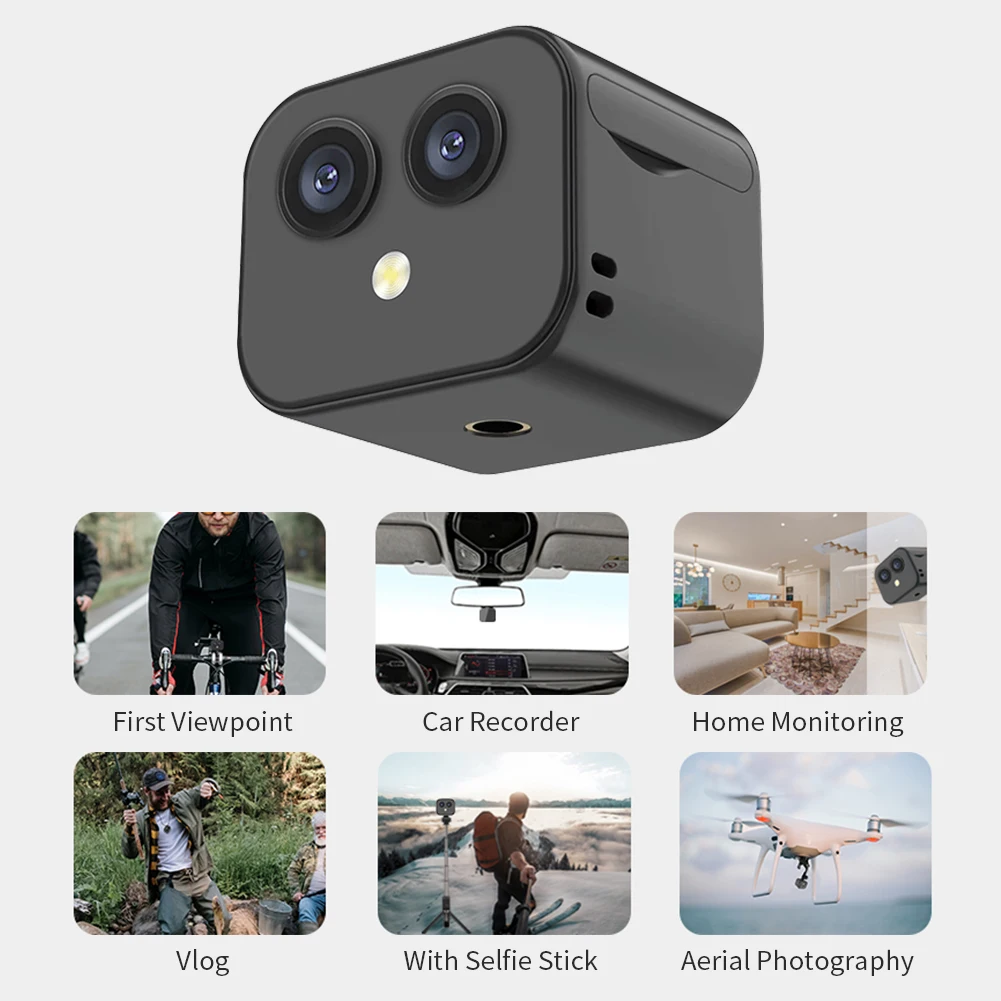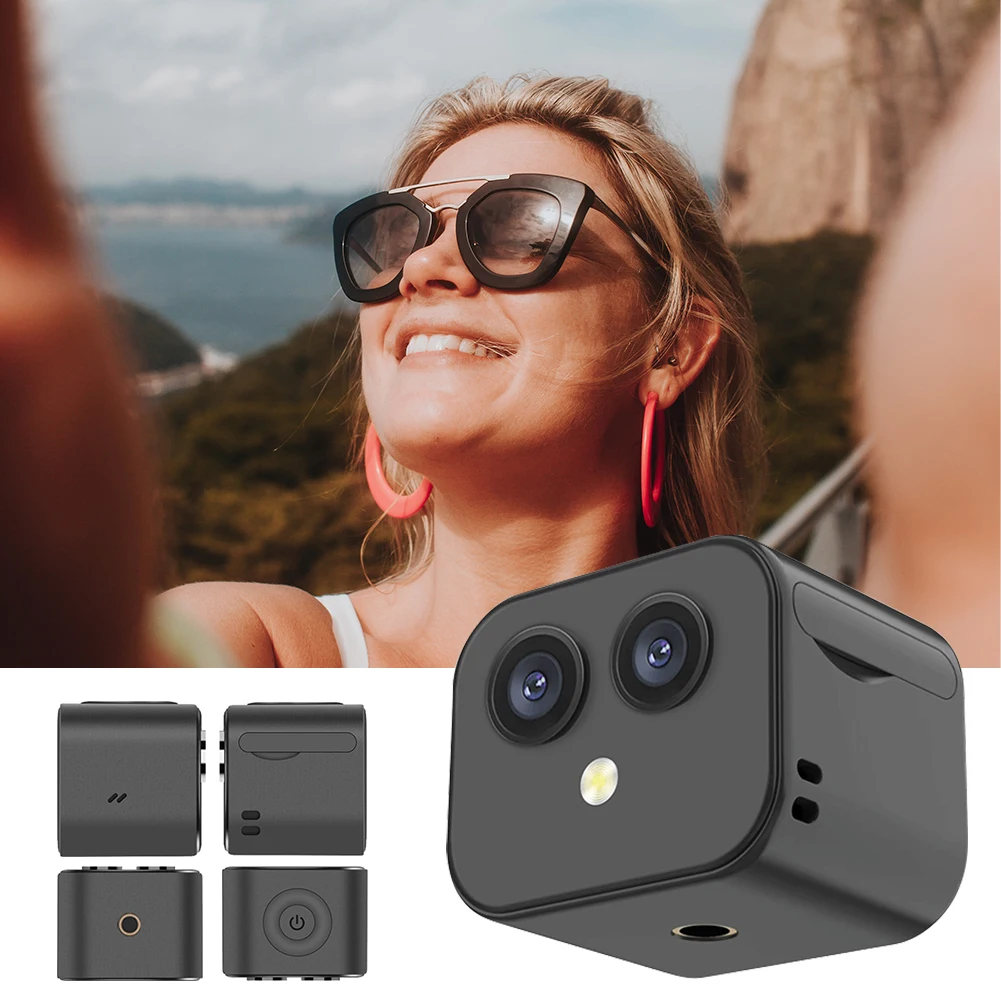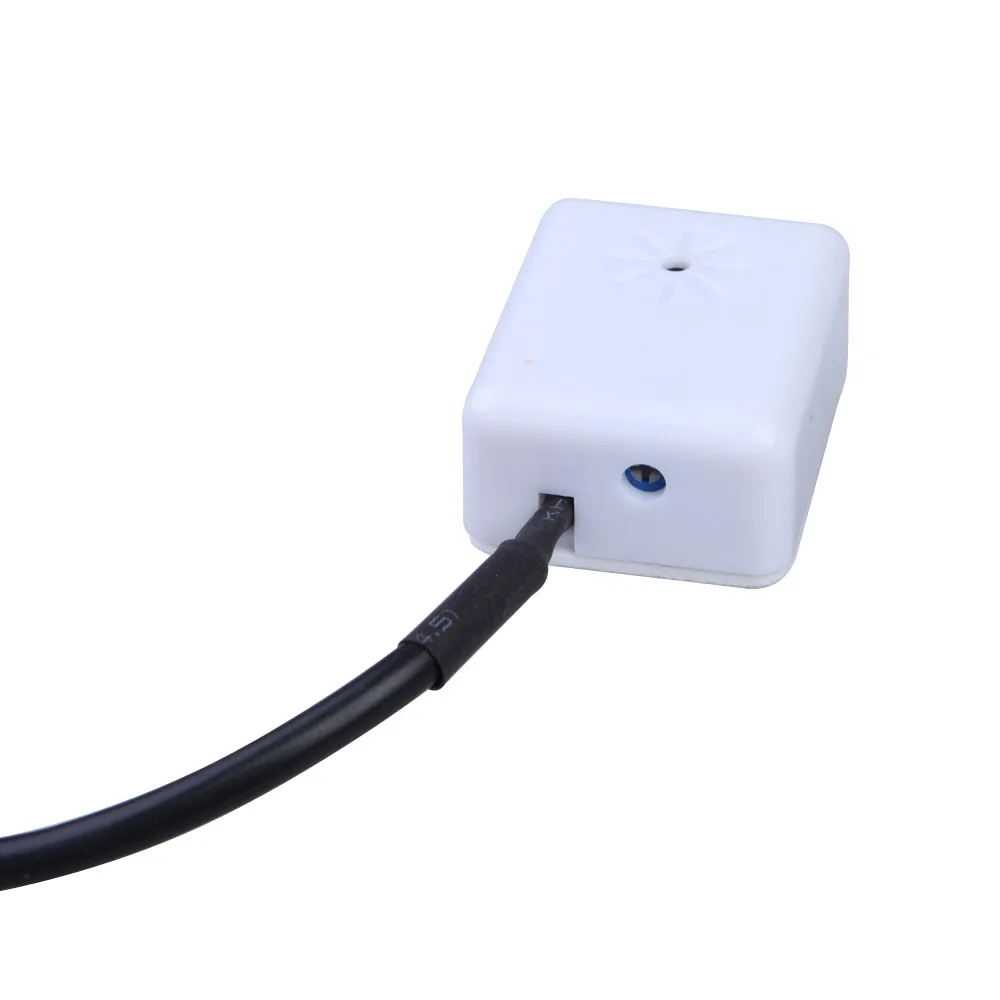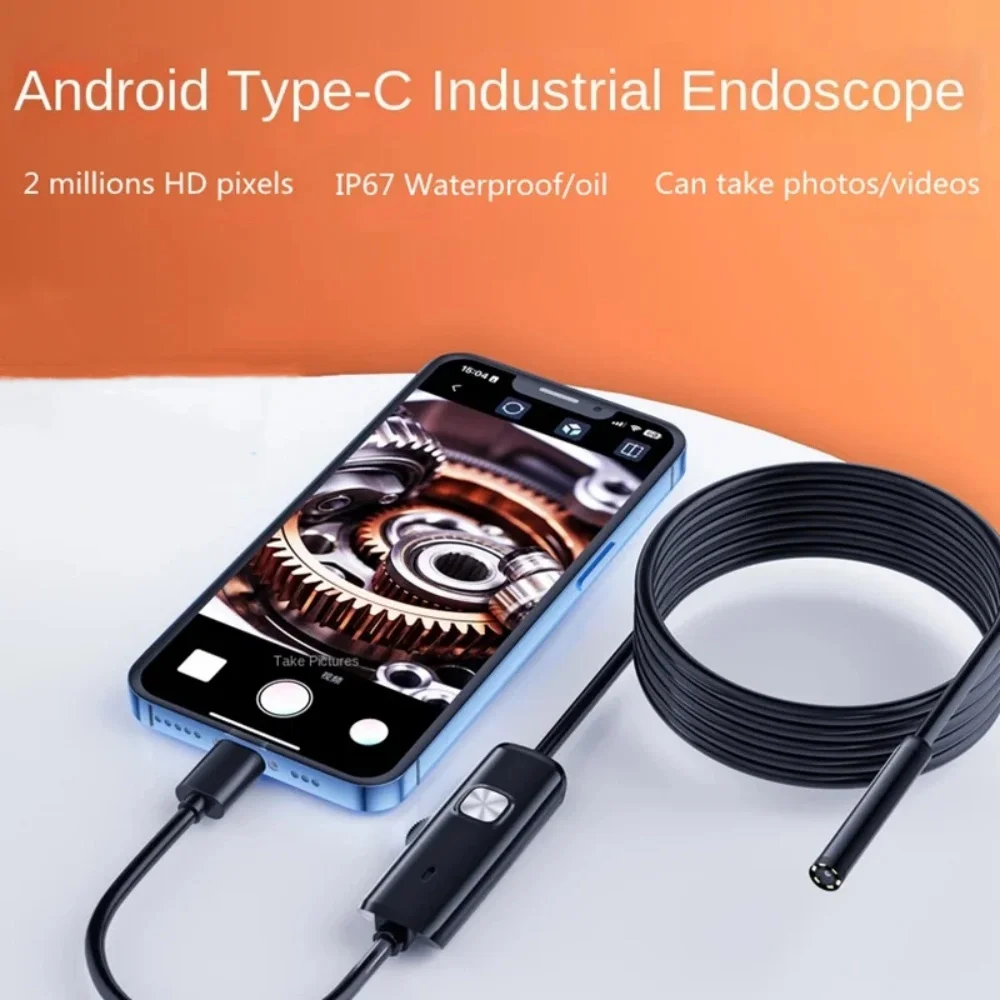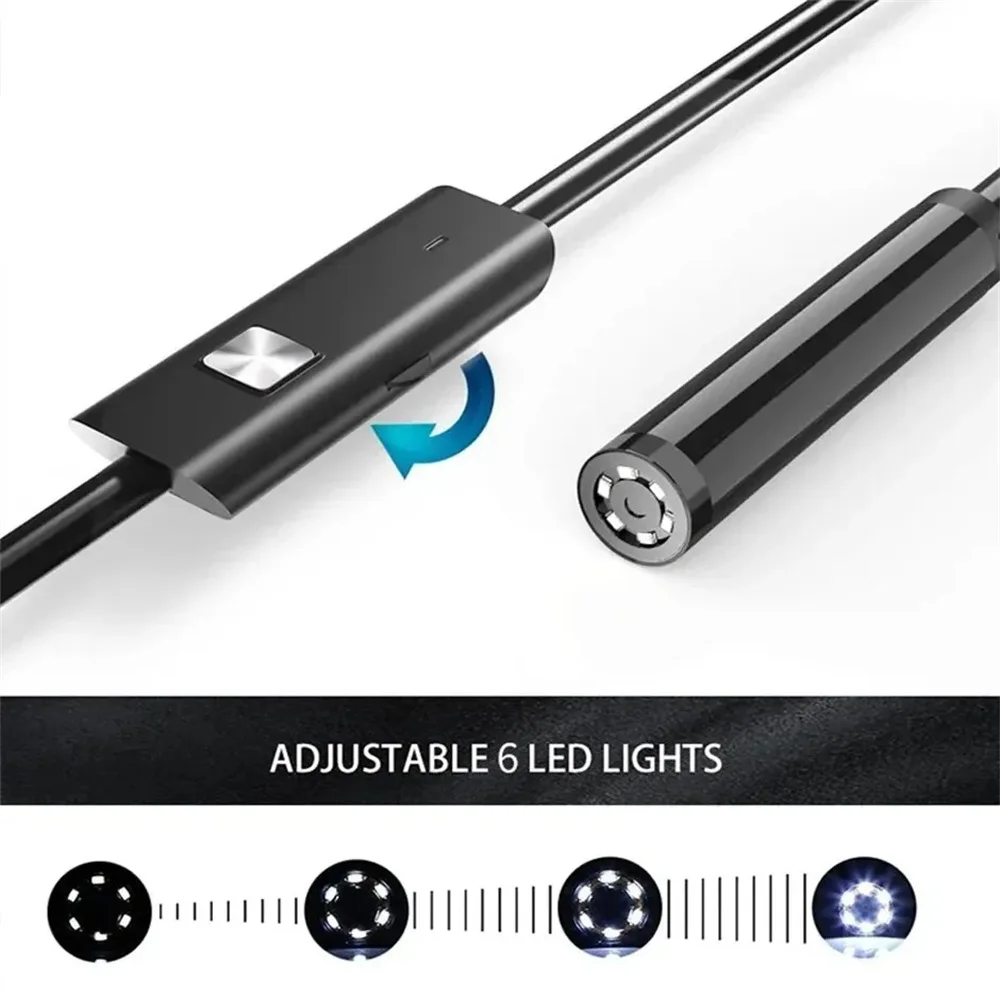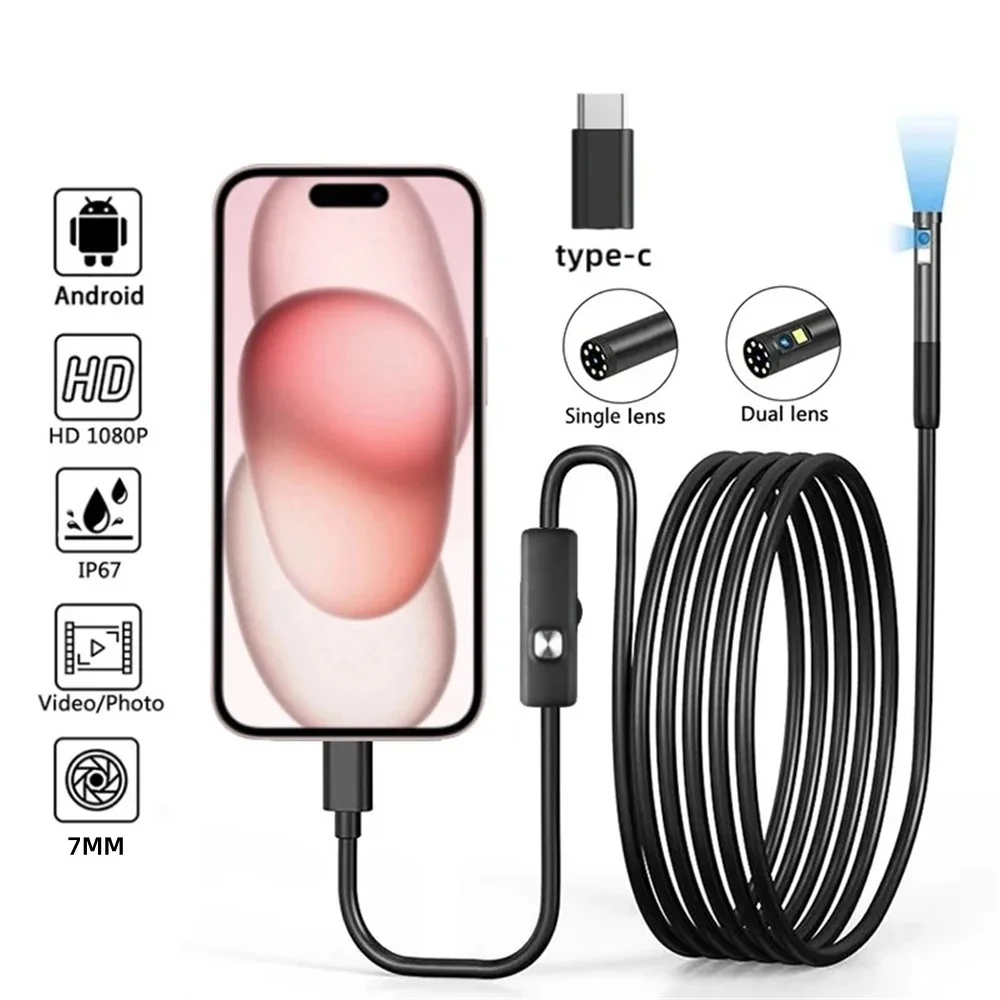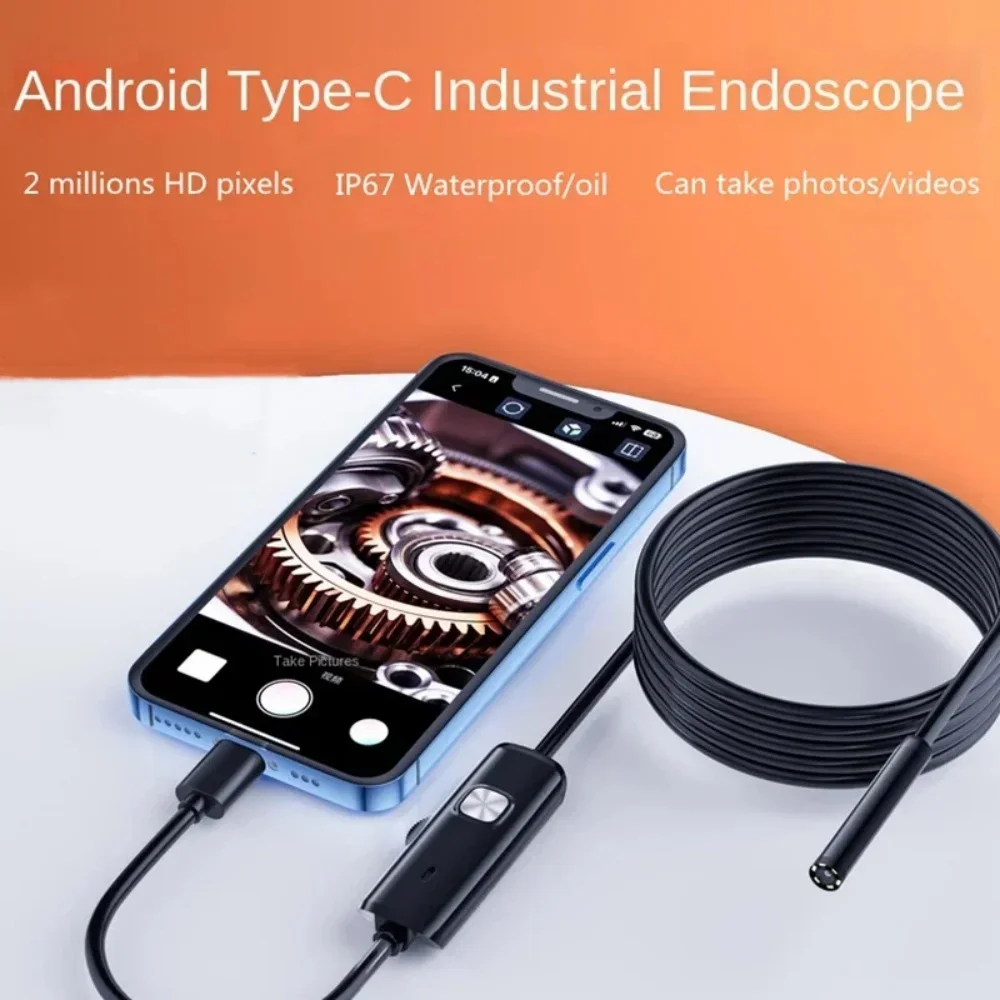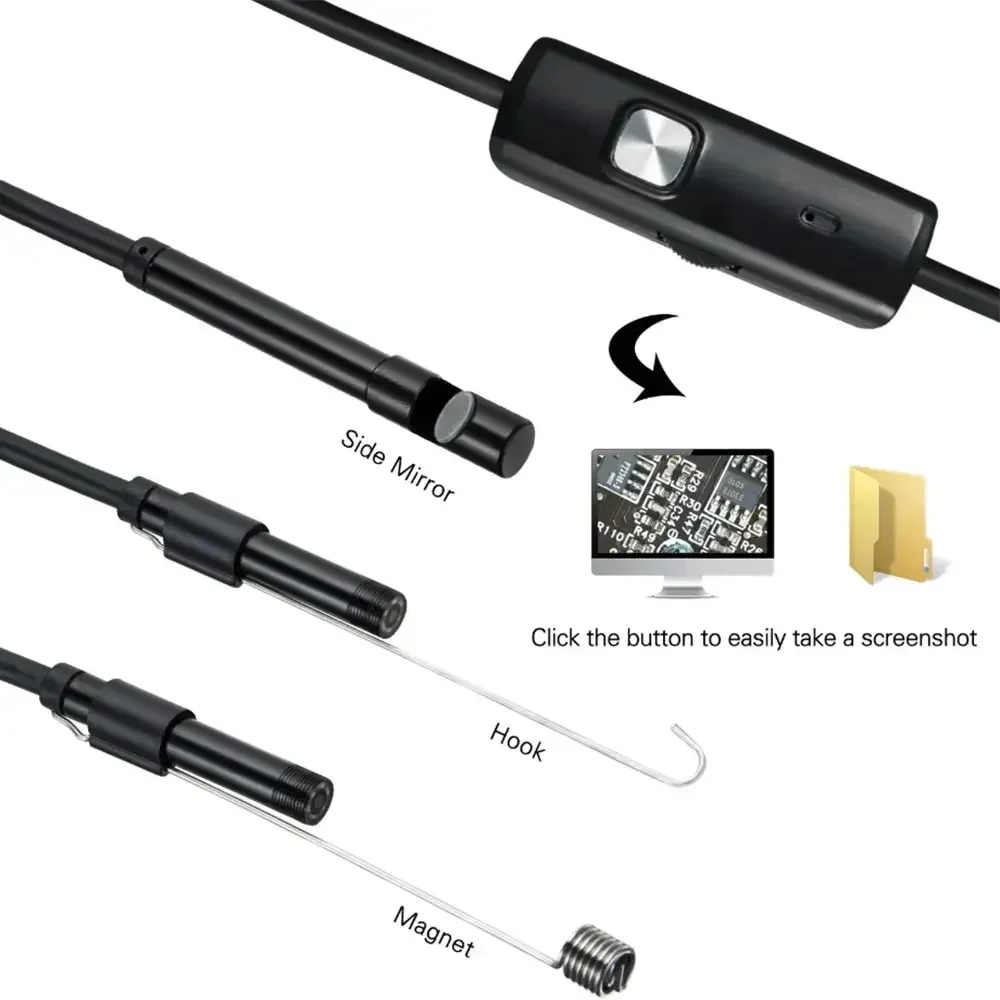
VIKEFON Type-C 7mm Endoscope Scope Camera 1m 1.5m 2m for Car Scenarios Endoscope Camera with 6 Led Lights Ideal for Car Engines
<div class="detailmodule_html"><div class="detail-desc-decorate-richtext"><div class="detail-desc-decorate-richtext"><strong><span style="font-size:26px;"><span style="font-family:Verdana,Geneva,sans-serif;">Fetures:</span></span></strong><span style="font-size:16px;"><span style="font-family:Verdana,Geneva,sans-serif;"><br />
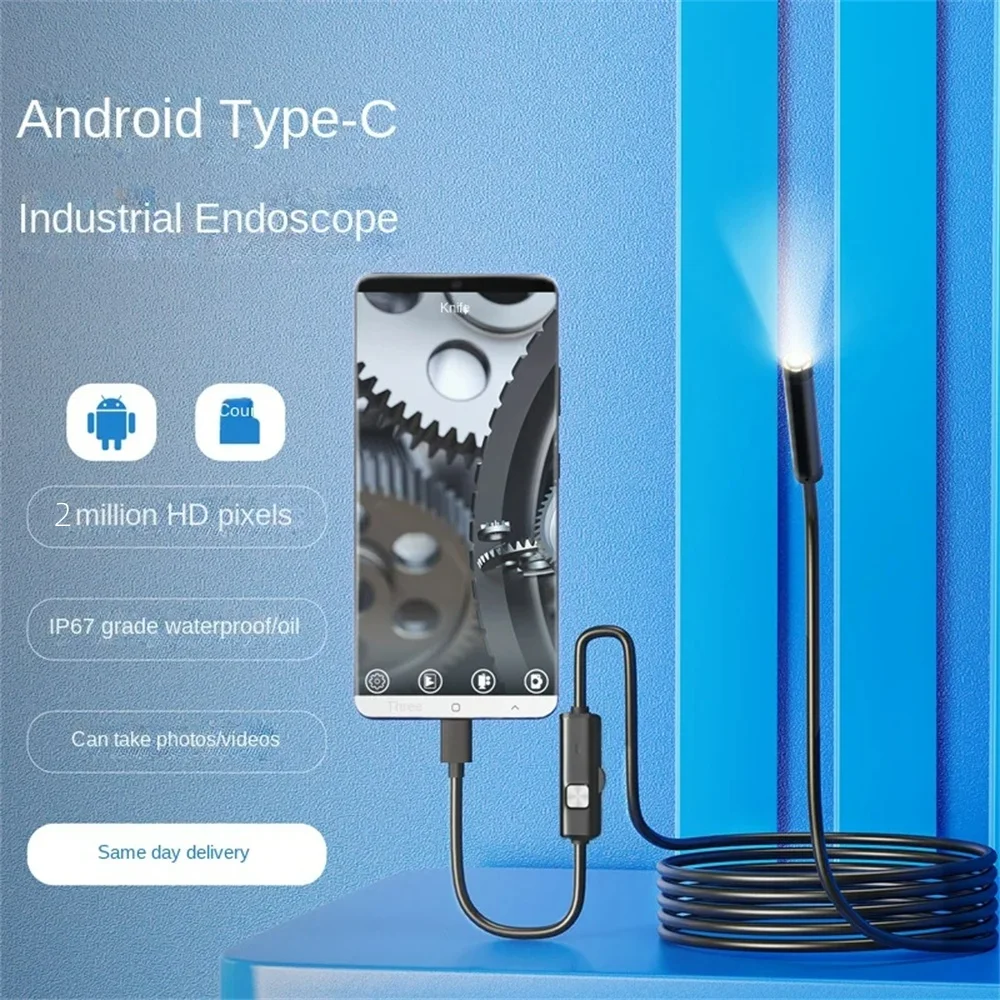
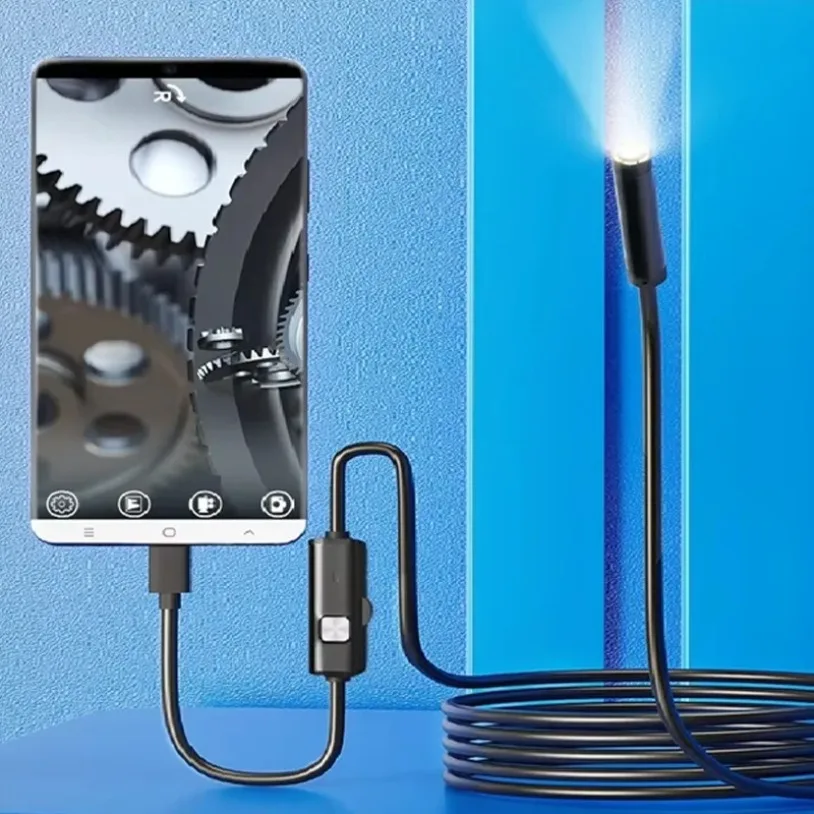
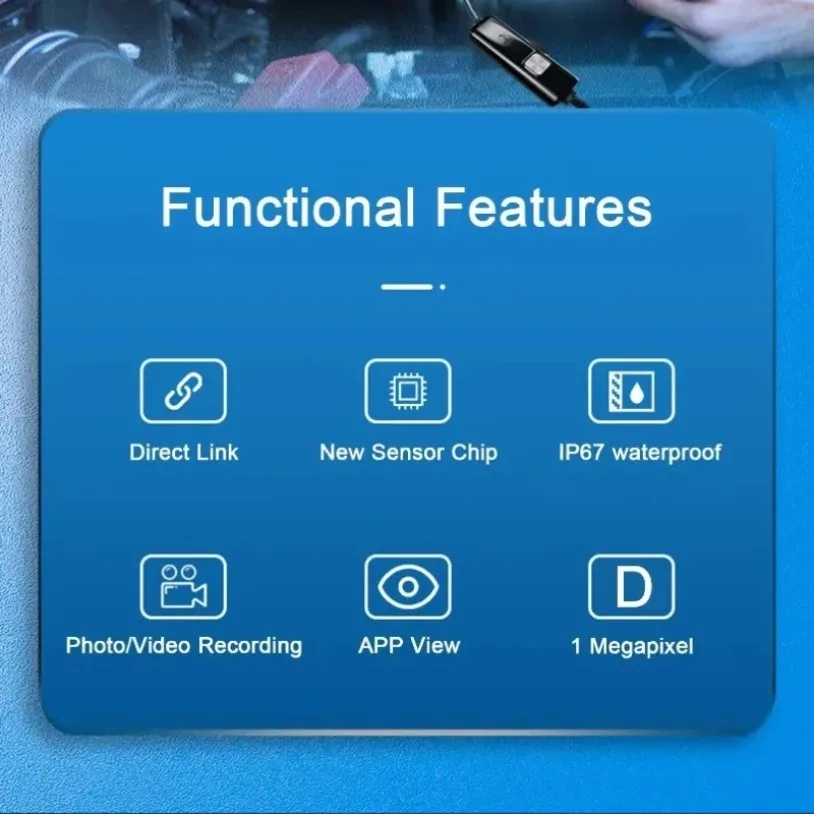
1. Latest Model for Android phones,can take Photo,video and Sound recording, and the photos & video file will directly stored in your Android mobile phone, the whole process of record check, convenient observation and follow-up analysis.<br />
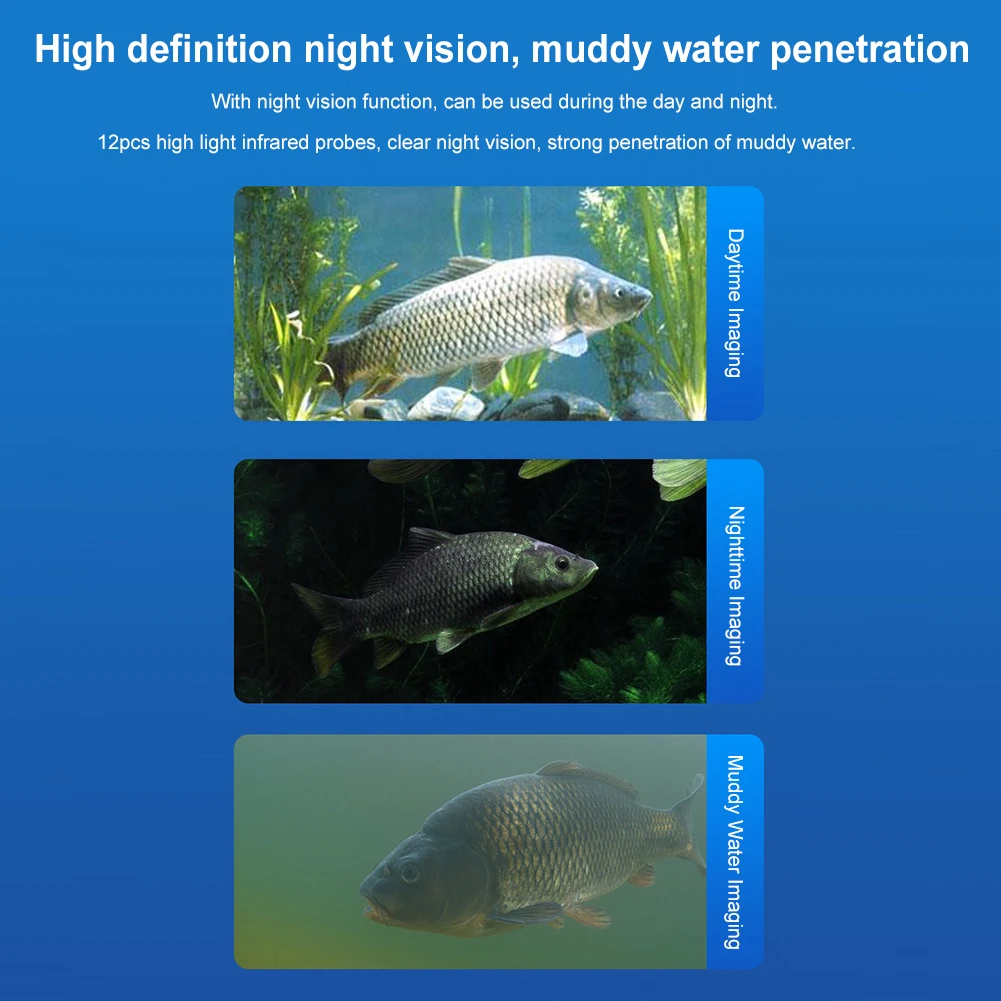
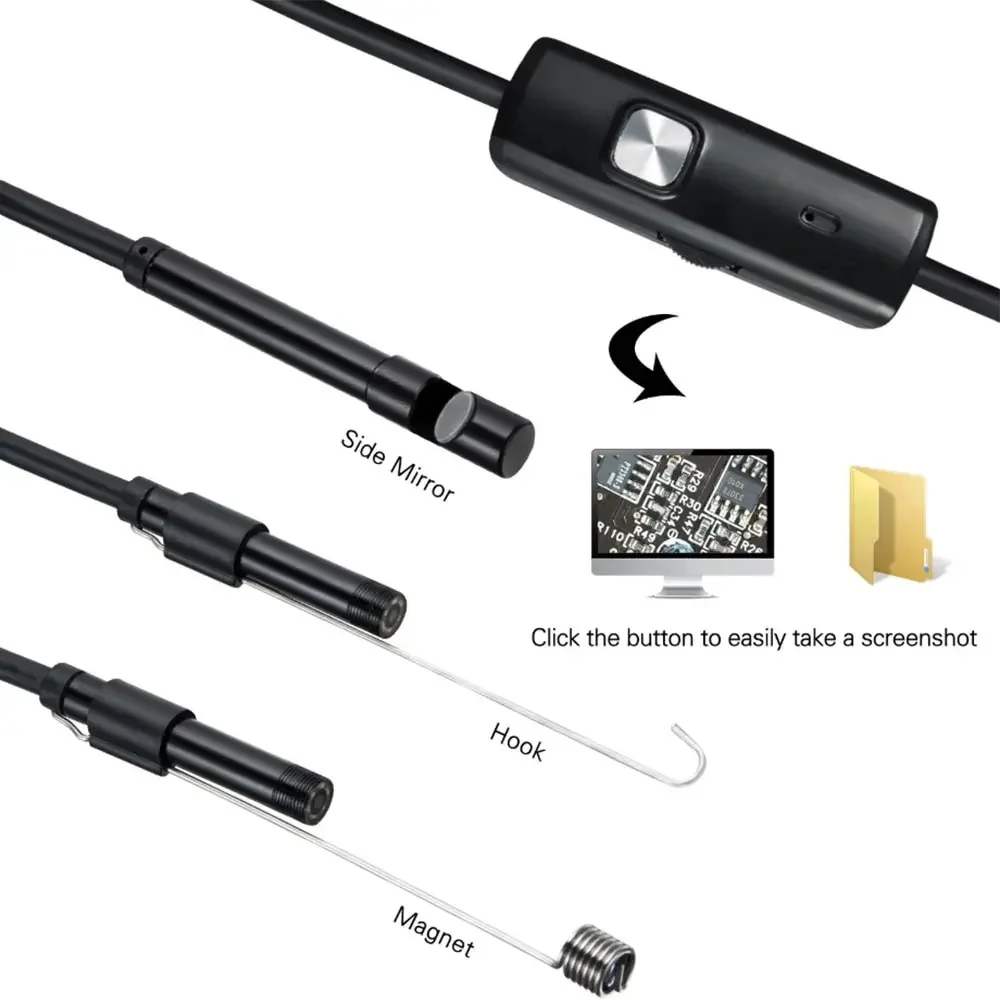
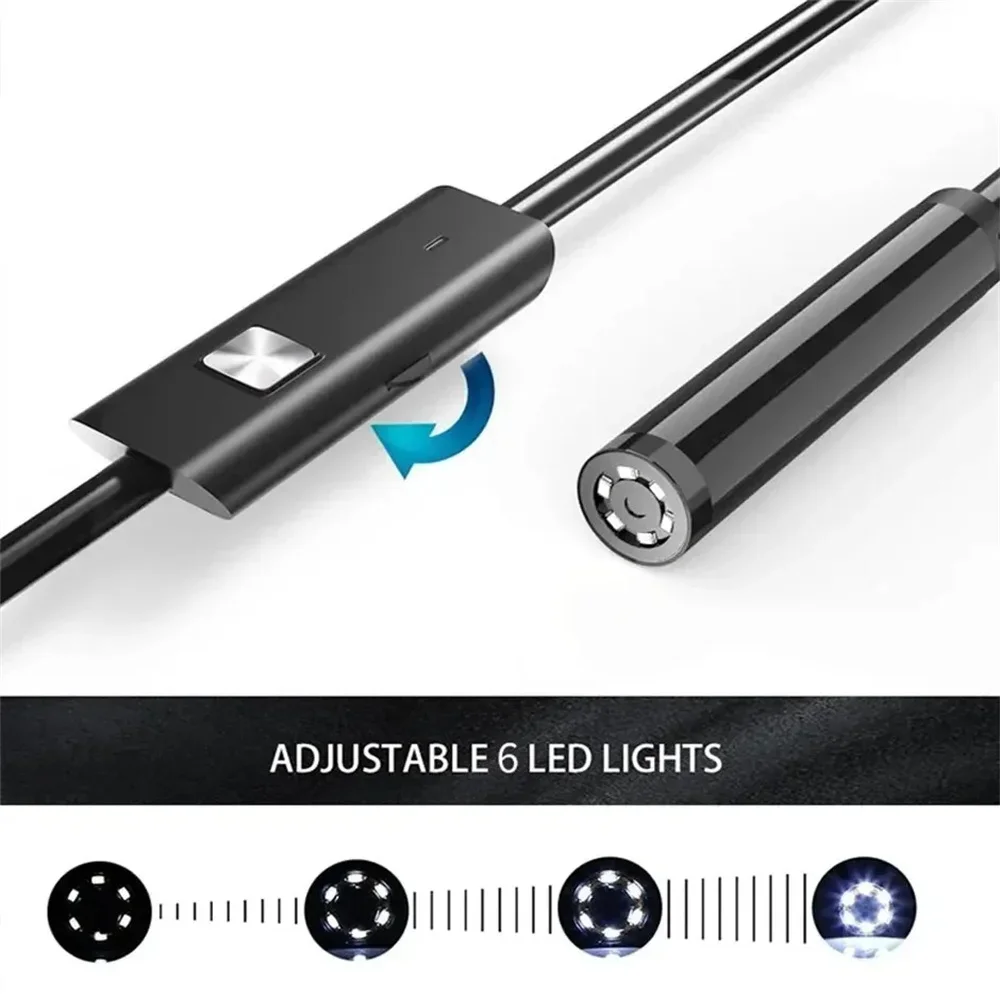
2. It has a turning wheel used for adjusting the brightness of six LED lights so that work in some areas without enough light.<br />
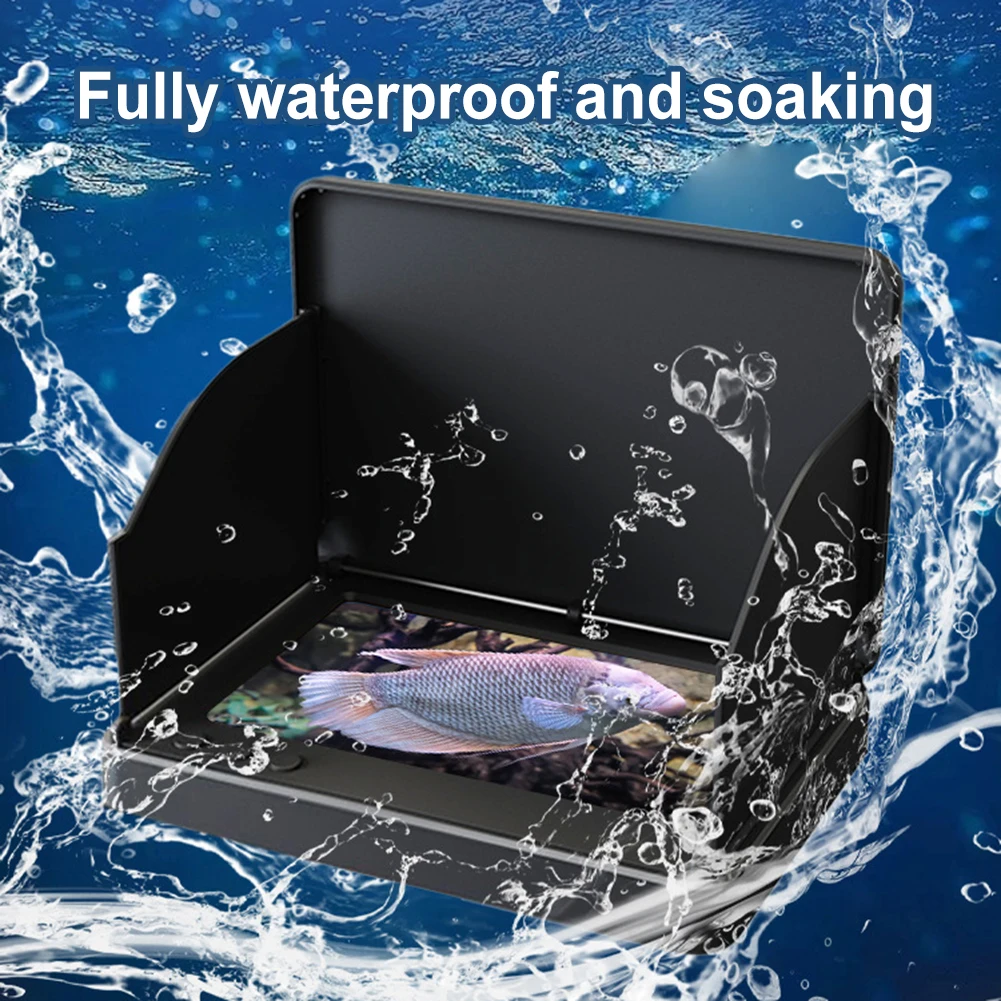
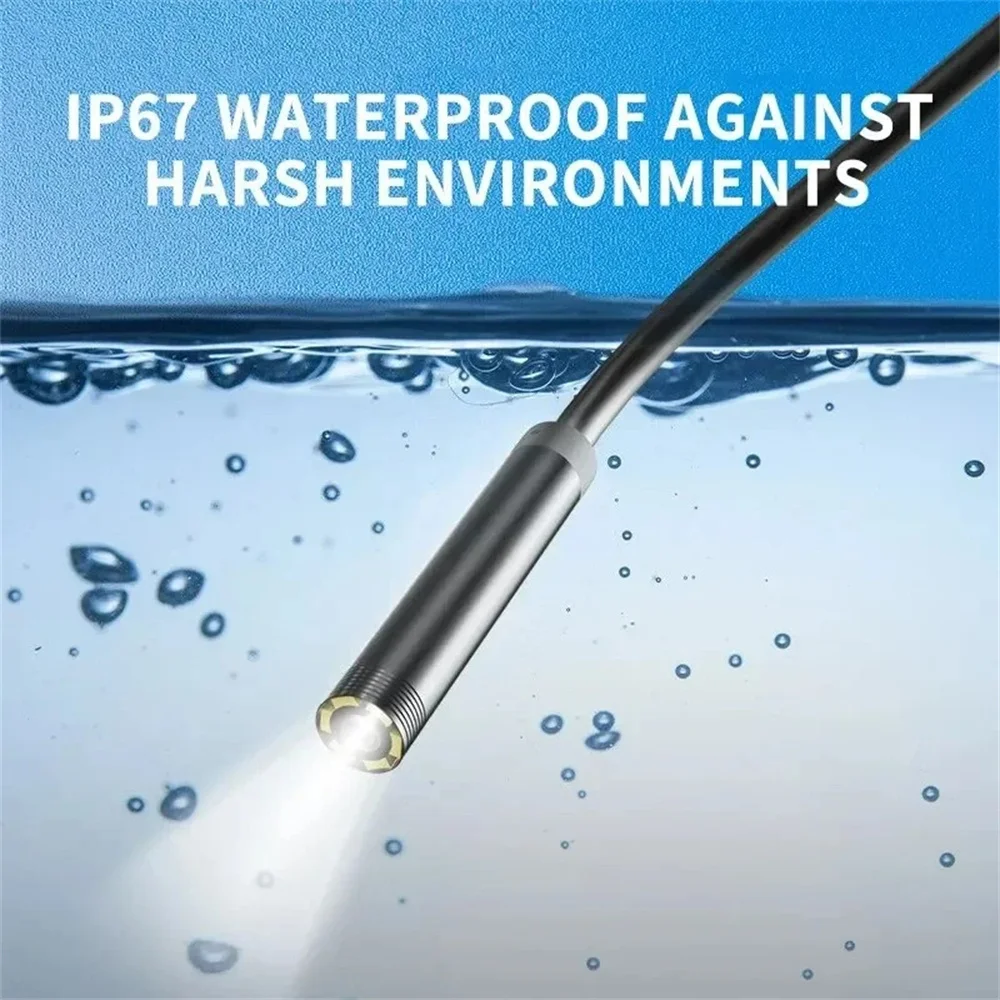
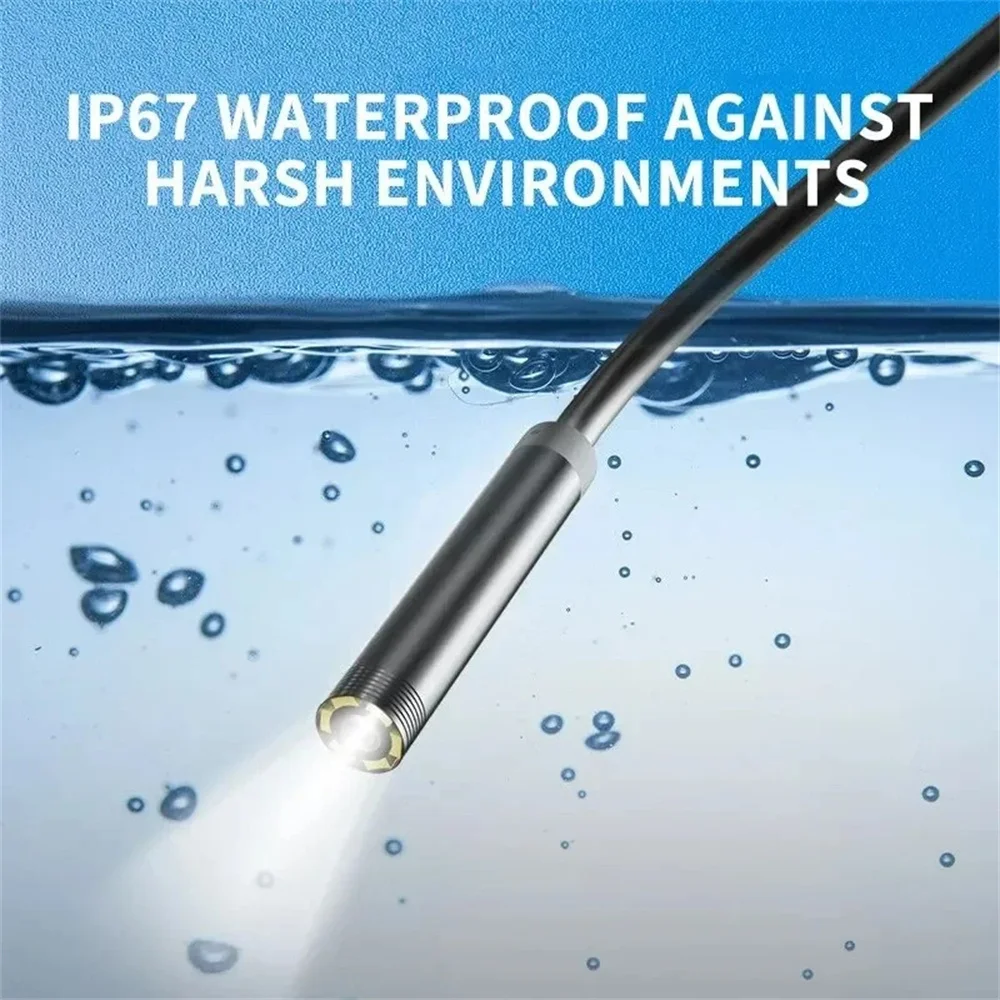
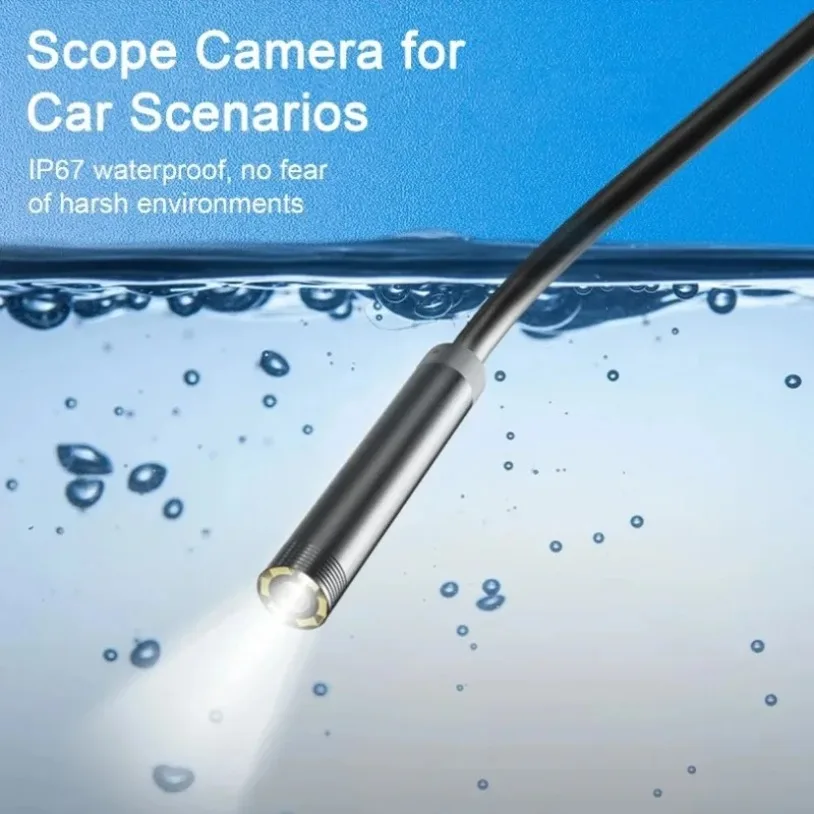
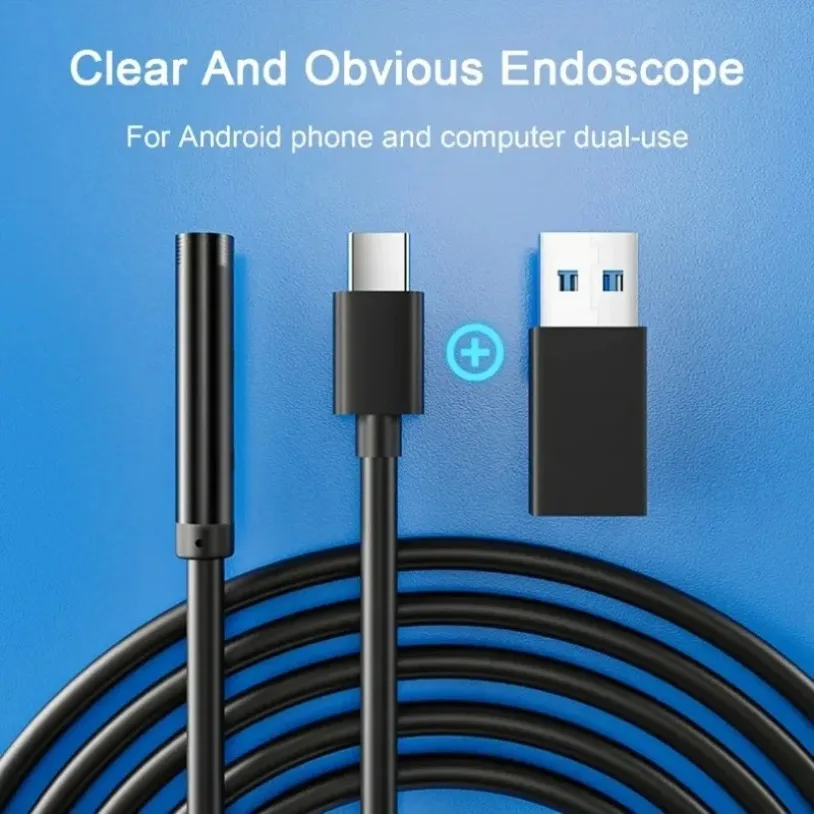
3. It is IP67 Waterproof Camera with a Micro USB to USB line, It can also be used on computers.<br />
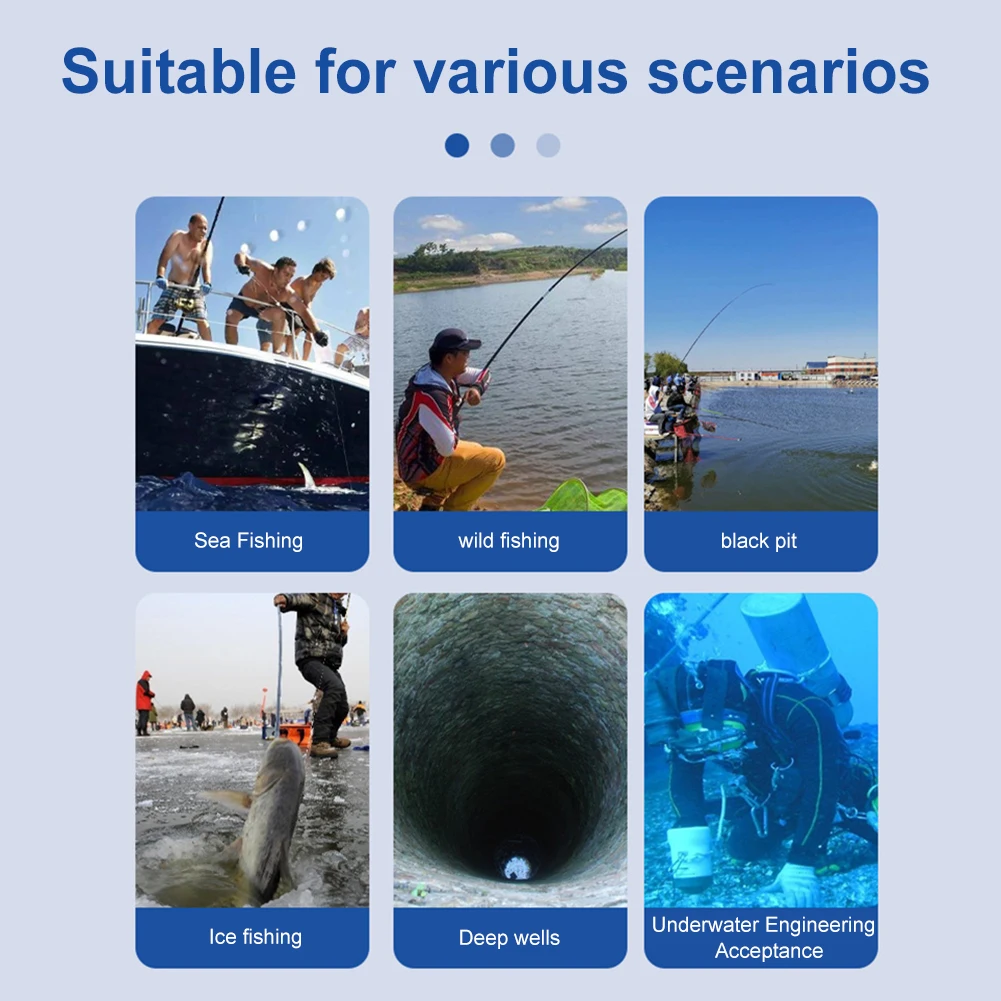
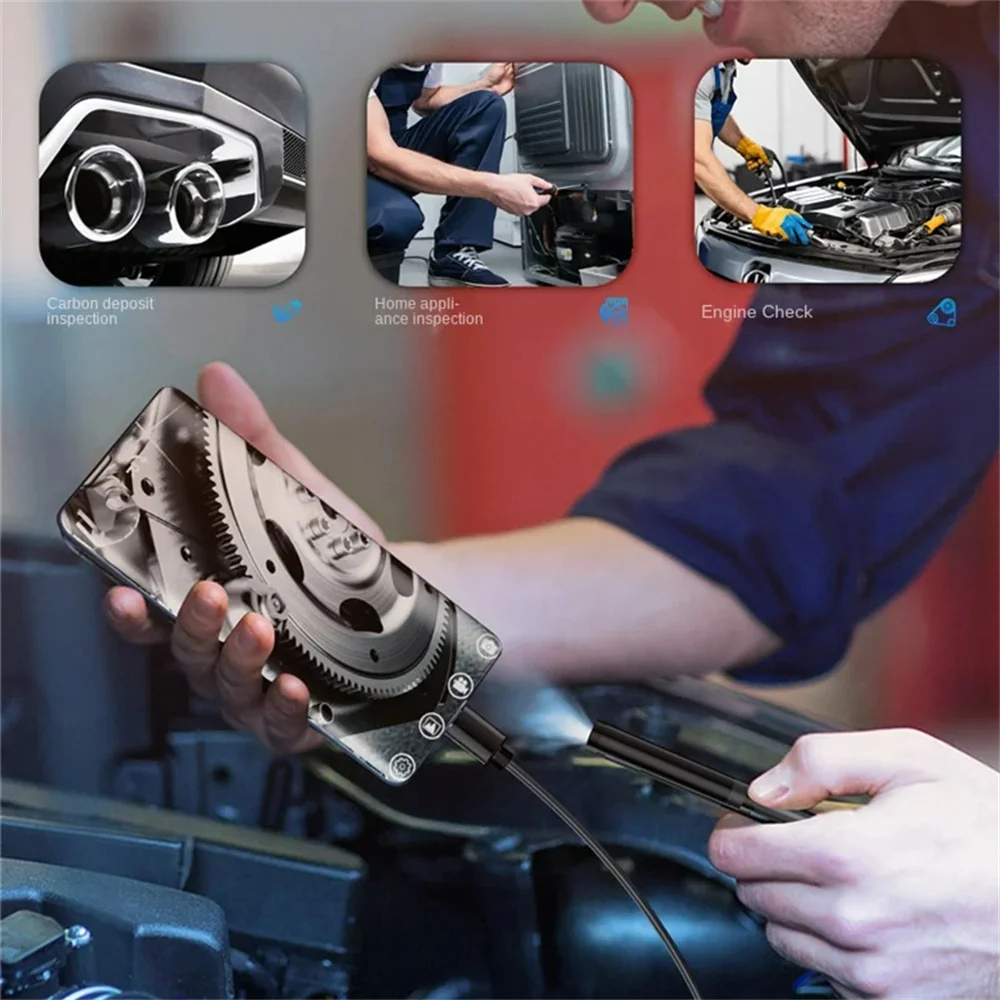
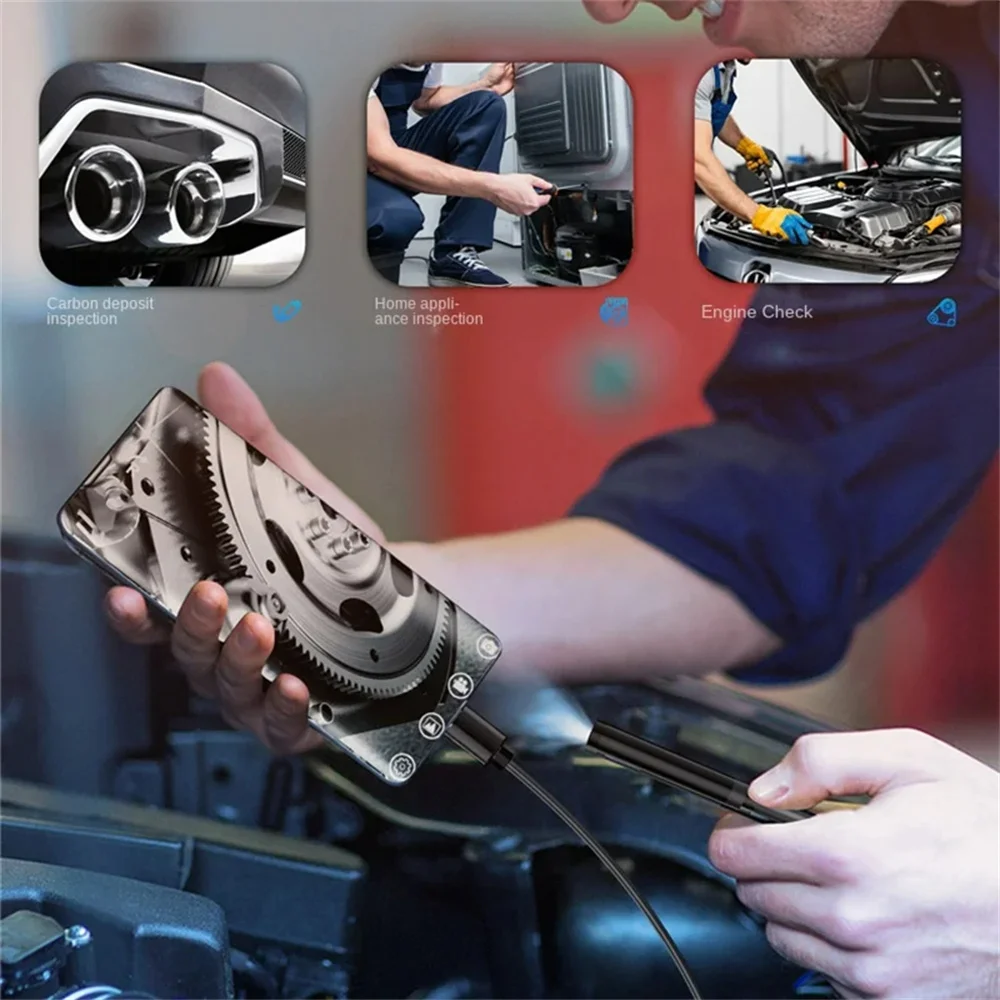
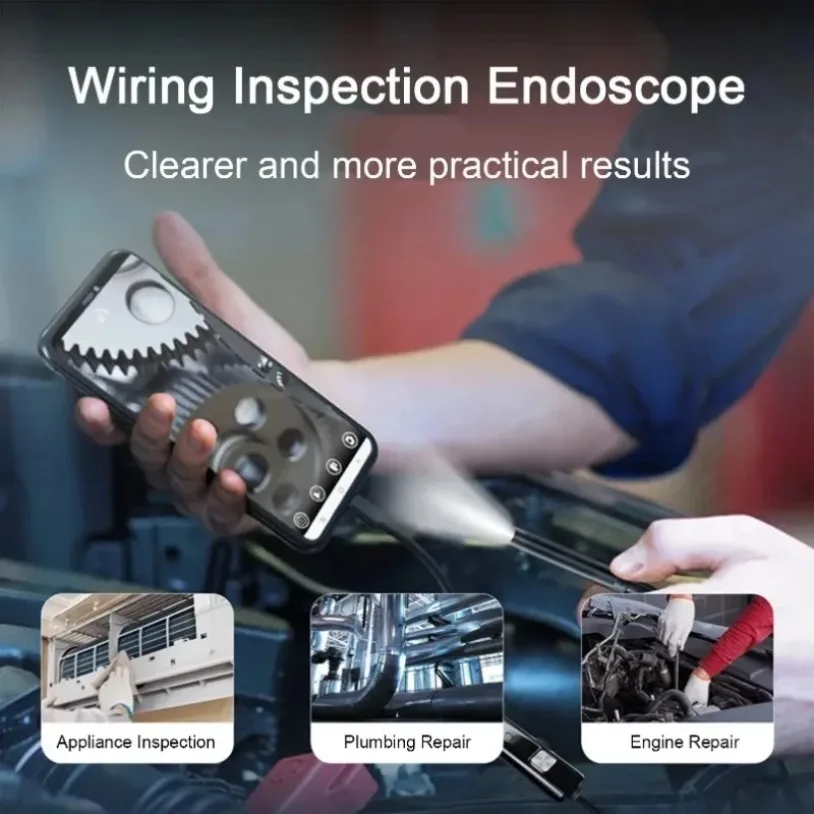
4. Ideal for intraoral camera system, underwater camera, waterproof Micro-cameras, motor vehicle detector, sewer pipeline detector.<br />
5. Best for search and rescue, criminal and custom detector, archaeological detect, the PCB detection, home care, aviation and space industries.<br />
6. For care and tractors industries, petroleum drilling industries, constructions and so on.<br />
<br />
<br />
Item Name: Type-C Endoscope<br />
Material: PVC<br />
Interface: Type-C<br />
Waterproof Grade: IP67<br />
Examination Room Angle: 70-degree</span></span><br />
<br />
<strong><span style="font-size:26px;"><span style="font-family:Verdana,Geneva,sans-serif;">Notes:</span></span></strong><span style="font-size:16px;"><span style="font-family:Verdana,Geneva,sans-serif;"><br />
Due to the light and screen setting difference, the item's color may be slightly different from the pictures. Please allow slight dimension difference due to different manual measurement.<br />
Package Includes:<br />
1 x Type-C Endoscope</span></span></div>
<div class="detail-desc-decorate-richtext"><span style="font-size:16px;"><span style="font-family:Verdana,Geneva,sans-serif;"></span></span></div>
<div align="start" style="font-family:arial, helvetica, sans-serif;font-size:13px;font-weight:normal;letter-spacing:normal;line-height:inherit;text-align:start;white-space:normal;color:rgb(0, 0, 0);background-color:rgb(255, 255, 255);border:0px;margin:0px;margin-bottom:0px;margin-top:0px;margin-left:0px;margin-right:0px;padding:0px;padding-bottom:0px;padding-top:0px;padding-left:0px;padding-right:0px;box-sizing:content-box">
<p style="font-size:inherit;font-weight:inherit;line-height:inherit;border:0px;margin:0px;margin-bottom:0px;margin-top:0px;margin-left:0px;margin-right:0px;padding:0px;padding-bottom:0px;padding-top:0px;padding-left:0px;padding-right:0px;box-sizing:content-box"><span style="font-size:26px;"><span style="font-family:Verdana,Geneva,sans-serif;"><strong>NOTE:</strong></span></span><span style="font-size:16px;"><span style="font-family:Verdana,Geneva,sans-serif;"><strong> </strong></span></span></p>
<p style="font-size:inherit;font-weight:inherit;line-height:inherit;border:0px;margin:0px;margin-bottom:0px;margin-top:0px;margin-left:0px;margin-right:0px;padding:0px;padding-bottom:0px;padding-top:0px;padding-left:0px;padding-right:0px;box-sizing:content-box"><span style="font-size:16px;"><span style="font-family:Verdana,Geneva,sans-serif;">1. This endoscope can only work with <span style="color: rgb(255, 0, 0);">Android</span> system smartphones, <span style="color: rgb(255, 0, 0);">can not work</span> with iphone IOS system or windows phone or any other mobile phone with any other system.</span></span></p>
<p style="font-size:inherit;font-weight:inherit;line-height:inherit;border:0px;margin:0px;margin-bottom:0px;margin-top:0px;margin-left:0px;margin-right:0px;padding:0px;padding-bottom:0px;padding-top:0px;padding-left:0px;padding-right:0px;box-sizing:content-box"><span style="font-size:16px;"><span style="font-family:Verdana,Geneva,sans-serif;">2. Your Android phone system must be above <span style="color: rgb(255, 0, 0);">Android 4.0+ system</span>, and your phone must support <span style="color: rgb(255, 0, 0);">OTG and UVC</span> function, must support external camera, the system must be allowed to connect external camera.</span></span></p>
<p style="font-size:inherit;font-weight:inherit;line-height:inherit;border:0px;margin:0px;margin-bottom:0px;margin-top:0px;margin-left:0px;margin-right:0px;padding:0px;padding-bottom:0px;padding-top:0px;padding-left:0px;padding-right:0px;box-sizing:content-box"><span style="font-size:16px;"><span style="font-family:Verdana,Geneva,sans-serif;"><span style="color: rgb(255, 0, 0);">These above conditions are allIndispensable requirement. Can not work without any conditions above.</span></span></span></p>
<div style="margin:0px;margin-bottom:0px;margin-top:0px;margin-left:0px;margin-right:0px;padding:0px;padding-bottom:0px;padding-top:0px;padding-left:0px;padding-right:0px;box-sizing:content-box"><span style="font-size:16px;"><span style="font-family:Verdana,Geneva,sans-serif;"></span></span></div>
<p style="font-size:inherit;font-weight:inherit;line-height:inherit;border:0px;margin:0px;margin-bottom:0px;margin-top:0px;margin-left:0px;margin-right:0px;padding:0px;padding-bottom:0px;padding-top:0px;padding-left:0px;padding-right:0px;box-sizing:content-box"><span style="font-size:16px;"><span style="font-family:Verdana,Geneva,sans-serif;"><u>- How to Check OTG?</u> There are 3 methods for reference.</span></span></p>
<p style="font-size:inherit;font-weight:inherit;line-height:inherit;border:0px;margin:0px;margin-bottom:0px;margin-top:0px;margin-left:0px;margin-right:0px;padding:0px;padding-bottom:0px;padding-top:0px;padding-left:0px;padding-right:0px;box-sizing:content-box"><span style="font-size:16px;"><span style="font-family:Verdana,Geneva,sans-serif;">(1) You can install a free app "USB OTG Checker" which provides a simple method to check.</span></span></p>
<p style="font-size:inherit;font-weight:inherit;line-height:inherit;border:0px;margin:0px;margin-bottom:0px;margin-top:0px;margin-left:0px;margin-right:0px;padding:0px;padding-bottom:0px;padding-top:0px;padding-left:0px;padding-right:0px;box-sizing:content-box"><span style="font-size:16px;"><span style="font-family:Verdana,Geneva,sans-serif;">(2) You need an OTG cable. Connect phone with some equipment by OTG cable, such as keyboard, mouse, U disk. If you can use the equipment normally, OTG function works.</span></span></p>
<p style="font-size:inherit;font-weight:inherit;line-height:inherit;border:0px;margin:0px;margin-bottom:0px;margin-top:0px;margin-left:0px;margin-right:0px;padding:0px;padding-bottom:0px;padding-top:0px;padding-left:0px;padding-right:0px;box-sizing:content-box"><span style="font-size:16px;"><span style="font-family:Verdana,Geneva,sans-serif;">(3) Checke with mobile phone manufacturers.</span></span></p>
<div style="margin:0px;margin-bottom:0px;margin-top:0px;margin-left:0px;margin-right:0px;padding:0px;padding-bottom:0px;padding-top:0px;padding-left:0px;padding-right:0px;box-sizing:content-box"><span style="font-size:16px;"><span style="font-family:Verdana,Geneva,sans-serif;"></span></span></div>
<div style="font-size:inherit;font-weight:inherit;line-height:inherit;border:0px;margin:0px;margin-bottom:0px;margin-top:0px;margin-left:0px;margin-right:0px;padding:0px;padding-bottom:0px;padding-top:0px;padding-left:0px;padding-right:0px;box-sizing:content-box"><span style="font-size:16px;"><span style="font-family:Verdana,Geneva,sans-serif;"><span style="color: rgb(255, 0, 0);"><u>Only OTG function is not enough, your phone must support UVC function. </u></span></span></span></div>
<div style="font-size:inherit;font-weight:inherit;line-height:inherit;border:0px;margin:0px;margin-bottom:0px;margin-top:0px;margin-left:0px;margin-right:0px;padding:0px;padding-bottom:0px;padding-top:0px;padding-left:0px;padding-right:0px;box-sizing:content-box"><span style="font-size:16px;"><span style="font-family:Verdana,Geneva,sans-serif;"><span style="color: rgb(255, 0, 0);"><u>UVC function means your phone can support external camera, the system is allowed to connect external camera. </u></span></span></span></div>
<p style="font-size:inherit;font-weight:inherit;line-height:inherit;border:0px;margin:0px;margin-bottom:0px;margin-top:0px;margin-left:0px;margin-right:0px;padding:0px;padding-bottom:0px;padding-top:0px;padding-left:0px;padding-right:0px;box-sizing:content-box"><span style="font-size:16px;"><span style="font-family:Verdana,Geneva,sans-serif;"><u>- How to Check UVC?</u></span></span></p>
<p style="font-size:inherit;font-weight:inherit;line-height:inherit;border:0px;margin:0px;margin-bottom:0px;margin-top:0px;margin-left:0px;margin-right:0px;padding:0px;padding-bottom:0px;padding-top:0px;padding-left:0px;padding-right:0px;box-sizing:content-box"><span style="font-size:16px;"><span style="font-family:Verdana,Geneva,sans-serif;">(1) UVC function can only be checked with mobile phone manufacturers.</span></span></p>
</div>
<p align="start" style="font-family:arial, helvetica, sans-serif;font-size:13px;font-weight:normal;letter-spacing:normal;line-height:inherit;text-align:start;white-space:normal;color:rgb(0, 0, 0);background-color:rgb(255, 255, 255);border:0px;margin:0px;margin-bottom:0px;margin-top:0px;margin-left:0px;margin-right:0px;padding:0px;padding-bottom:0px;padding-top:0px;padding-left:0px;padding-right:0px;box-sizing:content-box"><span style="font-size:16px;"><span style="font-family:Verdana,Geneva,sans-serif;"><span style="color: rgb(255, 0, 0);"><u>There are some notes of using this endoscope, for avoid dispute, please read following words carefully before purchase, or we'll not be responsible due to following reasons .</u></span></span></span></p>
<div class="detail-desc-decorate-richtext">
<p align="left" style="text-align:left;margin:0px;margin-bottom:0px;margin-top:0px;margin-left:0px;margin-right:0px"></p>
</div>
<br />
</div></div>
$24.44
$12.995
- Category : Security & Protection
- Brand : vikefon_3c_whimsy_store_store VIKEFON 3C Whimsy Store Store
Colors
Sizes
-
+

<div class="detailmodule_html"><div class="detail-desc-decorate-richtext"><div class="detail-desc-decorate-richtext"><strong><span style="font-size:26px;"><span style="font-family:Verdana,Geneva,sans-serif;">Fetures:</span></span></strong><span style="font-size:16px;"><span style="font-family:Verdana,Geneva,sans-serif;"><br />
1. Latest Model for Android phones,can take Photo,video and Sound recording, and the photos & video file will directly stored in your Android mobile phone, the whole process of record check, convenient observation and follow-up analysis.<br />
2. It has a turning wheel used for adjusting the brightness of six LED lights so that work in some areas without enough light.<br />
3. It is IP67 Waterproof Camera with a Micro USB to USB line, It can also be used on computers.<br />
4. Ideal for intraoral camera system, underwater camera, waterproof Micro-cameras, motor vehicle detector, sewer pipeline detector.<br />
5. Best for search and rescue, criminal and custom detector, archaeological detect, the PCB detection, home care, aviation and space industries.<br />
6. For care and tractors industries, petroleum drilling industries, constructions and so on.<br />
<br />
<br />
Item Name: Type-C Endoscope<br />
Material: PVC<br />
Interface: Type-C<br />
Waterproof Grade: IP67<br />
Examination Room Angle: 70-degree</span></span><br />
<br />
<strong><span style="font-size:26px;"><span style="font-family:Verdana,Geneva,sans-serif;">Notes:</span></span></strong><span style="font-size:16px;"><span style="font-family:Verdana,Geneva,sans-serif;"><br />
Due to the light and screen setting difference, the item's color may be slightly different from the pictures. Please allow slight dimension difference due to different manual measurement.<br />
Package Includes:<br />
1 x Type-C Endoscope</span></span></div>
<div class="detail-desc-decorate-richtext"><span style="font-size:16px;"><span style="font-family:Verdana,Geneva,sans-serif;"></span></span></div>
<div align="start" style="font-family:arial, helvetica, sans-serif;font-size:13px;font-weight:normal;letter-spacing:normal;line-height:inherit;text-align:start;white-space:normal;color:rgb(0, 0, 0);background-color:rgb(255, 255, 255);border:0px;margin:0px;margin-bottom:0px;margin-top:0px;margin-left:0px;margin-right:0px;padding:0px;padding-bottom:0px;padding-top:0px;padding-left:0px;padding-right:0px;box-sizing:content-box">
<p style="font-size:inherit;font-weight:inherit;line-height:inherit;border:0px;margin:0px;margin-bottom:0px;margin-top:0px;margin-left:0px;margin-right:0px;padding:0px;padding-bottom:0px;padding-top:0px;padding-left:0px;padding-right:0px;box-sizing:content-box"><span style="font-size:26px;"><span style="font-family:Verdana,Geneva,sans-serif;"><strong>NOTE:</strong></span></span><span style="font-size:16px;"><span style="font-family:Verdana,Geneva,sans-serif;"><strong> </strong></span></span></p>
<p style="font-size:inherit;font-weight:inherit;line-height:inherit;border:0px;margin:0px;margin-bottom:0px;margin-top:0px;margin-left:0px;margin-right:0px;padding:0px;padding-bottom:0px;padding-top:0px;padding-left:0px;padding-right:0px;box-sizing:content-box"><span style="font-size:16px;"><span style="font-family:Verdana,Geneva,sans-serif;">1. This endoscope can only work with <span style="color: rgb(255, 0, 0);">Android</span> system smartphones, <span style="color: rgb(255, 0, 0);">can not work</span> with iphone IOS system or windows phone or any other mobile phone with any other system.</span></span></p>
<p style="font-size:inherit;font-weight:inherit;line-height:inherit;border:0px;margin:0px;margin-bottom:0px;margin-top:0px;margin-left:0px;margin-right:0px;padding:0px;padding-bottom:0px;padding-top:0px;padding-left:0px;padding-right:0px;box-sizing:content-box"><span style="font-size:16px;"><span style="font-family:Verdana,Geneva,sans-serif;">2. Your Android phone system must be above <span style="color: rgb(255, 0, 0);">Android 4.0+ system</span>, and your phone must support <span style="color: rgb(255, 0, 0);">OTG and UVC</span> function, must support external camera, the system must be allowed to connect external camera.</span></span></p>
<p style="font-size:inherit;font-weight:inherit;line-height:inherit;border:0px;margin:0px;margin-bottom:0px;margin-top:0px;margin-left:0px;margin-right:0px;padding:0px;padding-bottom:0px;padding-top:0px;padding-left:0px;padding-right:0px;box-sizing:content-box"><span style="font-size:16px;"><span style="font-family:Verdana,Geneva,sans-serif;"><span style="color: rgb(255, 0, 0);">These above conditions are allIndispensable requirement. Can not work without any conditions above.</span></span></span></p>
<div style="margin:0px;margin-bottom:0px;margin-top:0px;margin-left:0px;margin-right:0px;padding:0px;padding-bottom:0px;padding-top:0px;padding-left:0px;padding-right:0px;box-sizing:content-box"><span style="font-size:16px;"><span style="font-family:Verdana,Geneva,sans-serif;"></span></span></div>
<p style="font-size:inherit;font-weight:inherit;line-height:inherit;border:0px;margin:0px;margin-bottom:0px;margin-top:0px;margin-left:0px;margin-right:0px;padding:0px;padding-bottom:0px;padding-top:0px;padding-left:0px;padding-right:0px;box-sizing:content-box"><span style="font-size:16px;"><span style="font-family:Verdana,Geneva,sans-serif;"><u>- How to Check OTG?</u> There are 3 methods for reference.</span></span></p>
<p style="font-size:inherit;font-weight:inherit;line-height:inherit;border:0px;margin:0px;margin-bottom:0px;margin-top:0px;margin-left:0px;margin-right:0px;padding:0px;padding-bottom:0px;padding-top:0px;padding-left:0px;padding-right:0px;box-sizing:content-box"><span style="font-size:16px;"><span style="font-family:Verdana,Geneva,sans-serif;">(1) You can install a free app "USB OTG Checker" which provides a simple method to check.</span></span></p>
<p style="font-size:inherit;font-weight:inherit;line-height:inherit;border:0px;margin:0px;margin-bottom:0px;margin-top:0px;margin-left:0px;margin-right:0px;padding:0px;padding-bottom:0px;padding-top:0px;padding-left:0px;padding-right:0px;box-sizing:content-box"><span style="font-size:16px;"><span style="font-family:Verdana,Geneva,sans-serif;">(2) You need an OTG cable. Connect phone with some equipment by OTG cable, such as keyboard, mouse, U disk. If you can use the equipment normally, OTG function works.</span></span></p>
<p style="font-size:inherit;font-weight:inherit;line-height:inherit;border:0px;margin:0px;margin-bottom:0px;margin-top:0px;margin-left:0px;margin-right:0px;padding:0px;padding-bottom:0px;padding-top:0px;padding-left:0px;padding-right:0px;box-sizing:content-box"><span style="font-size:16px;"><span style="font-family:Verdana,Geneva,sans-serif;">(3) Checke with mobile phone manufacturers.</span></span></p>
<div style="margin:0px;margin-bottom:0px;margin-top:0px;margin-left:0px;margin-right:0px;padding:0px;padding-bottom:0px;padding-top:0px;padding-left:0px;padding-right:0px;box-sizing:content-box"><span style="font-size:16px;"><span style="font-family:Verdana,Geneva,sans-serif;"></span></span></div>
<div style="font-size:inherit;font-weight:inherit;line-height:inherit;border:0px;margin:0px;margin-bottom:0px;margin-top:0px;margin-left:0px;margin-right:0px;padding:0px;padding-bottom:0px;padding-top:0px;padding-left:0px;padding-right:0px;box-sizing:content-box"><span style="font-size:16px;"><span style="font-family:Verdana,Geneva,sans-serif;"><span style="color: rgb(255, 0, 0);"><u>Only OTG function is not enough, your phone must support UVC function. </u></span></span></span></div>
<div style="font-size:inherit;font-weight:inherit;line-height:inherit;border:0px;margin:0px;margin-bottom:0px;margin-top:0px;margin-left:0px;margin-right:0px;padding:0px;padding-bottom:0px;padding-top:0px;padding-left:0px;padding-right:0px;box-sizing:content-box"><span style="font-size:16px;"><span style="font-family:Verdana,Geneva,sans-serif;"><span style="color: rgb(255, 0, 0);"><u>UVC function means your phone can support external camera, the system is allowed to connect external camera. </u></span></span></span></div>
<p style="font-size:inherit;font-weight:inherit;line-height:inherit;border:0px;margin:0px;margin-bottom:0px;margin-top:0px;margin-left:0px;margin-right:0px;padding:0px;padding-bottom:0px;padding-top:0px;padding-left:0px;padding-right:0px;box-sizing:content-box"><span style="font-size:16px;"><span style="font-family:Verdana,Geneva,sans-serif;"><u>- How to Check UVC?</u></span></span></p>
<p style="font-size:inherit;font-weight:inherit;line-height:inherit;border:0px;margin:0px;margin-bottom:0px;margin-top:0px;margin-left:0px;margin-right:0px;padding:0px;padding-bottom:0px;padding-top:0px;padding-left:0px;padding-right:0px;box-sizing:content-box"><span style="font-size:16px;"><span style="font-family:Verdana,Geneva,sans-serif;">(1) UVC function can only be checked with mobile phone manufacturers.</span></span></p>
</div>
<p align="start" style="font-family:arial, helvetica, sans-serif;font-size:13px;font-weight:normal;letter-spacing:normal;line-height:inherit;text-align:start;white-space:normal;color:rgb(0, 0, 0);background-color:rgb(255, 255, 255);border:0px;margin:0px;margin-bottom:0px;margin-top:0px;margin-left:0px;margin-right:0px;padding:0px;padding-bottom:0px;padding-top:0px;padding-left:0px;padding-right:0px;box-sizing:content-box"><span style="font-size:16px;"><span style="font-family:Verdana,Geneva,sans-serif;"><span style="color: rgb(255, 0, 0);"><u>There are some notes of using this endoscope, for avoid dispute, please read following words carefully before purchase, or we'll not be responsible due to following reasons .</u></span></span></span></p>
<div class="detail-desc-decorate-richtext">
<p align="left" style="text-align:left;margin:0px;margin-bottom:0px;margin-top:0px;margin-left:0px;margin-right:0px"></p>
</div>
<br />
</div></div>
Related Product
Browse The Collection of Top Products.