


Wired Noise Cancelling Stereo Gaming Headset with Microphone
<p><span style="color:rgb(34, 34, 34);font-size:18px;font-family:"TT Norms Pro", "Open Sans", Roboto, Arial, Helvetica, sans-serif, SimSun"><strong>Range of application and operating instructions</strong></span><br/><span style="color:rgb(34, 34, 34);font-size:14px;font-family:"TT Norms Pro", "Open Sans", Roboto, Arial, Helvetica, sans-serif, SimSun">1. Suit for PS4, PS5, Switch, XBOX ONE, XBOX S/X, tablet, phone, laptop, Pc and other 3.5mm interface device.<br/><br/>2. Generally, the cable end or microphone end is designed on the left-side, so wear the cable end or microphone end on the left ear when wearing headset.<br/><br/>3. When using the headset on computer, please make sure the headset microphone switch is turned on; then make sure the computer microphone switch is turned on. Please find the 'speaker' icon in the computer taskbar, and double-click to enter the volume control for settings. And enter into the 'voice' for settings on the 'Control Panel'.<br/><br/>4. Please make sure the headset volume adjustment button is at the minimum volume, and can be adjusted to the appropriate volume.<br/><br/>5. Please use the headset to enjoy the game<br/><br/>6. Support the 32-bit and 64-bit Win7/Win8/win8.1 /Win10/XP</span><br/><span style="color:rgb(34, 34, 34);font-size:20px;font-family:"TT Norms Pro", "Open Sans", Roboto, Arial, Helvetica, sans-serif, SimSun"><strong>Matters needing attention</strong></span><br/><span style="color:rgb(34, 34, 34);font-size:14px;font-family:"TT Norms Pro", "Open Sans", Roboto, Arial, Helvetica, sans-serif, SimSun">A) Please enjoy music at a moderate volume to prevent adverse effects on the hearing;<br/>B) Please be careful to wear when driving or cycling so as not to affect safety,<br/>C) Product specifications are subject to change without notice;<br/>D) If disassemble the headset without authorization, we cannot guarantee the quality.</span></p>
$80.71
$40.57
- Category : Consumer Electronics
- Brand : shop1103754242_store Shop1103754242 Store
Colors
-
+

<p><span style="color:rgb(34, 34, 34);font-size:18px;font-family:"TT Norms Pro", "Open Sans", Roboto, Arial, Helvetica, sans-serif, SimSun"><strong>Range of application and operating instructions</strong></span><br/><span style="color:rgb(34, 34, 34);font-size:14px;font-family:"TT Norms Pro", "Open Sans", Roboto, Arial, Helvetica, sans-serif, SimSun">1. Suit for PS4, PS5, Switch, XBOX ONE, XBOX S/X, tablet, phone, laptop, Pc and other 3.5mm interface device.<br/><br/>2. Generally, the cable end or microphone end is designed on the left-side, so wear the cable end or microphone end on the left ear when wearing headset.<br/><br/>3. When using the headset on computer, please make sure the headset microphone switch is turned on; then make sure the computer microphone switch is turned on. Please find the 'speaker' icon in the computer taskbar, and double-click to enter the volume control for settings. And enter into the 'voice' for settings on the 'Control Panel'.<br/><br/>4. Please make sure the headset volume adjustment button is at the minimum volume, and can be adjusted to the appropriate volume.<br/><br/>5. Please use the headset to enjoy the game<br/><br/>6. Support the 32-bit and 64-bit Win7/Win8/win8.1 /Win10/XP</span><br/><span style="color:rgb(34, 34, 34);font-size:20px;font-family:"TT Norms Pro", "Open Sans", Roboto, Arial, Helvetica, sans-serif, SimSun"><strong>Matters needing attention</strong></span><br/><span style="color:rgb(34, 34, 34);font-size:14px;font-family:"TT Norms Pro", "Open Sans", Roboto, Arial, Helvetica, sans-serif, SimSun">A) Please enjoy music at a moderate volume to prevent adverse effects on the hearing;<br/>B) Please be careful to wear when driving or cycling so as not to affect safety,<br/>C) Product specifications are subject to change without notice;<br/>D) If disassemble the headset without authorization, we cannot guarantee the quality.</span></p>
Related Product
Browse The Collection of Top Products.


Waterproof EVA Portable Speaker Case for Travel
$74.71
$147.41
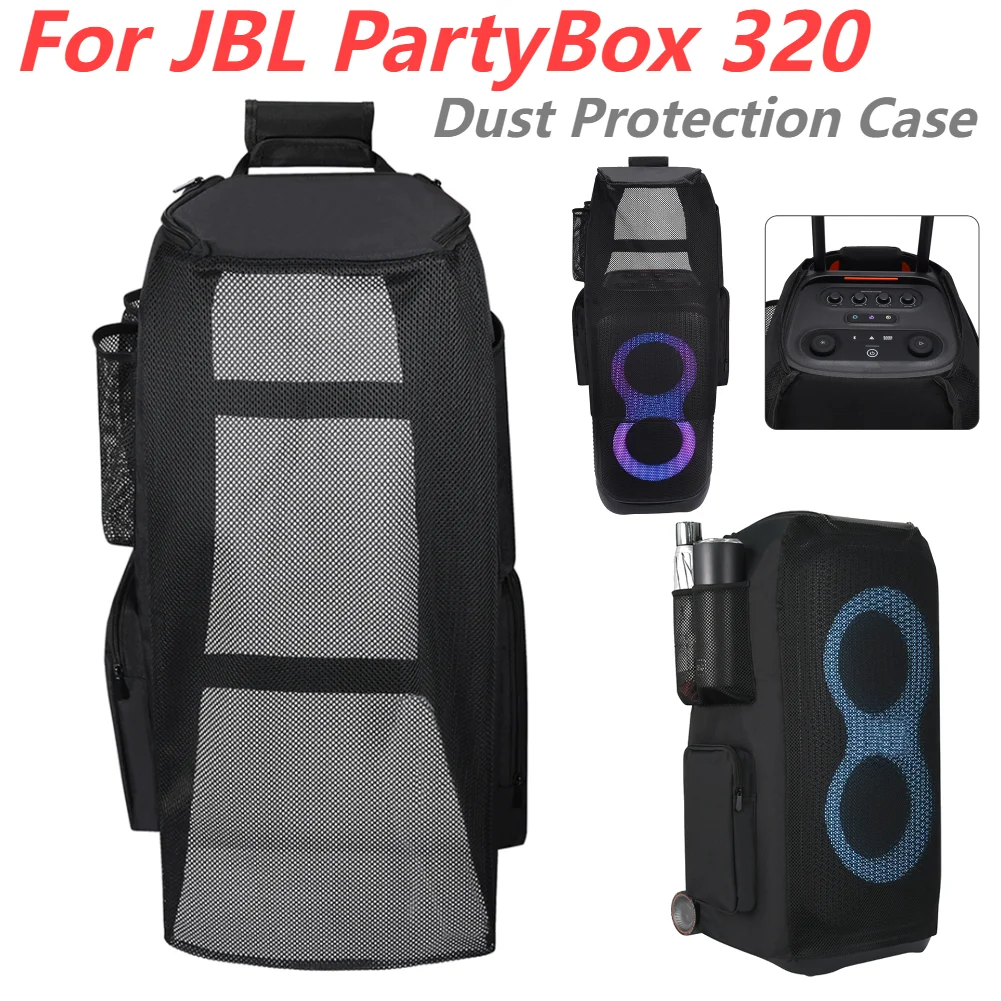


Wireless Music Hat Headphone with Mic for Running
$30.44
$62.53


4G Wireless Router 300Mbps Broadband WiFi Router
$99.29
$196.59
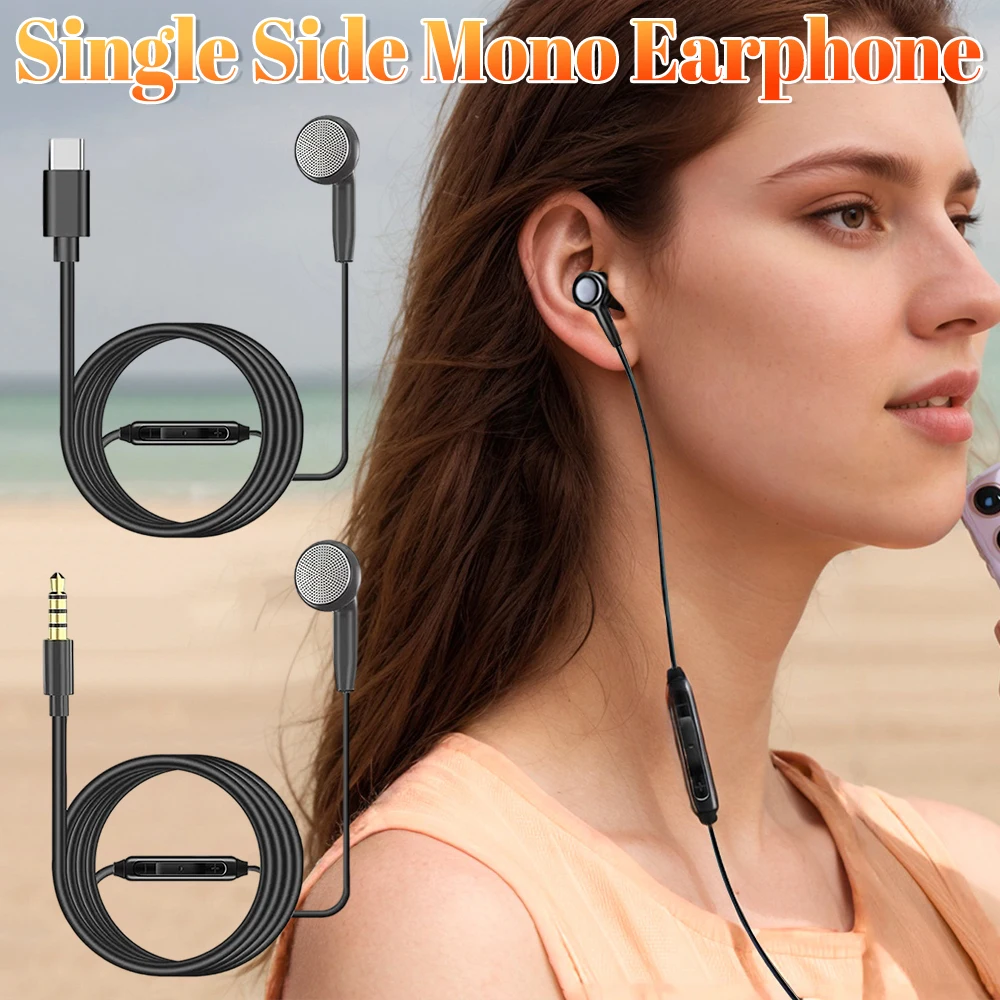
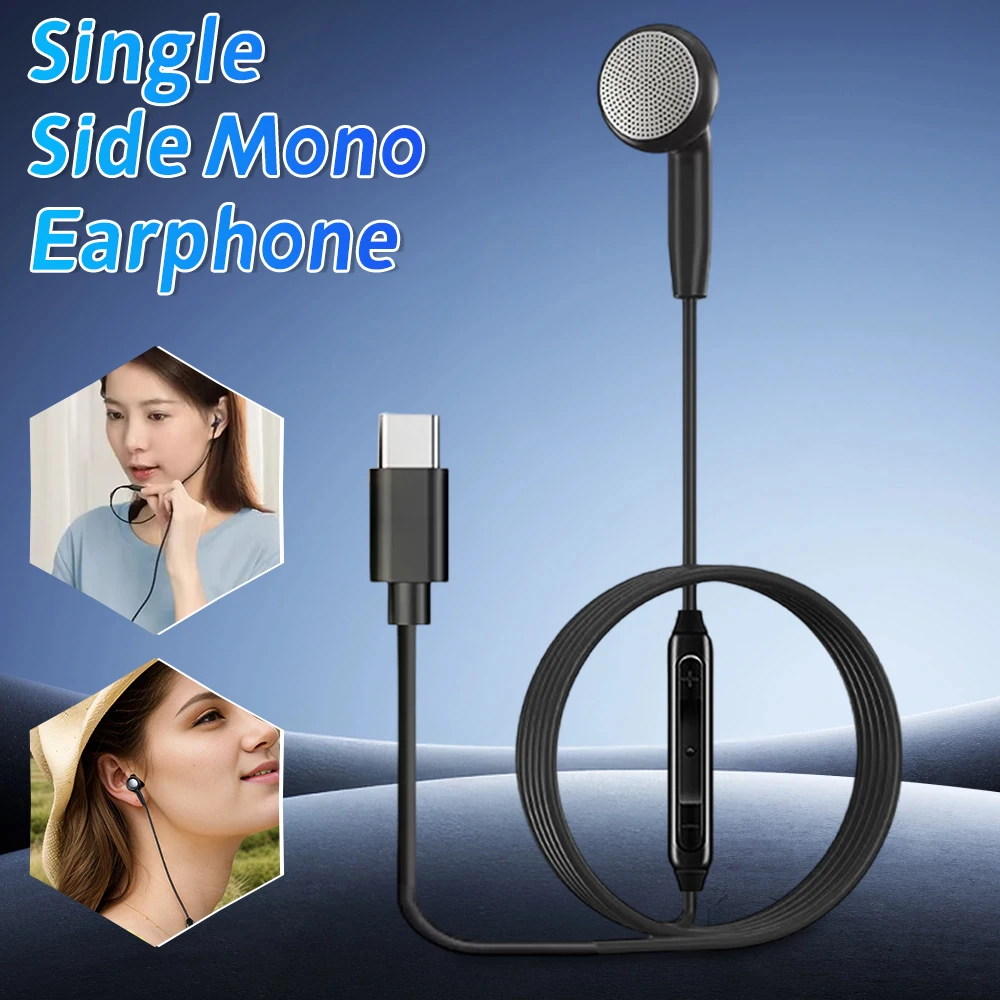
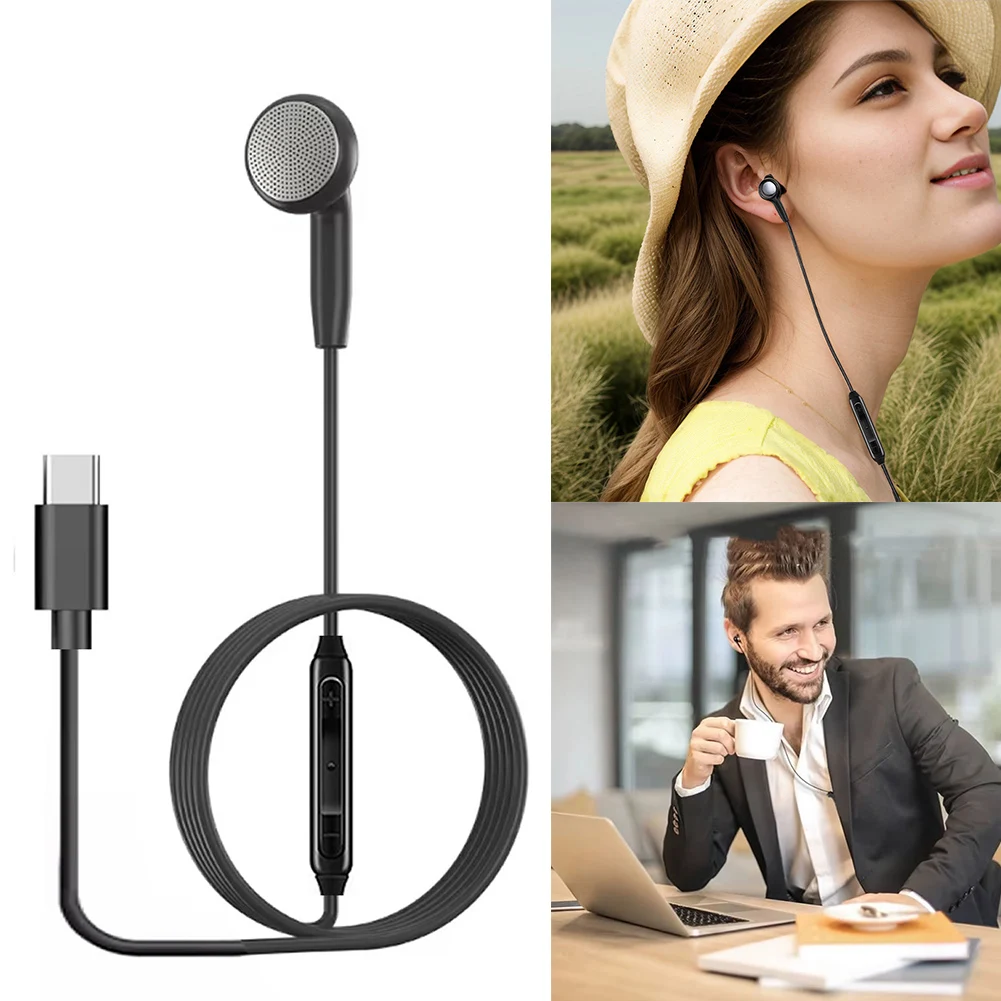



Wireless Carplay Android Auto Adapter Black Mini Dongle
$26.35
$52.72

Portable Rechargeable Radio with HD Display for Elder
$13.51
$25.03




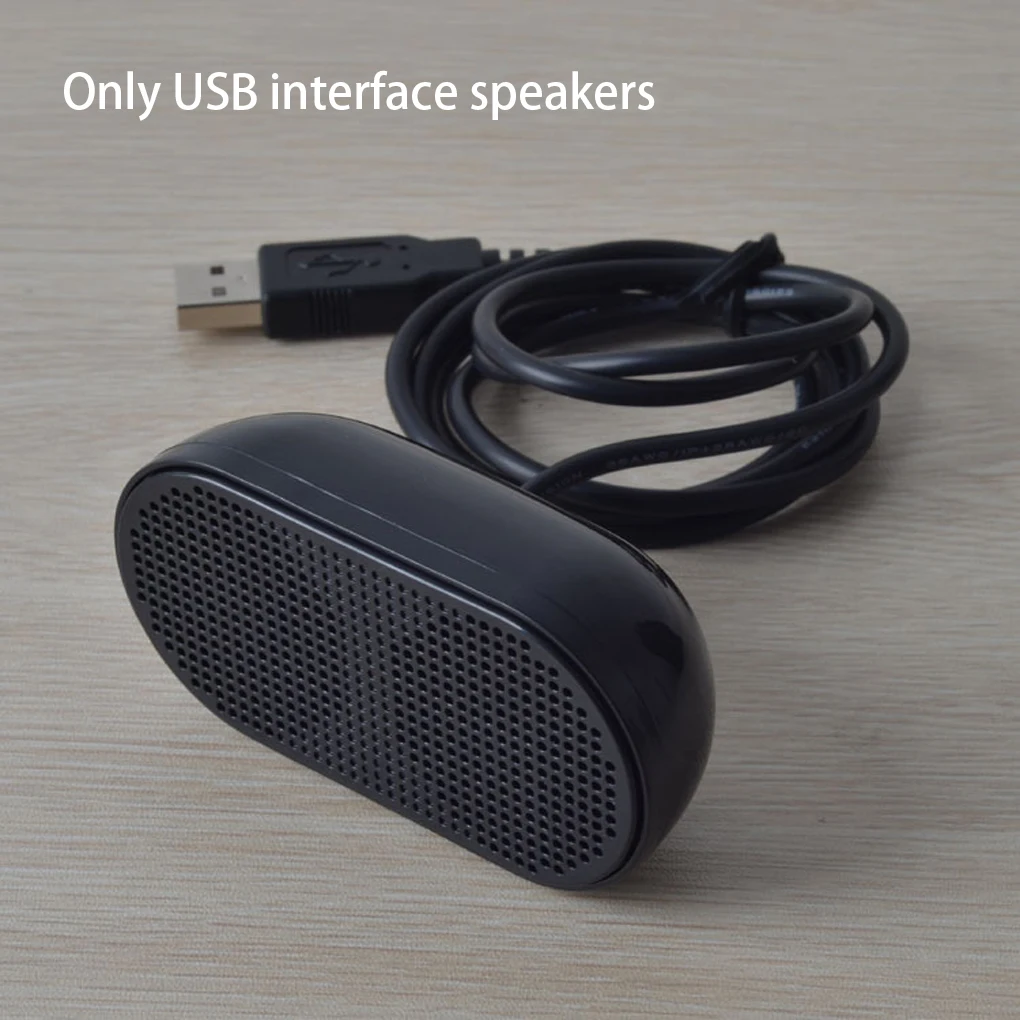


Portable Plastic USB Laptop Speaker Black
$14.26
$27.02
Black Plastic USB Mini Speaker for Computers
$15.4
$31.13


Portable Smart Scanner Translator Pen for 142 Languages
$67.66
$133.3


Rechargeable Digital Voice Recorder Aluminum Alloy Black
$78.26
$154.52


