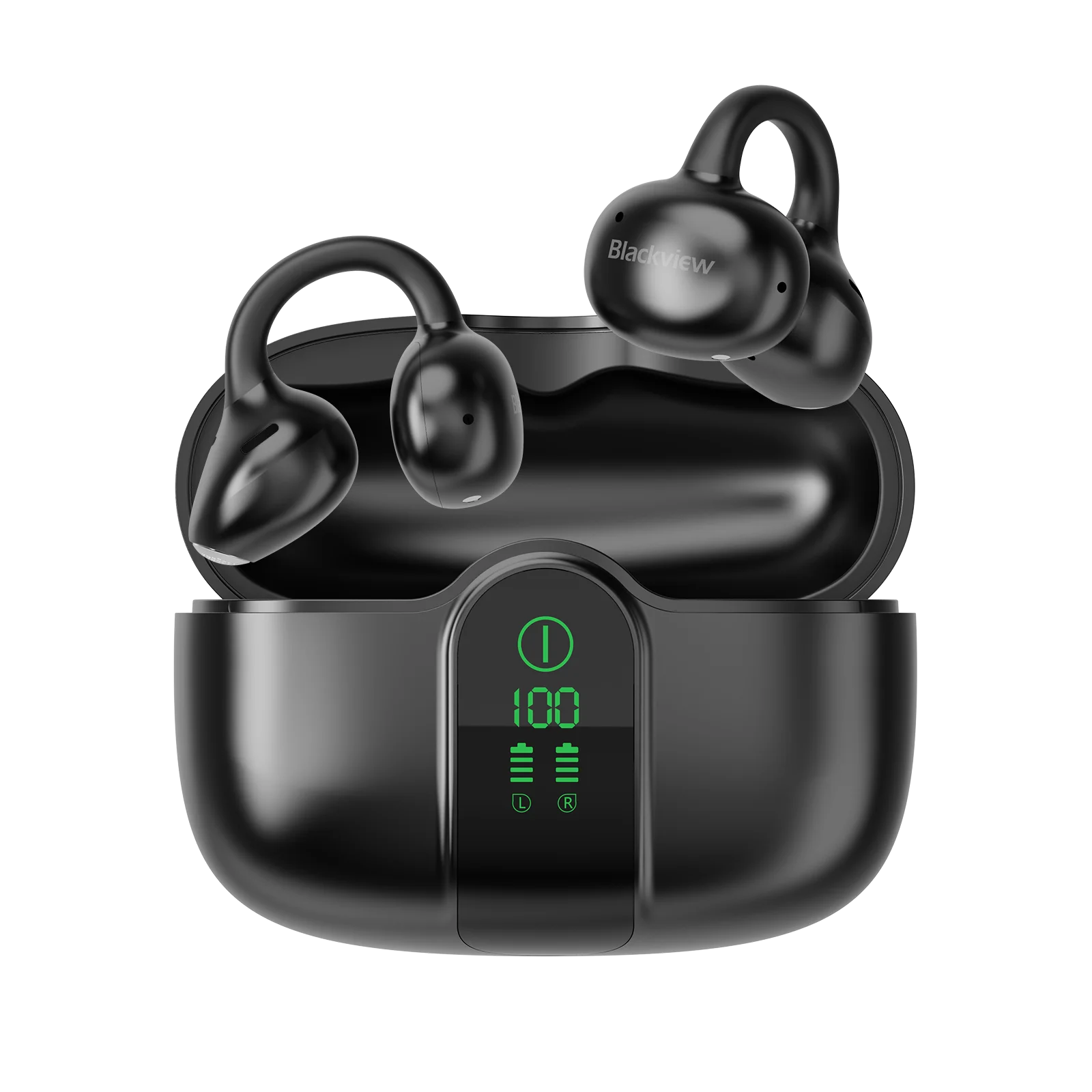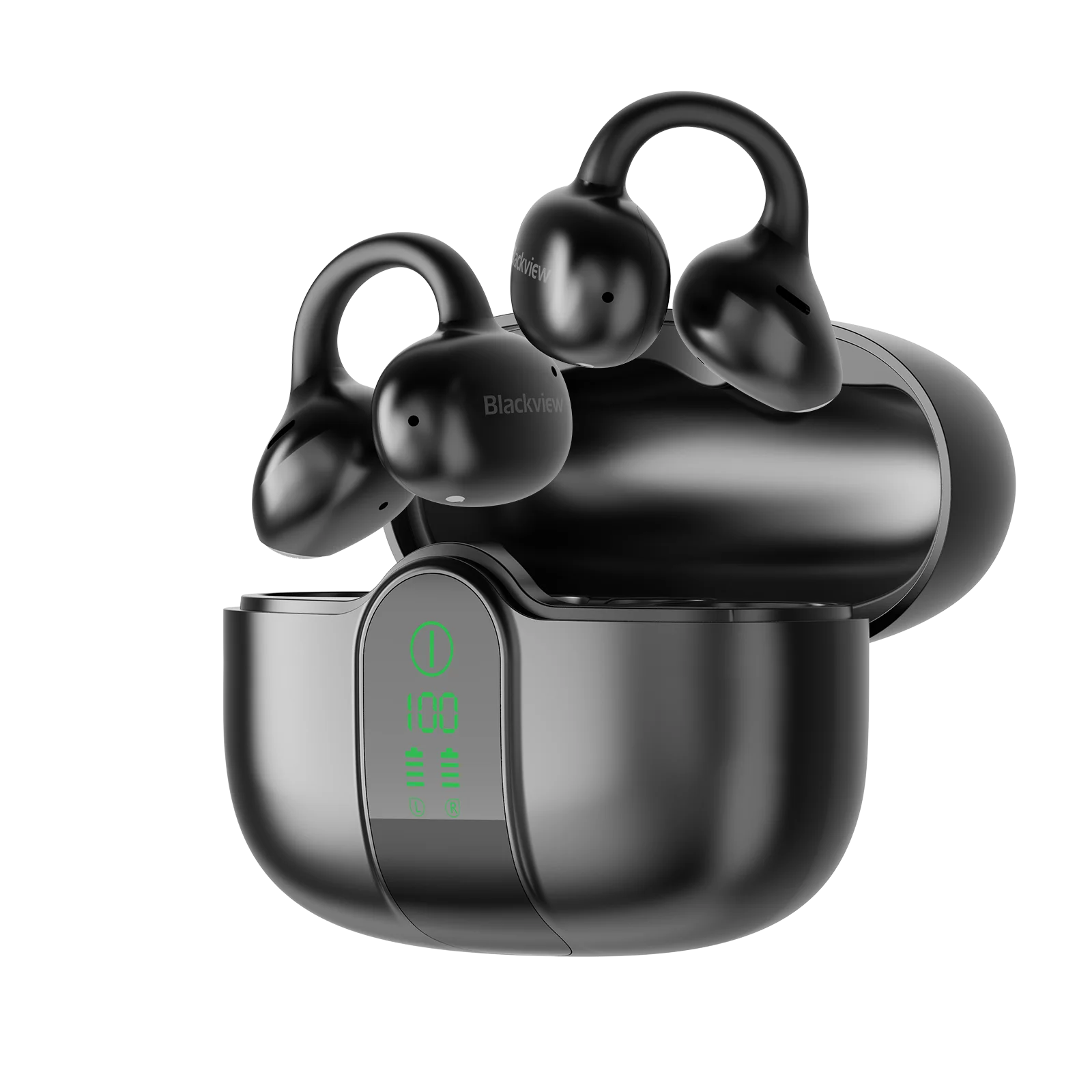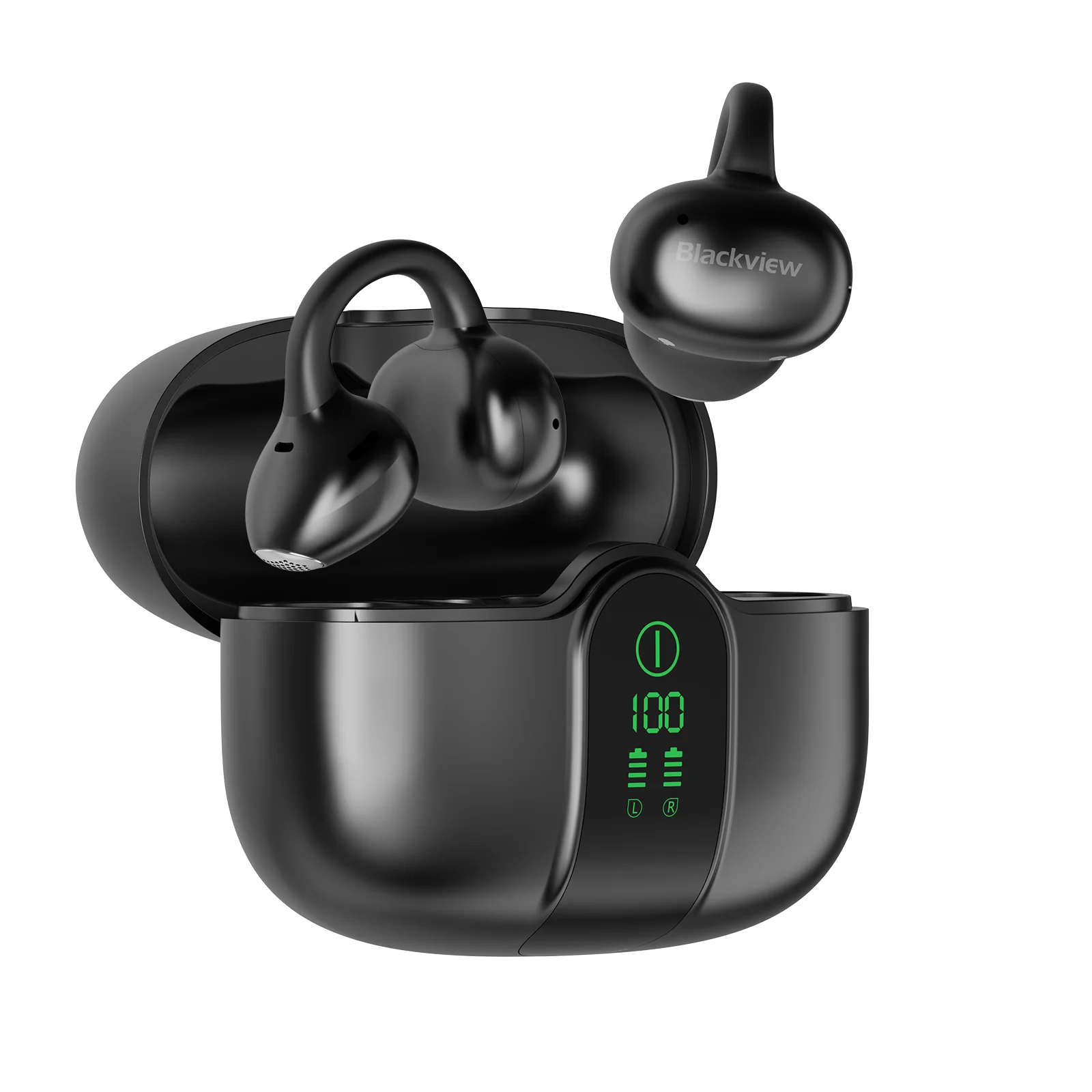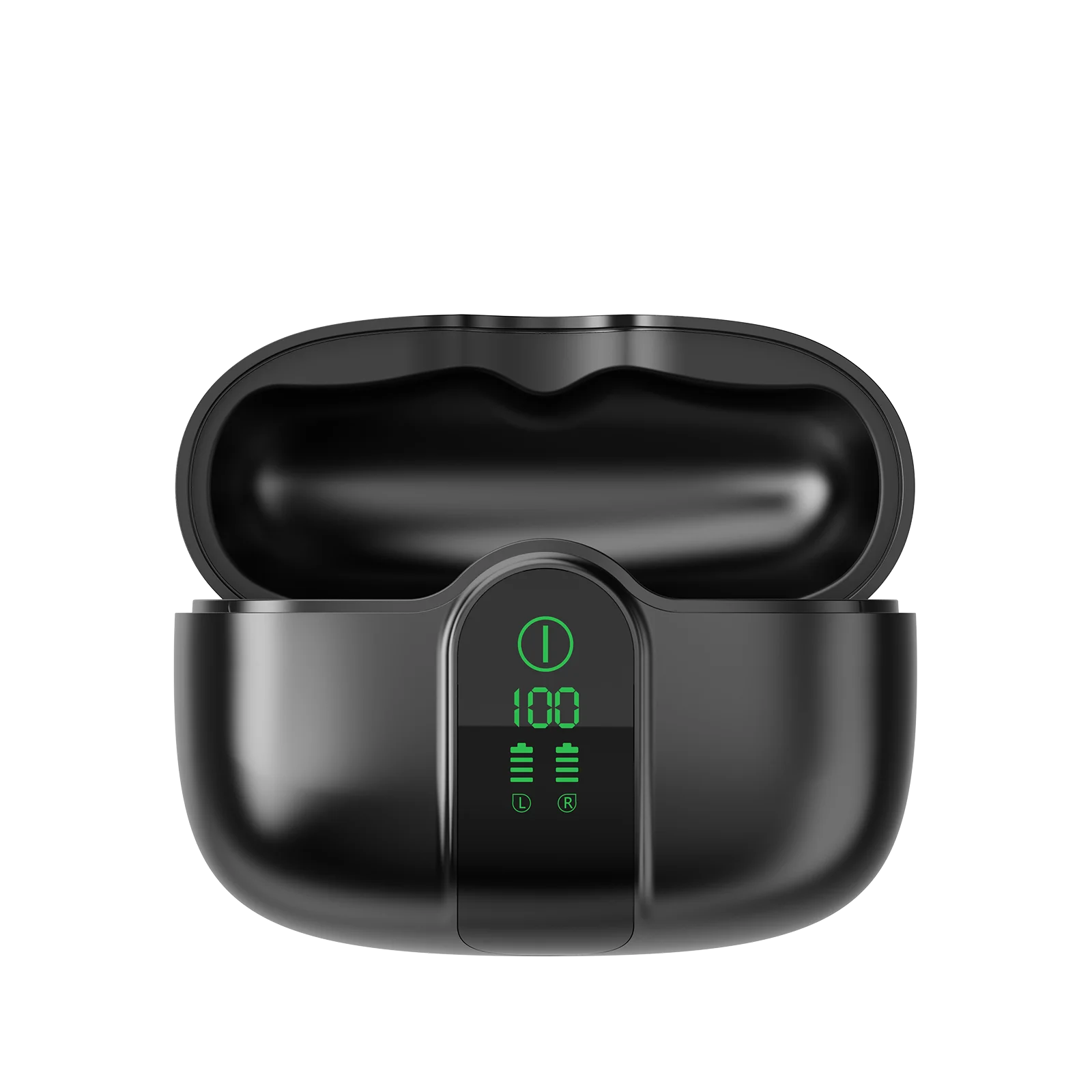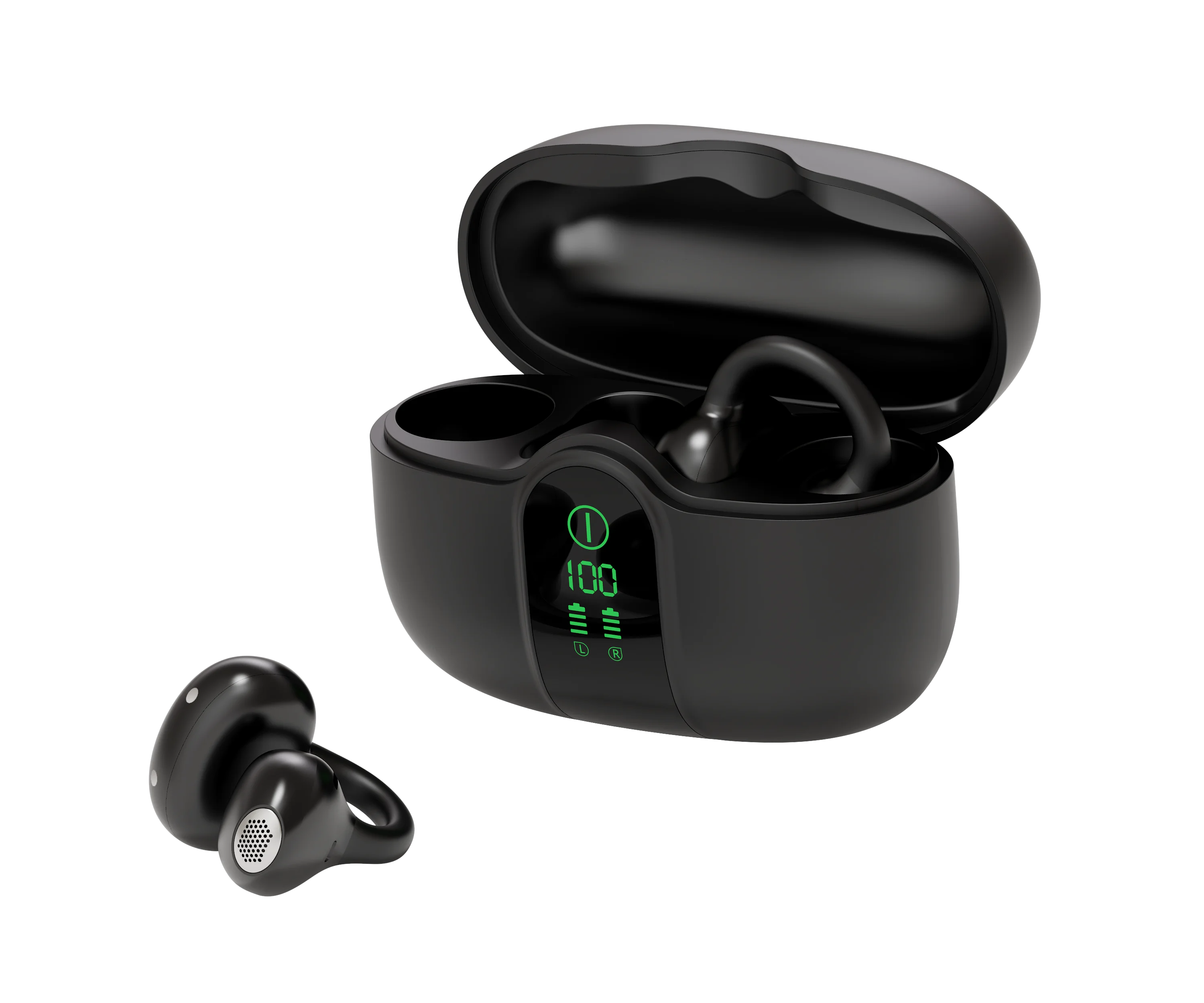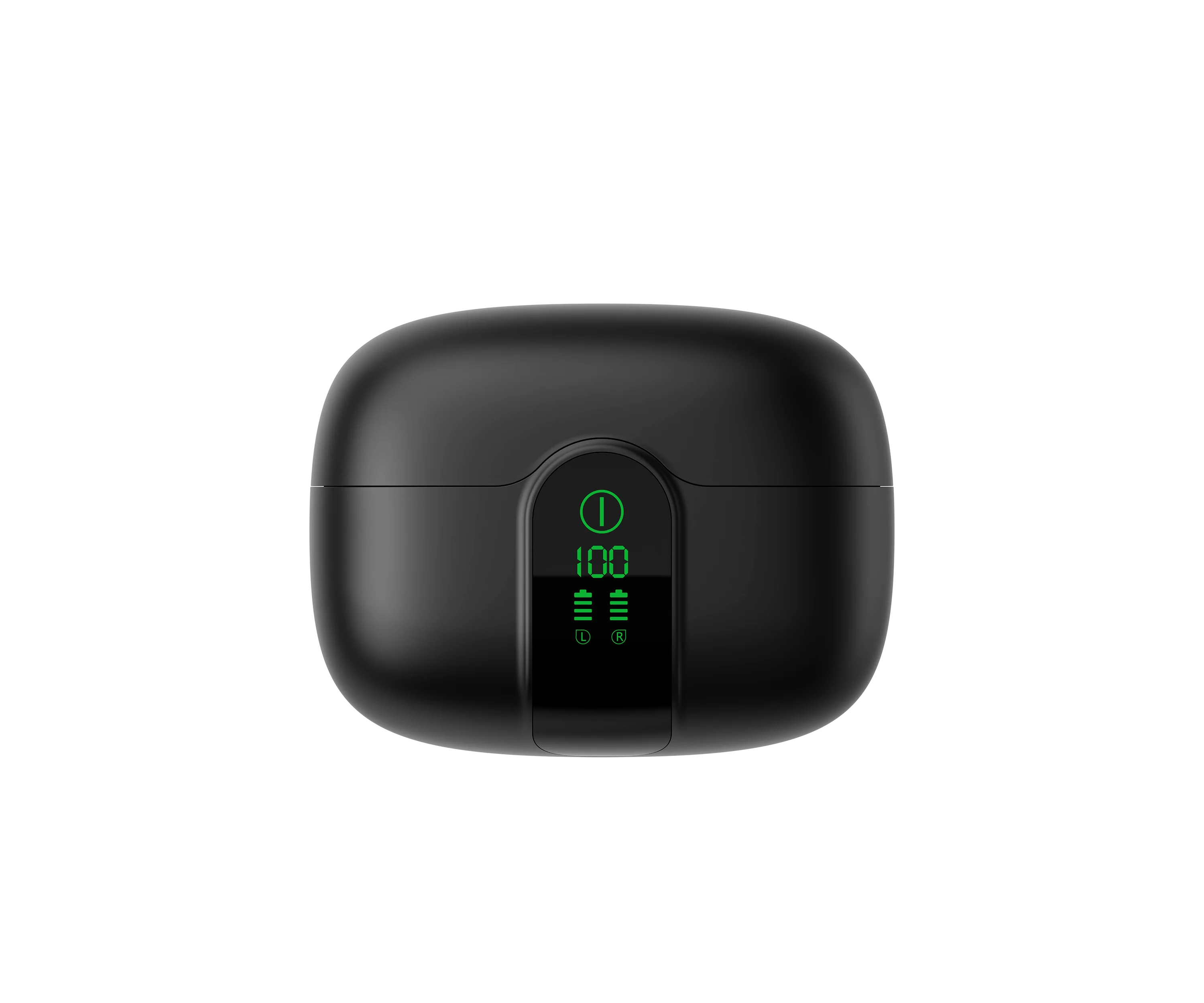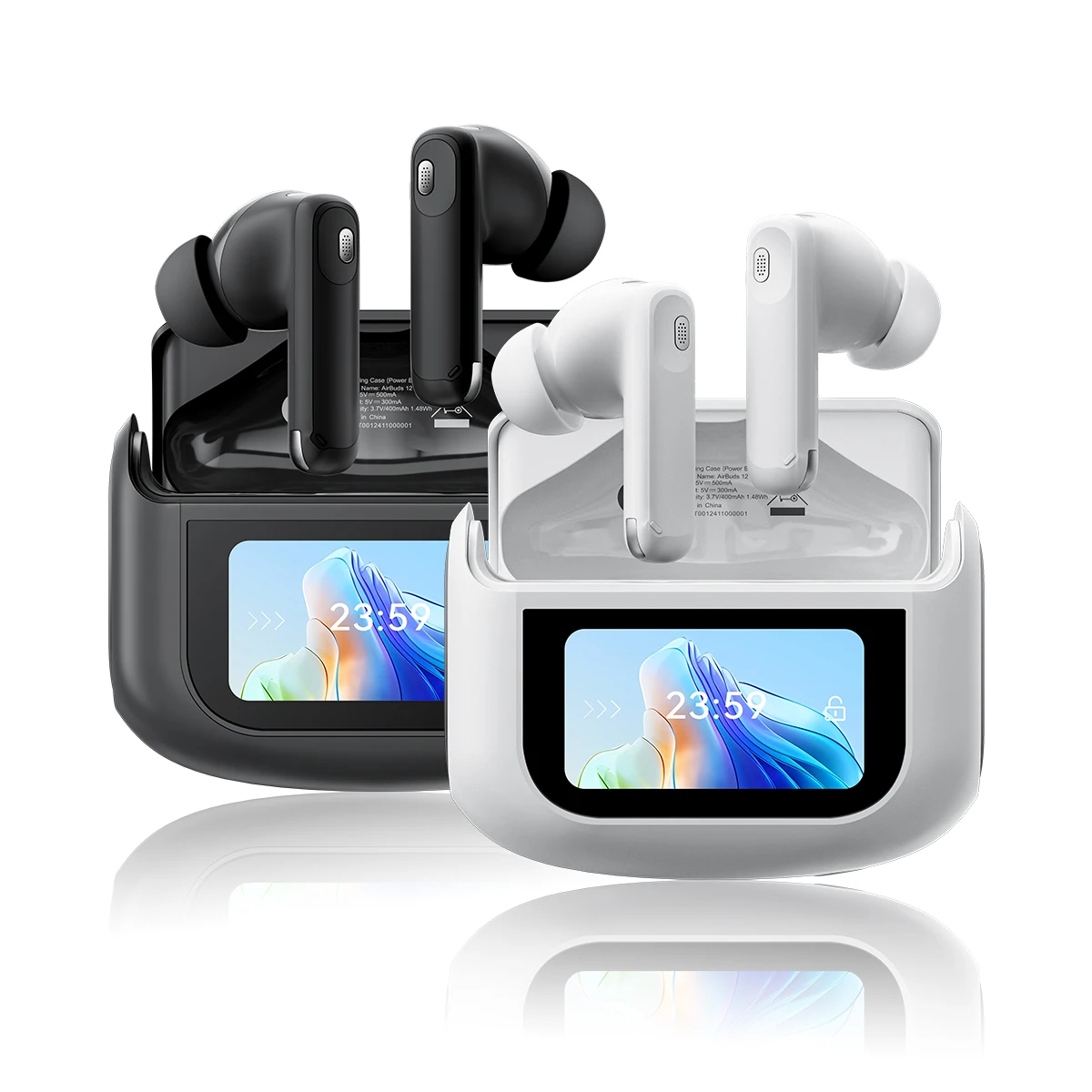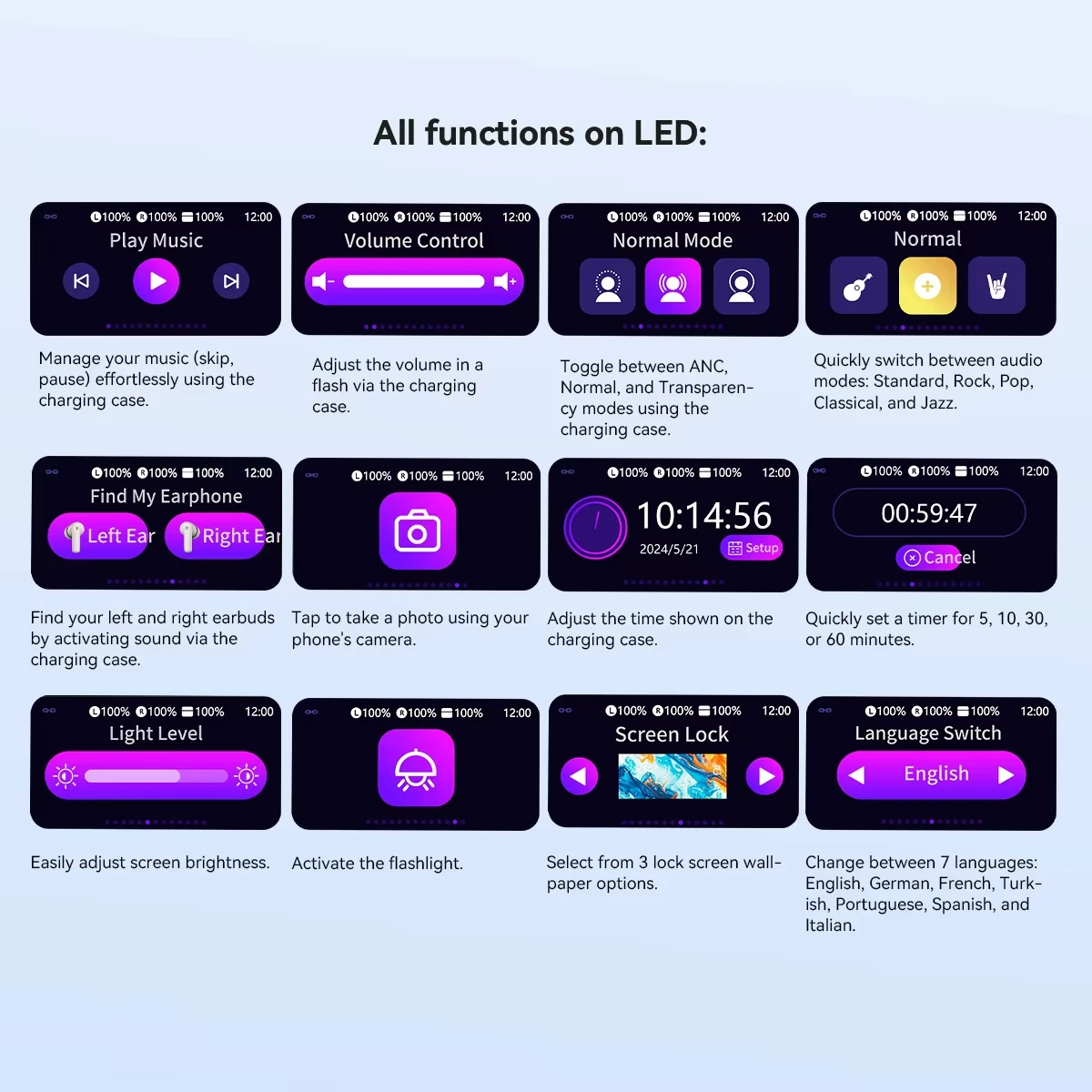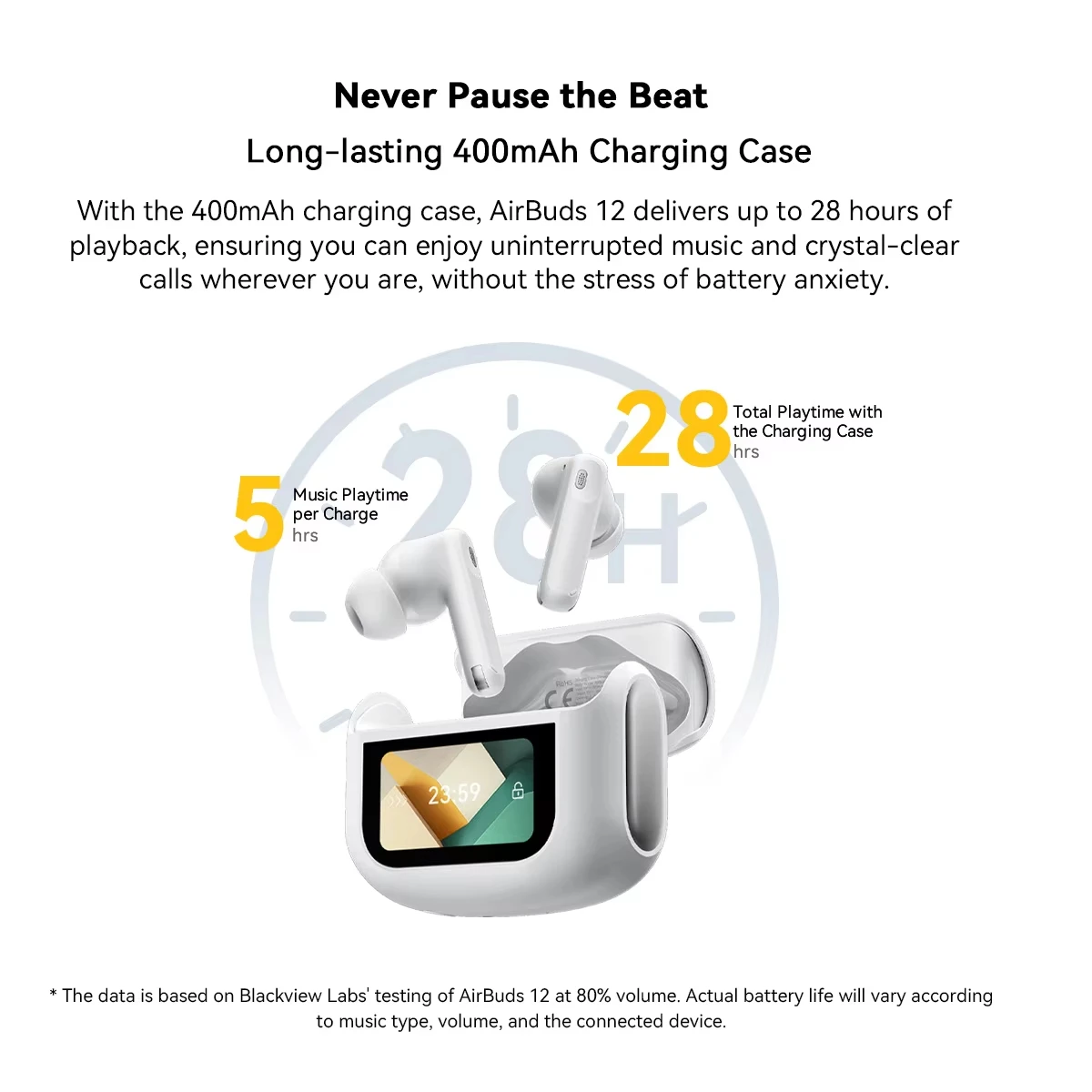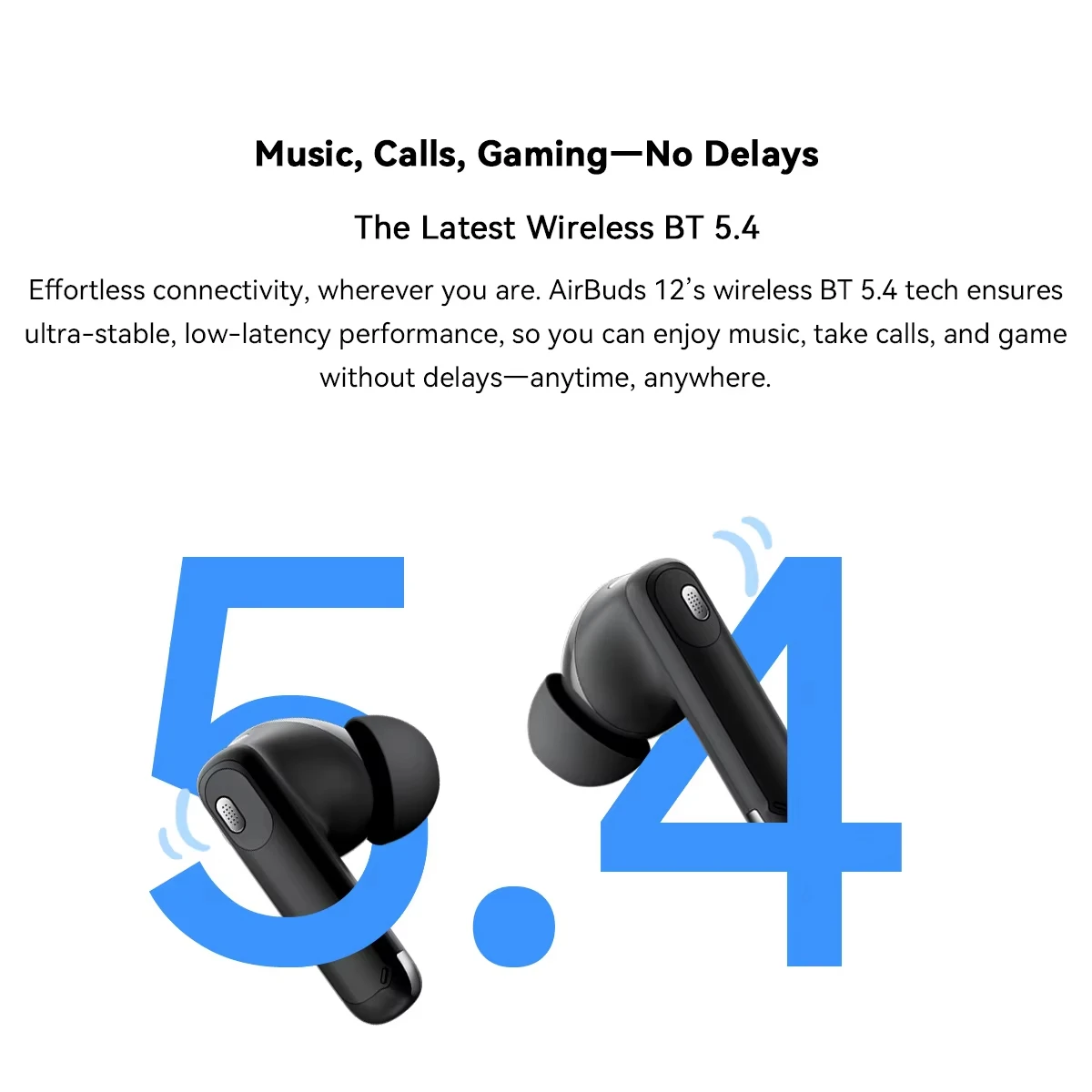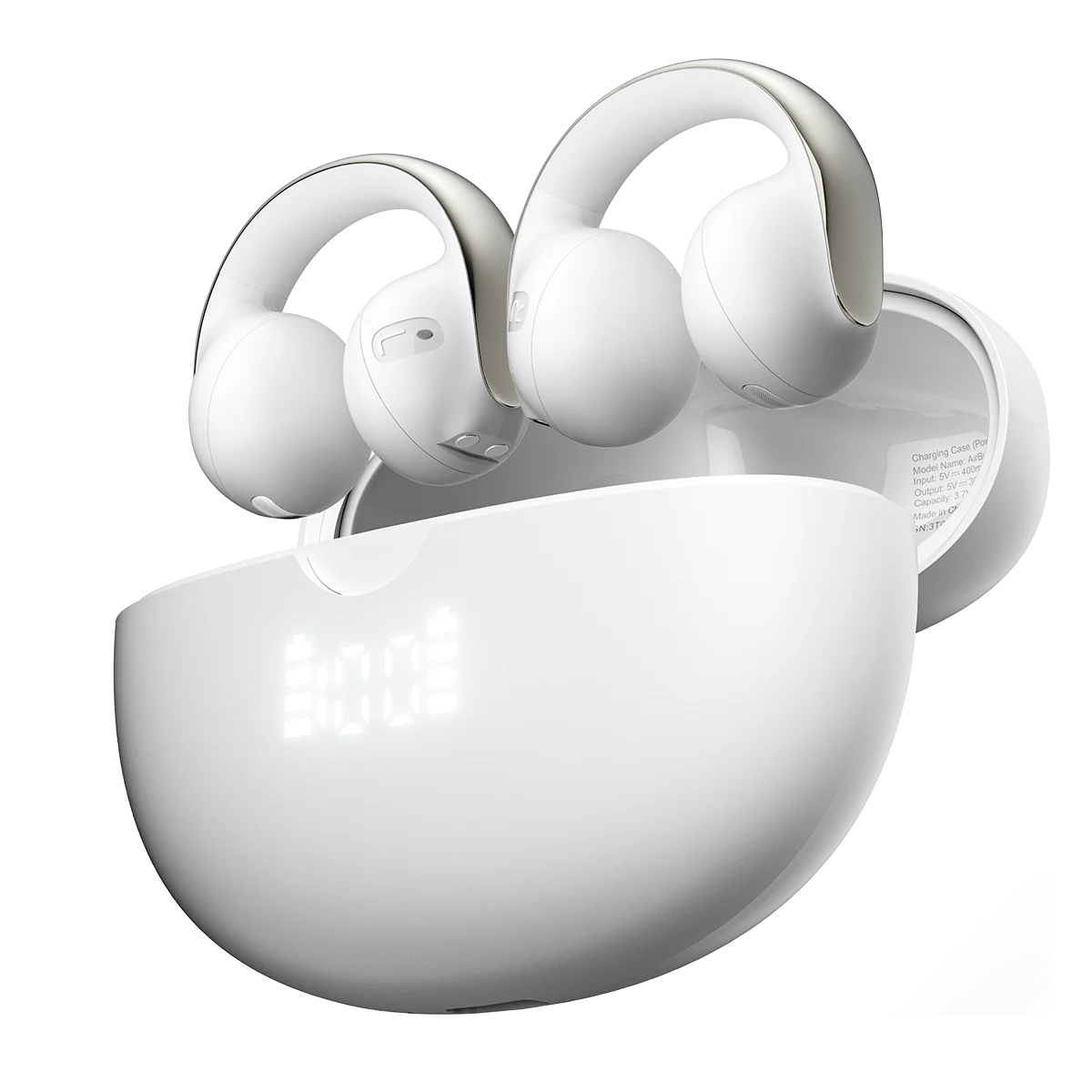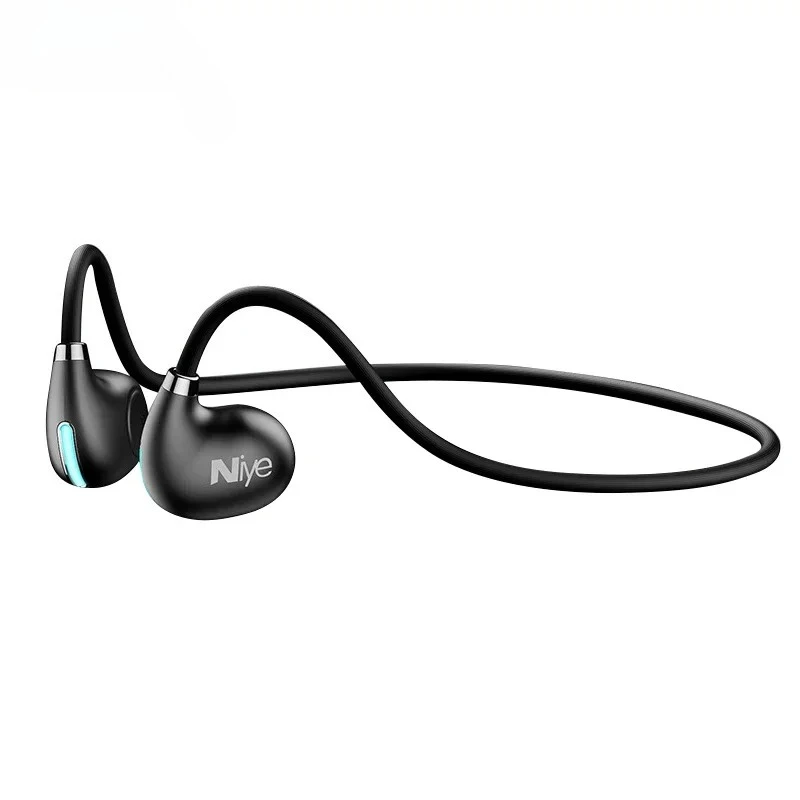

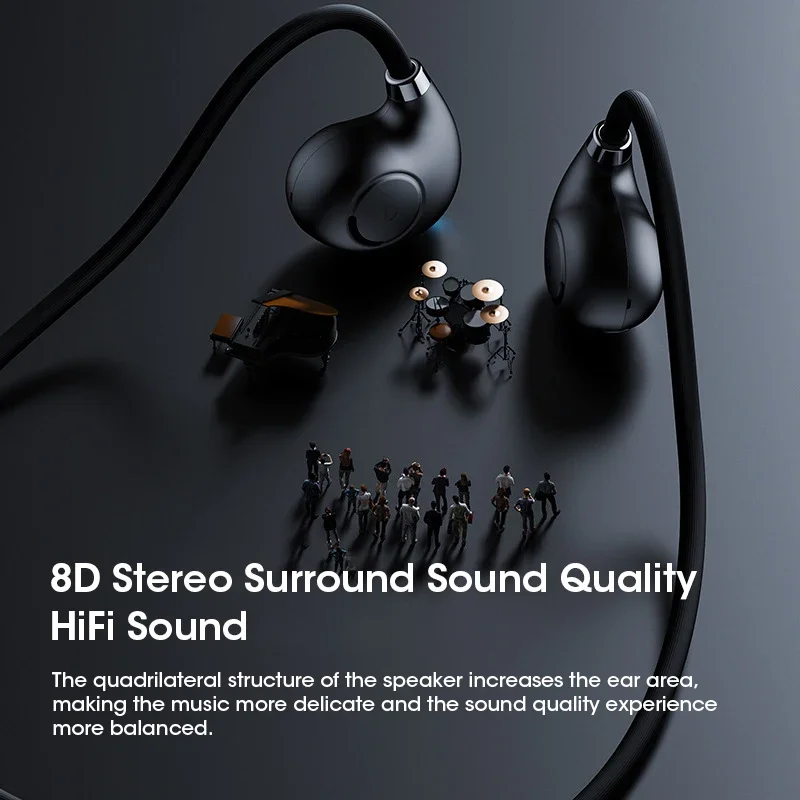
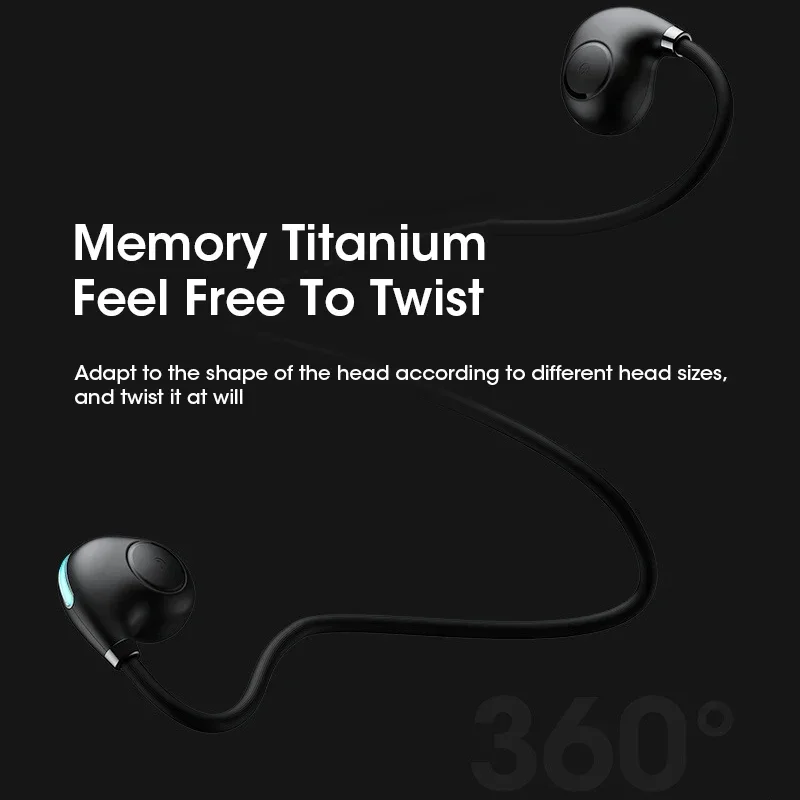


Wireless Bluetooth Air Conduction Headset Hanging Ear Bluetooth 5.3 Headset with Microphone HD Low Latency Sports Headset
<div class="detailmodule_html"><div class="detail-desc-decorate-richtext"><h1 align="center" style="text-align: center;"><span style="font-size:20px;"><strong>Wireless Bluetooth Air Conduction Headset Hanging Ear Bluetooth 5.3 Headset with Microphone HD Low Latency Sports Headset</strong></span></h1>
<p> </p>
<p align="left" style="text-align:left"><span style="font-size:18px"><strong>Function operation:</strong></span></p>
<p align="left" style="text-align:left">* Power on: furn oft, press MFB key for 2 seconds, flash white lightthree times.and send"Power on</p>
<p>* Power off: furn on. press MFB key for 4 seconds, blue light flashes three times/breathing light turns off, and issue"Power off</p>
<p>* Headset Pairing:1 The connected headset will automatically return totheconnection after about 5 seconds, if the return connection is notsuccessful,the headset will automatically enter the matching state.2.Open the phone's bluetooth interface and search for"HY-01".Clickon thematching white and blue lights to flash alternately.After Pairingis complete, connect to the phone and send out"Pairing successful"or "Pairing successful"</p>
<p>* Turn on/off the breathing light: double-click the MFB keyto turn on/off thebreathing light when the machine is on</p>
<p>* Answer/hang up the phone: click the MF8 key/ in answer clickthe MFB key</p>
<p>* Reject calls: press the MFB key for about 2 seconds</p>
<p>* Play/ pause music: after connecting successfully, click the MFB keyto play music</p>
<p>* Next Tune: connect the state, three click the MFB key next tune</p>
<p>* One dragtwo functions: connected to a mobile phone and then usea secondmobile phone to connect this device</p>
<p>* voice switching: in paired state, four clicks on the MFB key. white andblue lightfashing alternately</p>
<p>* Voice Assistant: Press the MFB key for 2 seconds to release and enterthe voiceassistant.then click exit</p>
<p> </p>
<p><strong><span style="font-size:16px">Specifications:</span></strong></p>
<p>Model:HY-O1</p>
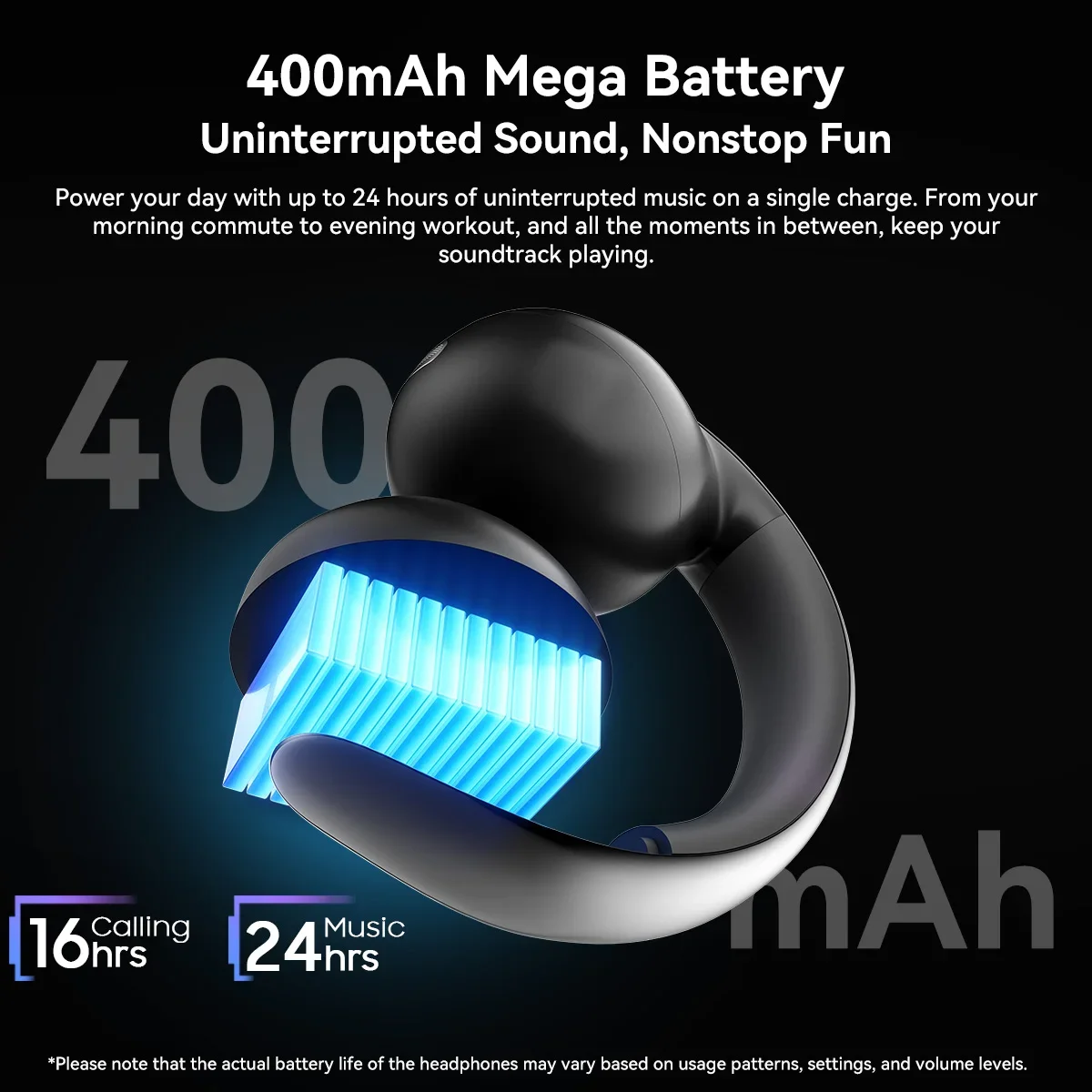
<p>Battery capacity:75mAh</p>
<p>Standby time: 130H</p>
<p>Operating Range: ≥10m</p>
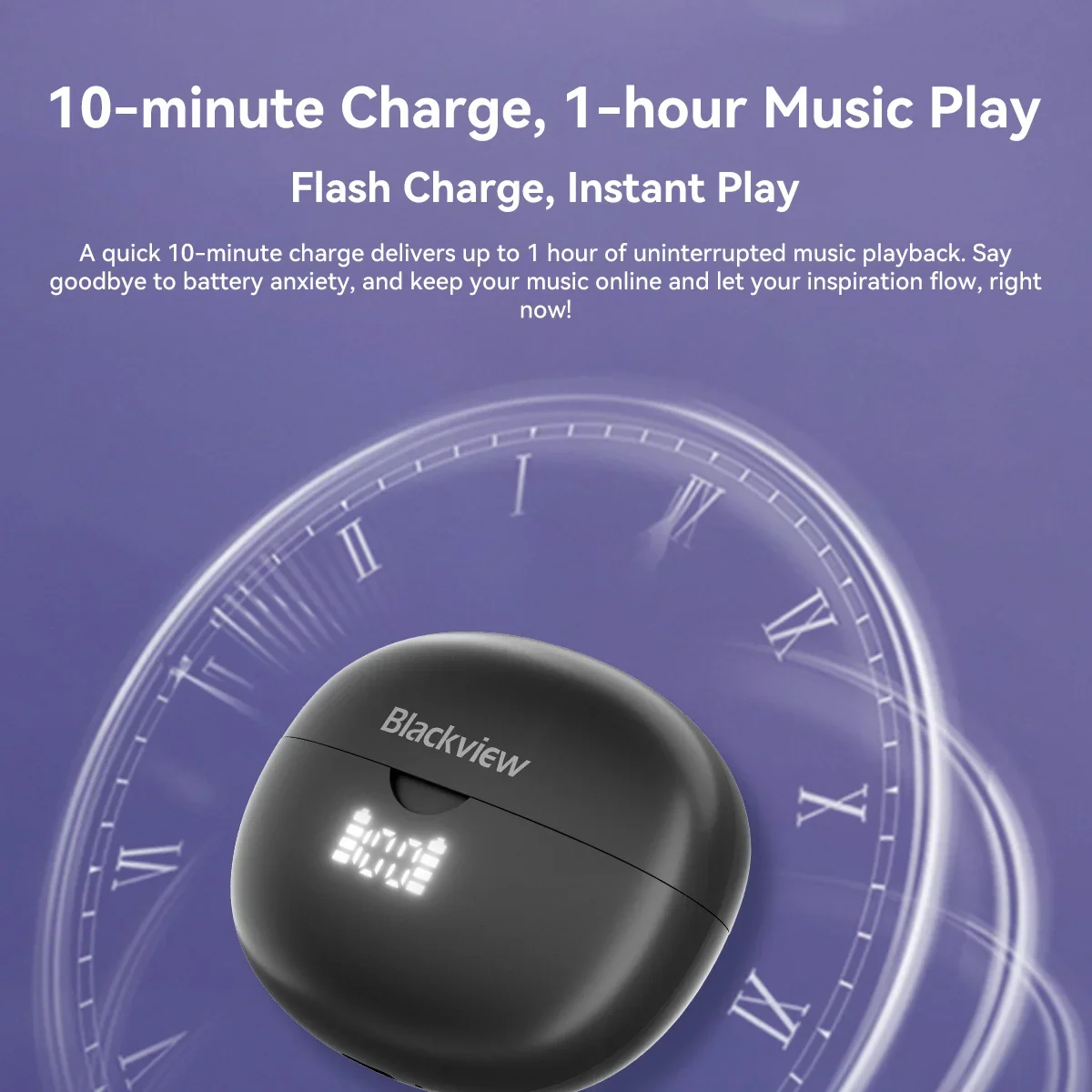
<p>Charge Time: 1.5H</p>
<p>Charging Port: Type-c</p>
<p></p>
</div></div>
$27.515
$14.495
- Category : Consumer Electronics
- Brand : shop1103792195_store Shop1103792195 Store
Colors
Sizes
-
+

<div class="detailmodule_html"><div class="detail-desc-decorate-richtext"><h1 align="center" style="text-align: center;"><span style="font-size:20px;"><strong>Wireless Bluetooth Air Conduction Headset Hanging Ear Bluetooth 5.3 Headset with Microphone HD Low Latency Sports Headset</strong></span></h1>
<p> </p>
<p align="left" style="text-align:left"><span style="font-size:18px"><strong>Function operation:</strong></span></p>
<p align="left" style="text-align:left">* Power on: furn oft, press MFB key for 2 seconds, flash white lightthree times.and send"Power on</p>
<p>* Power off: furn on. press MFB key for 4 seconds, blue light flashes three times/breathing light turns off, and issue"Power off</p>
<p>* Headset Pairing:1 The connected headset will automatically return totheconnection after about 5 seconds, if the return connection is notsuccessful,the headset will automatically enter the matching state.2.Open the phone's bluetooth interface and search for"HY-01".Clickon thematching white and blue lights to flash alternately.After Pairingis complete, connect to the phone and send out"Pairing successful"or "Pairing successful"</p>
<p>* Turn on/off the breathing light: double-click the MFB keyto turn on/off thebreathing light when the machine is on</p>
<p>* Answer/hang up the phone: click the MF8 key/ in answer clickthe MFB key</p>
<p>* Reject calls: press the MFB key for about 2 seconds</p>
<p>* Play/ pause music: after connecting successfully, click the MFB keyto play music</p>
<p>* Next Tune: connect the state, three click the MFB key next tune</p>
<p>* One dragtwo functions: connected to a mobile phone and then usea secondmobile phone to connect this device</p>
<p>* voice switching: in paired state, four clicks on the MFB key. white andblue lightfashing alternately</p>
<p>* Voice Assistant: Press the MFB key for 2 seconds to release and enterthe voiceassistant.then click exit</p>
<p> </p>
<p><strong><span style="font-size:16px">Specifications:</span></strong></p>
<p>Model:HY-O1</p>
<p>Battery capacity:75mAh</p>
<p>Standby time: 130H</p>
<p>Operating Range: ≥10m</p>
<p>Charge Time: 1.5H</p>
<p>Charging Port: Type-c</p>
<p></p>
</div></div>
Related Product
Browse The Collection of Top Products.