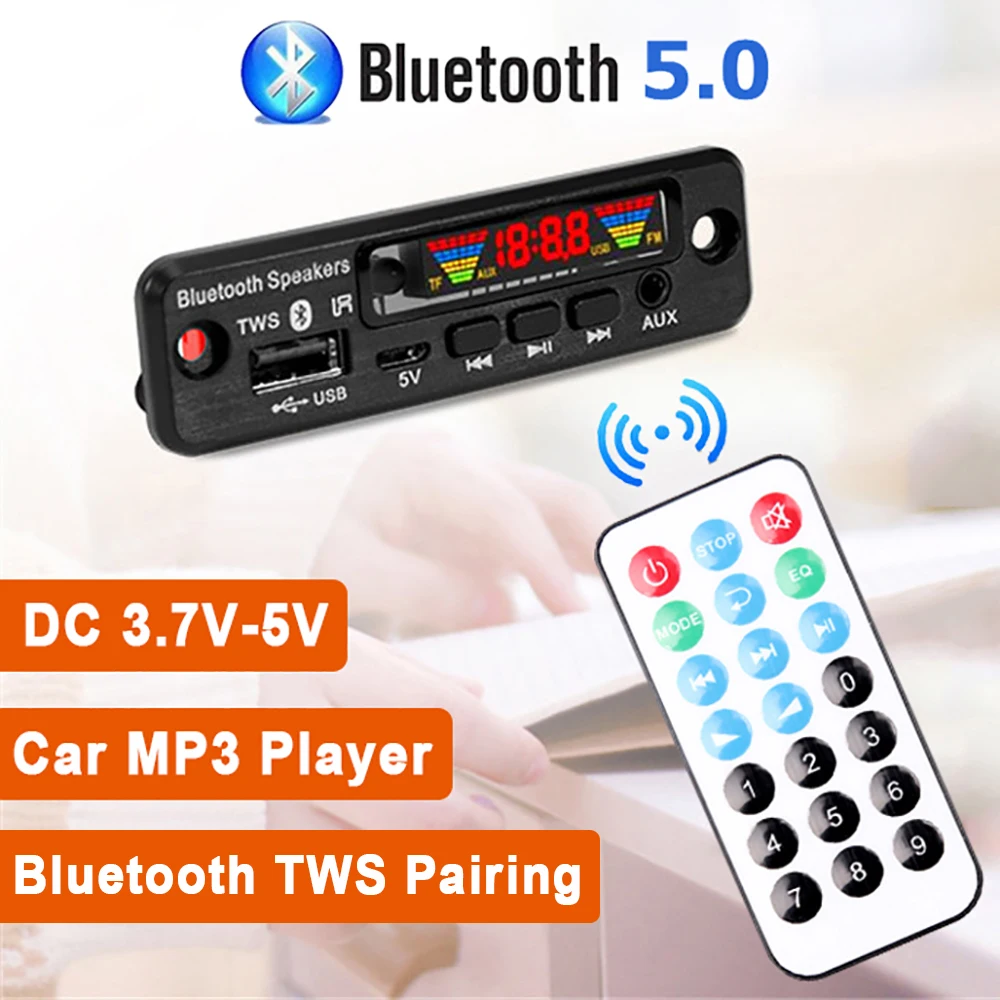


Wireless Bluetooth Car MP3 Player Kit with USB AUX FM Radio
<div class="detailmodule_html"><div class="detail-desc-decorate-richtext"><h1 style="text-align:center" align="center"><strong>DC 3.7V-5V Wireless Bluetooth Decoder Board Car MP3 Player Kit USB AUX FM Radio Call Recording Module Bluetooth TWS Pairing</strong></h1><h2><strong>Feature:</strong></h2><h3>Rated input: 5V/500MA</h3><h3>Power supply type: direct current (DC) 3.7~5V power supply</h3><h3>Appearance size: 88(L)*25(H)mm</h3><h3>Rated power consumption: USB playback current <120M</h3><h3>Other status: <80MA</h3><h3>Panel interface: USB, AUX</h3><h3>Operating temperature: -20℃~60℃</h3><h3>Output amplitude: >600MV</h3><h2><strong>Keys Usage:</strong></h2><h3>Short press: previous song</h3><h3>Short press: play/stop</h3><h3>Short press: next song</h3><h3>Long press: volume up</h3><h3>Long press: mode switch</h3><h3>Double-click: TWS pairing</h3><h3>Long press: volume down</h3><h2><strong>Key Function:</strong></h2><h3>POWER: STANDBY ON/OFF</h3><h3>MODE: press this key to cycle selection input USB→SD→BLUE→FM→LINE</h3><h3>PREV: In the USB/SD/BT playback state, short press to select the previous song, long press to rewind (BT is invalid).</h3><h3>In the FM state, short press to select the previous station and long press to search backward Radio (AUX status is invalid).</h3><h3>NEXT: In the USB/SD/BT playback state, short press to select the next song and long press to fast forward (BT is invalid) in receiving</h3><h3>In the FM state, short press to select the next station</h3><h3>Radio (AUX status is invalid)</h3><h3>VOL+: Increase the volume</h3><h3>VOL-: Volume down</h3><h3>REP: Enter the loop mode during USB/SD playback, short press the loop button and enter A (full loop) →O (single loop) → FOLDER (current folder loop) → Random (random play) → NORMAL (cancel loop function and enter sequence playback)</h3><h3>STOP: Stop playing in the USB/SD card state and press the play button to start playing from the first song (other states is invalid)</h3><h3>MUTE: press mute in all states and press again to unmute</h3><h3>EQ: USB/SD state is sound field mode. NORMAL→BASS→ ROCKPOP→ROCK→JAZZ→ CLASSIC→CUR</h3><h3>PLAY PAUSE: In the USB/SD/BT playback state, short press once to pause and press again to play</h3><h3>In the radio mode, press this button to enter the automatic search station</h3><h3>0~9: Directly select more than 10 numbers on USB/SD and input the number to be selected. In FM state</h3><h3>Select a stored radio station in the mode, or press the number keys to directly enter the radio frequency to play the radio station</h3><h2><strong>Package Content:</strong></h2><h3>1 x Bluetooth Decoder</h3><h3>1 x Remote Control (without battery)</h3></div></div><p></p>
$5.42
$5.42
- Category : Consumer Electronics
- Brand : wt_global_online_store WT Global Online Store
Colors
-
+

<div class="detailmodule_html"><div class="detail-desc-decorate-richtext"><h1 style="text-align:center" align="center"><strong>DC 3.7V-5V Wireless Bluetooth Decoder Board Car MP3 Player Kit USB AUX FM Radio Call Recording Module Bluetooth TWS Pairing</strong></h1><h2><strong>Feature:</strong></h2><h3>Rated input: 5V/500MA</h3><h3>Power supply type: direct current (DC) 3.7~5V power supply</h3><h3>Appearance size: 88(L)*25(H)mm</h3><h3>Rated power consumption: USB playback current <120M</h3><h3>Other status: <80MA</h3><h3>Panel interface: USB, AUX</h3><h3>Operating temperature: -20℃~60℃</h3><h3>Output amplitude: >600MV</h3><h2><strong>Keys Usage:</strong></h2><h3>Short press: previous song</h3><h3>Short press: play/stop</h3><h3>Short press: next song</h3><h3>Long press: volume up</h3><h3>Long press: mode switch</h3><h3>Double-click: TWS pairing</h3><h3>Long press: volume down</h3><h2><strong>Key Function:</strong></h2><h3>POWER: STANDBY ON/OFF</h3><h3>MODE: press this key to cycle selection input USB→SD→BLUE→FM→LINE</h3><h3>PREV: In the USB/SD/BT playback state, short press to select the previous song, long press to rewind (BT is invalid).</h3><h3>In the FM state, short press to select the previous station and long press to search backward Radio (AUX status is invalid).</h3><h3>NEXT: In the USB/SD/BT playback state, short press to select the next song and long press to fast forward (BT is invalid) in receiving</h3><h3>In the FM state, short press to select the next station</h3><h3>Radio (AUX status is invalid)</h3><h3>VOL+: Increase the volume</h3><h3>VOL-: Volume down</h3><h3>REP: Enter the loop mode during USB/SD playback, short press the loop button and enter A (full loop) →O (single loop) → FOLDER (current folder loop) → Random (random play) → NORMAL (cancel loop function and enter sequence playback)</h3><h3>STOP: Stop playing in the USB/SD card state and press the play button to start playing from the first song (other states is invalid)</h3><h3>MUTE: press mute in all states and press again to unmute</h3><h3>EQ: USB/SD state is sound field mode. NORMAL→BASS→ ROCKPOP→ROCK→JAZZ→ CLASSIC→CUR</h3><h3>PLAY PAUSE: In the USB/SD/BT playback state, short press once to pause and press again to play</h3><h3>In the radio mode, press this button to enter the automatic search station</h3><h3>0~9: Directly select more than 10 numbers on USB/SD and input the number to be selected. In FM state</h3><h3>Select a stored radio station in the mode, or press the number keys to directly enter the radio frequency to play the radio station</h3><h2><strong>Package Content:</strong></h2><h3>1 x Bluetooth Decoder</h3><h3>1 x Remote Control (without battery)</h3></div></div><p></p>
Related Product
Browse The Collection of Top Products.


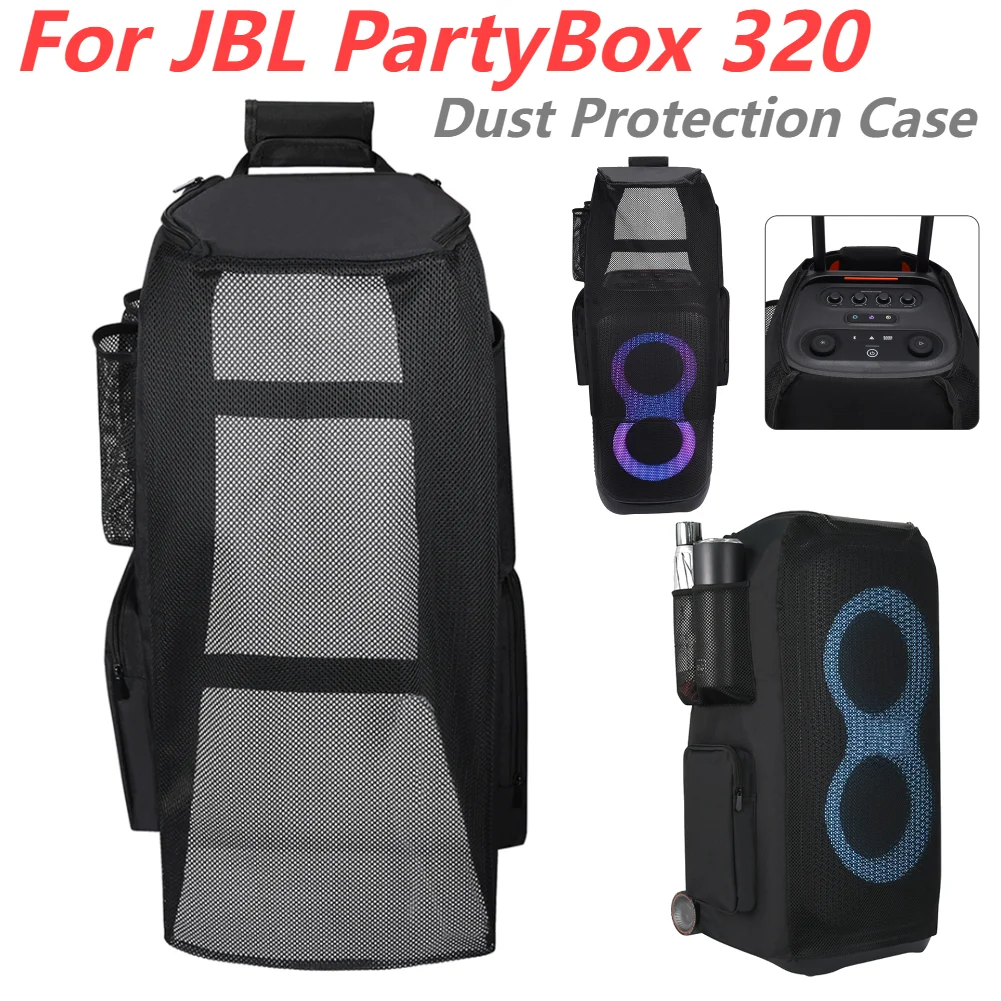
Waterproof EVA Portable Speaker Case for Travel
$74.71
$147.41


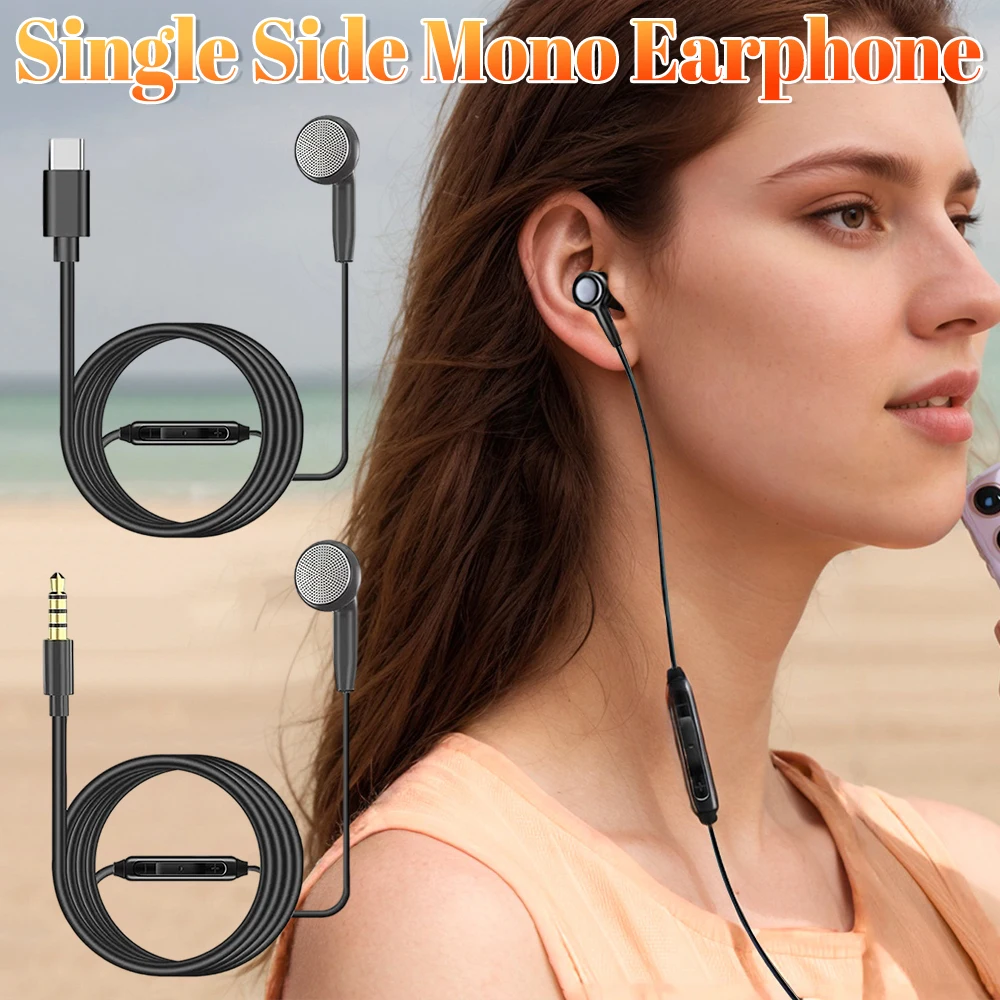
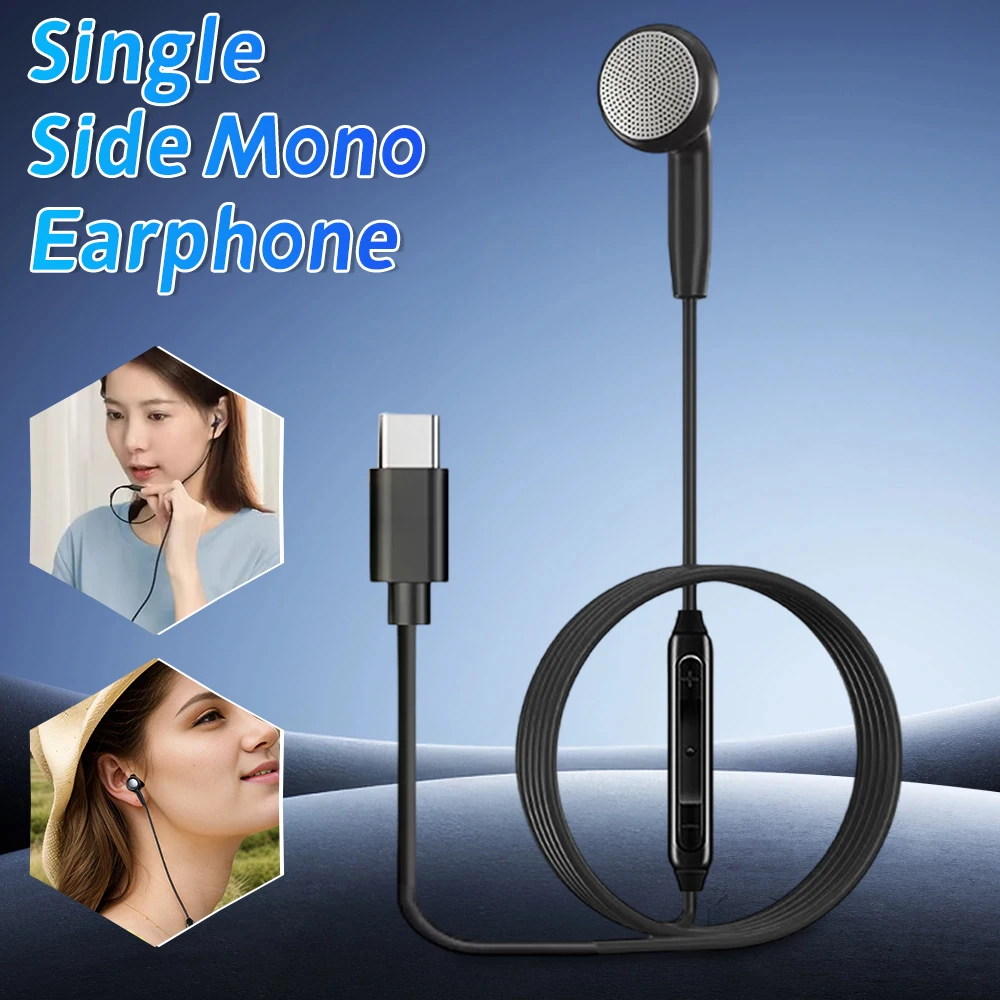
Wireless Music Hat Headphone with Mic for Running
$30.44
$62.53


4G Wireless Router 300Mbps Broadband WiFi Router
$99.29
$196.59
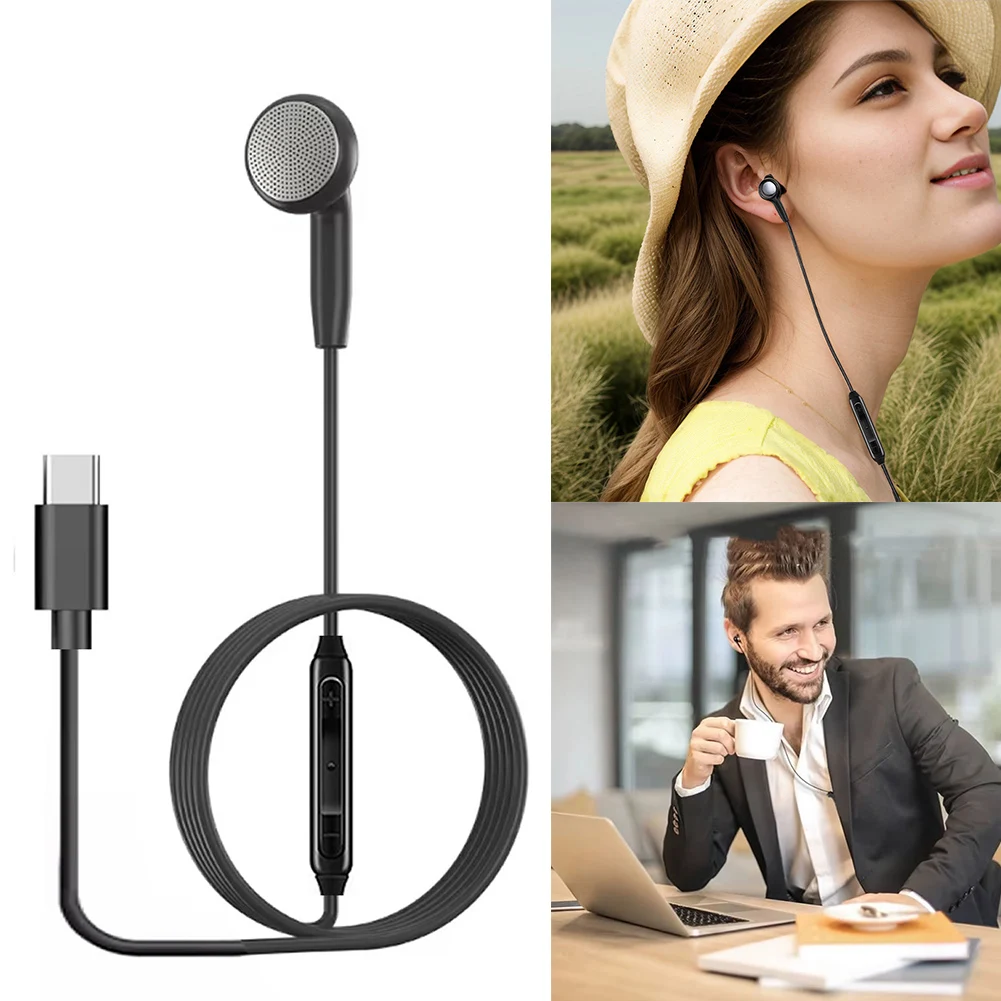

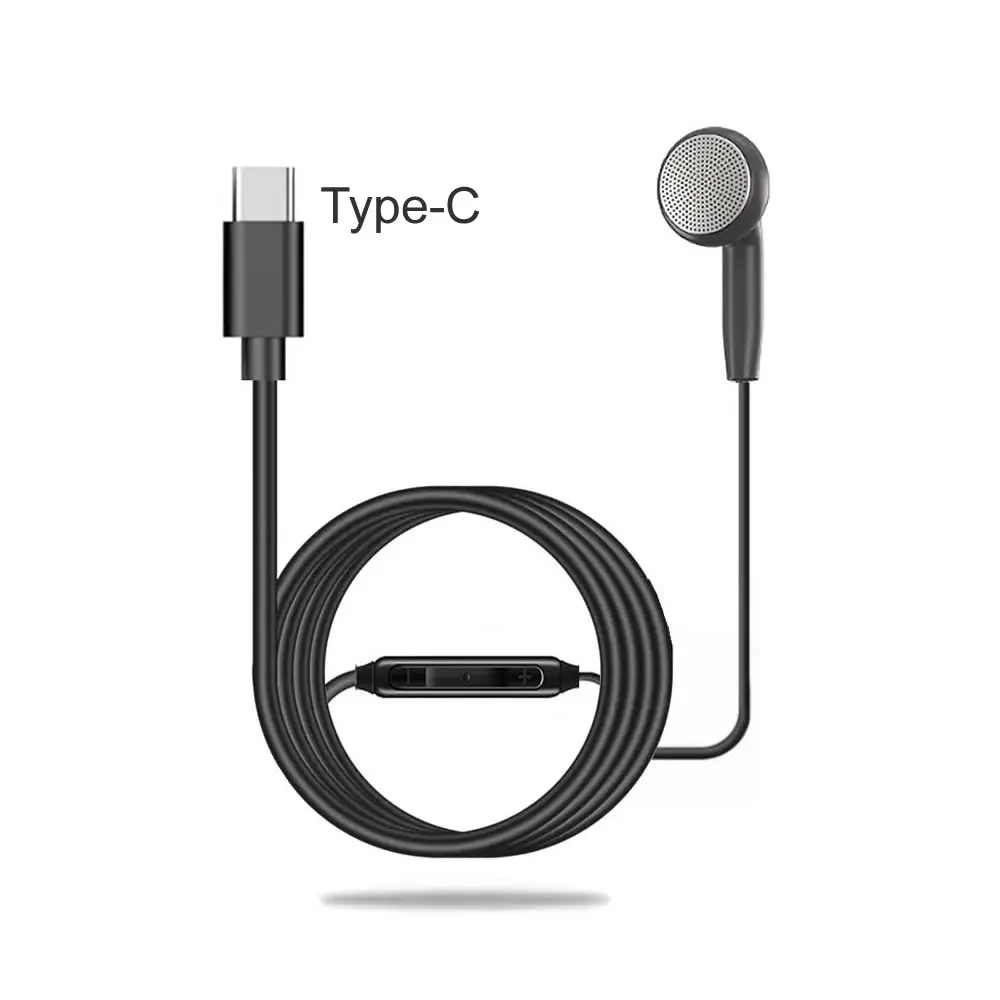


Wireless Carplay Android Auto Adapter Black Mini Dongle
$26.35
$52.72

Portable Rechargeable Radio with HD Display for Elder
$13.51
$25.03


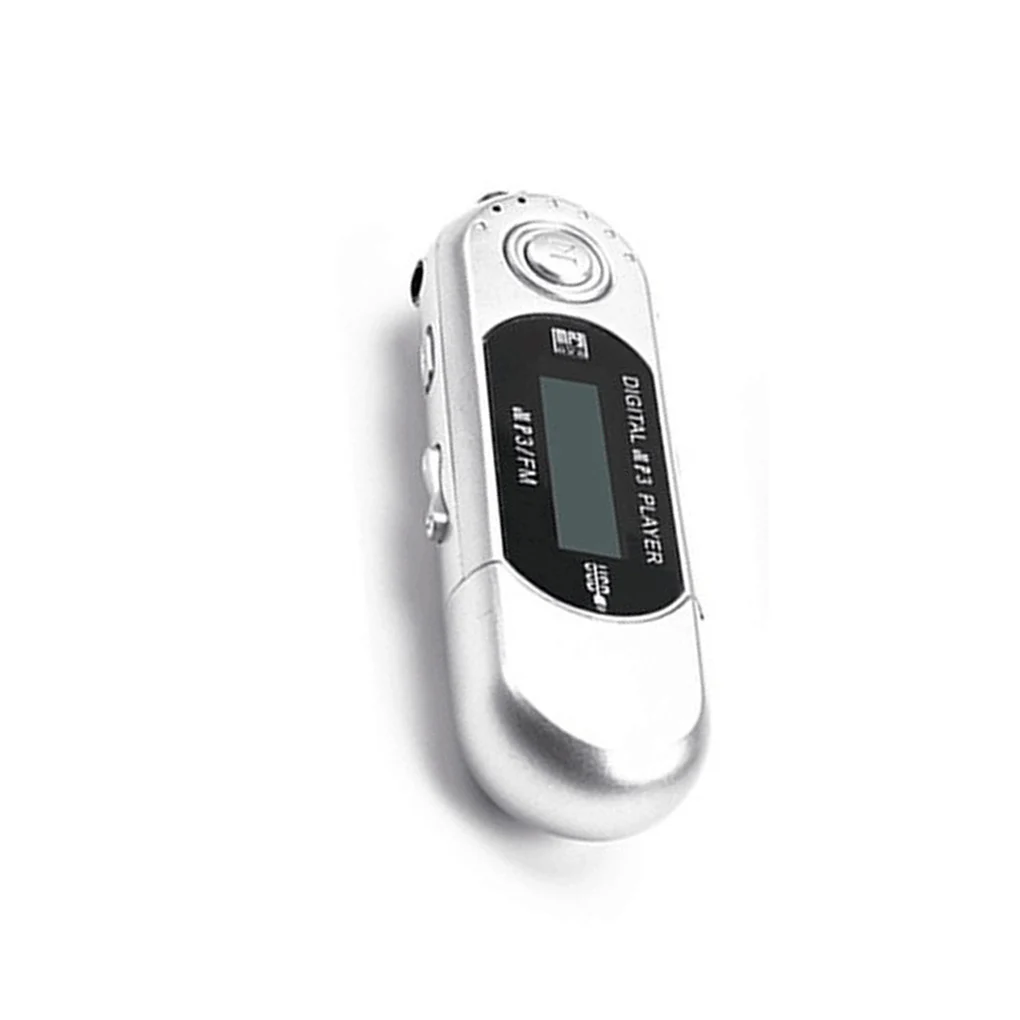


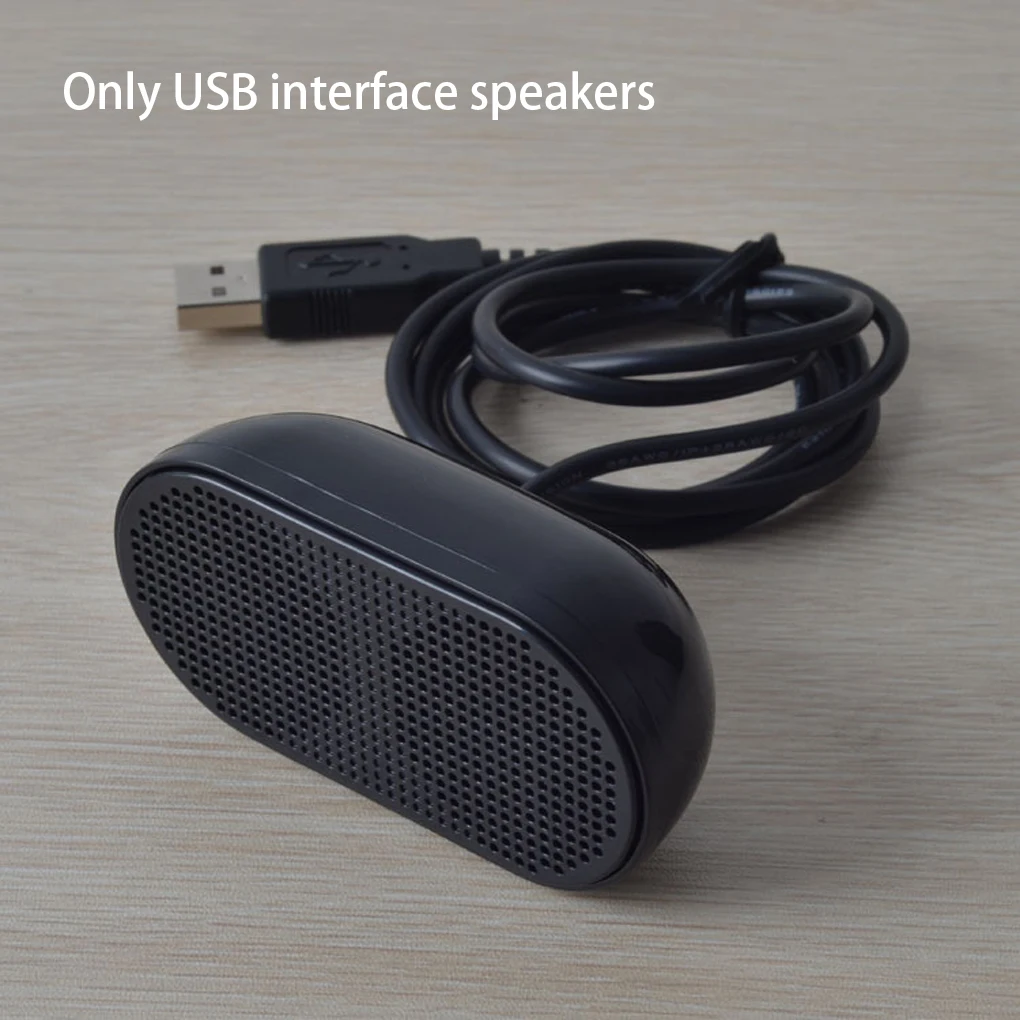


Portable Plastic USB Laptop Speaker Black
$14.26
$27.02
Black Plastic USB Mini Speaker for Computers
$15.4
$31.13


Portable Smart Scanner Translator Pen for 142 Languages
$67.66
$133.3


Rechargeable Digital Voice Recorder Aluminum Alloy Black
$78.26
$154.52


