Wireless HDMI Extender 1080P Video Transmitter Receiver
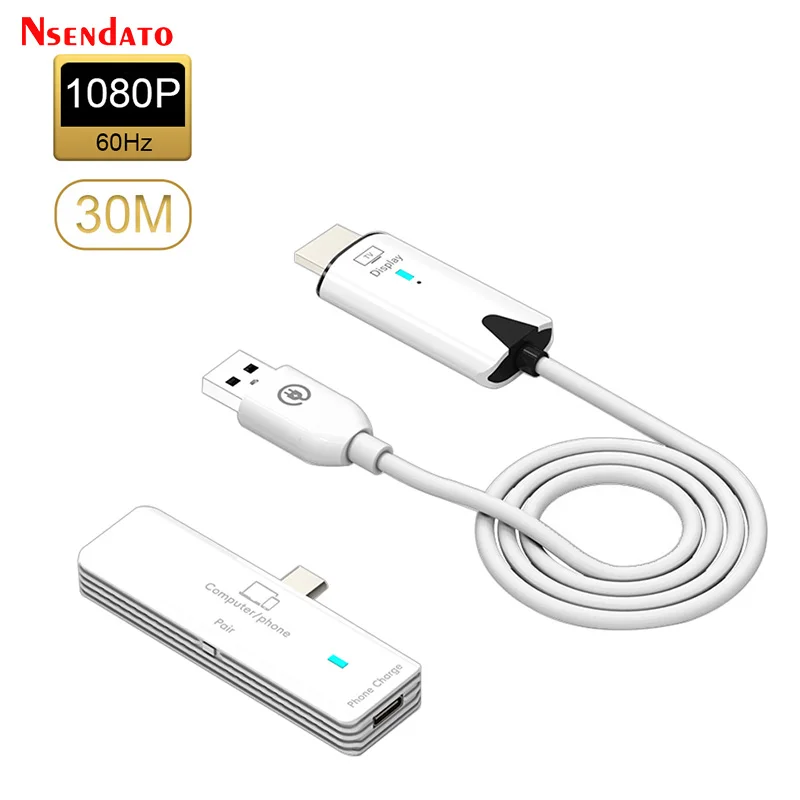
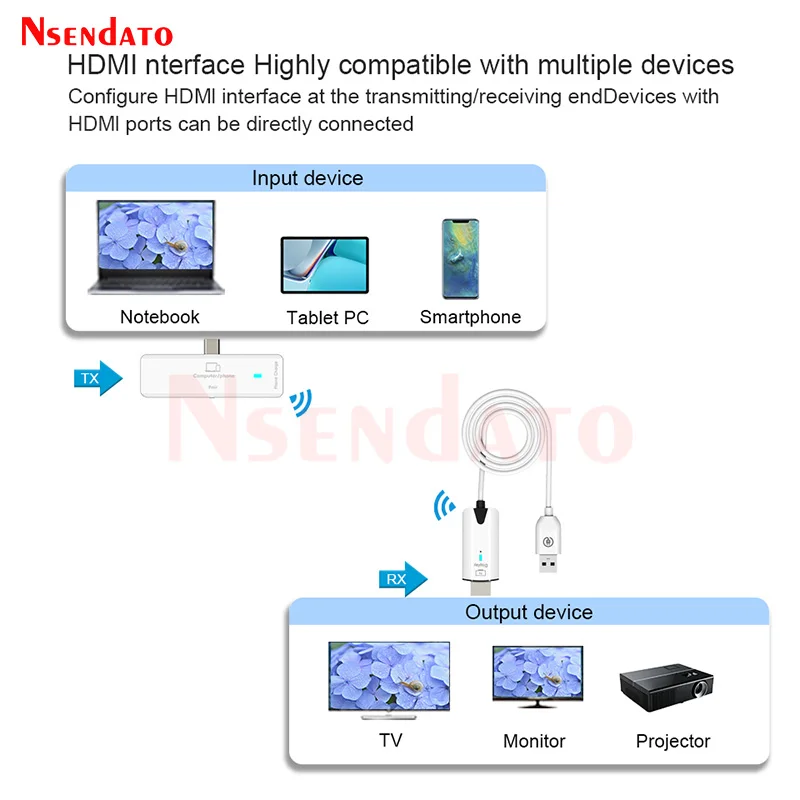
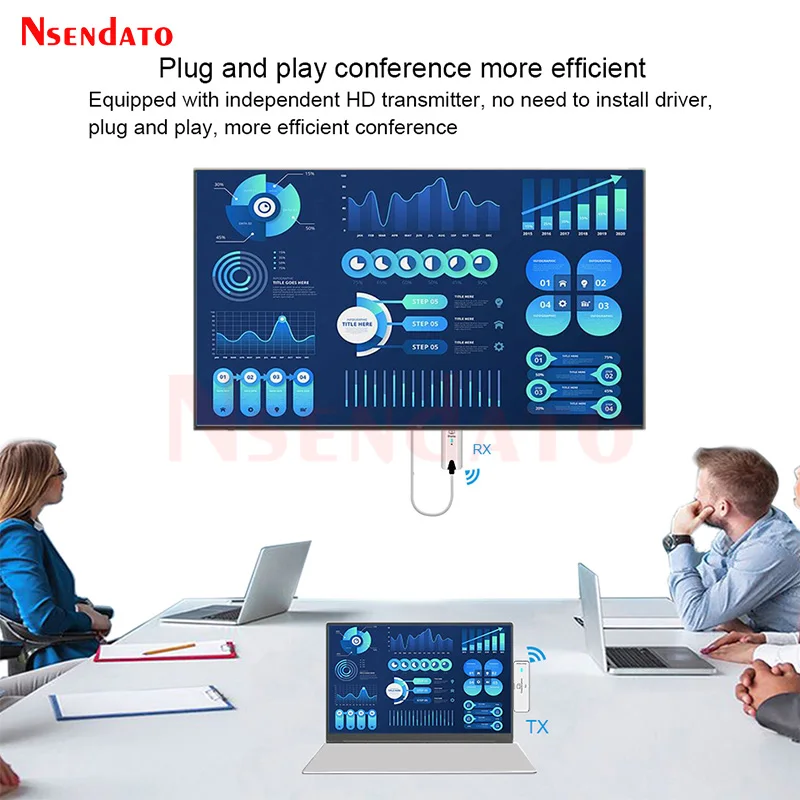
5.8G 30M Wireless HDMI Extender 1080P HDMI Video Transmitter Receiver Share screen Display TV Stick Dongle Adapter For TV PC. The mobile screen projector requires the phone to support DP protocol, and laptops with Type-C interfaces are compatible. Installation steps: Connect the receiver HDMI and USB ports of the wireless transmitter to the TV or projector Display equipment. Connect the Type-C male port on the transmitter to a signal source such as a laptop or mobile phone. After the connection is complete, the blue light at the transmitting end blinks first, and becomes steady on after the connection is successful, and an image appears on the screen. During the screen projection process, you can press the Pair/Reset button on the transmitter to stop Mirror or restart the mirror. The transmitter can only charge the phone during the screen projection process. Note: Equipment operating temperature: normal temperature does not affect use. The equipment has been paired before leaving the factory, in the case that it cannot be used, it will be paired again. The receiving end light is always on and does not flash. Package includes: Transmitter, Receiver, Manual.
$76.19
$55.42
- Category : Consumer Electronics
- Brand : nsendato_office_store_store Nsendato Office Store Store
Colors
-
+

5.8G 30M Wireless HDMI Extender 1080P HDMI Video Transmitter Receiver Share screen Display TV Stick Dongle Adapter For TV PC. The mobile screen projector requires the phone to support DP protocol, and laptops with Type-C interfaces are compatible. Installation steps: Connect the receiver HDMI and USB ports of the wireless transmitter to the TV or projector Display equipment. Connect the Type-C male port on the transmitter to a signal source such as a laptop or mobile phone. After the connection is complete, the blue light at the transmitting end blinks first, and becomes steady on after the connection is successful, and an image appears on the screen. During the screen projection process, you can press the Pair/Reset button on the transmitter to stop Mirror or restart the mirror. The transmitter can only charge the phone during the screen projection process. Note: Equipment operating temperature: normal temperature does not affect use. The equipment has been paired before leaving the factory, in the case that it cannot be used, it will be paired again. The receiving end light is always on and does not flash. Package includes: Transmitter, Receiver, Manual.
Related Product
Browse The Collection of Top Products.


Leather Dual Camera Strap Adjustable Shoulder Harness
$47.84
$95.56


Black Multi Microphone Rack for Wired and Wireless Mics
$29.09
$57.28


Waterproof Solar Panel Charger for Video Doorbell
$22.58
$29.44


Silicone Camera Cover with Lanyard for Digital Cameras
$14.72
$19.42


HDMI to Displayport Converter Cable 4K 30Hz for TV
$11.29
$14.72


Wireless Game Controller for Nintendo Wii U Console
$21.74
$29.03


