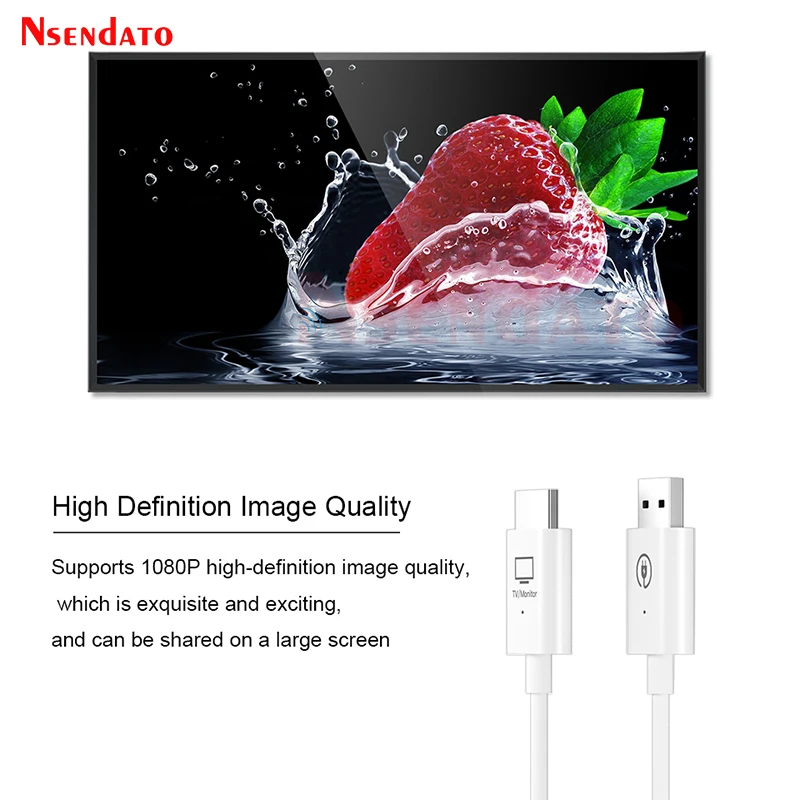
Wireless HDMI Extender 30m HDMI Video Transmitter Receiver Mirroring Screen Share 5G TV Dongle Stick Adapter For PS4 TV Box PC
<div class="detailmodule_html"><div class="detail-desc-decorate-richtext"><br /><div>
<div class="detailmodule_media">
<div class="video-container-1100137498292">
<div class="detail-video" id="1100137498292" data-previewurl="https://ae01.alicdn.com/kf/S3d3161d3b074454cb669186c3b2074559.jpg"></div>
</div>
</div>
<kse:widget data-widget-type="customText" id="22569421" type="custom"></kse:widget>
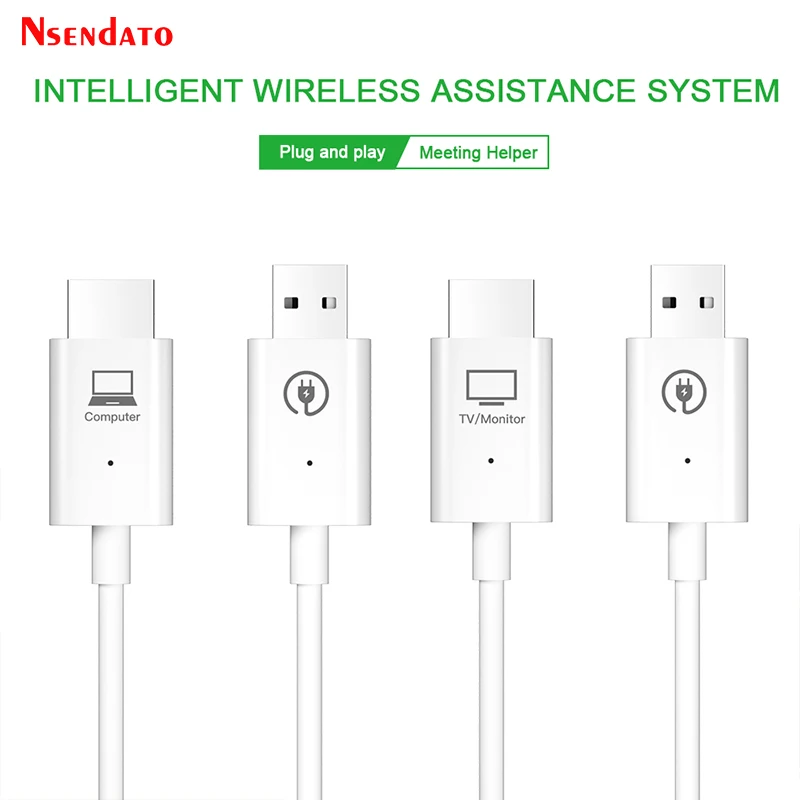
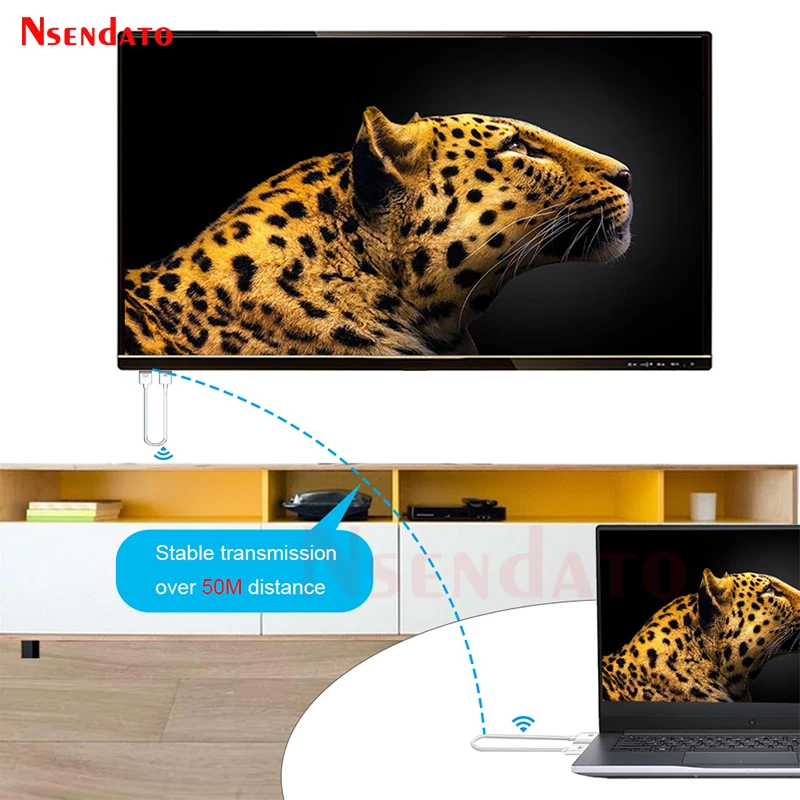
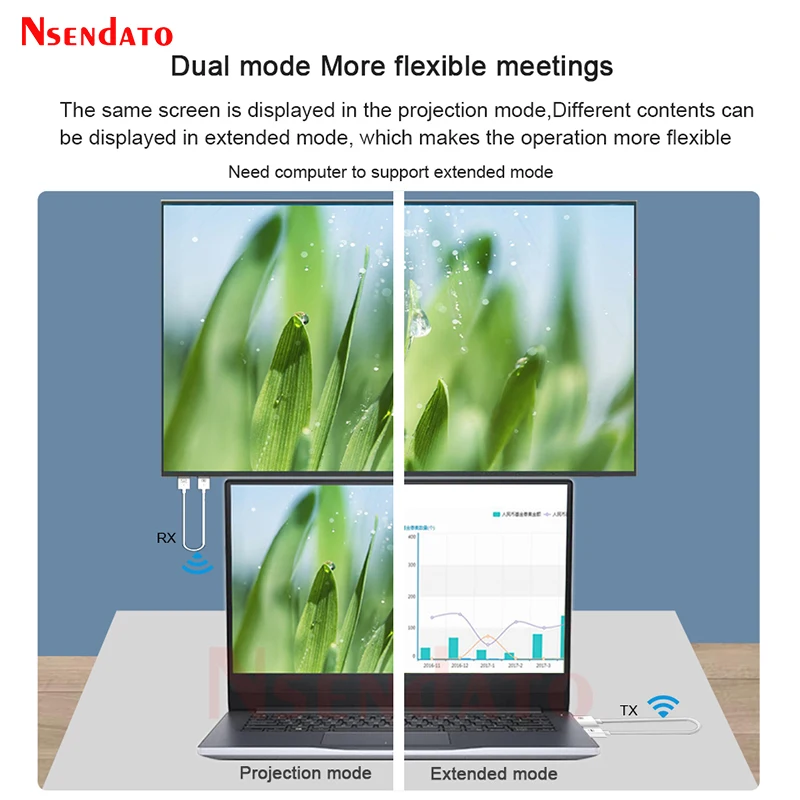
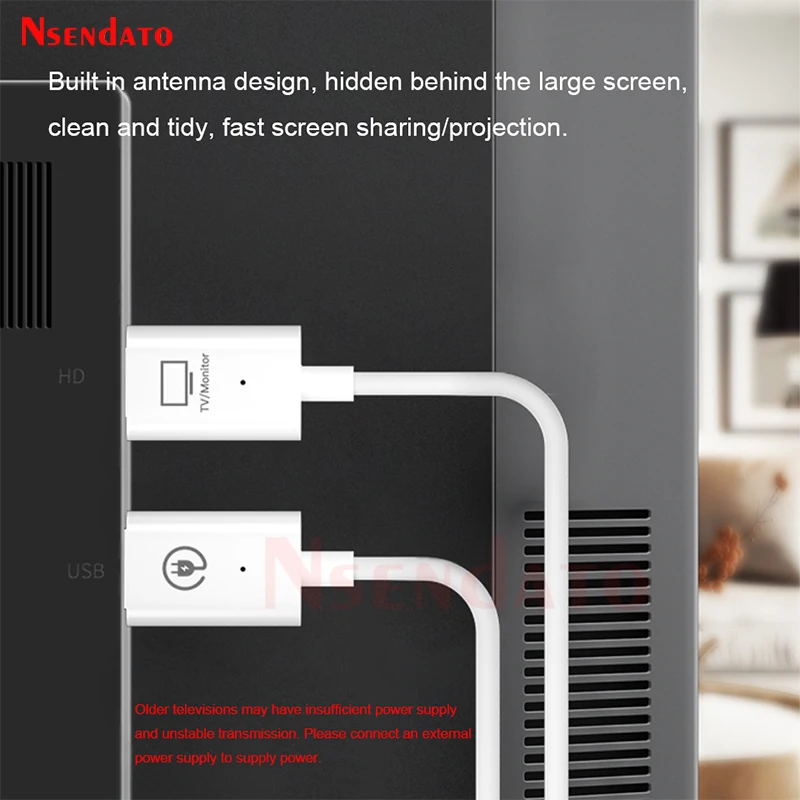
</div><p><span style="font-size:16px;font-family:arial, helvetica, sans-serif">30m Wireless HDMI Extender Video Transmitter Receiver Mirroring Screen Share 5G TV Dongle Stick Adapter For PS4 DVD TV Box PC</span></p><p><span style="font-size:16px;font-family:arial, helvetica, sans-serif">1.Install receiver:</span></p><p><span style="font-size:16px;font-family:arial, helvetica, sans-serif">Connect the wireless display receiver to your screen and</span></p><p><span style="font-size:16px;font-family:arial, helvetica, sans-serif">power it on.</span></p><p><span style="font-size:16px;font-family:arial, helvetica, sans-serif">2.Plug and mirror:</span></p><p><span style="font-size:16px;font-family:arial, helvetica, sans-serif">Plug the transmitter to laptop, connect it to the power</span></p><p><span style="font-size:16px;font-family:arial, helvetica, sans-serif">supply and wait for mirroring automatically.</span></p><p><span style="font-size:16px;font-family:arial, helvetica, sans-serif">3.Stop and restart:</span></p><p><span style="font-size:16px;font-family:arial, helvetica, sans-serif">Remove the transmitter to stop mirroring, and plug the</span></p><p><span style="font-size:16px;font-family:arial, helvetica, sans-serif">transmitter to restart mirroring.</span></p><div>
<div>
</div>
</div><div style="margin:0px;margin-bottom:0px;margin-top:0px;margin-left:0px;margin-right:0px;padding:0px 0px 0px 0em;padding-bottom:0px;padding-top:0px;padding-right:0px">
<div>
</div>
<div>
</div>
<div>
</div>
<div>
</div>
<div>
</div>
<div>
</div>
<div>
</div>
<div>
</div>
<div>
</div>
<div>
</div>
<div>
</div>
<div>
</div>
<div>
</div>
<div>
</div>
</div><p>
<kse:widget data-widget-type="customText" id="1005000001165679" type="custom"></kse:widget></p><br /></div></div>
$82.925
$65.12
- Category : Consumer Electronics
- Brand : nsendato_office_store_store Nsendato Office Store Store
Colors
Sizes
-
+

<div class="detailmodule_html"><div class="detail-desc-decorate-richtext"><br /><div>
<div class="detailmodule_media">
<div class="video-container-1100137498292">
<div class="detail-video" id="1100137498292" data-previewurl="https://ae01.alicdn.com/kf/S3d3161d3b074454cb669186c3b2074559.jpg"></div>
</div>
</div>
<kse:widget data-widget-type="customText" id="22569421" type="custom"></kse:widget>
</div><p><span style="font-size:16px;font-family:arial, helvetica, sans-serif">30m Wireless HDMI Extender Video Transmitter Receiver Mirroring Screen Share 5G TV Dongle Stick Adapter For PS4 DVD TV Box PC</span></p><p><span style="font-size:16px;font-family:arial, helvetica, sans-serif">1.Install receiver:</span></p><p><span style="font-size:16px;font-family:arial, helvetica, sans-serif">Connect the wireless display receiver to your screen and</span></p><p><span style="font-size:16px;font-family:arial, helvetica, sans-serif">power it on.</span></p><p><span style="font-size:16px;font-family:arial, helvetica, sans-serif">2.Plug and mirror:</span></p><p><span style="font-size:16px;font-family:arial, helvetica, sans-serif">Plug the transmitter to laptop, connect it to the power</span></p><p><span style="font-size:16px;font-family:arial, helvetica, sans-serif">supply and wait for mirroring automatically.</span></p><p><span style="font-size:16px;font-family:arial, helvetica, sans-serif">3.Stop and restart:</span></p><p><span style="font-size:16px;font-family:arial, helvetica, sans-serif">Remove the transmitter to stop mirroring, and plug the</span></p><p><span style="font-size:16px;font-family:arial, helvetica, sans-serif">transmitter to restart mirroring.</span></p><div>
<div>
</div>
</div><div style="margin:0px;margin-bottom:0px;margin-top:0px;margin-left:0px;margin-right:0px;padding:0px 0px 0px 0em;padding-bottom:0px;padding-top:0px;padding-right:0px">
<div>
</div>
<div>
</div>
<div>
</div>
<div>
</div>
<div>
</div>
<div>
</div>
<div>
</div>
<div>
</div>
<div>
</div>
<div>
</div>
<div>
</div>
<div>
</div>
<div>
</div>
<div>
</div>
</div><p>
<kse:widget data-widget-type="customText" id="1005000001165679" type="custom"></kse:widget></p><br /></div></div>
Related Product
Browse The Collection of Top Products.