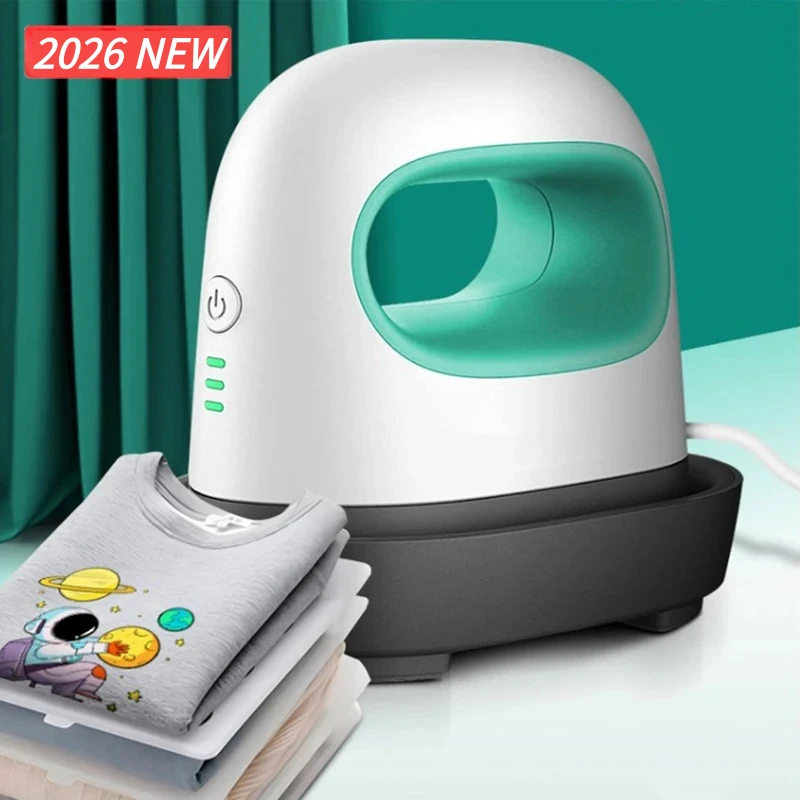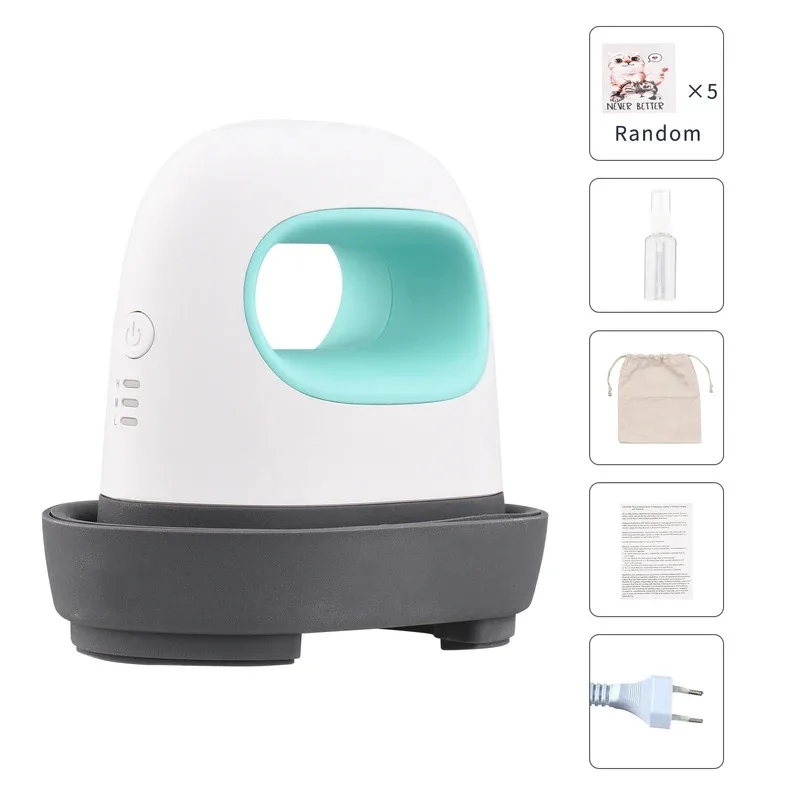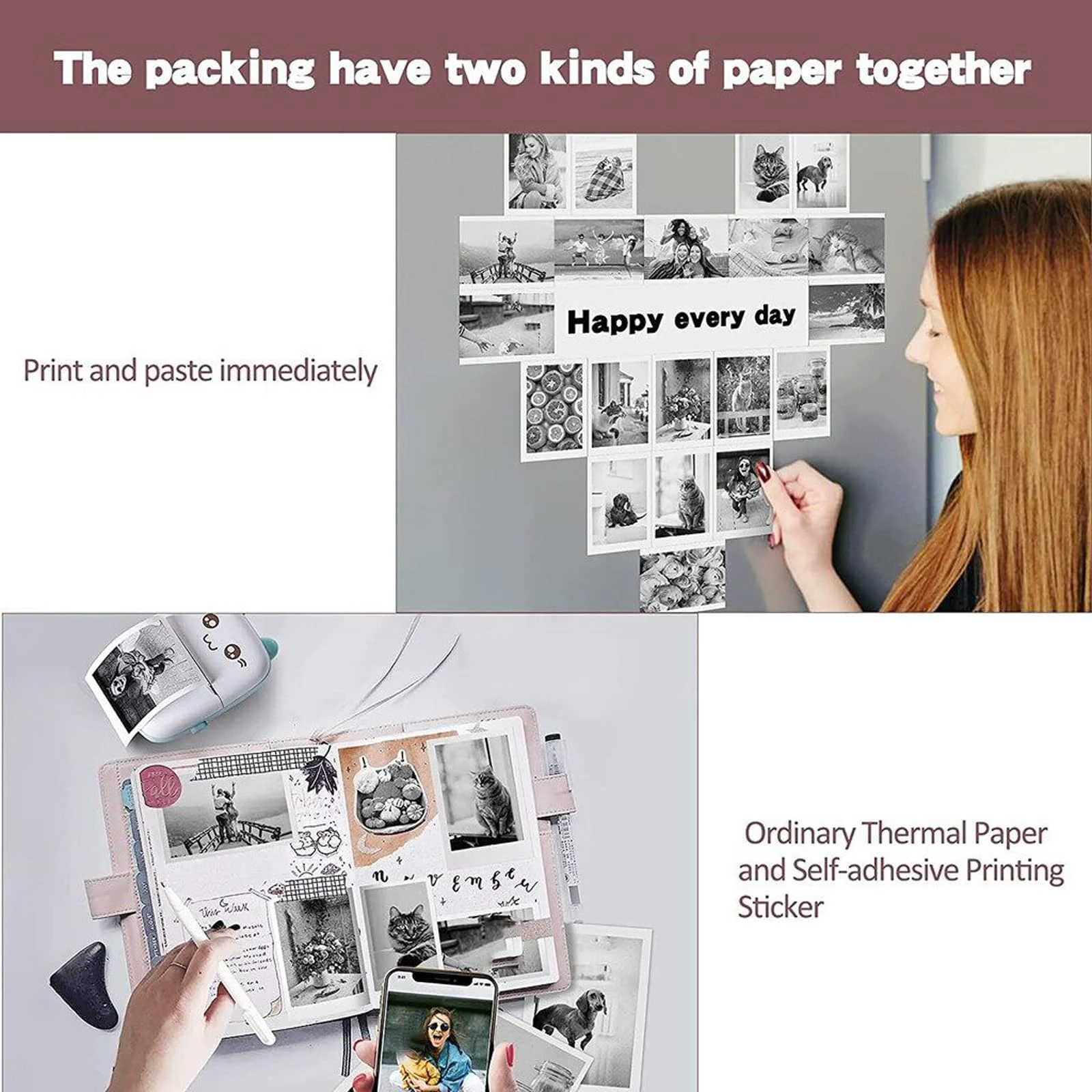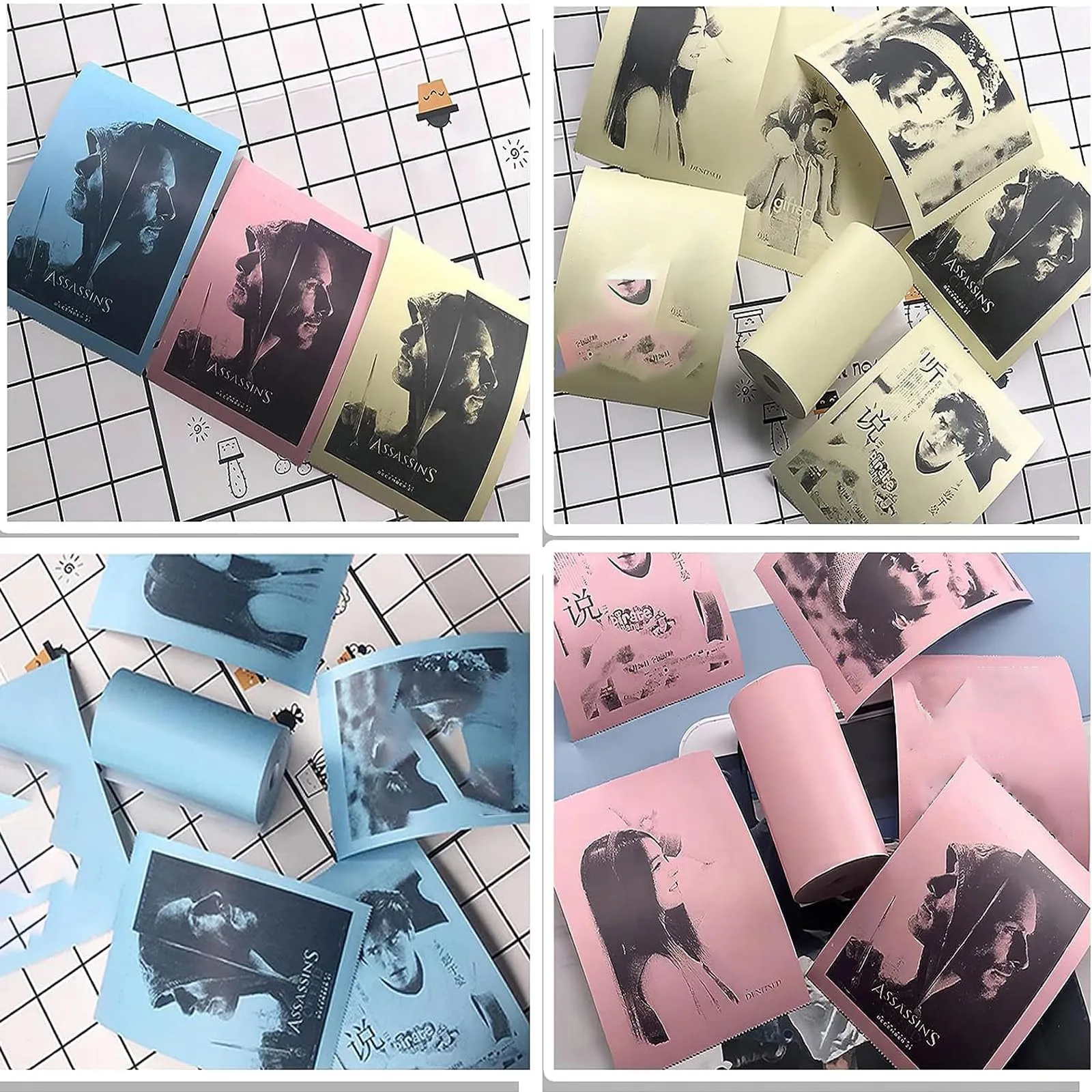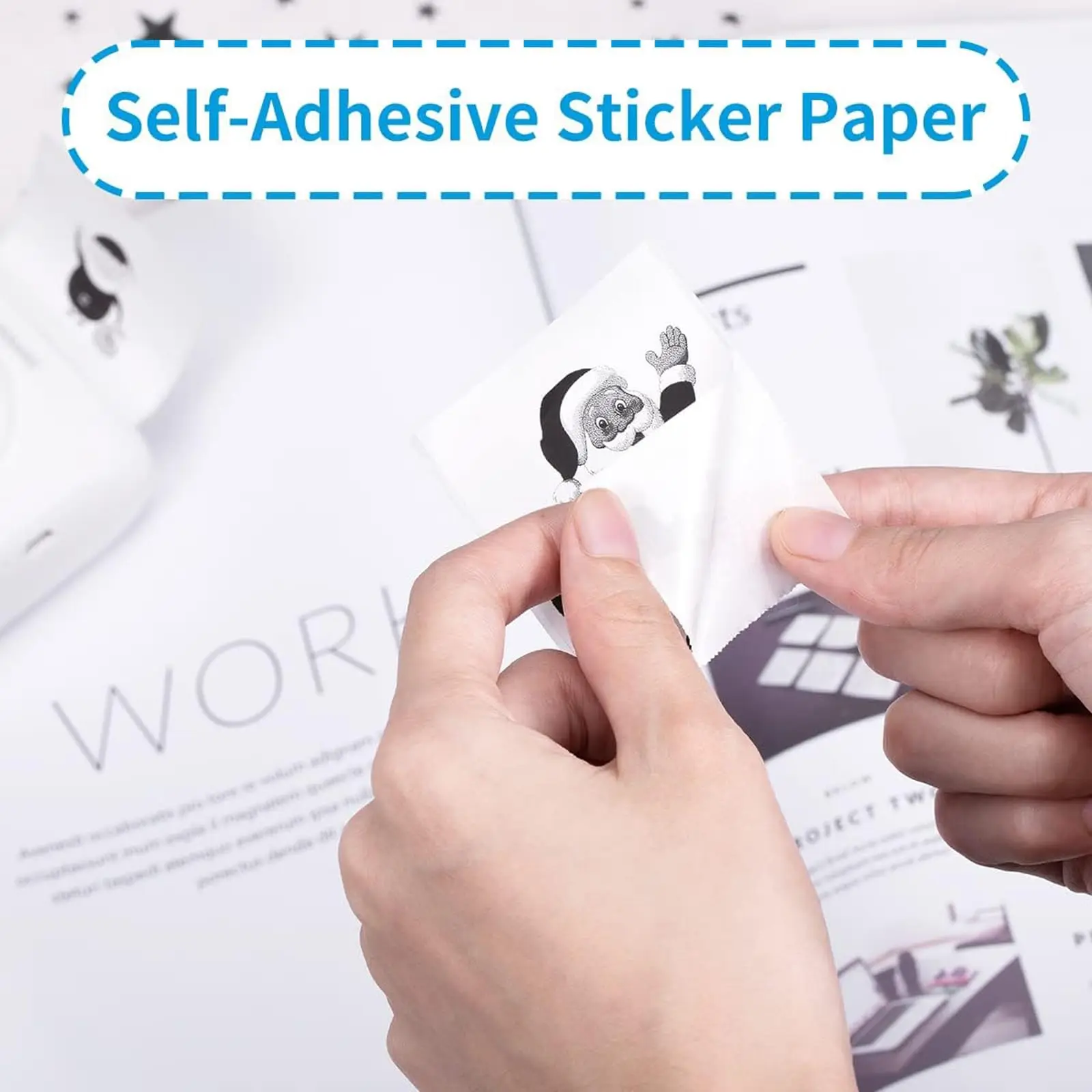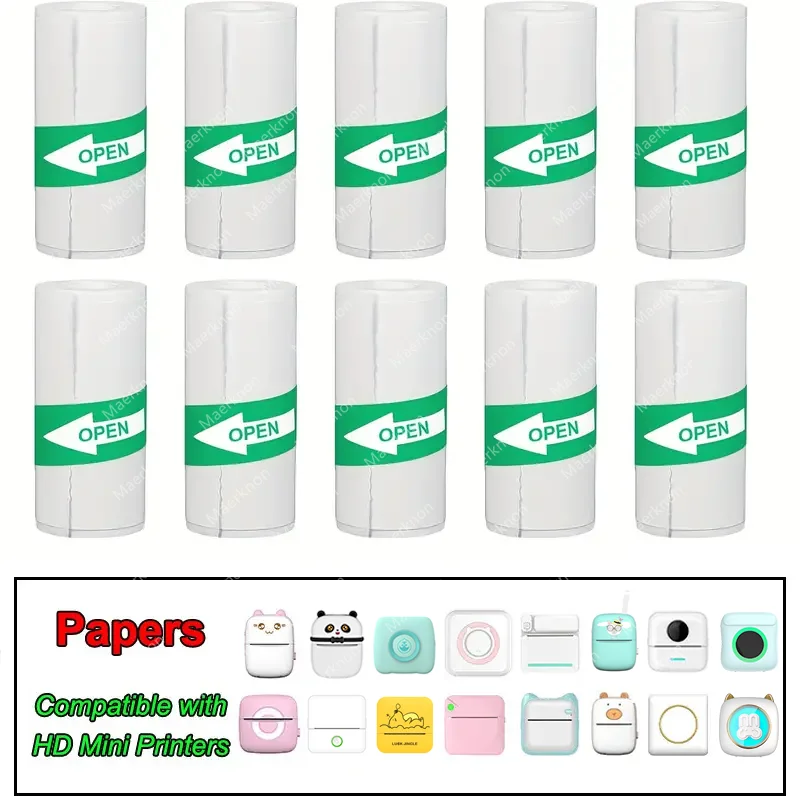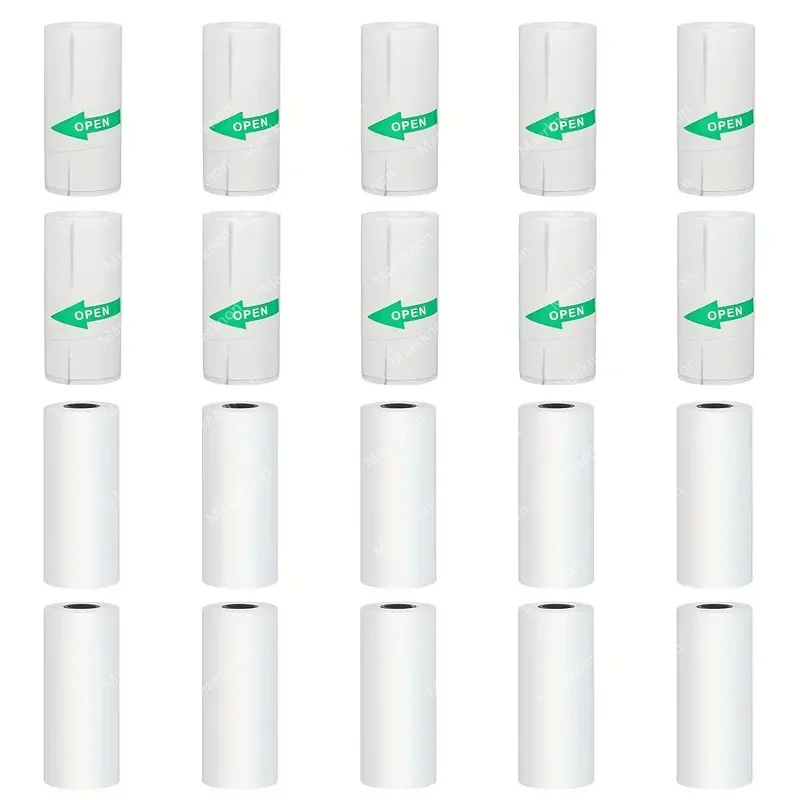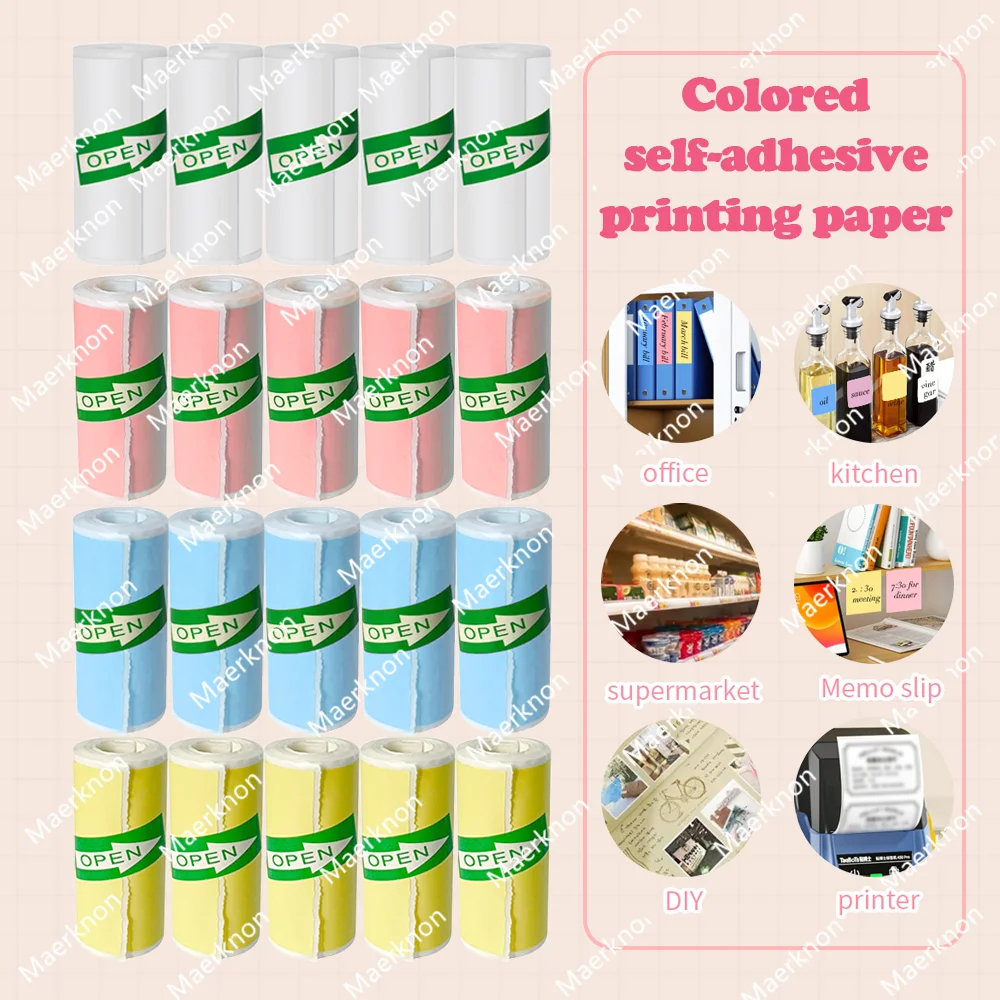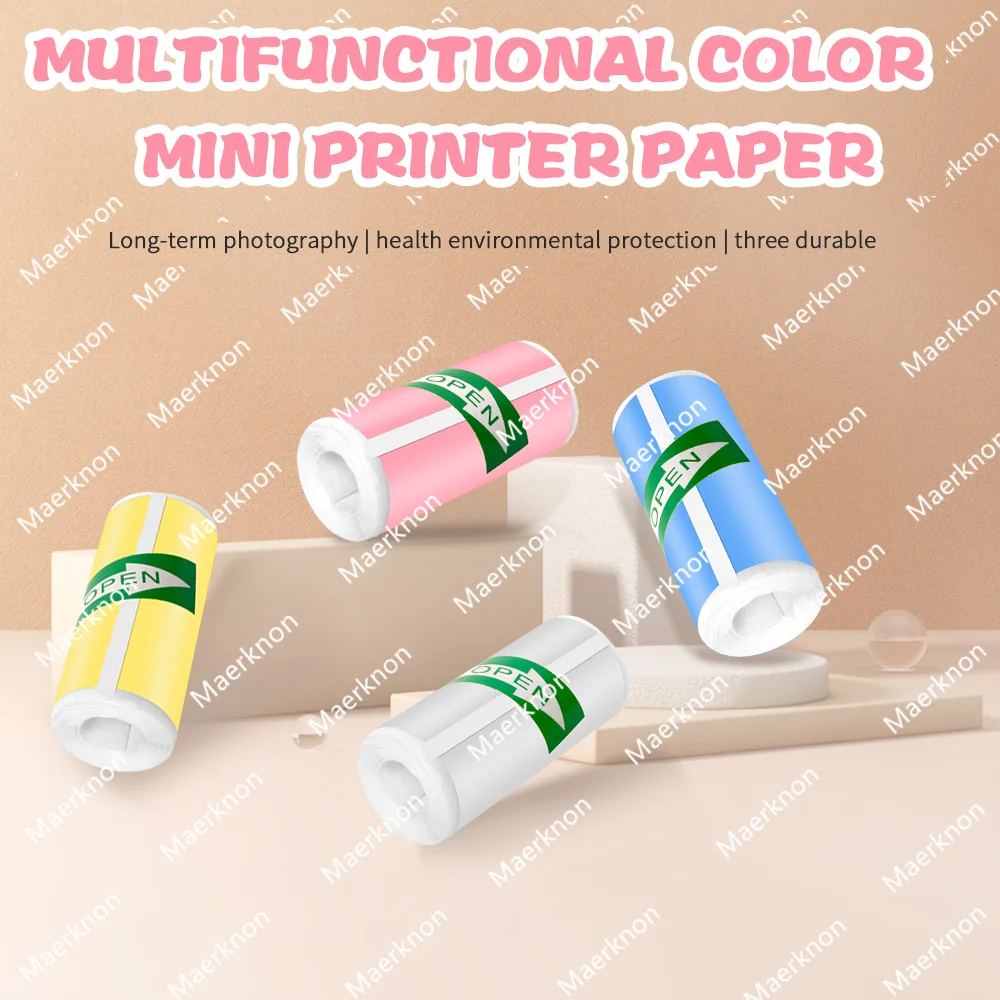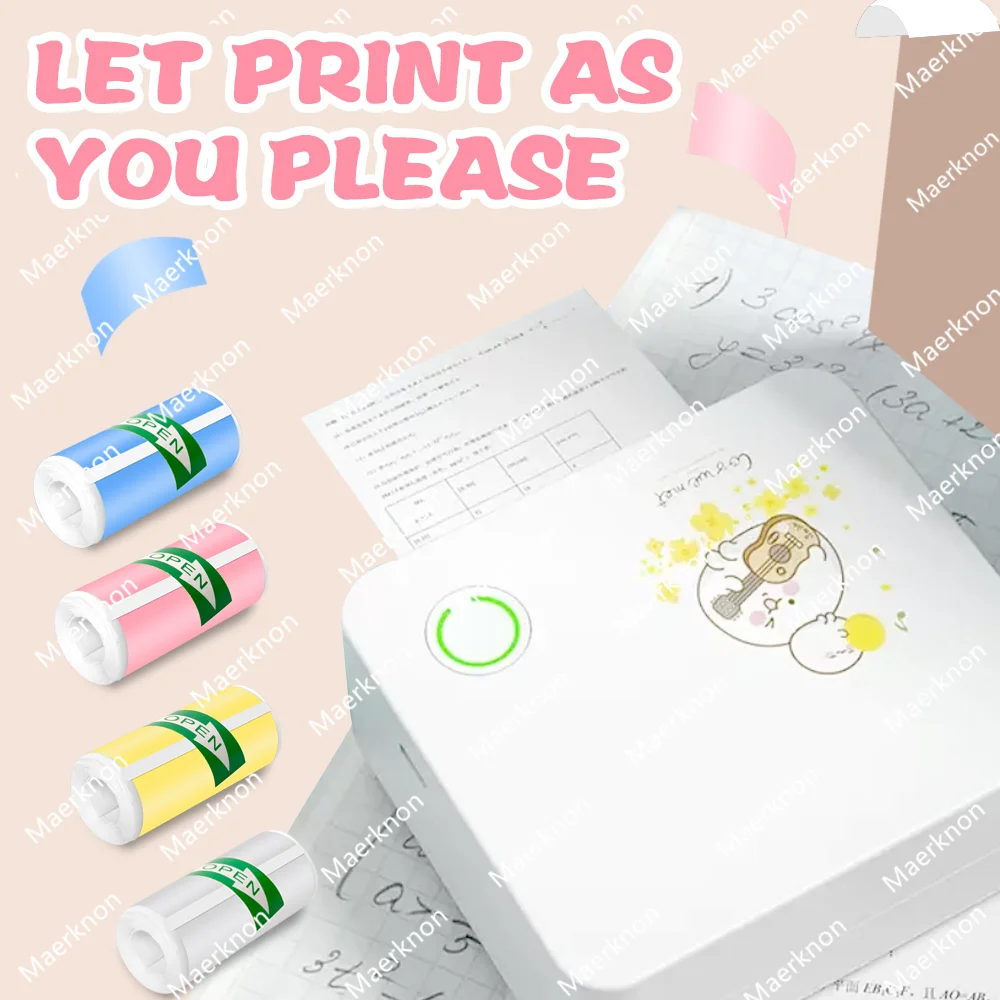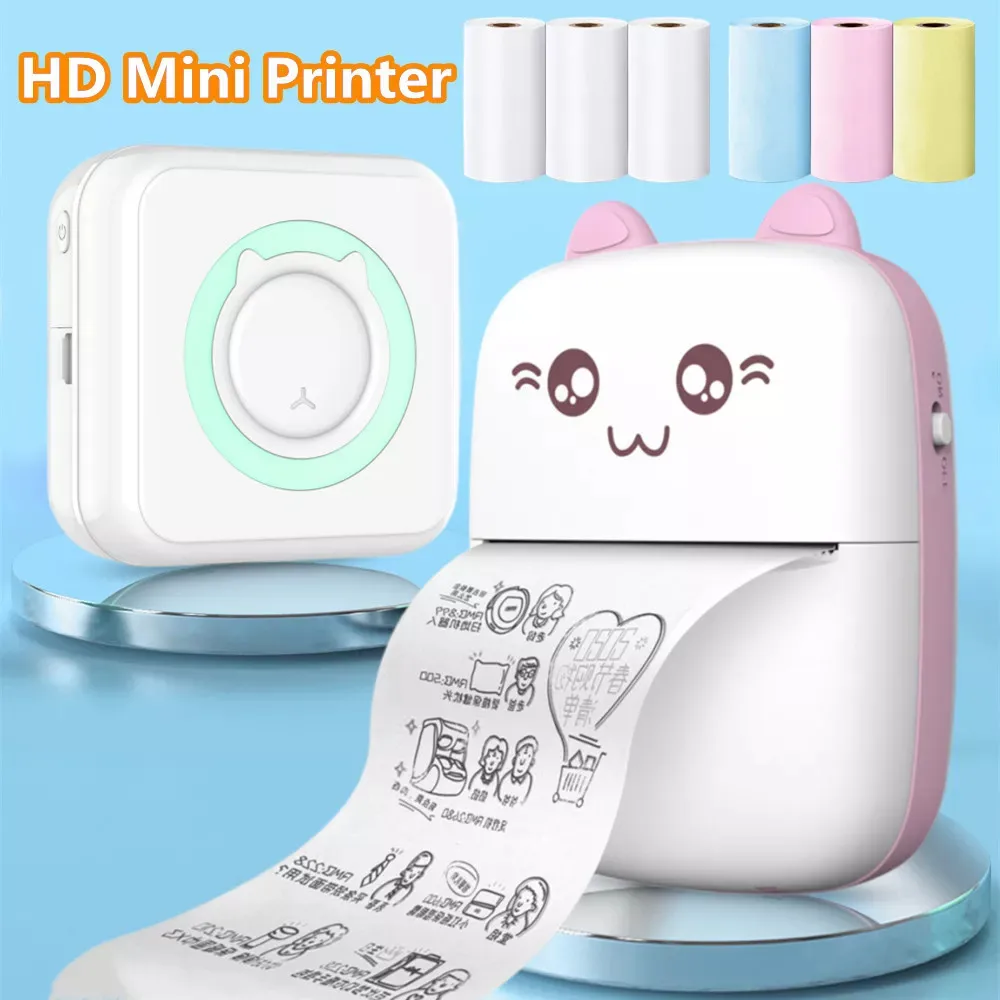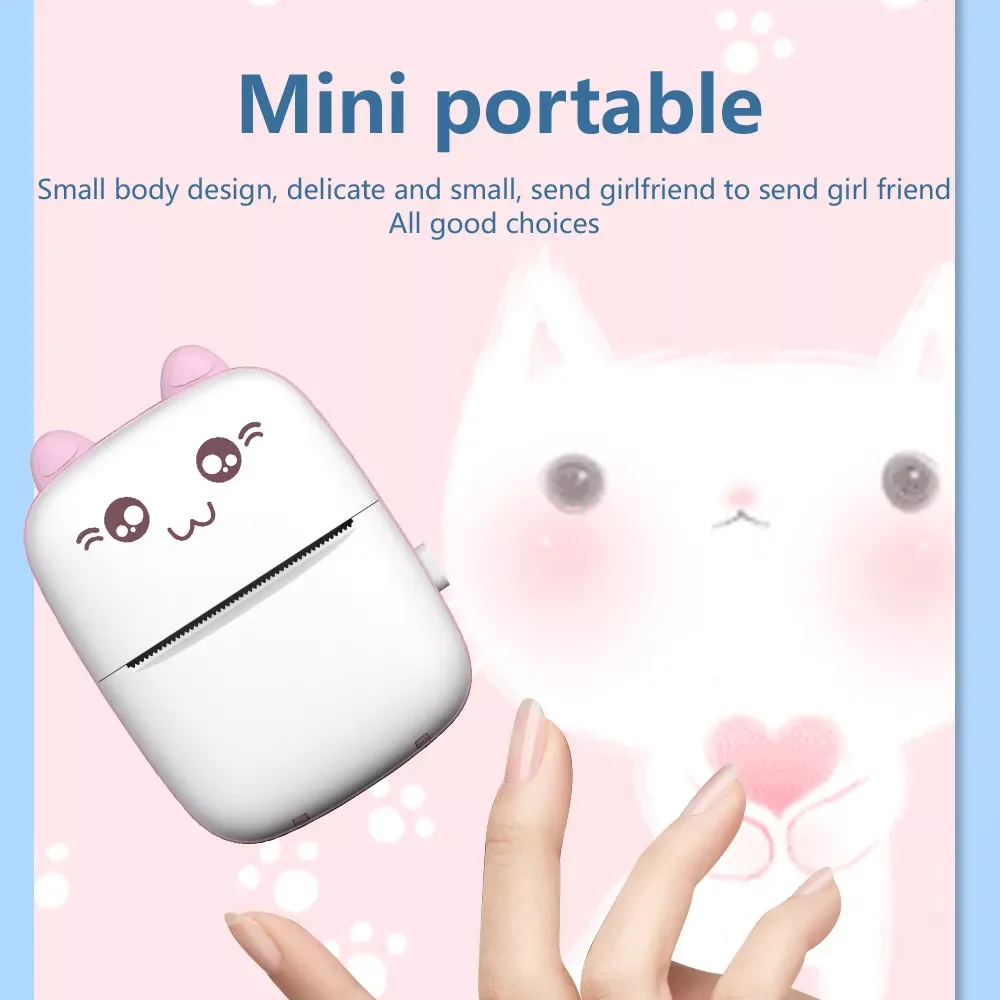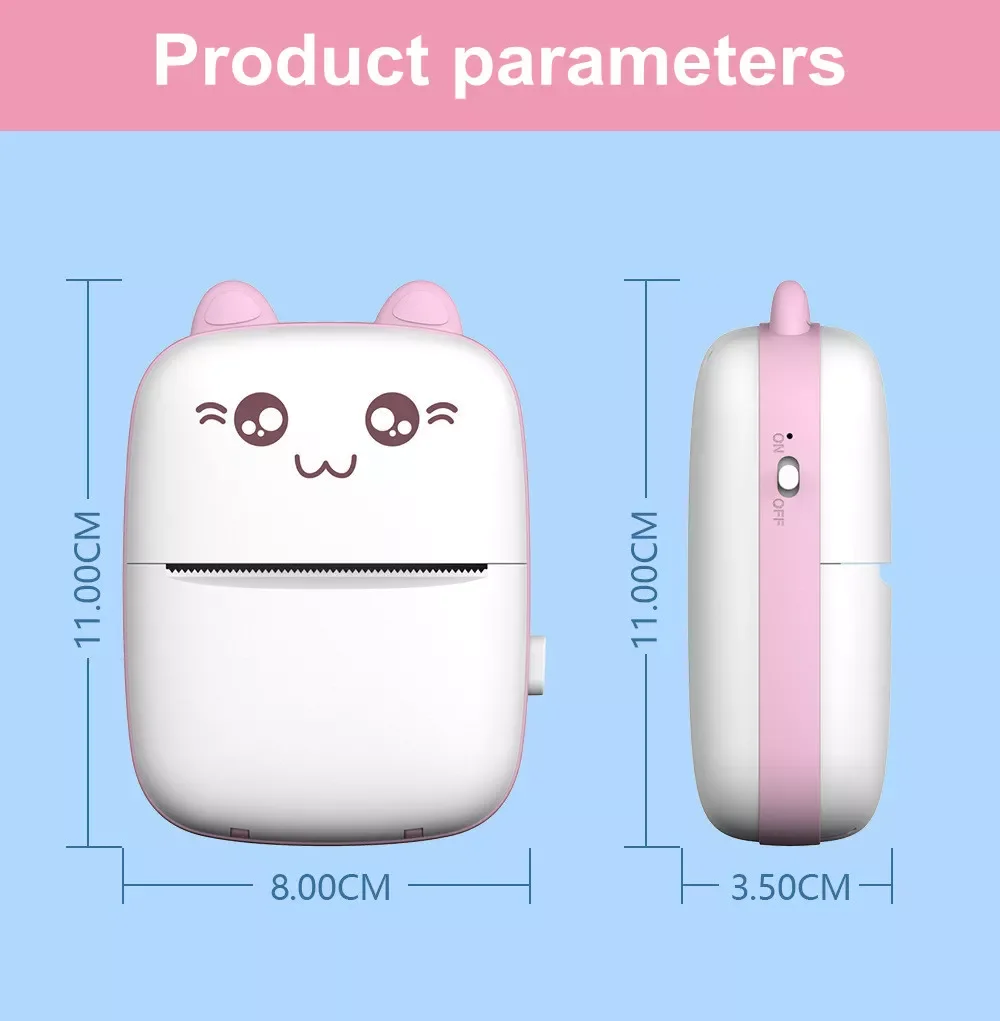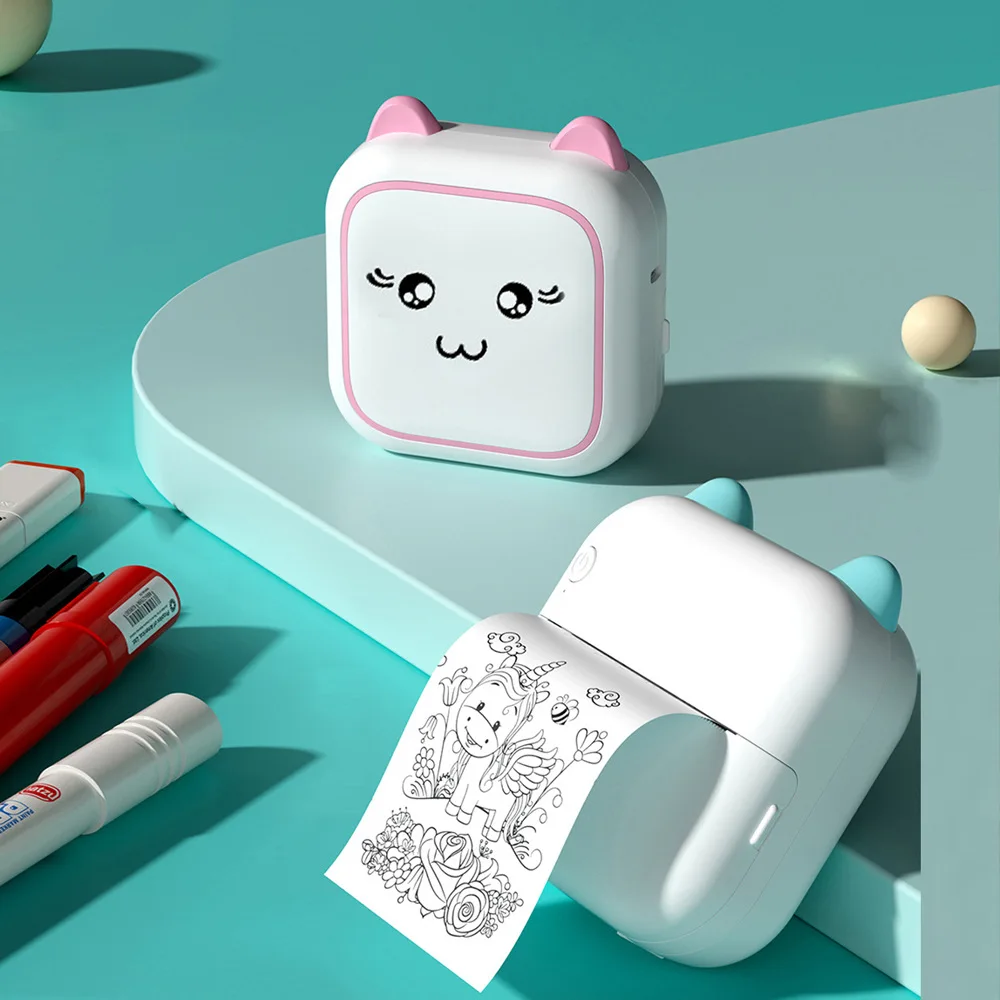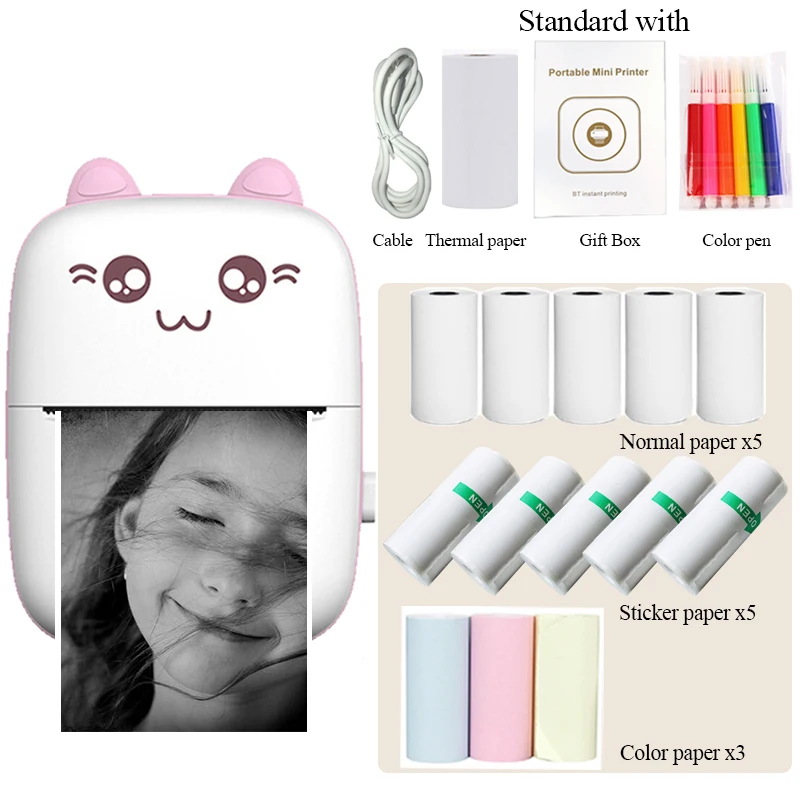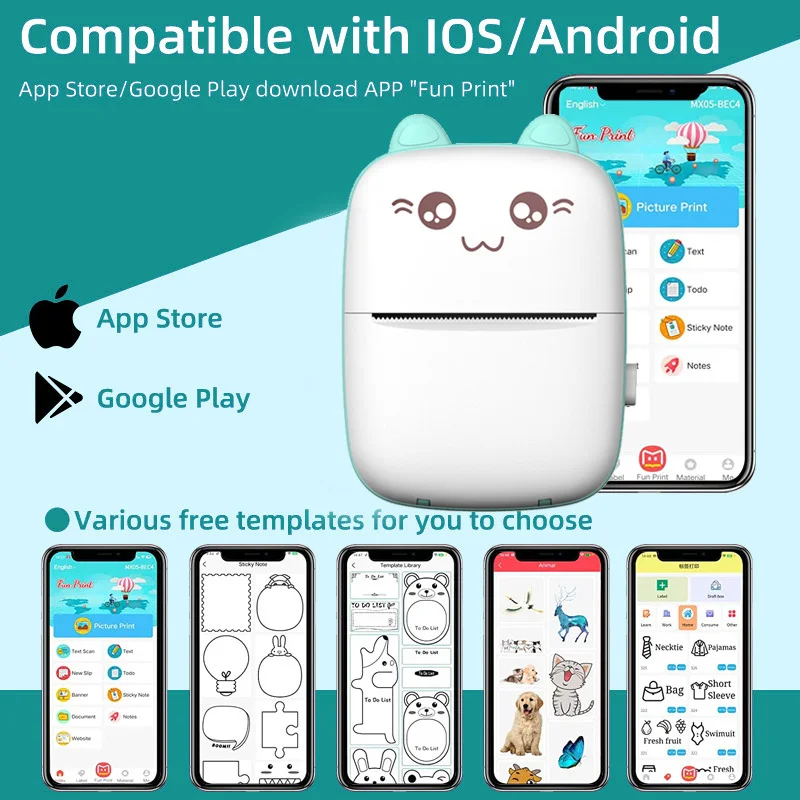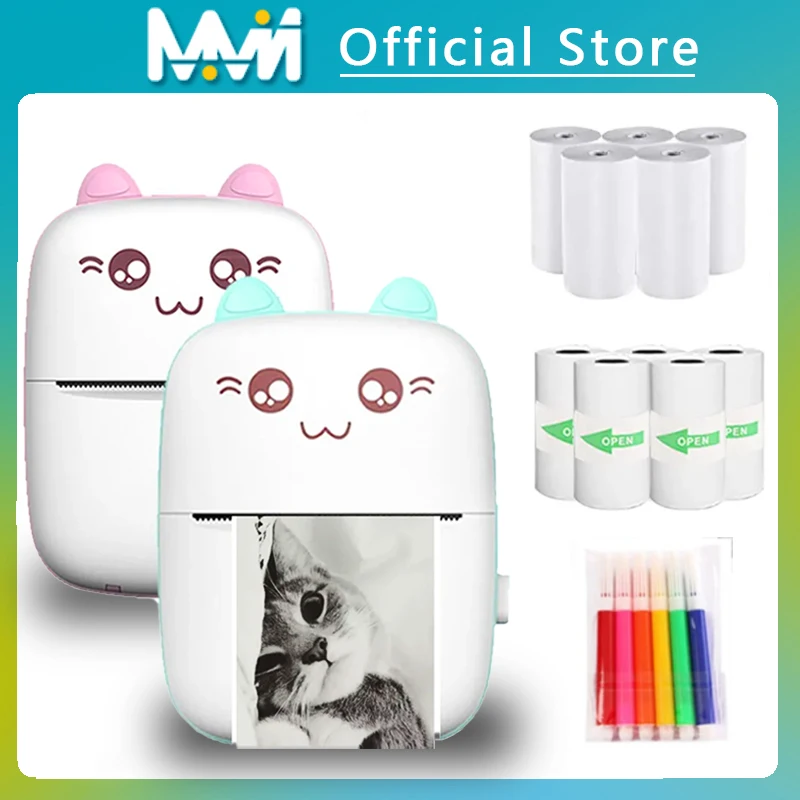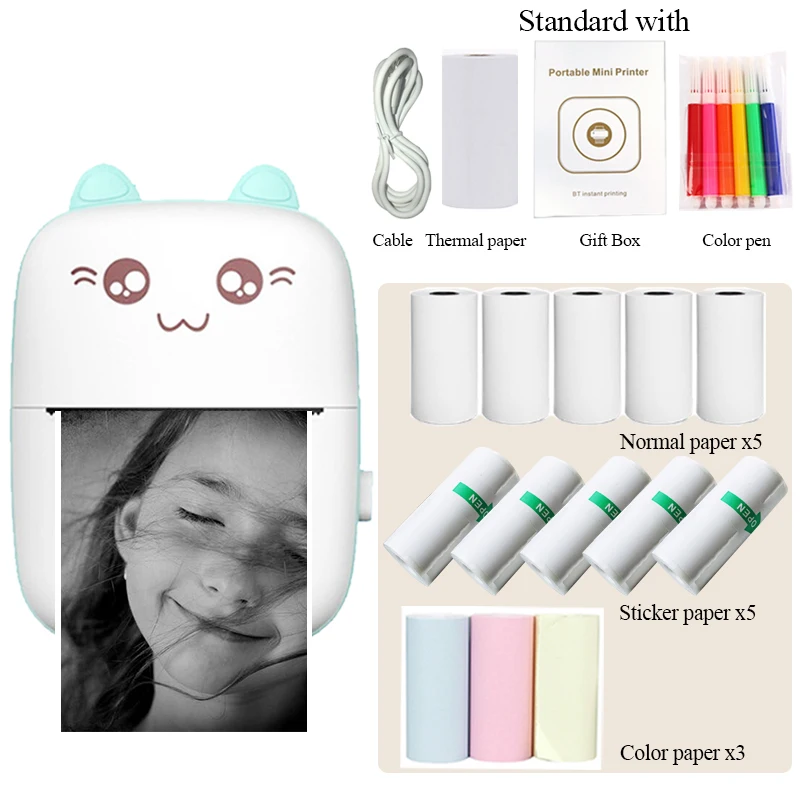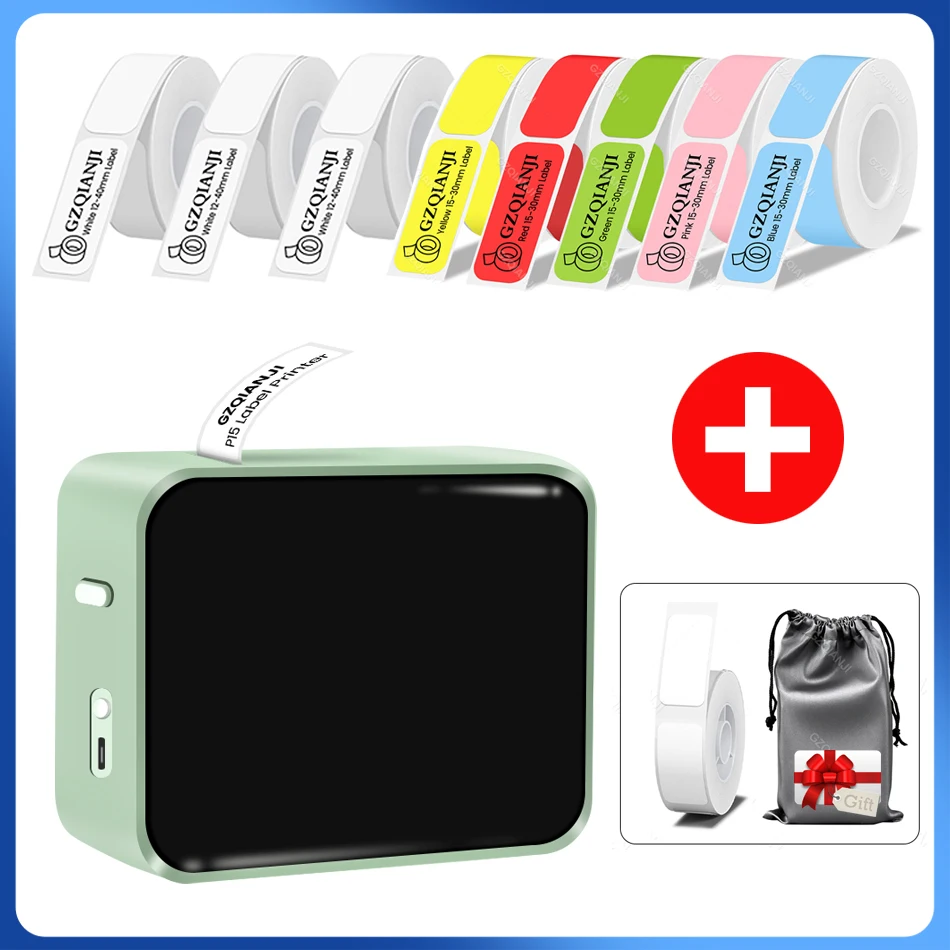
Wireless Label Printer P15 Portable Bluetooth Thermal Label Maker Handheld Mini Machine w/ Adhesive Sticker Tape Home Office Use
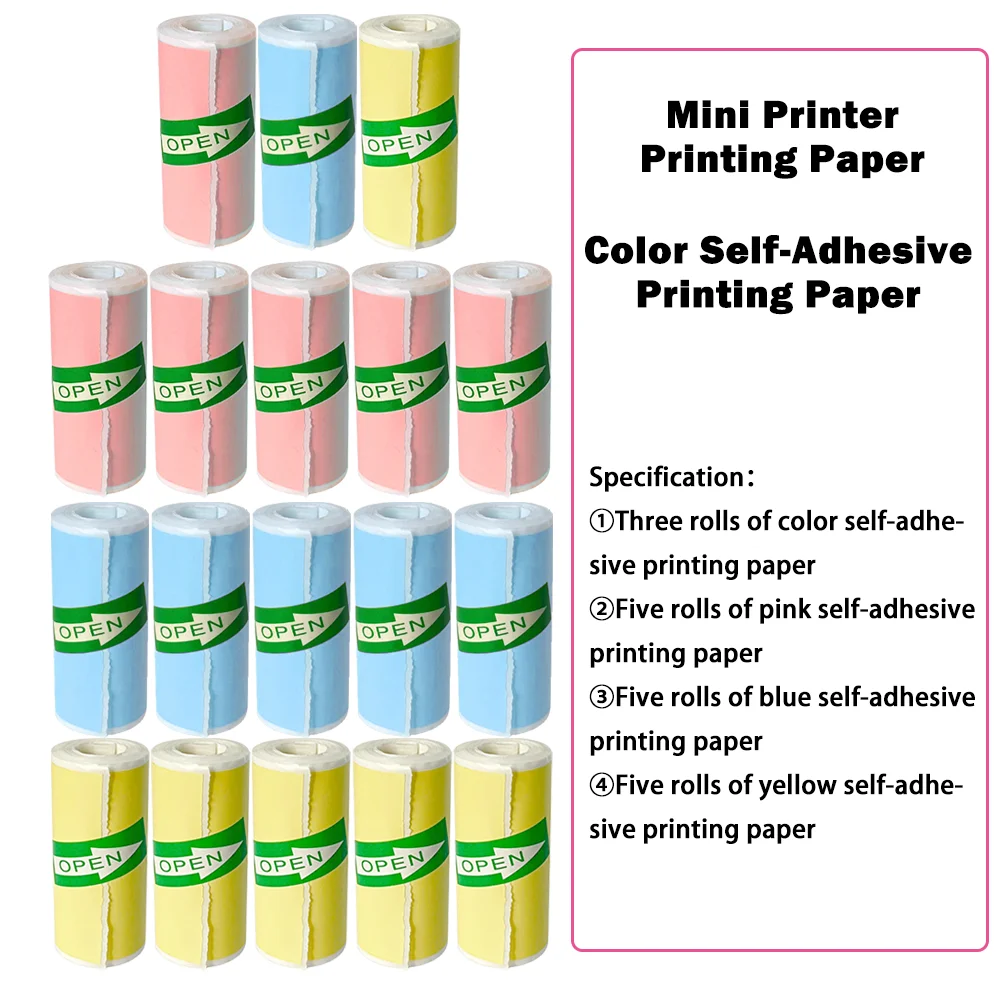
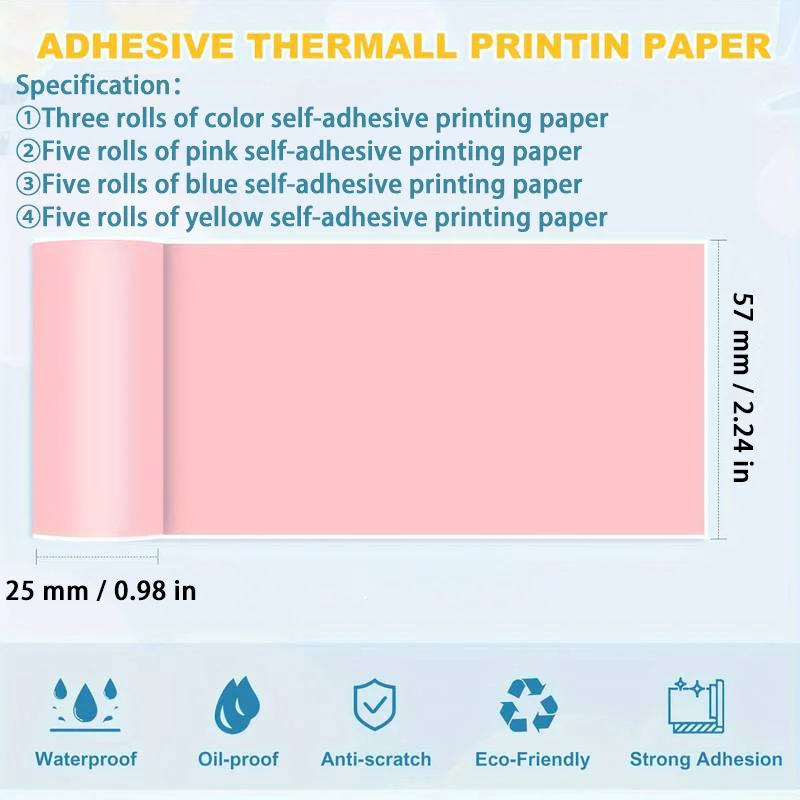
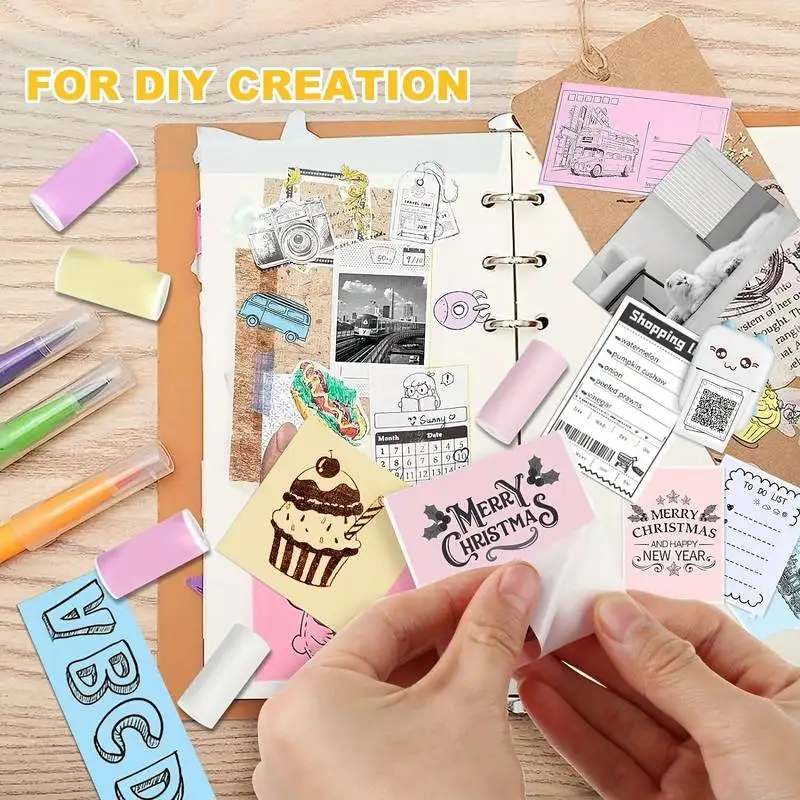
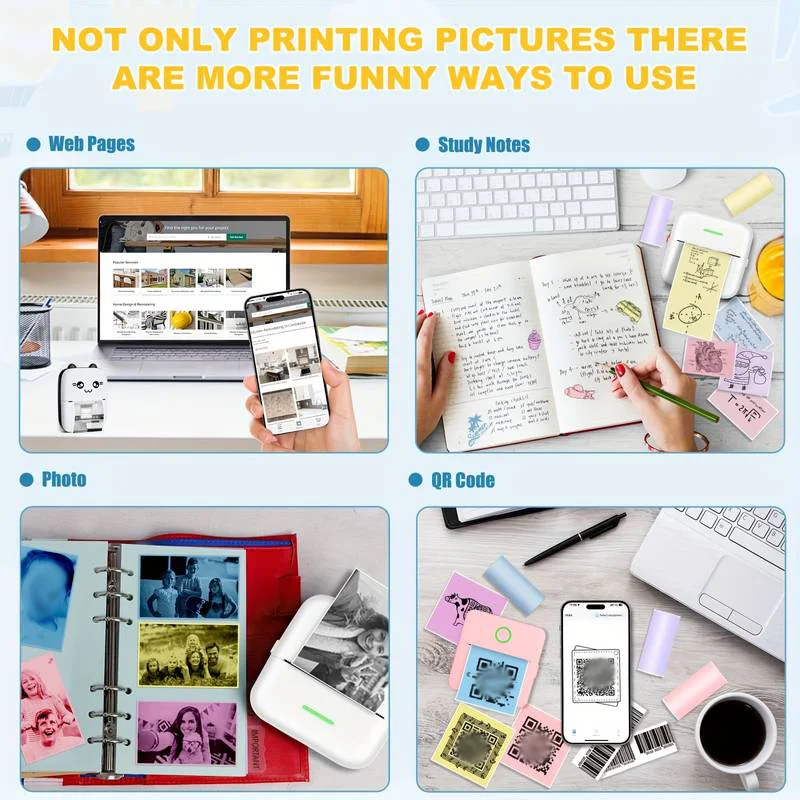
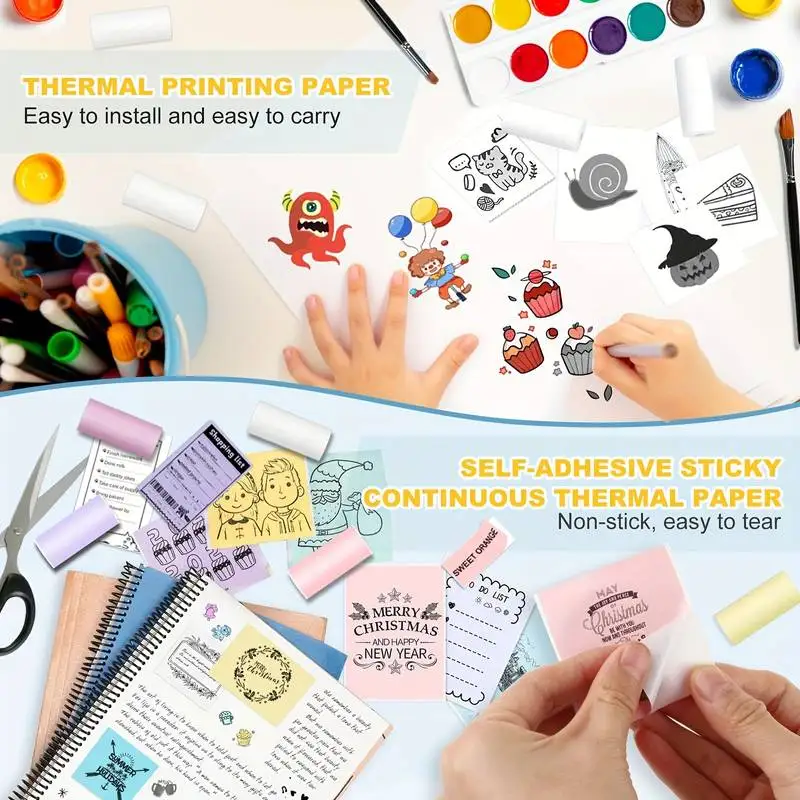
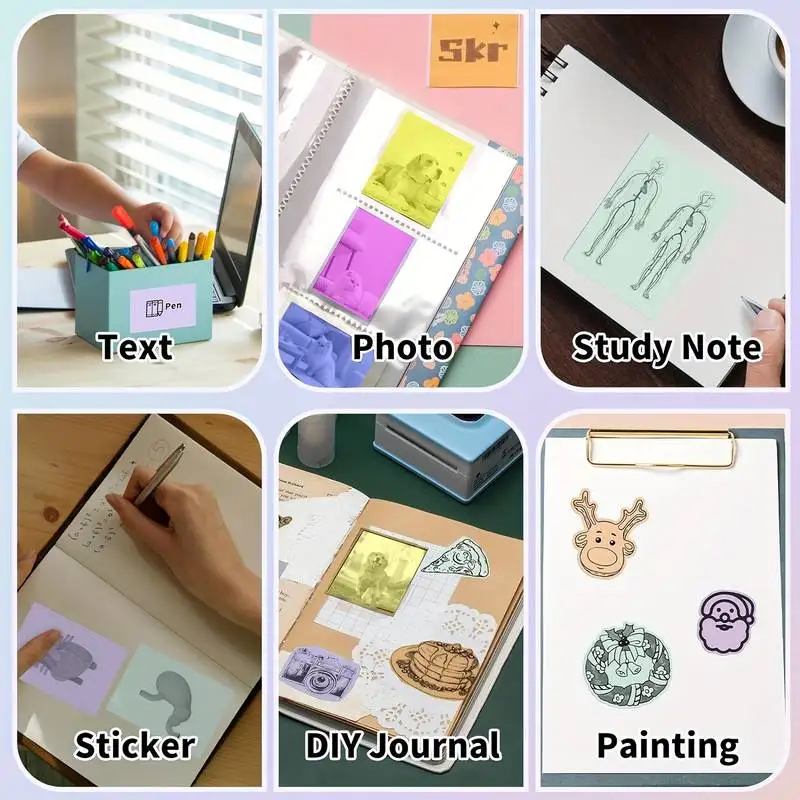
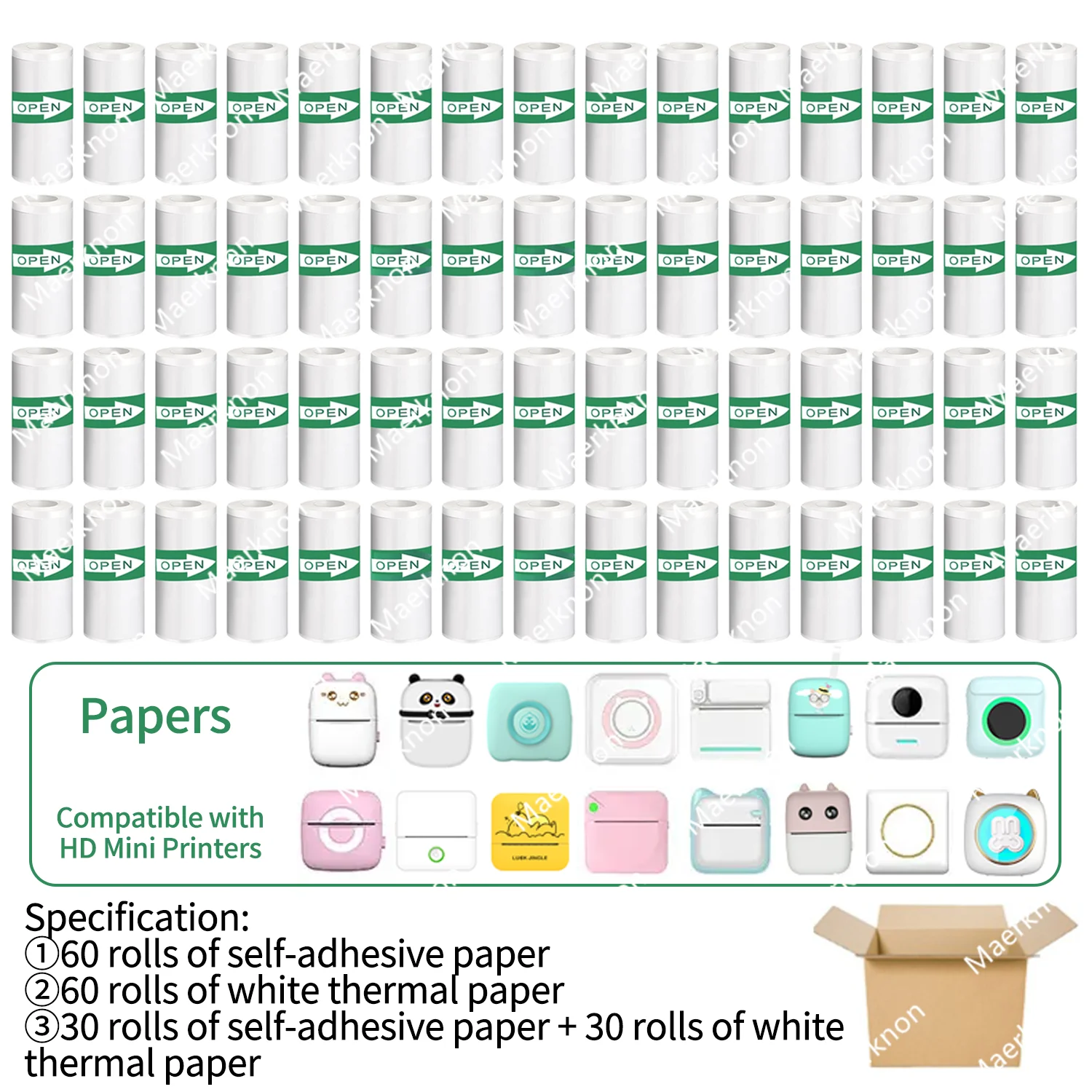
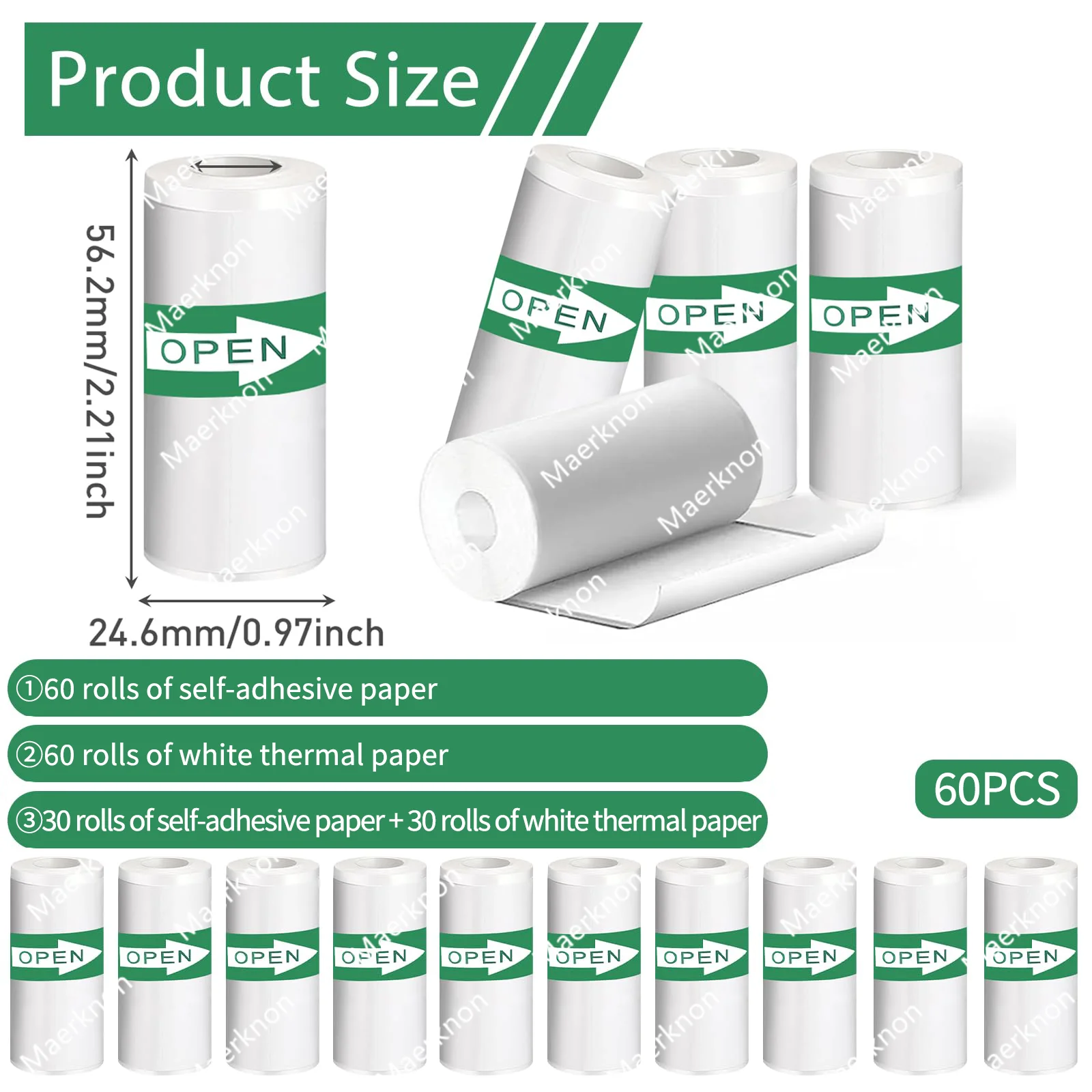
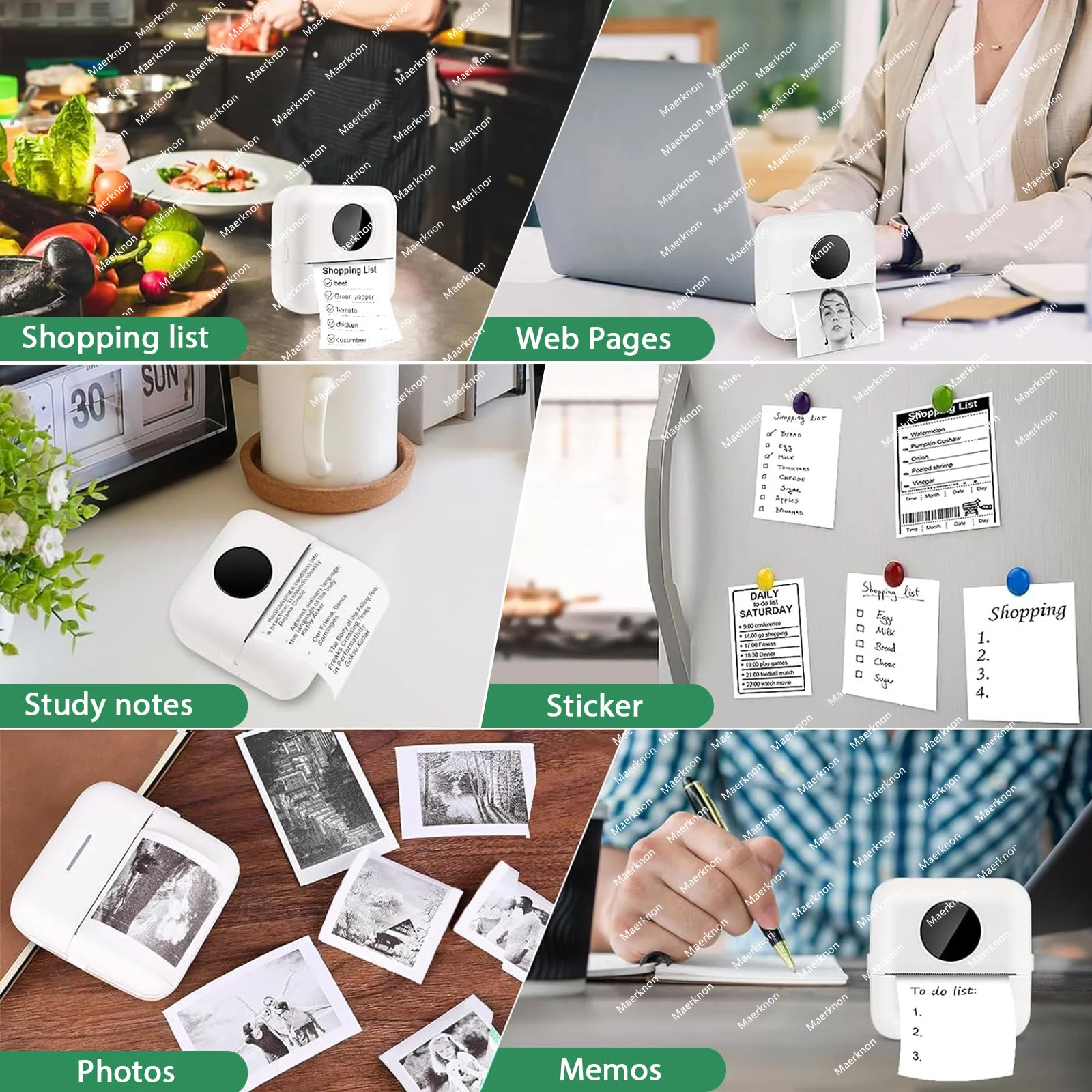
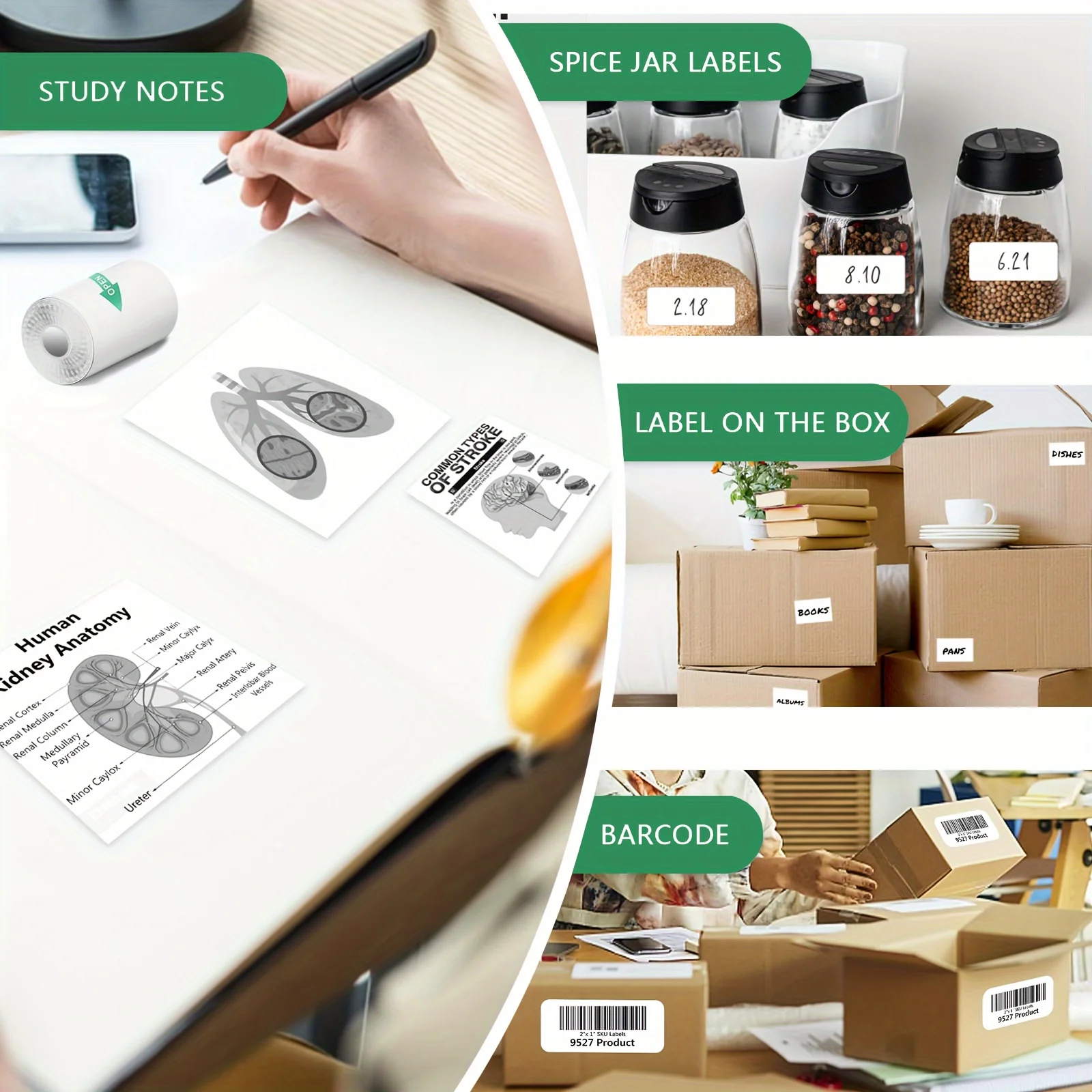
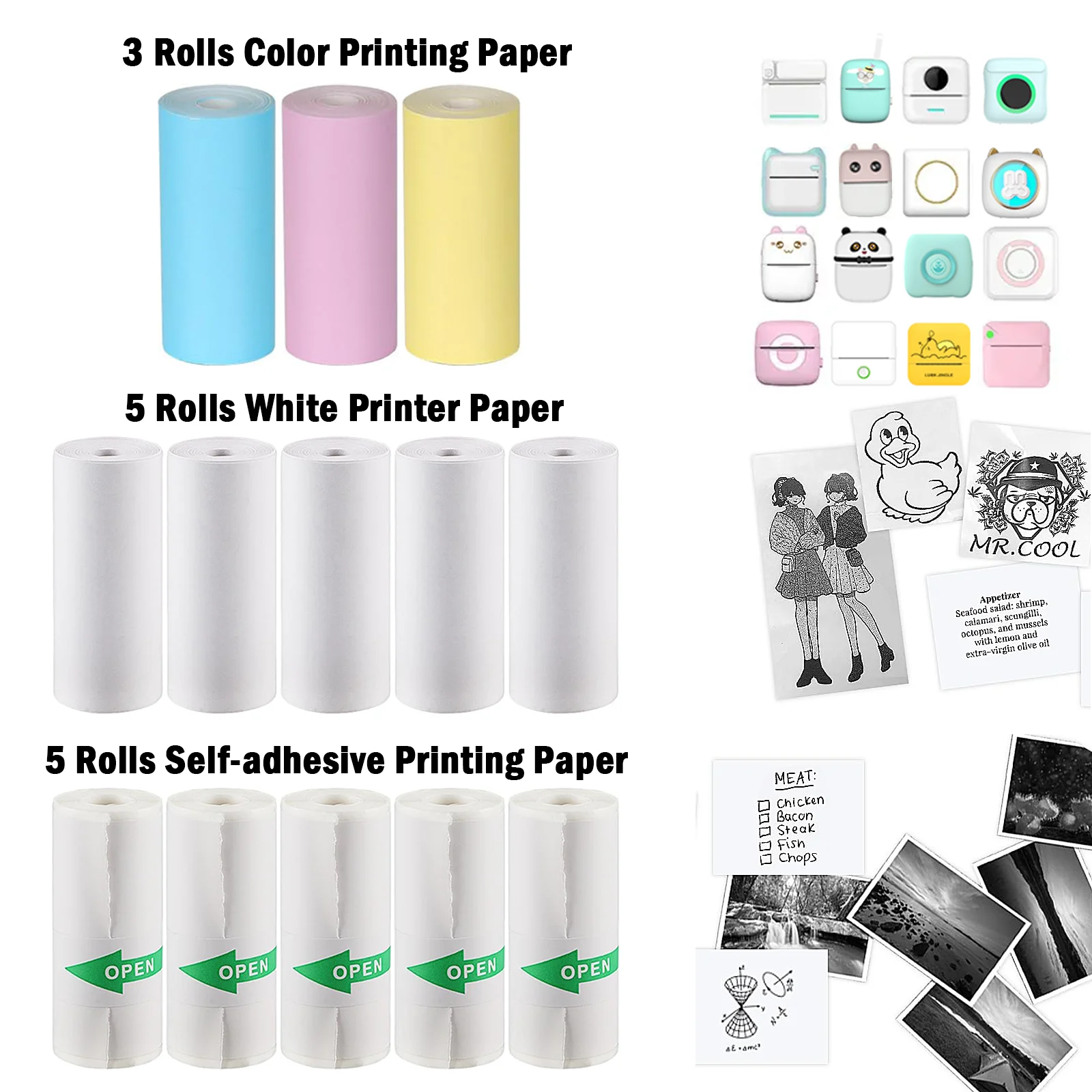
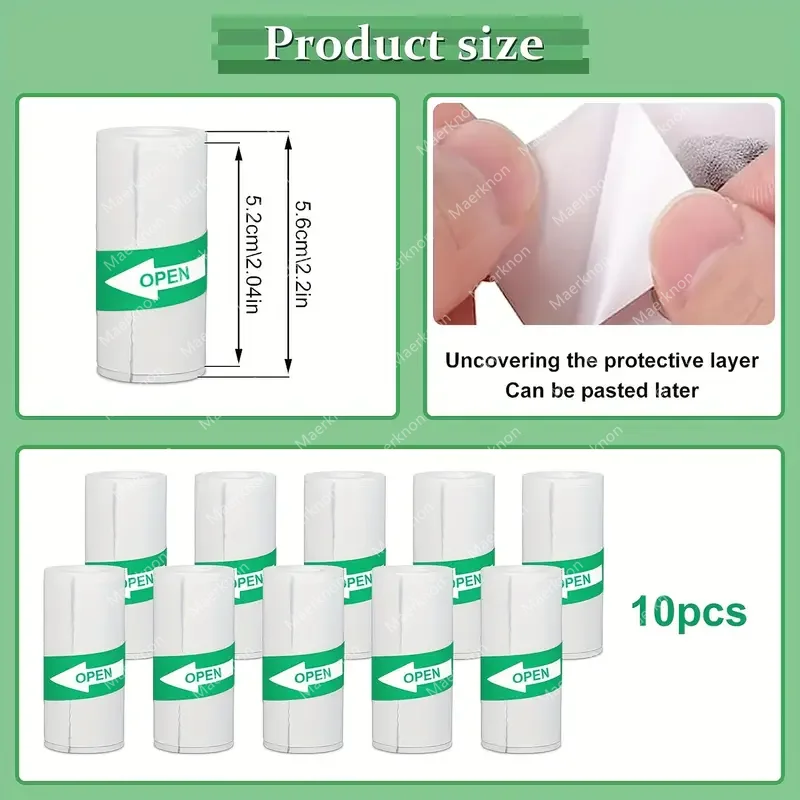
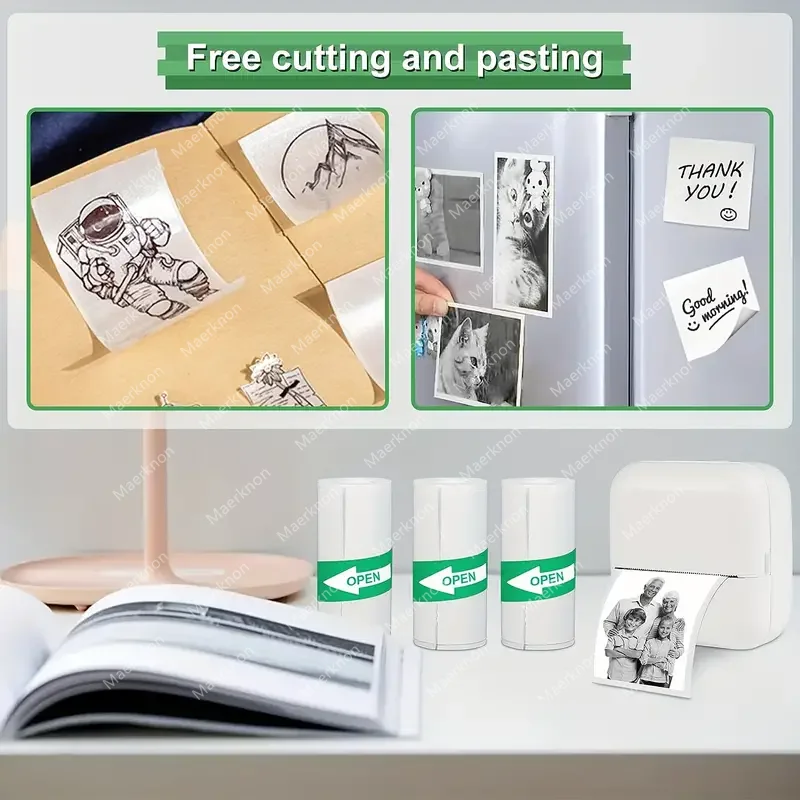
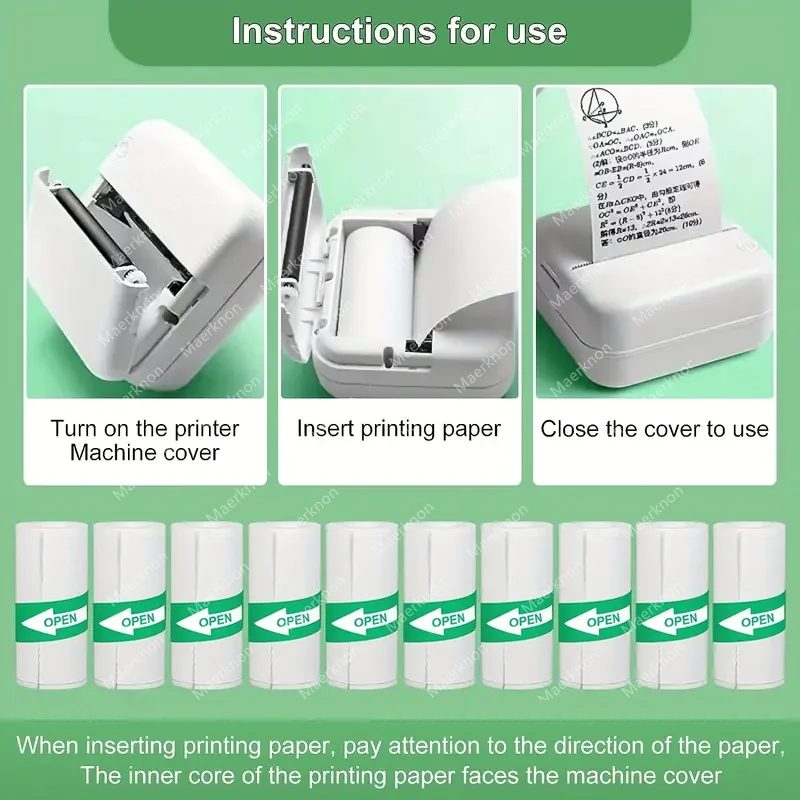
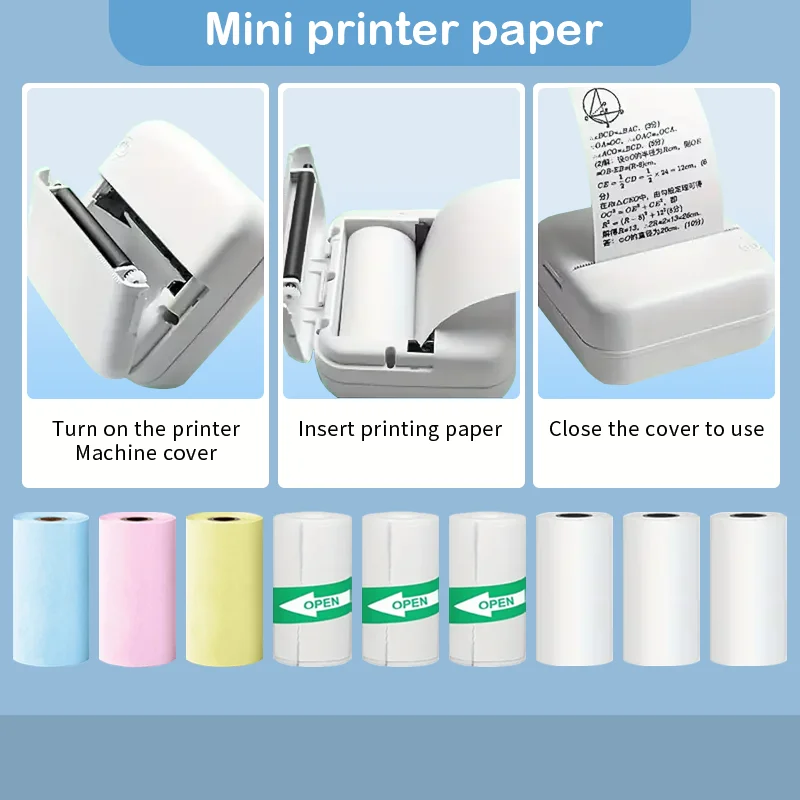
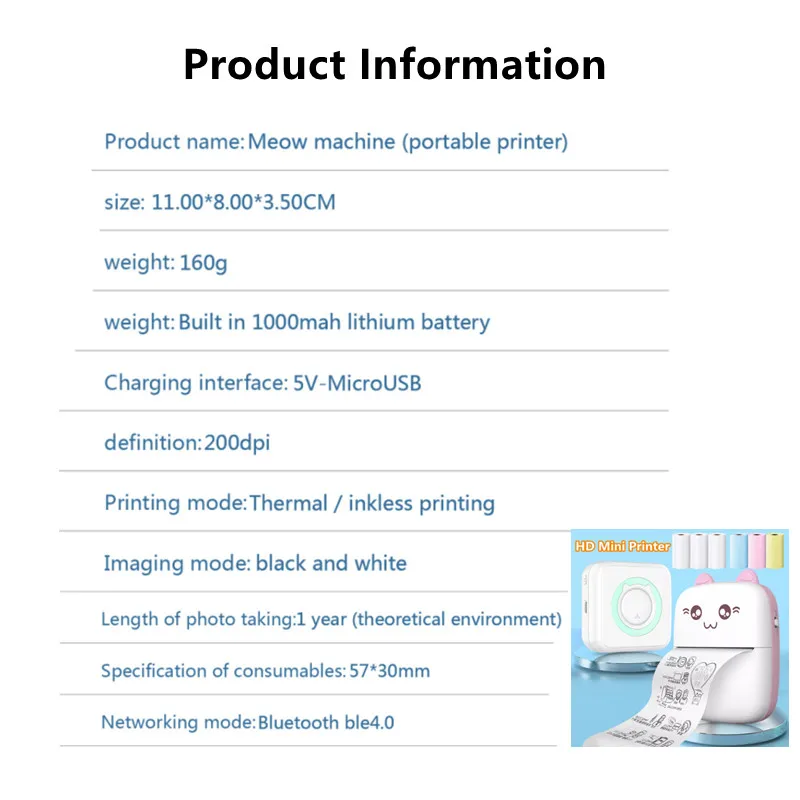
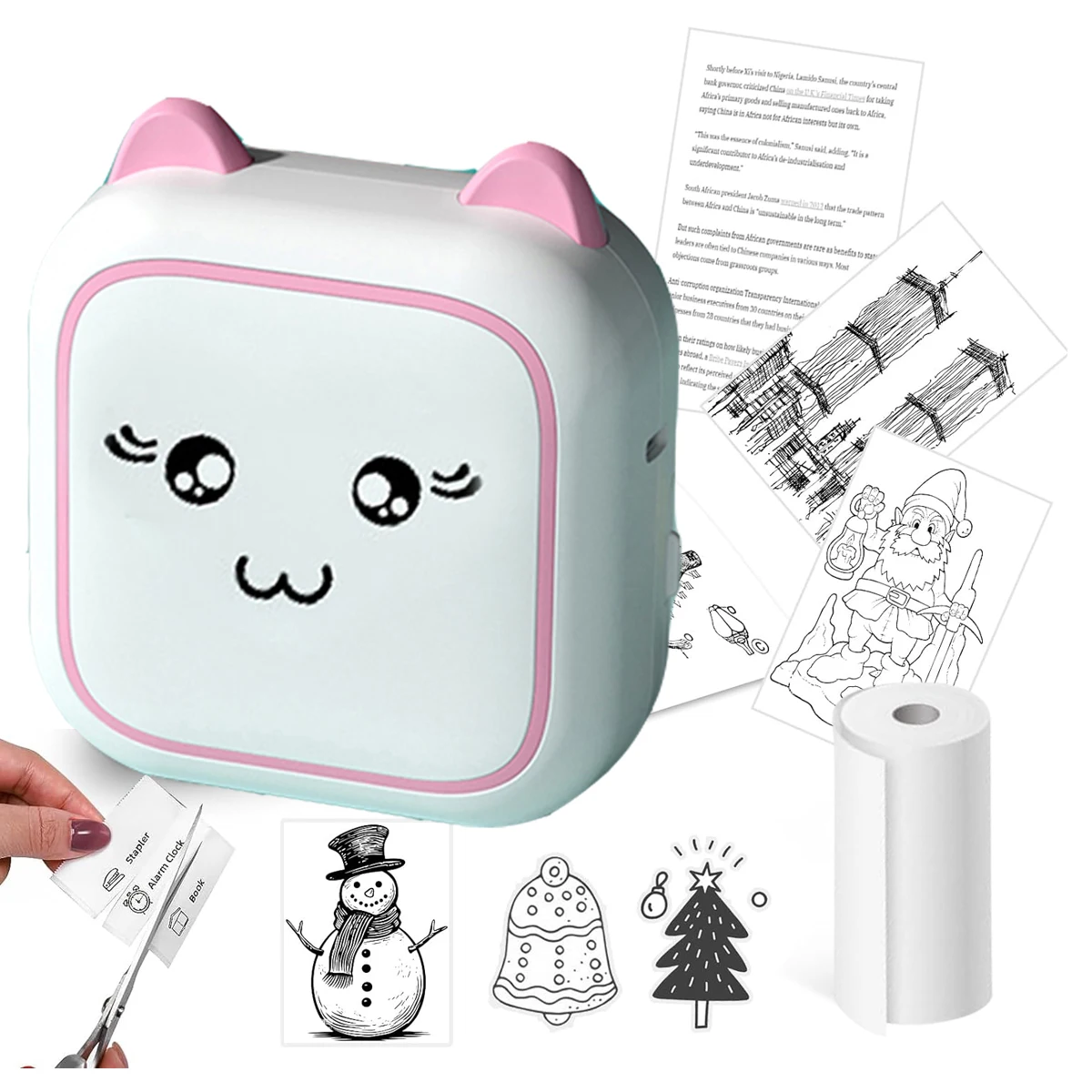
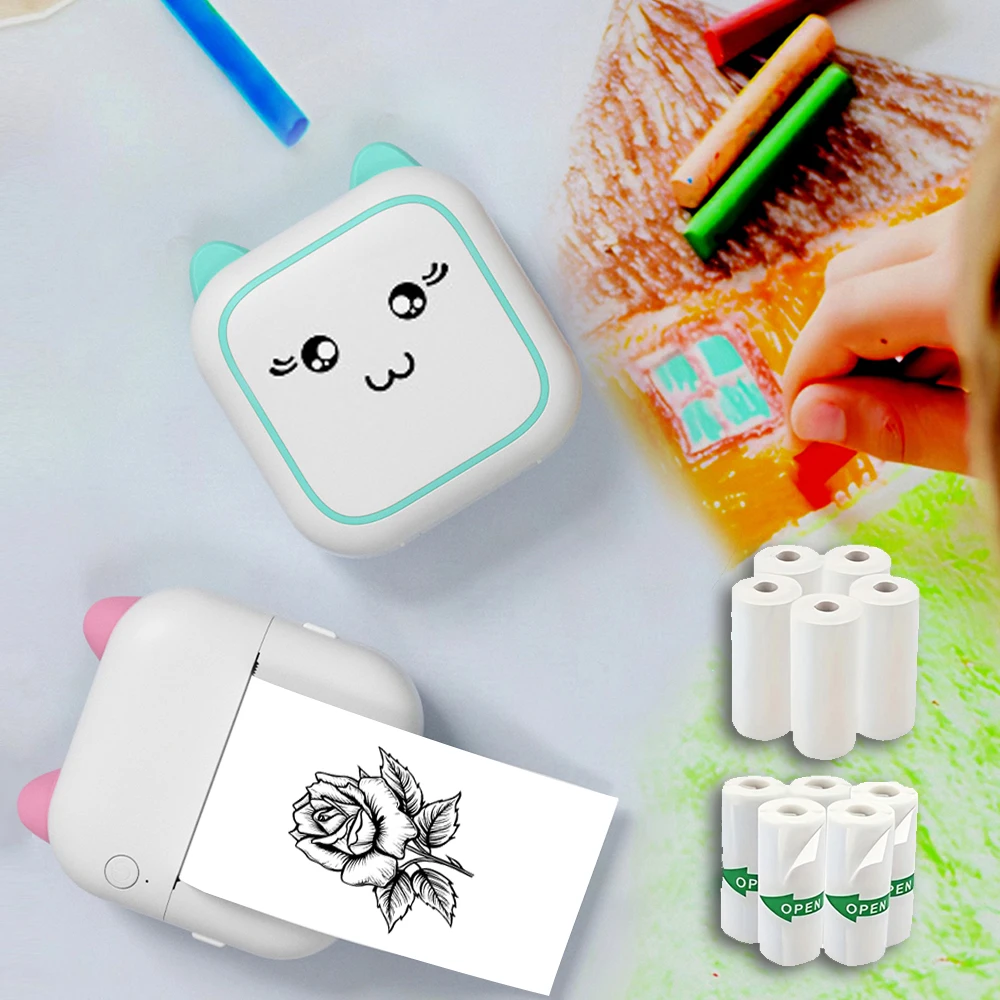
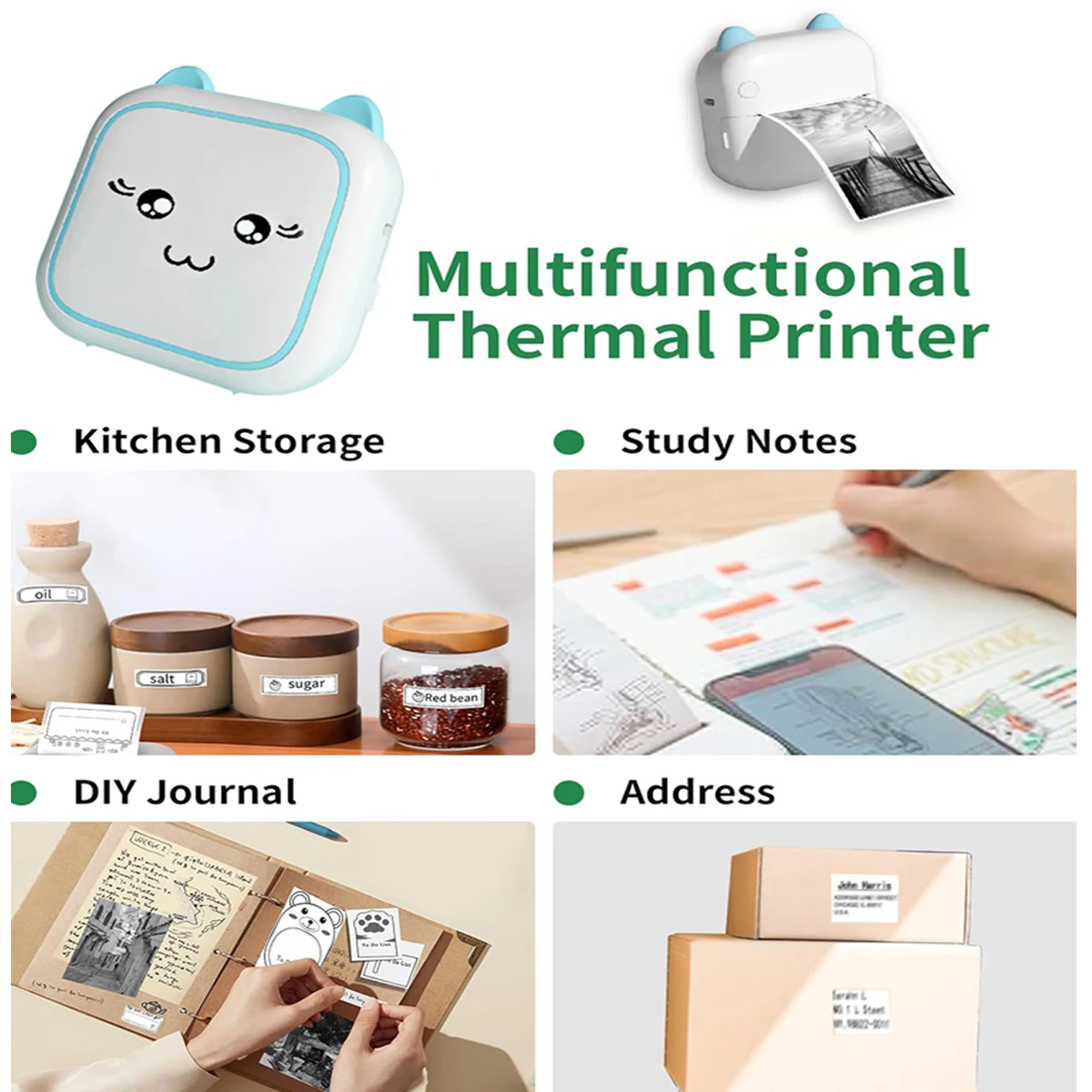
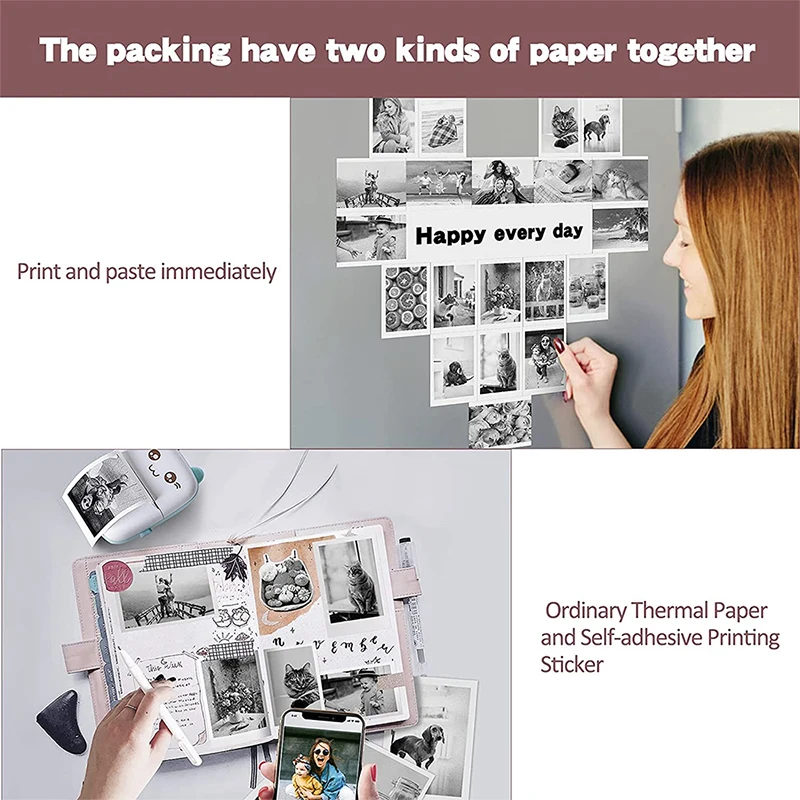
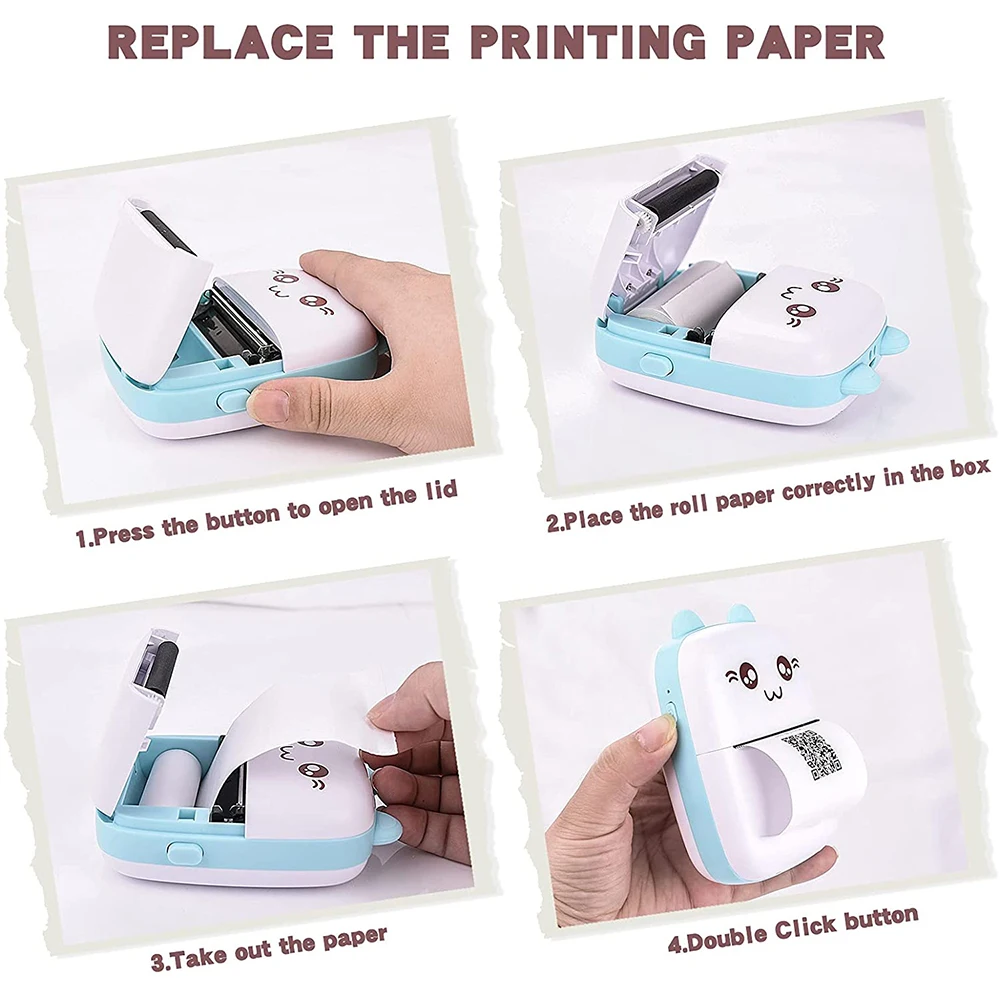
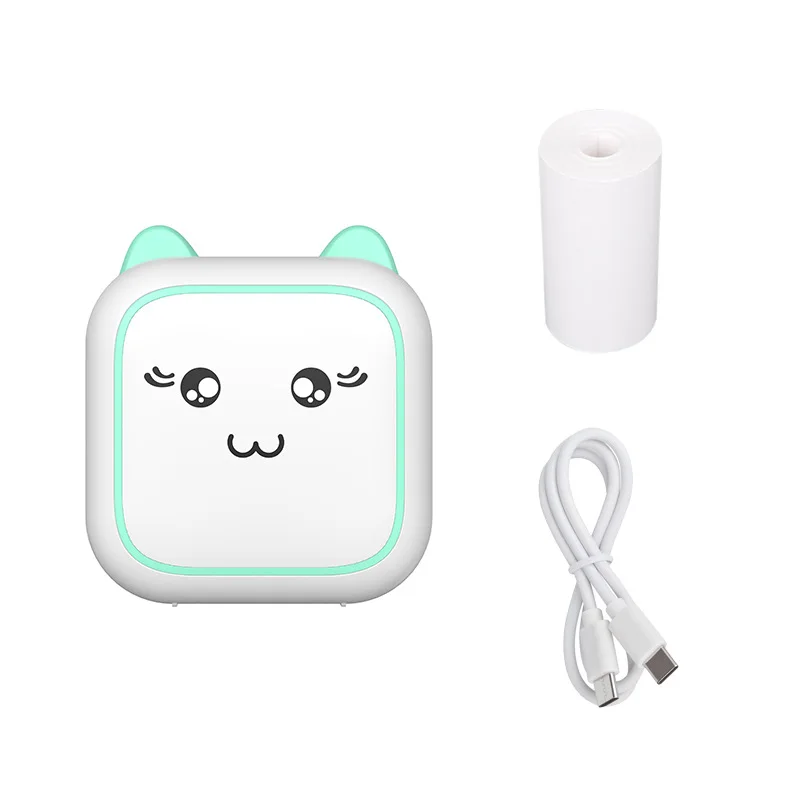
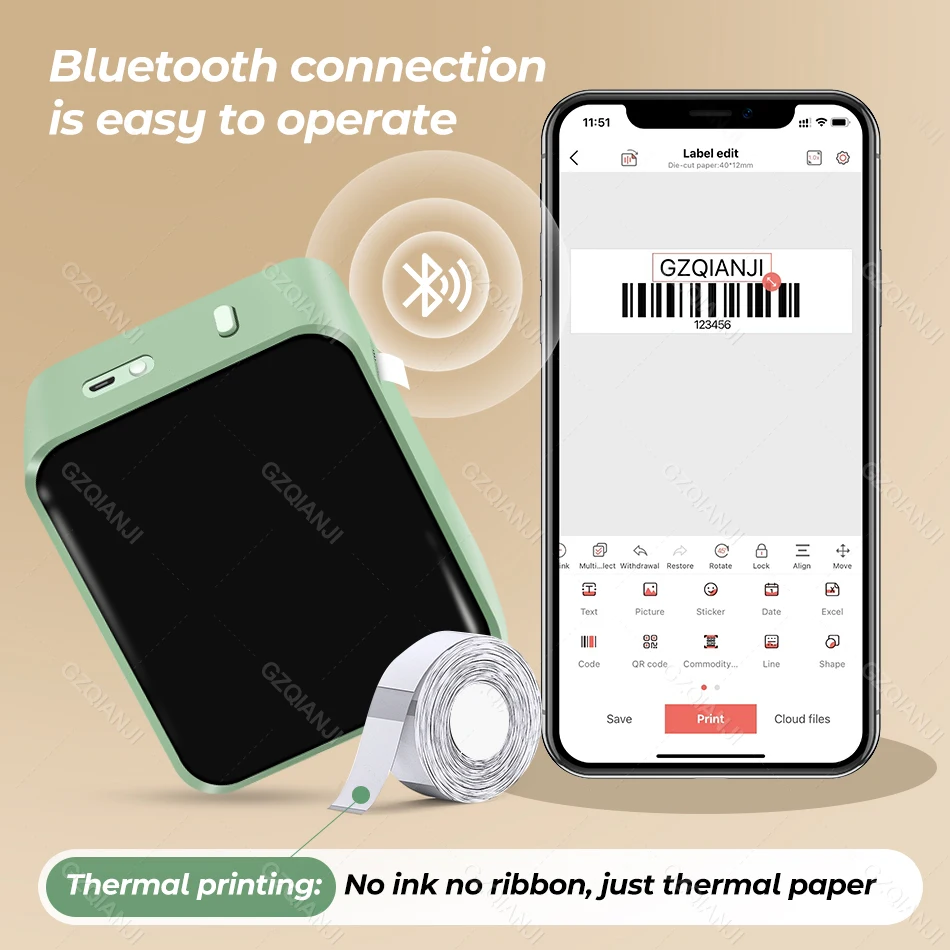
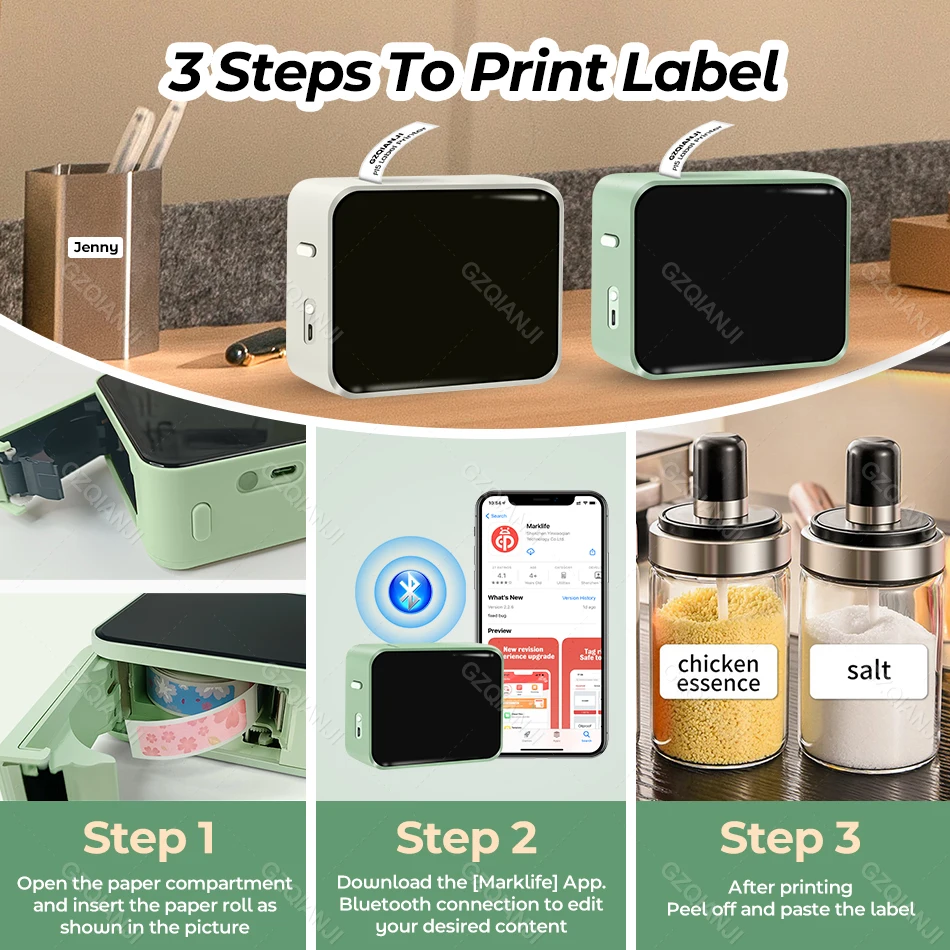
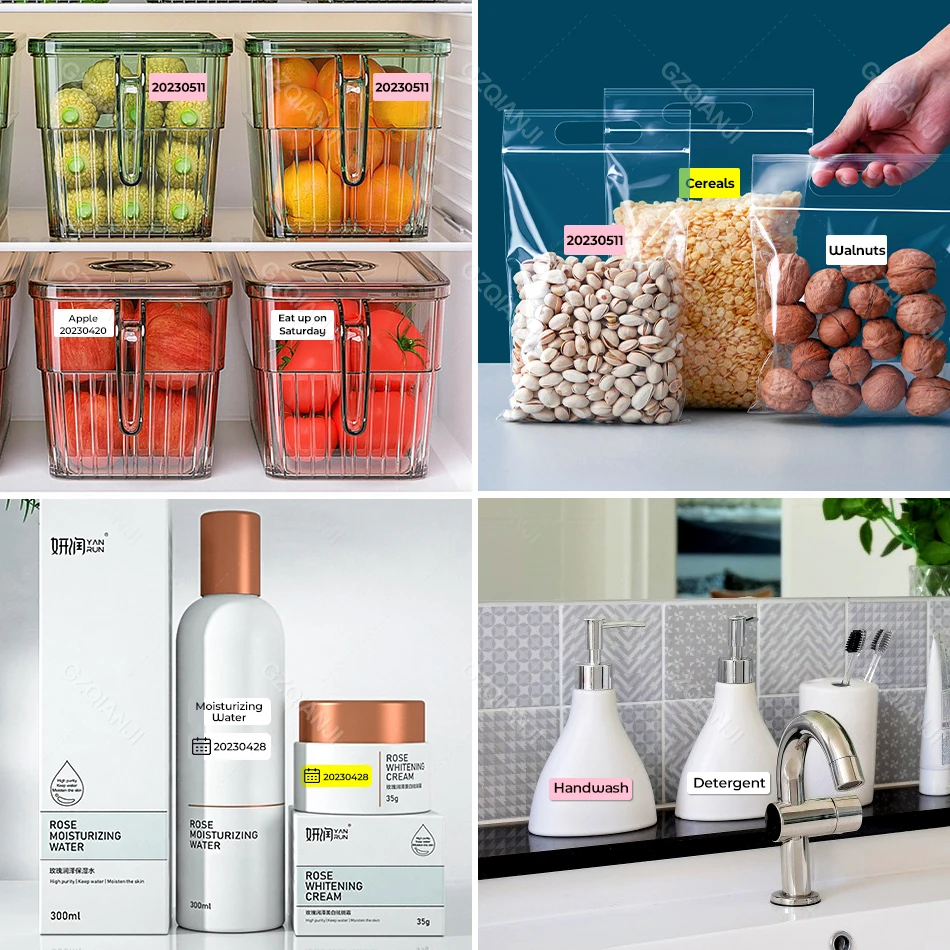
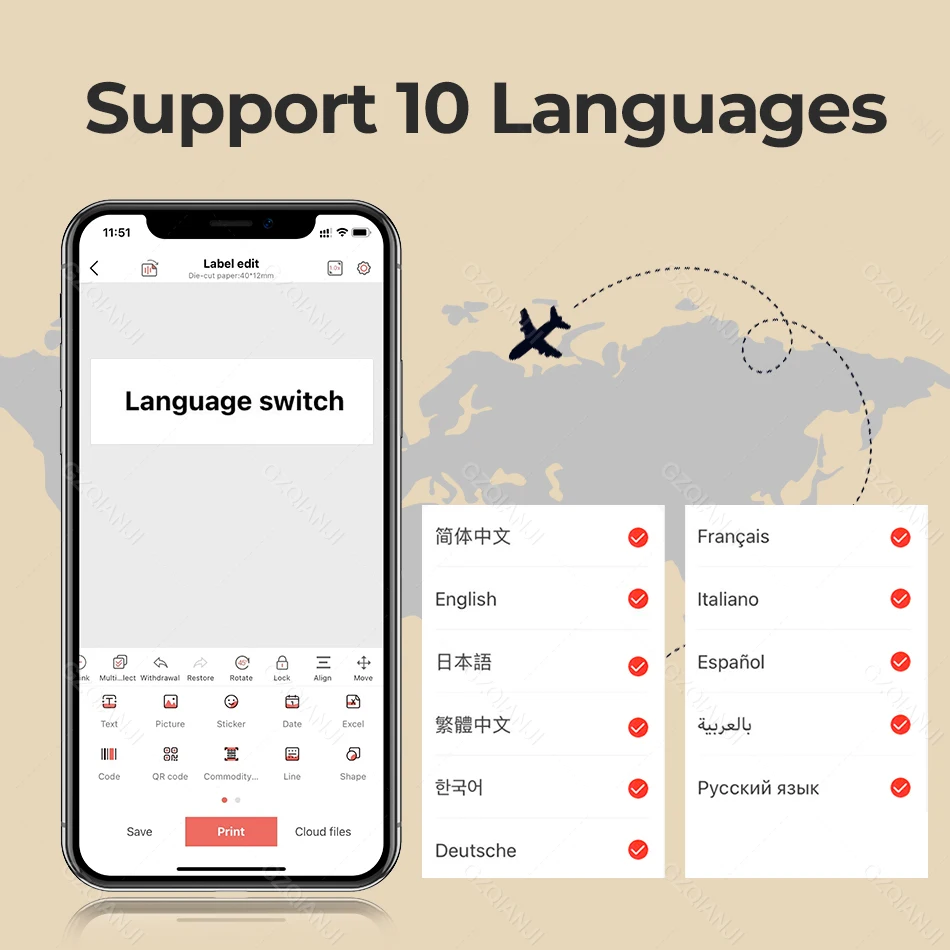
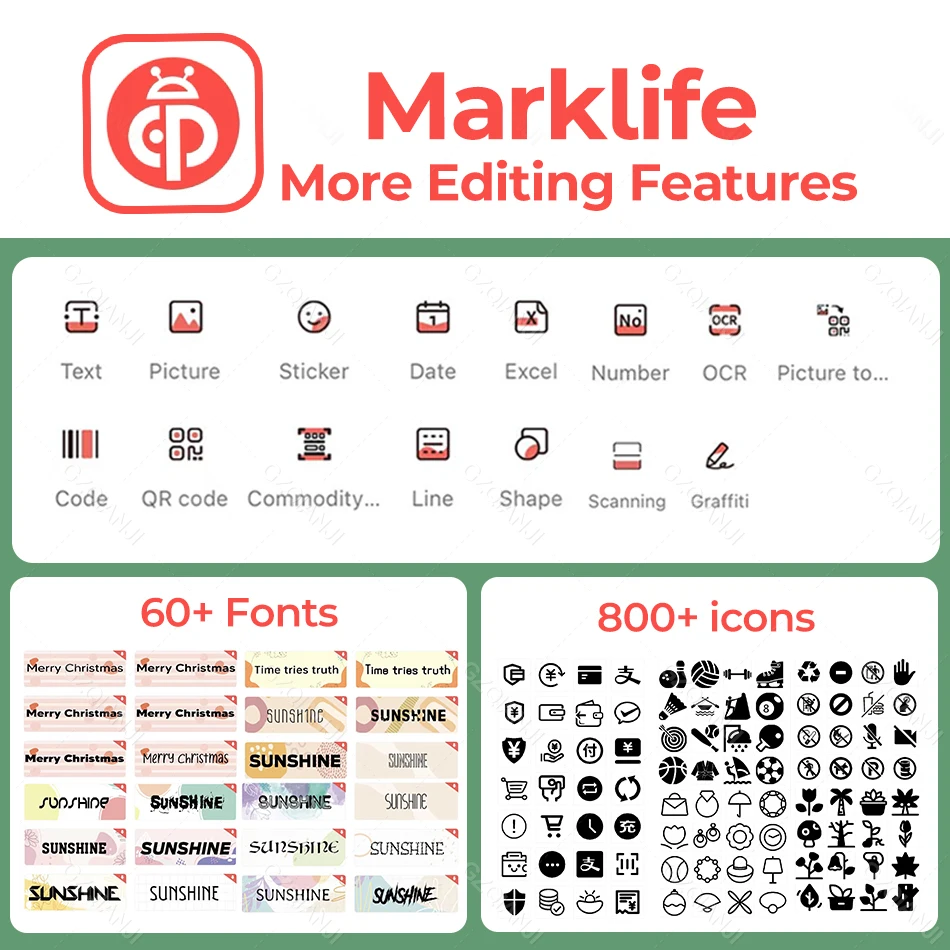
<div class="detailmodule_html"><div class="detail-desc-decorate-richtext"><div><p style="font-size:20px;font-weight:bold;text-align:left;color:rgb(218, 55, 1);display:block;width:100%" align="left"><span style="font-size:28px">Attention:</span></p><p style="font-size:13px;text-align:left;color:rgb(67, 70, 73);display:block;width:100%" align="left"><span style="font-size:18px"><strong>Suitable for any normal thermal label, not for Niimbot's labels</strong></span><span style="font-size:14px"><strong><br/></strong></span></p></div><div><br/></div><p style="font-size:13px;text-align:left;color:rgb(67, 70, 73);display:block;width:100%" align="left">Product Model : P15 Bluetooth Label Printer<br/>Label Paper Width :12mm-15mm<br/>Max. Resolution:203dpi<br/>Print Type :Thermal Line Printing<br/>Print Speed : 20mm/s<br/>Connect : Bluetooth<br/>Connected APP : Marklife<br/>Battery : 1200mAh Lithium Battery<br/>Recharge : Type-C<br/>APP Language : 9 languages ( Simplified Chinese, Traditional Chinese<br/>English, German, Italian, Japanese, French, , Spanish, Korean )<br/><strong>Packing:</strong><br/>As shown in the options</p><div><br/></div><div><p style="font-size:16px;font-weight:bold;text-align:left;color:rgb(67, 70, 73);display:block;width:100%" align="left">Advantage:</p><p style="font-size:13px;text-align:left;color:rgb(67, 70, 73);display:block;width:100%" align="left">1. Handheld, compact and portable,Mini, Easy to cary<br/>2. APP connection, intelligent printing<br/>3. Free Editing<br/>4. Print Clearly, Bulk Print<br/>5. Inkless Printing<br/>6. Could Template<br/>7. Multi scenario application</p><div><br/></div></div><div><p style="font-size:16px;font-weight:bold;text-align:left;color:rgb(67, 70, 73);display:block;width:100%" align="left">Usage Steps:</p><p style="font-size:13px;text-align:left;color:rgb(67, 70, 73);display:block;width:100%" align="left">1. Insert Label Roll<br/>2. Bluetooth Connect with Phone, Download the Marklife App<br/>3. Edit Label & Print</p><p style="font-size:13px;text-align:left;color:rgb(67, 70, 73);display:block;width:100%" align="left"><br/><span style="color:rgb(244, 78, 59)"><strong>Note: the label tapes are not compatible with all Niimbot D11 D110 D101 label printer.</strong></span></p><div><br/></div><div><p style="text-align:left;margin:0px;margin-bottom:0px;margin-top:0px;margin-left:0px;margin-right:0px" align="left"><br/><br/><br/><br/></p></div></div></div></div><p><br/></p>
$12.215
$11.795
- Category : Computer & Office
- Brand : alisons_dropshipping_store Alison's Dropshipping Store
Colors
Sizes
-
+

<div class="detailmodule_html"><div class="detail-desc-decorate-richtext"><div><p style="font-size:20px;font-weight:bold;text-align:left;color:rgb(218, 55, 1);display:block;width:100%" align="left"><span style="font-size:28px">Attention:</span></p><p style="font-size:13px;text-align:left;color:rgb(67, 70, 73);display:block;width:100%" align="left"><span style="font-size:18px"><strong>Suitable for any normal thermal label, not for Niimbot's labels</strong></span><span style="font-size:14px"><strong><br/></strong></span></p></div><div><br/></div><p style="font-size:13px;text-align:left;color:rgb(67, 70, 73);display:block;width:100%" align="left">Product Model : P15 Bluetooth Label Printer<br/>Label Paper Width :12mm-15mm<br/>Max. Resolution:203dpi<br/>Print Type :Thermal Line Printing<br/>Print Speed : 20mm/s<br/>Connect : Bluetooth<br/>Connected APP : Marklife<br/>Battery : 1200mAh Lithium Battery<br/>Recharge : Type-C<br/>APP Language : 9 languages ( Simplified Chinese, Traditional Chinese<br/>English, German, Italian, Japanese, French, , Spanish, Korean )<br/><strong>Packing:</strong><br/>As shown in the options</p><div><br/></div><div><p style="font-size:16px;font-weight:bold;text-align:left;color:rgb(67, 70, 73);display:block;width:100%" align="left">Advantage:</p><p style="font-size:13px;text-align:left;color:rgb(67, 70, 73);display:block;width:100%" align="left">1. Handheld, compact and portable,Mini, Easy to cary<br/>2. APP connection, intelligent printing<br/>3. Free Editing<br/>4. Print Clearly, Bulk Print<br/>5. Inkless Printing<br/>6. Could Template<br/>7. Multi scenario application</p><div><br/></div></div><div><p style="font-size:16px;font-weight:bold;text-align:left;color:rgb(67, 70, 73);display:block;width:100%" align="left">Usage Steps:</p><p style="font-size:13px;text-align:left;color:rgb(67, 70, 73);display:block;width:100%" align="left">1. Insert Label Roll<br/>2. Bluetooth Connect with Phone, Download the Marklife App<br/>3. Edit Label & Print</p><p style="font-size:13px;text-align:left;color:rgb(67, 70, 73);display:block;width:100%" align="left"><br/><span style="color:rgb(244, 78, 59)"><strong>Note: the label tapes are not compatible with all Niimbot D11 D110 D101 label printer.</strong></span></p><div><br/></div><div><p style="text-align:left;margin:0px;margin-bottom:0px;margin-top:0px;margin-left:0px;margin-right:0px" align="left"><br/><br/><br/><br/></p></div></div></div></div><p><br/></p>
Related Product
Browse The Collection of Top Products.