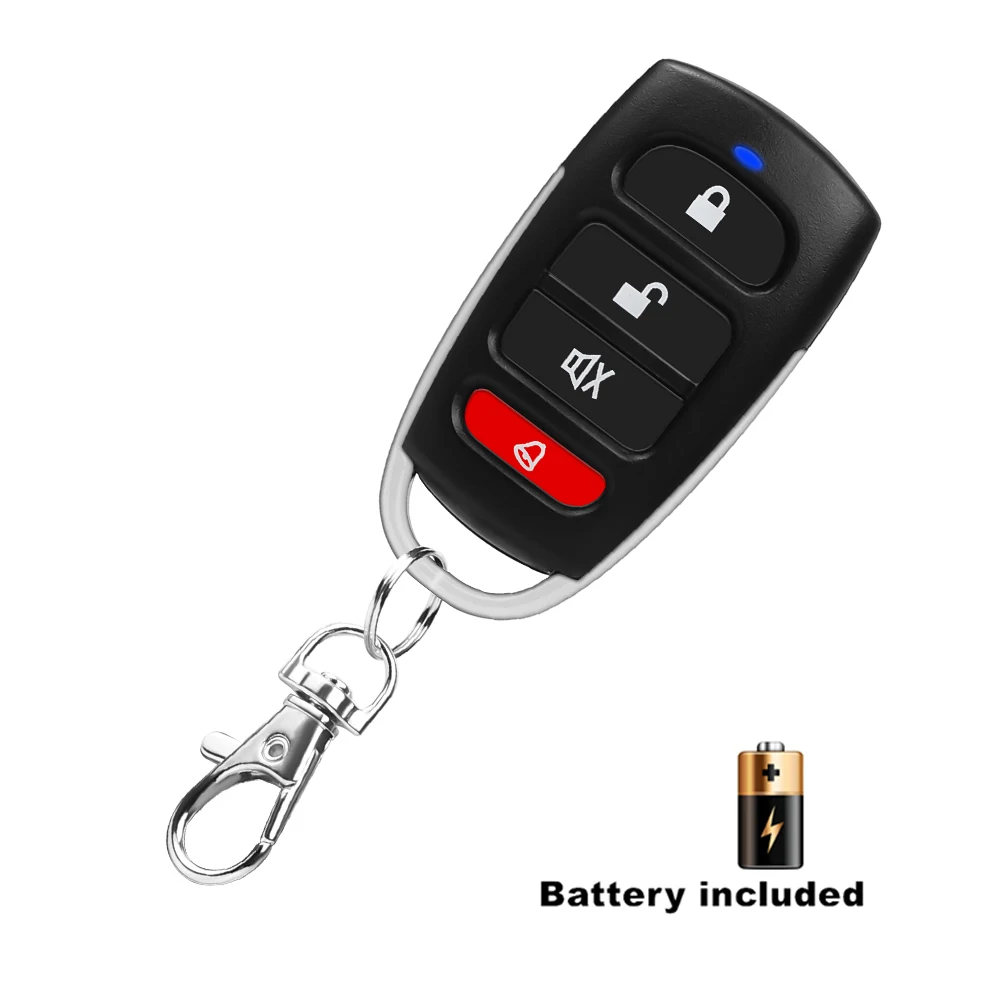
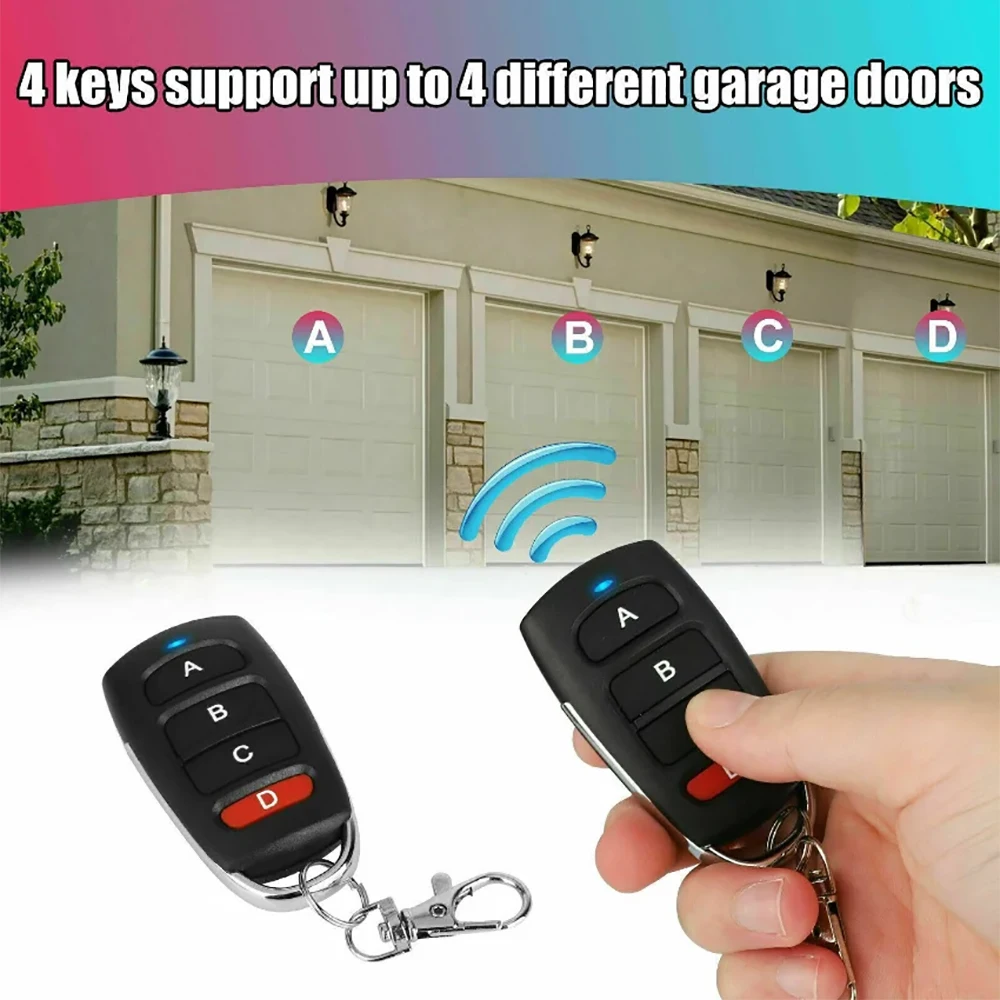

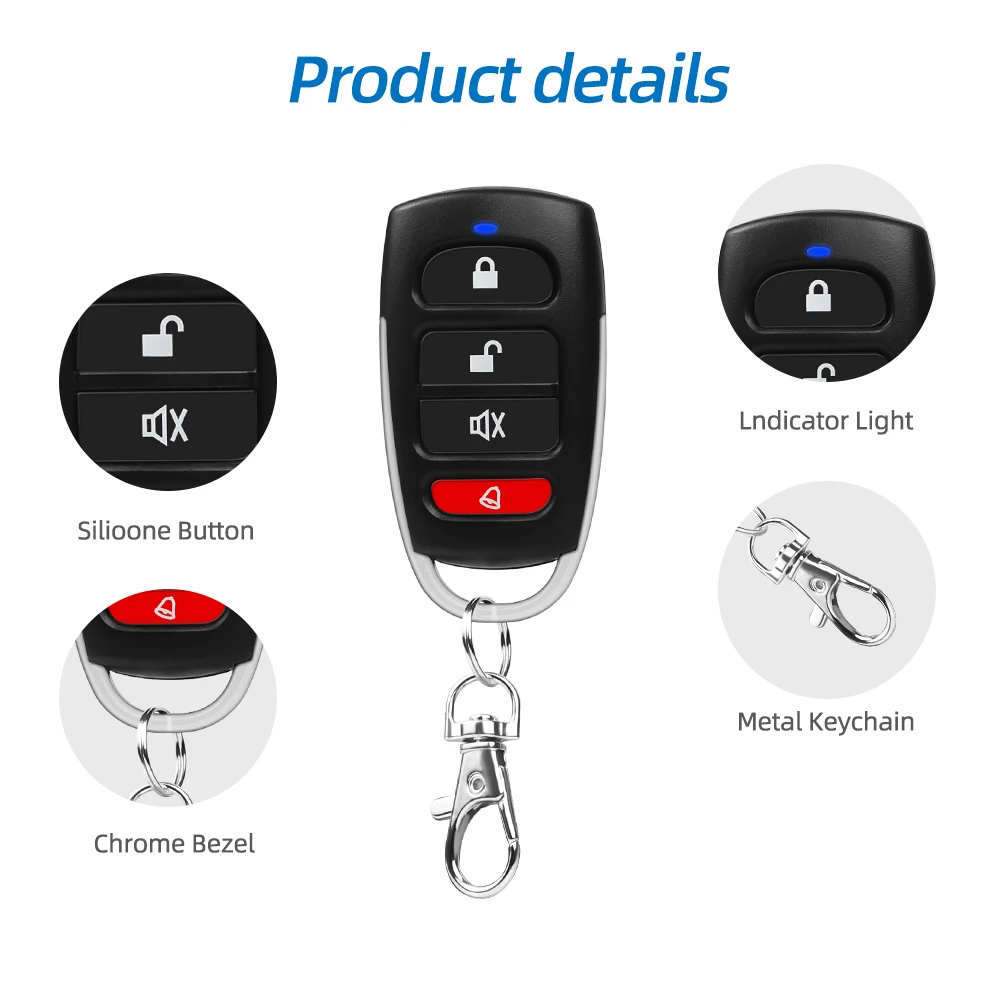
Wireless RF Remote Control Garage Door Gate Opener Cloner
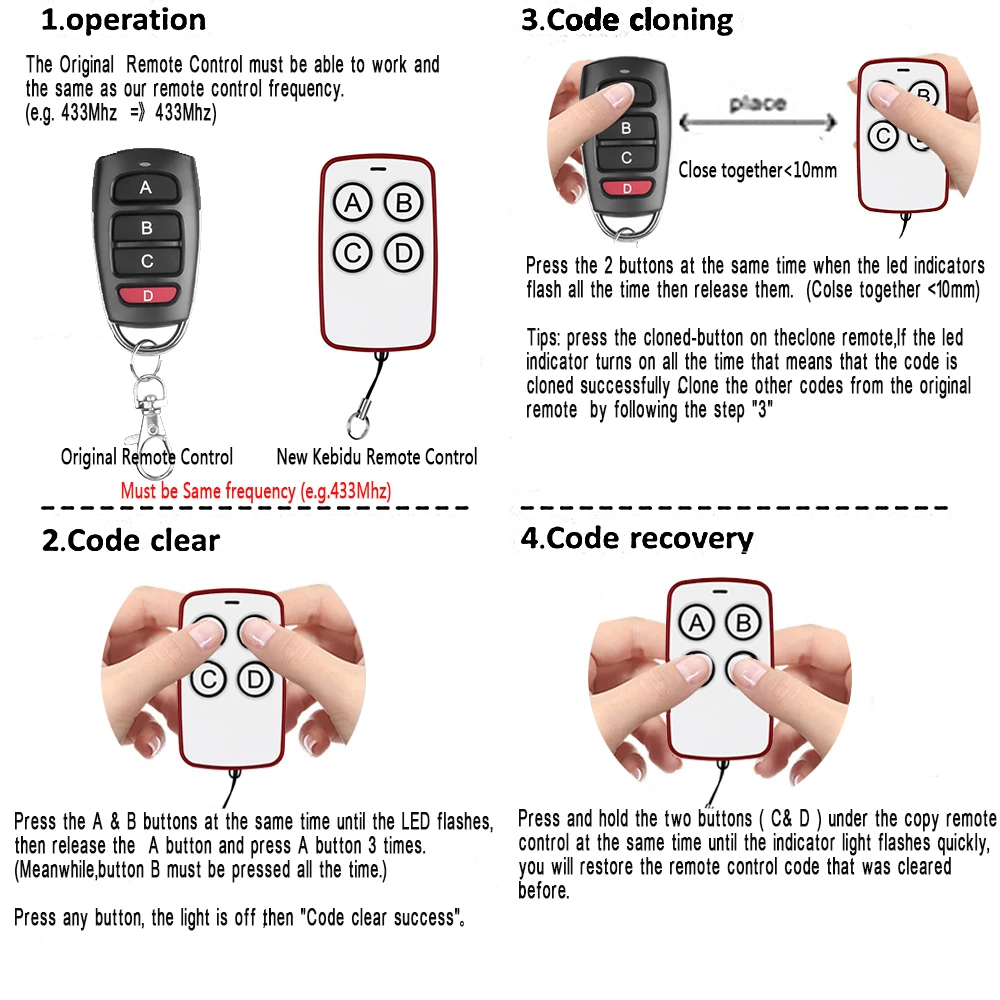
<div class="detailmodule_html"><div class="detail-desc-decorate-richtext"><h1><strong>Description</strong></h1><h2><strong>1.Chips could be copied</strong></h2><h3>2260(all manufacturers);2262(All manufacturers);PT2264, 5326(All manufacturers);SC5262, HT600, HT680, HT6207, HT6010, HT6012, HT6014, SMC918series,527(All manufacturers);1527(All manufacturers);2240(All manufacturers);HCS101, HCS200/HCS201(part code),HCS300/HCS301, part single chip microcomputer....</h3><h2><strong>2.Code cleaning method:</strong></h2><h3>Press the unlock button and lock button at the same time(some shells are the up button and down button), after the LED indicator light flashes three times, loosen any one of the buttons while the other is kept pressing, then push the released button three times, the LED indicator will enter into the fast flashing status. At this time all the memory data is cleared, the cleaned remote control will not have lighting LED indicator no matter which button you press</h3><h2><strong>3. Copy method</strong></h2><h3>One hand keeps the original remote controller, while another keeps the copy remote control, the two remote controls should be placed as closely as possible (the ideal situation is to put the two remote controls on the desktop side by side with zero distance), respectively press down the copy button, when the LED indicator light flashes quickly after three flashes, this copy is successful, other key operating methods are the same. Some remote control has a smaller transmitting power, so the original remote control should be placed back to the copy remote control to be operated. For the presence of noise, it should avoid interference to operate, If the copy is not successful, it should recopy after clearing code<br/></h3></div></div><p></p>
$5.32
$3.92
- Category : Consumer Electronics
- Brand : wt_global_online_store WT Global Online Store
Colors
-
+

<div class="detailmodule_html"><div class="detail-desc-decorate-richtext"><h1><strong>Description</strong></h1><h2><strong>1.Chips could be copied</strong></h2><h3>2260(all manufacturers);2262(All manufacturers);PT2264, 5326(All manufacturers);SC5262, HT600, HT680, HT6207, HT6010, HT6012, HT6014, SMC918series,527(All manufacturers);1527(All manufacturers);2240(All manufacturers);HCS101, HCS200/HCS201(part code),HCS300/HCS301, part single chip microcomputer....</h3><h2><strong>2.Code cleaning method:</strong></h2><h3>Press the unlock button and lock button at the same time(some shells are the up button and down button), after the LED indicator light flashes three times, loosen any one of the buttons while the other is kept pressing, then push the released button three times, the LED indicator will enter into the fast flashing status. At this time all the memory data is cleared, the cleaned remote control will not have lighting LED indicator no matter which button you press</h3><h2><strong>3. Copy method</strong></h2><h3>One hand keeps the original remote controller, while another keeps the copy remote control, the two remote controls should be placed as closely as possible (the ideal situation is to put the two remote controls on the desktop side by side with zero distance), respectively press down the copy button, when the LED indicator light flashes quickly after three flashes, this copy is successful, other key operating methods are the same. Some remote control has a smaller transmitting power, so the original remote control should be placed back to the copy remote control to be operated. For the presence of noise, it should avoid interference to operate, If the copy is not successful, it should recopy after clearing code<br/></h3></div></div><p></p>
Related Product
Browse The Collection of Top Products.


Leather Dual Camera Strap Adjustable Shoulder Harness
$47.84
$95.56


Black Multi Microphone Rack for Wired and Wireless Mics
$29.09
$57.28


Waterproof Solar Panel Charger for Video Doorbell
$22.58
$29.44


Silicone Camera Cover with Lanyard for Digital Cameras
$14.72
$19.42


HDMI to Displayport Converter Cable 4K 30Hz for TV
$11.29
$14.72


Wireless Game Controller for Nintendo Wii U Console
$21.74
$29.03


