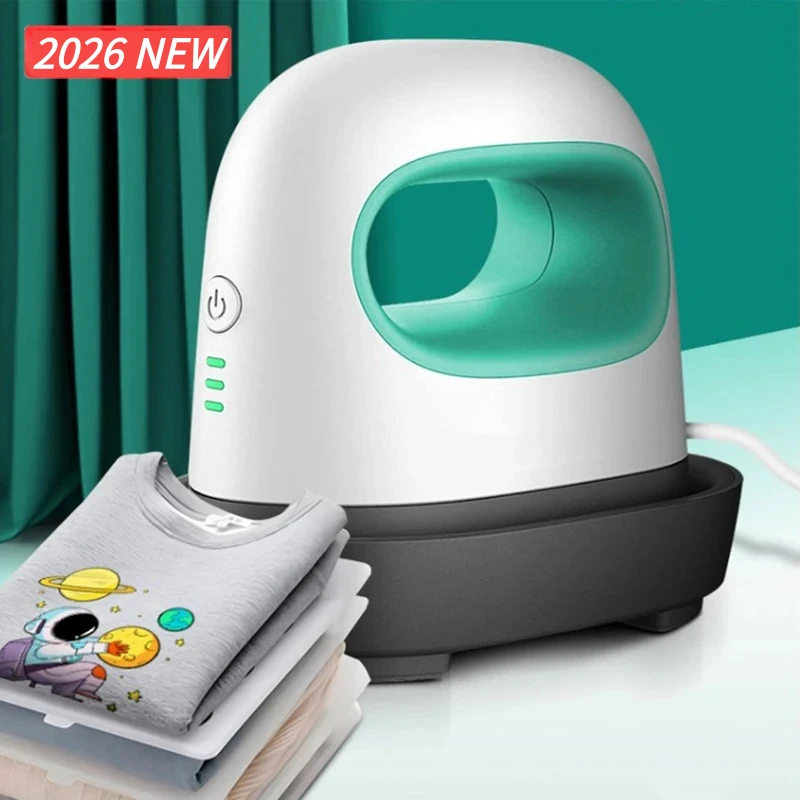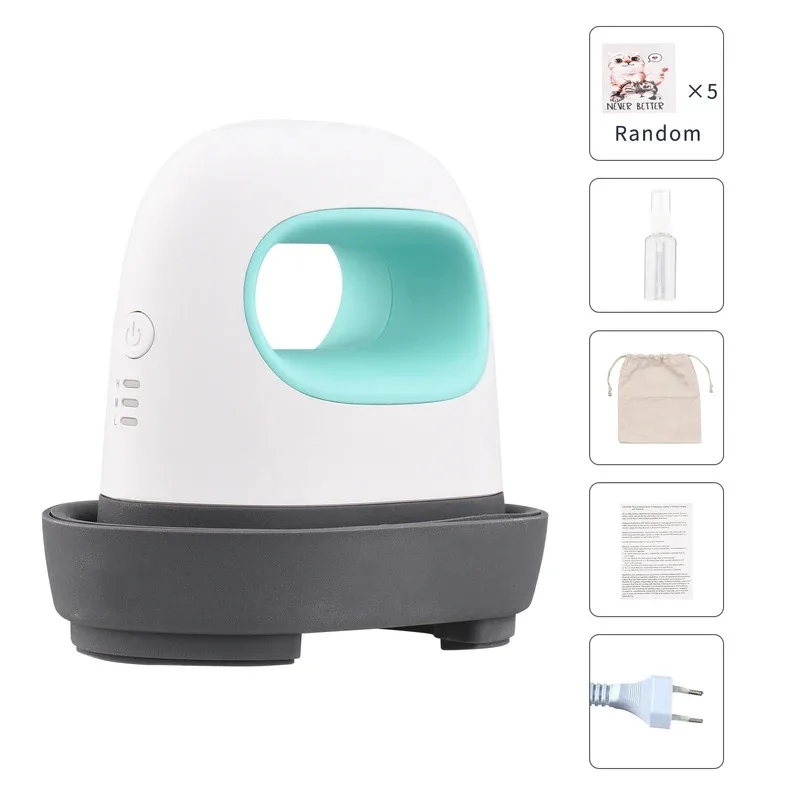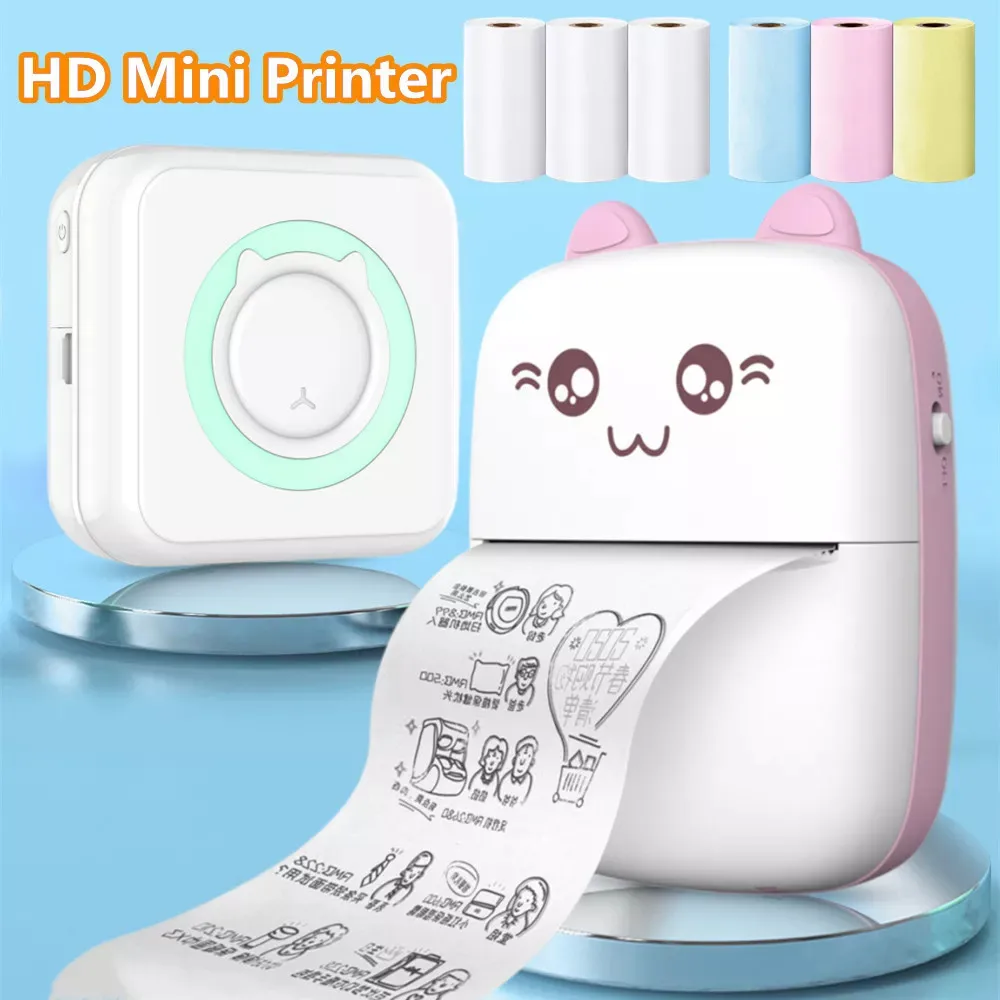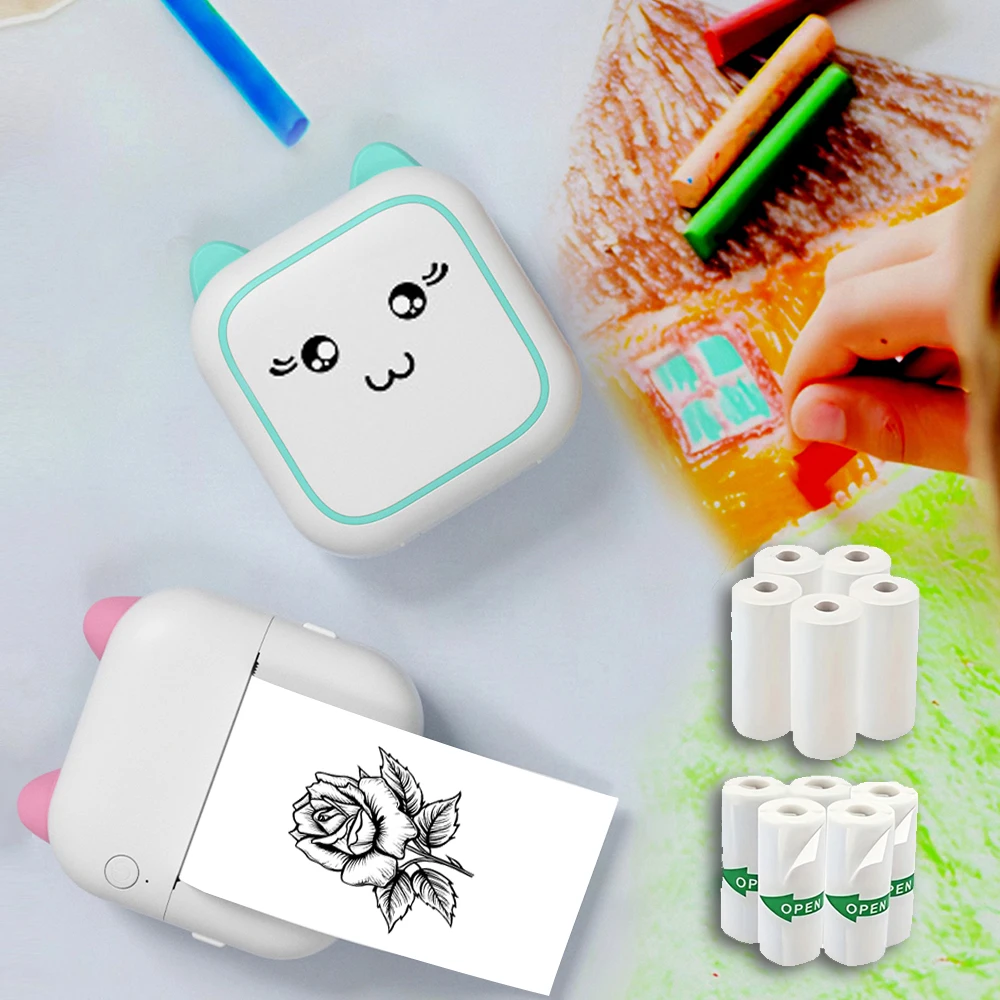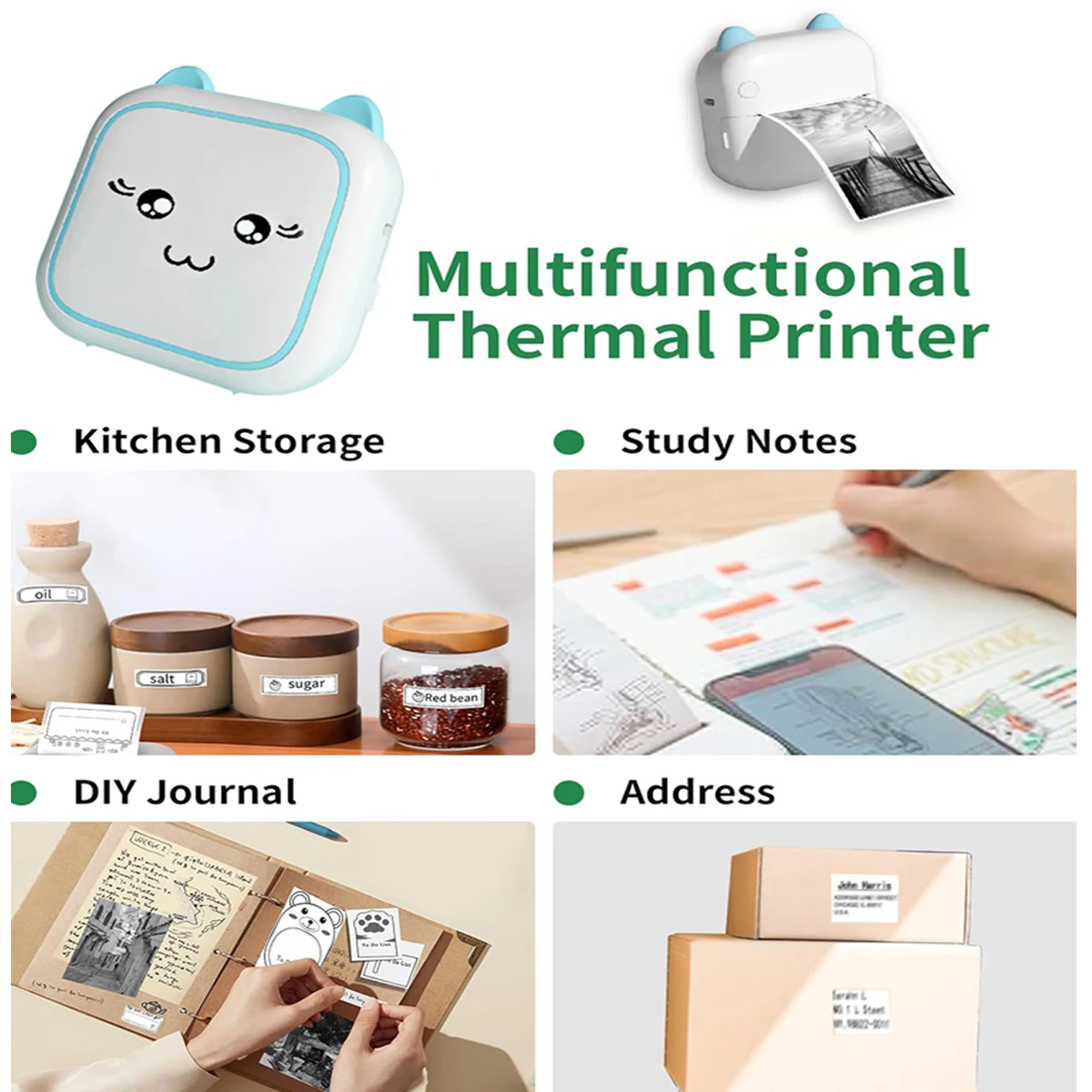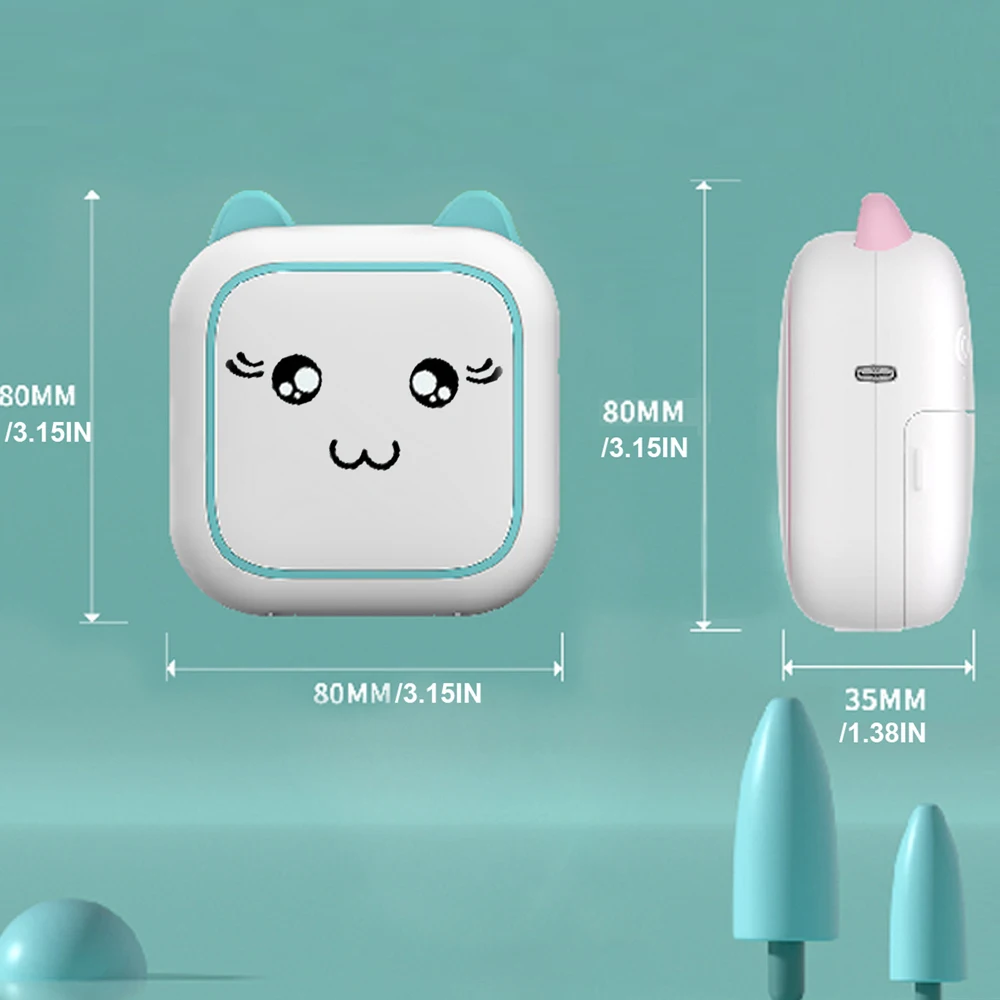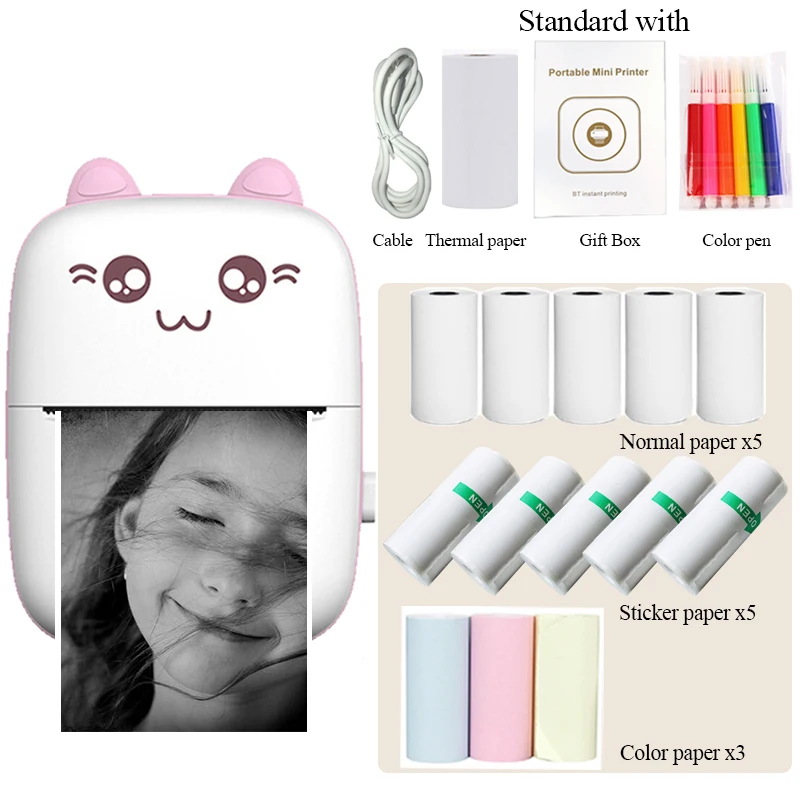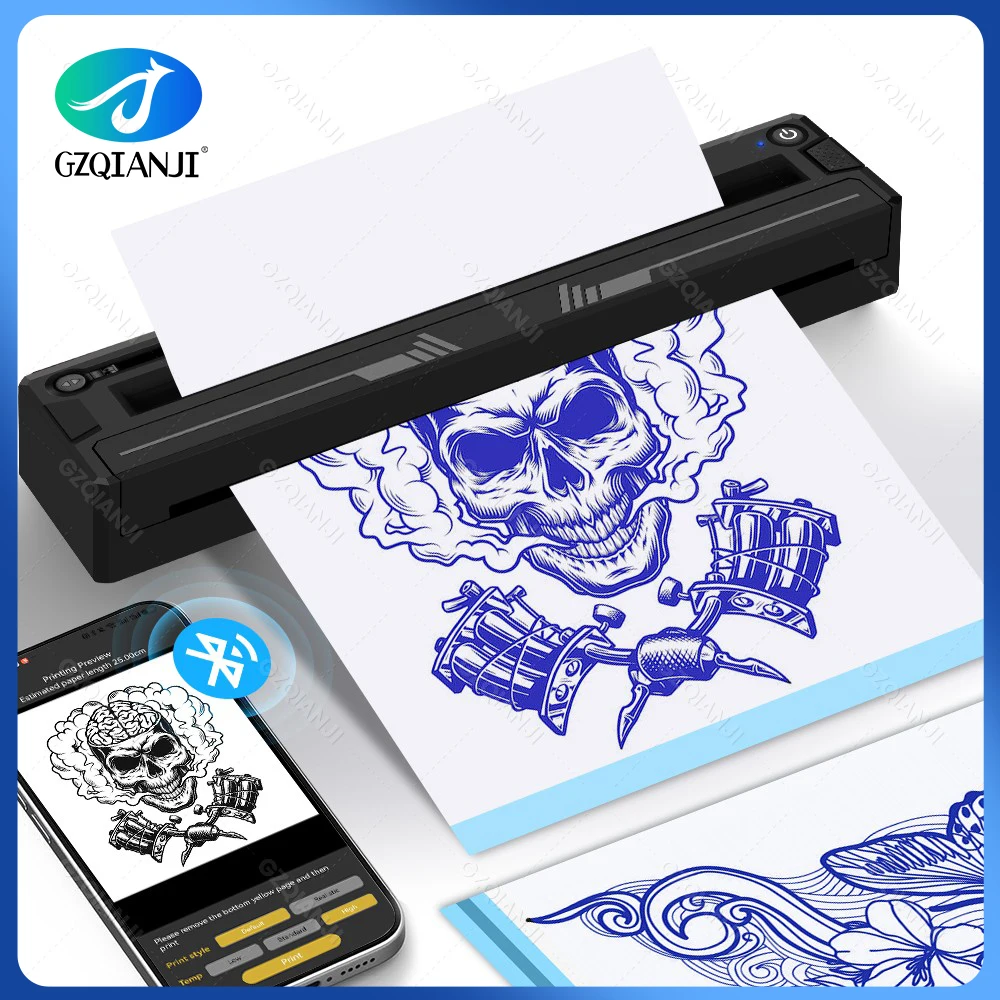
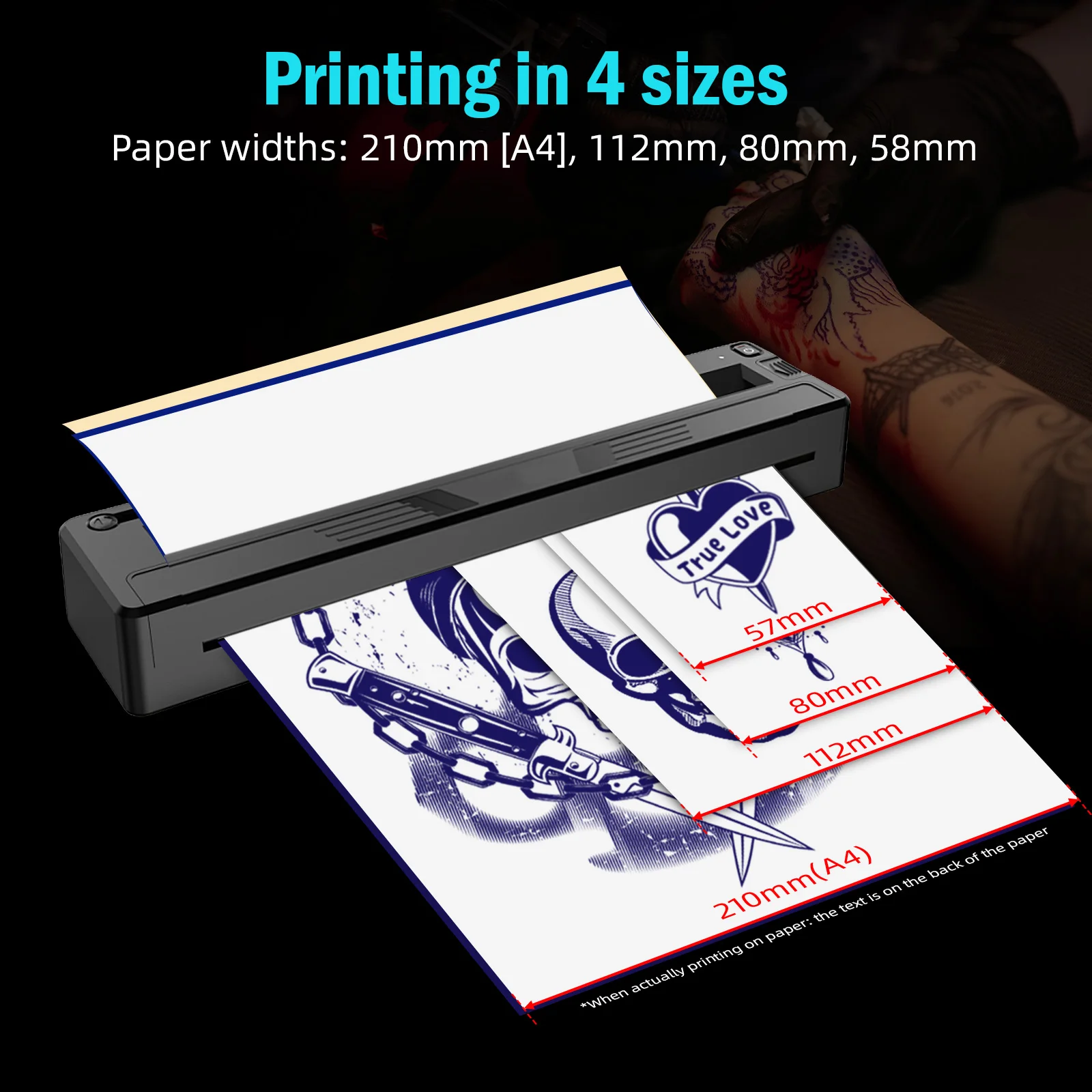
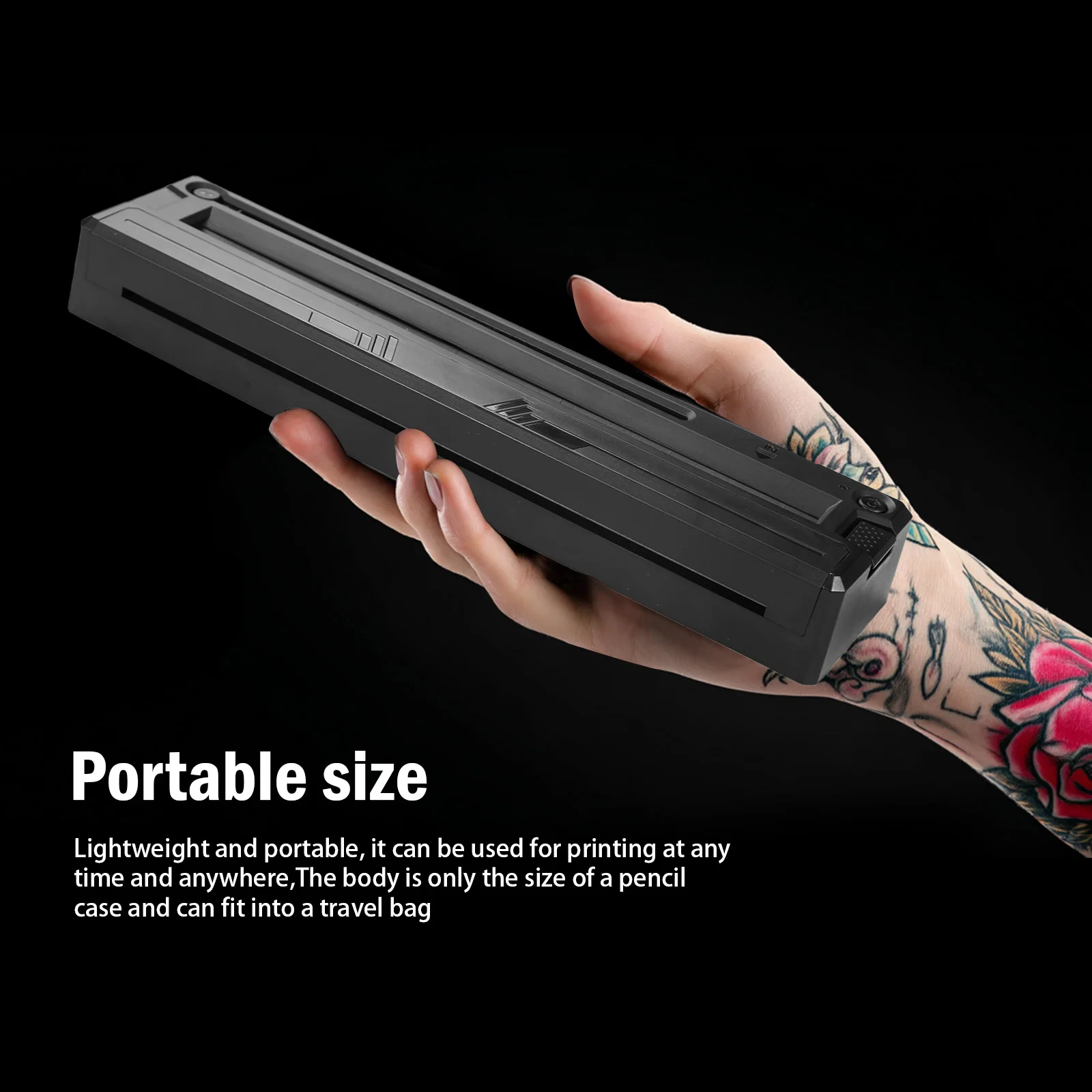
Wireless Tattoo Stencil Printer Portable Bluetooth A4 Thermal Printer for Tattoo Artists Shop Compatible with Android iOS Window
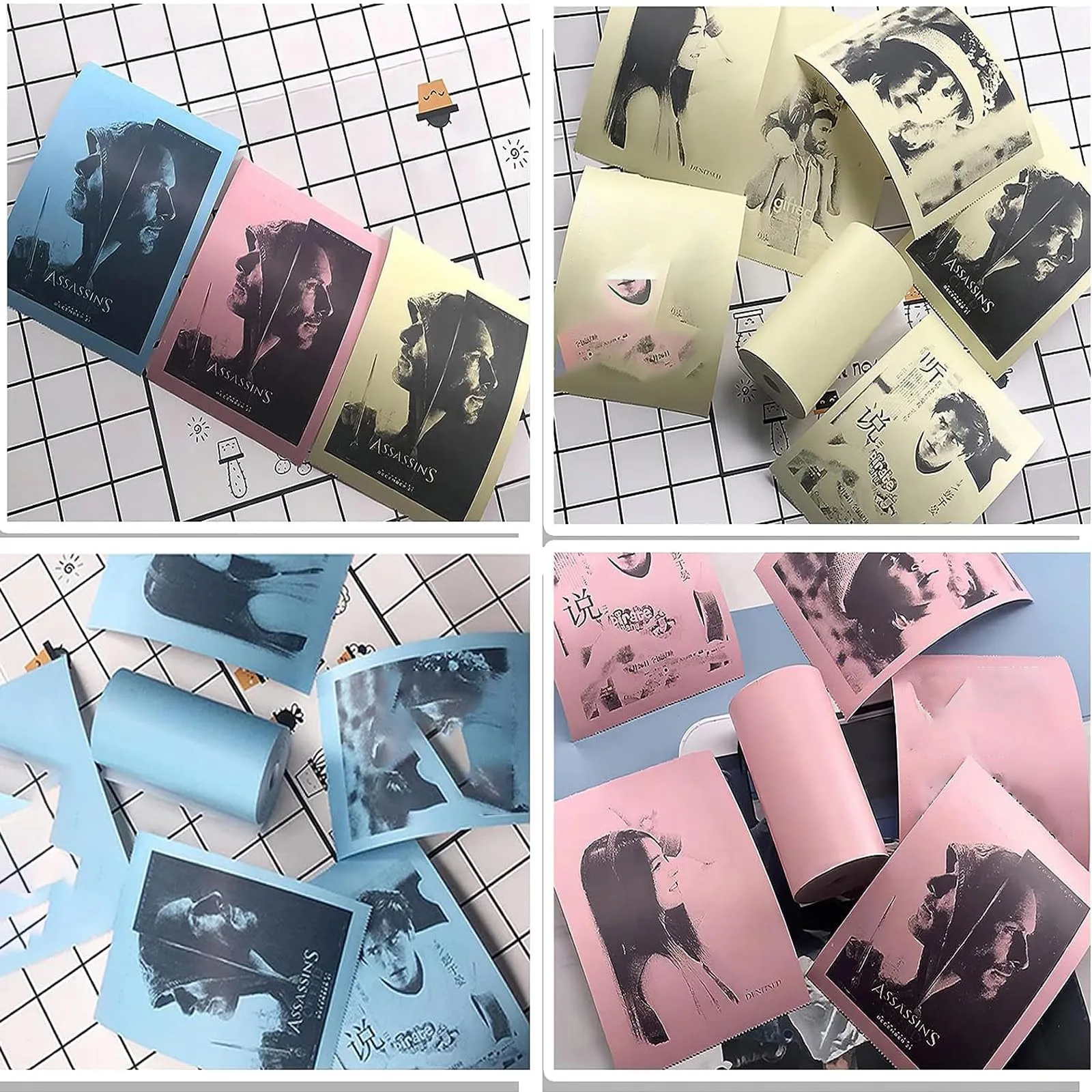
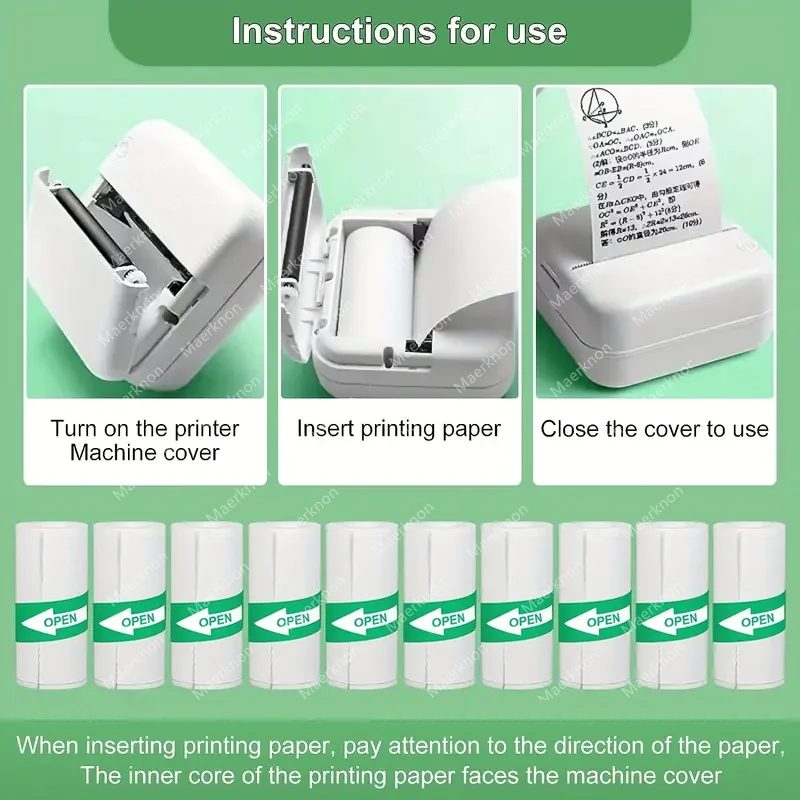
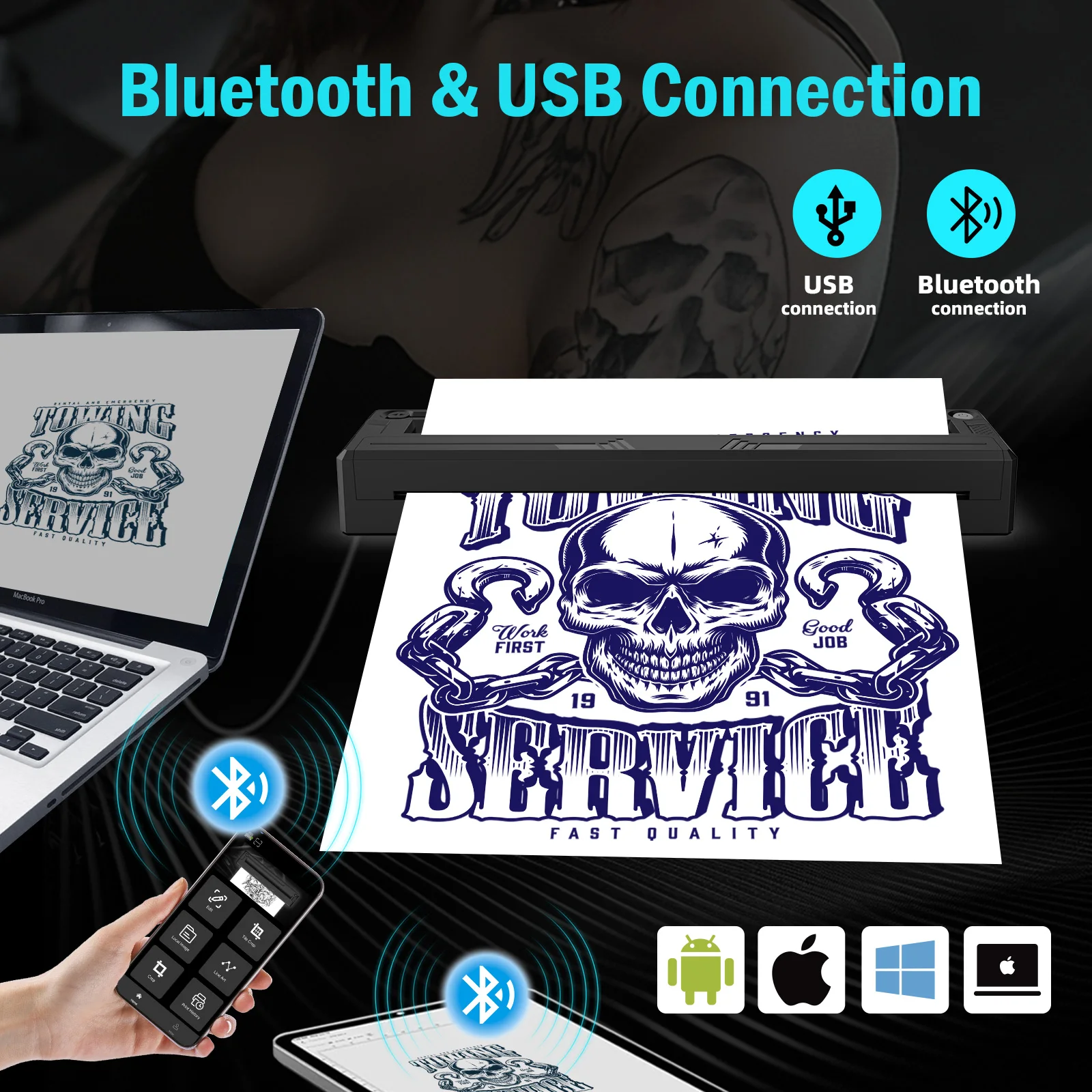
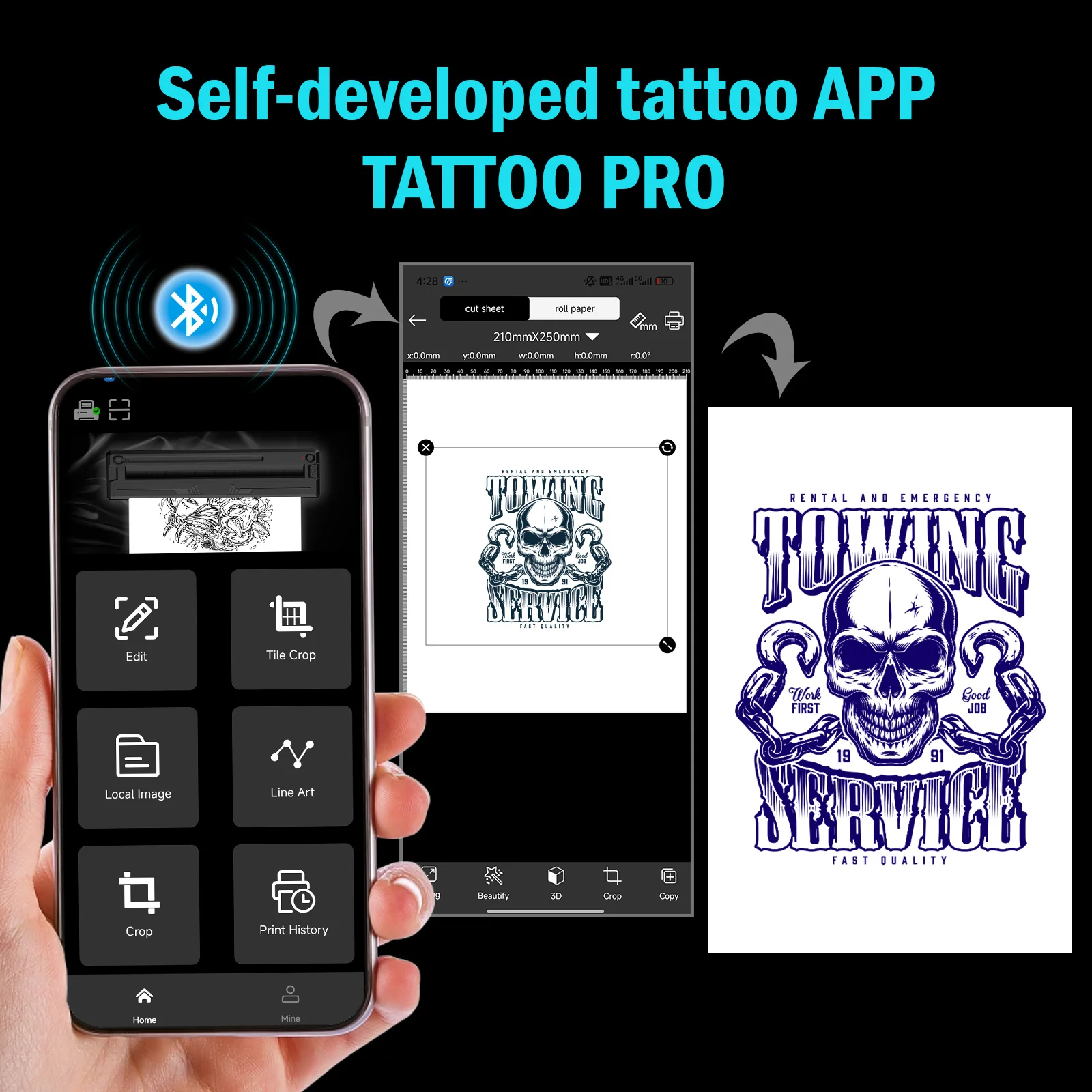
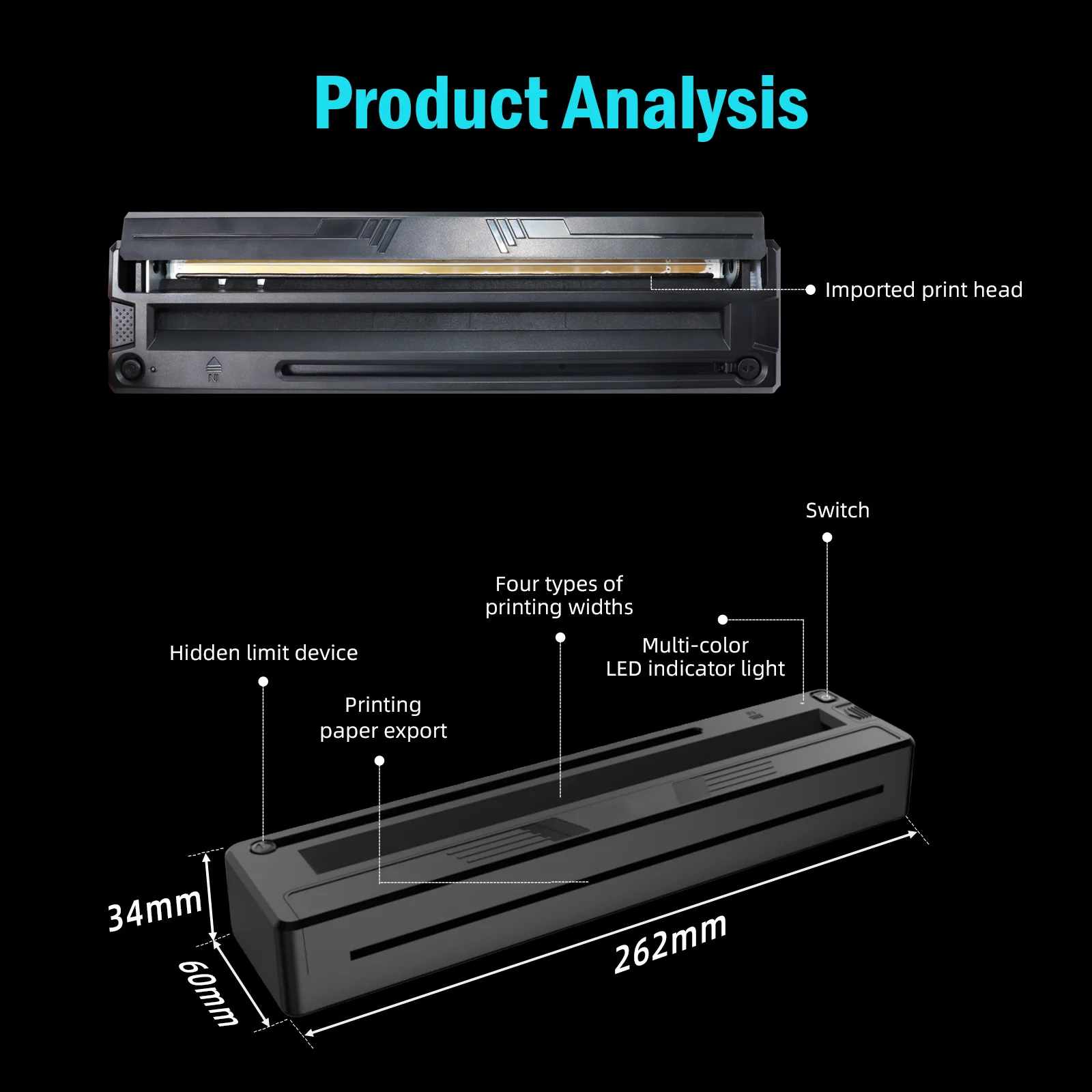
<div class="detailmodule_text"><p style="font-family:OpenSans;font-size:14px;font-weight:300;line-height:20px;white-space:pre-wrap;color:rgb(0, 0, 0);margin-bottom:12px" class="detail-desc-decorate-content"><span style="font-size:16px;font-family:arial, helvetica, sans-serif">Model: GZTP10<br/>Color: Black<br/>App: Tattoo PRT<br/>Battery: Built-in Rechargeable Battery 1500mAh<br/>Continuous Working Time: 3hrs<br/>Input: 5V 2A<br/>Connection: Bluetooth, USB<br/>Printing Technology: Thermal Printing<br/>Battery: 1500mAh<br/><br/></span><span style="font-size:16px;font-family:arial, helvetica, sans-serif"><strong>Notes:</strong></span><span style="font-size:16px;font-family:arial, helvetica, sans-serif"><br/>Please read the user guide carefully when you start to use the product.<br/>Support: Smartphone Bluetooth iOS/Android <br/>Step 1: Remove the transparent sheet and tear out the yellow/blue page.<br/>Step 2: Download the app ' Tattoo PRT' and connect to Bluetooth for phones<br/><br/></span><span style="font-size:16px;font-family:arial, helvetica, sans-serif"><strong>Step3: </strong></span><span style="font-size:16px;font-family:arial, helvetica, sans-serif"><br/>1. Press and hold for seconds to power on. <br/>2. Place the white page face up and the ribbon page face down and flush against the printer head.<br/>3. Cut out the pattern and paint the arms with stencil ointment for a better transfer. Alcohol can wipe away tattoo transfer marks.</span></p><div class="detailmodule_text"><p style="color:rgb(245, 1, 1)"><span style="font-size:16px;font-family:arial, helvetica, sans-serif"><strong>Connection method:</strong></span></p><p style="font-family:OpenSans;font-size:14px;font-weight:300;line-height:20px;white-space:pre-wrap;color:rgb(0, 0, 0);margin-bottom:12px" class="detail-desc-decorate-content"><span style="font-size:16px;font-family:arial, helvetica, sans-serif">Bluetooth connection to your cell phone, please download APP in your cell phone.<br/>USB connection to computer, please download the driver in your computer (the driver is displayed in the manual)<br/>If the printing goes wrong, please check the installation of the paper roll or contact us. Thanks!</span></p></div></div><div class="detailmodule_image"></div><div class="detailmodule_image"></div><p><br/></p>
$148.595
$111.95
- Category : Computer & Office
- Brand : alisons_dropshipping_store Alison's Dropshipping Store
Colors
Sizes
-
+

<div class="detailmodule_text"><p style="font-family:OpenSans;font-size:14px;font-weight:300;line-height:20px;white-space:pre-wrap;color:rgb(0, 0, 0);margin-bottom:12px" class="detail-desc-decorate-content"><span style="font-size:16px;font-family:arial, helvetica, sans-serif">Model: GZTP10<br/>Color: Black<br/>App: Tattoo PRT<br/>Battery: Built-in Rechargeable Battery 1500mAh<br/>Continuous Working Time: 3hrs<br/>Input: 5V 2A<br/>Connection: Bluetooth, USB<br/>Printing Technology: Thermal Printing<br/>Battery: 1500mAh<br/><br/></span><span style="font-size:16px;font-family:arial, helvetica, sans-serif"><strong>Notes:</strong></span><span style="font-size:16px;font-family:arial, helvetica, sans-serif"><br/>Please read the user guide carefully when you start to use the product.<br/>Support: Smartphone Bluetooth iOS/Android <br/>Step 1: Remove the transparent sheet and tear out the yellow/blue page.<br/>Step 2: Download the app ' Tattoo PRT' and connect to Bluetooth for phones<br/><br/></span><span style="font-size:16px;font-family:arial, helvetica, sans-serif"><strong>Step3: </strong></span><span style="font-size:16px;font-family:arial, helvetica, sans-serif"><br/>1. Press and hold for seconds to power on. <br/>2. Place the white page face up and the ribbon page face down and flush against the printer head.<br/>3. Cut out the pattern and paint the arms with stencil ointment for a better transfer. Alcohol can wipe away tattoo transfer marks.</span></p><div class="detailmodule_text"><p style="color:rgb(245, 1, 1)"><span style="font-size:16px;font-family:arial, helvetica, sans-serif"><strong>Connection method:</strong></span></p><p style="font-family:OpenSans;font-size:14px;font-weight:300;line-height:20px;white-space:pre-wrap;color:rgb(0, 0, 0);margin-bottom:12px" class="detail-desc-decorate-content"><span style="font-size:16px;font-family:arial, helvetica, sans-serif">Bluetooth connection to your cell phone, please download APP in your cell phone.<br/>USB connection to computer, please download the driver in your computer (the driver is displayed in the manual)<br/>If the printing goes wrong, please check the installation of the paper roll or contact us. Thanks!</span></p></div></div><div class="detailmodule_image"></div><div class="detailmodule_image"></div><p><br/></p>
Related Product
Browse The Collection of Top Products.