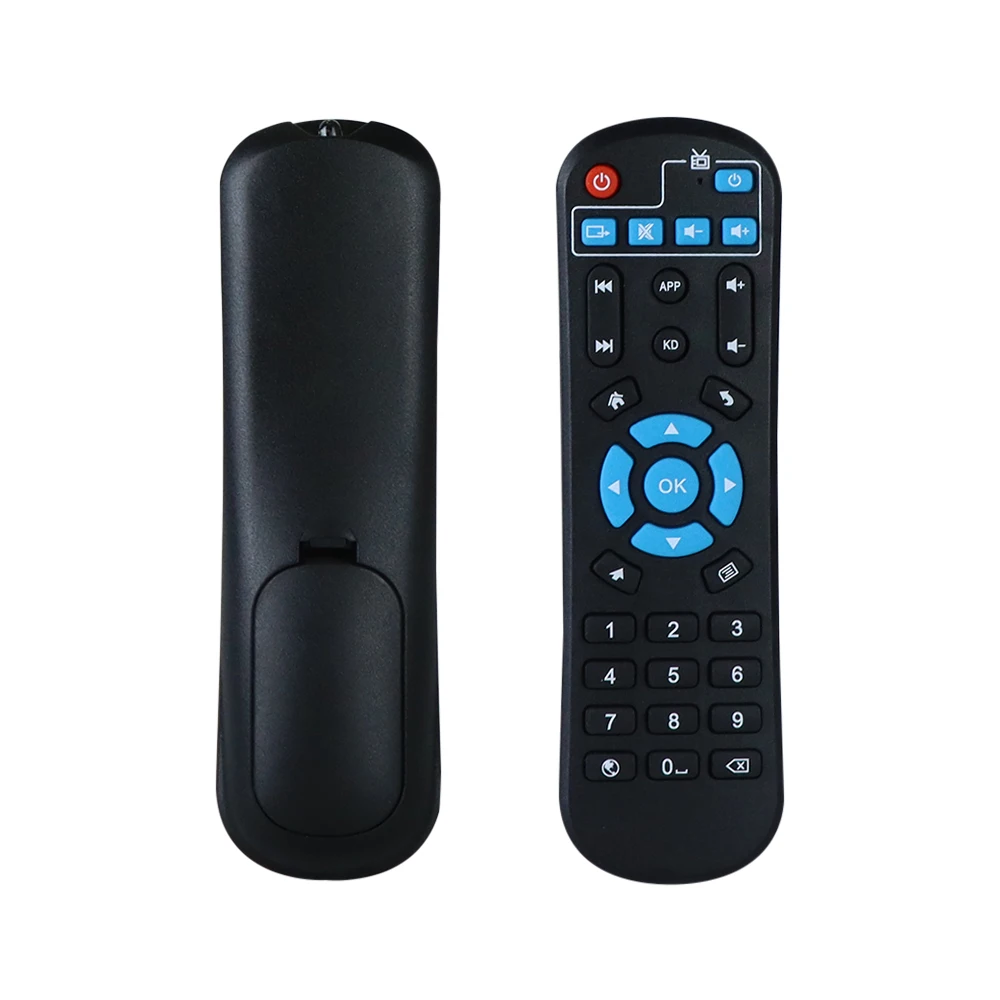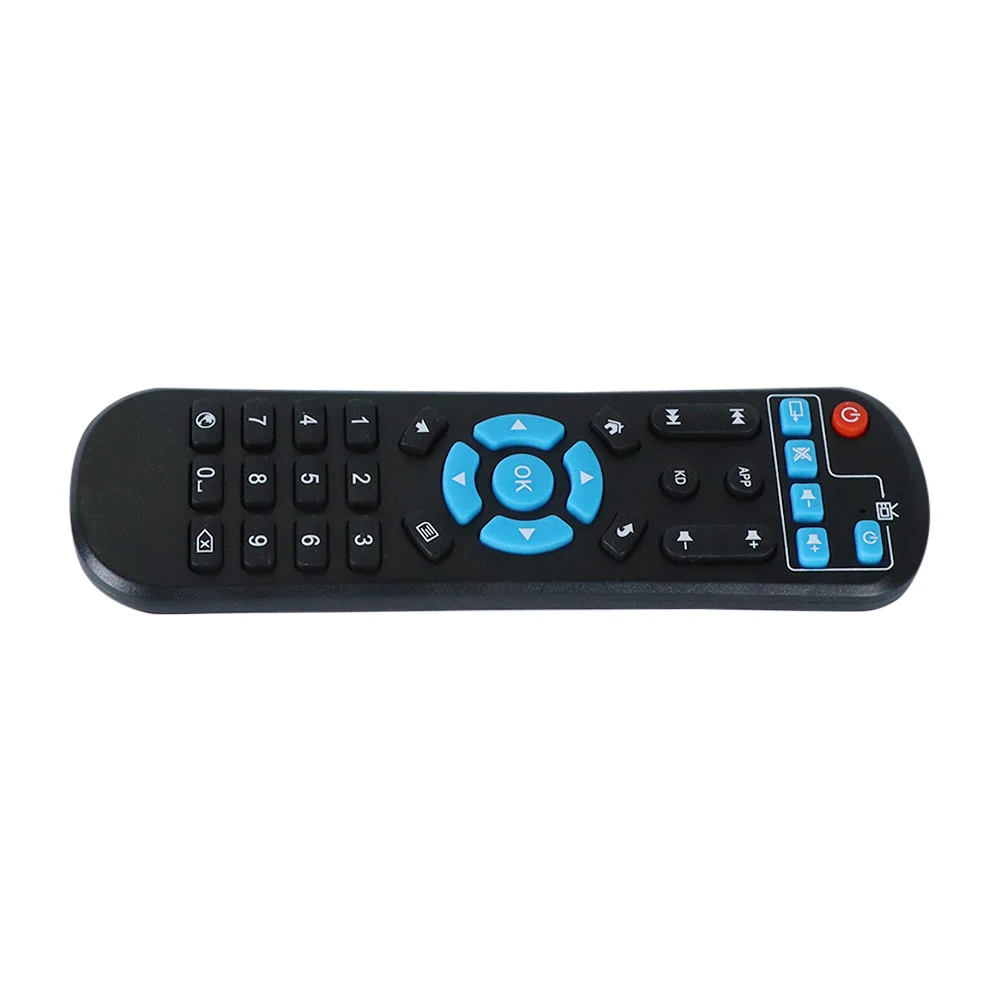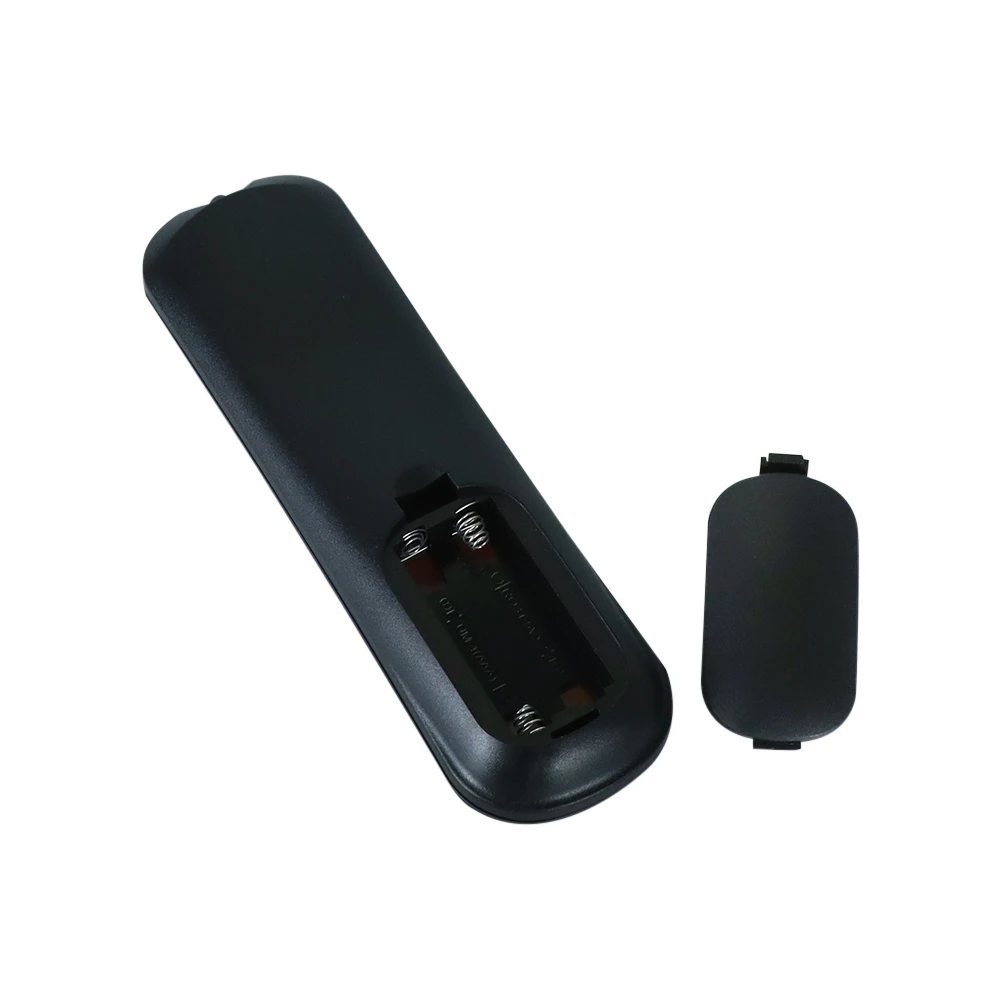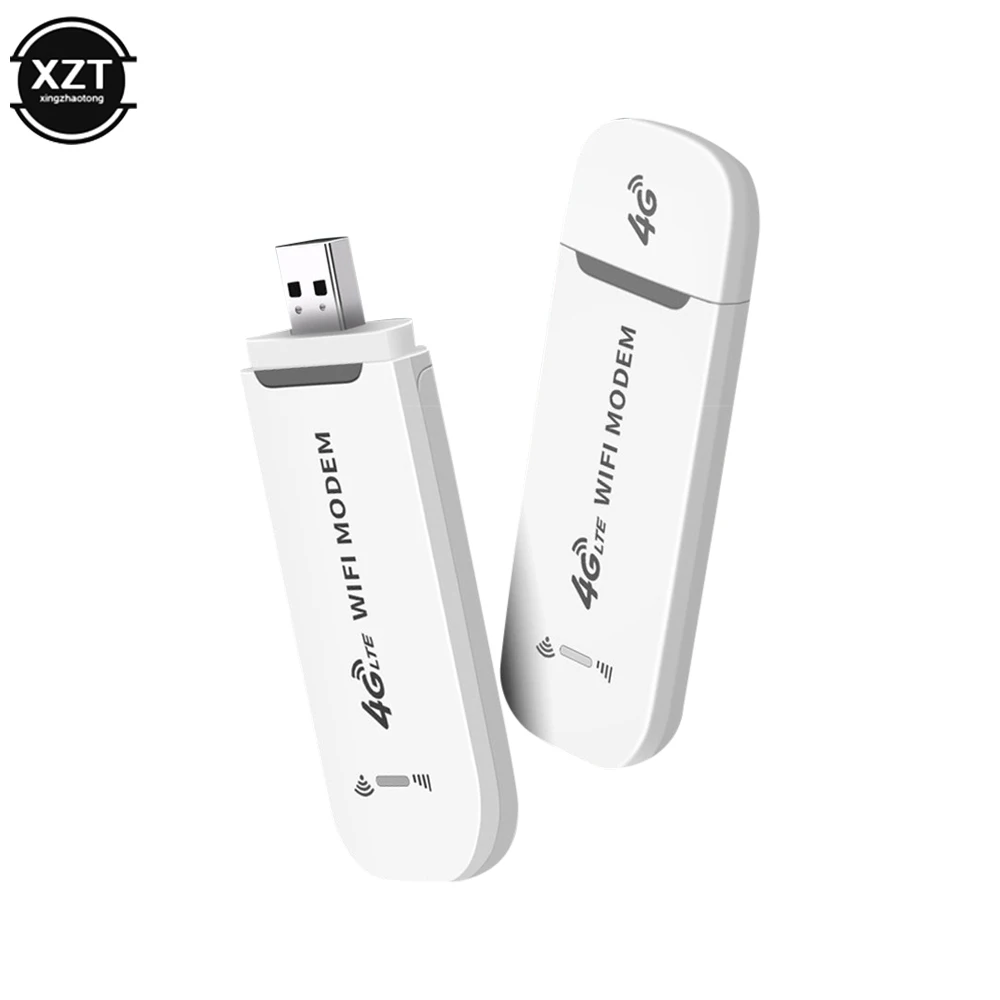
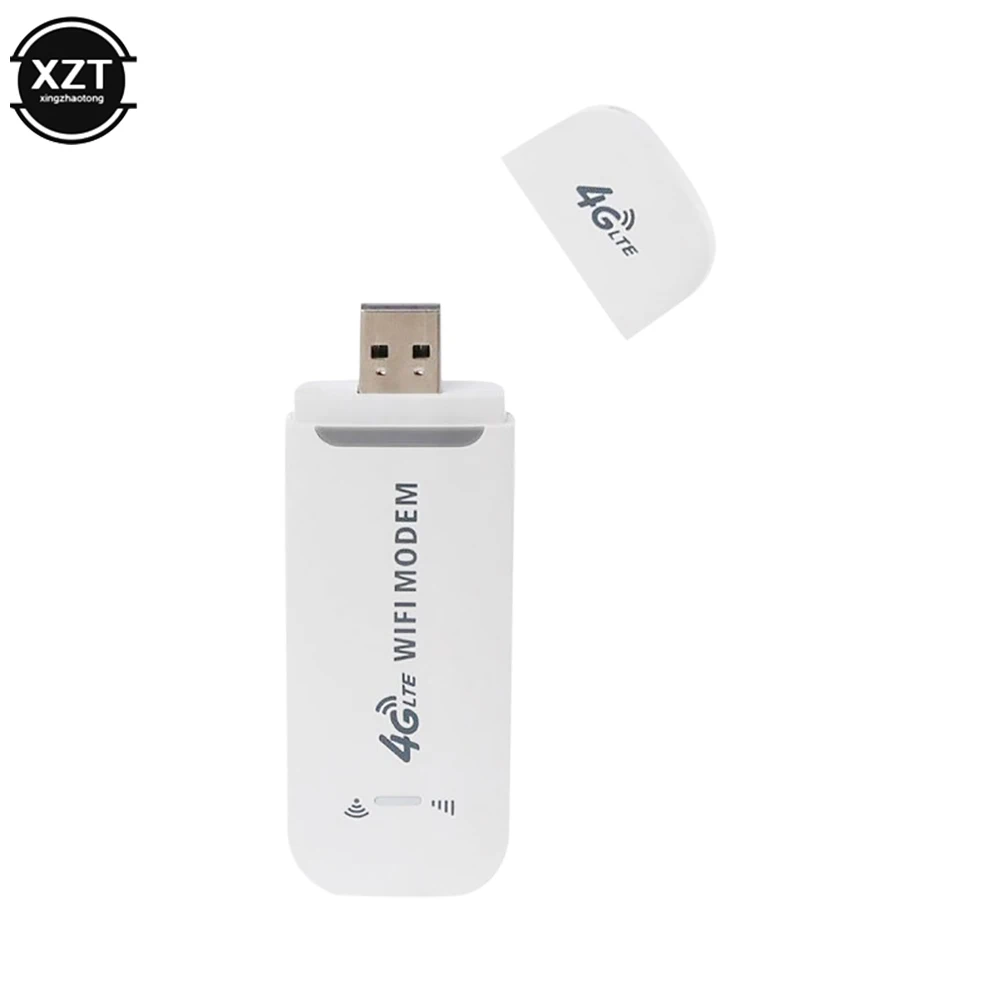
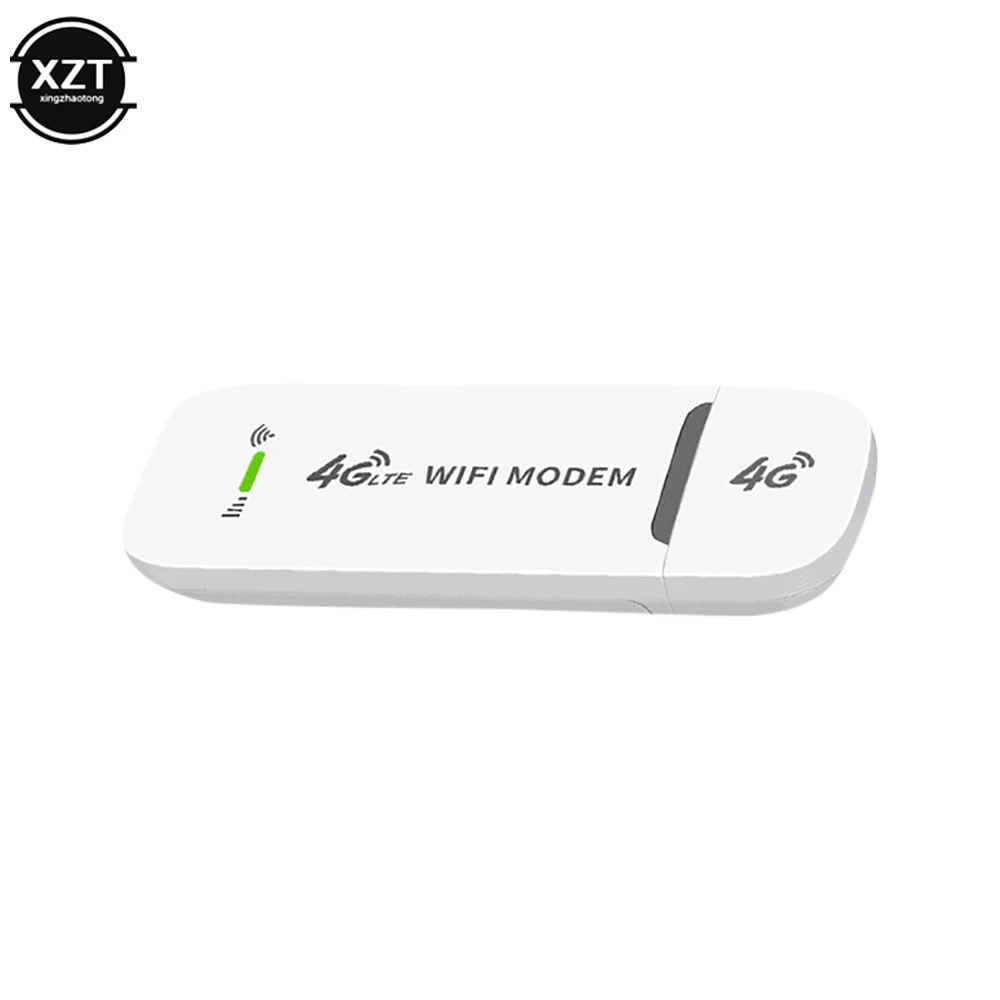
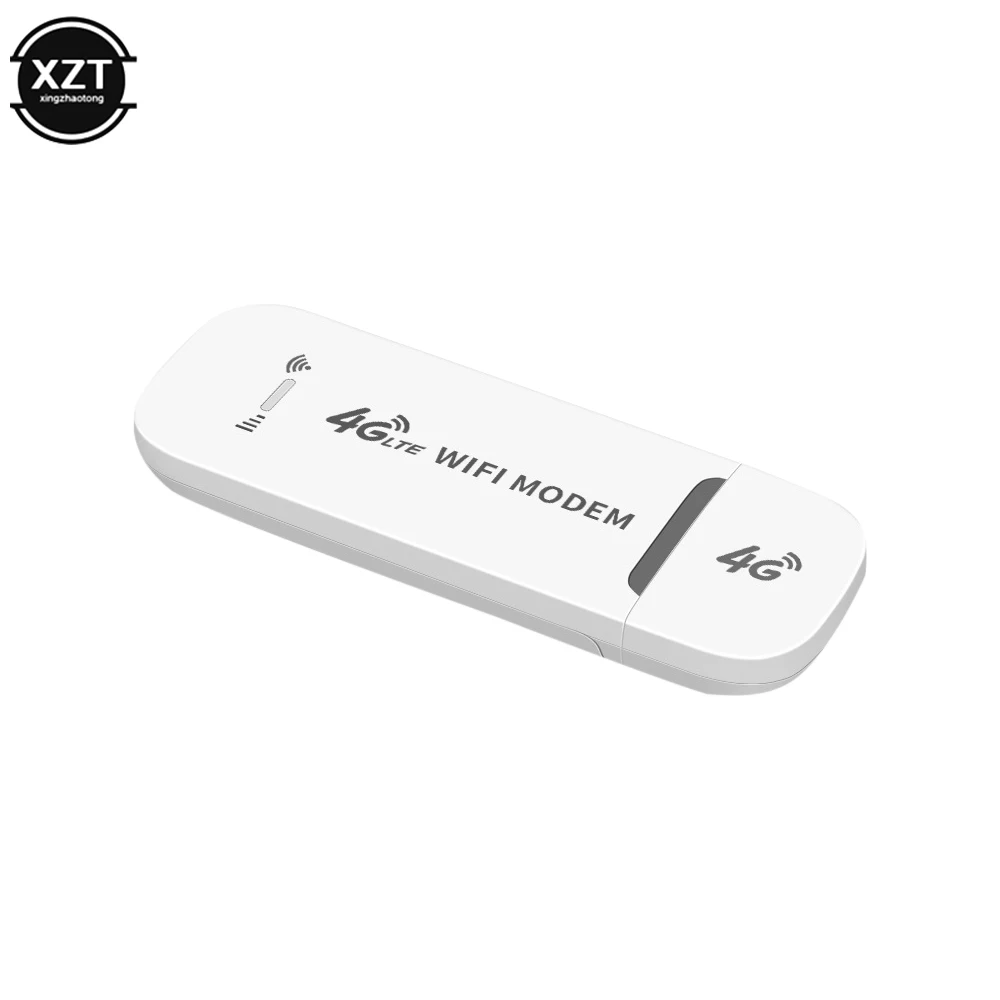
NEW 4G LTE Wireless USB Dongle Mobile Broadband 150Mbps Modem Stick Sim Card Wireless Router USB 150Mbps Modem for Home Office
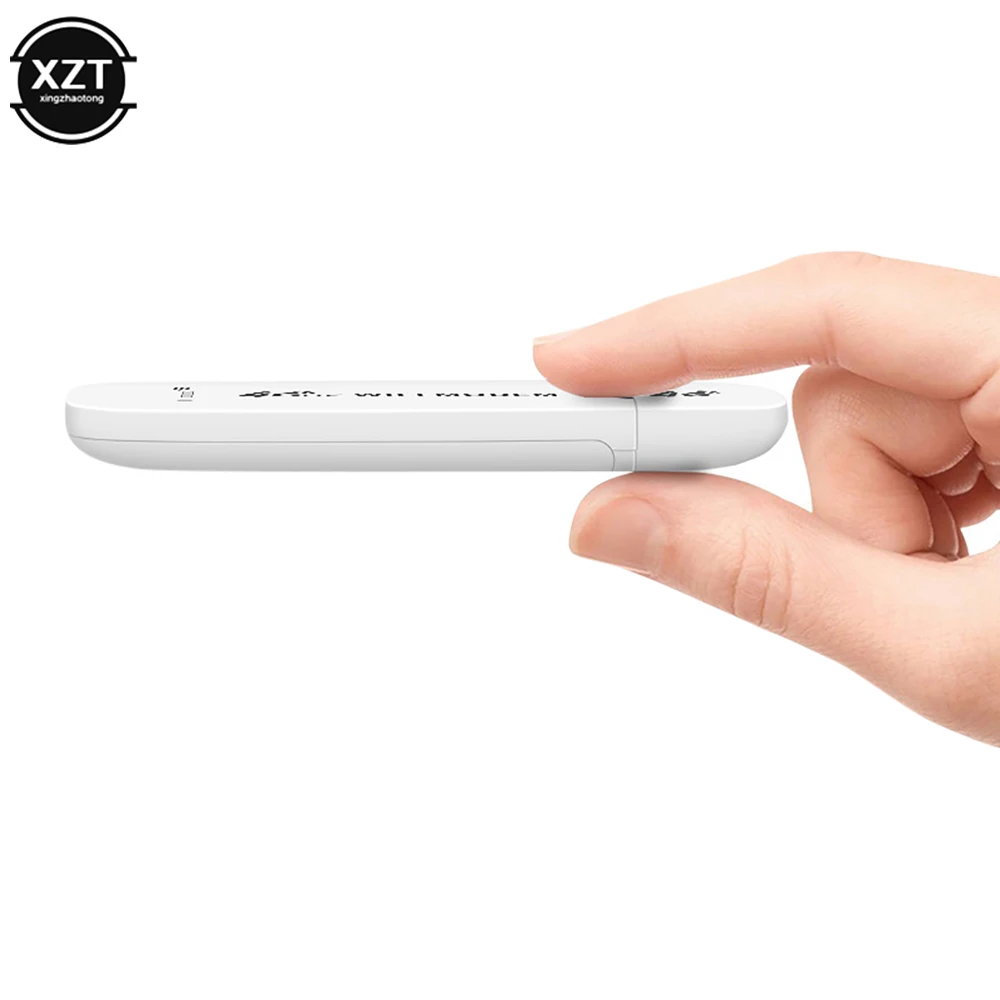
<p><span style="font-size:28px"><strong>Feature:</strong></span></p><p><br/></p><p><strong>1.Not just a 4G USB modem, but also a USB Wi-Fi router.</strong></p><p><br/></p><p><strong>2.Wireless access works on 3G, 4G and Wi-Fi networks.</strong></p><p><br/></p><p><strong>3.Convenient and portable, 4GDONG001 is easy to use and stylish.</strong></p><p><br/></p><p><strong>4.High-speed internet access for office and home.</strong></p><p><br/></p><p><strong>5.It can also be used with laptops, notebooks, UMPCs and MID devices.</strong></p><p><br/></p><p><strong>6.Simply insert a SIM card to act as a wireless router, no setup required.</strong></p><p><br/><br/></p><p><span style="font-size:28px"><strong>Specification:</strong></span></p><p><br/></p><p><strong>Type: network card</strong></p><p><br/></p><p><strong>Chip: for Qualcomm 9600 or for Qualcomm 8916</strong></p><p><br/></p><p><strong>Color: White</strong></p><p><br/></p><p><strong>Size: about 95x33mm</strong></p><p><br/></p><p><strong>material: plastic</strong></p><p><br/></p><p><strong>Transmission rate: 150Mbps</strong></p><p><br/></p><p><strong>USB: Standard USB interface</strong></p><p><br/><br/></p><p><span style="font-size:28px"><strong>Frequency band:</strong></span></p><p><br/></p><p><strong>4G FDD LTE:B1, B3, B5</strong></p><p><br/></p><p><strong>3G WCDMA : B1</strong></p><p><br/></p><p><strong><span style="background-color:rgb(252, 220, 0)">You can check the local commonly used frequency bands in the link below to confirm whether it is in line with local use.</span></strong></p><p><strong><span style="background-color:rgb(252, 220, 0)">https://www.frequencycheck.com/countries</span></strong></p><p><br/></p><p><strong><span style="background-color:rgb(252, 220, 0)">If the link cannot be opened, refresh it several times, or try the following two links:</span></strong></p><p><strong><span style="background-color:rgb(252, 220, 0)">https://www.gsmarena.com/network-bands.php3?sCountry=IRAN</span></strong></p><p><strong><span style="background-color:rgb(252, 220, 0)">http://en.wikipedia.org/wiki/List_of_LTE_networks</span></strong></p><p><br/><br/></p><p><span style="font-size:28px"><strong>How to use:</strong></span></p><p><br/></p><p><strong>1. Push the back cover down.</strong></p><p><br/></p><p><strong>2. Insert the SIM card with the core facing down.</strong></p><p><br/></p><p><strong>3. Plug the USB port into a power source for WiFi.</strong></p><p><br/></p><p><strong>4. Connect to WiFi, you can surf the Internet.</strong></p><p><br/></p><p><strong>5. Connect to WIFI, open 192.168.100.1 in the browser to enter the background, the background can modify the WIFI name and password to add APN.</strong></p><p><br/></p><p></p>
$14.735
$14.735
- Category : Computer & Office
- Brand : a_phone_accessory_store A+ Phone Accessory Store
Colors
Sizes
-
+

<p><span style="font-size:28px"><strong>Feature:</strong></span></p><p><br/></p><p><strong>1.Not just a 4G USB modem, but also a USB Wi-Fi router.</strong></p><p><br/></p><p><strong>2.Wireless access works on 3G, 4G and Wi-Fi networks.</strong></p><p><br/></p><p><strong>3.Convenient and portable, 4GDONG001 is easy to use and stylish.</strong></p><p><br/></p><p><strong>4.High-speed internet access for office and home.</strong></p><p><br/></p><p><strong>5.It can also be used with laptops, notebooks, UMPCs and MID devices.</strong></p><p><br/></p><p><strong>6.Simply insert a SIM card to act as a wireless router, no setup required.</strong></p><p><br/><br/></p><p><span style="font-size:28px"><strong>Specification:</strong></span></p><p><br/></p><p><strong>Type: network card</strong></p><p><br/></p><p><strong>Chip: for Qualcomm 9600 or for Qualcomm 8916</strong></p><p><br/></p><p><strong>Color: White</strong></p><p><br/></p><p><strong>Size: about 95x33mm</strong></p><p><br/></p><p><strong>material: plastic</strong></p><p><br/></p><p><strong>Transmission rate: 150Mbps</strong></p><p><br/></p><p><strong>USB: Standard USB interface</strong></p><p><br/><br/></p><p><span style="font-size:28px"><strong>Frequency band:</strong></span></p><p><br/></p><p><strong>4G FDD LTE:B1, B3, B5</strong></p><p><br/></p><p><strong>3G WCDMA : B1</strong></p><p><br/></p><p><strong><span style="background-color:rgb(252, 220, 0)">You can check the local commonly used frequency bands in the link below to confirm whether it is in line with local use.</span></strong></p><p><strong><span style="background-color:rgb(252, 220, 0)">https://www.frequencycheck.com/countries</span></strong></p><p><br/></p><p><strong><span style="background-color:rgb(252, 220, 0)">If the link cannot be opened, refresh it several times, or try the following two links:</span></strong></p><p><strong><span style="background-color:rgb(252, 220, 0)">https://www.gsmarena.com/network-bands.php3?sCountry=IRAN</span></strong></p><p><strong><span style="background-color:rgb(252, 220, 0)">http://en.wikipedia.org/wiki/List_of_LTE_networks</span></strong></p><p><br/><br/></p><p><span style="font-size:28px"><strong>How to use:</strong></span></p><p><br/></p><p><strong>1. Push the back cover down.</strong></p><p><br/></p><p><strong>2. Insert the SIM card with the core facing down.</strong></p><p><br/></p><p><strong>3. Plug the USB port into a power source for WiFi.</strong></p><p><br/></p><p><strong>4. Connect to WiFi, you can surf the Internet.</strong></p><p><br/></p><p><strong>5. Connect to WIFI, open 192.168.100.1 in the browser to enter the background, the background can modify the WIFI name and password to add APN.</strong></p><p><br/></p><p></p>