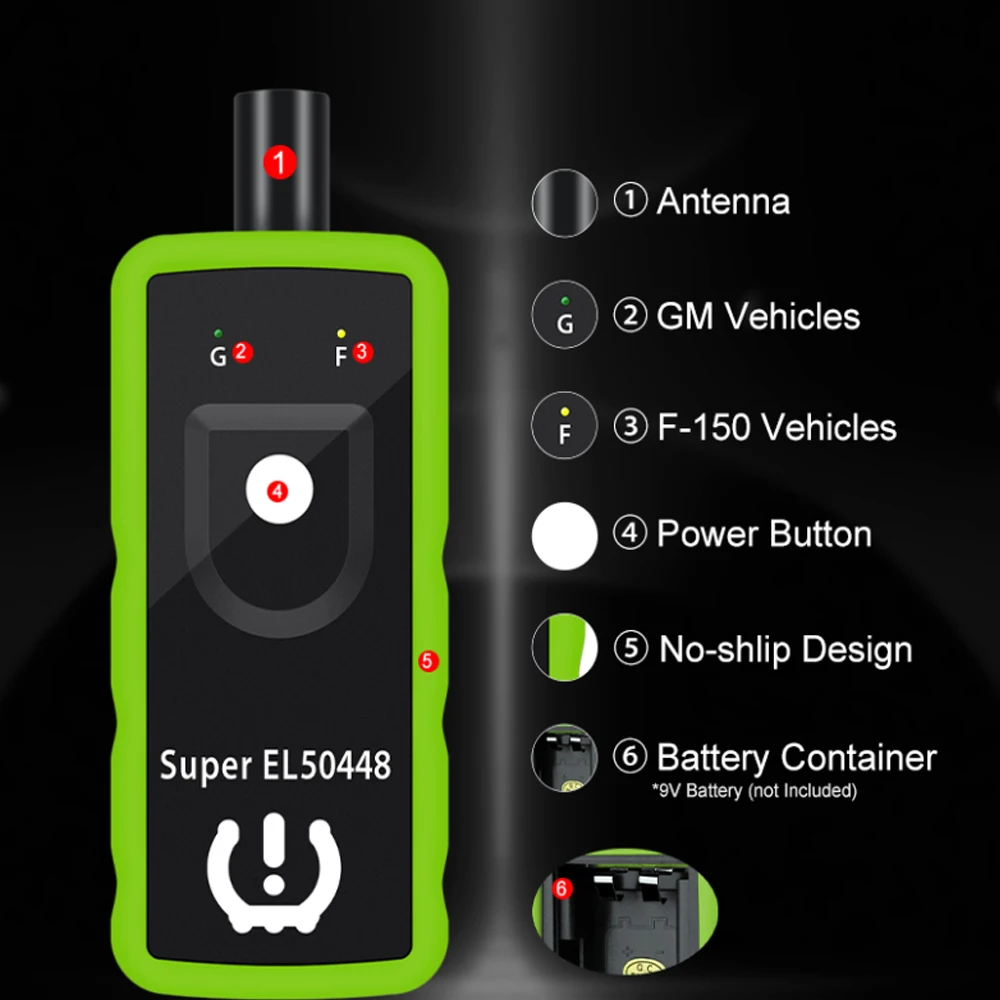
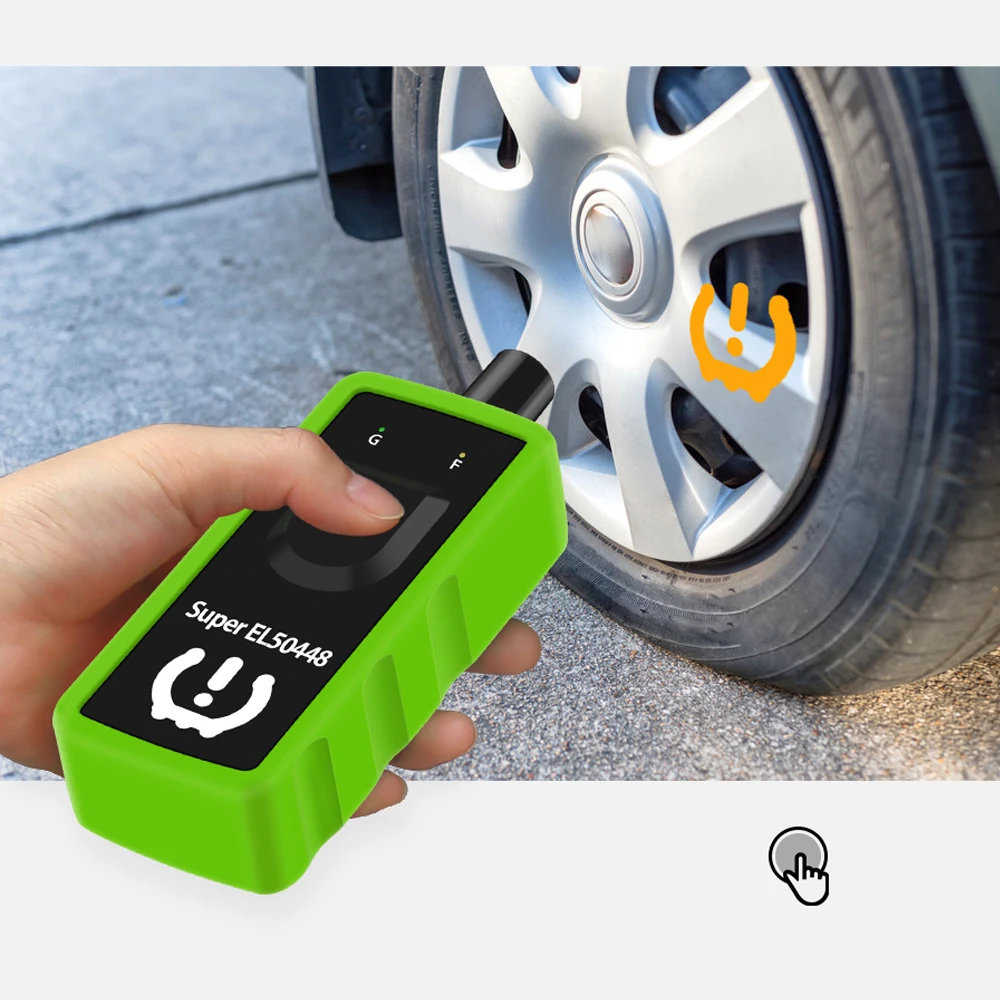
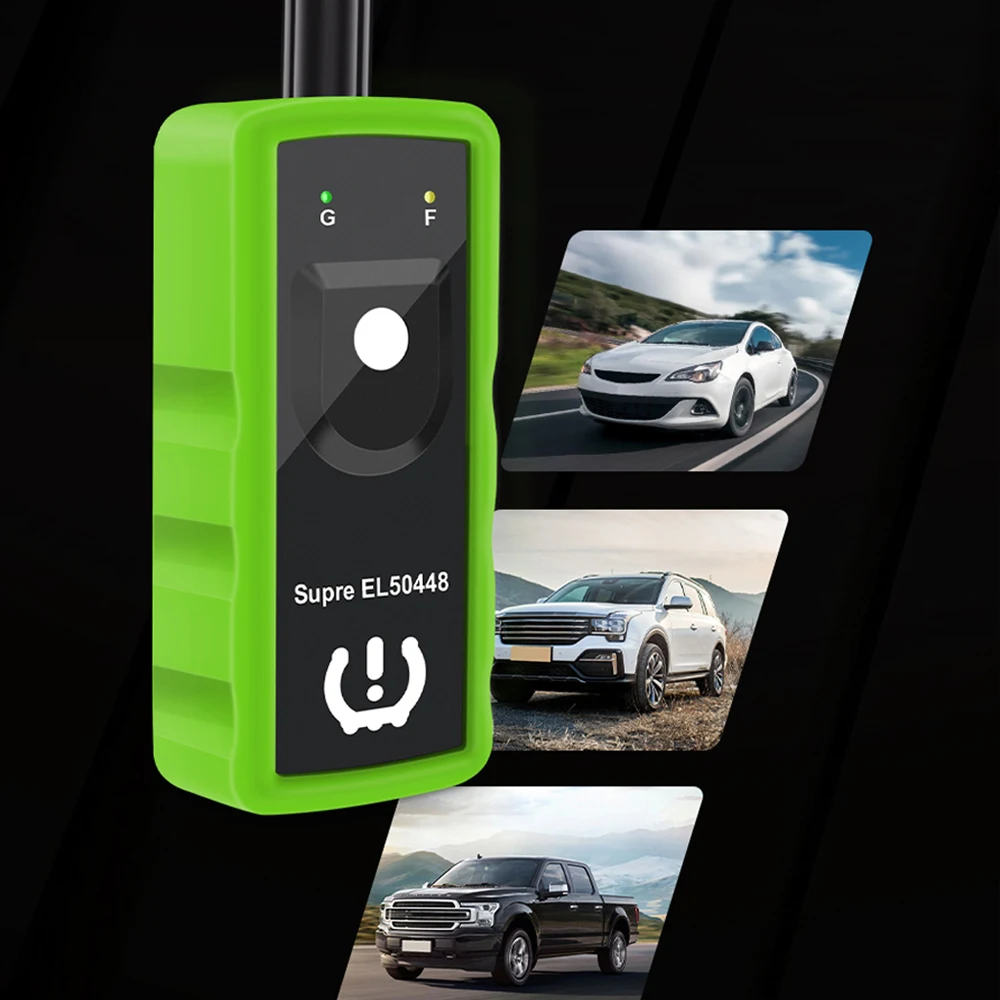
Car TPMS Relearn Tool Super EL50448 2IN1 Car Tire Pressure Monitor System Sensor Reset Tool For Ford Buick Chevrolet GMC Opel
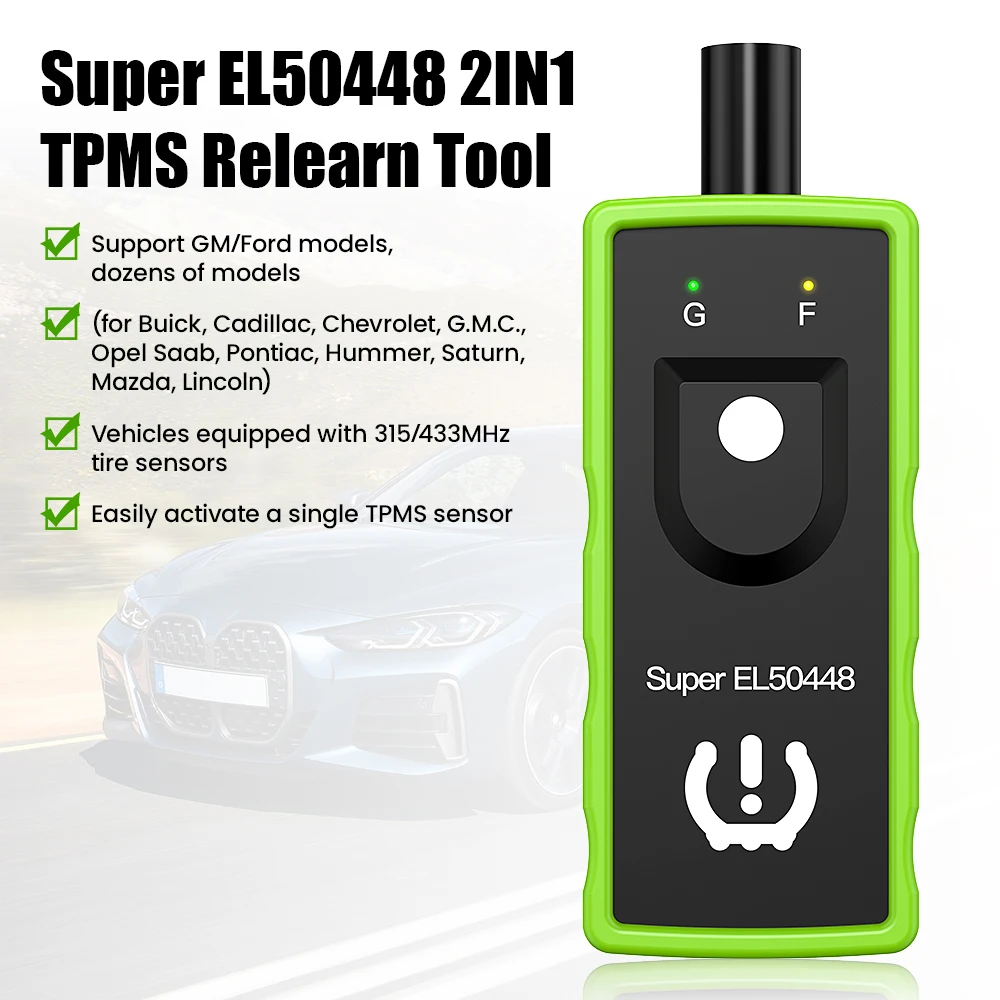
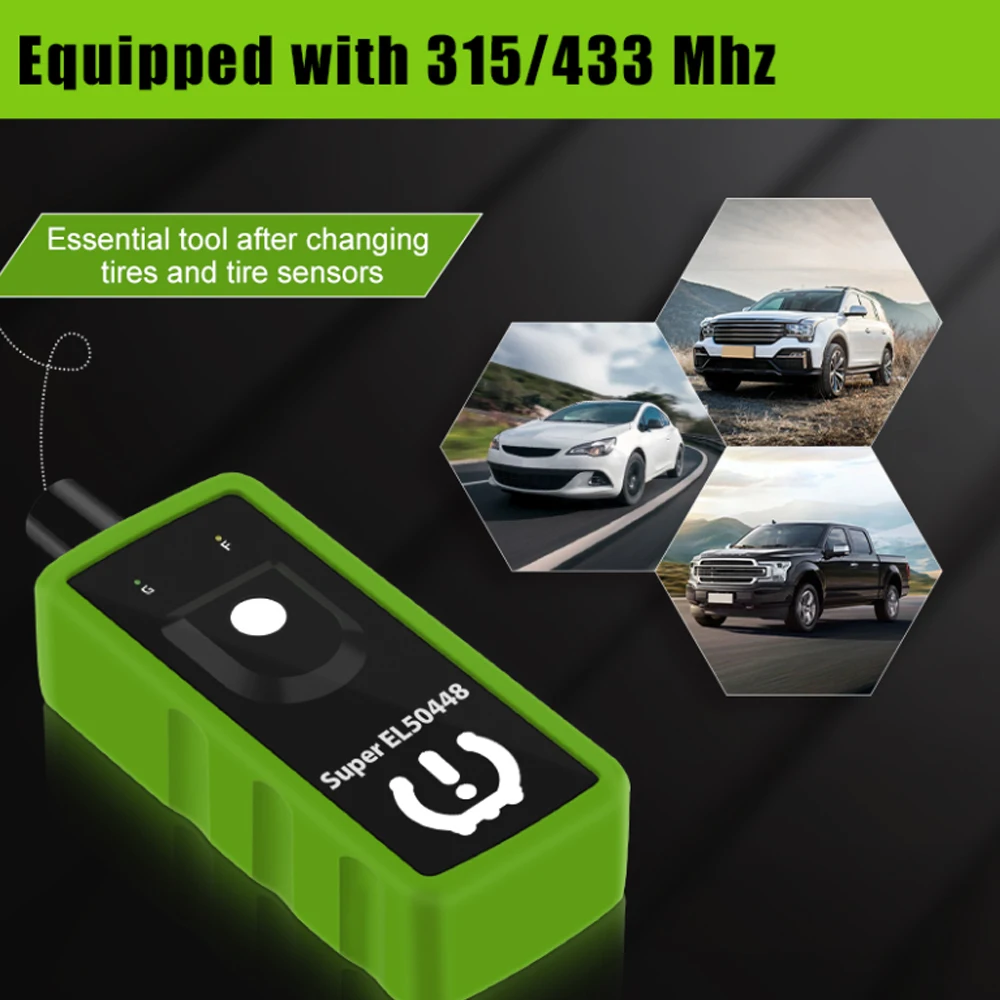
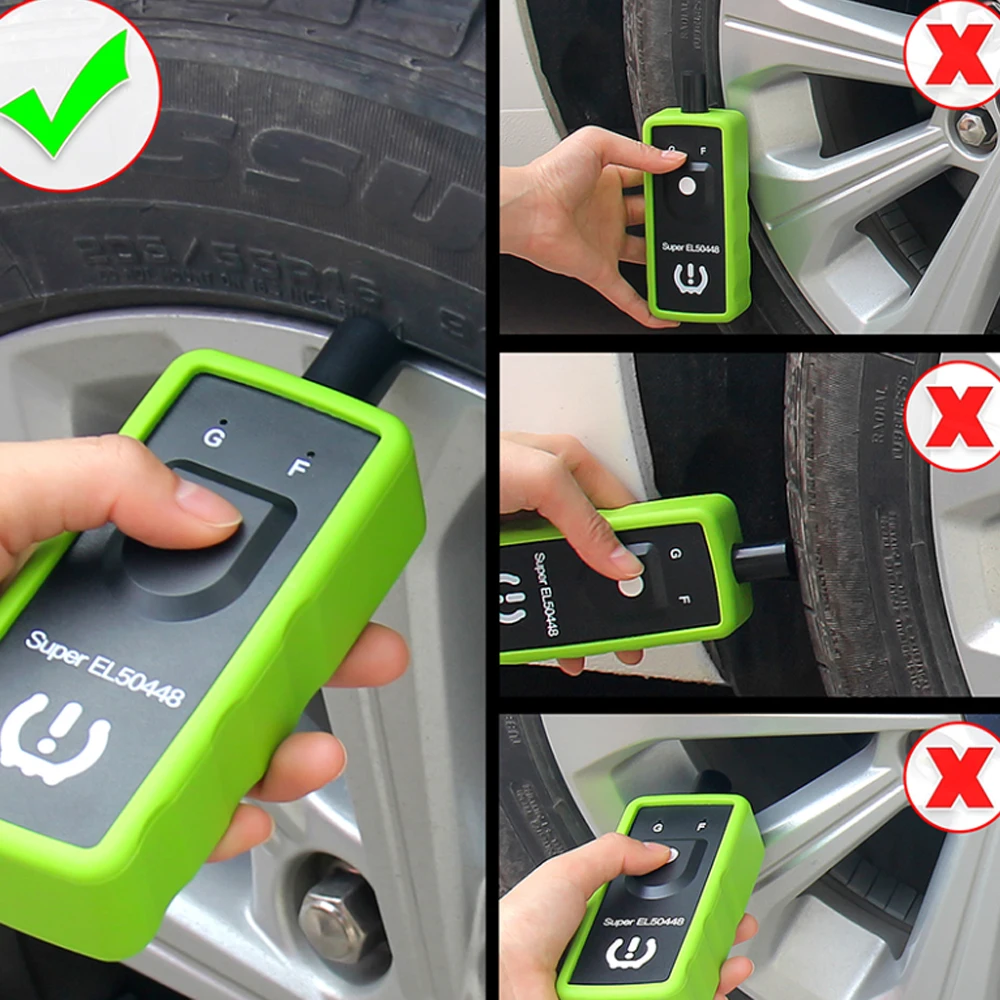
<p style="text-align:center" align="center"><span style="font-size:24px">For G·M/Ford Tire Pressure Diagnostic Reset Learning Tool SUPER EL50448</span></p><br/><p><span style="font-size:18px">Application:</span></p><p><span style="font-size:18px">Almost all GM and Ford car series models: for Buick, Cadillac, Chevrolet GMC, Opel Saab, Pontiac, Hummer, Saturn, Mazda, Lincoln.</span></p><br/><p><span style="color:rgba(244,78,59,255);font-size:18px">When do I need this tire relearning tool?</span></p><p><span style="font-size:18px">1. Installing a new TPMS sensor, deflating or inflating the tire does not allow the system to recognize the new sensor.</span></p><p><span style="font-size:18px">2. There is no quick or easy way for the ECU to relearn new tire information when doing tire rotation.</span></p><p><span style="font-size:18px">3. When the tire pressure indicator light is on, after maintenance, it is necessary to reset the tire pressure and turn off the TPMS light.</span></p><p><span style="font-size:18px">4. After resolving issues such as low tire pressure or air leakage, replacement or installation of tire pressure monitoring equipment, replacement of tires, and damage to sensors, it is necessary to reset the TPMS.</span></p><p><span style="font-size:18px">5. Replace winter or summer tires.</span></p><br/><p><span style="font-size:18px">Warmly Notice:</span></p><p><span style="font-size:18px">1. 9V battery shold be in good condition: New & fully charged.</span></p><p><span style="font-size:18px">2. Make sure antenna fits in CORRECT position.</span></p><p><span style="font-size:18px">3. Do tire reset outside instead of in the garage.</span></p><p><span style="font-size:18px">4. Position of tires are also important, front tires have to be straight.</span></p><p><span style="font-size:18px">5. Sensors should be original / OEM sensors which are already well programmed.</span></p><p><span style="font-size:18px">6. Be sure all other sensors are out of range of vehicle antenna (10 ft range min).</span></p><p><span style="font-size:18px">7. Disable all other WIFI/Bluetooth and electronic accessory devices.</span></p><p><span style="font-size:18px">Includs HID kits, audio systems, navigation, back-up cameras, if NOT original equipment, these devices may cause RF disruption.</span></p><br/><p><strong><span style="color:rgba(244,78,59,255);font-size:18px">How to switch between Ford brand?</span></strong></p><p><span style="font-size:18px">>>Hold power button for 5 seconds and 2 LEDs flashing 2 times, selected brand's LED flashing 2 times.</span></p><p><span style="font-size:18px">How to detect which mode the device in?</span></p><p><span style="font-size:18px">>>Press power button, if Green LED flashing means Super EL50448 in GM mode, if Yellow LED flashing, means Super EL50448 in Ford mode.</span></p><br/><p><span style="color:rgba(244,78,59,255);font-size:18px">How to use Super EL50448?</span></p><p><span style="font-size:18px">Need 1x Pc 9V battery to work (Not included in this parcel)</span></p><p><span style="font-size:18px">1. Set the vehicle in TPMS learning mode. (vehicle horns twice)</span></p><p><span style="font-size:18px">2. Starting relearn process from left front tire, point antenna on correct position. Press & release power button. Once the speaker chirped, move to the next tire.</span></p><p><span style="font-size:18px">3. Follow this order to rest TPMS sensors: Front left, front right, rear right, rear left.</span></p><p><span style="font-size:18px">4. After all sensors reseted, the vehicle horns twice means TPMS re-learn finished.</span></p><br/><p><span style="font-size:18px">How to set my vehicle in TPMS re-learn mode?</span></p><p><span style="font-size:18px">For series vehicles</span></p><p><span style="font-size:18px">1. Make the gear in P position.</span></p><p><span style="font-size:18px">2. Use cruise to choose TPMS re-learn mode in the dashboard settings.</span></p><p><span style="font-size:18px">3. Horn will ring twice and the TPMS indicator flashes, then the learning mode has been successfully entered. If equipped, the message center will display the front left (LF) tire.</span></p><p><span style="font-size:18px"></span></p><p><strong><span style="color:rgba(244,78,59,255);font-size:18px">For Ford series vehicles</span></strong></p><p><span style="font-size:18px">1. Make the gear in P position.</span></p><p><span style="font-size:18px">2. With the ignition switch to OFF, press and release the brake pedal.</span></p><p><span style="font-size:18px">3. Turn the ignition switch from the OFF position to the RUN position 3 times and end at RUN position.</span></p><p><span style="font-size:18px">4. Depress and release the brake pedal.</span></p><p><span style="font-size:18px">5. Ignition to OFF position.</span></p><p><span style="font-size:18px">6. Ignition goes from the OFF position to the RUN position 3 times and ends at RUN position.</span></p><p><span style="font-size:18px">7. Horn will ring once and the TPMS indicator flashes, then the learning mode has been successfully entered. If equipped, the message center will display the front left (LF) tire.</span></p><p><br/></p>
$52.34
$26.675
- Category : Automobiles, Parts & Accessories
- Brand : obdmonster_store OBDMonster Store
Colors
Sizes
-
+

<p style="text-align:center" align="center"><span style="font-size:24px">For G·M/Ford Tire Pressure Diagnostic Reset Learning Tool SUPER EL50448</span></p><br/><p><span style="font-size:18px">Application:</span></p><p><span style="font-size:18px">Almost all GM and Ford car series models: for Buick, Cadillac, Chevrolet GMC, Opel Saab, Pontiac, Hummer, Saturn, Mazda, Lincoln.</span></p><br/><p><span style="color:rgba(244,78,59,255);font-size:18px">When do I need this tire relearning tool?</span></p><p><span style="font-size:18px">1. Installing a new TPMS sensor, deflating or inflating the tire does not allow the system to recognize the new sensor.</span></p><p><span style="font-size:18px">2. There is no quick or easy way for the ECU to relearn new tire information when doing tire rotation.</span></p><p><span style="font-size:18px">3. When the tire pressure indicator light is on, after maintenance, it is necessary to reset the tire pressure and turn off the TPMS light.</span></p><p><span style="font-size:18px">4. After resolving issues such as low tire pressure or air leakage, replacement or installation of tire pressure monitoring equipment, replacement of tires, and damage to sensors, it is necessary to reset the TPMS.</span></p><p><span style="font-size:18px">5. Replace winter or summer tires.</span></p><br/><p><span style="font-size:18px">Warmly Notice:</span></p><p><span style="font-size:18px">1. 9V battery shold be in good condition: New & fully charged.</span></p><p><span style="font-size:18px">2. Make sure antenna fits in CORRECT position.</span></p><p><span style="font-size:18px">3. Do tire reset outside instead of in the garage.</span></p><p><span style="font-size:18px">4. Position of tires are also important, front tires have to be straight.</span></p><p><span style="font-size:18px">5. Sensors should be original / OEM sensors which are already well programmed.</span></p><p><span style="font-size:18px">6. Be sure all other sensors are out of range of vehicle antenna (10 ft range min).</span></p><p><span style="font-size:18px">7. Disable all other WIFI/Bluetooth and electronic accessory devices.</span></p><p><span style="font-size:18px">Includs HID kits, audio systems, navigation, back-up cameras, if NOT original equipment, these devices may cause RF disruption.</span></p><br/><p><strong><span style="color:rgba(244,78,59,255);font-size:18px">How to switch between Ford brand?</span></strong></p><p><span style="font-size:18px">>>Hold power button for 5 seconds and 2 LEDs flashing 2 times, selected brand's LED flashing 2 times.</span></p><p><span style="font-size:18px">How to detect which mode the device in?</span></p><p><span style="font-size:18px">>>Press power button, if Green LED flashing means Super EL50448 in GM mode, if Yellow LED flashing, means Super EL50448 in Ford mode.</span></p><br/><p><span style="color:rgba(244,78,59,255);font-size:18px">How to use Super EL50448?</span></p><p><span style="font-size:18px">Need 1x Pc 9V battery to work (Not included in this parcel)</span></p><p><span style="font-size:18px">1. Set the vehicle in TPMS learning mode. (vehicle horns twice)</span></p><p><span style="font-size:18px">2. Starting relearn process from left front tire, point antenna on correct position. Press & release power button. Once the speaker chirped, move to the next tire.</span></p><p><span style="font-size:18px">3. Follow this order to rest TPMS sensors: Front left, front right, rear right, rear left.</span></p><p><span style="font-size:18px">4. After all sensors reseted, the vehicle horns twice means TPMS re-learn finished.</span></p><br/><p><span style="font-size:18px">How to set my vehicle in TPMS re-learn mode?</span></p><p><span style="font-size:18px">For series vehicles</span></p><p><span style="font-size:18px">1. Make the gear in P position.</span></p><p><span style="font-size:18px">2. Use cruise to choose TPMS re-learn mode in the dashboard settings.</span></p><p><span style="font-size:18px">3. Horn will ring twice and the TPMS indicator flashes, then the learning mode has been successfully entered. If equipped, the message center will display the front left (LF) tire.</span></p><p><span style="font-size:18px"></span></p><p><strong><span style="color:rgba(244,78,59,255);font-size:18px">For Ford series vehicles</span></strong></p><p><span style="font-size:18px">1. Make the gear in P position.</span></p><p><span style="font-size:18px">2. With the ignition switch to OFF, press and release the brake pedal.</span></p><p><span style="font-size:18px">3. Turn the ignition switch from the OFF position to the RUN position 3 times and end at RUN position.</span></p><p><span style="font-size:18px">4. Depress and release the brake pedal.</span></p><p><span style="font-size:18px">5. Ignition to OFF position.</span></p><p><span style="font-size:18px">6. Ignition goes from the OFF position to the RUN position 3 times and ends at RUN position.</span></p><p><span style="font-size:18px">7. Horn will ring once and the TPMS indicator flashes, then the learning mode has been successfully entered. If equipped, the message center will display the front left (LF) tire.</span></p><p><br/></p>
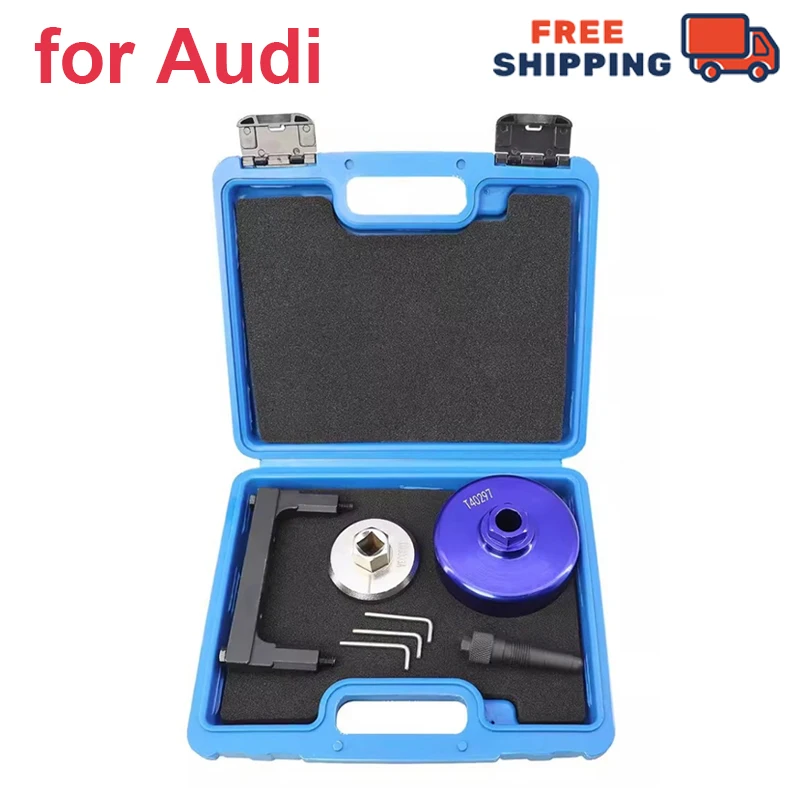
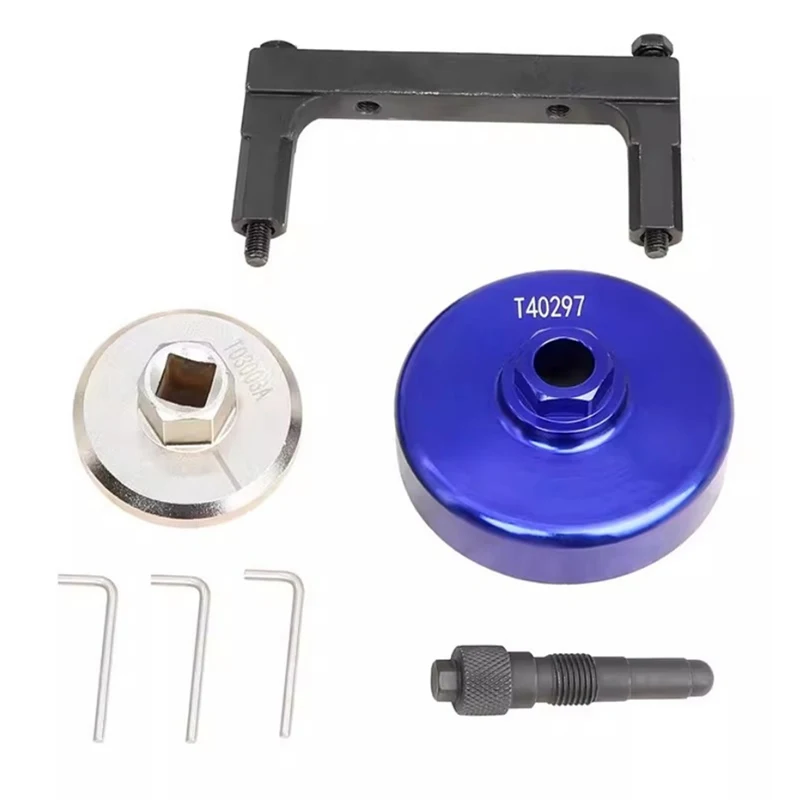
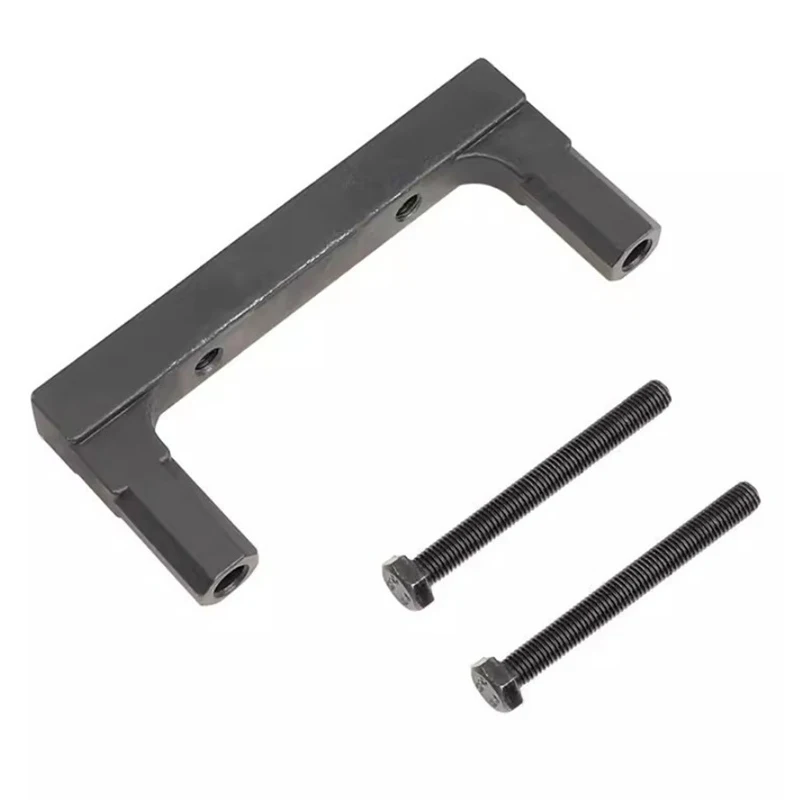
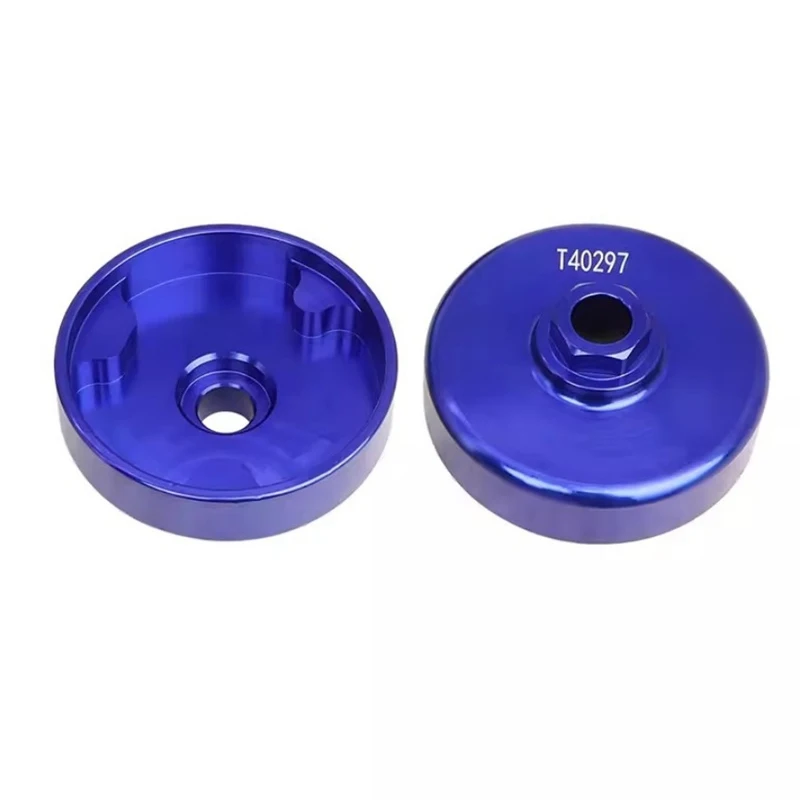
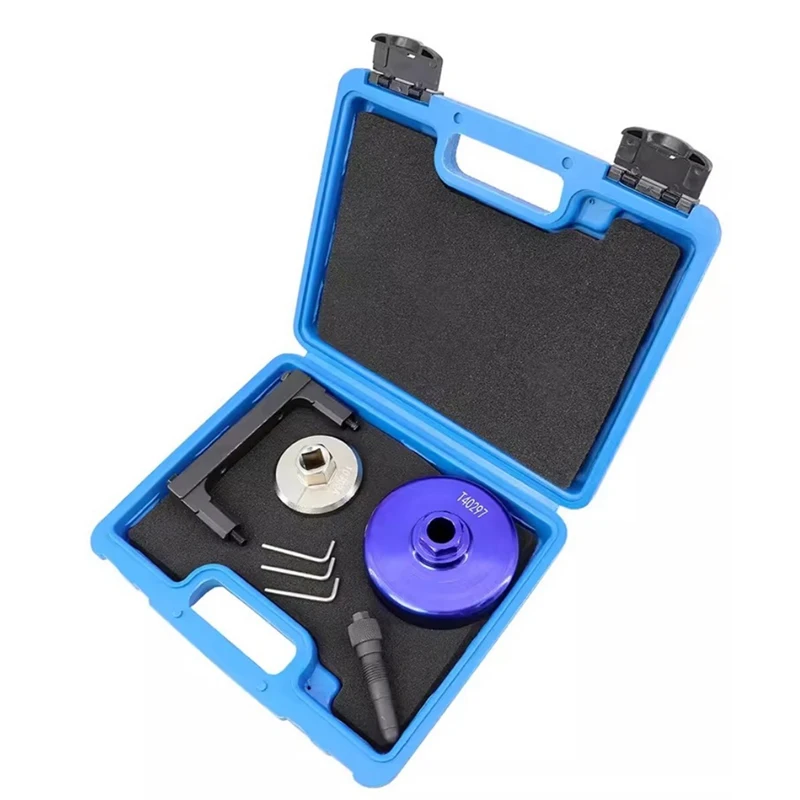
Engine Timing Locking TFSi Cam Chain Tool Kit for Audi 2.5 TFSi
$175.94
$356.975