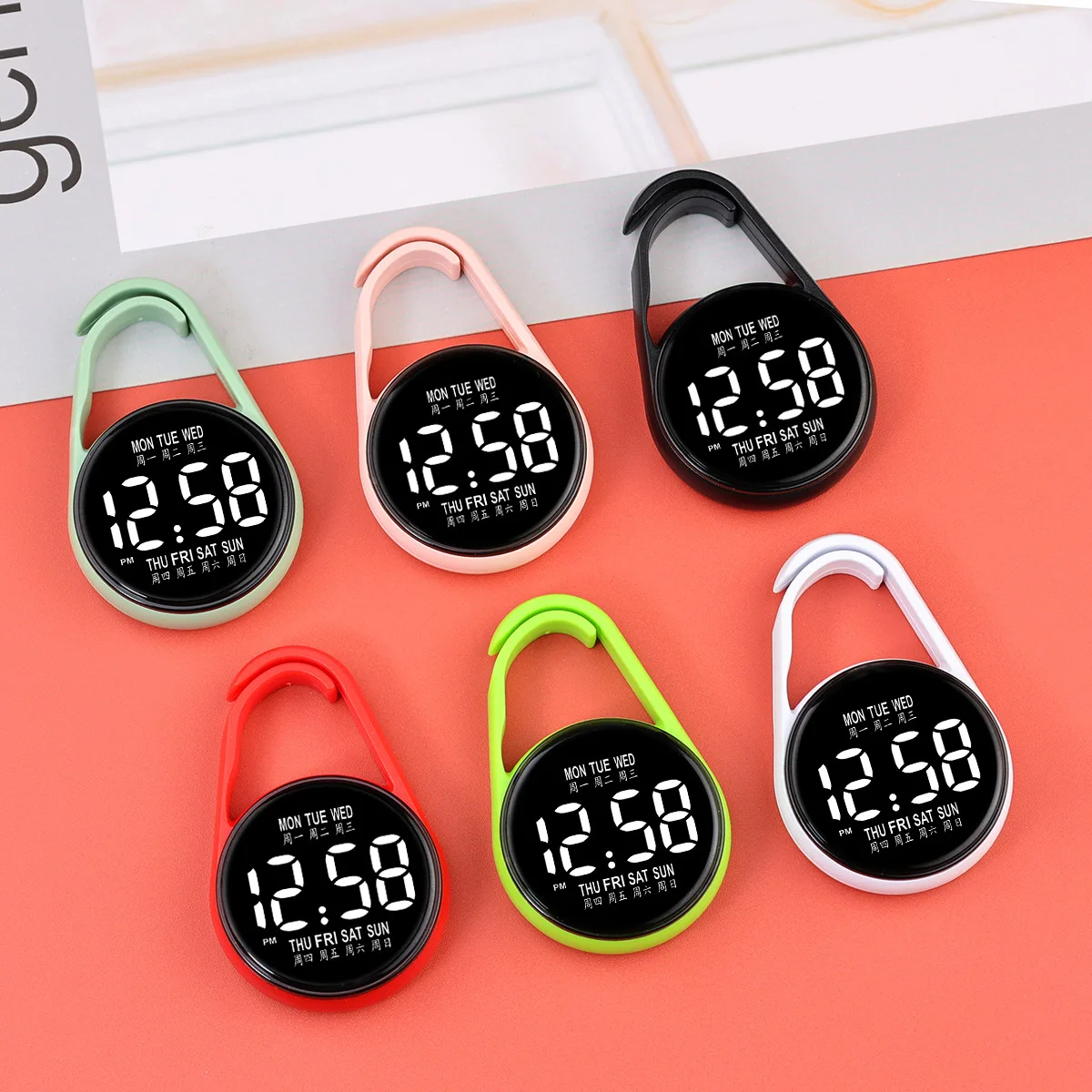
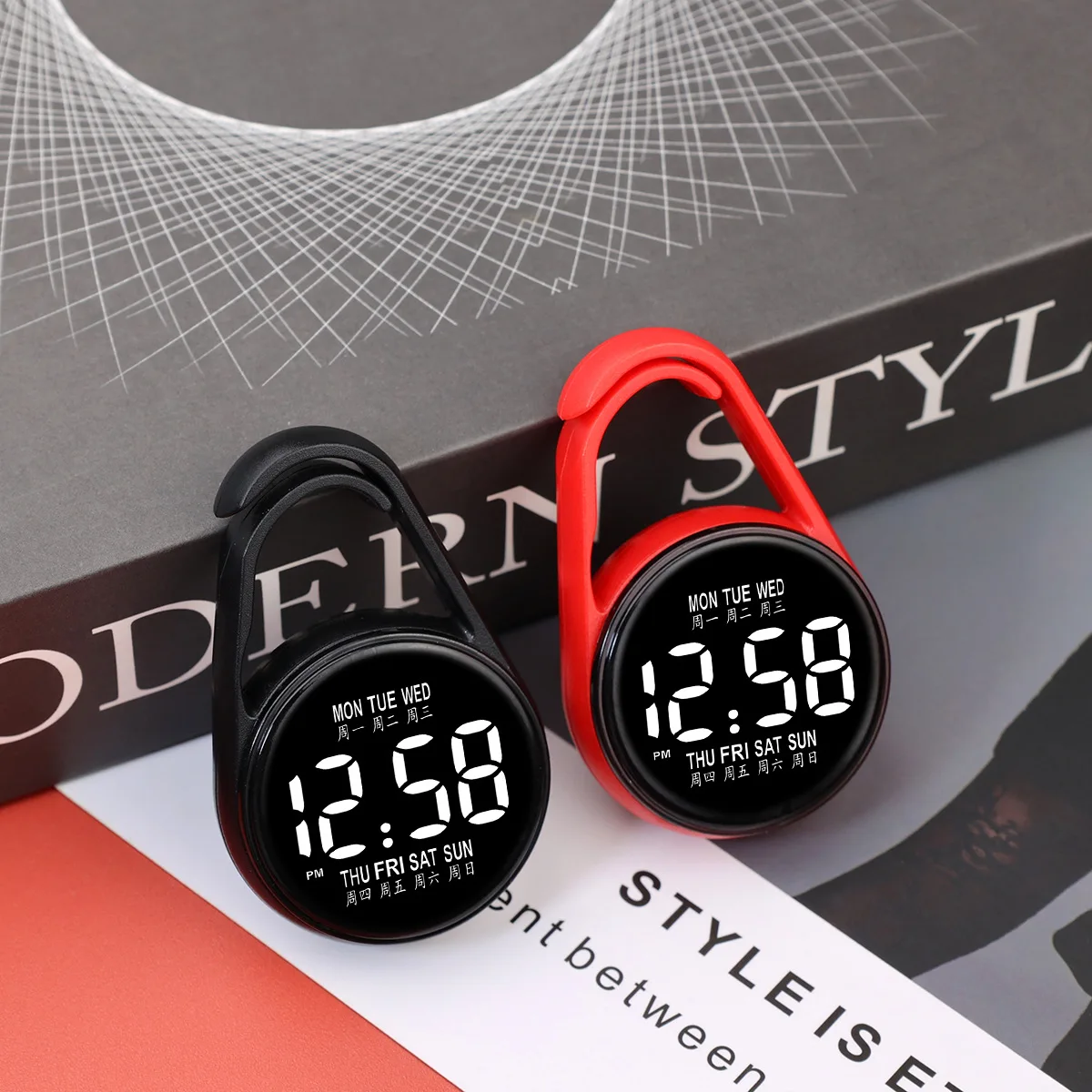
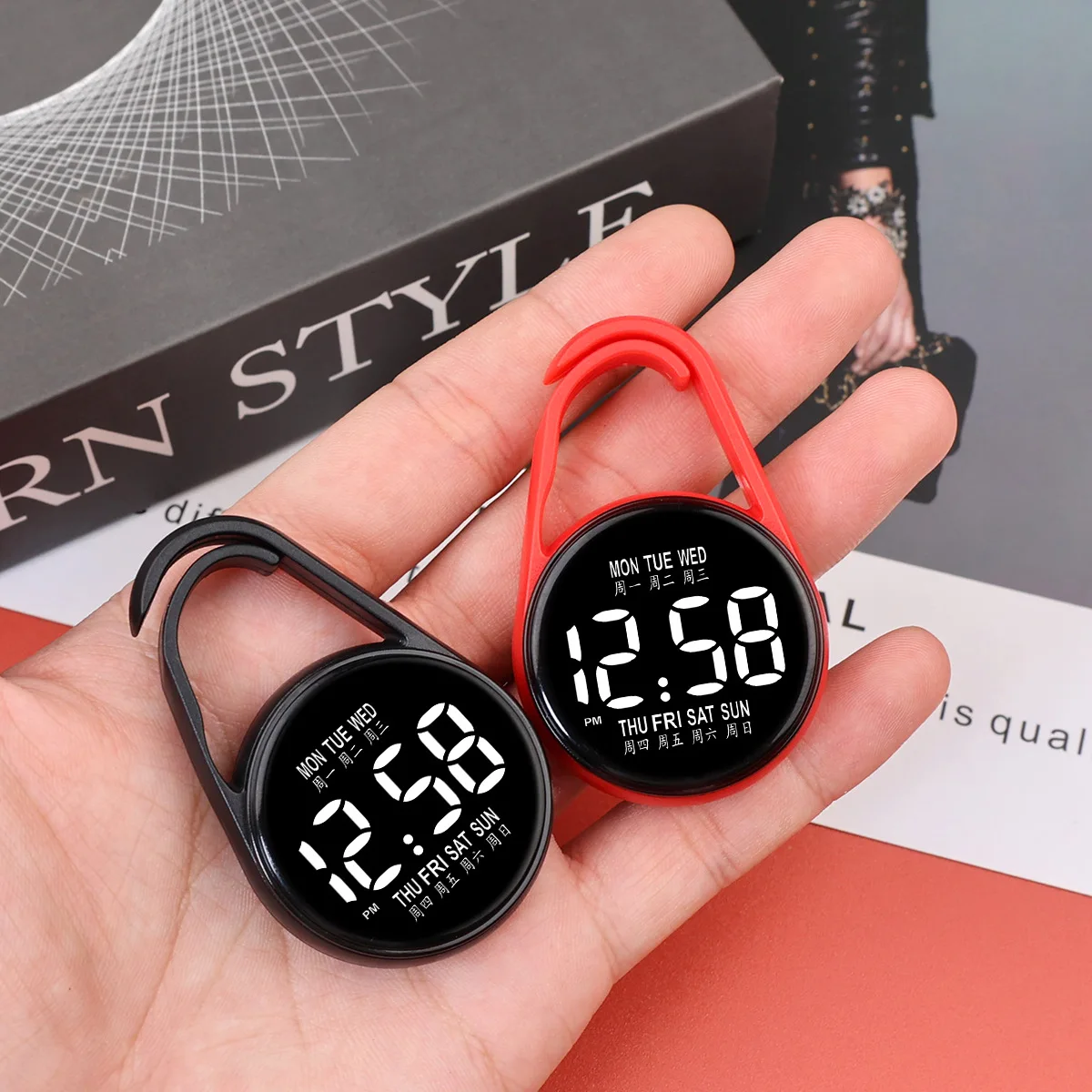
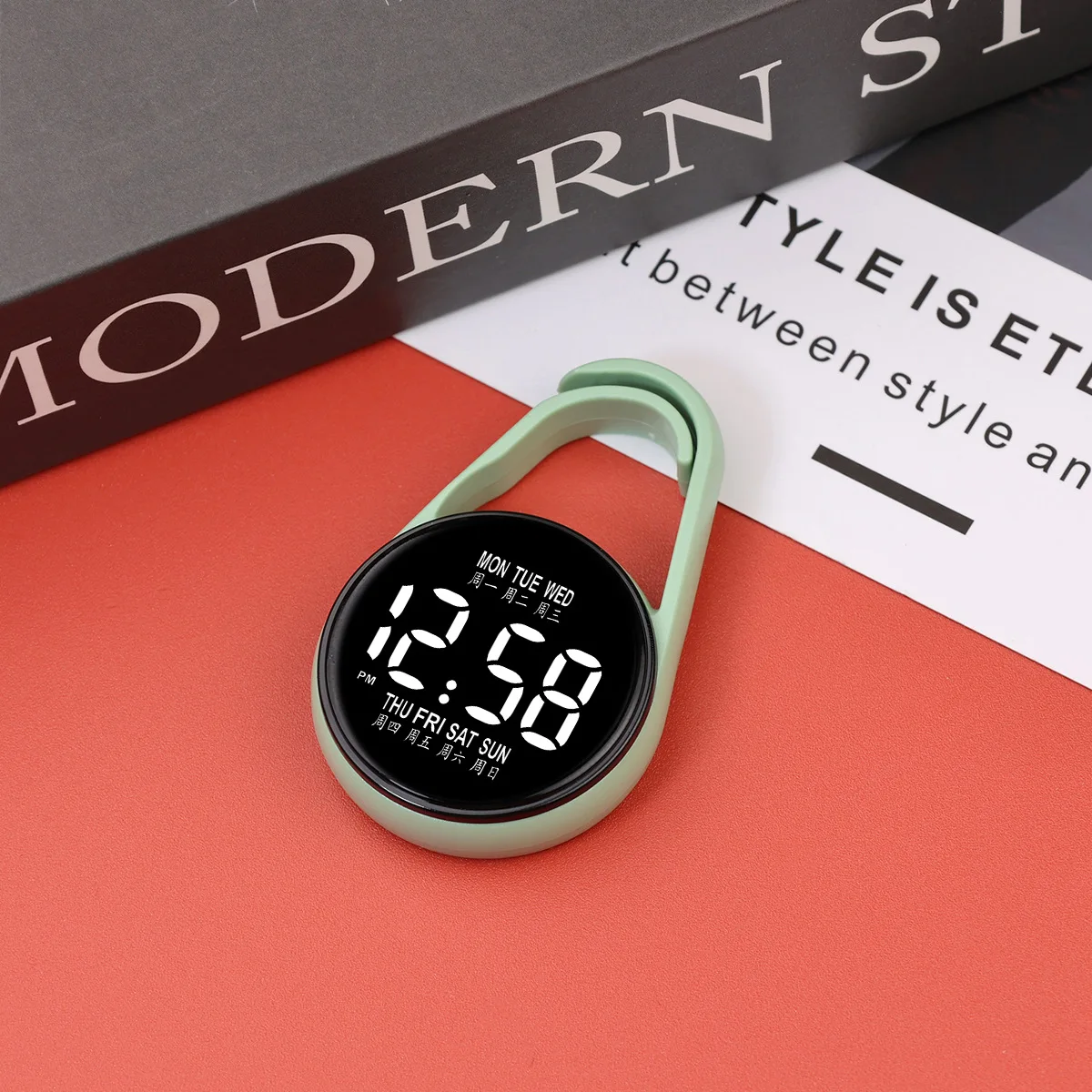
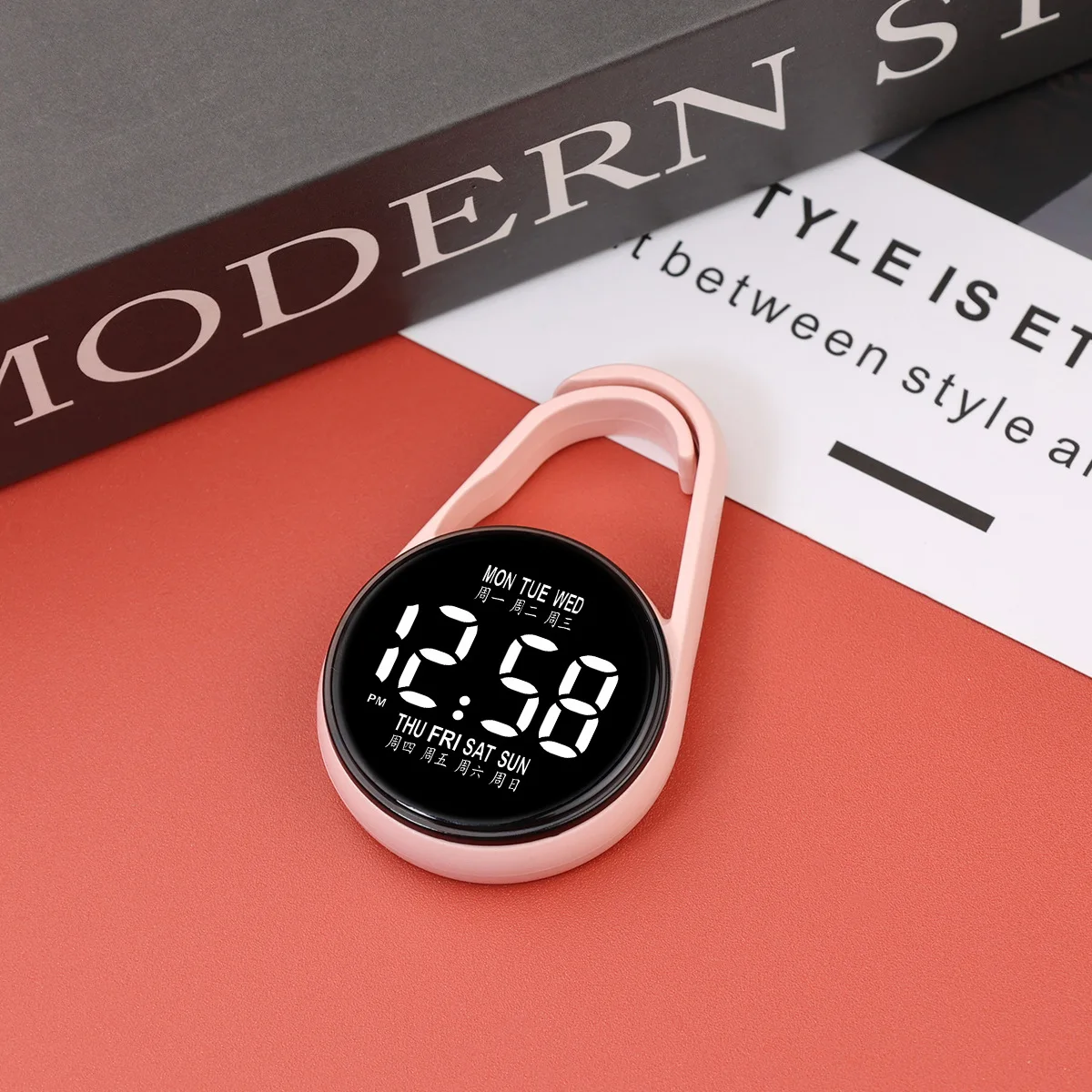
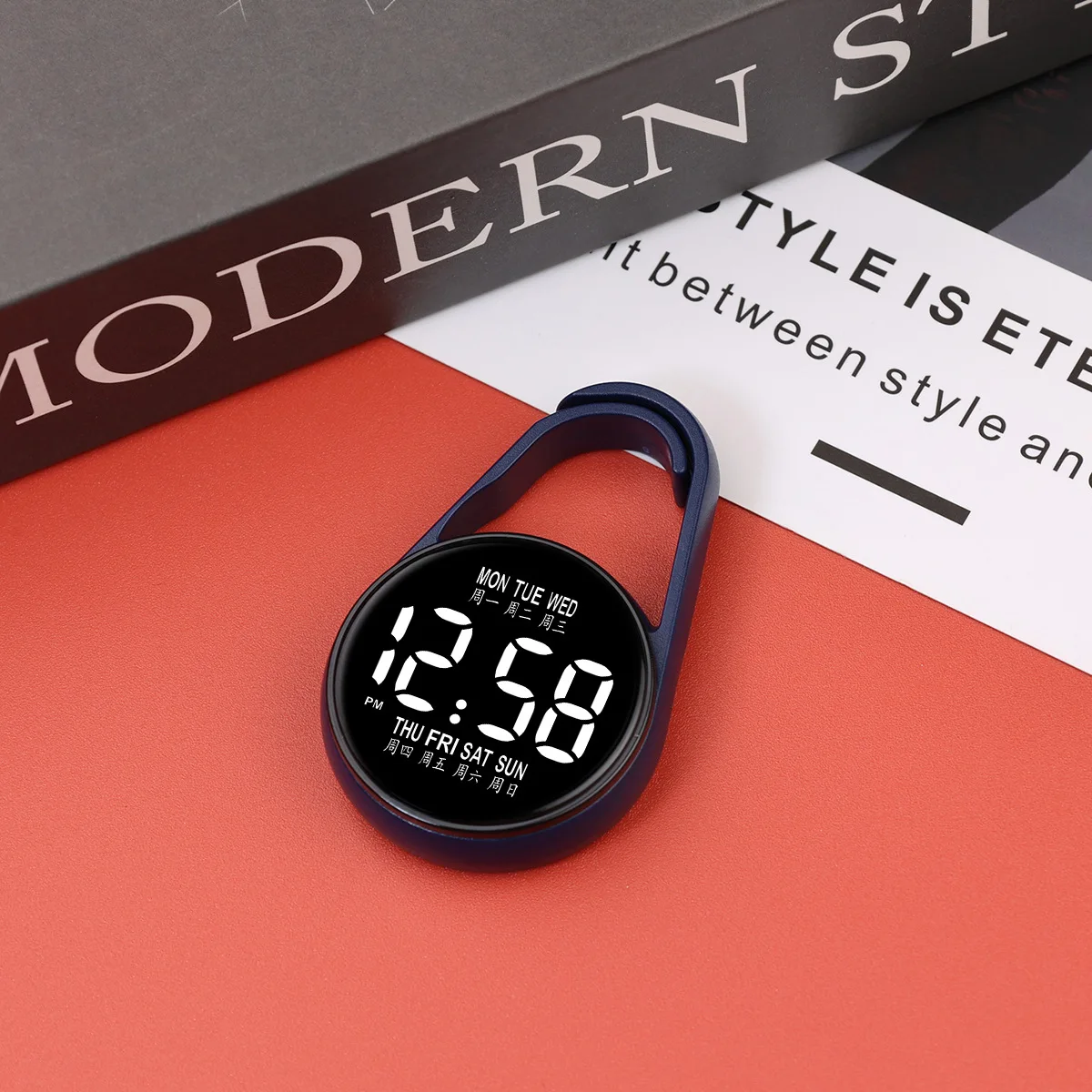
LED electronic hanging watch night light digital electronic hanging watch pocket watch
<br/><p>LED watch settings</p><p>1、 Function Overview</p><p>Adopting a 12 hour clock system, it can display time, year, and date;</p><p>Equipped with touch control buttons, the screen automatically shuts down after 3 seconds of inactivity.</p><p>2、 Setting Steps</p><p>1. Display switching</p><p>• Touch the touch button once → light up to display time;</p><p>Touch again → Display date.</p><p>2. Time adjustment (hour → minute)</p><p>Long press the button for a few seconds → the hour number jumps;</p><p>• Touch the button (one touch adds one hour) → Adjust to the target hour;</p><p>After setting the hour, long press the button again for a few seconds → the minute number jumps;</p><p>• Touch the button (touch once for one minute) → Adjust to the target minute.</p><p>3. Date adjustment (year → month)</p><p>After adjusting the time, long press the button for a few seconds → the year number jumps;</p><p>• Touch the button (one touch adds one year) → Adjust to the target year;</p><p>After adjusting the year, long press the button for a few seconds → the month number jumps;</p><p>Touch the button (one touch adds one month) → Adjust to the target month.</p><p>3、 Precautions</p><p>1. Timing adjustment: When switching adjustment items, it is necessary to operate when the lights are flashing; If the light goes out, it needs to be readjusted.</p><p>2. Test light phenomenon: Before the light is turned on/off, 18:88 will be displayed, which is a test light function (to check if the LED is damaged) and is a normal phenomenon.</p><p><div class="detailmodule_media"><div class="video-container-5000354020793"><div class="detail-video" id="5000354020793" data-previewurl="https://ae01.alicdn.com/kf/Sa1cb31408f194d4f95d3899d64332d06e.jpg"></div></div></div></p><br/><br/>
$10.235
$5.87
- Category : Watches
- Brand : shop1103775089_store Shop1103775089 Store
Colors
Sizes
-
+

<br/><p>LED watch settings</p><p>1、 Function Overview</p><p>Adopting a 12 hour clock system, it can display time, year, and date;</p><p>Equipped with touch control buttons, the screen automatically shuts down after 3 seconds of inactivity.</p><p>2、 Setting Steps</p><p>1. Display switching</p><p>• Touch the touch button once → light up to display time;</p><p>Touch again → Display date.</p><p>2. Time adjustment (hour → minute)</p><p>Long press the button for a few seconds → the hour number jumps;</p><p>• Touch the button (one touch adds one hour) → Adjust to the target hour;</p><p>After setting the hour, long press the button again for a few seconds → the minute number jumps;</p><p>• Touch the button (touch once for one minute) → Adjust to the target minute.</p><p>3. Date adjustment (year → month)</p><p>After adjusting the time, long press the button for a few seconds → the year number jumps;</p><p>• Touch the button (one touch adds one year) → Adjust to the target year;</p><p>After adjusting the year, long press the button for a few seconds → the month number jumps;</p><p>Touch the button (one touch adds one month) → Adjust to the target month.</p><p>3、 Precautions</p><p>1. Timing adjustment: When switching adjustment items, it is necessary to operate when the lights are flashing; If the light goes out, it needs to be readjusted.</p><p>2. Test light phenomenon: Before the light is turned on/off, 18:88 will be displayed, which is a test light function (to check if the LED is damaged) and is a normal phenomenon.</p><p><div class="detailmodule_media"><div class="video-container-5000354020793"><div class="detail-video" id="5000354020793" data-previewurl="https://ae01.alicdn.com/kf/Sa1cb31408f194d4f95d3899d64332d06e.jpg"></div></div></div></p><br/><br/>
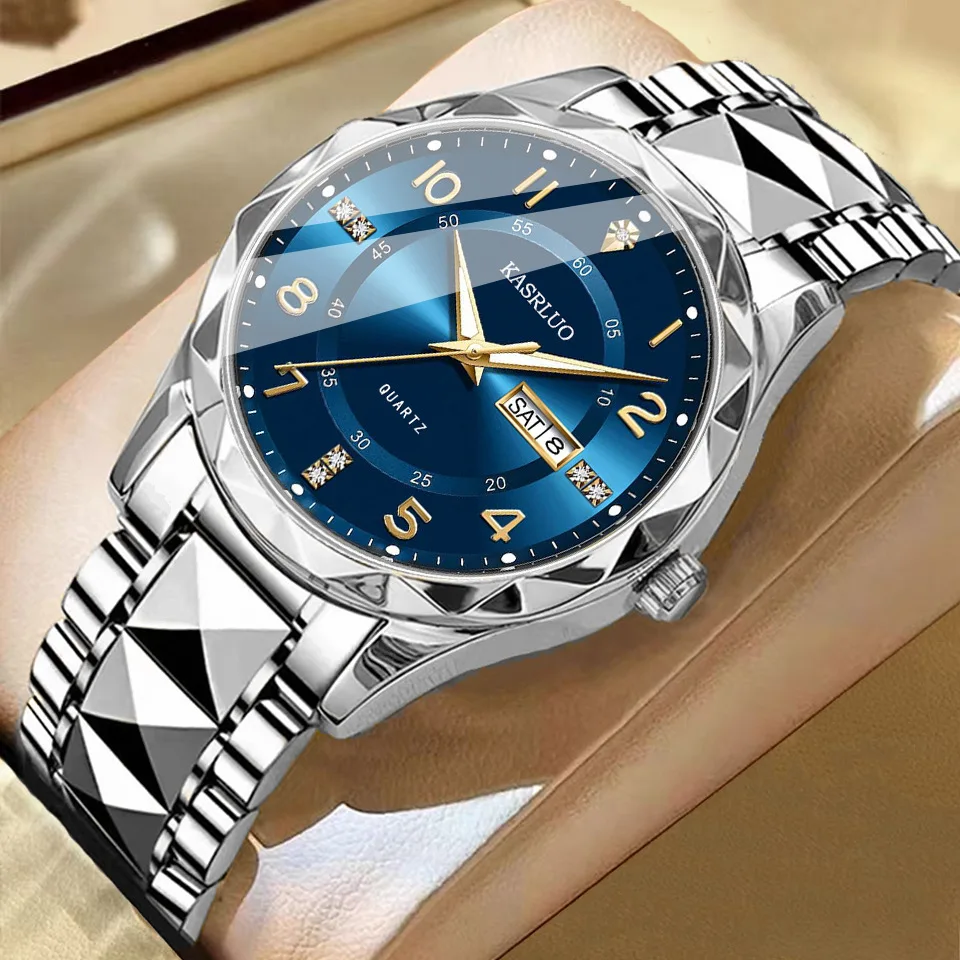
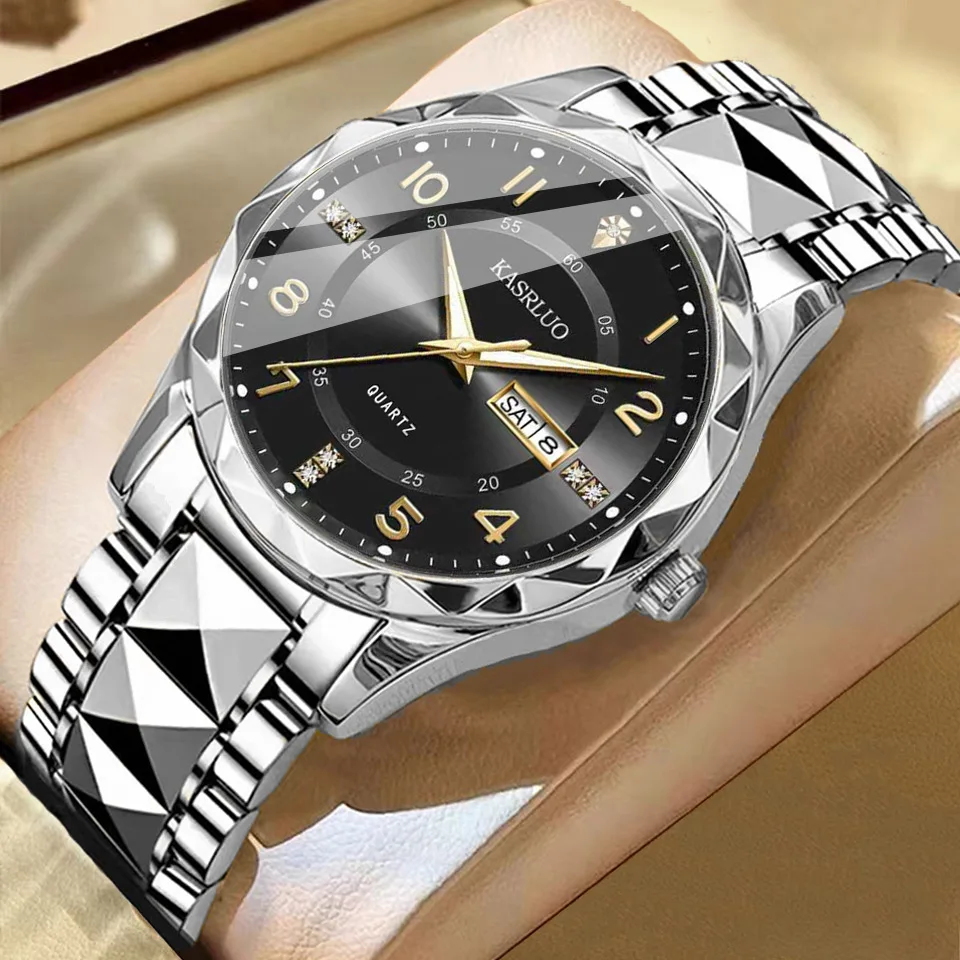
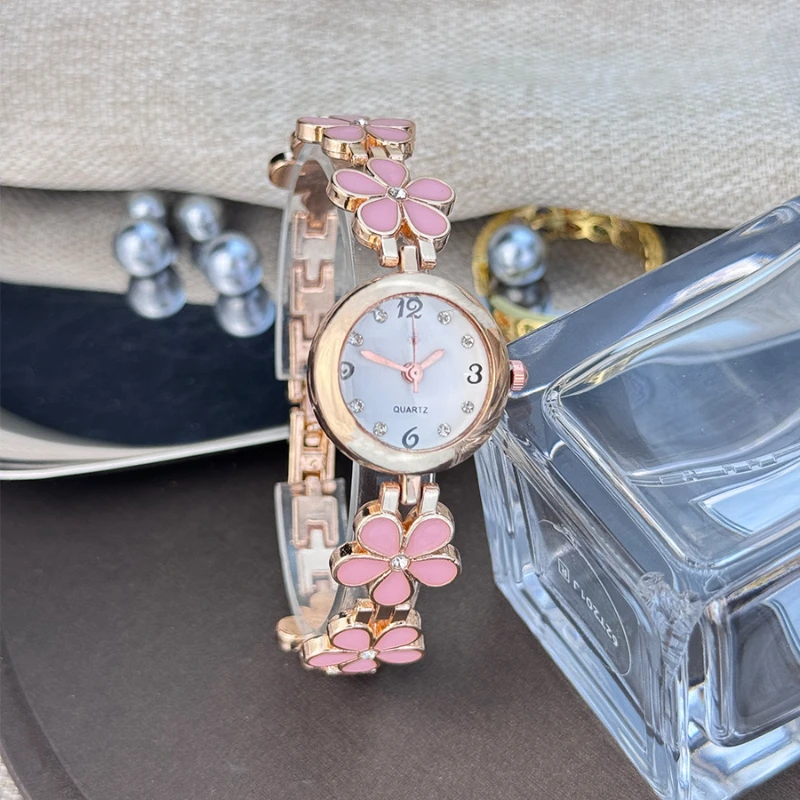
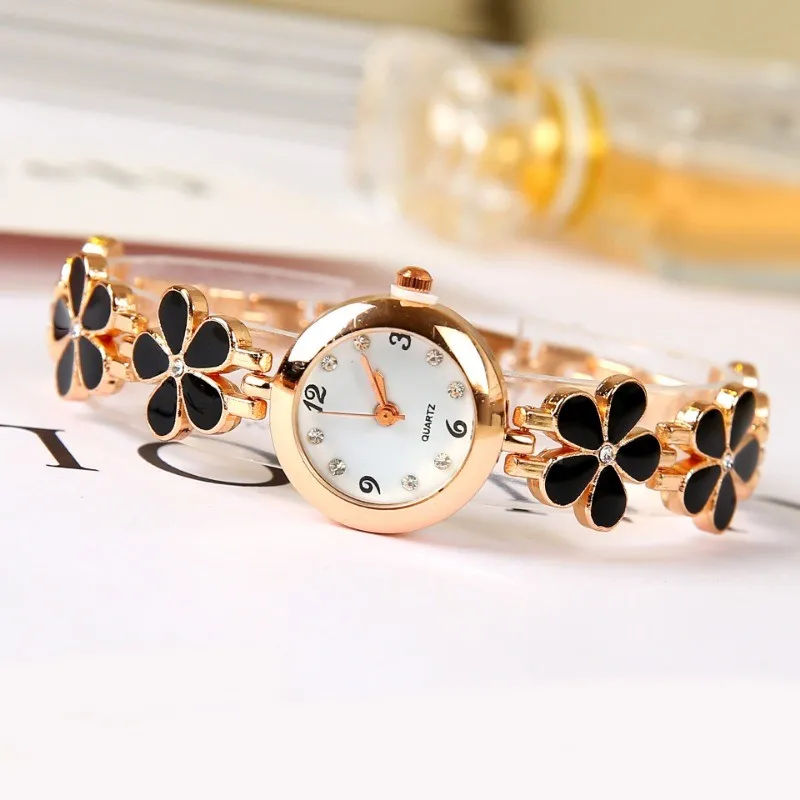
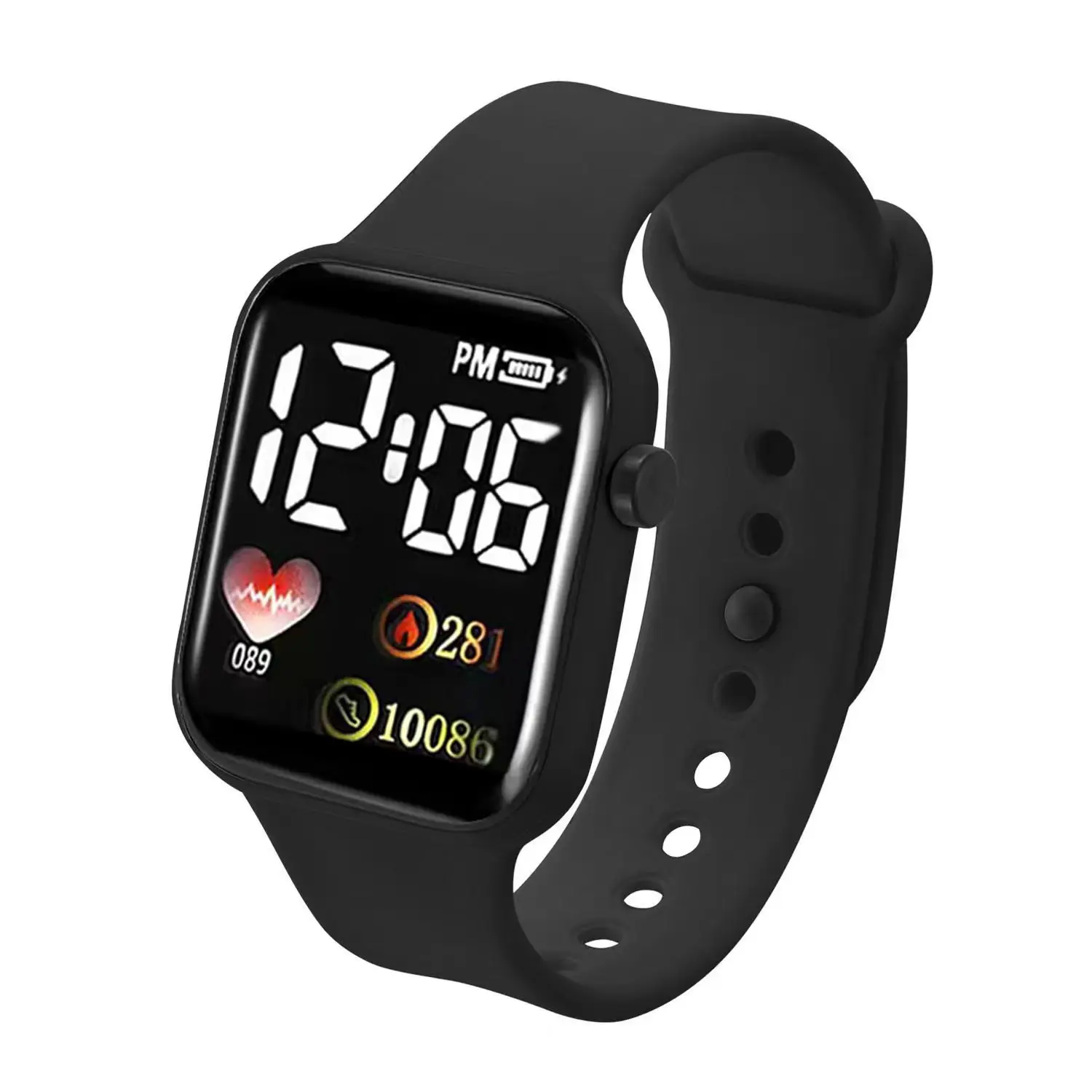

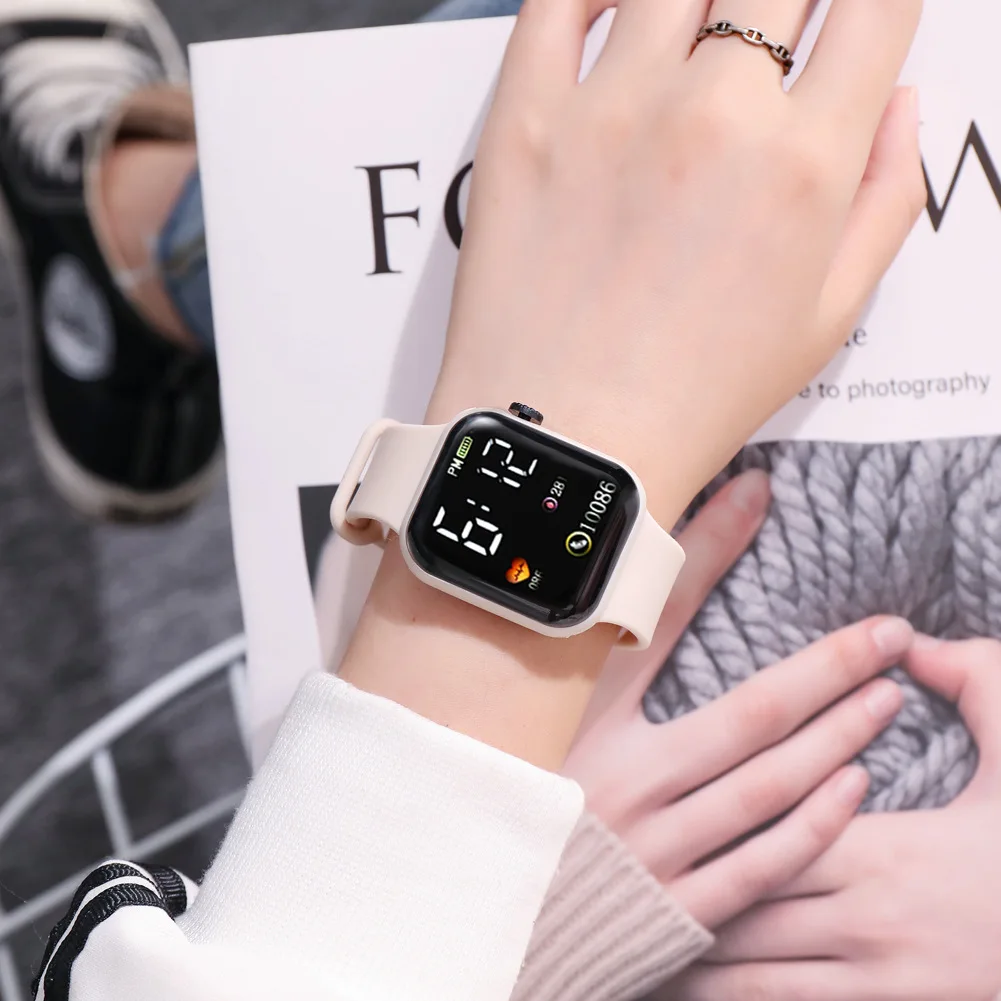
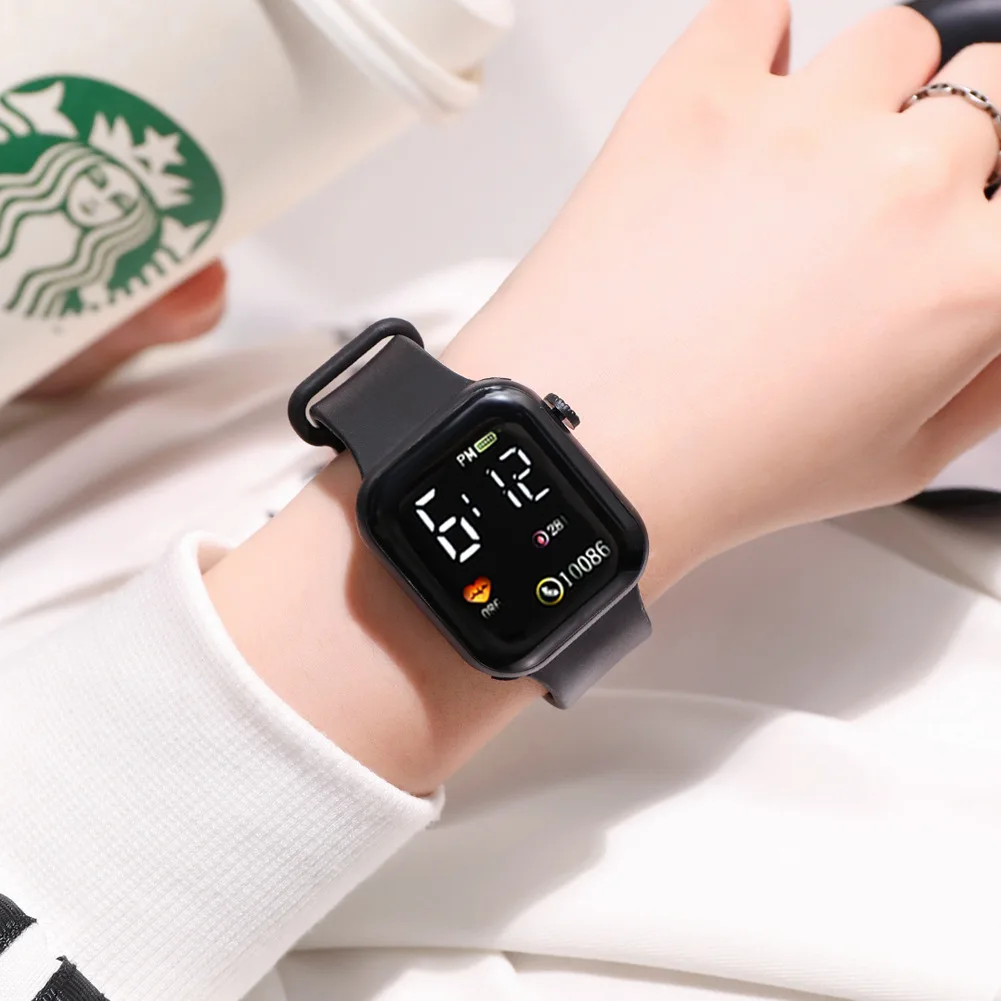
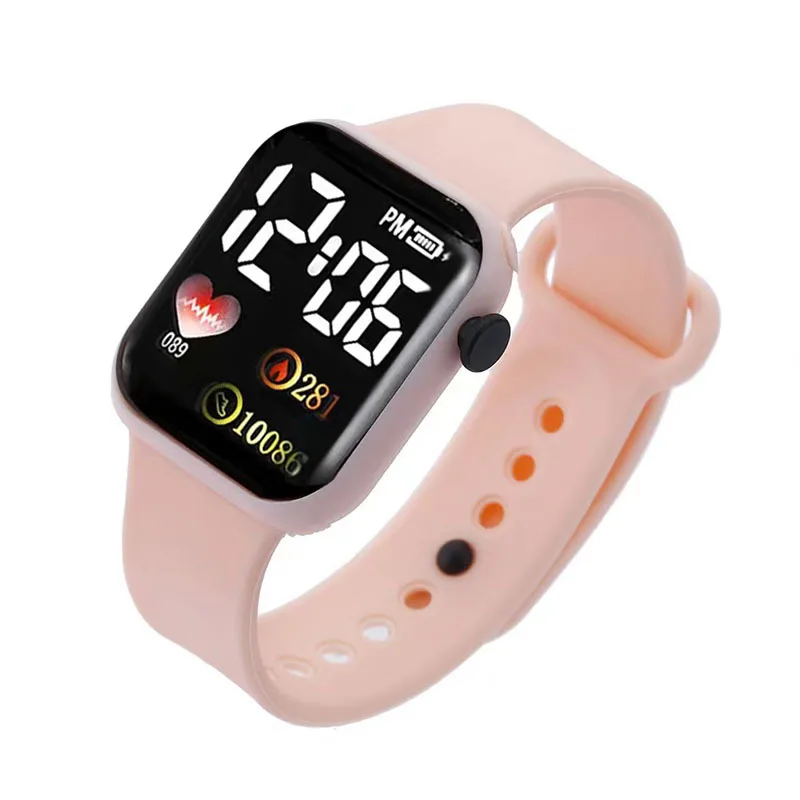
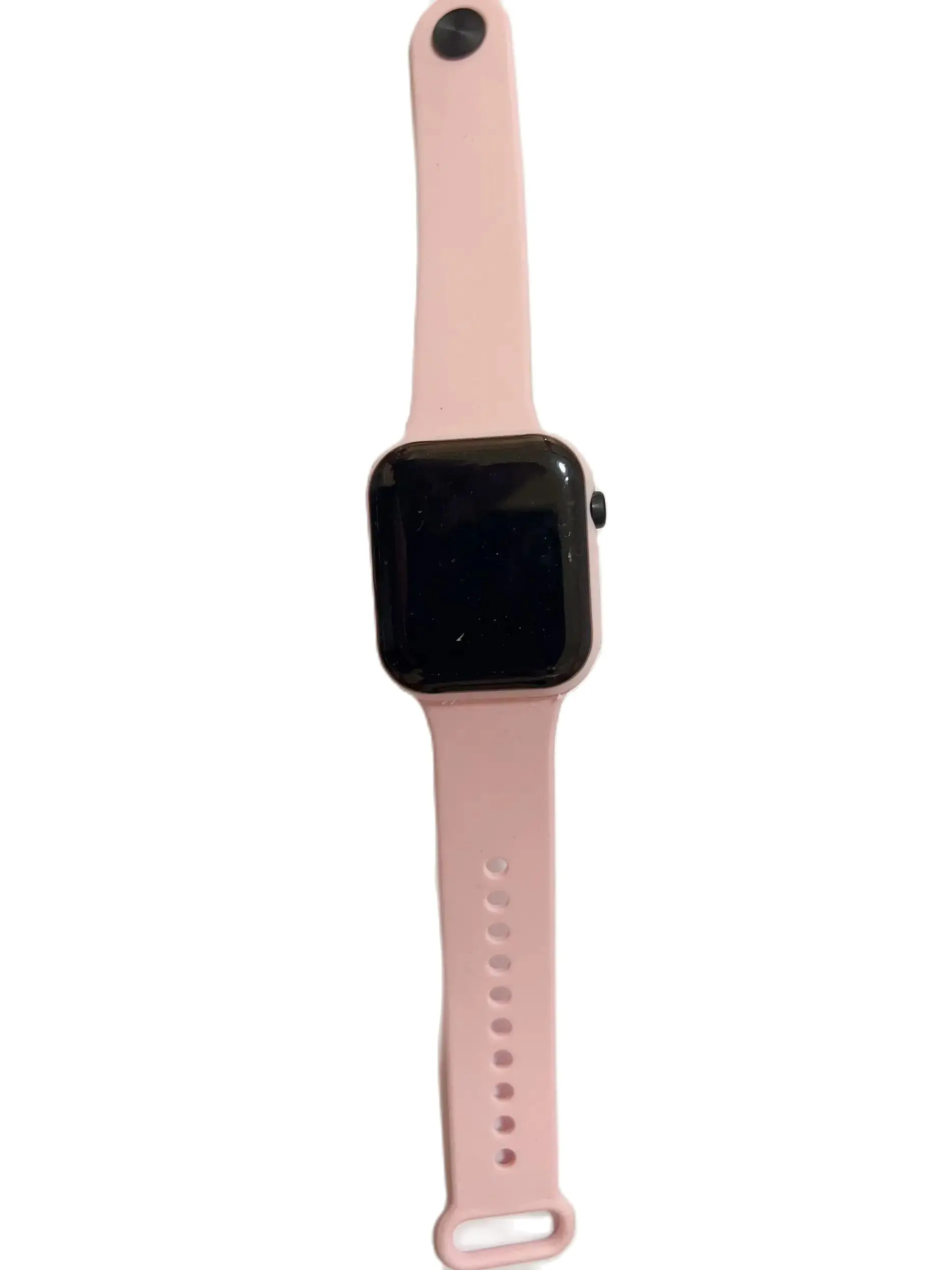
Love small square couple watch LED electronic watch
$13.67
$35.33
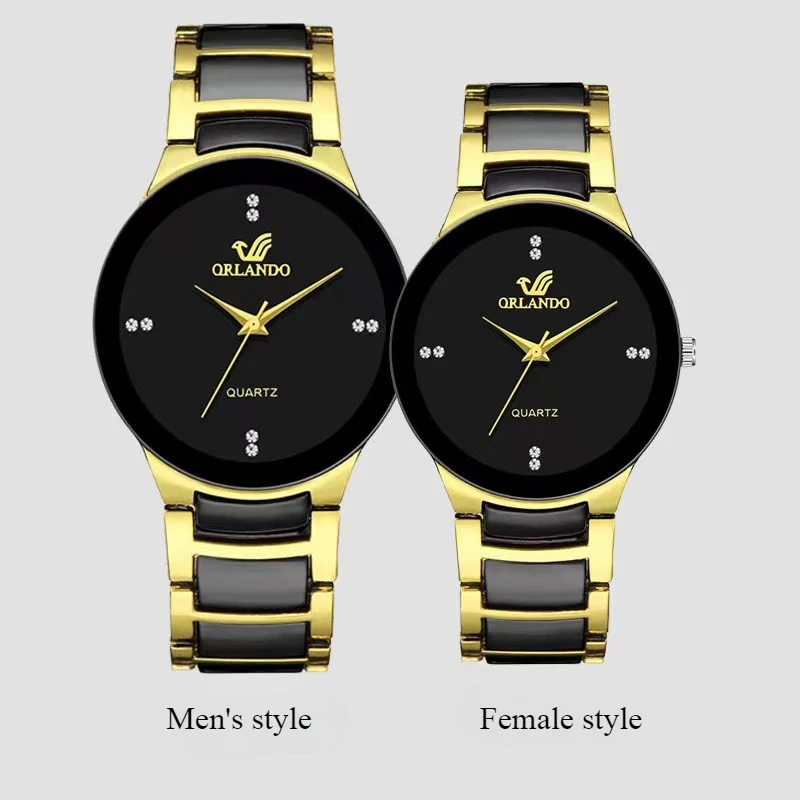
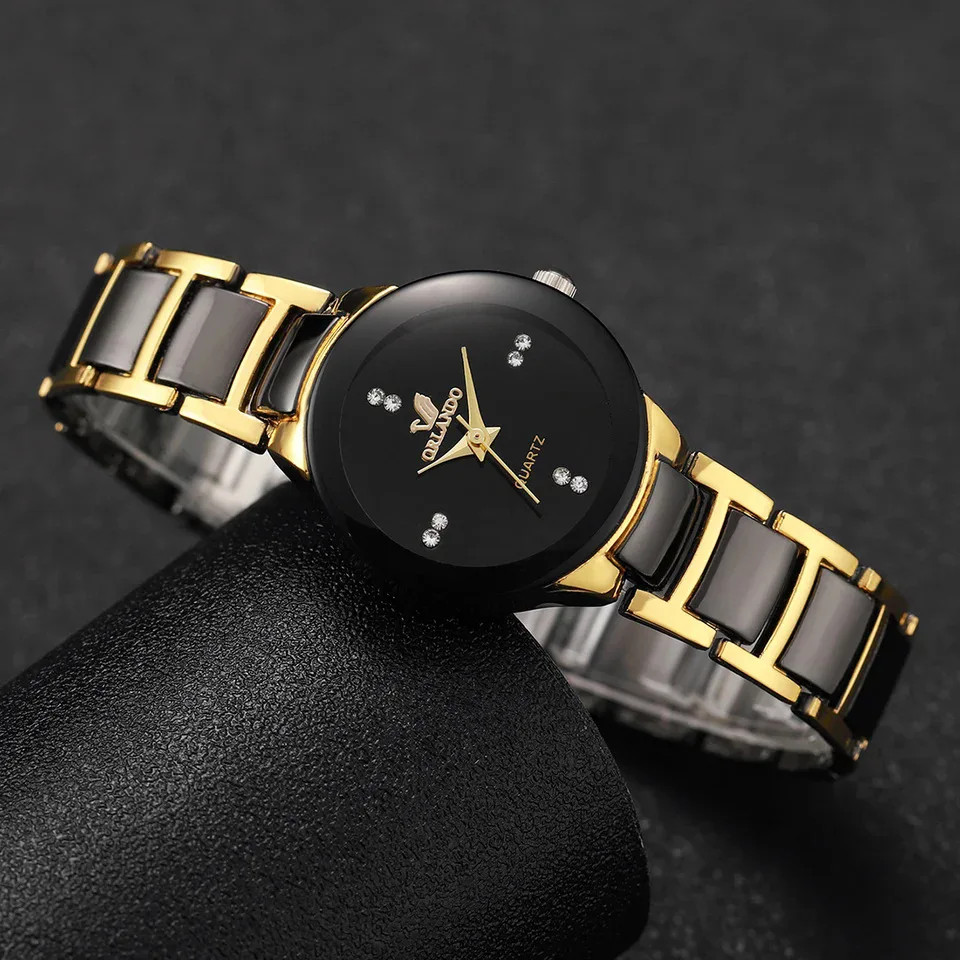
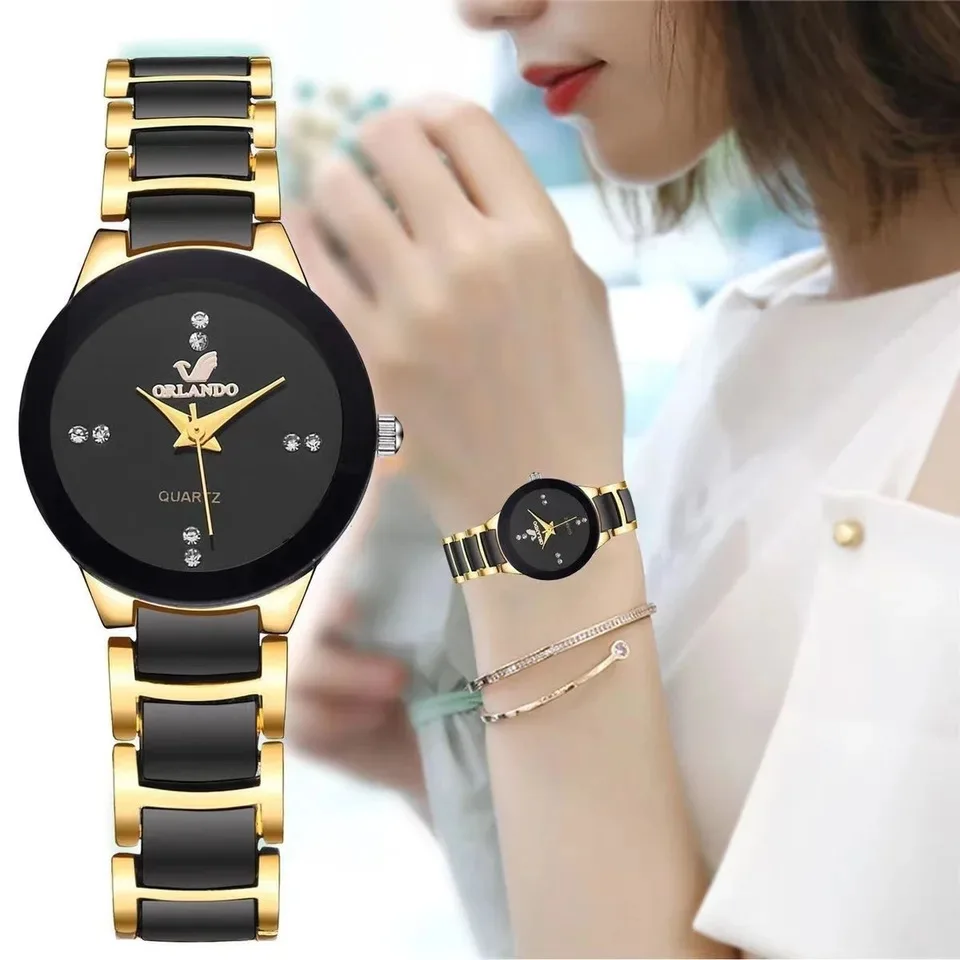
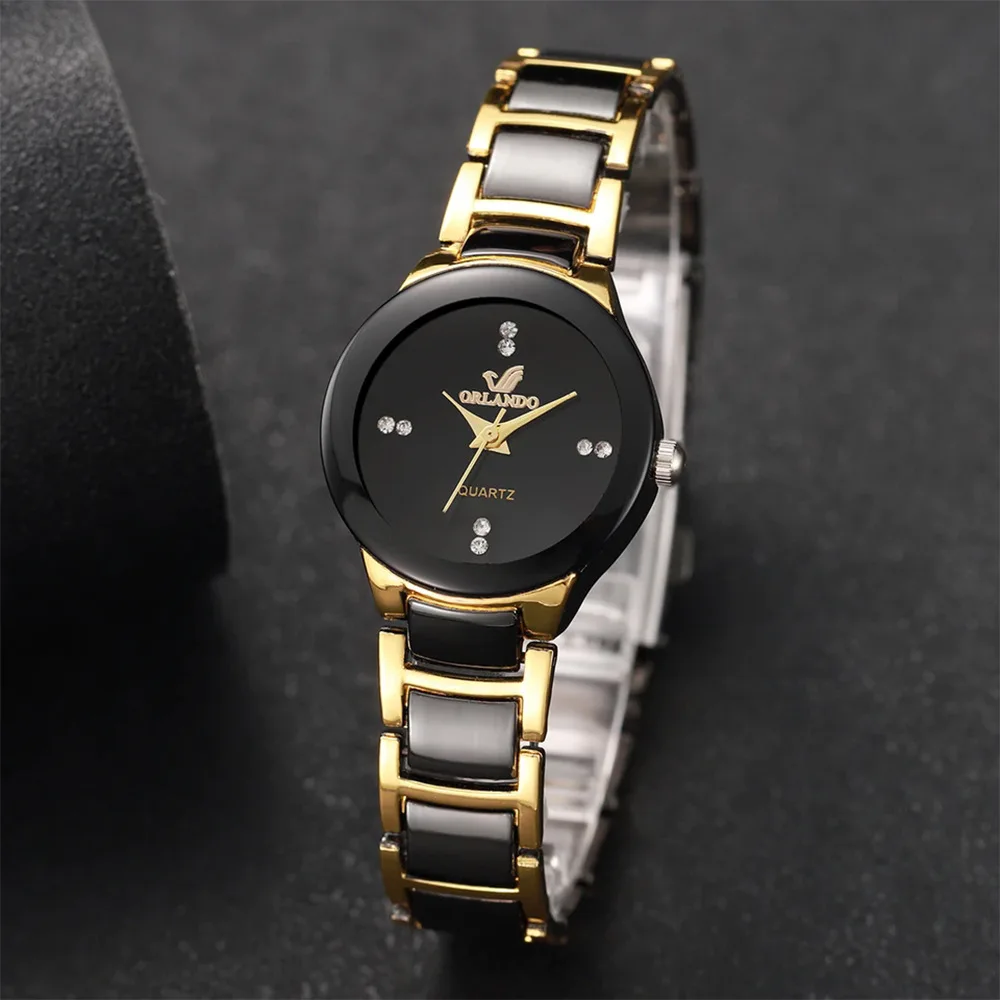
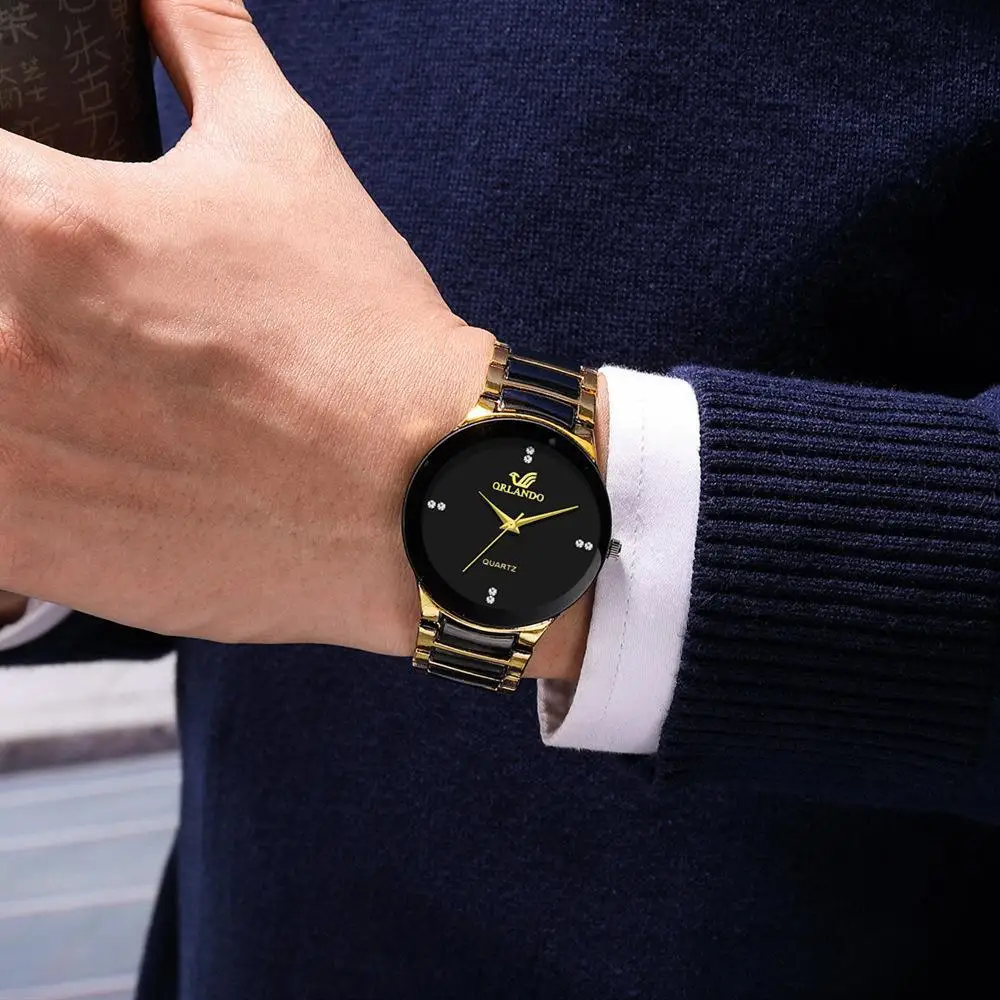
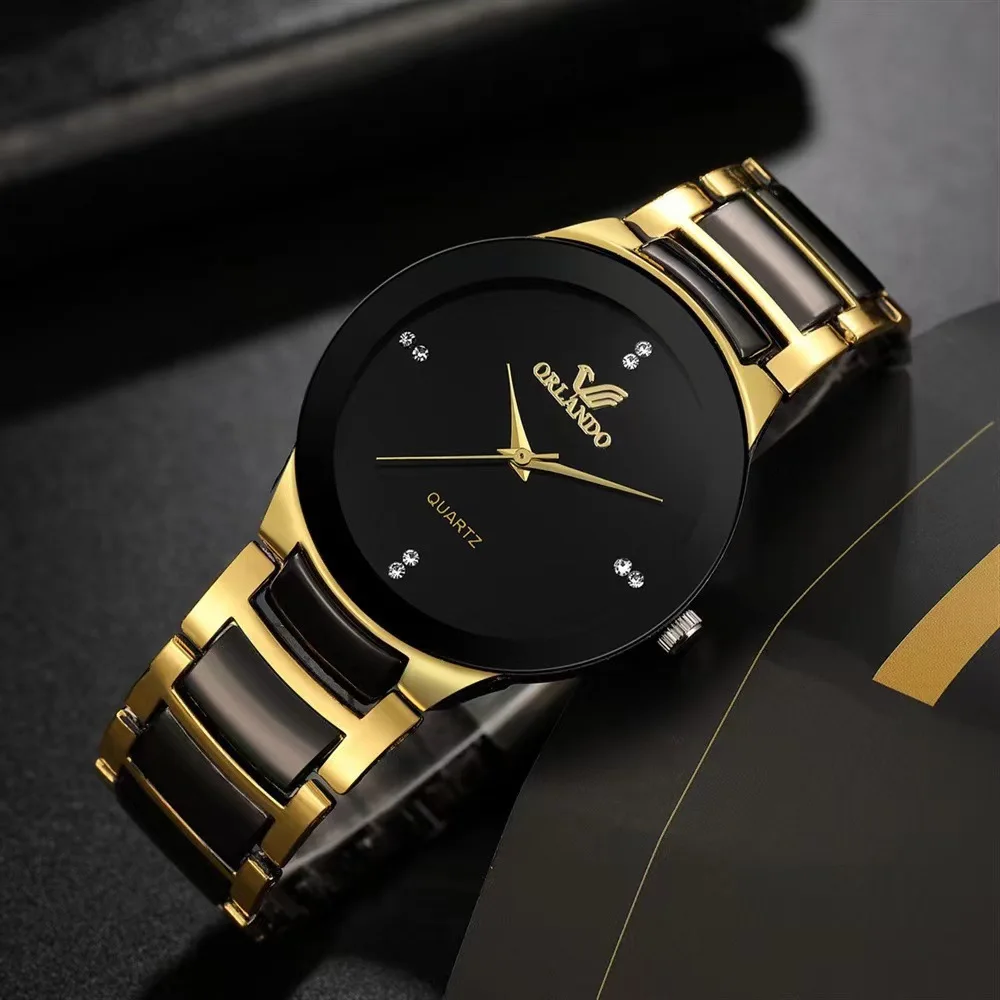
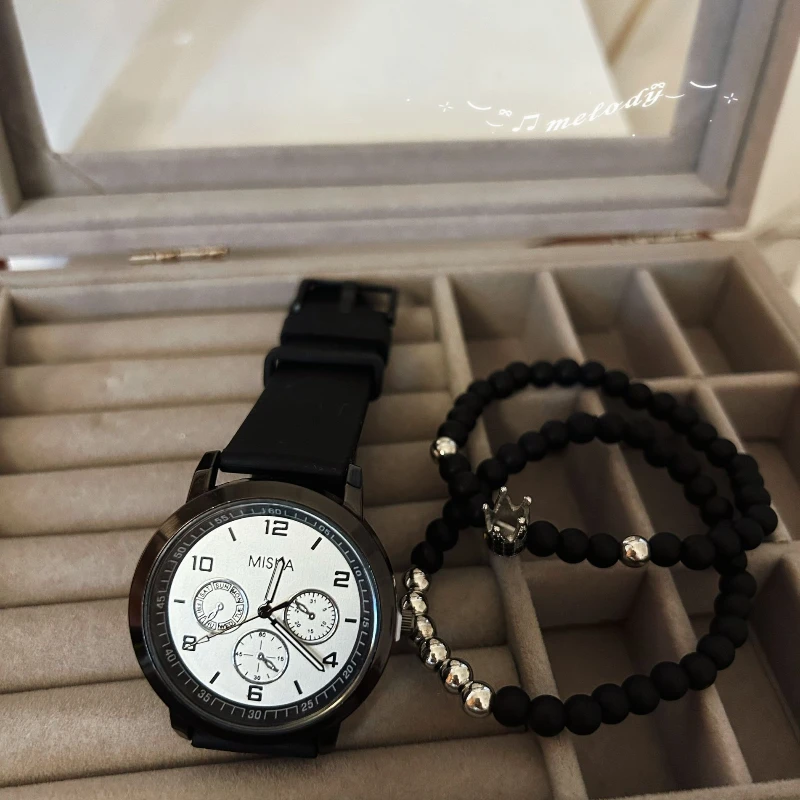
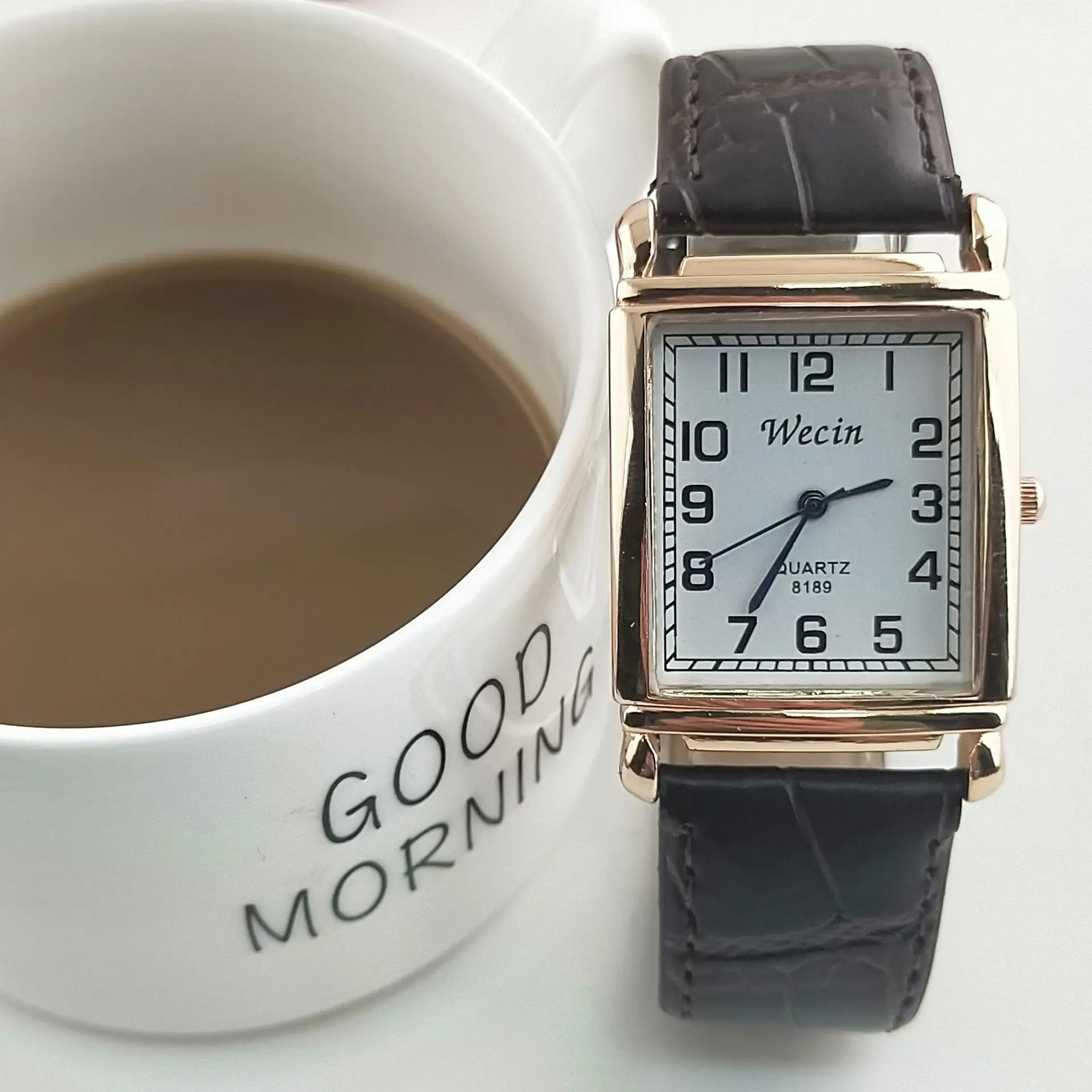
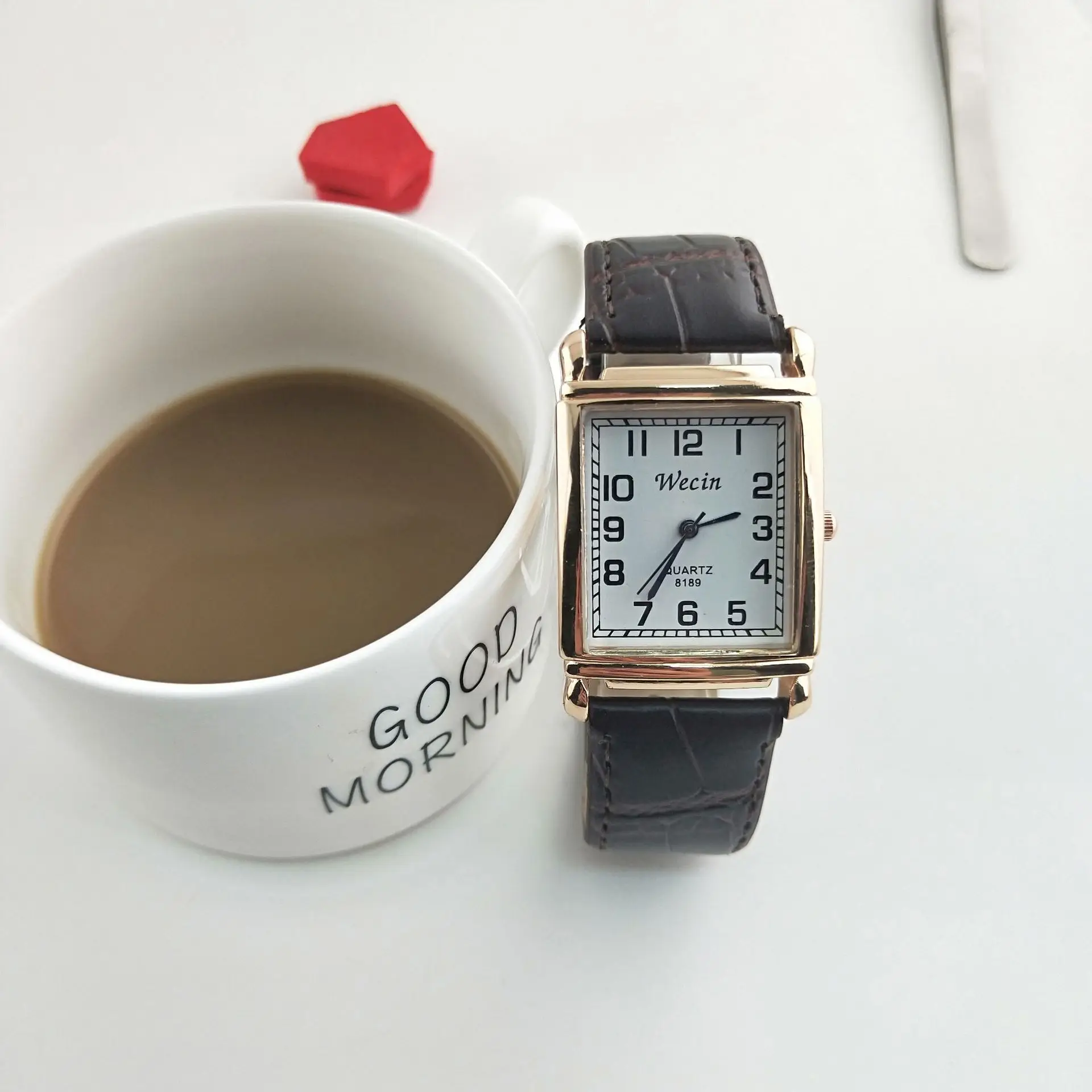
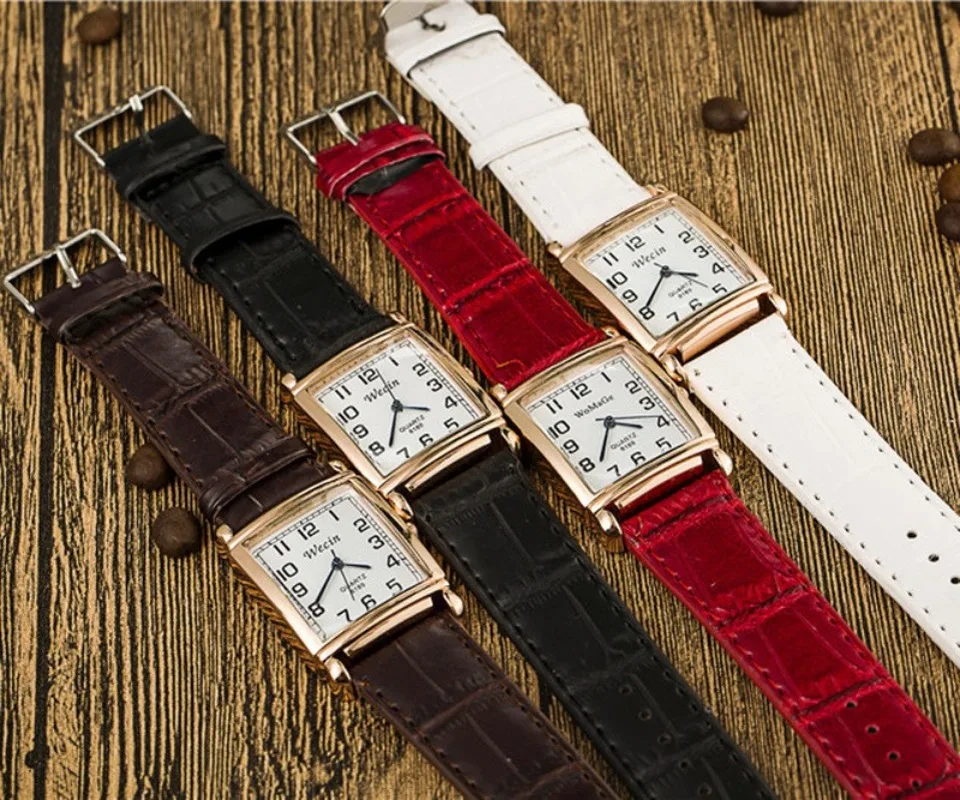
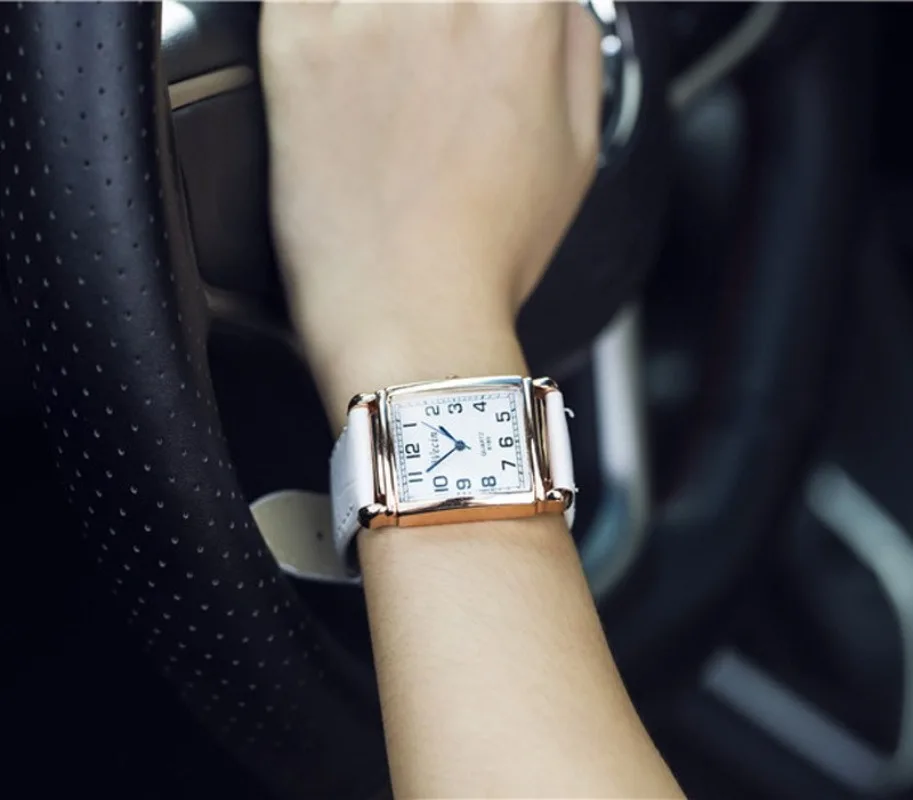
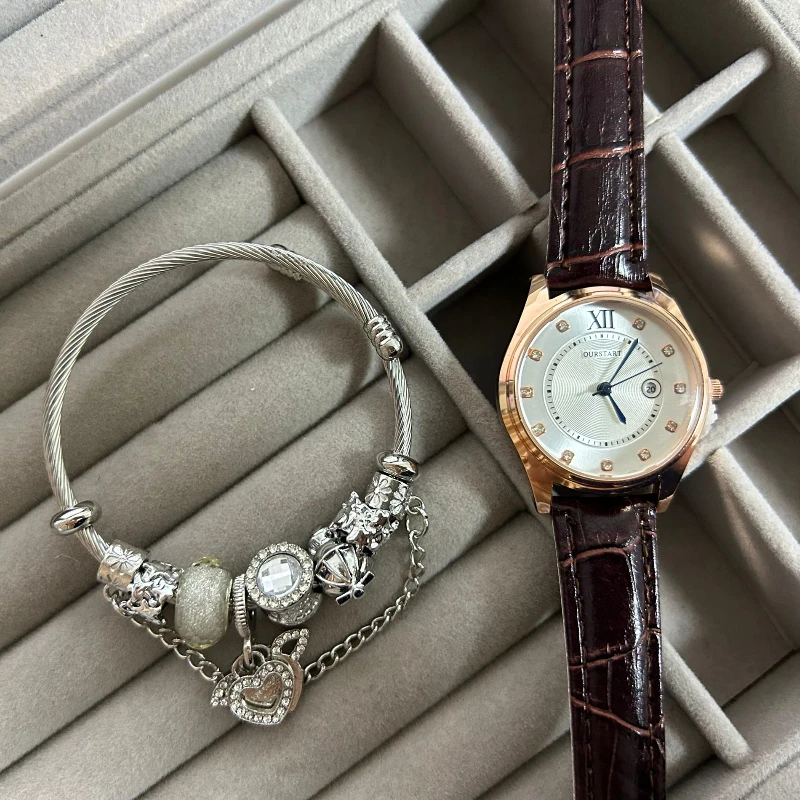
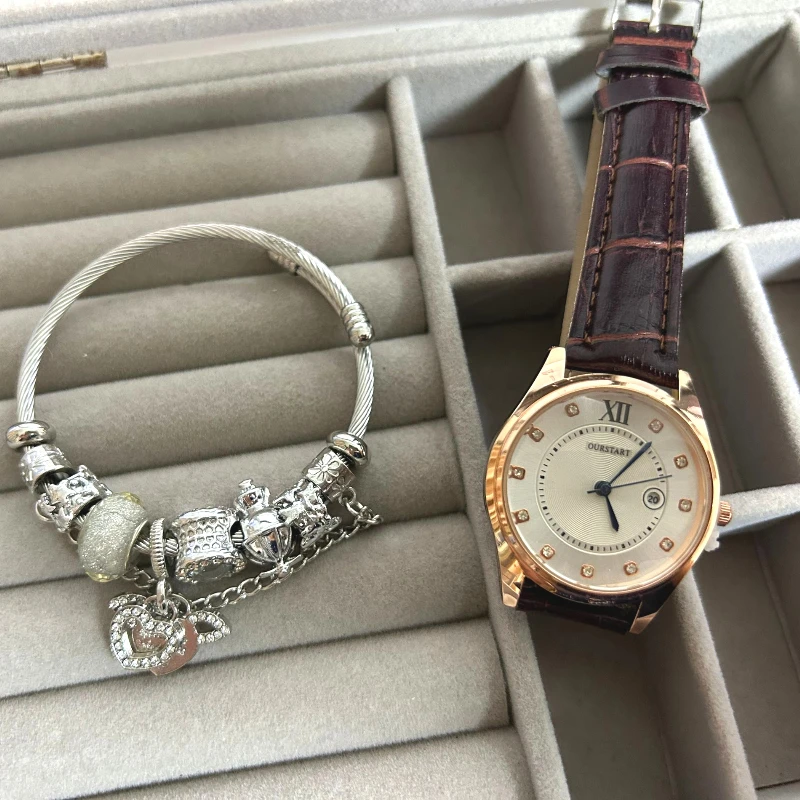
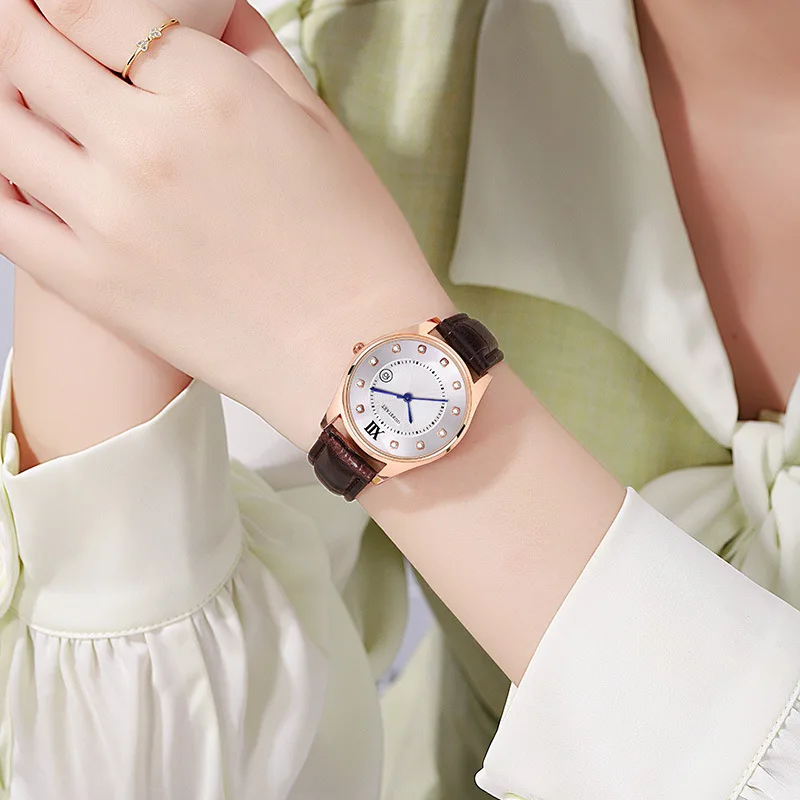
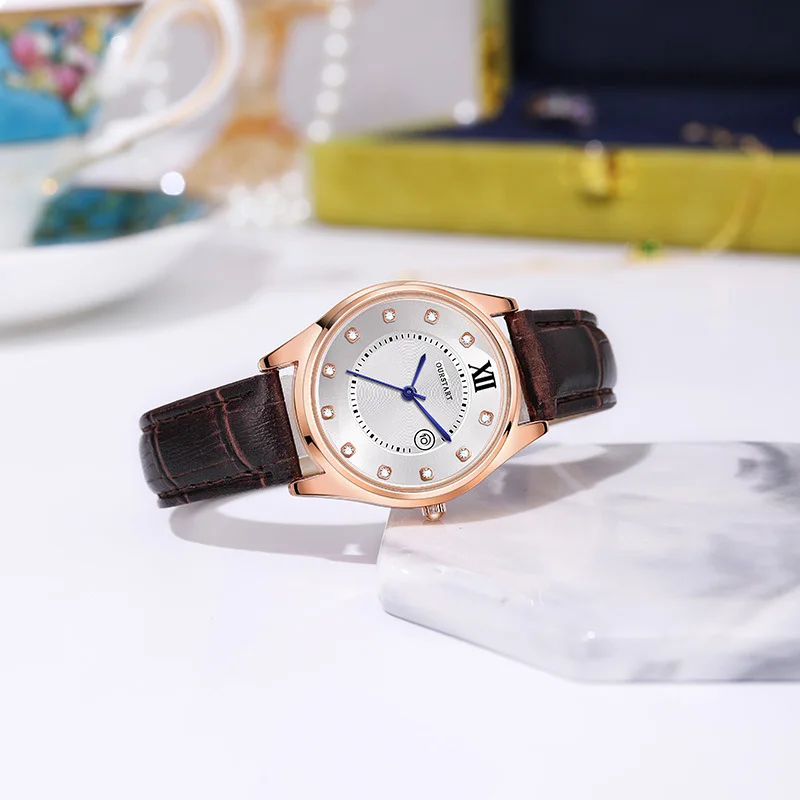
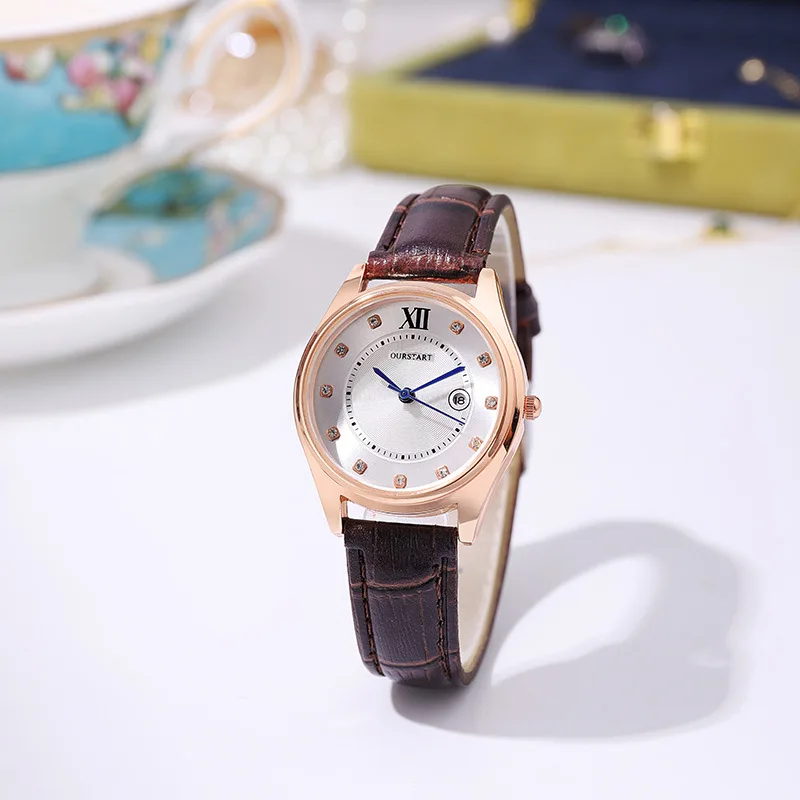
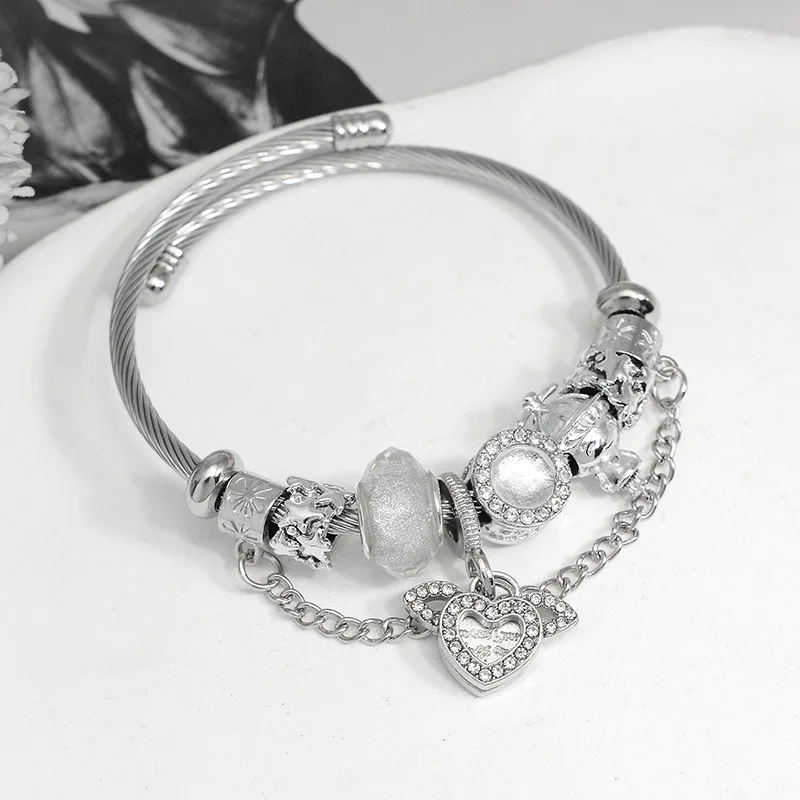
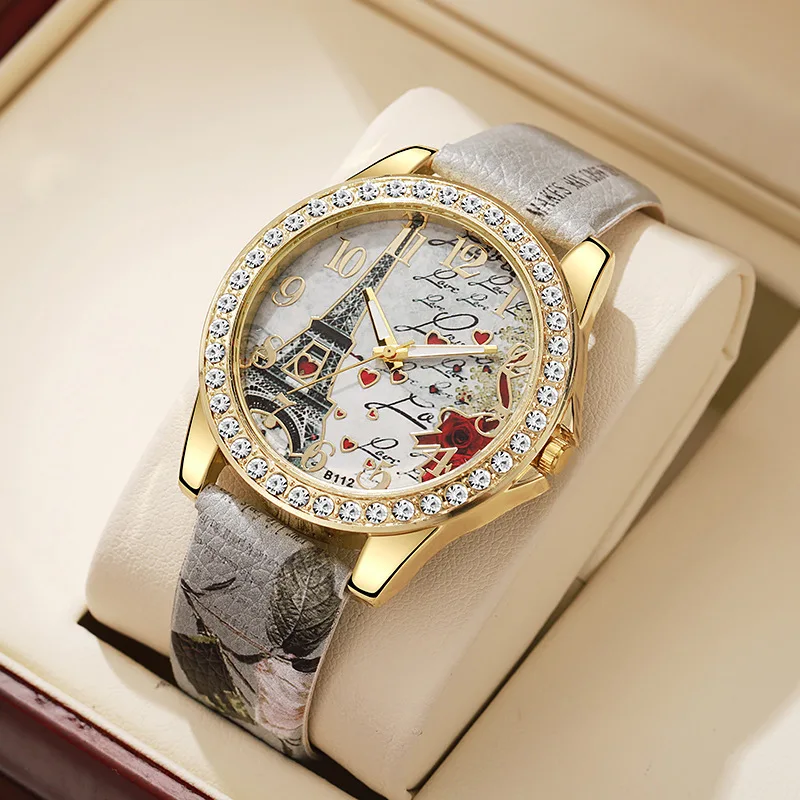
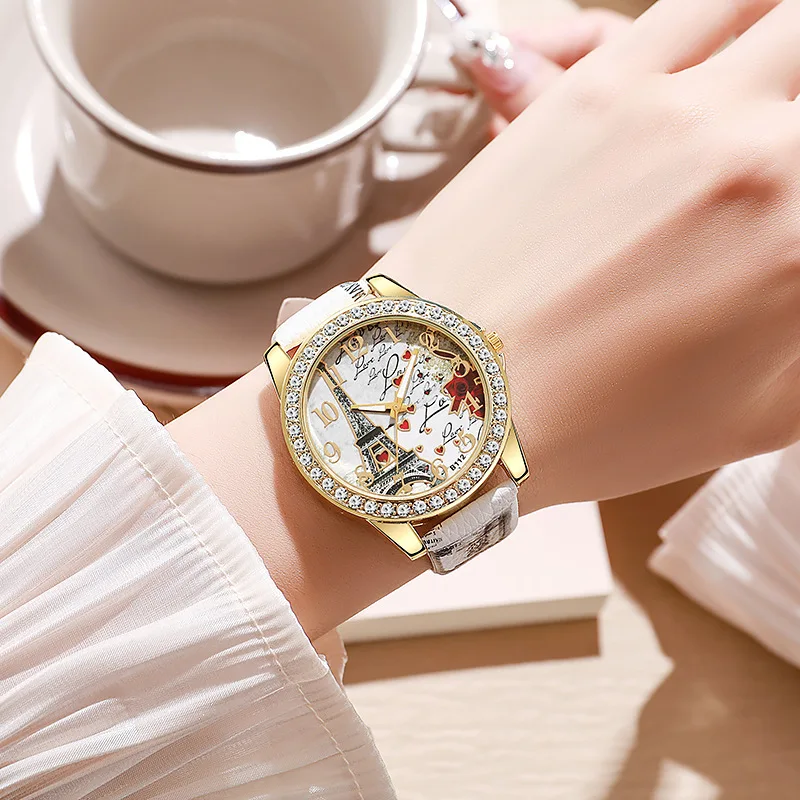
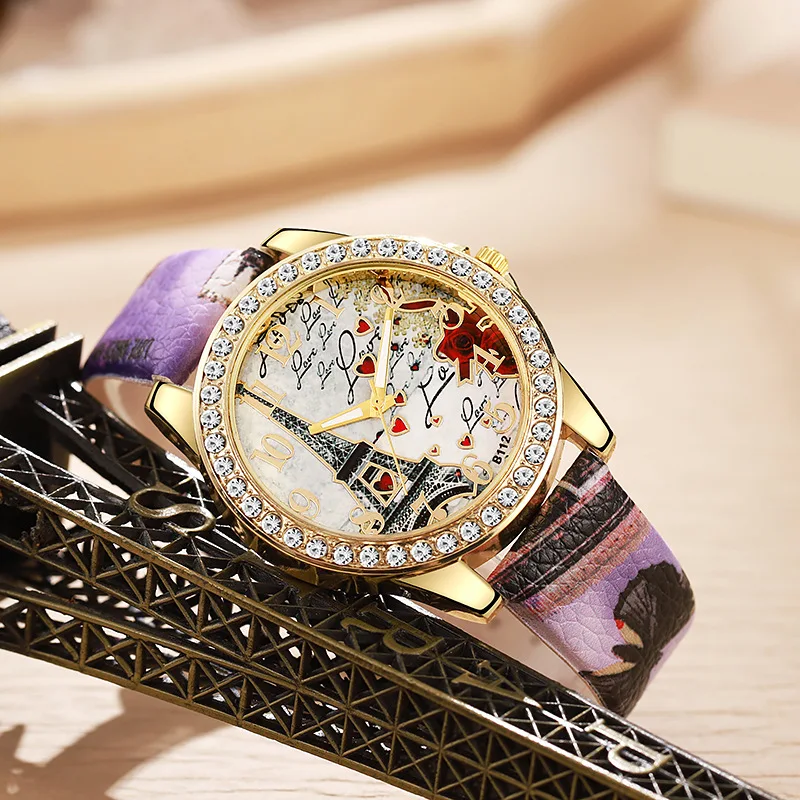
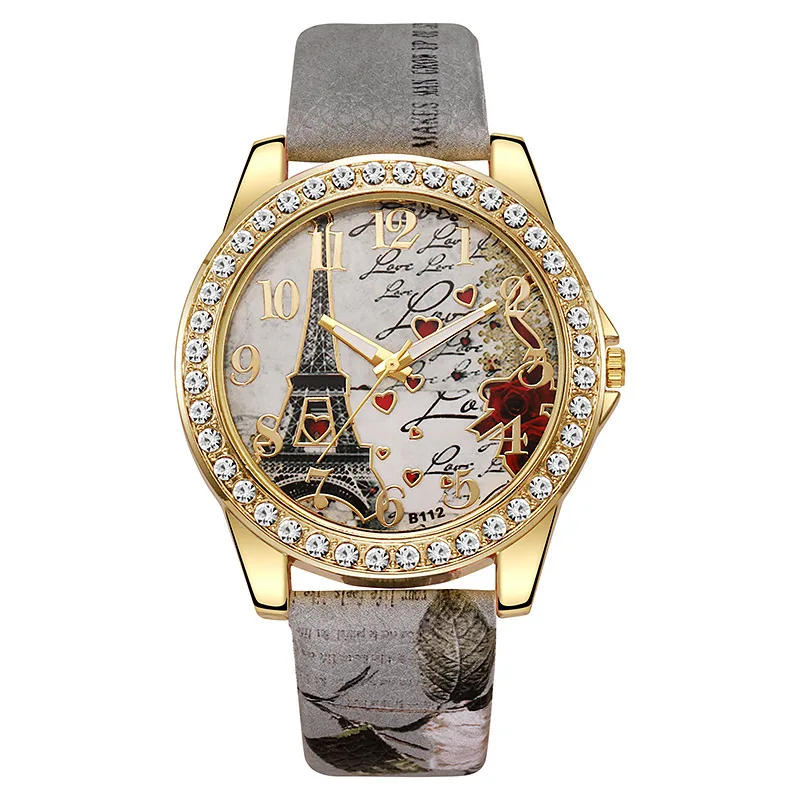
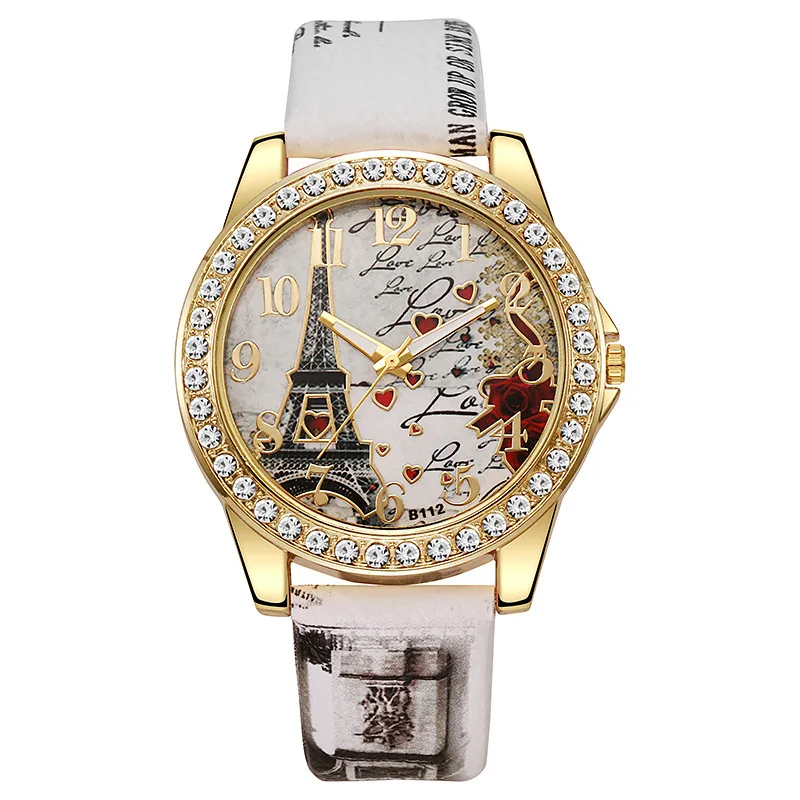



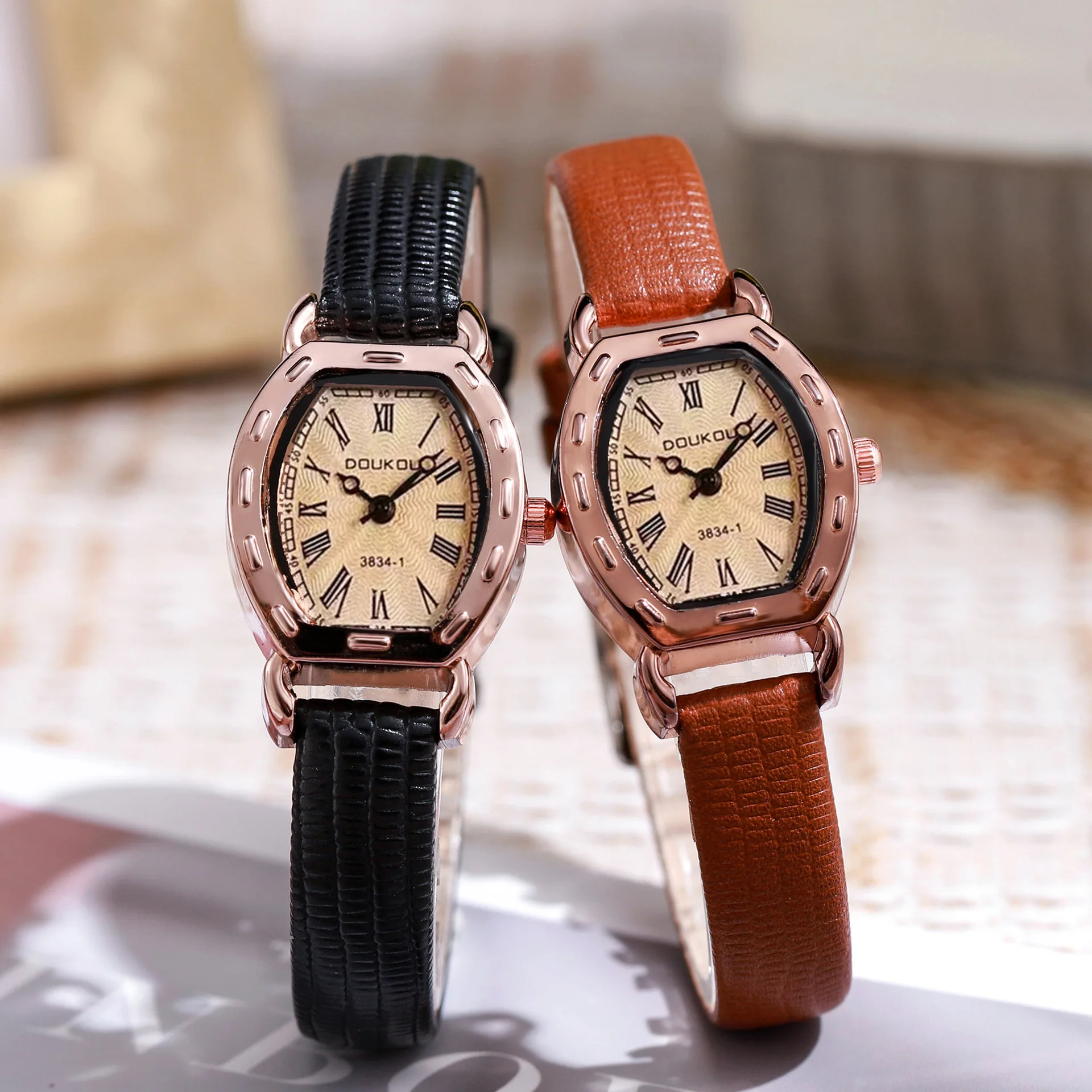
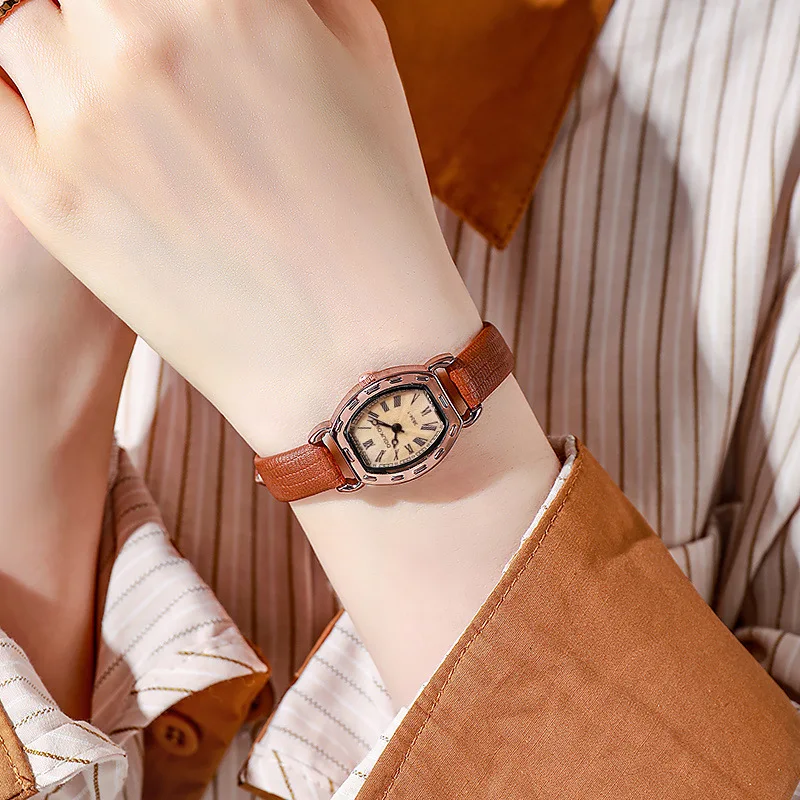
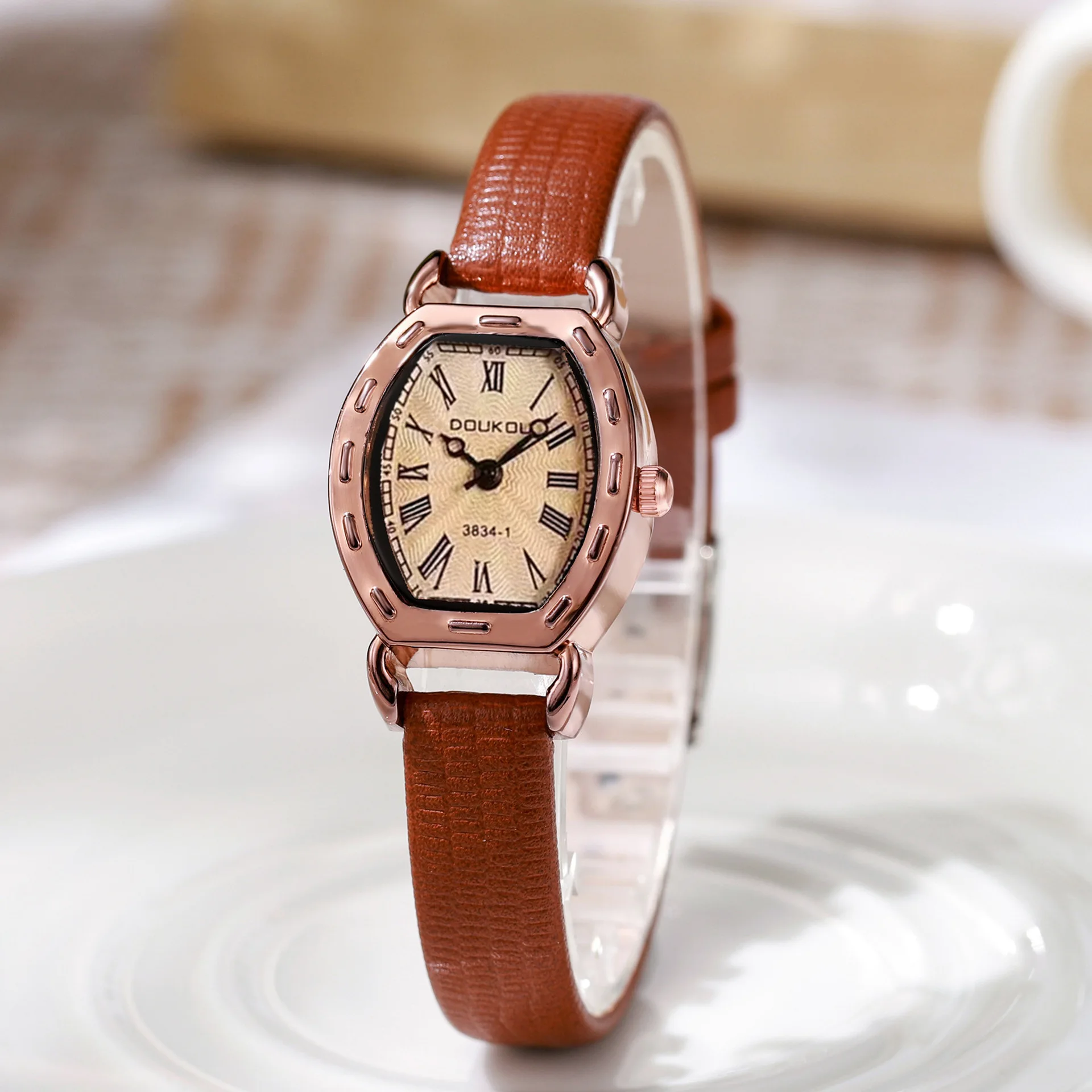
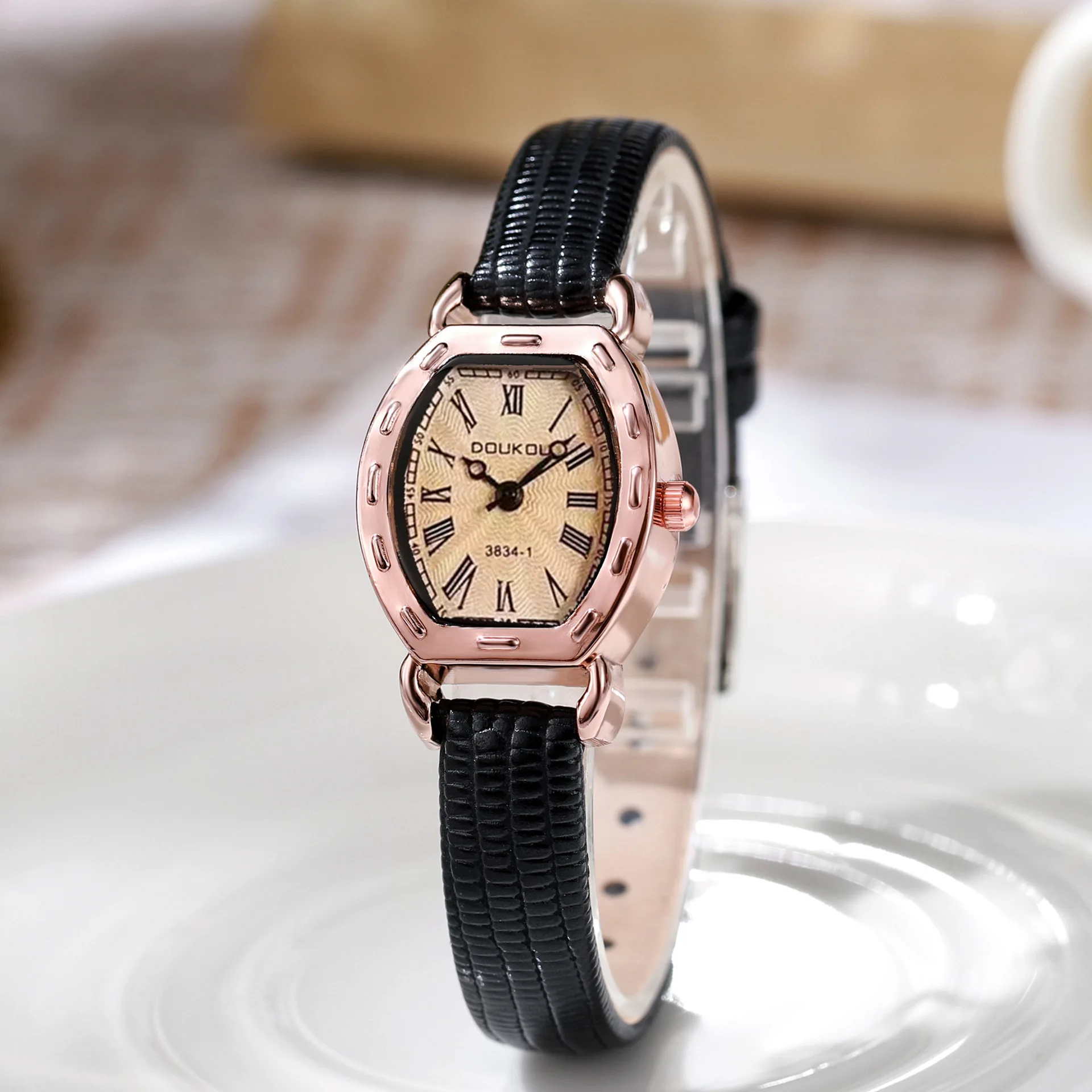
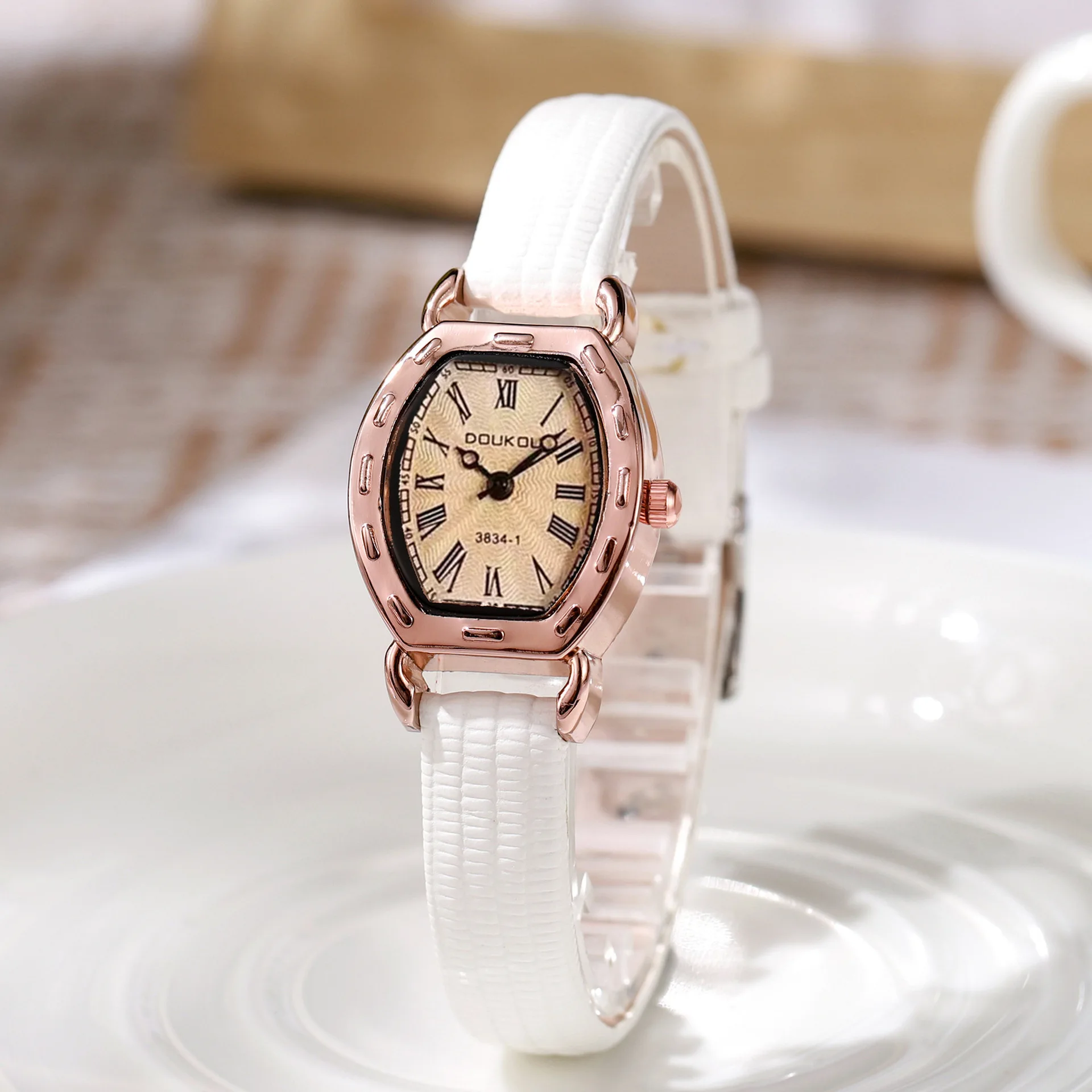
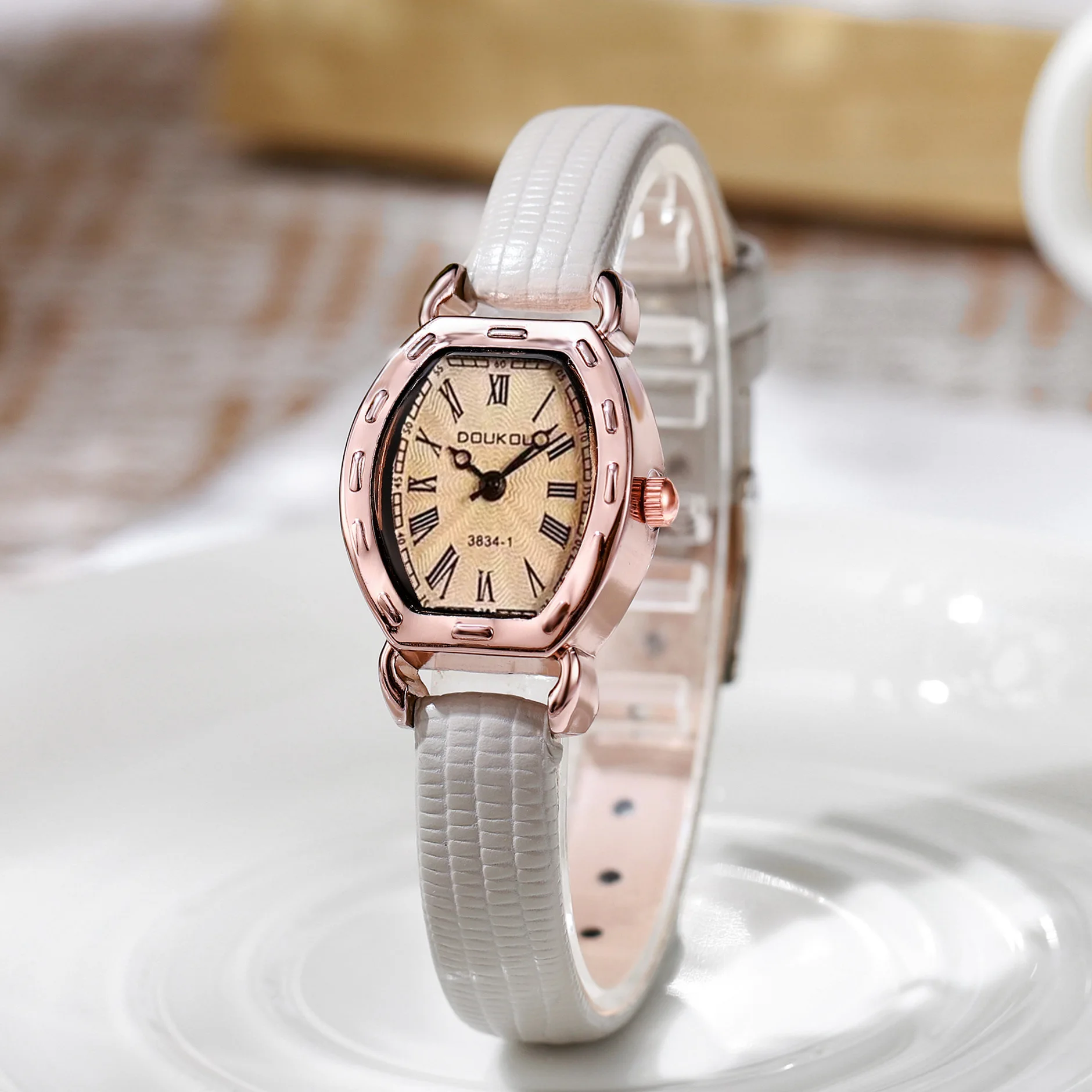
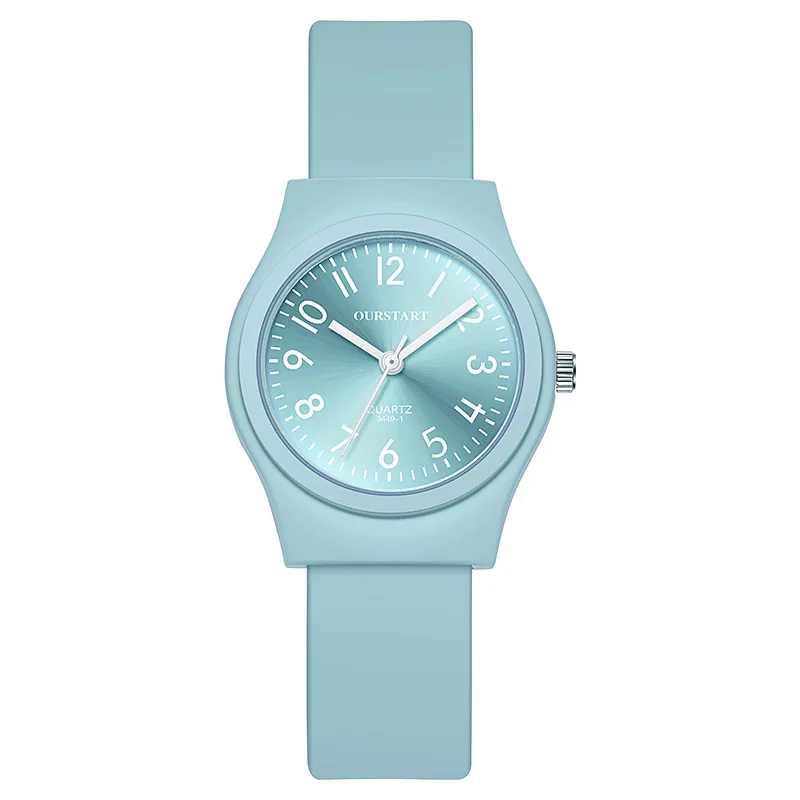
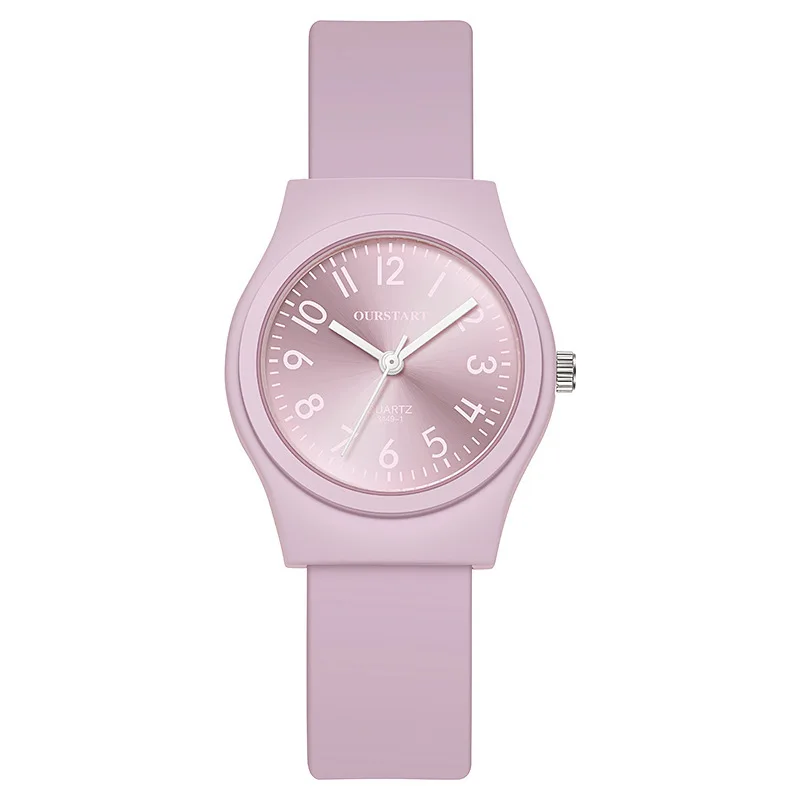
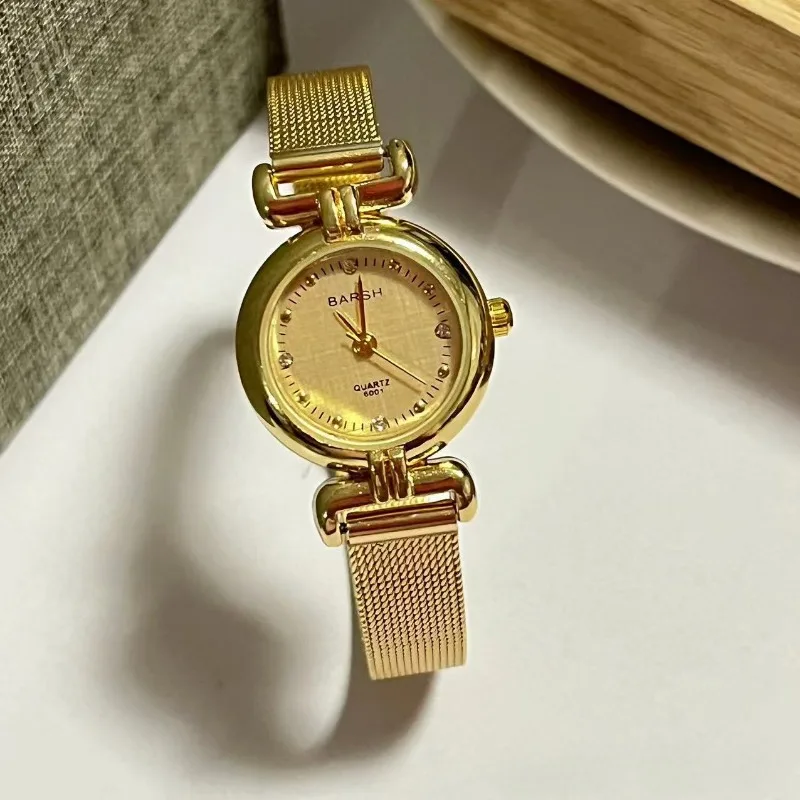
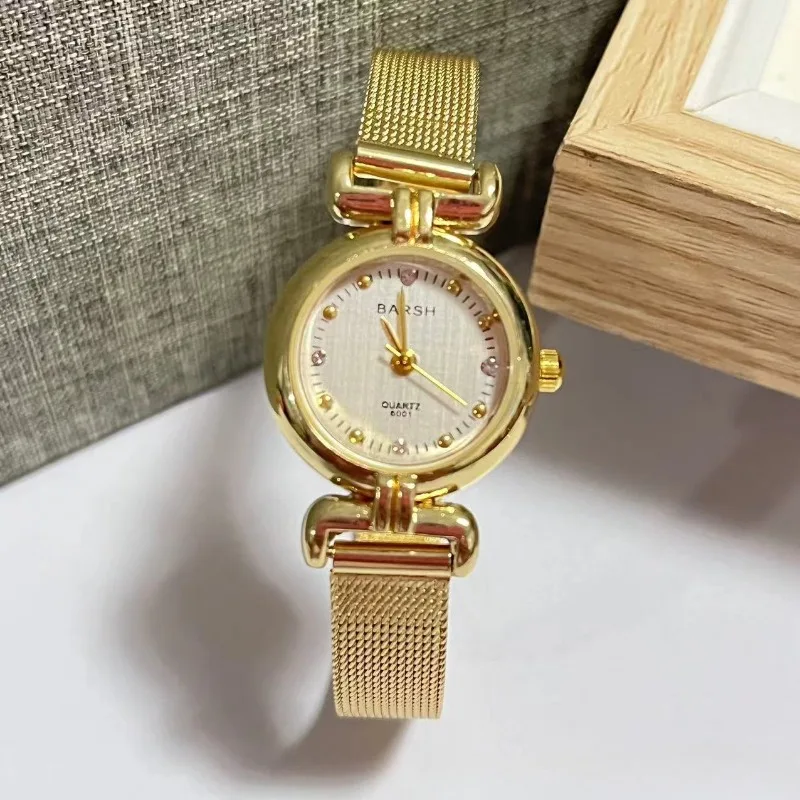
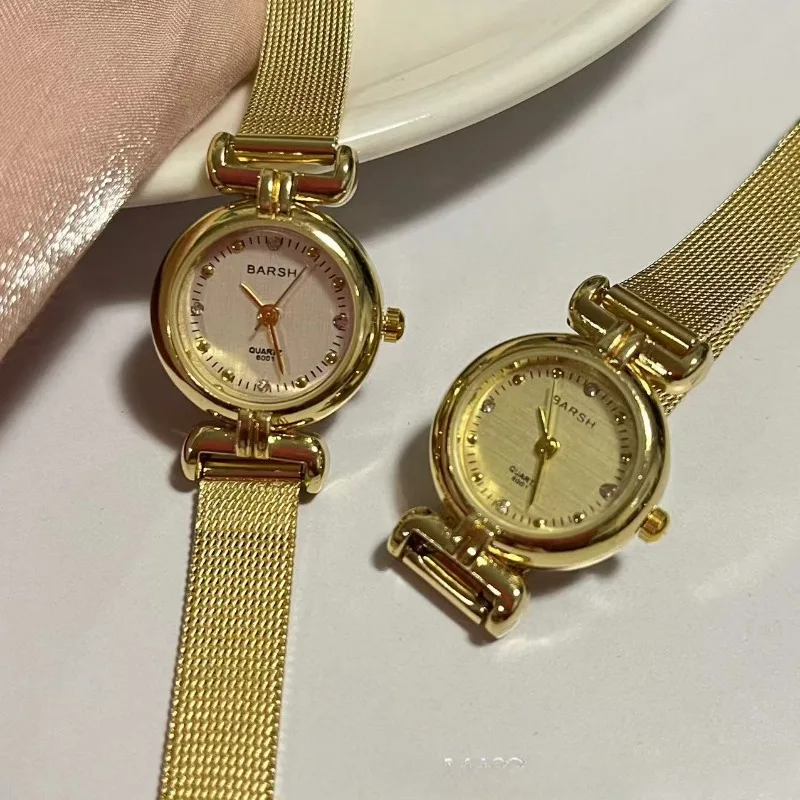
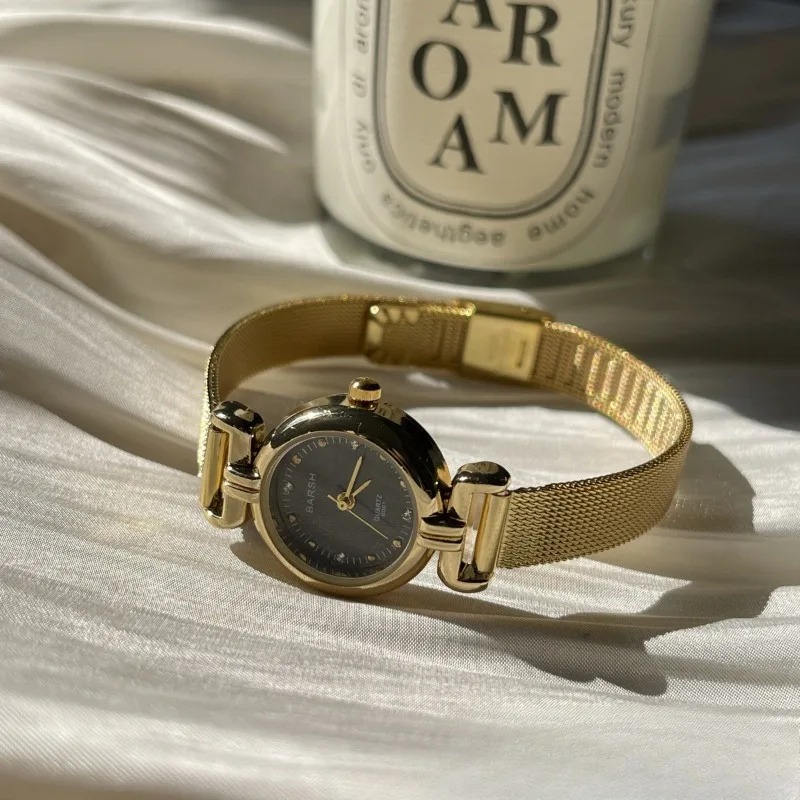
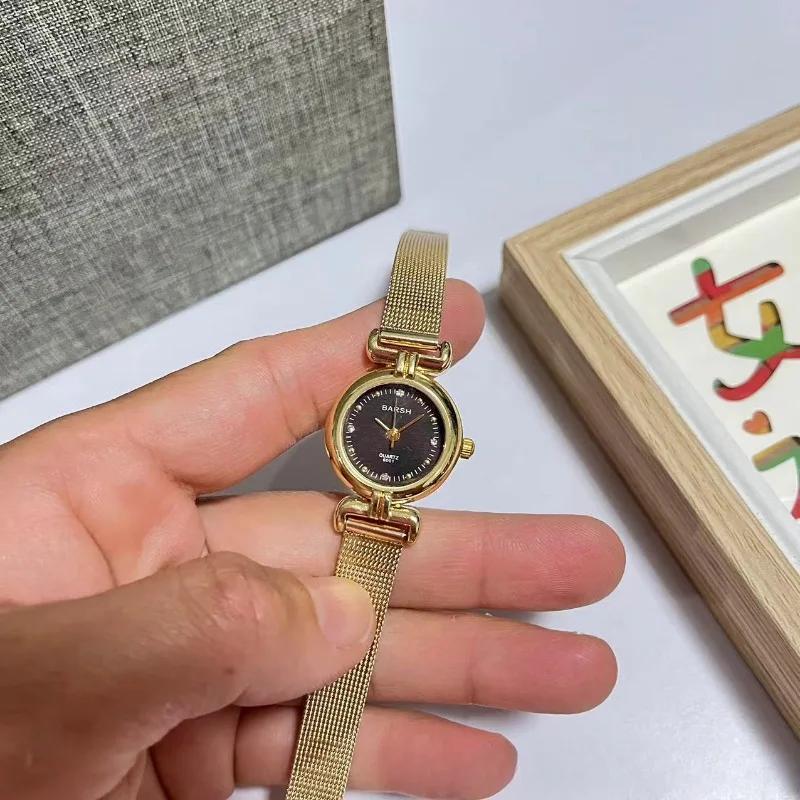
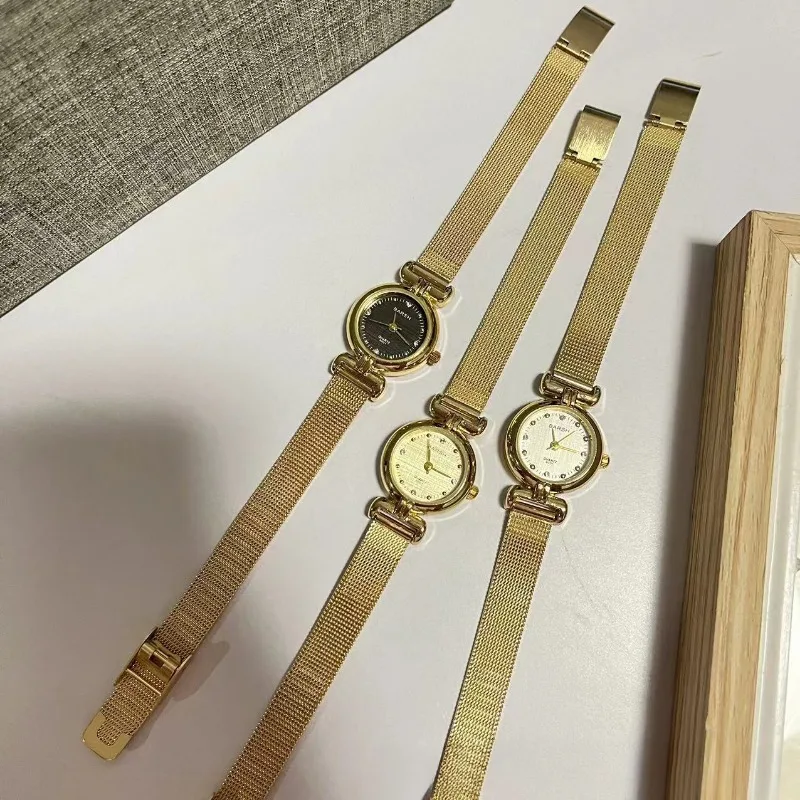
Medieval Round Gold Watch, Retro Women's Quartz Watch
$13.565
$24.665
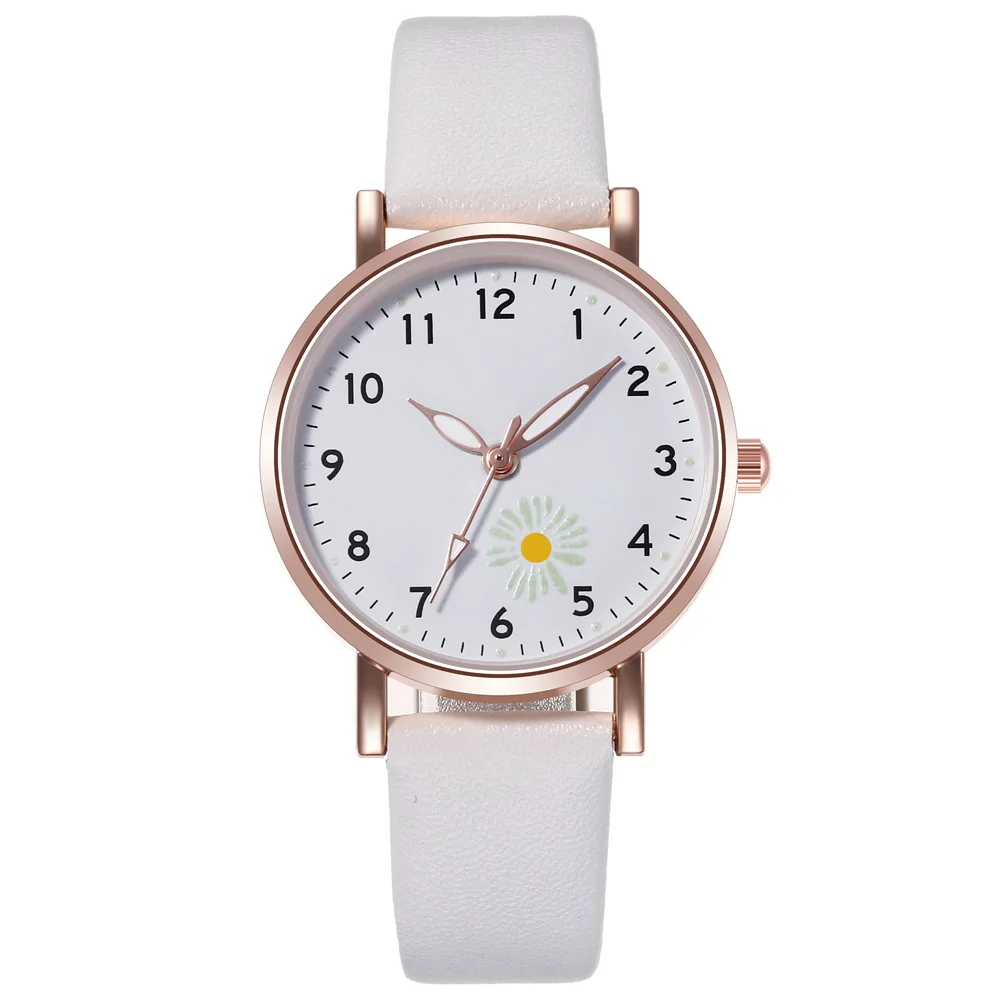
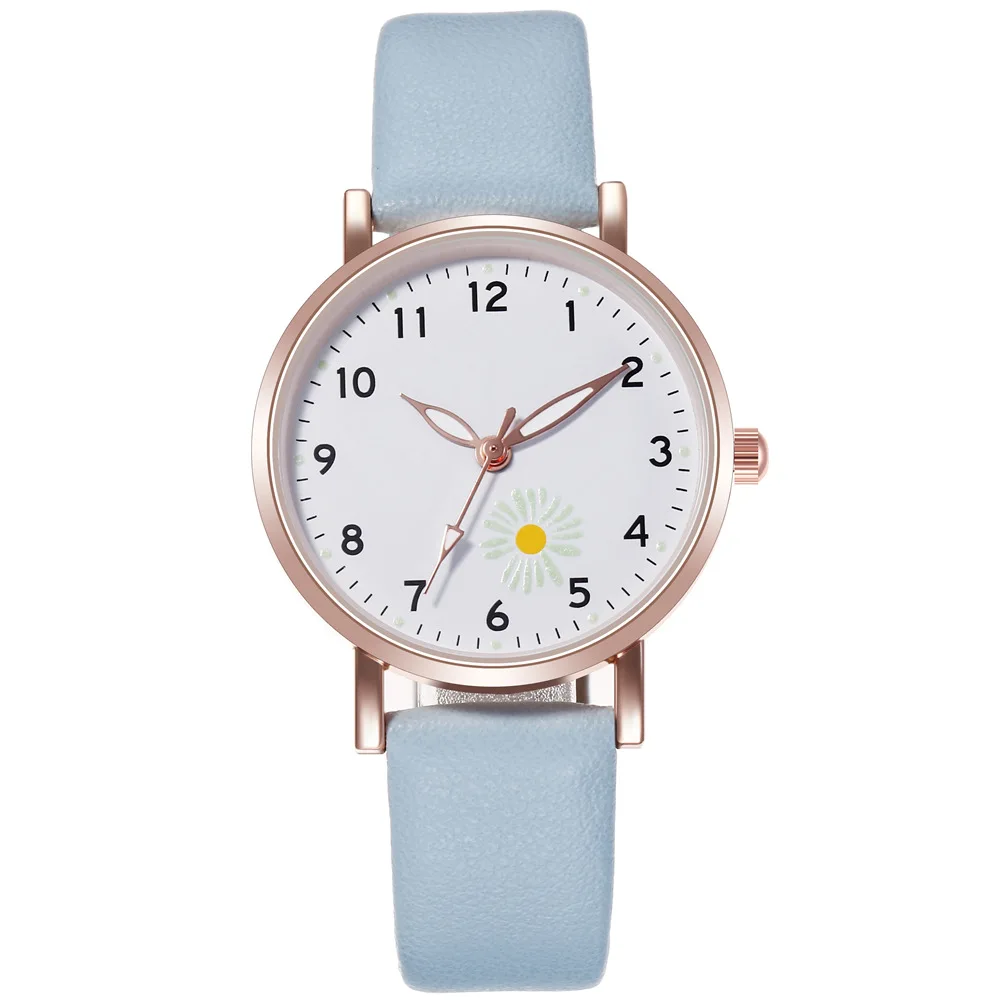
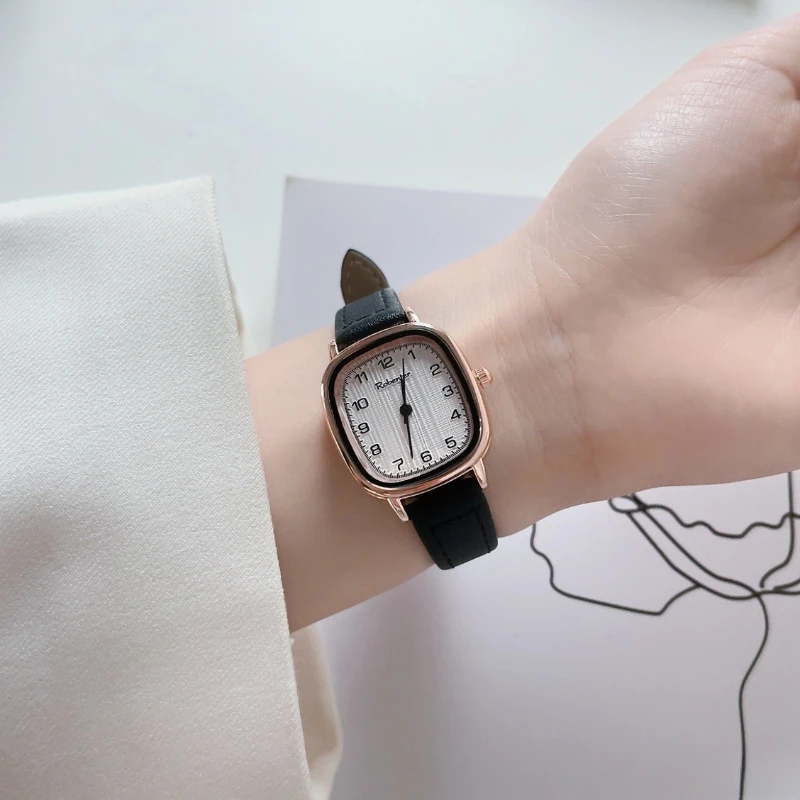

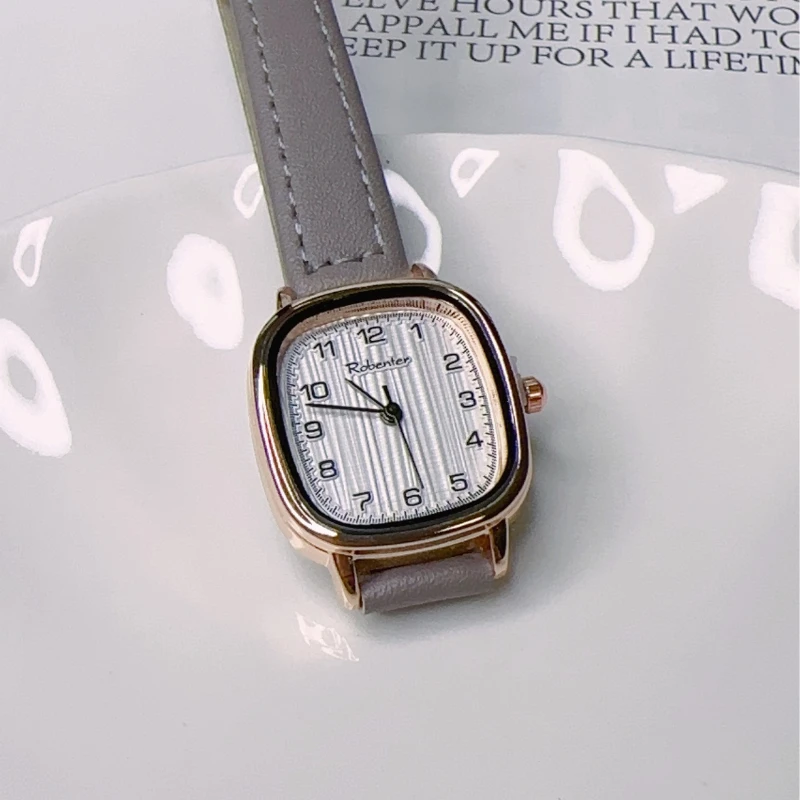

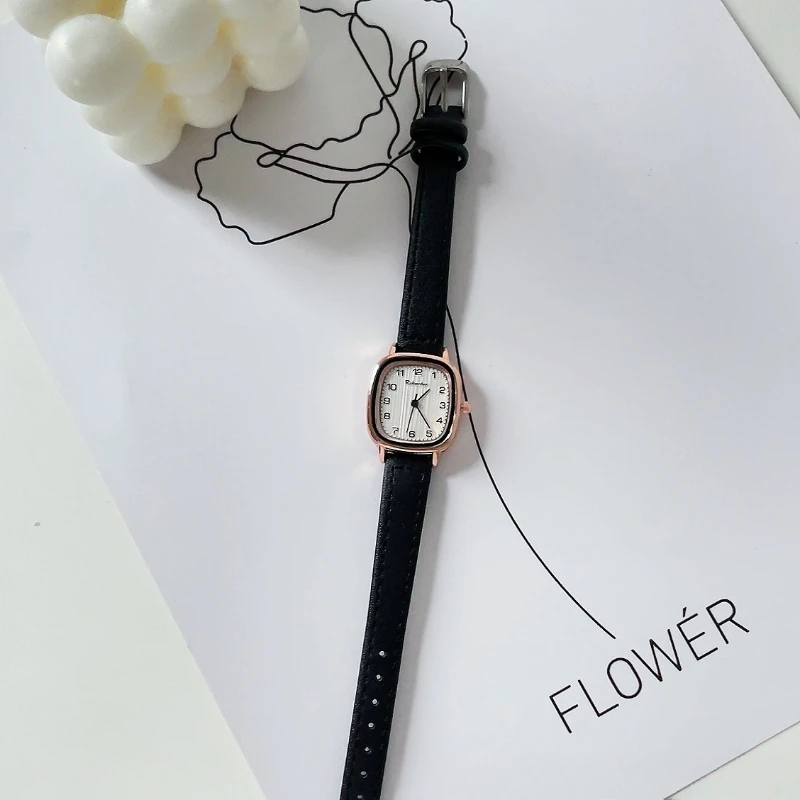
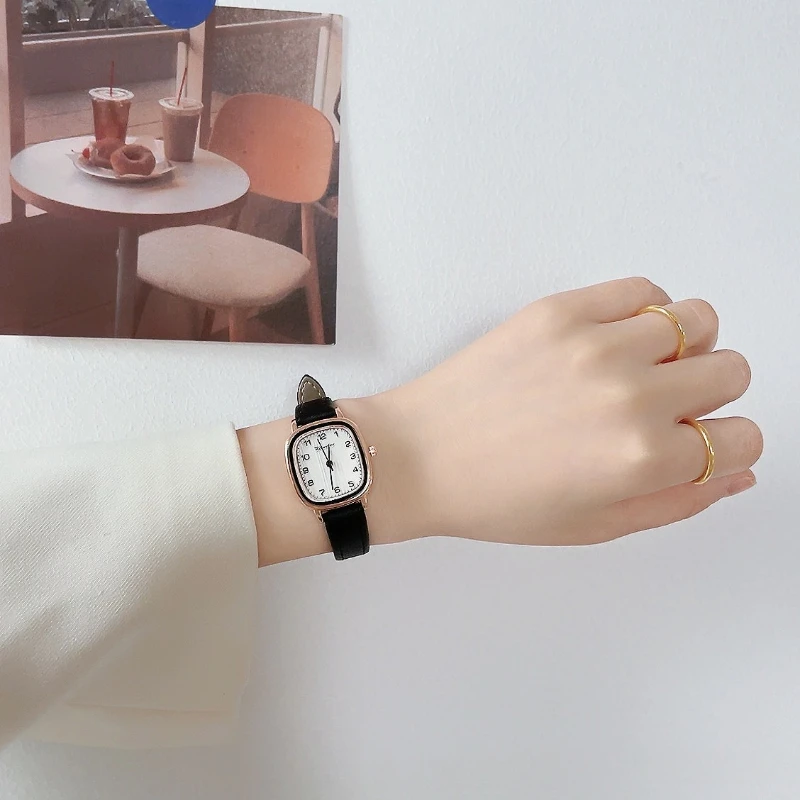
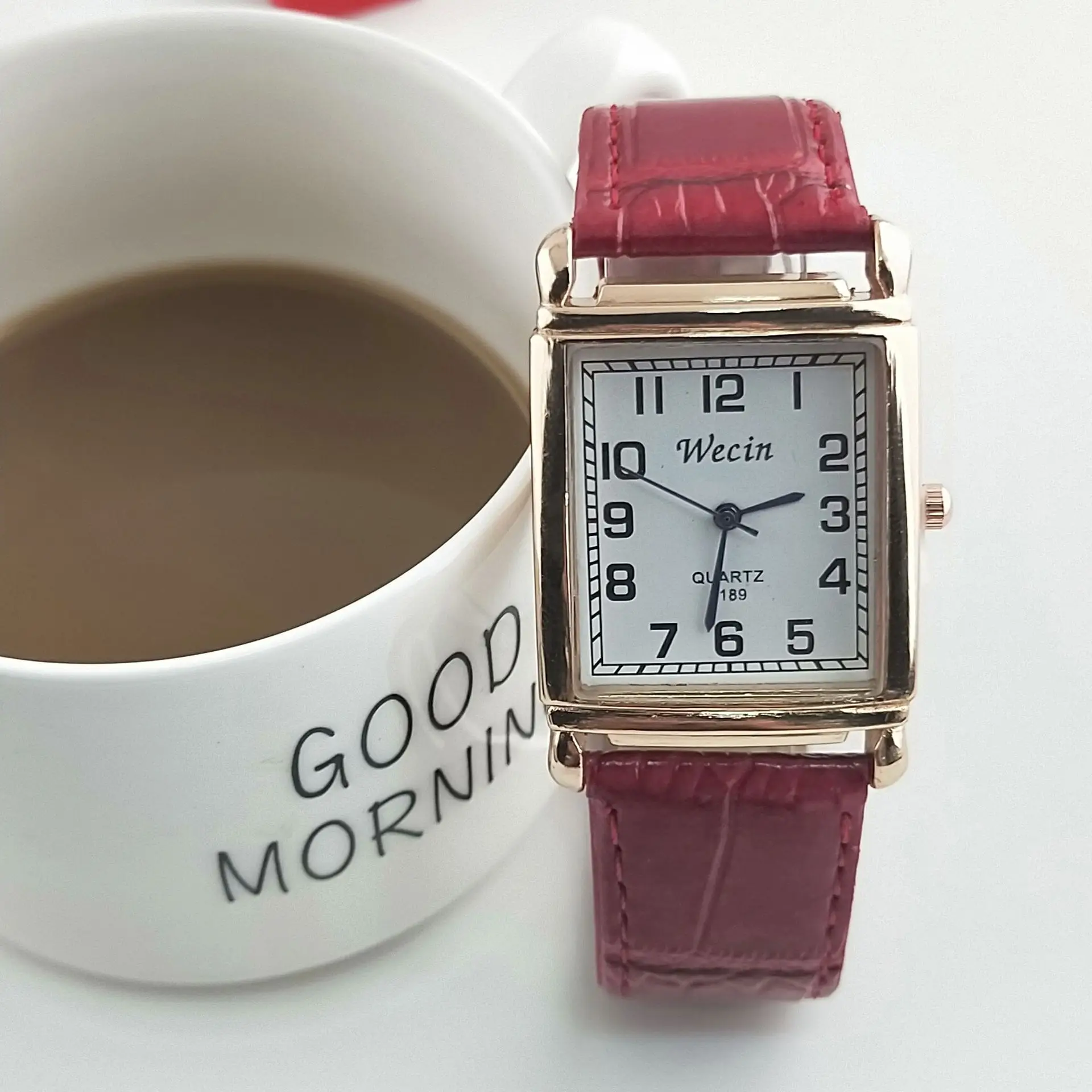
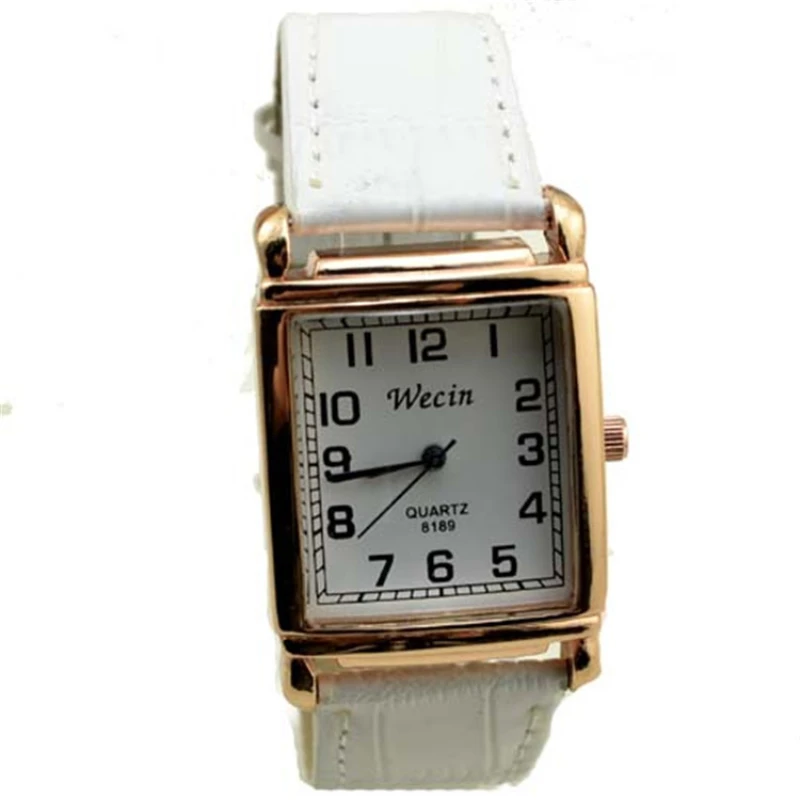
Women's Watch Square Number Small Dial Belt Quartz Watch
$11.855
$22.1